 ChatGPT
 Perplexity
 Claude
 Gemini
 Grok




You film the product on your kitchen counter, add captions on your phone, and send the brand the MP4. Then the brand asks for the raw clips, a clean 9:16 export, and one more version with a different opening. The edit is done. The handoff isn't.
I'm June. If you make TikTok UGC for brands, your editing app needs to handle more than trimming clips. This guide compares CapCut, VN, and InShot to show which one makes revisions, caption fixes, exports, and brand handoffs easier.
What Must a TikTok UGC Creator Deliver to a Brand?
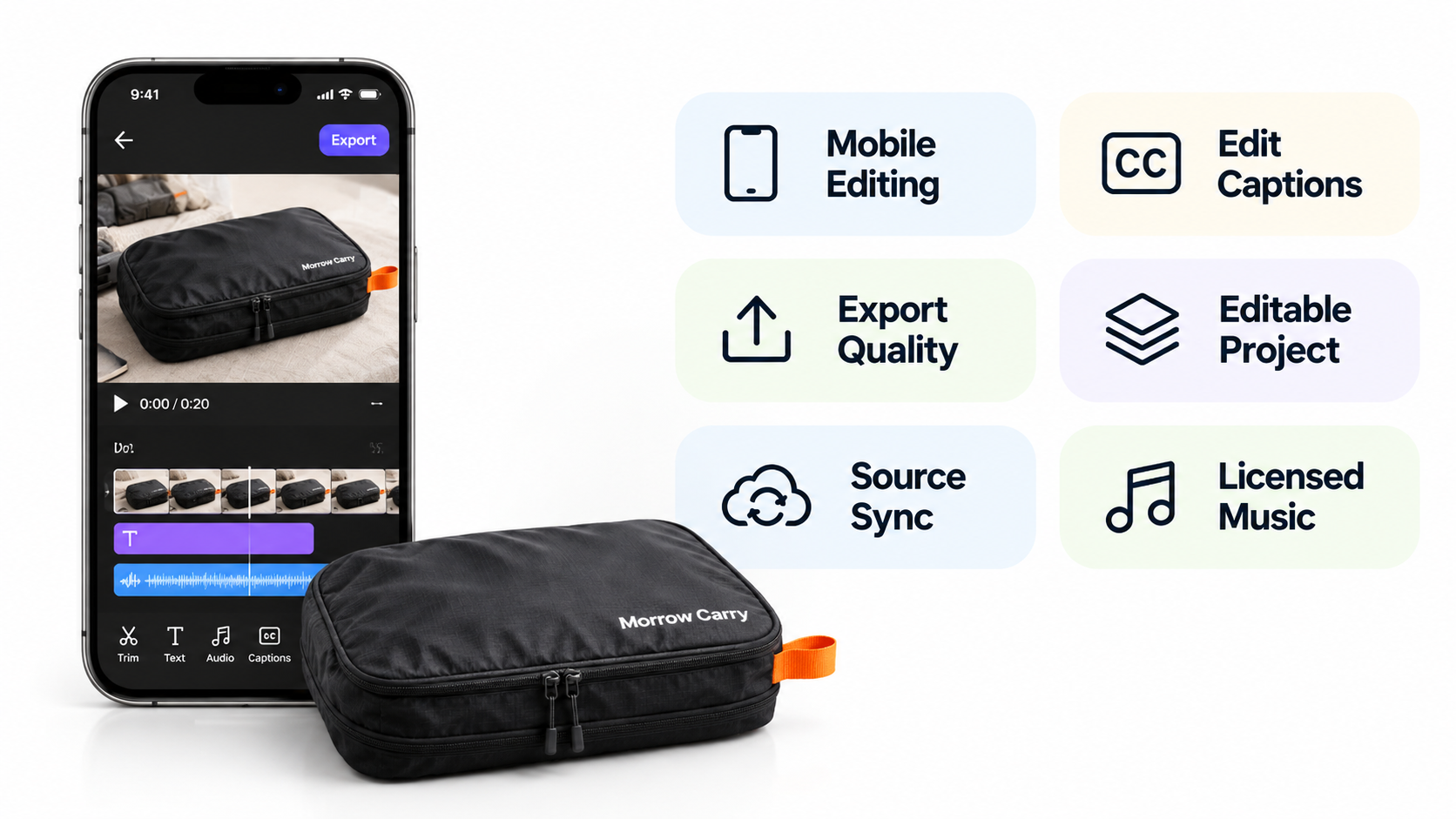
Use a single brief before choosing an app. For this comparison, Morrow Carry, an invented travel-accessories brand, has hired a creator to make a 20-second TikTok for a compression pouch.
The creator has:
-
one 4K phone recording of the demonstration
-
three short reaction clips
-
an approved product photo
-
one approved product claim
-
a logo file
-
a required end card
-
a 9:16 delivery frame
-
a request for the editable project and clean export
The finished package should include the final MP4, the unused source clips, the caption text, the music or voice details, and a short note explaining which version the brand approved.
A mobile editor earns its place when it handles both the video and the handoff. Captions need a line-by-line review because product names, sizes, and numbers are easy to mishear. The creator should also keep the original files outside the app until the brand signs off.
How Were the Mobile Apps Compared?
Each app is compared across the same delivery questions:
-
Can the creator cut real phone footage on the device?
-
Can captions, text, timing, and audio be corrected without rebuilding the edit?
-
Can the creator export a clean vertical file at the required quality?
-
Can the brand receive an editable project or only a rendered video?
-
What happens to the source media when the project moves to another device?
-
Which music and sound choices are safe to use in a paid campaign?
The comparison uses public product documentation reviewed as of November 20, 2026. Device, region, app version, and plan can change what appears in the interface, so the creator should record the setup used for the approved version.
1. CapCut for Short-Form Editing
Creator Handoff and Limits
CapCut is a natural fit for creators who want a TikTok-first workflow with templates, text, captions, effects, and quick exports. Its official help documentation says the full template experience is available on mobile, while web and desktop have more limited template access. The CapCut template guide explains how a creator can replace the media in a template, edit text and music, and export the result.
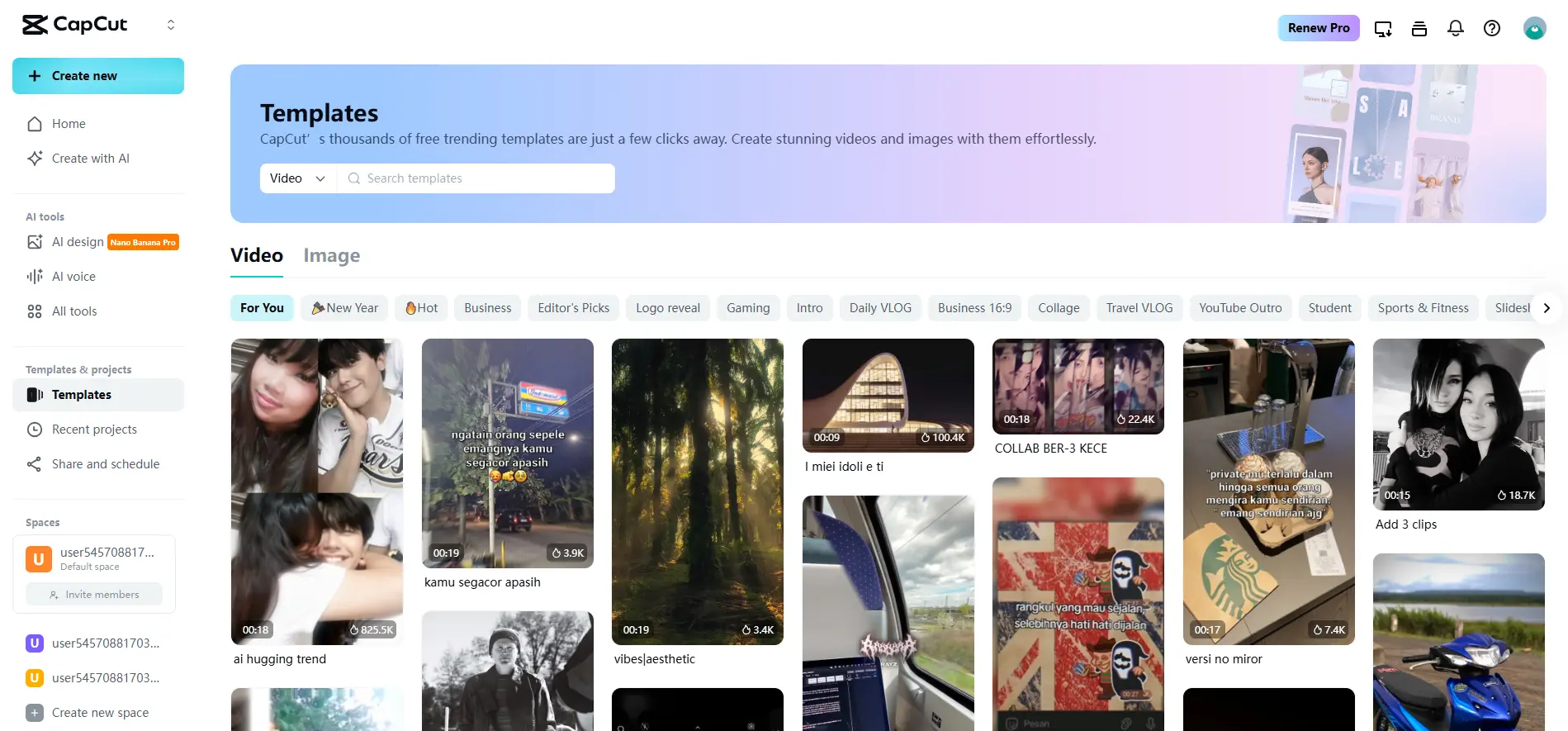
For the Morrow Carry brief, the creator could:
-
Import the demonstration and reaction clips.
-
Trim the opening so the pouch appears within the first few seconds.
-
Add the approved product claim as on-screen text.
-
Generate captions, then correct the product name and measurement manually.
-
Add the logo and end card.
-
Export the approved 9:16 cut and save the project.
CapCut works well when the creator owns the edit and the brand mainly needs a final file. A mobile template can also help a creator repeat the same visual rhythm for several products. The editable project is more complicated as a client handoff. A project file may depend on local media, account access, or the surface where the template was created. The brand should receive the source clips and a rendered preview before anyone assumes the edit can be reopened cleanly.
CapCut’s connection to TikTok makes it convenient for social publishing, but convenience does not settle ad usage. A sound that is available for an organic TikTok post may not be cleared for the brand’s paid account. Keep the audio source and the intended placement in the delivery note.
2. VN for Manual Phone Editing
Creator Handoff and Limits
VN is suited to creators who want a more manual multi-track timeline on a phone. Its current app listings describe multi-track editing, auto captions, template features, and high-quality export options. The VN app listing is a useful reference for the current feature set, while the actual export choices still depend on the device and app version.
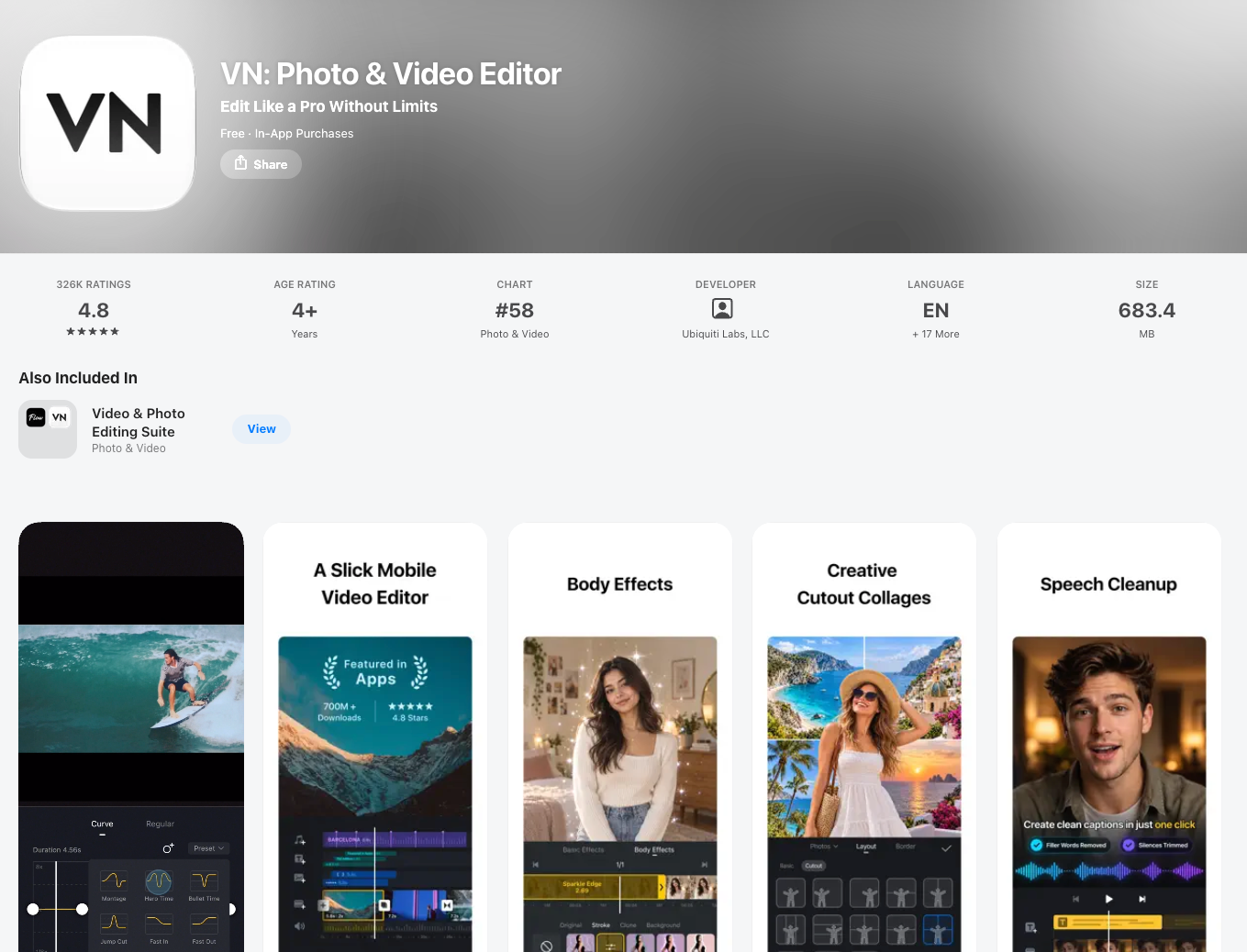
For the Morrow Carry video, VN gives the creator a straightforward way to keep the demonstration, reaction shots, voice, music, captions, and logo on separate tracks. That makes it easier to move a caption, lower the music under speech, or replace one reaction clip without disturbing the rest of the sequence.
VN is a good choice when the creator expects detailed revision notes. A brand can ask for the second hook to move earlier, the product photo to stay on screen longer, or the end card to use a different CTA. The creator can make those changes directly on the timeline instead of rebuilding the whole edit from a template.
The handoff still requires care. The rendered MP4 does not contain the editable timeline, original clips, or project-specific fonts. Export the final video, collect the source footage, and note the app version used to create the project. If the brand needs to continue editing, agree on whether the project file can open on the recipient’s device before promising an editable handoff.
VN’s manual approach may take longer for a creator who produces many near-identical variants. It becomes more useful when each brand request contains a different sequence, caption treatment, or audio mix.
3. InShot for Fast Social Cuts
Creator Handoff and Limits
InShot fits a creator who needs a short, clean social edit with a small number of moving parts. It is useful for trimming clips, adding text, placing a logo, adjusting music, and preparing a vertical export without setting up a complex project.
For the Morrow Carry brief, InShot can handle a compact sequence:
-
a direct opening line
-
one demonstration clip
-
a product close-up
-
two or three caption blocks
-
a logo and CTA end card
That makes it practical when the brand has already approved the script and only needs a polished social cut. The creator can finish the edit quickly, export the 9:16 file, and send the source clips separately.
InShot becomes less comfortable when the brand wants several rounds of detailed changes. A request to replace the middle shot, preserve separate audio tracks, create several language versions, or hand over a fully editable project may require more manual reconstruction. The creator should ask for the final delivery list before choosing the fastest app.
Music also needs its own check. In-app music, imported tracks, and TikTok sounds can carry different usage conditions. Save the track name, source, and intended use with the project. If the brand plans to run the creator’s video as a paid ad, the brand’s account and placement rules control what can be used.
A Creator-to-Brand Delivery Matrix
| Delivery item | CapCut | VN | InShot |
|---|---|---|---|
| Phone footage editing | Strong fit for short social edits and templates | Strong fit for manual multi-track edits | Good fit for simple cuts |
| Caption correction | Available, with manual review required | Available, with manual review required | Available for short caption sets |
| Repeatable style | Mobile templates and saved edit patterns | Manual duplication and timeline reuse | Manual duplication |
| Detailed revisions | Depends on project and source media | Stronger timeline control | Best for limited changes |
| Editable handoff | Confirm project, media, and surface compatibility | Confirm project and device compatibility | Agree whether a rendered file is enough |
| Source media delivery | Send separately from the export | Send separately from the export | Send separately from the export |
| Paid music review | Required | Required | Required |
| Best client fit | Final-file delivery with occasional variants | Clients who expect detailed revisions | Fast social cut with a fixed brief |
The matrix points to a practical choice. CapCut suits social-first creator work. VN suits a creator who expects hands-on revision notes. InShot suits a short edit where the brand mainly needs the finished file.
When Does a Phone Edit Need Another Production Route?
A phone editor is enough when one creator is shaping a short piece from real footage and the brand has a clear review path. Bring in another production route when the project needs multiple scenes, several languages, recurring versions, product-page context, or a complete campaign cut assembled from many approved assets.
Pexo can fit that later stage when the agency or brand has approved product footage, photos, direction, and claims. Pexo's Create page lists video use cases, while its product-ad workflow can turn approved product material into a finished ad. It does not replace the creator’s original phone recording or the permissions attached to the creator’s likeness and voice.

FAQ
What if a creator loses an unsynced CapCut draft before brand approval?
The exported preview may be the only recoverable version. Keep the source clips, script, caption text, and a low-resolution review export in a separate folder before making major changes. Enable the app’s available backup or cloud option when the project supports it.
Does VN preserve the original phone footage after export?
No. An exported video is a flattened file. Keep the original clips in the delivery folder and copy the VN project separately if the brand needs to continue editing.
Can a creator correct a paid-partnership label after a TikTok post goes live?
TikTok allows creators to turn on content disclosure after posting, but its support guidance says that once the disclosure label is applied, it cannot be changed. If the wrong disclosure type was selected, remove the post and create a new one with the correct selection.
Can a brand post a creator’s TikTok video as a paid ad without new permission?
Not automatically. Organic posting permission and paid advertising usage are separate campaign rights. The agreement should name the platforms, duration, territory, account owner, and permitted edits.
What if a licensed TikTok sound is unavailable in the brand’s ad account?
Replace the sound with audio cleared for the paid placement, then re-export and review the timing. Do not assume that an organic TikTok sound will transfer to the brand’s advertising account.
Conclusion
CapCut is a good starting point for TikTok-native edits and mobile templates. VN is better when a creator expects detailed timeline revisions. InShot is useful for a short, fixed brief that ends with a clean social export.
Choose the app around the handoff the brand expects. Keep the original footage, captions, audio record, project file, and approval note together so the next revision does not depend on one phone or one account.
Creator likeness, voice, footage, music, and paid-media rights should follow the written agreement and the current TikTok rules. This article does not provide legal advice.