 ChatGPT
 Perplexity
 Claude
 Gemini
 Grok



One approved UGC video can become ten ad variations, but changing the hook, product image, or CTA can also change what the ad actually shows. If your team reuses creator footage for multiple campaigns, the challenge is to speed up production without altering the product demonstration or approved claims. This guide compares CapCut, Canva, and Creatomate to help you choose a template workflow that makes variations easier to produce and review.
Consider Morrow Carry, an invented DTC travel brand with an approved 20-second creator video showing a compression pouch. The team needs ten versions with different hooks, product photos, captions, and CTAs, while keeping the creator's face and demonstration consistent.
What Must a Reusable UGC Template Preserve?
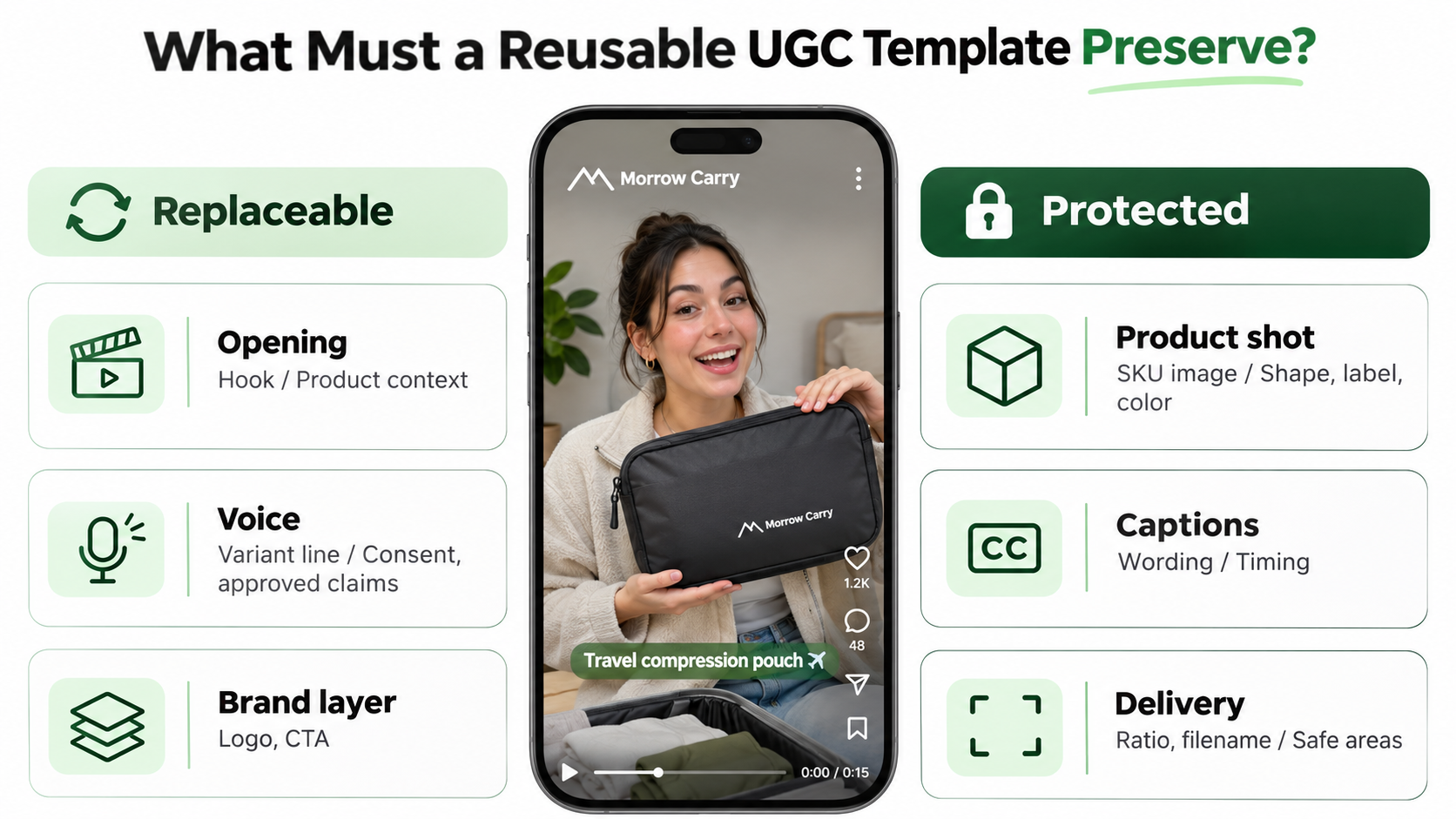
The template should preserve the evidence that makes the ad credible. For Morrow Carry, that includes the creator’s original demonstration, the pouch’s current color and shape, the approved product name, and the voice line that explains the use case.
| Field | Replaceable content | Protected content |
|---|---|---|
| Opening | Hook and first caption | Creator performance and product context |
| Product shot | Approved SKU image or clip | Product shape, label, and color |
| Voice | Approved variant line | Creator consent and allowed claims |
| Captions | Language and wording | Timing tied to the spoken line |
| Brand layer | Logo version and CTA | Clear space and approved placement |
| Delivery | Ratio, filename, language | Required safe areas and export settings |
A reusable template should also state which footage may be reused. A creator’s video can support several hooks for the same campaign. A new category, product claim, or paid-media placement may require a fresh permission check.
How Were the Template Workflows Compared?
Each tool is compared against the same Morrow Carry brief across four questions:
-
Which parts of the video can another person replace?
-
Does the tool preserve the creator footage and brand rules?
-
Can a client or teammate use the template without editing the source structure?
-
What arrives after export, and what stays inside the project?
The comparison uses current public product documentation. It does not assume that a template library and a locked, field-based production system behave the same way.
1. CapCut for Phone-Footage Edit Presets
Replaceable Parts and Limits
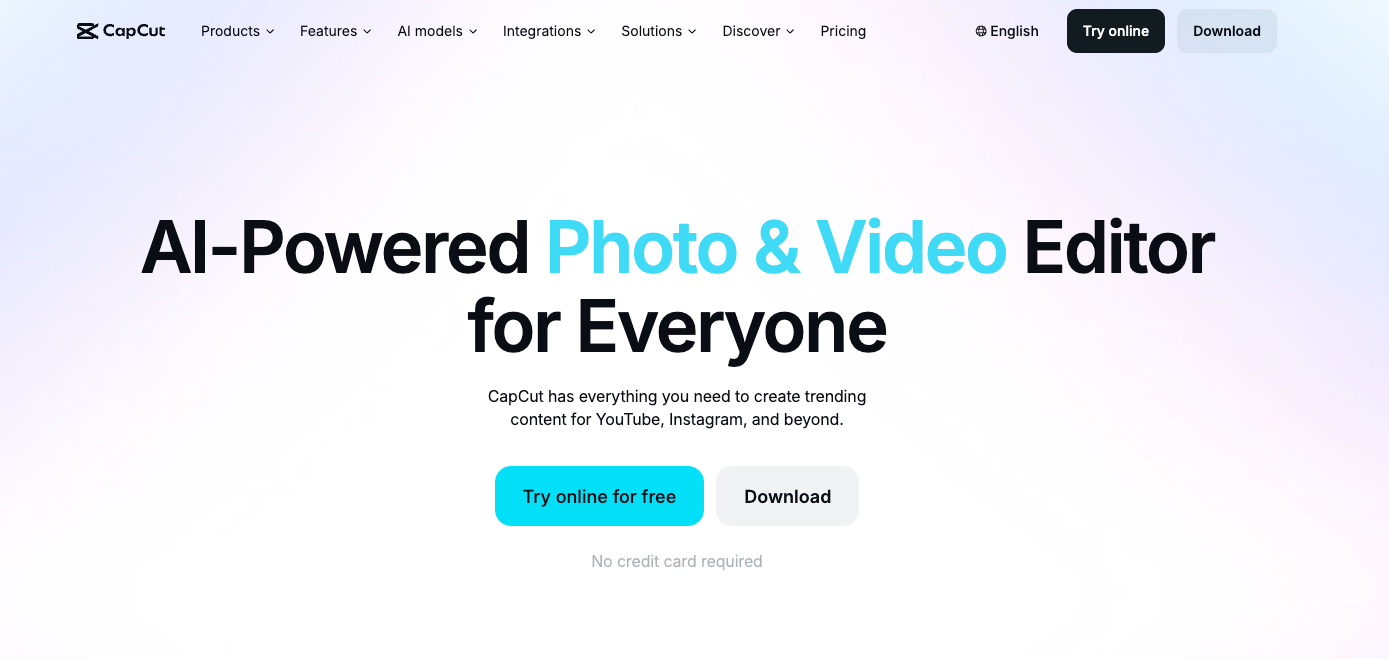
CapCut is a practical fit when the team starts with creator footage and wants fast social edits. Its current template guidance describes editable layouts that users customize with their own photos or videos. Mobile and web support template workflows, while desktop has more limited template discovery and sharing.
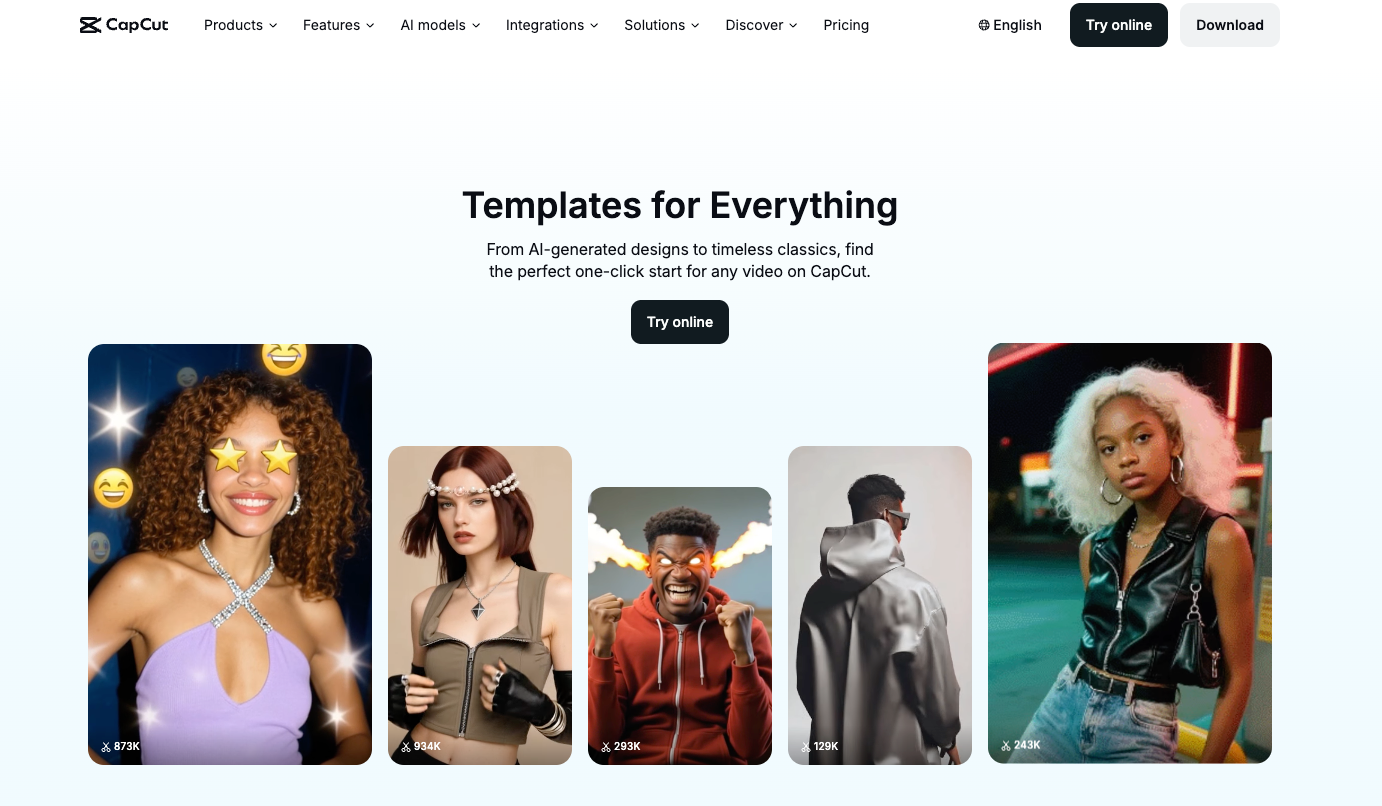
For Morrow Carry, the team could build a vertical edit with a creator clip, product insert, caption style, logo, and CTA. The next user can replace the footage or text while keeping the general rhythm. This works well for a small batch managed by one editor who understands the project.
CapCut’s template boundaries matter for client handoff. Its support guidance says a desktop .capcut project shared through the standard workflow sends the original media and does not let recipients replace individual clips as a normal template. CapCut also describes a path where a project is finalized on desktop, then moved to mobile or web to publish as an editable template.
That makes CapCut useful for creator-led edits and social production. It is harder to treat the desktop project as a clean client-facing template with defined fields, access rules, and a protected master structure.
2. Canva for Branded Video Layouts
Replaceable Parts and Limits
Canva fits a marketing team that already uses Brand Kits, shared designs, and template-based social production. Brand Templates can keep approved logos, colors, and layouts available while teammates change selected text, images, or video elements.
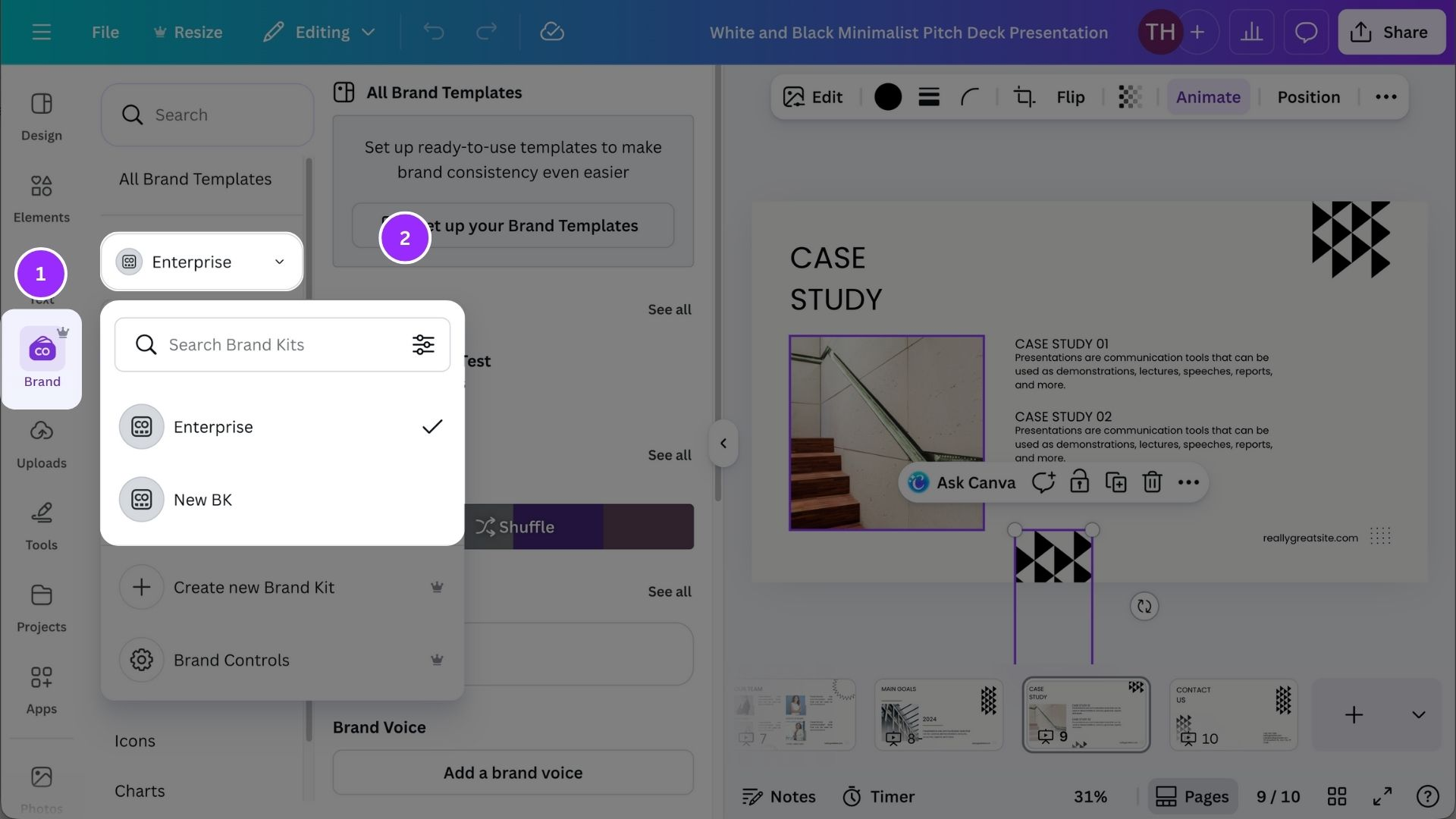
For Morrow Carry, Canva can hold a branded UGC layout with a creator clip, product image, hook text, offer card, and CTA. A marketer can make a new variation without opening a separate editing application. The workflow also helps when the campaign includes graphics and presentations alongside video.
The team should identify which elements are editable and which are locked. Canva’s current help guidance says edit access to a Team Space does not automatically give someone permission to edit or publish a Brand Template. Font access, stock media, and uploaded assets also depend on the workspace and license.
Canva is strongest for repeat branded layouts that a marketing team edits by hand. It is less suited to high-volume field replacement when each variant should be generated from a spreadsheet or API without opening the design file.
3. Creatomate for Dynamic Product Fields
Replaceable Parts and Limits
Creatomate is built for templates whose fields are meant to change. Its template automation documentation describes marking text, images, background video, color, and position as dynamic elements. Each dynamic element can become an input for a form, spreadsheet, no-code workflow, or API request.
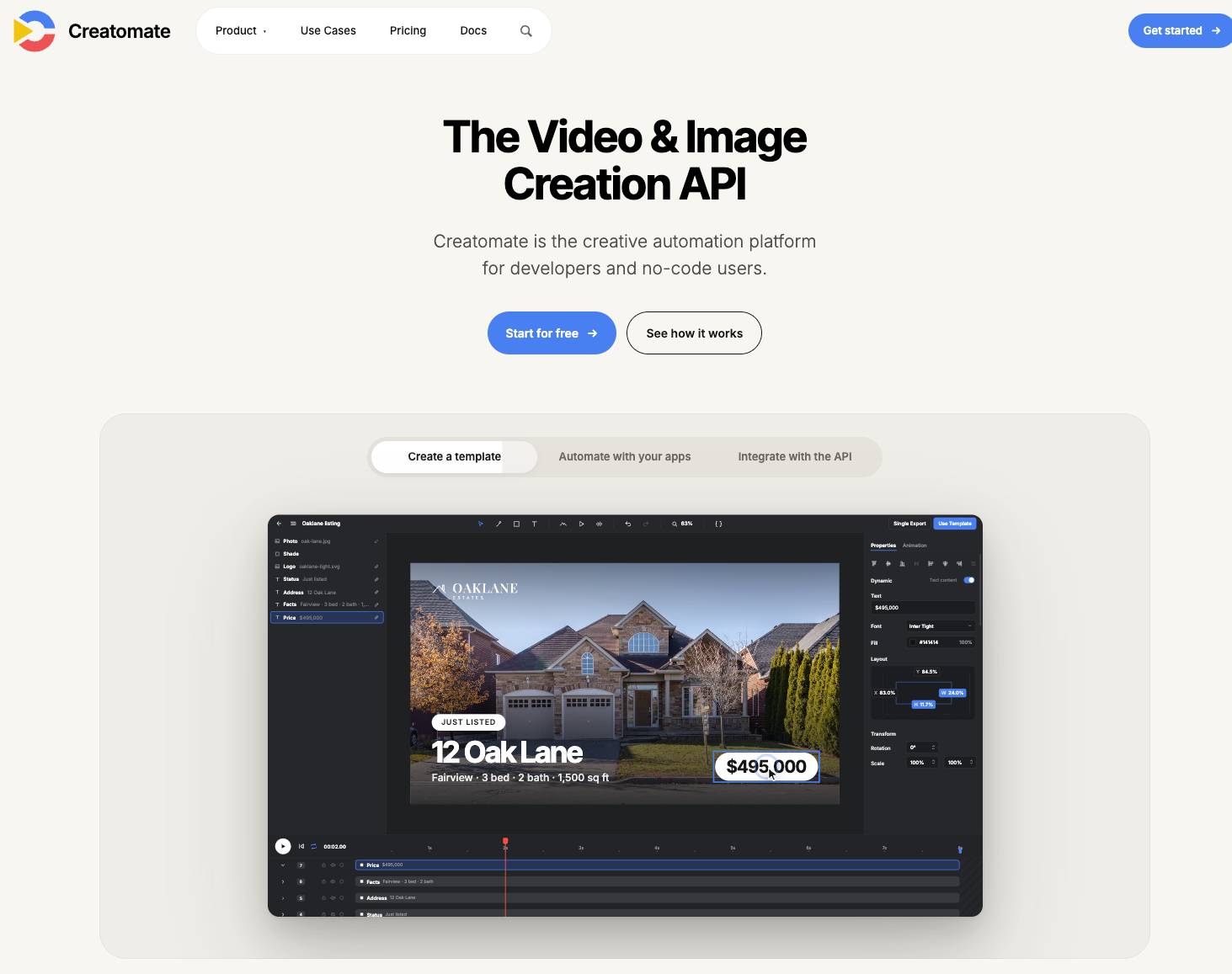
For Morrow Carry, the template could define fields such as Hook, ProductPhoto, Offer, CTA, Language, and CreatorClip. The template itself stays unchanged while each render receives a new set of values. That makes the structure easier to repeat across product variants and localized ads.
The field design must be deliberate. If ProductPhoto accepts any upload, a user can place the wrong SKU into a layout that still looks finished. If Hook has no character or line-break rule, captions may overflow. A dynamic template needs input validation and a review step alongside the rendering workflow.
Creatomate suits teams that want repeatable rendering from structured data. It requires more template planning than a phone preset or a drag-and-drop brand design. The team also needs to define who can inspect, edit, and submit a render request.
A Same-Brief Template Field Matrix
| Morrow Carry field | CapCut | Canva | Creatomate |
|---|---|---|---|
| Creator footage | Replace clips in supported template workflows | Replace video inside a design | Dynamic video field or source asset |
| Hook text | Editable text layer | Editable text or Brand Template field | Named text field |
| Product image | Manual replacement | Manual replacement with brand rules | Dynamic image field |
| Logo | Project element or template layer | Brand Kit asset | Fixed or dynamic image field |
| CTA | Text or end-card layer | Editable text and button-style graphic | Dynamic text field |
| Batch variants | Duplicate and edit | Duplicate and edit | Spreadsheet, form, no-code, or API render |
| Client handoff | Depends on mobile/web template path | Workspace and Brand Template permissions | Share the template or controlled input form |
| Main review risk | Source media and template behavior differ by surface | Locked fields, fonts, and stock permissions vary | Bad input data can create valid-looking wrong ads |
The matrix shows where the work moves. CapCut keeps the operator close to the footage. Canva keeps the operator close to the branded design. Creatomate moves more of the variation into named data fields.
When Does a Conversational Reference Fit Better?
A conversational workflow fits when the team needs to turn an approved brief and references into a complete ad direction, then revise the result by describing what should change. It helps when the creative task includes scene order, narration, pacing, and CTA logic alongside the source assets.
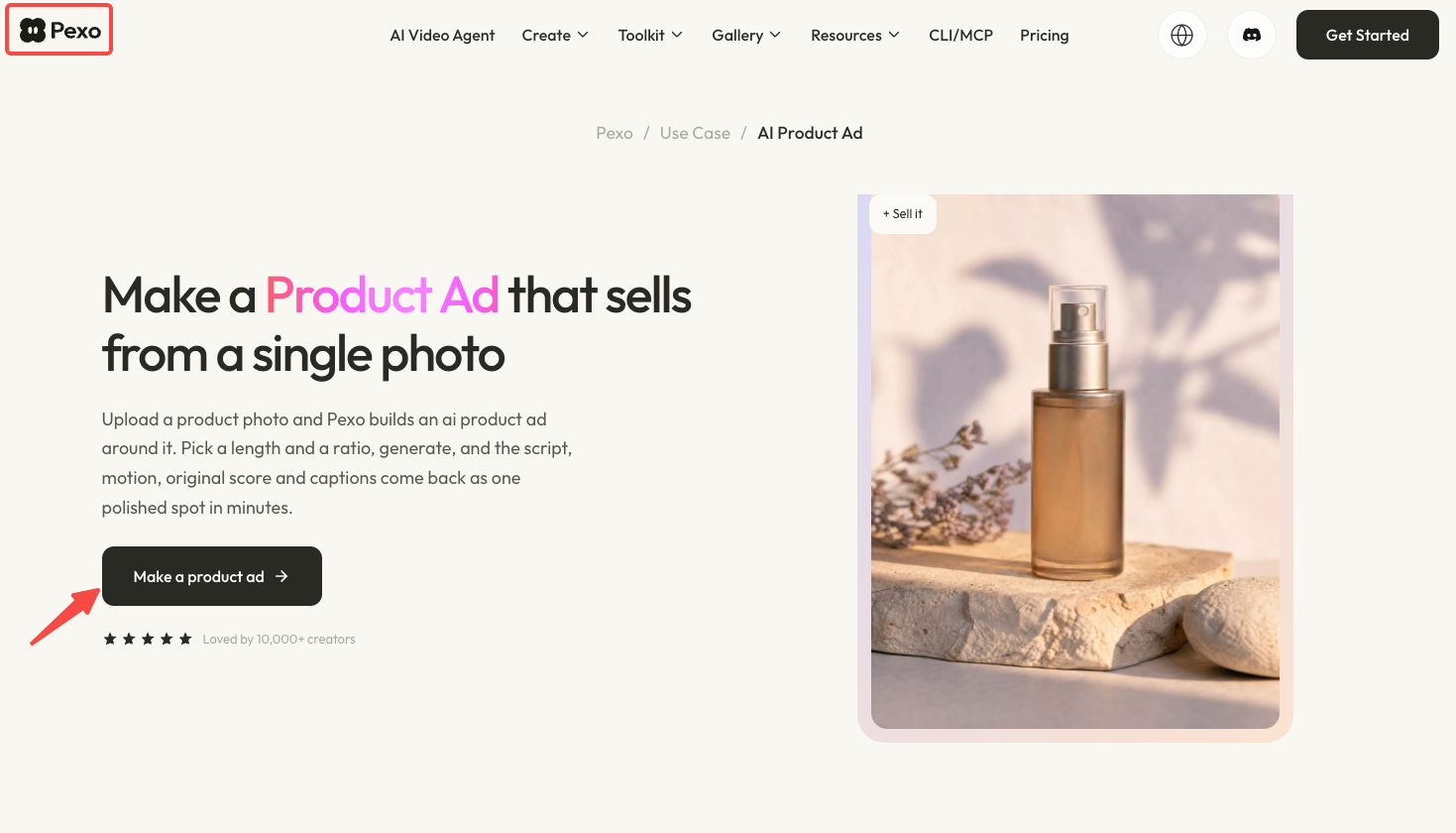
Pexo can be considered through its create workspace when the team wants a complete video route from approved direction and references. Its product-ad workflow can start from an approved product photo and build a finished ad. Pexo should be evaluated as a production workflow, not as a native locked-field template editor.
FAQ
Can a CapCut edit preset be shared as an editable client template?
Sometimes, depending on the surface and template workflow used. A desktop project file does not automatically become a replaceable client template. Confirm whether the recipient can swap individual clips, text, and music without receiving the original media.
Does Canva keep a client's uploaded font after team transfer?
Font access depends on the destination workspace, plan, upload permissions, and font license. Re-upload the licensed font to the destination Brand Kit. Canva does not copy fonts or Brand Kits when transferring designs between teams or accounts, then check the typography in the client’s workspace before producing variants.
Can a client inspect a Creatomate template without an editor seat?
A client can use a controlled form or workflow when the team exposes one, but template editing access depends on the account setup. Decide whether the client should change the template structure or only submit values for the named fields.
Can a real creator's footage be reused in a new product category?
Generally, only when the creator’s agreement covers the new product, claims, placement, territory, and duration or other applicable rights clearance, subject to the governing agreement and applicable law. A reusable template does not expand the original permission. Record the approved category and use scope beside the footage.
What happens when the original template owner removes a shared asset?
The result depends on the platform and where the asset is stored. A missing logo, font, creator clip, or stock element can break future renders or change the design. Keep approved source files and a versioned asset list outside the template workspace.
Conclusion
CapCut suits creator footage edits and quick social presets. Canva suits branded layouts that marketers update by hand. Creatomate suits named fields and repeat rendering from structured data.
Choose the template around the part of the ad that changes most often. Keep product evidence, creator permissions, fonts, music, and approved claims attached to every version.
This article does not provide legal advice. Confirm current template access, creator consent, music, stock, font, client, and commercial-use terms before scaling the campaign.