 ChatGPT
 Perplexity
 Claude
 Gemini
 Grok



Before approving a Craft image, put the real product photograph beside it. Trace the product's outline, read the label, and inspect every visible part. A changed pump or an invented accessory can give video production the wrong starting point.
For Canva Craft product video work, approve the still before asking it to move. The useful decision is whether the image can carry the intended product message, which details need correcting, and what production must preserve.
What Is Canva Craft's Role in a Product Video?
Craft creates images that may become visual references or source material for later video production. It is an image-generation model; video generation and assembly require a separate production step. Canva describes that role in its Craft announcement.
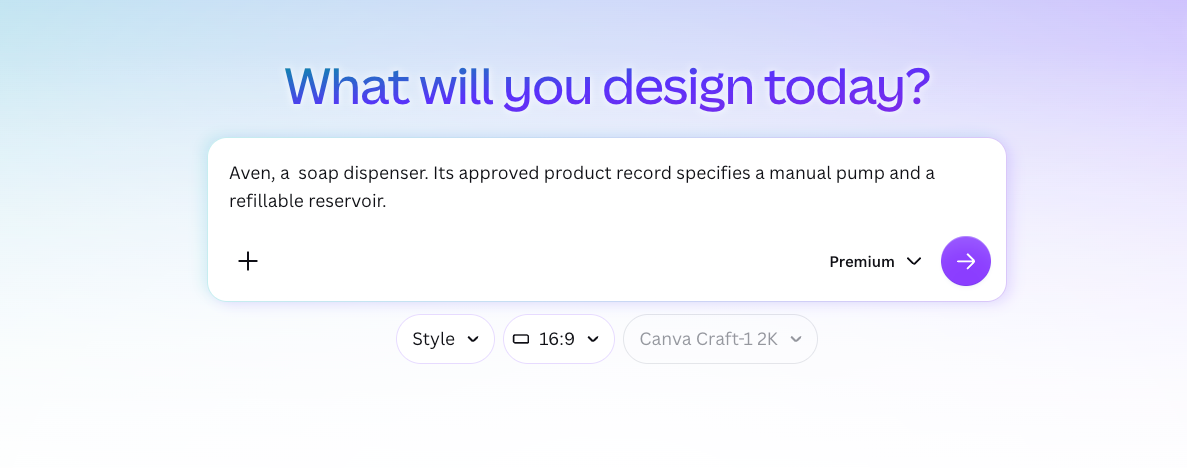
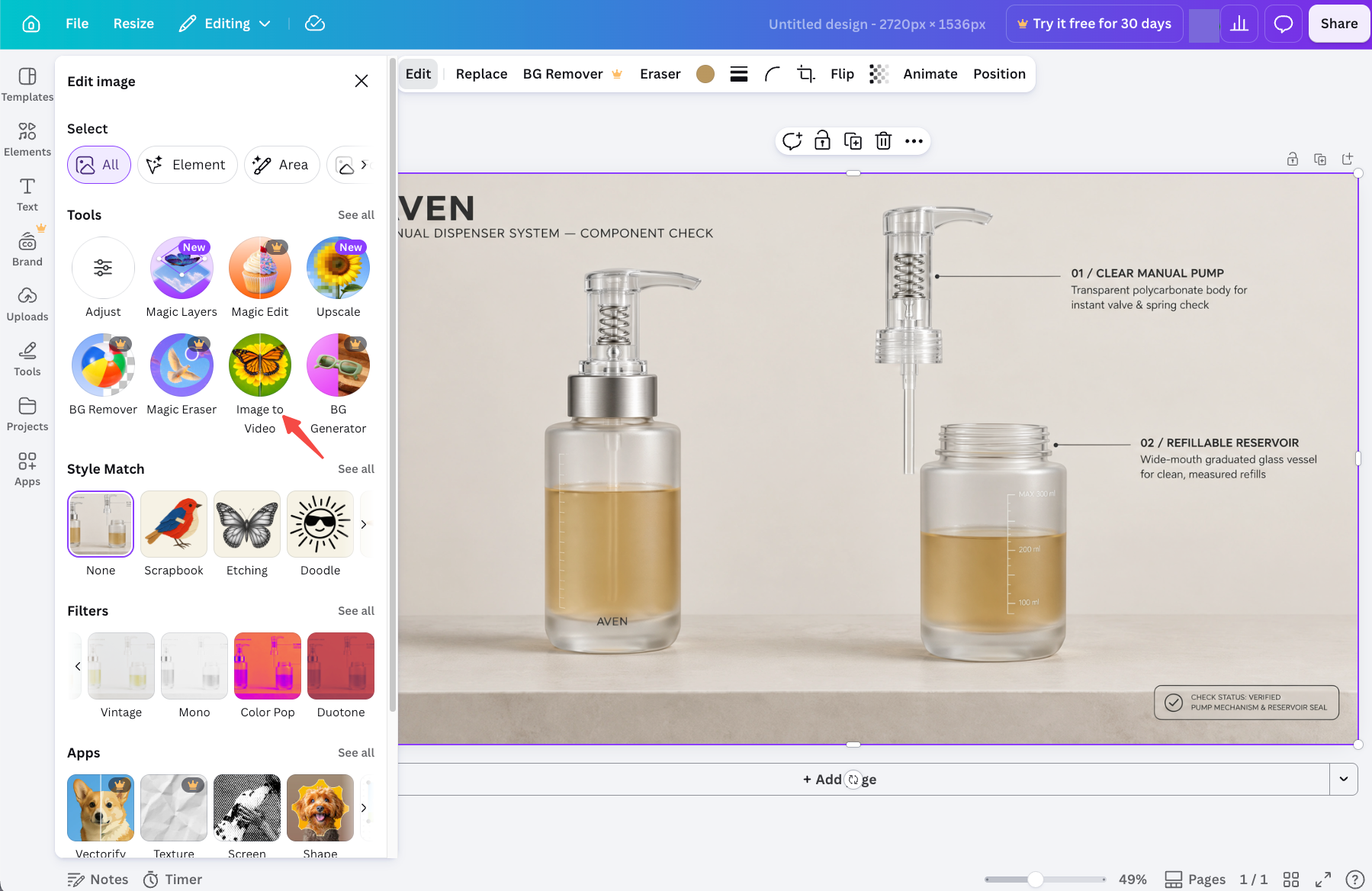
Use Aven, a fictional soap dispenser, to illustrate the check. In this example, its approved product record specifies a manual pump and a refillable reservoir. The buyer question is: “How do I refill it?” Replace those assumptions with verified details about your own SKU.
Which Product Details Must Match the Real SKU?
Every visible detail that could affect a purchase decision must match. Compare the original product photograph, the Craft image, and the approved product facts together.
Shape, Packaging, Color, and Label
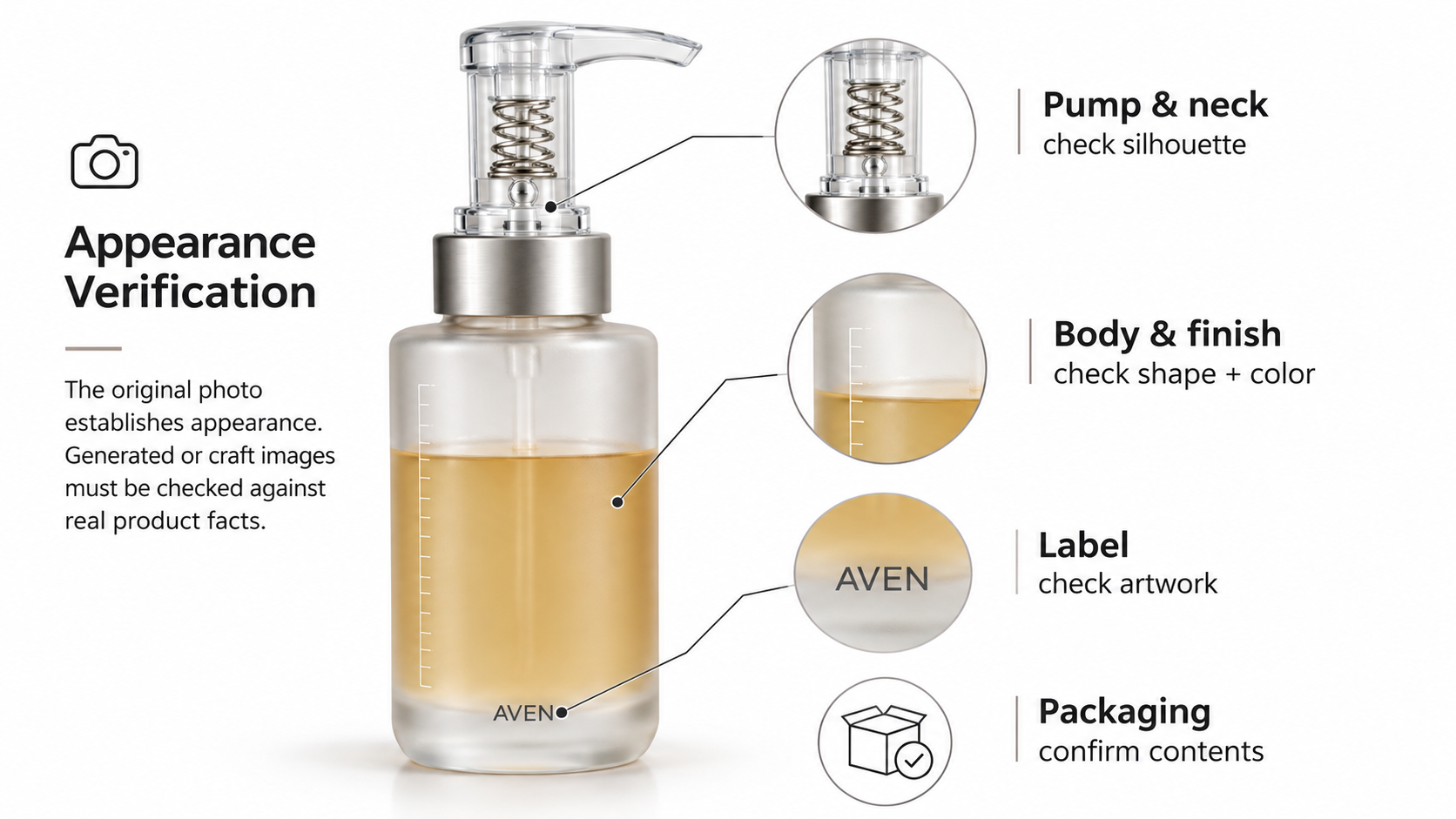
The photograph establishes appearance; the product record confirms the version and specifications. Neither should be replaced by details that merely look plausible in the generated image.
| Detail | Original photo | Craft image check | Product fact to confirm |
|---|---|---|---|
| Pump and neck | Inspect the actual silhouette | Look for added seams or a different nozzle | Correct pump assembly |
| Body and finish | Compare proportions and surface | Check for a wider base or metallic sheen | Approved shape, material, and color |
| Label | Read the supplied artwork | Compare characters, logo, and placement | Current SKU and label version |
| Packaging | Identify what belongs to this SKU | Look for invented seals or extra items | Actual contents and approved packaging |
A single photograph may hide the refill opening. Request another genuine view or a verified diagram before approving that detail for demonstration.
Claims, Text, and Visible Accessories
Read generated copy separately from the picture. For Aven, “Refillable” does not support “Touch-free,” and a hand hovering above the pump could imply an automatic sensor.
Check nearby objects too. A refill pouch placed beside the dispenser might suggest it comes in the box. Remove it or clarify the arrangement using approved wording. Keep exact label copy available as text for the producer.
How Do You Prepare One Image for a Video Brief?
Choose an accurate image with enough visible space for the intended action, then attach its approved source facts. The producer should know which parts define the product and which simply set the scene.
Choose a Frame and Leave Room for Motion
For Aven, inspect the space above the pump and around the neck. A tight crop may prevent a hand from entering or hide the refill opening. Expanding that image later could require inventing unseen product surfaces.
Preview the still inside the intended video frame. Keep the label clear of planned captions, and check that the whole mechanism remains visible. If the image cannot support the explanation, use another genuine product view before requesting motion.
Record the Approved Image and Source Product Facts
Keep a short note beside the selected file:
-
Image: filename, version, and approval date.
-
Product: SKU, current label artwork, and source photographs.
-
Message: exact approved claim and its supporting record.
-
Preserve: pump shape, refill opening, finish, and label wording.
-
Use: intended channel and confirmed permissions for supplied material.
Confirm rights to brand images, people, and third-party elements before sharing them with production. Check Canva's current terms and the actual source permissions for the intended use. This article does not provide legal advice.
Those details can feed a one-page product video brief. Keep the original photograph attached so the producer can resolve a mismatch without treating the Craft image as the factual authority.
Where Can a Video Draft Still Go Wrong?
A correct still can develop incorrect details during motion. Watch for a bending nozzle, shifting label letters, or a refill opening that changes shape as the camera moves.
Review the whole action against genuine product material. An opening frame can match while the next view invents an internal mechanism. Generated movement cannot establish that the real dispenser works that way.
Mark the image ready when the visible product matches and its use is cleared. Mark it revise for a correctable label or framing problem. Return to the source material when the proposed action depends on a product detail nobody can verify.
Conclusion
Approve the product before approving the setting. If the pump, label, or refill opening remains uncertain, return to the real reference rather than carrying that uncertainty into motion.
Once the image clears those checks, continue with Canva Image to Video for Product Photos. Keep the source photograph and approved claim beside the image throughout production.