ChatGPT
 Perplexity
 Claude
 Gemini
 Grok



In a product shot, the moment a hand meets the packaging deserves as much attention as the replacement face. That contact can determine whether viewers understand the demonstration and recognize the product.
For ElevenCreative Recast brand video work, review the new person alongside the source action, product details and retained soundtrack. Approve the complete shot for its intended post.
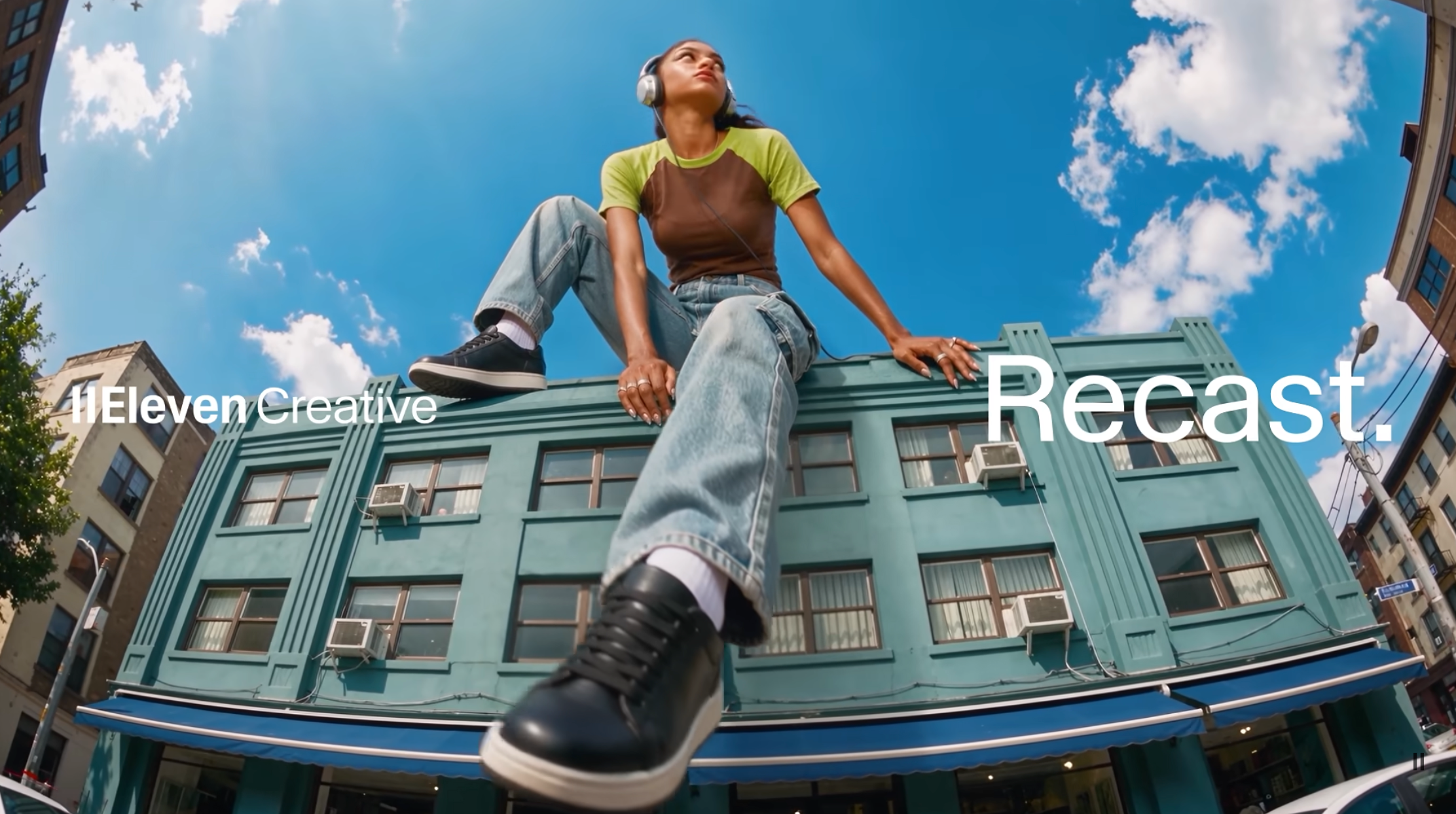
Is This Social Video Shot Suitable for Recast?
A useful candidate has a clear person to replace, visible product details and an action your team can compare with the original. Suitability also depends on having permission to transform and publish the material.
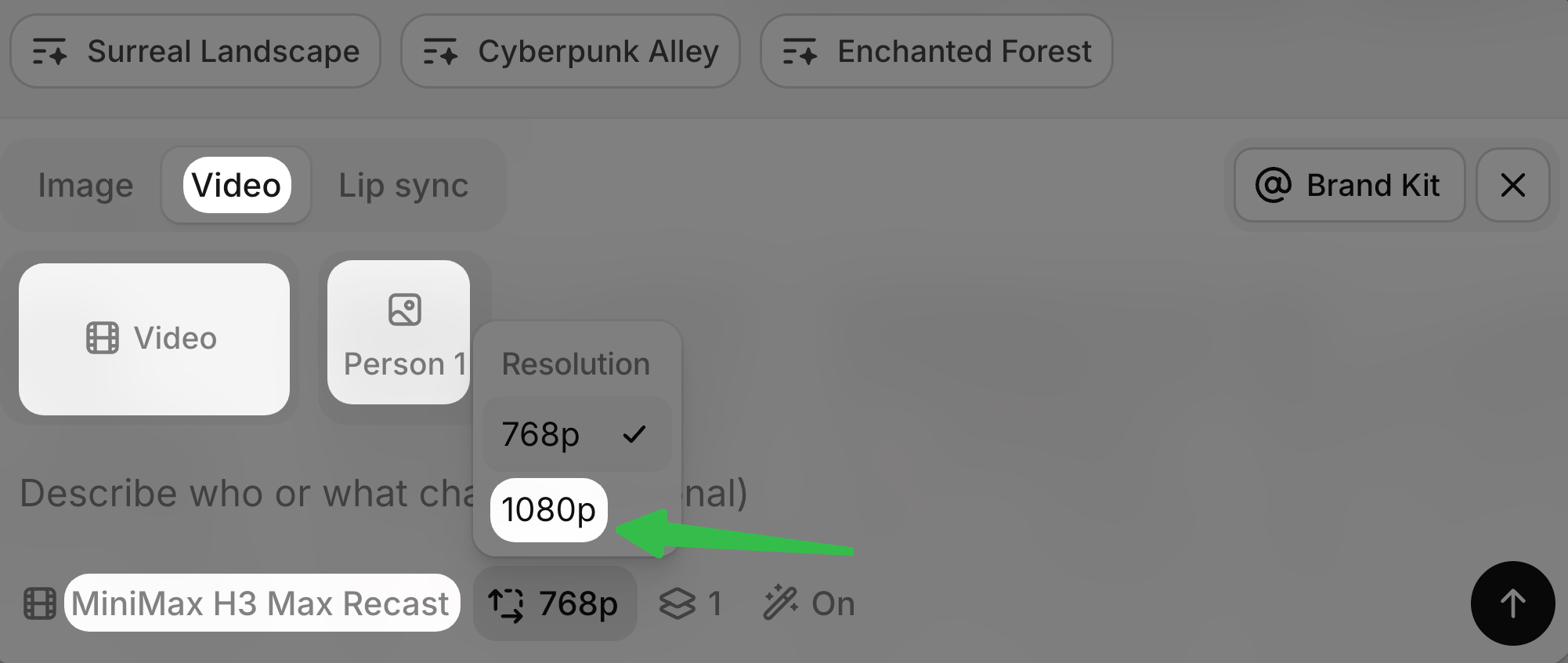
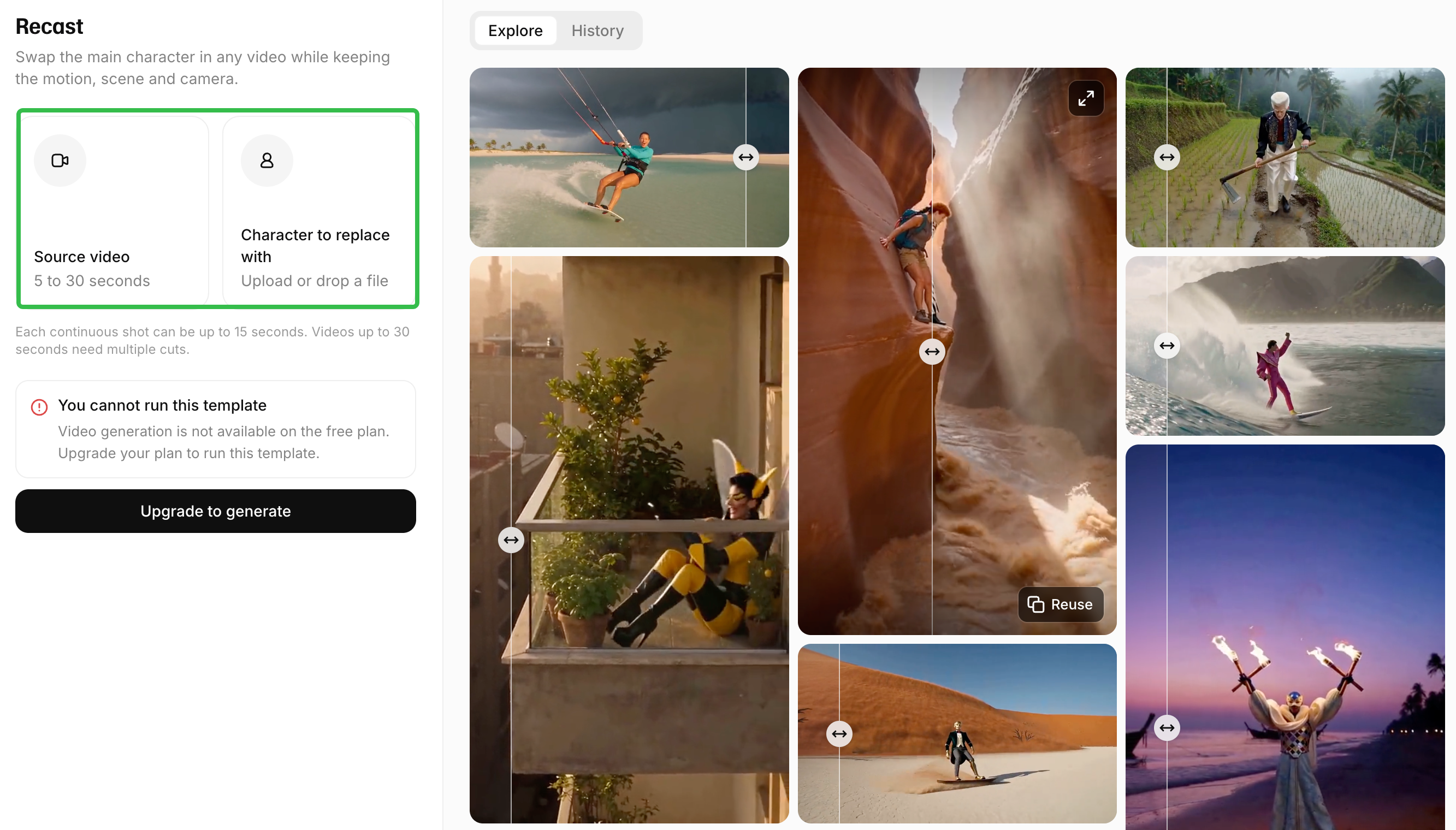
ElevenLabs' current Image & Video model documentation names MiniMax H3 Max Recast. On November 5, 2026, its entry listed source video up to 30 seconds and 1–4 reference photos. It describes retaining the original audio and following the source length.
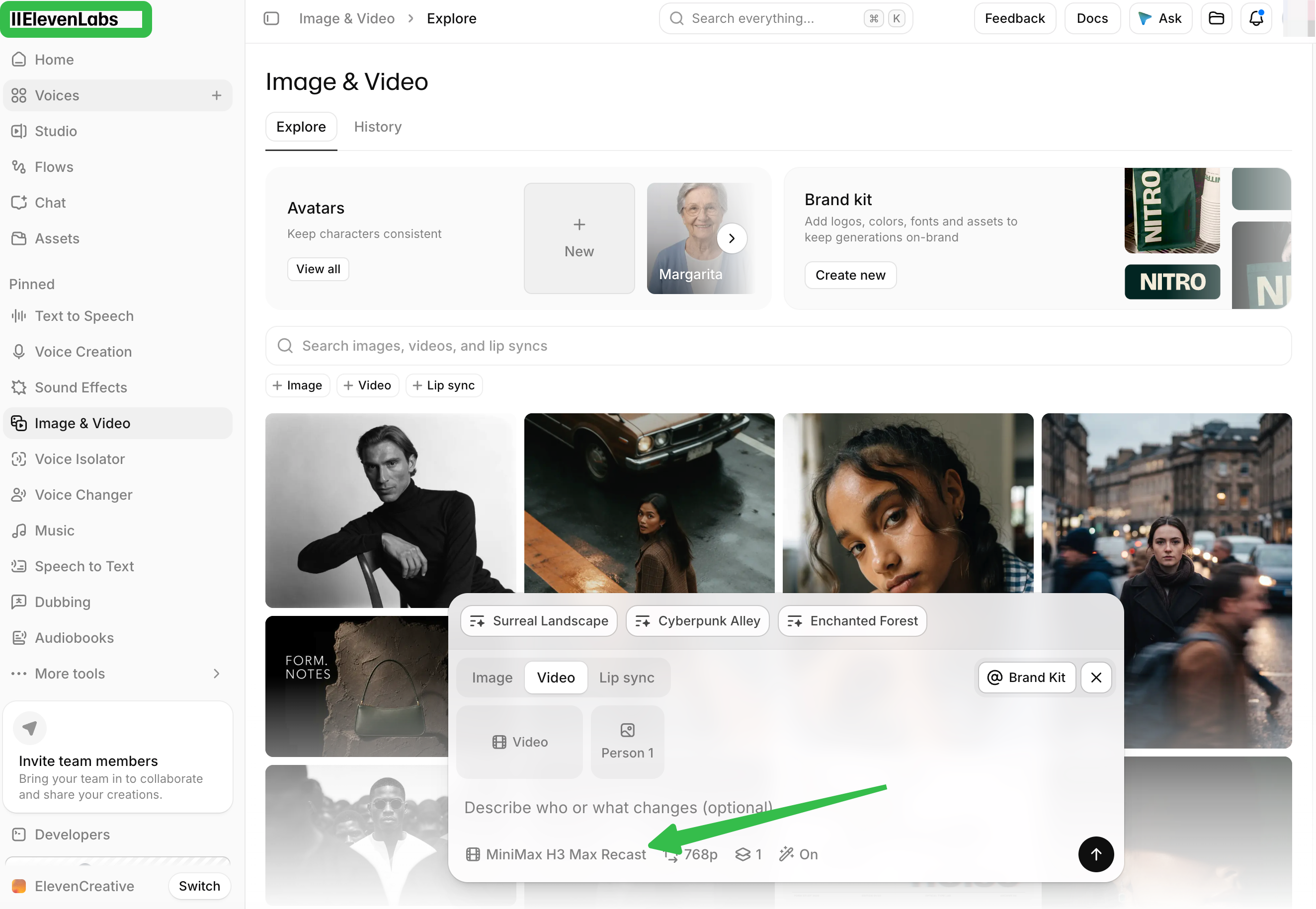
Look for that model in ElevenCreative's Image & Video options. Video generation requires a paid plan; confirm model access for your region and workspace.
Consider Daro, a fictional desktop tray. In the proposed shot, a presenter sets it on a desk and points to its raised edge. The team wants an authorized replacement presenter while keeping that demonstration understandable. Verify real product details and permissions before adapting this example.
Check the Person and Reference Images
Identify the source performer, intended replacement and owners of the footage and photographs. Record whose voice remains in the soundtrack too.
Choose clear, current reference photographs that show the appearance you intend to use. Avoid a face hidden by sunglasses or a crop that leaves relevant clothing ambiguous.
ElevenCreative's consent and usage terms require appropriate permissions for processing identifiable people and using the resulting output. A photographer's permission and a performer's consent address different parts of the job.
For Daro, confirm that permission covers recasting the source performance, depicting the reference person in promotion, and retaining the recorded voice. Check the authorized channels and period. If consent is withdrawn or the proposed use exceeds its scope, pause new use and ask the rights owner to resolve it.
Protect Product and Brand Details
Keep the original shot and approved product references beside the result. Compare the tray's edge, corners, color and visible marks while the presenter's hands move around it.
Use this character replacement checklist. Mark each row pass, revise or blocked, with a reviewer and export version.
| Check | Inspect | Approve only when |
|---|---|---|
| People and permissions | Source performer, replacement person, photo and video owners, retained voice | Intended transformation and publication have documented authorization |
| Replacement identity | Face, hair, clothing and appearance during turns | The person remains consistent and matches the approved direction |
| Hand-to-product contact | Fingers crossing the tray edge, grip and pointing gesture | The product does not bend, merge with a hand or acquire extra parts |
| SKU and branding | Shape, color, logo and packaging text | Details match the actual product throughout the shot |
| Motion and surroundings | Desk, shadows, reflections and camera movement | No distracting jump or unexplained change undermines the demonstration |
| Sound and speech | Dialogue, room tone, timing and apparent speaker | Audio is usable, synchronized and cleared for this depiction |
| Final post | Caption, offer, disclosure, channel and framing | The revised post has fresh approval for its actual use |
A correct face cannot compensate for a product that changes shape. If Daro's raised edge disappears beneath a hand, return that moment for revision or reject the output.
Review Motion, Audio and Scene Continuity
Watch the source and result at normal speed, then inspect difficult moments closely. Pay attention when the presenter turns, crosses an arm in front of the product or briefly leaves the frame.
The documented audio behavior matters: keeping the source soundtrack can leave the original performer's voice attached to a different visible person. Confirm that this combination is authorized and does not suggest an unapproved endorsement.
Listen through the whole exported shot. Check for timing shifts, cut-off speech and changes at the start or end. Treat “keeps the source audio” as a described feature, followed by a listening check; it is not proof that your export passed.
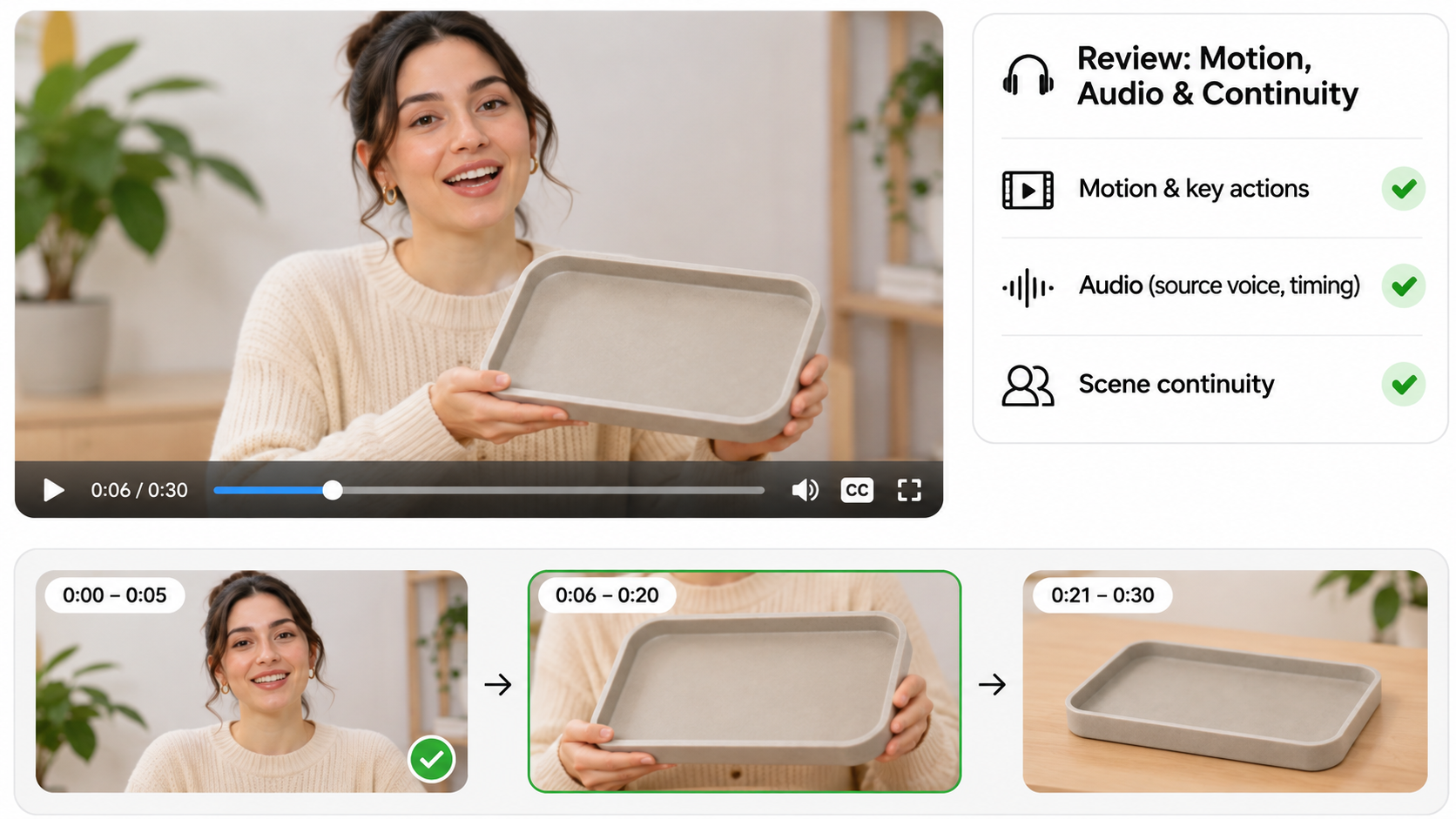
Also compare the adjacent scenes. Clothing, lighting and screen position can make a recast insert feel disconnected even when it looks acceptable alone.
Approve the Shot for a Specific Social Post
Approve the result against the actual caption, product claim, audience and destination. Approval of the original footage does not automatically cover its new cast.
Record the source file, reference versions, accepted export, permitted use and reviewer. Keep unresolved identity, voice or licensing questions out of the approved queue.
Check the destination's current synthetic-media and advertising rules. TikTok, for example, distinguishes its non-Spark ad disclosure process from the organic-content rules followed by Spark ads. A disclosure label does not replace consent or clear misleading claims.
If the shot belongs in a longer post, bring the accepted export and direction to Pexo's social-video workflow. Review the assembled story through conversation, including neighboring scenes and sound. Confirm file compatibility and transfer permissions; this is an optional production path, not a claimed Recast integration.