ChatGPT
 Perplexity
 Claude
 Gemini
 Grok
Grok

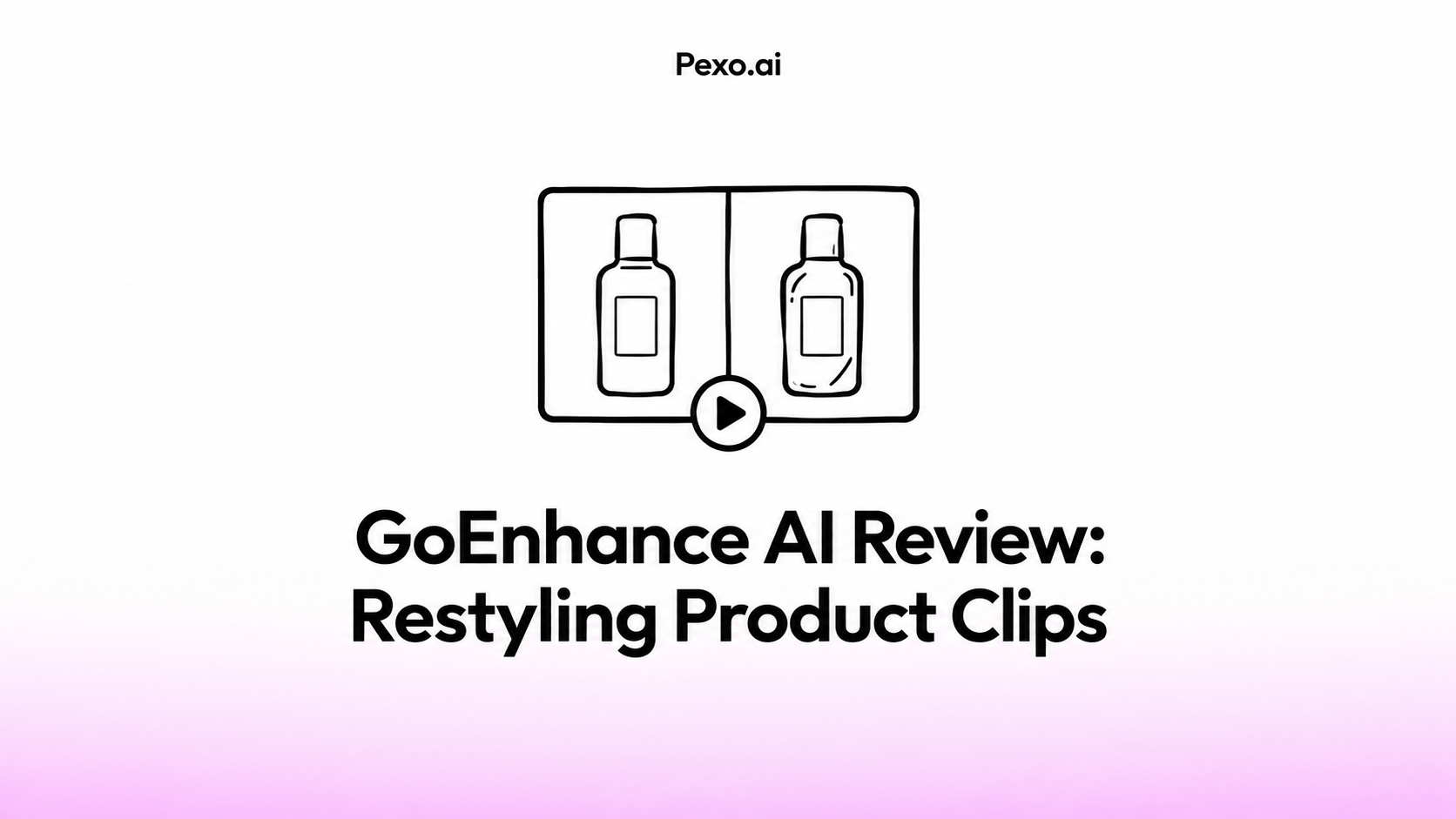

How far should a product clip be restyled? An illustrated campaign may welcome a painted hand and background while still needing the exact package a buyer will receive. Set that boundary before choosing a look in GoEnhance AI.
This review focuses on reusing existing product footage. The useful result is a version the team can approve without rebuilding the product, label or message afterward. A restyled clip also needs a place in the ad; changing its appearance does not decide what the viewer should understand next.
What Does GoEnhance AI Change in an Existing Clip?
It changes the visual treatment of uploaded footage while aiming to retain its motion and scene structure. GoEnhance describes video-to-video conversion with several styles, MP4/MOV input and MP4 output. For style transfer, it also advertises prompts and subject-only or full-scene treatments. Check which controls the selected workflow actually exposes; a preset conversion and a prompt-driven restyle may offer different choices.
For product marketing, treat the result as a new depiction requiring approval. A different texture, outline or color treatment can affect the product as well as its surroundings. Compare the moving package with the original rather than assuming its logo and seams will remain correct.
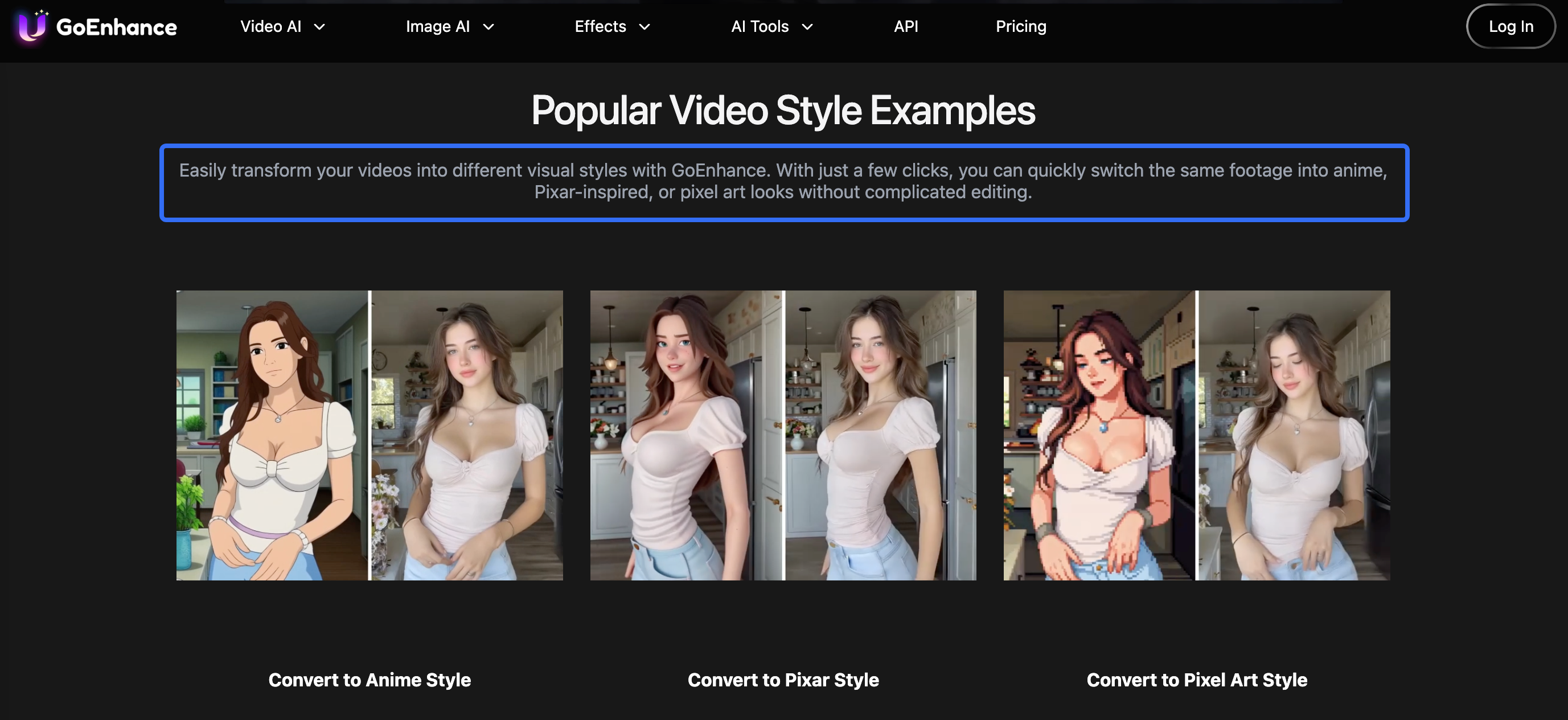
This GoEnhance AI review draws on official product and policy pages, checked on October 22, 2026. The fictional coffee-bag example below shows what to inspect before approving a restyled product clip.
Which Product Footage Makes a Fair Restyling Trial?
Use a source clip that already shows the right product clearly and performs a useful job in the campaign. A steady view makes a packaging change easier to identify. If the label is unreadable in the original, its appearance in the result cannot demonstrate faithful text preservation.
The fictional Calder coffee bag has a teal pouch, cream front label and coral side stripe. Its approved text reads “LIGHT ROAST” and “250 g.” The source is one uninterrupted hand-held turn from the side stripe to the front label. The marketing team wants a soft illustrated treatment for a social campaign while keeping that SKU recognizable.
Retain three things before uploading: the untouched source, approved front/side packshots, and the approved claim sheet. Calder's copy permits “Light roast, 250 g.” It provides no basis for added origin, sustainability or flavor claims. The style direction cannot expand that permission.
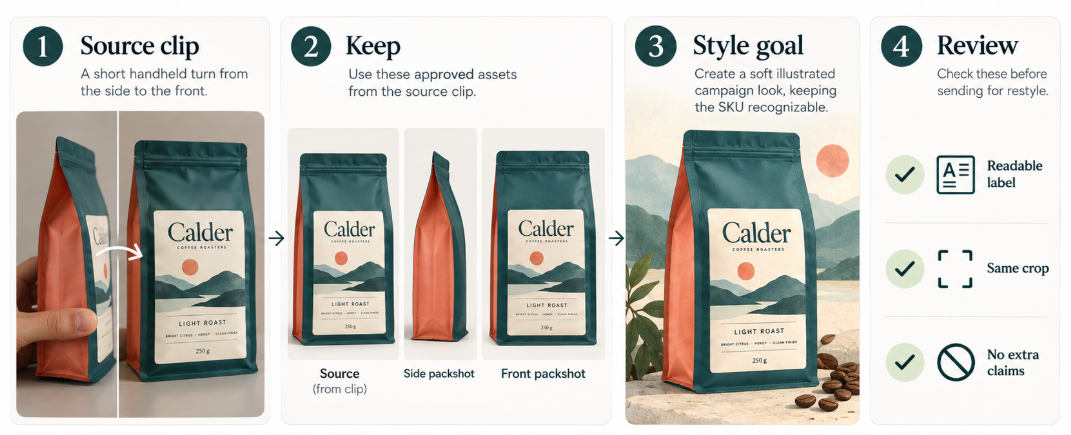
A trimmed copy keeps the trial focused when the workflow's segment controls are unclear. Keep the same crop and source segment across comparisons. Record the selected model or preset, available duration, resolution and processing mode. Confirm those limits before budgeting a longer batch.
The team needs permission to process the footage it uploads. A customer appearing briefly at the edge of the frame still belongs in the upload review. Begin with cleared brand footage when customer permissions or private-processing settings remain unresolved.
Check Packaging, Color, and Product Details
Compare the original, the restyled version and the packshots together. Watch the turn at normal speed, then inspect the moments when the side stripe disappears and the front label becomes visible. Temporal errors may escape a single screenshot.
| Detail | What must survive | What should trigger a return |
|---|---|---|
| Package structure | Same pouch proportions, top seal and side construction | New folds, seams or a rigid container replacing the pouch |
| SKU color | Teal remains identifiable beside the cream label and coral stripe | Color moves toward another variant or changes during the turn |
| Label and quantity | “LIGHT ROAST” and “250 g” remain accurate wherever shown | Invented letters, changed roast or quantity, flickering print |
| Hand and contact | The hand holds the same package through the movement | Fingers merge into the bag, or the bag changes shape as the grip moves |
The art direction can soften the background and simplify surrounding objects. It should not turn a matte pouch into a glossy bottle or add a certification badge. Those changes would communicate something about the item being sold.
Decide whether the treatment is suitable for this role in the ad. A strongly illustrated introduction can lead into an unchanged product shot, provided it remains truthful. A correct packshot at the end cannot excuse a different package or misleading product claim earlier.
What Revision Work Remains After Restyling?
The team still needs to reject factual drift, correct editable finishing elements, and rebuild any joins affected by the transformation. Text overlays, captions and the closing offer can often be handled in the finishing edit. Damage inside a moving printed label may require another conversion, compositing work or the original shot.
For Calder, a useful correction request is: “Keep the teal pouch and coral stripe consistent through the turn. Preserve the approved front-label text. Reduce the illustrated treatment where it redraws those details.” Use that instruction only in a mode that accepts the relevant controls. In a preset-only route, changing the preset or source segment may be the available alternative.
Compare the whole returned segment, including details that were correct previously. If each attempt creates a new label problem, stop treating regeneration as the only fix. Retaining the original package footage may be the sounder edit.
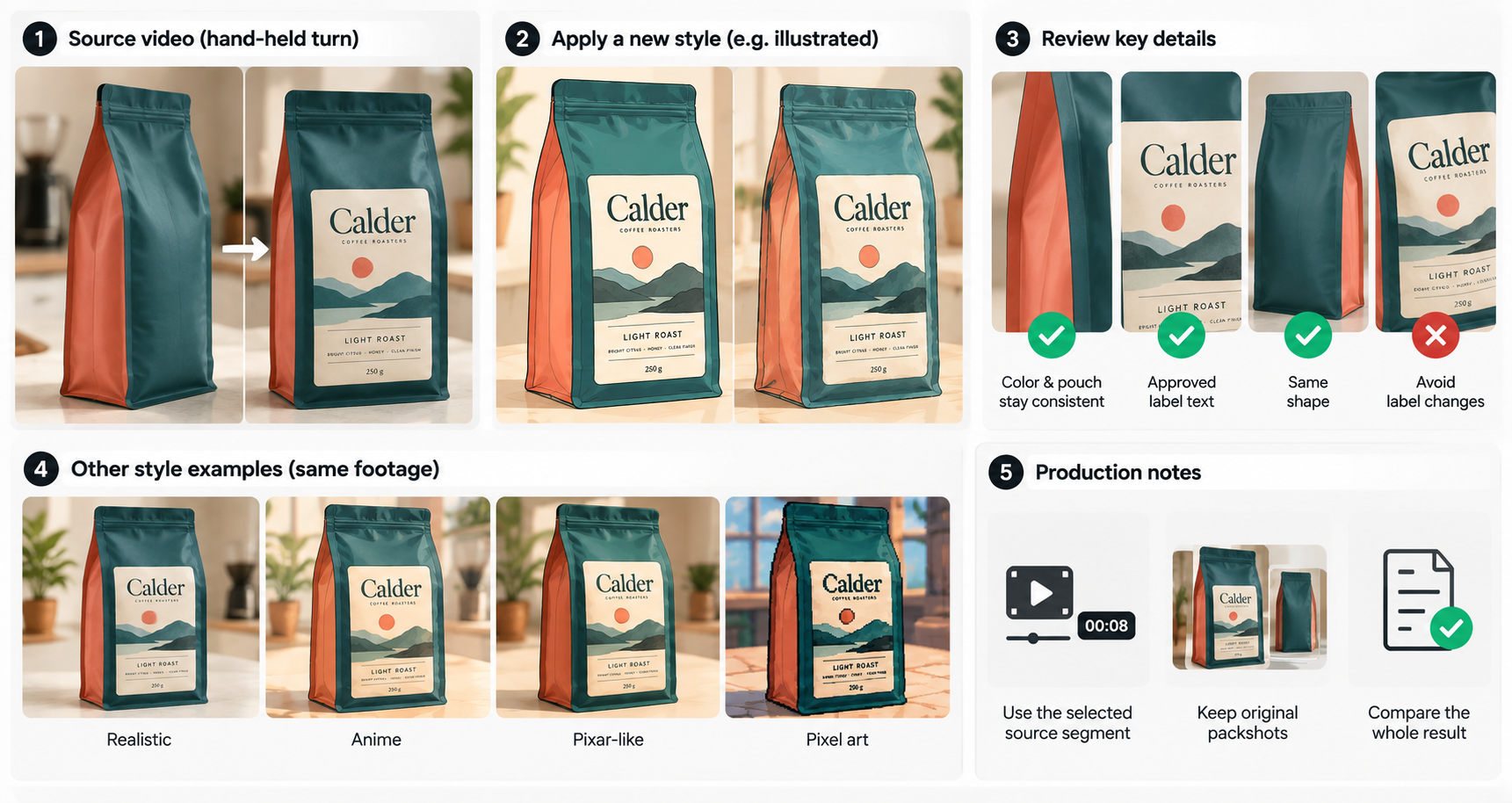
Separate the work into three records: generation charges, reviewer time, and finishing work. For example, an attractive result that needs every label frame repaired has a different production cost from a usable restyle. Record rejected attempts as part of the task, without pretending they became delivered variants.
The GoEnhance FAQ distinguishes token-consuming Fast Mode from Relax Mode for supported functions on eligible plans. That does not make every restyling option unlimited. Before buying, check the current plan price, estimated token use and which processing modes are included. Allow for additional generations and finishing edits when budgeting for an approved clip.
When Is Restyling a Better Fit Than a New Story?
Restyling fits when the existing action, framing and message already work and the campaign needs a different visual treatment. Calder's turn already introduces the pouch and reveals its label. A style conversion is relevant if that same reveal serves the new placement.
| Campaign need | Production choice |
|---|---|
| Same reveal, different art direction | Trial the restyle and review the SKU throughout the turn |
| Missing explanation or product proof | Plan the missing scene or use approved source footage |
| New audience question, offer or CTA | Rework the full sequence and copy before deciding which clip to restyle |
GoEnhance offers tools beyond video-to-video; this review focuses on its restyling workflow. If the campaign needs a new explanation, settle the scene order and copy before converting another clip.
Pexo publishes this guide. To plan Calder's full ad, bring the approved restyle, original turn and closing copy to Pexo's video-editing toolkit. Ask for a sequence that introduces the illustrated look, holds the accurate label long enough to read, then leads to the approved next action. Review the join between the illustrated opening and original product footage before commissioning more versions.

If you choose that route, check the account's estimates and record actual credit usage. Obtain written clarification of the advertising-consent condition in section 6.3 of Pexo's terms before paid distribution. Review the finished cut against the same packshots and approved copy used for the restyling trial.
A Product-Footage Trial Before Buying
Keep the first trial small enough to make a decision. For Calder, the package turn is the whole exercise; there is no need to process a campaign library first.
-
Approve the source pack. Save the original, front/side packshots, permitted copy and the intended placement.
-
Name the change. Request a soft illustrated treatment. Identify teal, coral stripe, roast text and quantity as details that must remain accurate.
-
Record the actual settings and charge. Include duration, resolution, preset/model and mode as displayed. Check privacy and commercial permissions separately from visual controls.
-
Review the export. Compare packaging across the turn, inspect the text on a phone, and check audio and the join with the surrounding ad.
-
Allow one reasoned correction. Decide whether the next version improves the identified error without creating another. Keep the original as an available production choice.
The decision is whether the restyled shot earns a place in the campaign after review and finishing. If the teal pouch or label cannot survive the treatment, use the original or change the visual direction. More styles will not resolve a requirement that the chosen treatment cannot meet.