 ChatGPT
 Perplexity
 Claude
 Gemini
 Grok



H3 Flex suits teams ready to direct reference-led generation and choose how the result enters an explainer. Pexo suits teams that want help shaping and revising the explanation as a complete video. H3 Flex can generate multiple shots, so shot count alone won't settle the choice.
Which Task Are You Trying to Finish?
Decide whether your team needs generated material for an existing explanation or help developing the explanation itself. The useful distinction is what production work remains after generation.
Consider Caro, a fictional pepper mill. The buyer asks, “Where do I refill it?” The illustrative brief includes approved product photographs, footage showing the top being removed, the line “Refill from the top,” and a product-page destination. Replace those assumptions with your verified product facts.

Both routes receive those sources. One assignment is to generate material the team will select and assemble. The other is to develop the complete explanation around the approved action.
What References Does H3 Flex Need for This Brief?
It needs references that explain the product's appearance and the movement you want, with each reference's role stated clearly. For Caro, start with product views and the approved opening footage; add a style image only if it serves the direction.
Pika's official H3 Flex model card documents mixed image, video, and audio references, with a maximum of 12 files in reference mode. Separate limits apply by media type. Confirm the limits for your selected deployment before preparing the pack.

Describe what the sources contribute: “Use the photographs for the mill's shape and label; use the footage for how the top comes off.” A mood reference should not determine the product mechanism.
Compare Reference-Led Output and Explainer Structure
References and Source Assets
H3 Flex supports shot direction through references and prompts, including multi-shot storytelling with synchronized audio. Its public examples include a product commercial. A Pika H3 Flex product explainer can therefore involve more than one view.
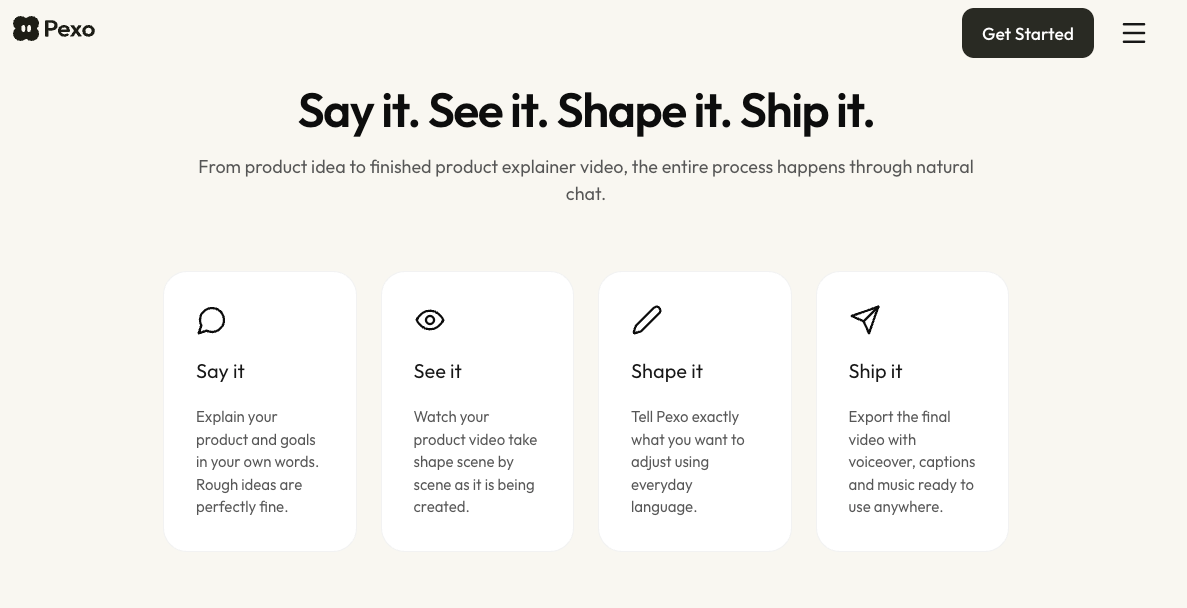
A Pexo product explainer brief adds the buyer question, exact wording, evidence, and ending to the same source material. Pexo's documented workflow develops scripts, scenes, and production direction from supplied assets.
Neither route turns generated movement into product evidence. Keep Caro's real opening footage available when reviewing any new depiction of that action.
Shot Selection and Story Handoff
With reference-led generation, decide which returned sections explain the refill opening and which provide atmosphere. A camera orbit may introduce Caro well but leave the buyer unable to locate the refill point.
For the full-video assignment, ask to review how the introduction, opening action, and final invitation connect before production. The same judgment applies if an H3 Flex sequence already contains all three: inspect whether it answers the question.
| Decision | H3 Flex generation route | Pexo story workflow |
|---|---|---|
| Inputs | Assign roles to prompt and media references | Supply sources, buyer question, copy, and intended ending |
| Revision | Direct reference-guided changes; inspect the returned material | Discuss changes to explanation, pacing, text, or sound; inspect the returned cut |
| Delivery | Select usable sections and identify any assembly still needed | Review the complete video against the brief and delivery requirements |
Where Does Each Workflow Need More Work?
Both need product review; the remaining production work depends on the accepted output. H3 Flex documents reference-guided editing, while Pexo documents conversational revisions across a video. Neither establishes that every requested change will preserve all surrounding details.

If Caro's refill opening disappears behind a hand, request a view that leaves it visible. Then check the top, label, and opening movement again. Changing the camera direction without inspecting those details can create a different product impression.
Pika also documents separately available audio stems through its API. Confirm the actual files offered by your route. For either workflow, agree on duration, aspect ratio, audio, captions, and any separate-editing requirement before accepting delivery.
Which Route Fits Your Brief?
Choose H3 Flex when reference direction and selecting generated material are work your team wants to own. If its sequence already explains Caro accurately and meets delivery requirements, another production route may be unnecessary.
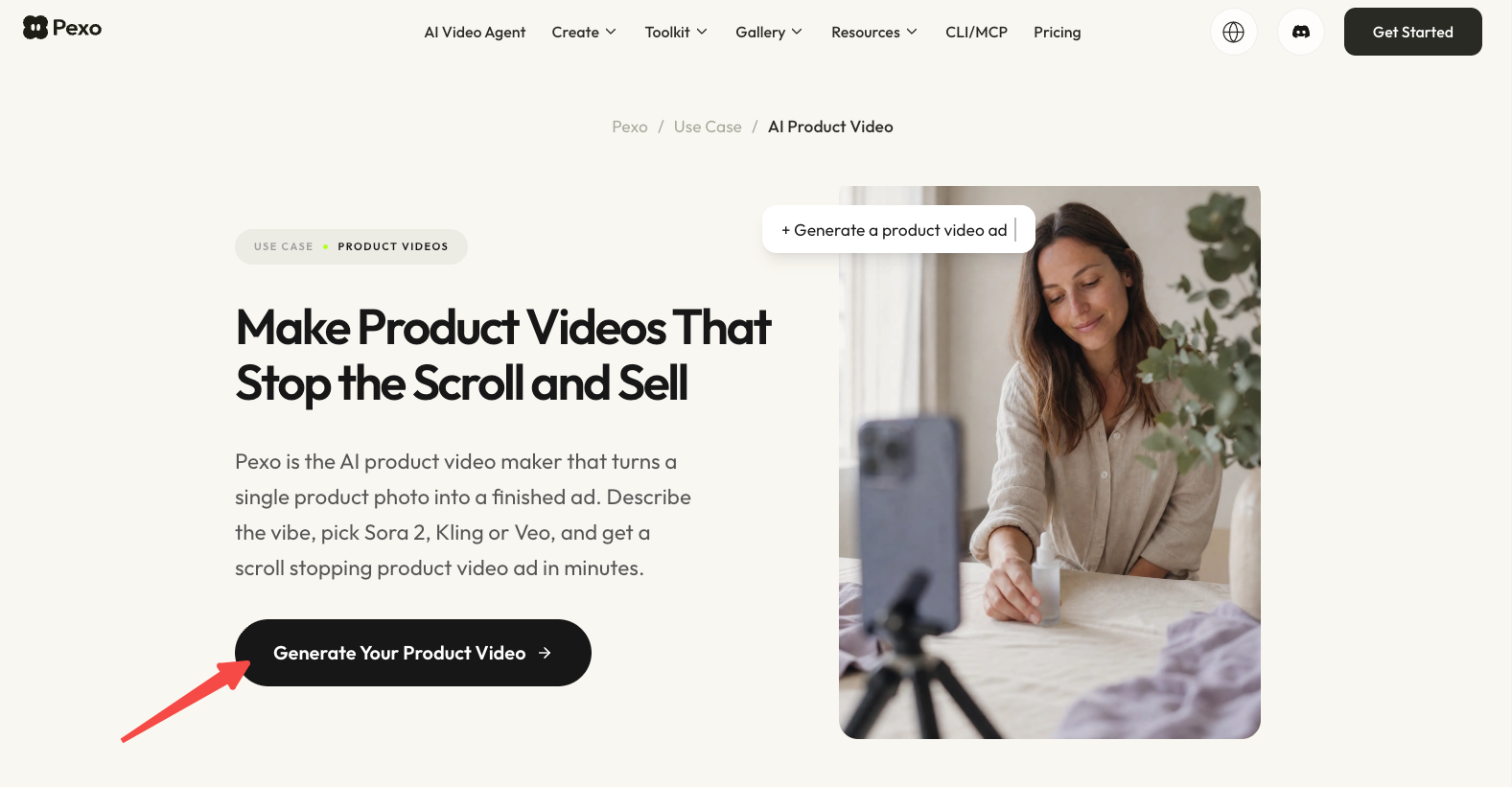
Choose Pexo's product-video workflow when you want help organizing the sources into a complete explanation and directing revisions through conversation. Your team still approves the product and message.
Check paid-use eligibility under Pika's applicable terms, and resolve promotional-use consent under Pexo's current terms. Verify source-media and likeness permissions separately. This article does not provide legal advice.