 ChatGPT
 Perplexity
 Claude
 Gemini
 Grok




A buyer wondering whether an organizer fits a shallow drawer needs to see its height. Someone curious about the removable tray needs to see it lift out. Those questions give the same product two different ads.
Useful product advertisement ideas start with that choice. Decide what the buyer needs to understand, then choose the scene that can support the answer.
The four illustrative briefs below use Nell, a fictional drawer organizer with a removable tray. Its features and offer are planning assumptions; replace them with your approved product records before production.
What Makes a Product Advertisement Useful to the Buyer?
It helps someone judge a specific product detail, use, or offer. The picture and words should support the same conclusion, with enough context to avoid promising more than the evidence shows.
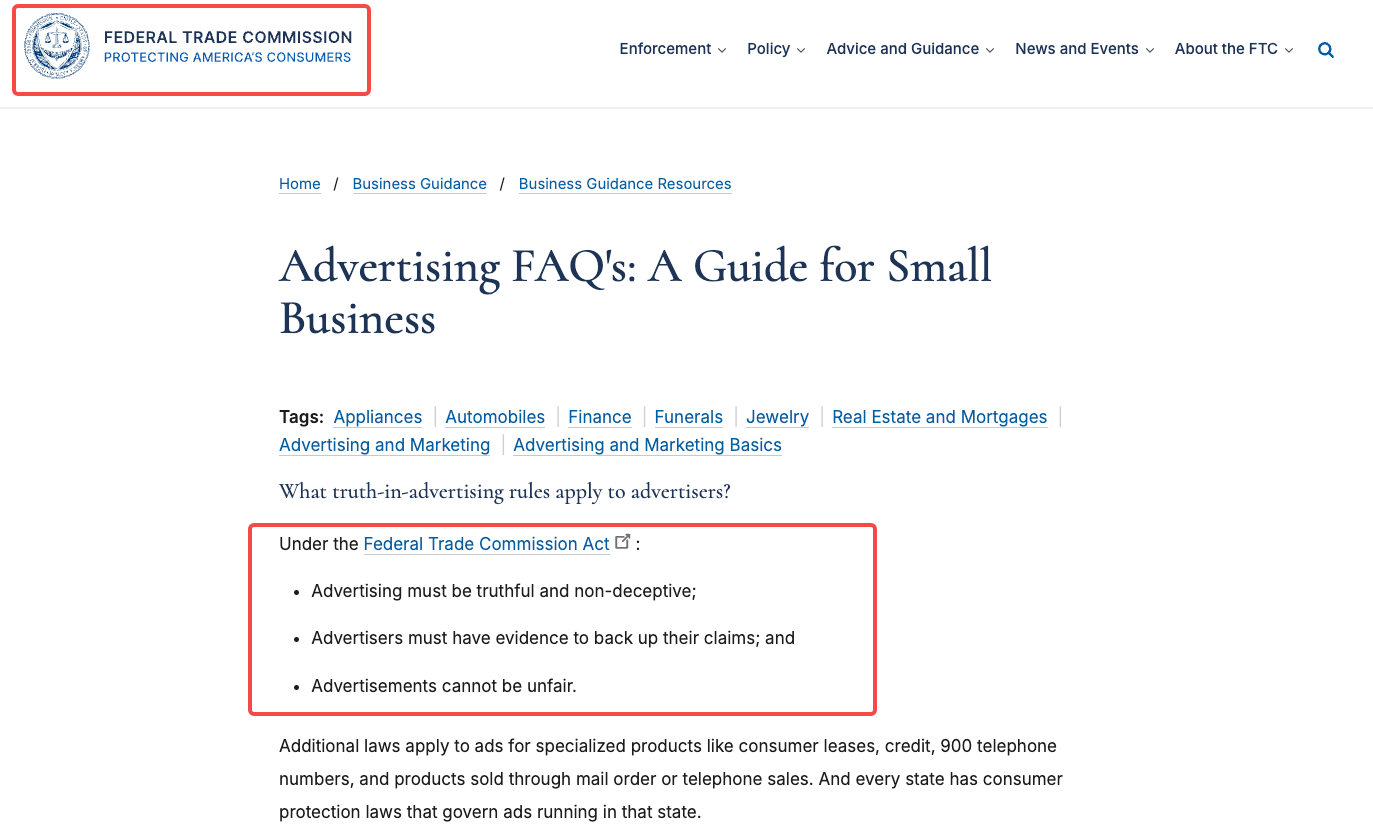
A hand lifting Nell's tray can demonstrate that it is removable. That action cannot establish that the organizer fits every drawer or saves everyone time. For US advertising, claim substantiation concerns both spoken claims and impressions created by the pictures. Check the rules for your actual market too.
Example 1: Show the Product in Use
Illustrative brief: sorting everyday desk items. The scene follows someone putting pens in Nell's main compartment and small charging cables in its tray. The proposed line is “Give pens and cables separate spaces.”
The claim needs current product photos and a sample showing those compartments. Begin above the open drawer, follow the items being placed, then hold the completed arrangement. A final “See the layout” invitation can lead to the product page.
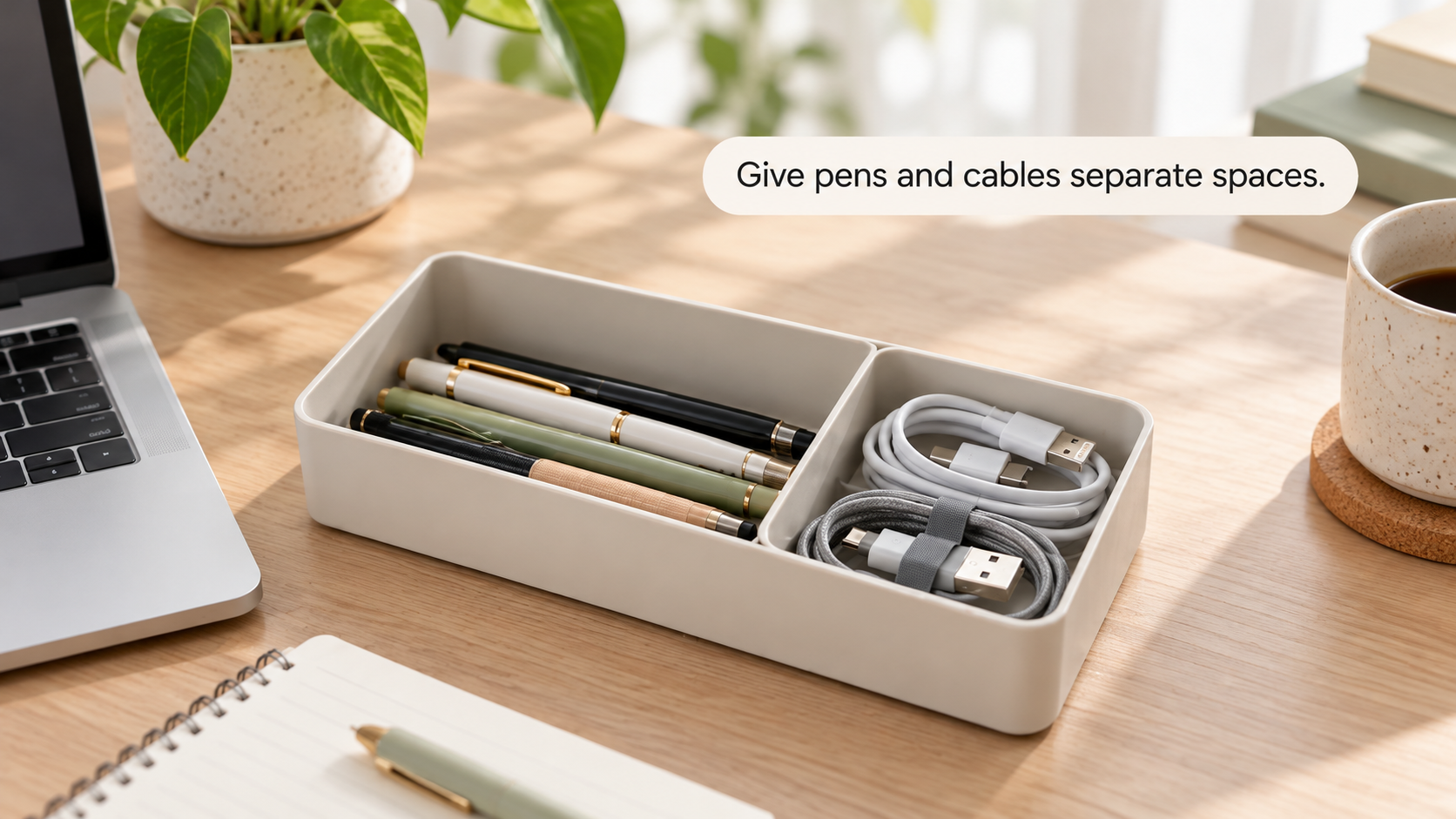
Human review: Check that the objects actually fit, the compartments match the SKU, and the hands do not hide an extra insert. Return a cut that adds compartments or makes the drawer look larger. A tidy final frame shows this arrangement; it does not prove a permanently tidy desk.
Example 2: Demonstrate One Feature
Illustrative brief: lifting out the small tray. Here, the buyer wants to understand the removable part. The proposed line is “Lift out the tray when you need it.”
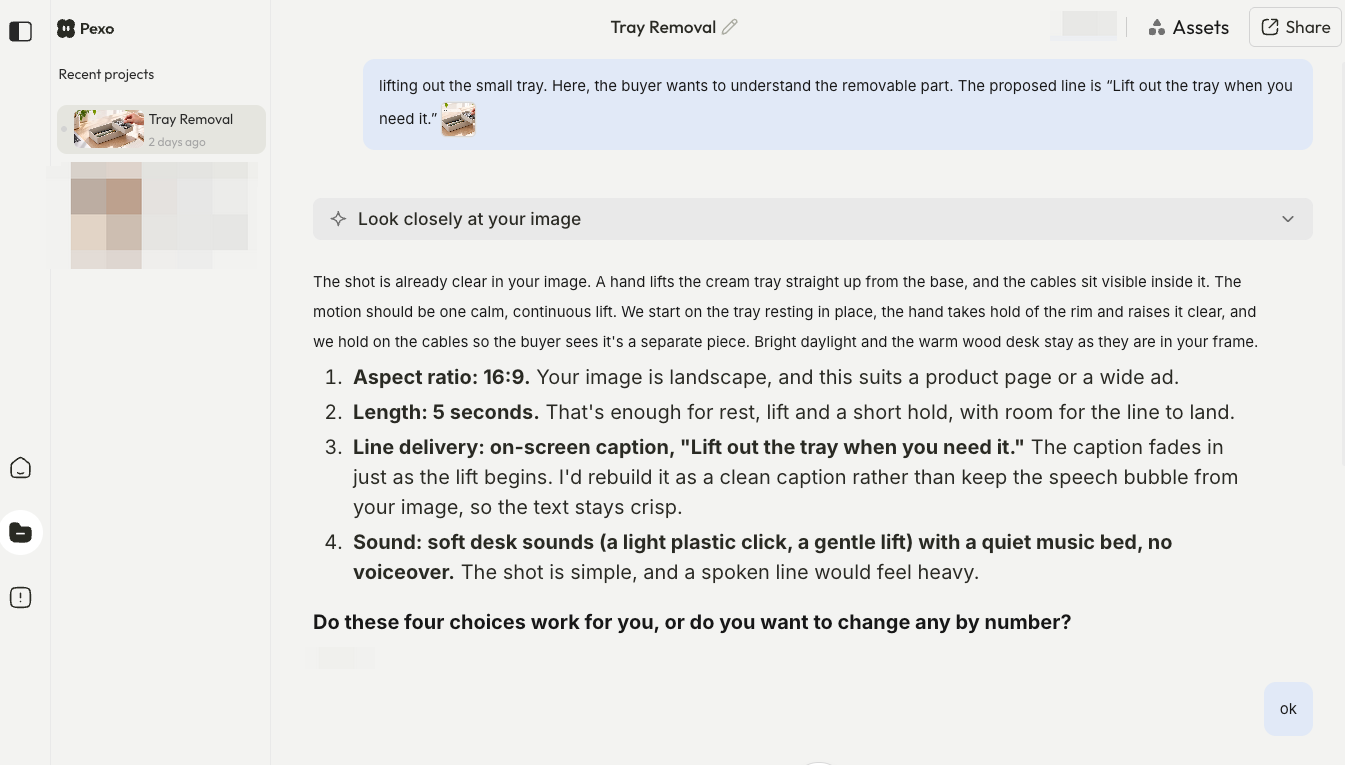
Use approved footage showing how the tray sits inside the organizer and how a person removes it. Start with the tray seated, show the grip and lift, then place it beside the main body. Keep the connection between the two pieces visible.
Human review: Compare the tray's shape and removal action with the physical product. A generated hinge, latch, or self-lifting motion changes the feature being advertised. If the source footage hides the release, obtain a clearer take before approving the demonstration.
Example 3: Answer a Pre-Purchase Objection
Illustrative brief: checking drawer clearance. The question is “Will it fit my shallow drawer?” The useful response is to show Nell's verified dimensions and help the buyer measure their own space.
The source pack needs current outer measurements, including the highest point of the installed tray. Show the height measurement, place the organizer in a measured example drawer, then show that drawer closing. Keep the example drawer's dimensions available beside the scene.
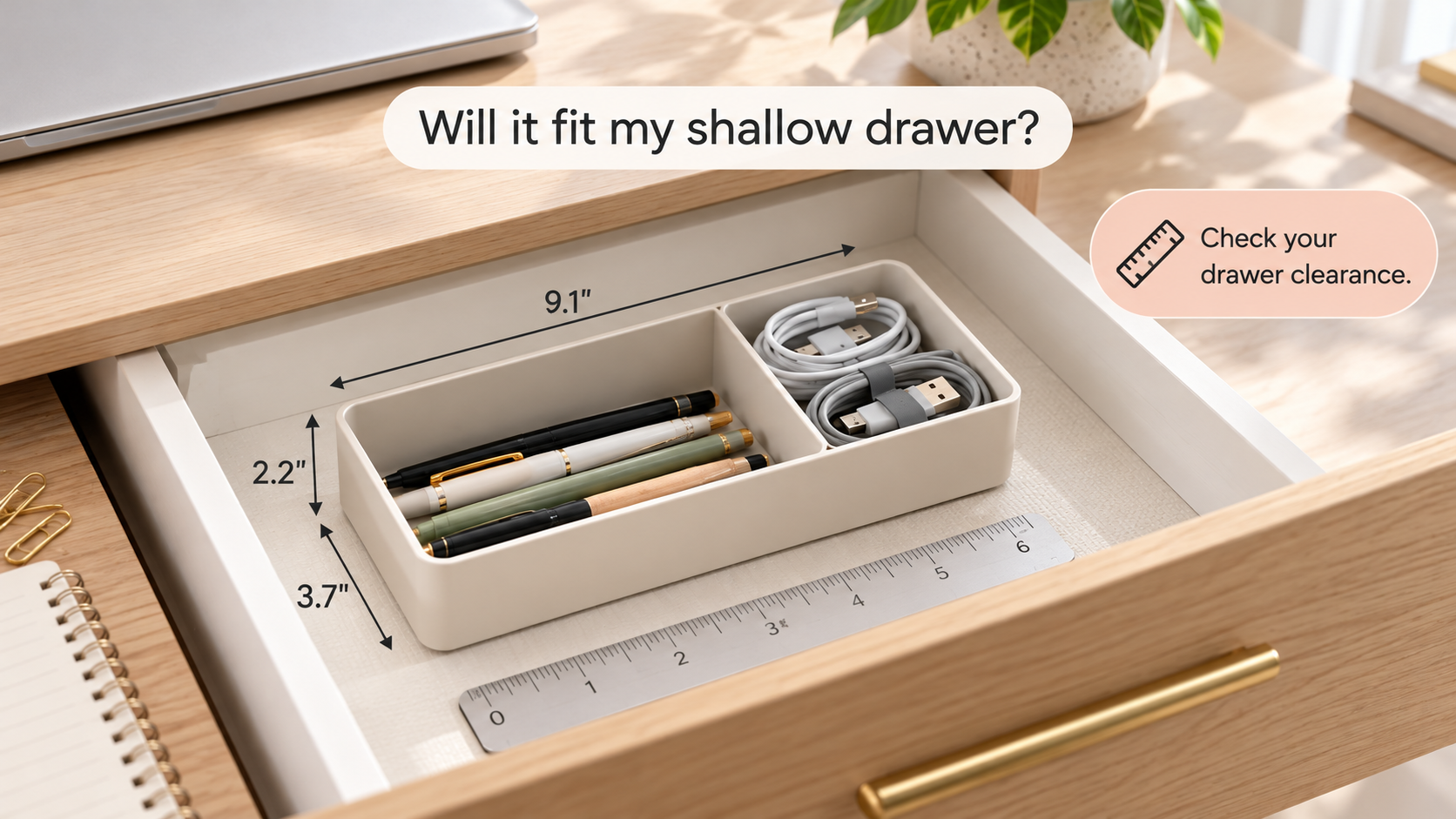
Human review: Confirm the measurement units, tray position, and clearance. Reject “fits any drawer,” even if this drawer closes smoothly. The next step should be “Check your drawer measurements,” with the full dimensions at the destination.
Example 4: Announce a Verified Offer
Illustrative brief: a two-organizer promotion. Assume the promotion owner has approved “Buy two, save 10%” for a defined market and period. The percentage is a hypothetical brief condition, not a live offer.
The evidence is the approved promotion record and a checkout check using the qualifying products. Film both organizers, show the approved offer, and close with the matching destination. Include material eligibility conditions and any required code where buyers can understand them.
Human review: Compare the video with the actual basket calculation and landing page. Check dates, time zone, exclusions, and stock conditions. A discount on two items must not look like a discount on one. Leave out countdowns or scarcity language unless the team can substantiate them.
Turn an Example Into Your Own Video Brief
Choose the pattern that answers your buyer's question, then give the producer these decisions:
| Brief field | What to supply |
|---|---|
| Buyer question | The specific uncertainty the ad should resolve |
| Approved claim | Exact spoken and on-screen wording, including necessary conditions |
| Evidence | Current product reference, demonstration, measurement, or promotion record |
| Scene plan | The action viewers must see and the detail that must stay visible |
| Acceptance | What the reviewer compares, and what would require a revision |
| Next step | A destination that supplies the promised detail or qualifying offer |
With the removable-tray brief, you could ask Pexo, this guide's publisher, to develop the video from approved product material. Its public workflow, checked October 29, 2026, supports image and video inputs, creative direction, and revisions through conversation.

A useful preview note is: “Keep the tray seated at the start, show the hand lifting it, and keep both pieces in view afterward.” Compare the returned sequence with the source footage. If the tray or wording changes, request a correction and review the complete cut again.
Before uploading, confirm permissions for processing the product footage, people, and music. For Pexo, also confirm the written consent required for advertising under its current terms. These are general editorial checks, not legal advice; uncertain rights and claims need the appropriate legal review.