 ChatGPT
 Perplexity
 Claude
 Gemini
 Grok




If your team has the story planned and needs a hero shot to open the video, Cinema Studio is worth considering. If you need help developing the script, scenes, sound, and final cut together, Pexo may fit the task.
This WaveSpeed Cinema Studio vs Pexo comparison uses one fictional product brief to make that choice concrete. Published by Pexo, it draws on both tools’ public documentation.
Do You Need a Hero Shot or a Finished Product Video?
Choose around what is missing from the deliverable. A team with an approved sequence and an editor may need one opening shot. A team with product assets and a message may need the whole sequence developed.
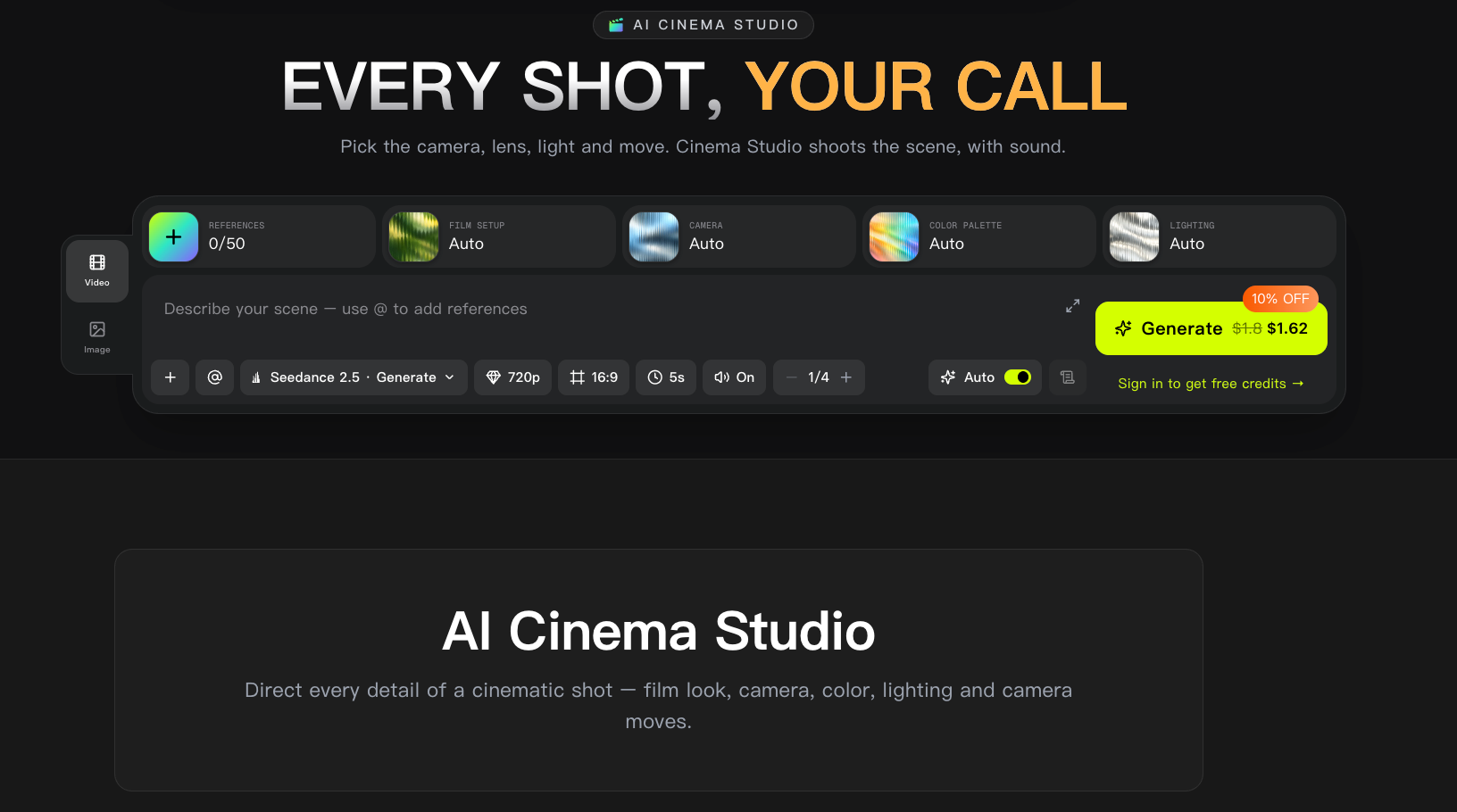
WaveSpeed officially calls its tool AI Cinema Studio. Its current product page describes directing shots through camera, lighting, look, movement, and reference controls. It also offers clip editing and extension; those capabilities do not establish an automatic finished-ad workflow.
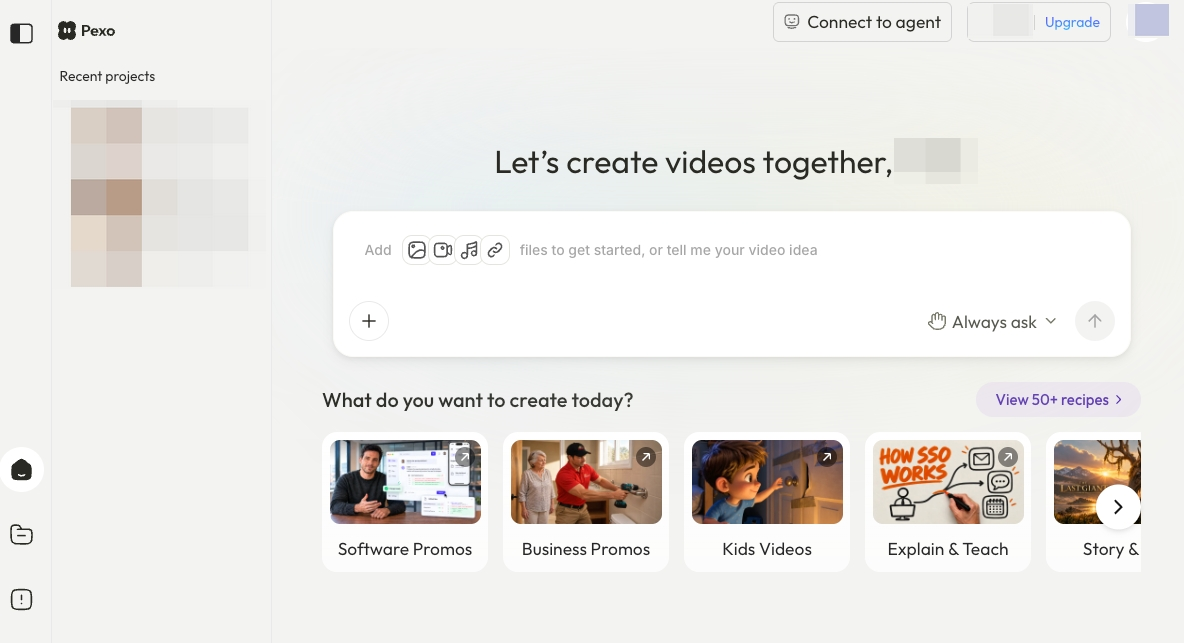
Pexo is a conversational AI video agent. Its public workflow covers developing the script, scenes, and creative direction, then revising the video through feedback. Either route still needs someone who can recognize the correct product.
How Does Each Workflow Start From the Same Brief?
Give both routes the same approved product material and message. Then specify whether the assignment is one shot within the plan or the complete video.
Use Sile, a fictional ceramic canister, for this example. Its lift-off lid is a planning assumption to replace with a verified product fact.
| Shared brief | Requirement |
|---|---|
| Buyer question | How does the lid come off? |
| Sources | Front and rear photographs, approved lid-removal footage, logo |
| Message | “Lift-off lid”; no airtightness or freshness claim |
| Complete deliverable | A vertical video introducing Sile, showing lid removal, and closing with product details |
Visual References and Camera Direction
For Cinema Studio, assign the opening hero shot: a restrained push-in toward the closed canister. Choose the reference, camera move, lighting, and framing. Inspect the expanded prompt before generating; added atmosphere or props may conflict with the approved setting.
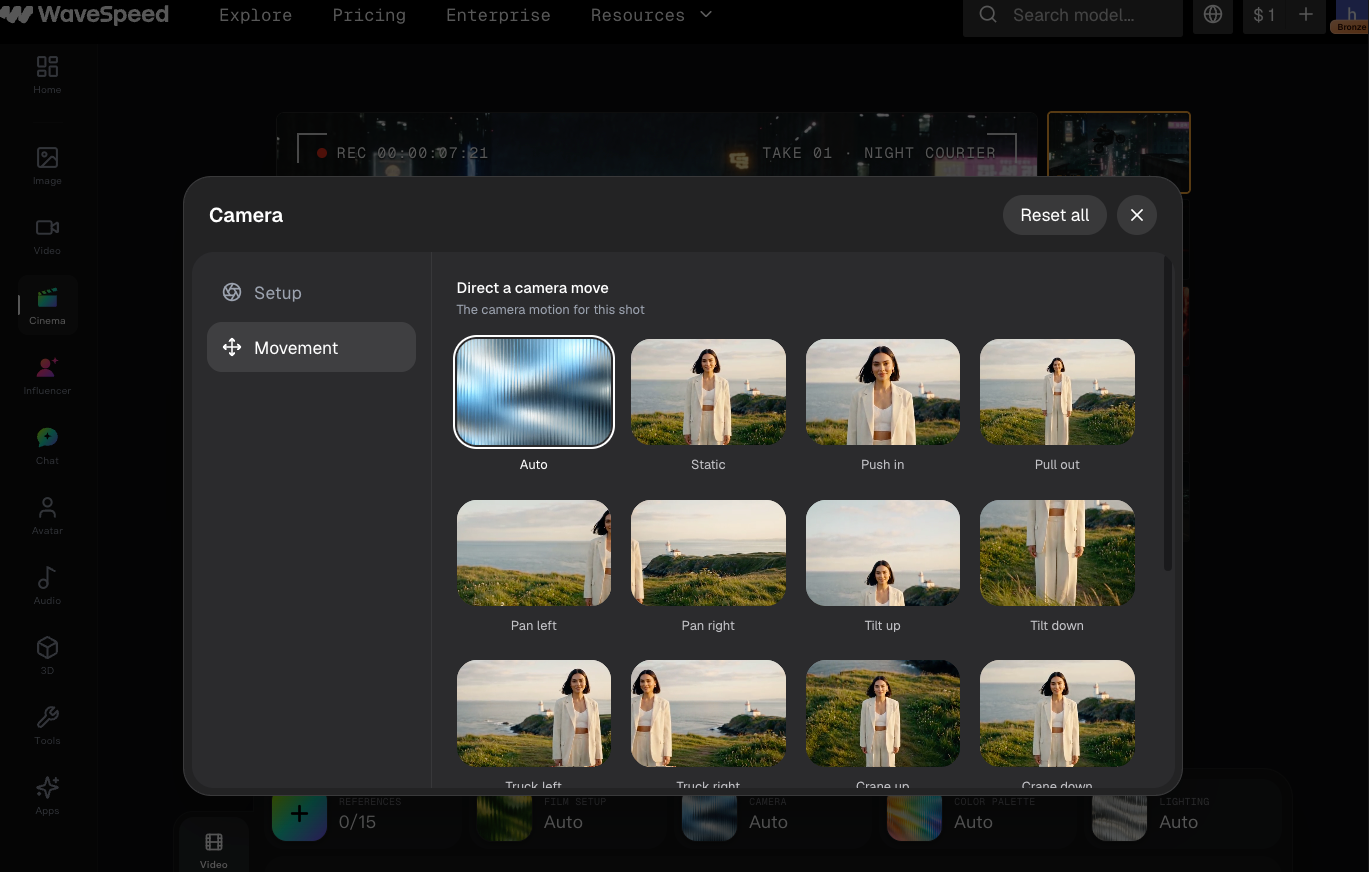
Keep genuine views available for surfaces the movement reveals. A reference photograph cannot establish the shape of an unseen handle or the back of a label.
Product Claims, Scenes, and Delivery Requirements
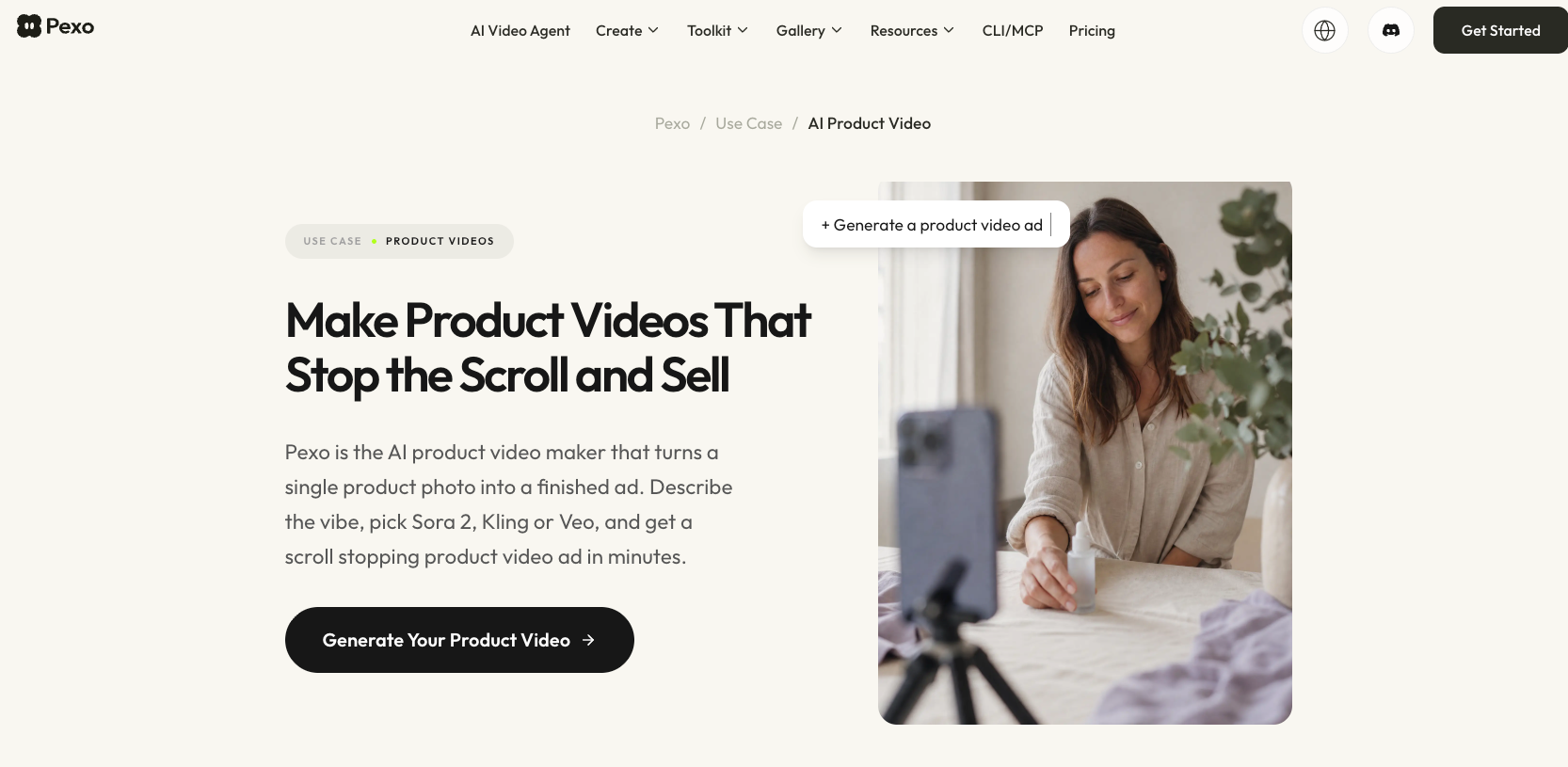
For the Pexo product video workflow, supply the same sources plus the complete explanation and ending, where the selected workflow supports those file types and reference roles.
Specify the intended placement, exact wording, and required audio treatment. Confirm the account's available export settings before committing to delivery; a requested format is not yet an accepted file.
What Must the Team Review Before Delivery?
Both routes require product checks. Cinema Studio's shot must work inside the existing edit; Pexo's full cut must communicate the approved message across scenes.
Product Fidelity and Shot Continuity
Compare the canister silhouette, lid fit, glaze, and logo with the supplied references. Watch the entire movement, including moments when a hand crosses the rim. A correct opening frame cannot establish that the lid-removal action stays correct.
If the push-in distorts the lid, name that problem before requesting another take. For the full video, also check that the following demonstration shows the same product version and orientation.
Text, Story, and Final Handoff
Keep a correction tied to its consequence: “Show the lid fully clear of the rim before the closing card.” In a shot-based route, the editor handles that timing within the assembled video. In Pexo, request the change through its conversational revision workflow, then inspect the returned sequence.
Read every claim and listen to the audio. Confirm permissions for product images, music, and identifiable people under the applicable service terms and actual source licenses. For Pexo, check the promotional-use consent requirements in its current terms. This article does not provide legal advice.
Which Workflow Fits Each Deliverable?
Cinema Studio fits a defined visual shot when your team will handle assembly and final messaging. Pexo fits a complete product-video assignment when your team can provide direction and review the whole cut.
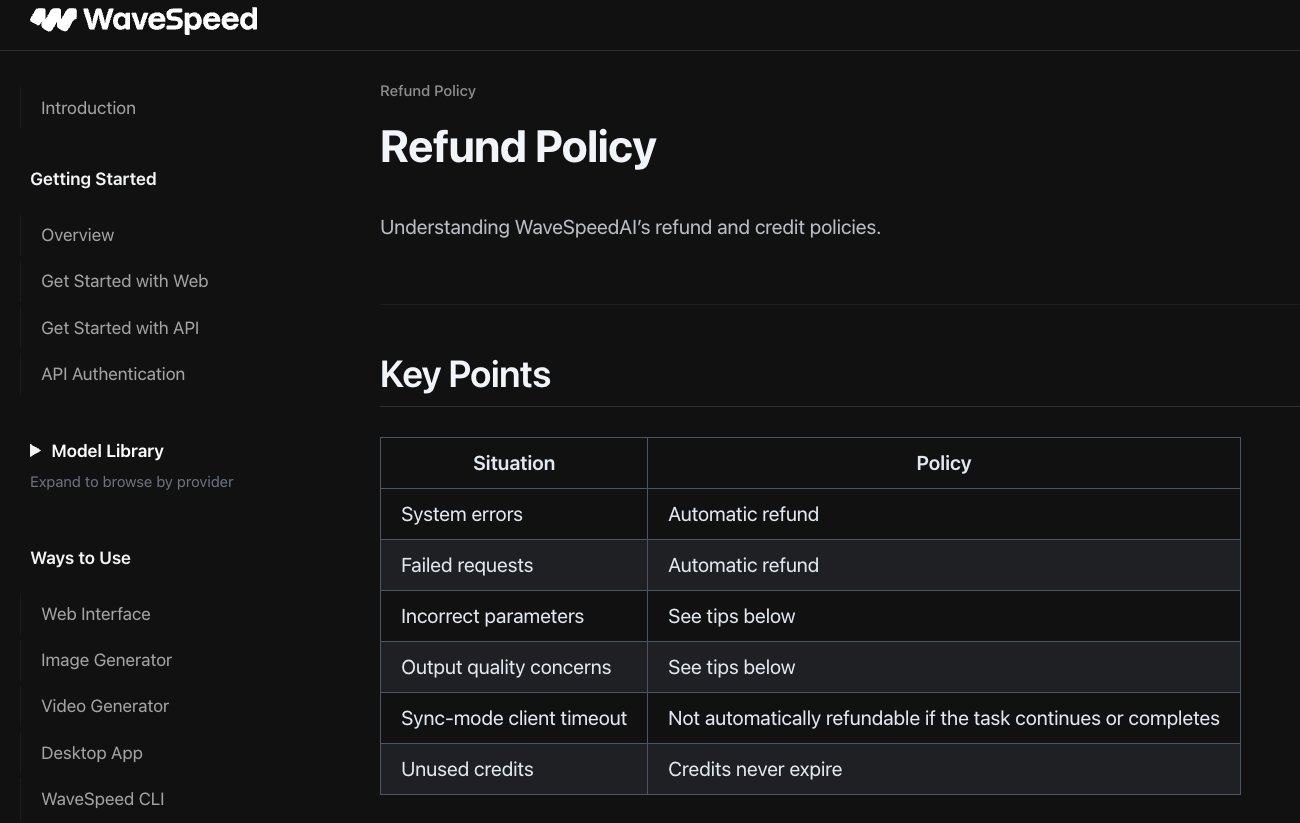
Before either route, record the requested output and displayed charge. Check any prompt-expansion charge separately from video generation. WaveSpeed's failed-request refund policy distinguishes processing failures from other outcomes. A completed shot rejected for product accuracy should not be budgeted as an automatic refund. This comparison does not establish a cheaper route.
Conclusion
Assign the missing work first. If Sile needs an opening shot, define its camera move and the edit it must join. If it needs a complete explanation, approve the sequence and review the lid action through the final card.
Judge the route by the deliverable your team can accept, including the work still required after generation.