
AI Gameplay Cinematic Video
Make a gameplay cinematic video with Pexo. Make a short scene from recorded gameplay with a clear setting, one character choice, and a memorable ending.
Make an AI virtual streaming avatar intro video for new viewers. Bring your character references, give the avatar a quick greeting or signature gesture, and reveal the channel name before the stream begins.
Start with your approved character art or a recorded introduction. In Pexo’s virtual streaming avatar intro video maker, describe the first gesture, opening line, and location. Use Image to Video to try a short movement based on a character still, then review whether the opening feels right for your channel.
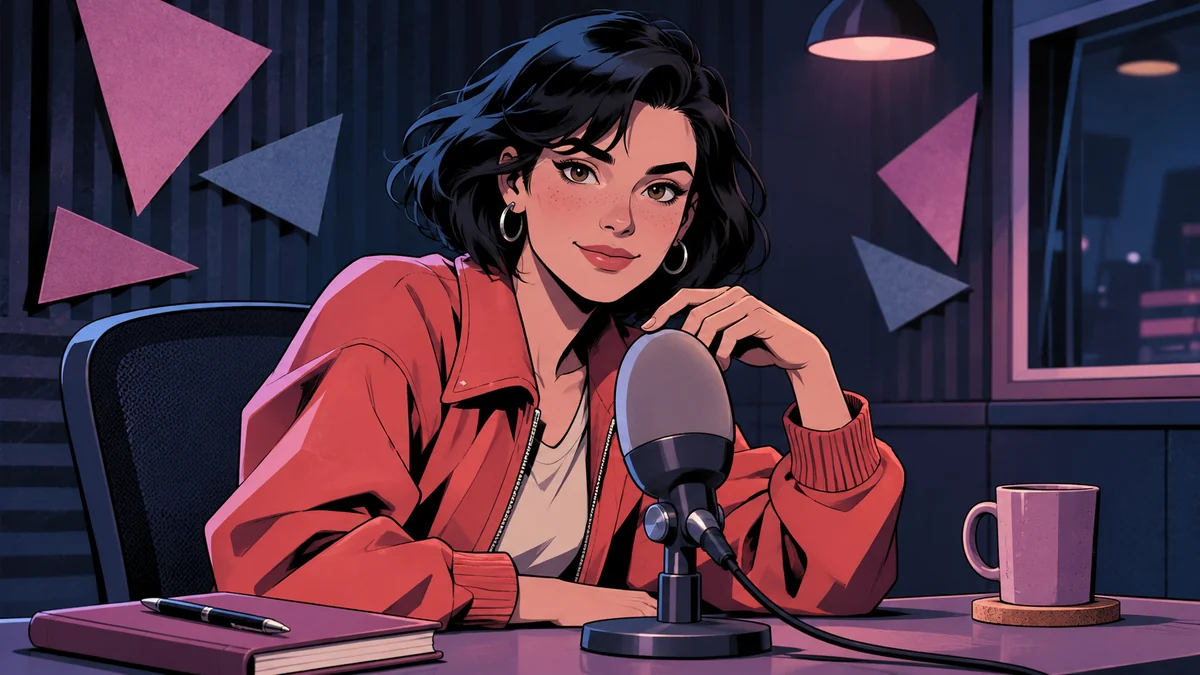
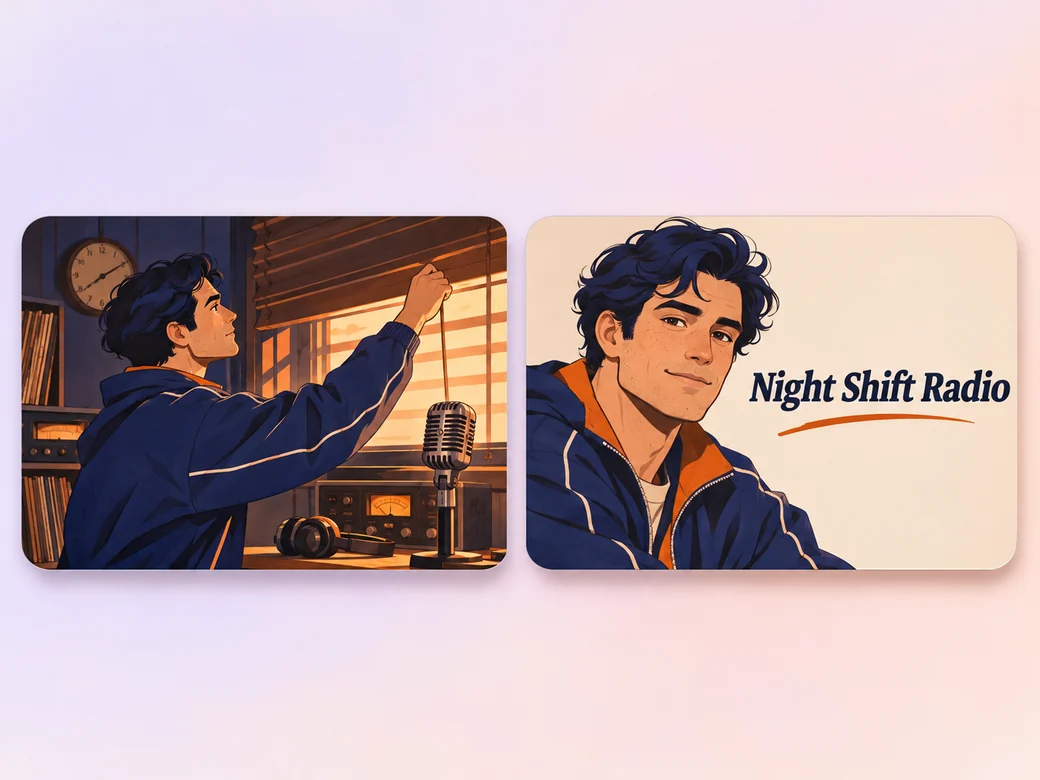
The first frame places the character at the radio desk. Review the expression, microphone framing, and title hold.
What to review
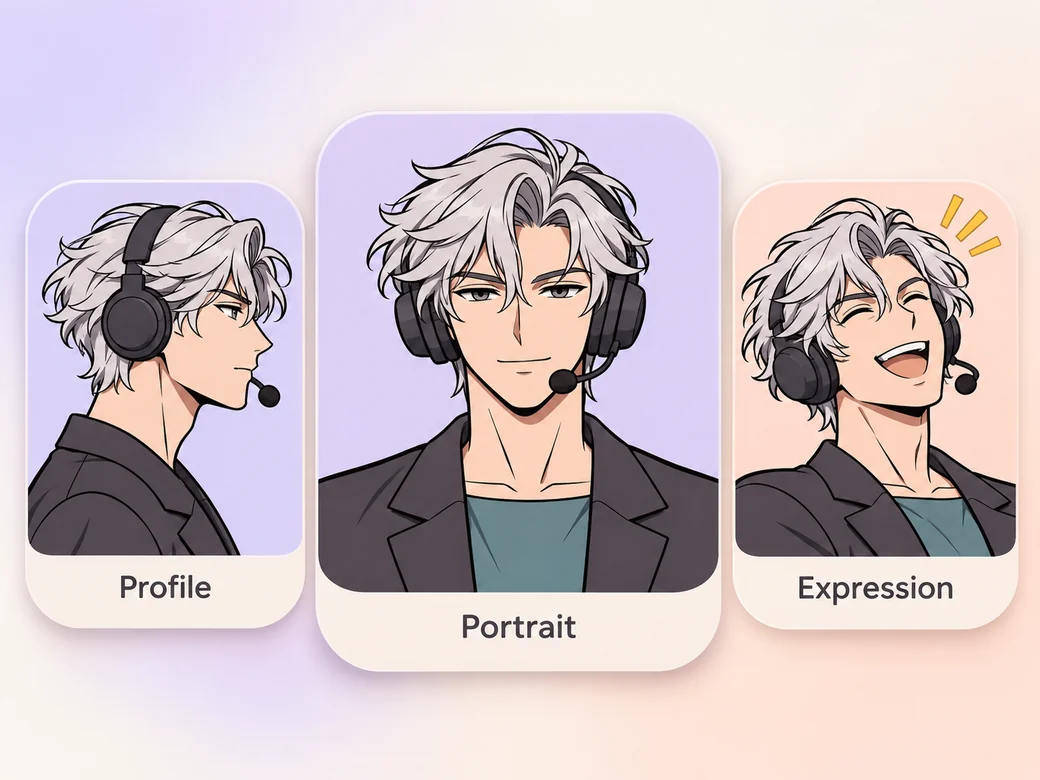
Bring a front view, a profile or three-quarter view, and a reference for the main expression. Call out the colors and distinctive features that should carry across shots. Compare each result to the same board before using it, especially if the scene changes angle or the avatar turns to speak.
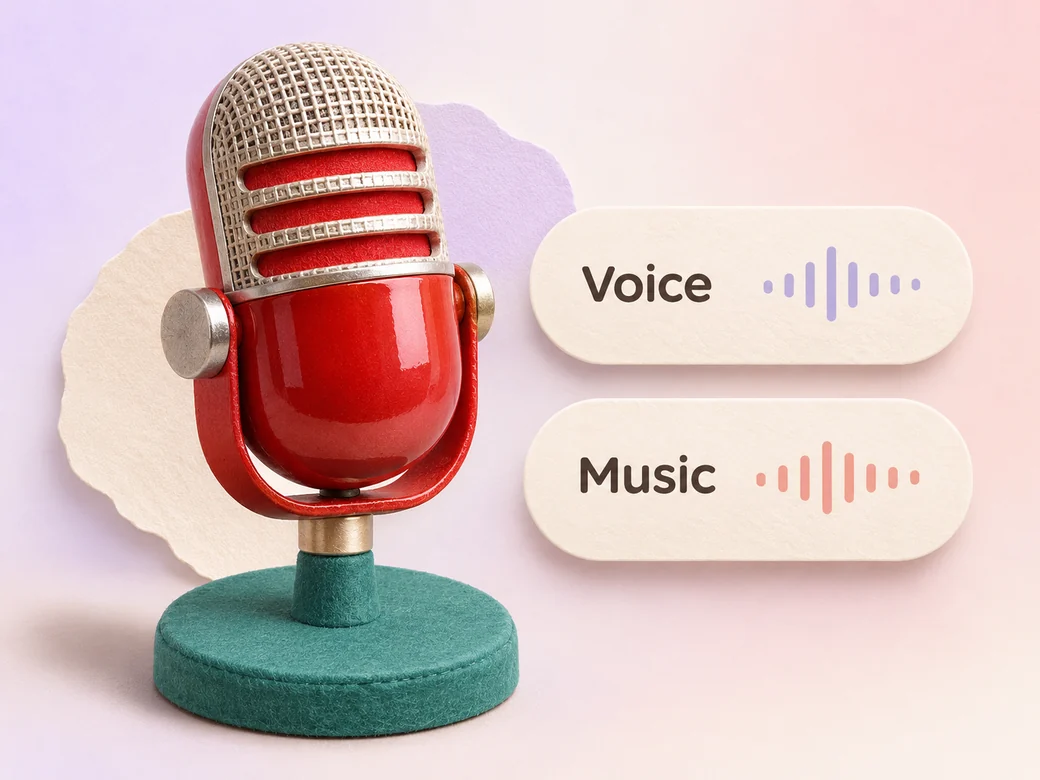
Bring your recorded greeting or describe a delivery such as calm midnight radio or quick arcade host. Listen for the line at ordinary volume and check the pronunciation of the channel name. A brief musical cue can support the reveal while leaving the greeting easy to understand.
Give your avatar a simple signature action, then let the channel title appear in a separate beat. Use Add Text to Video to place the approved name where it stays clear of the face and the microphone. Watch the ending once to see whether someone new can read the title in time.
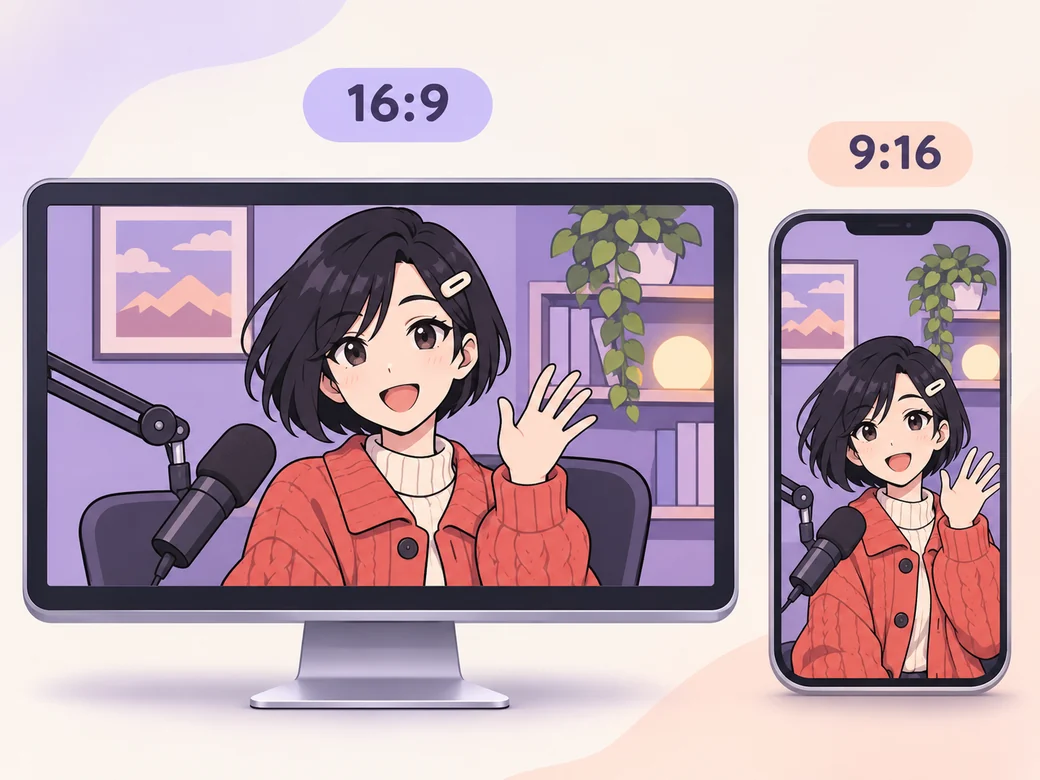
Use a 16:9 version as a pre-roll clip or on your channel. For a short 9:16 debut, frame the avatar’s expression and title so both stay on screen. Compare the two versions and give the greeting and channel name enough space in each.
“The first expression tells viewers what kind of character they’re meeting. I check the face against the art before I check any decoration.”

“I read the channel name out loud before we record. The opening line should sound like how the host would talk on stream.”

“I watch the intro once as if it were my first visit. There should be time to read the name while the last frame is visible.”

A virtual streaming avatar intro video is a pre-recorded clip that introduces a channel or streamer through a digital character. It usually establishes the personality with one expression or action, gives viewers a greeting, and displays the channel name. The finished clip can play before a stream or serve as a debut announcement.
Use original avatar art, a character sheet, or images and recorded footage you have permission to use. A clear main reference plus another angle can help when the avatar turns. Include the channel name and a short line that captures how the character talks, along with any credits needed for commissioned art.
The intro is a rendered video clip that can accompany the livestream. If you want the character to track your face or react in real time, you also need a rigged model and compatible live tracking tools. Prepare the intro from approved artwork or renders and set it up as a video in your streaming workflow.
Pexo can turn your approved character references into an intro clip and revise the greeting, opening motion, or title after review. For one expressive shot, Kling AI 3.0 can animate a reference image. Compare the rendered expression, hair, outfit, and voice with the character you plan to use on stream.
A virtual avatar intro introduces the character and the channel in a short sequence. An animated starting-soon screen gives people something to watch while waiting for the broadcast. You can share the same colors and character across both, with the introduction focused on a single welcome.
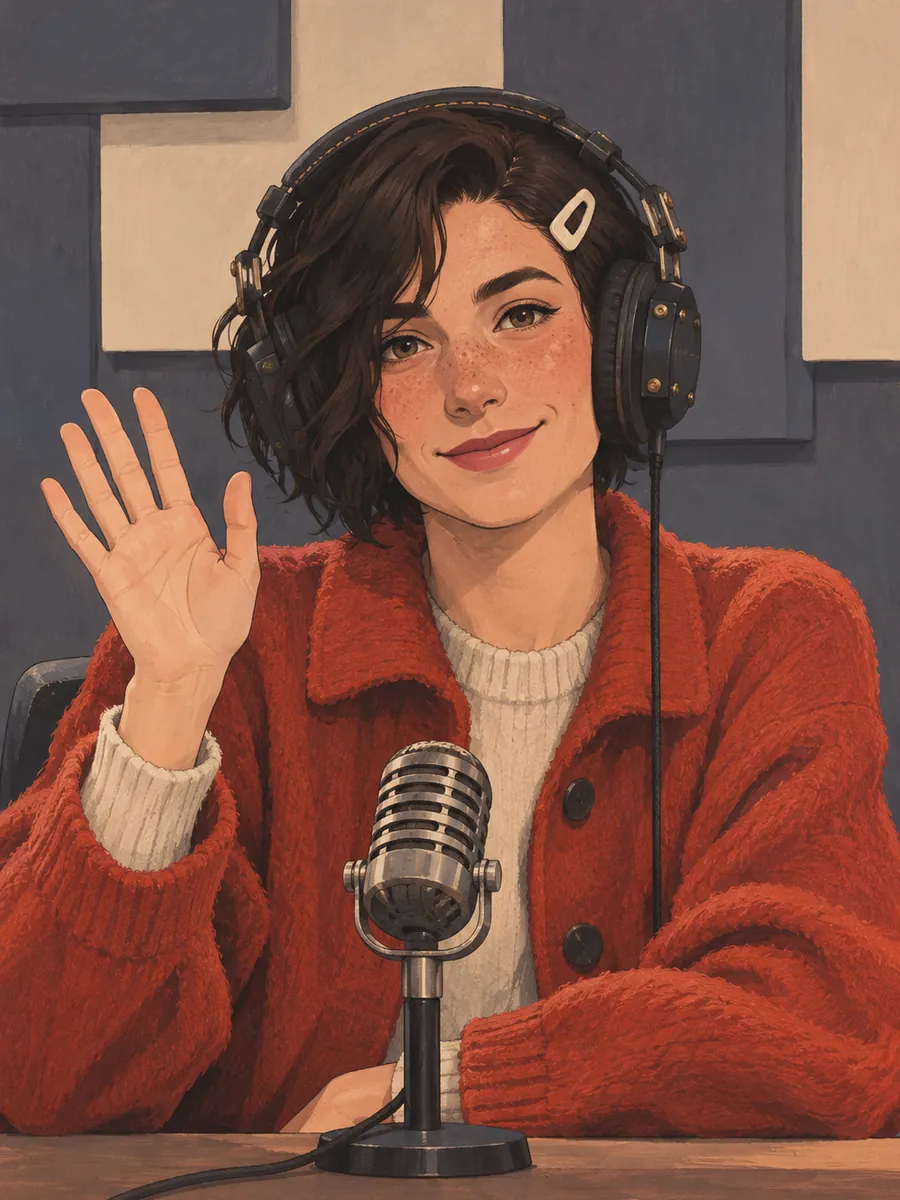
Use subject + action + camera movement + setting + style. Try ‘My original late-night radio host waves at the viewer beside a small microphone. Begin with a slow push into a quiet illustrated studio. Match the coral jacket in the reference, keep the look handmade, and end on the approved channel name.’
Bring your character art and write a short greeting. Preview the intro before you add it to the channel.
Make a gameplay cinematic video with Pexo. Make a short scene from recorded gameplay with a clear setting, one character choice, and a memorable ending.
Make a visual novel video with AI. Pexo casts anime characters, voices every line, and renders dialogue scenes with Seedance 2.5 and Kling AI 3.0.
Turn any script into an animated story video with AI. Pexo picks the best animation model per scene, adds narration and captions, and delivers a finished story.
Make a fairy tale video with AI. Pexo writes the story, paints the scenes, narrates it, and renders it with Seedance 2.5, Kling AI 3.0 and MiniMax H3.
Spoof any trailer, ad, or song. The Pexo AI parody video maker writes the bit, builds every scene on Seedance 2.5 and Kling AI 3.0, and syncs the lips.
Describe the tale and Pexo turns it into a calm bedtime story video with soft narration and music, on Seedance 2.5, Kling AI 3.0 and MiniMax H3.
Make comic videos with AI. Pexo turns a script or your panels into animated comic scenes with Seedance 2.5 and Kling AI 3.0, voiceover, captions, up to 4K.
Make a fan film, no camera or crew. Pexo's AI fan film generator writes and shoots every scene, then renders in 4K with MiniMax H3, Seedance 2.5 and Kling.