

Make a Sneak Peek Video with Seedance 2.5, Kling AI 3.0 and MiniMax H3 in Minutes
Make a sneak peek video that teases without spoiling. Pexo builds it with Seedance 2.5, Kling AI 3.0 and MiniMax H3 in 16:9, 9:16 or 1:1 up to 4K.
Upload a photo of the car or describe it, and this ai car launch video maker stages a cinematic reveal with dramatic motion, an original score, and a closing call to action in minutes.
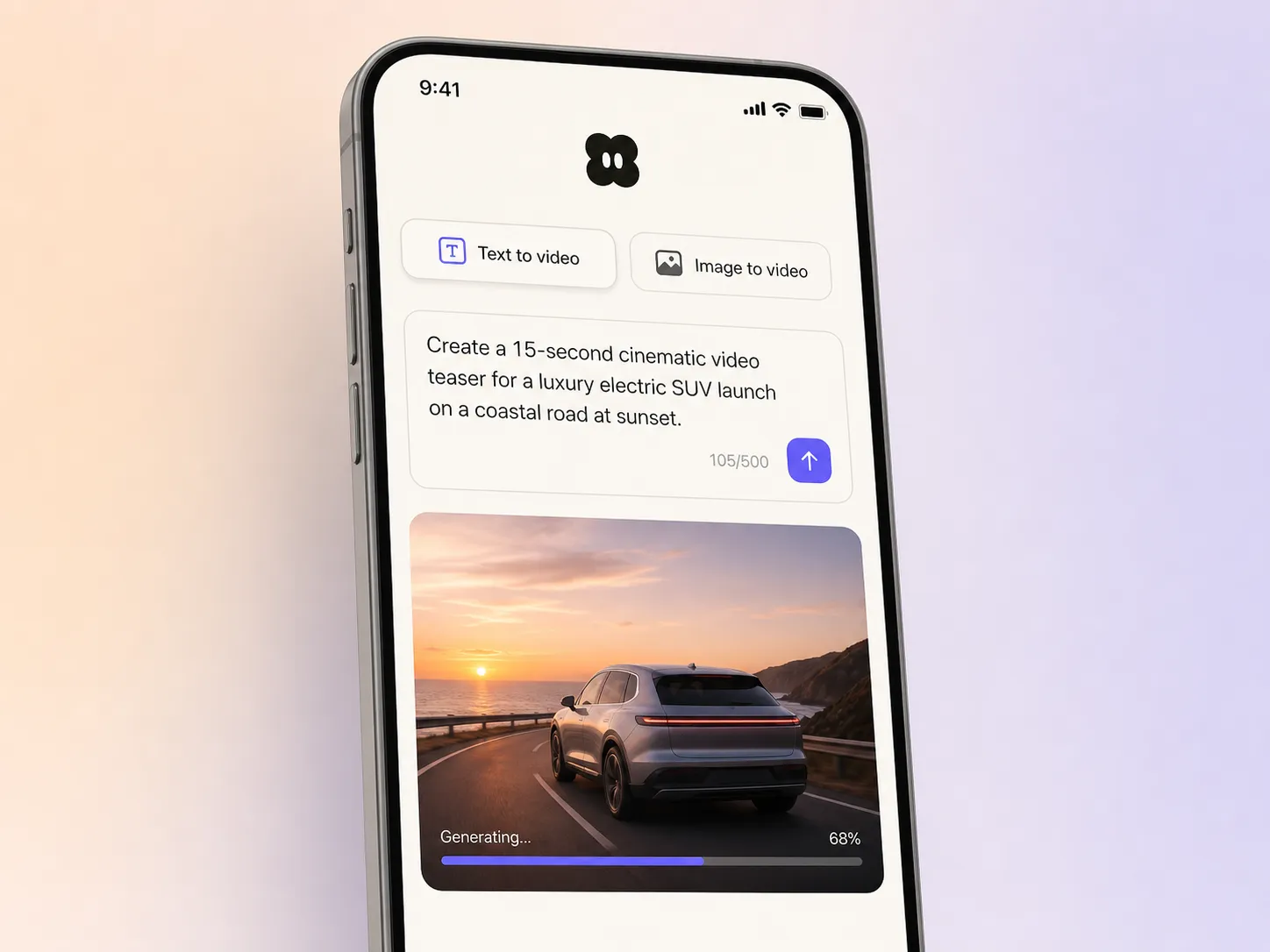
Start from a single line of text or one photo of the car. Pexo writes the script, routes each shot to Seedance 2.5, Kling AI 3.0, MiniMax H3 or Happy Horse 1.0, and stitches the best takes into one continuous, edited video. Mix text to video, image to video, and script to video inside the same project, in plain language the whole way. No timelines, no keyframes, no editor to open.
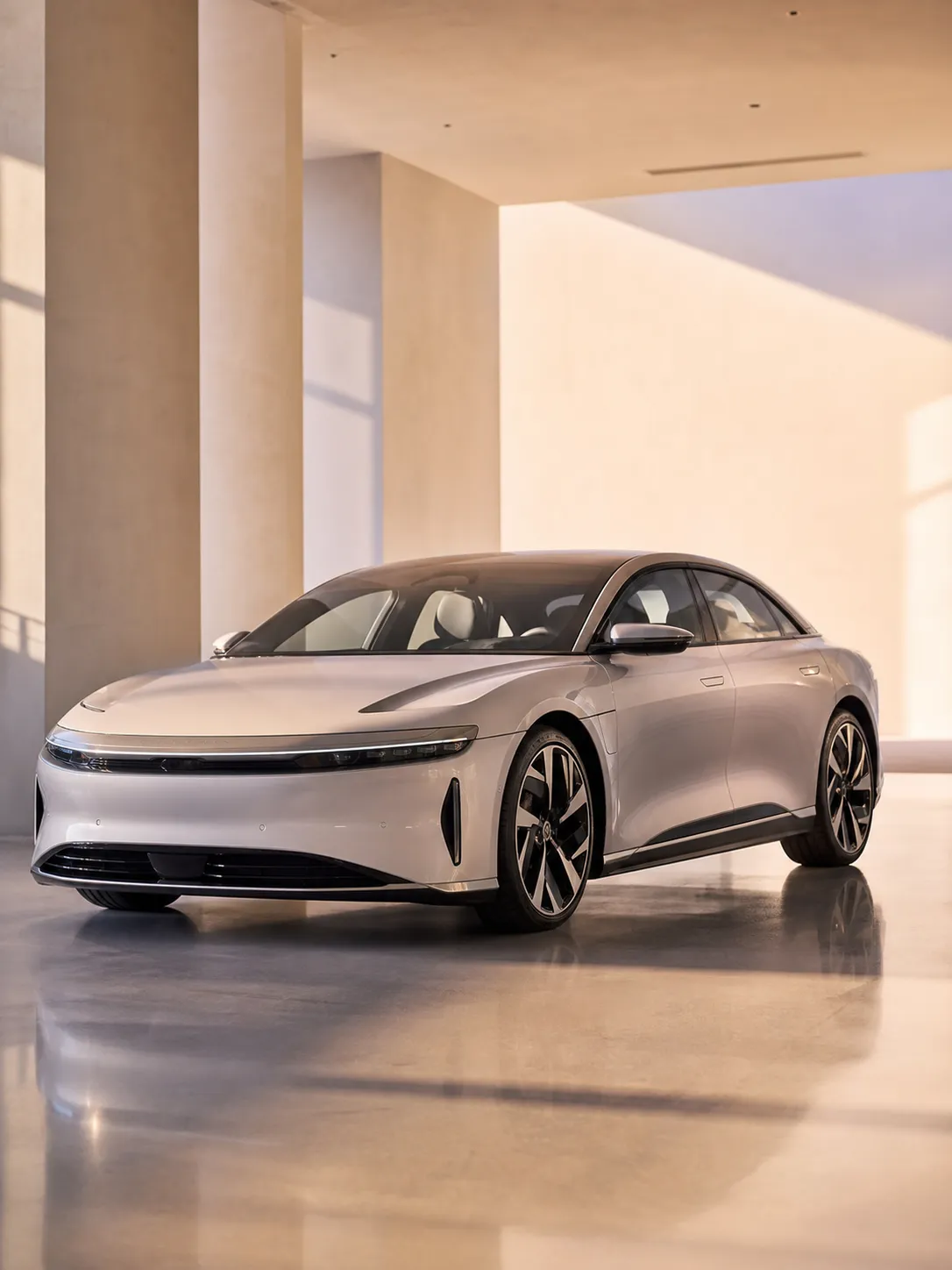
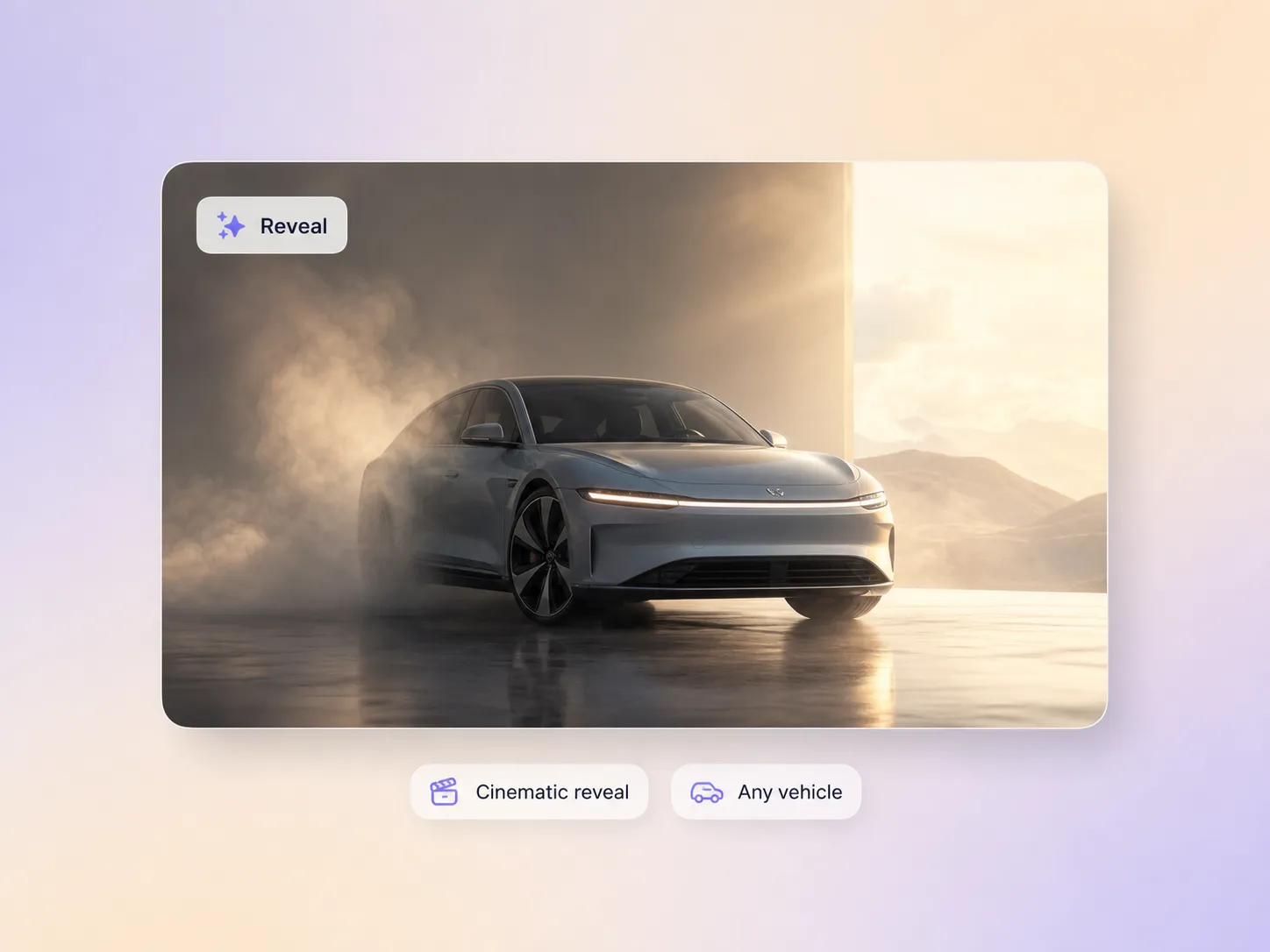
Pexo paces the reveal so the car arrives with impact instead of just appearing, then lands the hero shot. Hyperframe locks the vehicle identity, so the model, color, wheels, and badge hold from the teaser frame to the payoff instead of drifting between shots. The light reads like a studio shoot and the cut moves like a film. One product photo becomes a launch film people replay.
Pexo cuts the teasers and countdown moments that warm an audience up days before reveal day, instead of dumping the news cold. It scripts the build-up, scores it, and exports each drop anywhere from 5 to 120 seconds so you can post one every morning of launch week. You go live to a crowd that already cares, not an empty room.
Pexo builds the cut to end on one clear action, a test drive booking, a reservation, or a preorder, with a closing frame and on-screen prompt matched to the offer. Voiceover and captions carry the same line in whatever language the market speaks, using your own cloned voice if you have one. Launch day traffic turns into bookings instead of just views.
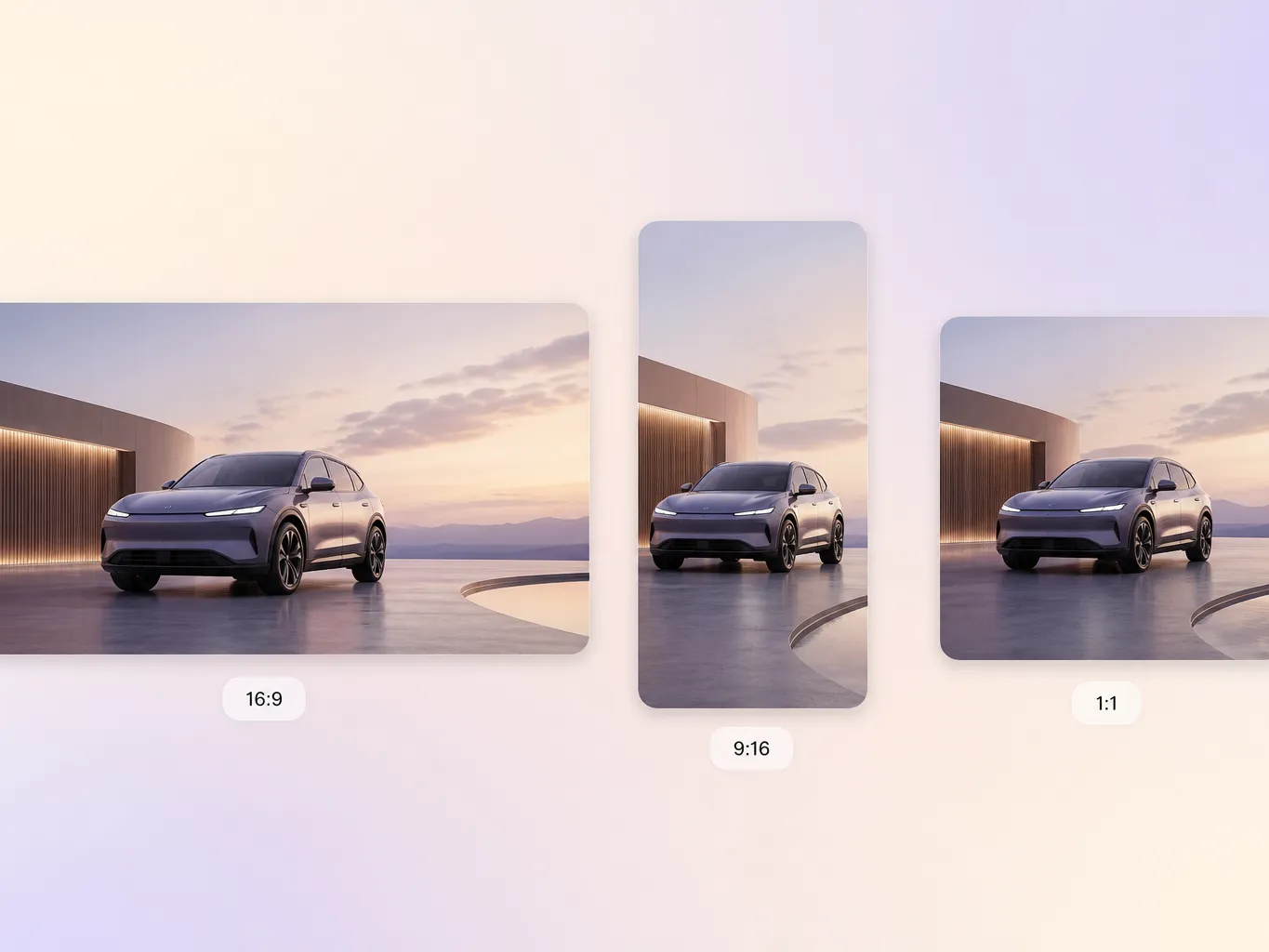
Pexo delivers your car launch video natively in 16:9 for YouTube, 9:16 for TikTok and Reels, and 1:1 for feeds, up to 4K and anywhere from 5 to 120 seconds. Each ratio is generated fresh for that screen, framed for it rather than cropped down from one master, so the badge never falls outside the frame. Ask for several formats at once and post the right version to every channel.
I uploaded one photo of the new model and Pexo turned it into a reveal that looked like a real ad shoot. Showroom inquiries jumped the week we posted it.

We could never afford a film crew for every model. Pexo gives each launch a cinematic reveal in an afternoon, on brand every time.

No studio, no budget, no problem. Pexo scripted and scored a launch film that pulled way more views than my usual edits.

Related reveal, teaser and launch video formats built from the same single prompt.
A car launch video is a short cinematic film that reveals a new vehicle and pushes one action, usually booking a test drive or a reservation. It runs 15 to 60 seconds, opens on a teaser, lands a hero shot of the car, and closes on the offer. Pexo builds one from a single photo or a written prompt.
Yes. Hyperframe locks the vehicle identity, so the model, color, wheels, and badge hold from the teaser frame to the payoff instead of drifting between shots. Pexo sends the same reference through Seedance 2.5, Kling AI 3.0 and MiniMax H3, then keeps the take that matches your photo. That identity holds across the 16:9, 9:16 and 1:1 versions of the same cut.
Fifteen to thirty seconds for social, up to sixty for a showroom loop or a dealer screen. Pexo generates anywhere from 5 to 120 seconds and exports 16:9 for YouTube, 9:16 for Reels and TikTok, and 1:1 for feeds, all up to 4K. Each ratio is framed natively rather than cropped from one master.
Pexo. It aggregates Seedance 2.5, Kling AI 3.0, MiniMax H3 and Happy Horse 1.0 in one place, picks whichever renders your vehicle best, and returns a scored, captioned cut up to 4K. You describe the car in plain language and the ai car launch video comes back edited and ready to post, not as a folder of raw clips.
Scope. A product reveal video covers any product, while this page is paced for a vehicle, with the drive-by, the interior beat, and the hero angle built in. Reach for a launch trailer when you want a narrated story, or a countdown video when the date is the message.
Use subject + action + camera movement + setting + style. Example: a silver electric sedan rolls into a sunlit concrete hall, slow dolly around the front quarter, golden hour light, cinematic launch film. Name the body type, the light, and the move, then let the car launch video generator handle the shot list and the score.
Turn one car photo into a cinematic launch film and post it everywhere on reveal day.
Make a sneak peek video that teases without spoiling. Pexo builds it with Seedance 2.5, Kling AI 3.0 and MiniMax H3 in 16:9, 9:16 or 1:1 up to 4K.
Make a website launch video with Seedance 2.5, Kling AI 3.0 and MiniMax H3. Describe your site, pick a model, and get a launch film in minutes.
Make a startup launch video from your pitch with Pexo. Script, presenter, music and edit in one pass with Seedance 2.5 and Kling AI 3.0, ready in minutes.
Make an event launch video with Seedance 2.5 and Kling AI 3.0. Pexo scripts, scores and edits a teaser that reveals the date and drives sign-ups.
Make a product reveal video that teases, then lands the hero shot. Pexo scripts and scores it with Seedance 2.5, Kling AI 3.0 and MiniMax H3 in minutes.
Make a software launch video that shows what shipped and why it matters. Pexo scripts, narrates and edits it with Seedance 2.5 and Kling AI 3.0.
Make an app launch video from your screens with Seedance 2.5, Kling AI 3.0 and MiniMax H3. Pexo scripts, voices and edits it in 16:9, 9:16 and 1:1.
Make a countdown video for any launch or event. The AI countdown video generator scripts, scores, and renders it with Seedance 2.5, Kling and Happy Horse.