
Create Bible Videos from Scripture
Create Bible videos from reviewed verses, lesson notes, book overviews, timelines, and character studies with clear scenes, narration, captions, and human review.
Create an AI whiteboard animation that makes any idea stick. Describe your topic, pick a model, and Pexo sketches the scenes, writes the narration, and draws every frame in minutes. No drawing skills needed.

You don't need to write scripts line by line. Paste your raw concept and Pexo structures a complete script optimized for whiteboard explanation, the same flow it uses for an explainer video or a training video. Perfect for tutorials, product pitches, and course intros.
Great for: Educators, product marketers, and startup founders
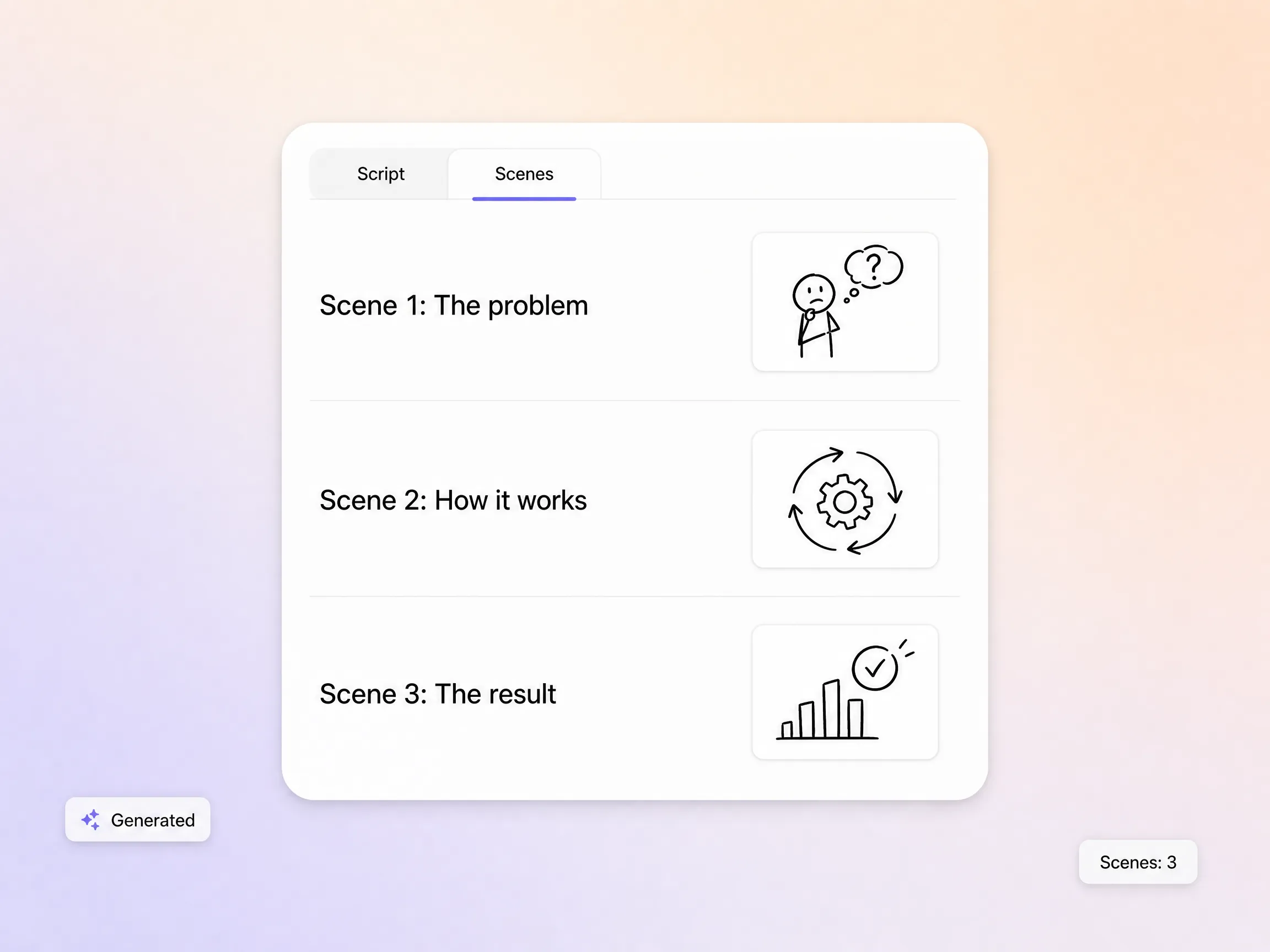
You don't need to adjust brushes, backgrounds, or sketch styles manually. Describe the look you want and Pexo applies a polished, consistent aesthetic across every scene, so your whiteboard animations stay on brand. Need an explainer whiteboard video in your own palette? One sentence sets the style.
Great for: Teams needing on-brand visual consistency without designers
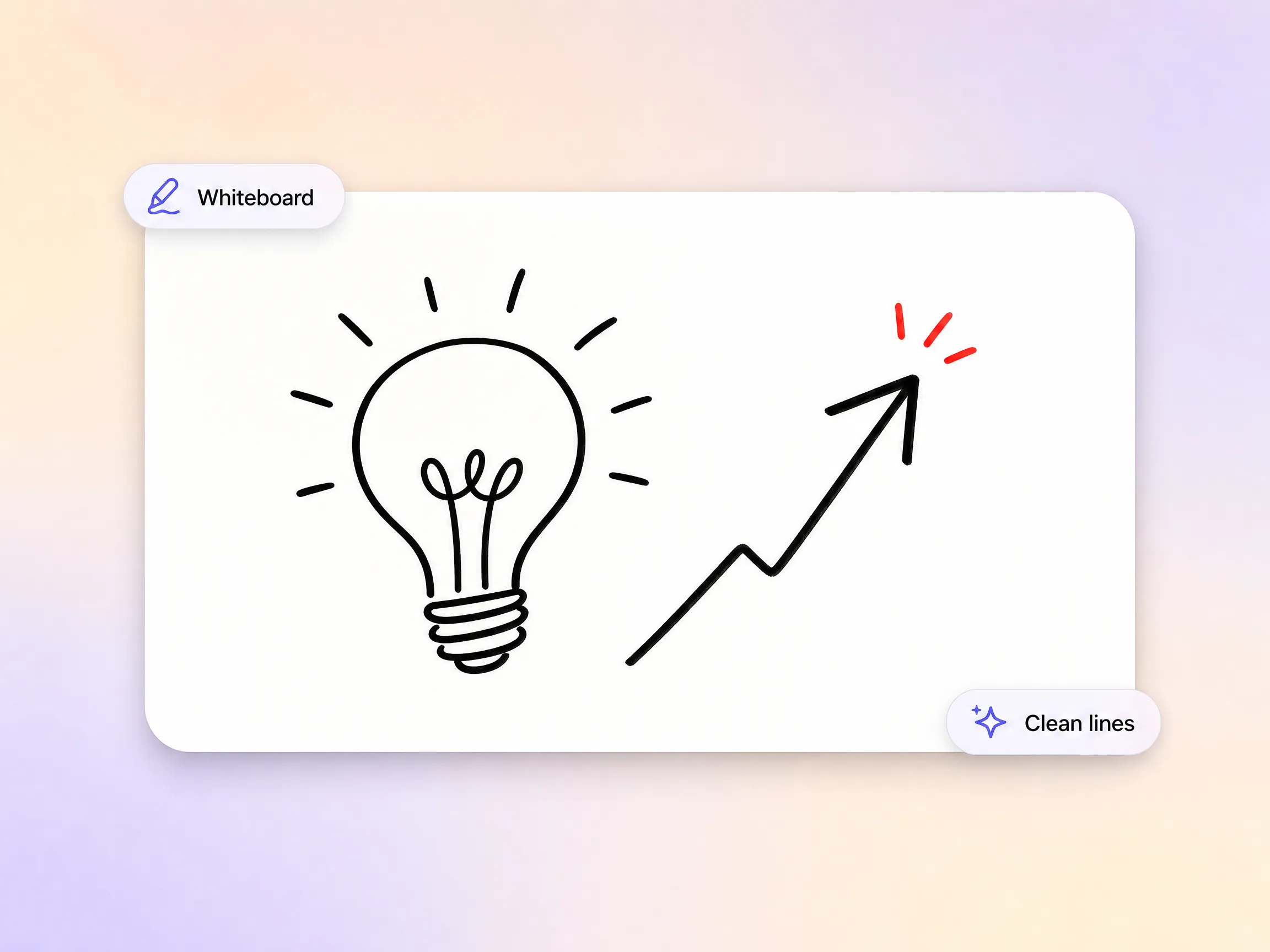
No external voiceover required. Pexo generates natural narration matched to your script tone and pace, then syncs it to each whiteboard video scene. Skip recording and audio editing entirely.
Great for: Remote teams and solo creators without recording setups
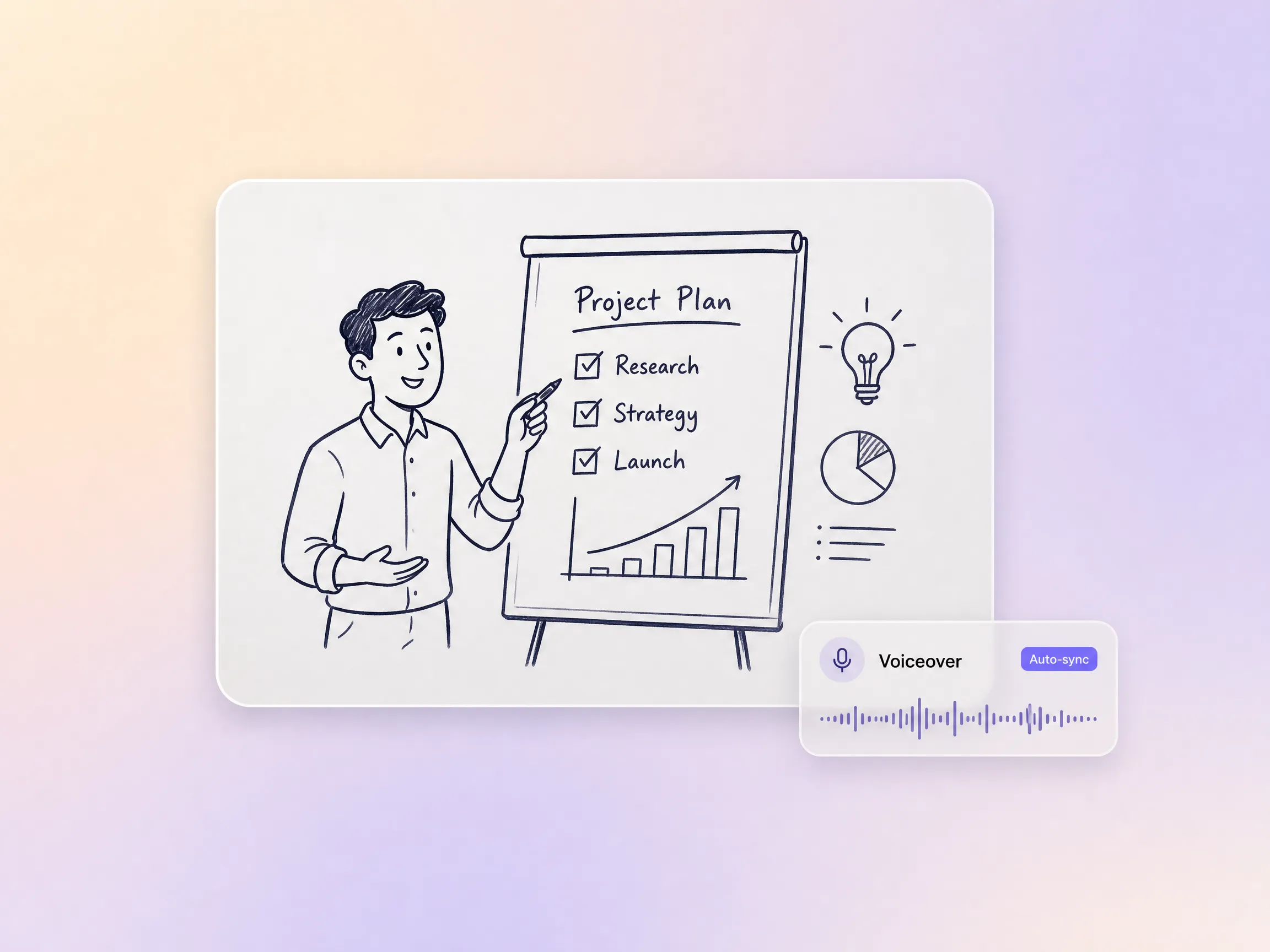
Pexo maintains visual and narrative continuity across every scene. The same illustrated character, setting, or diagram style carries through the entire whiteboard animation explainer video, a clear advantage over single clip tools where each scene is an isolated output. The same continuity powers every educational video made with Pexo.
Great for: Multi-step tutorials, course series, and onboarding sequences
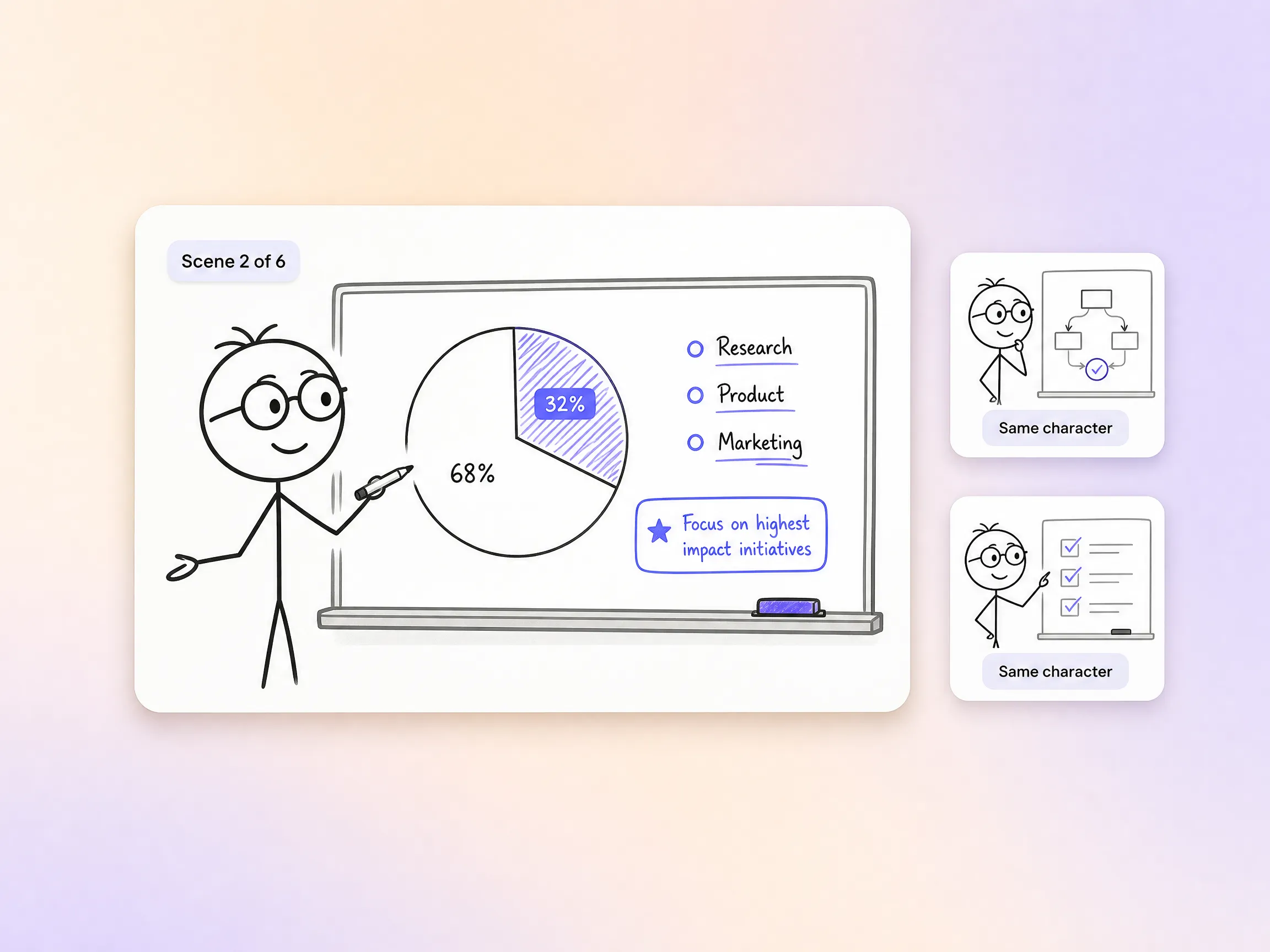
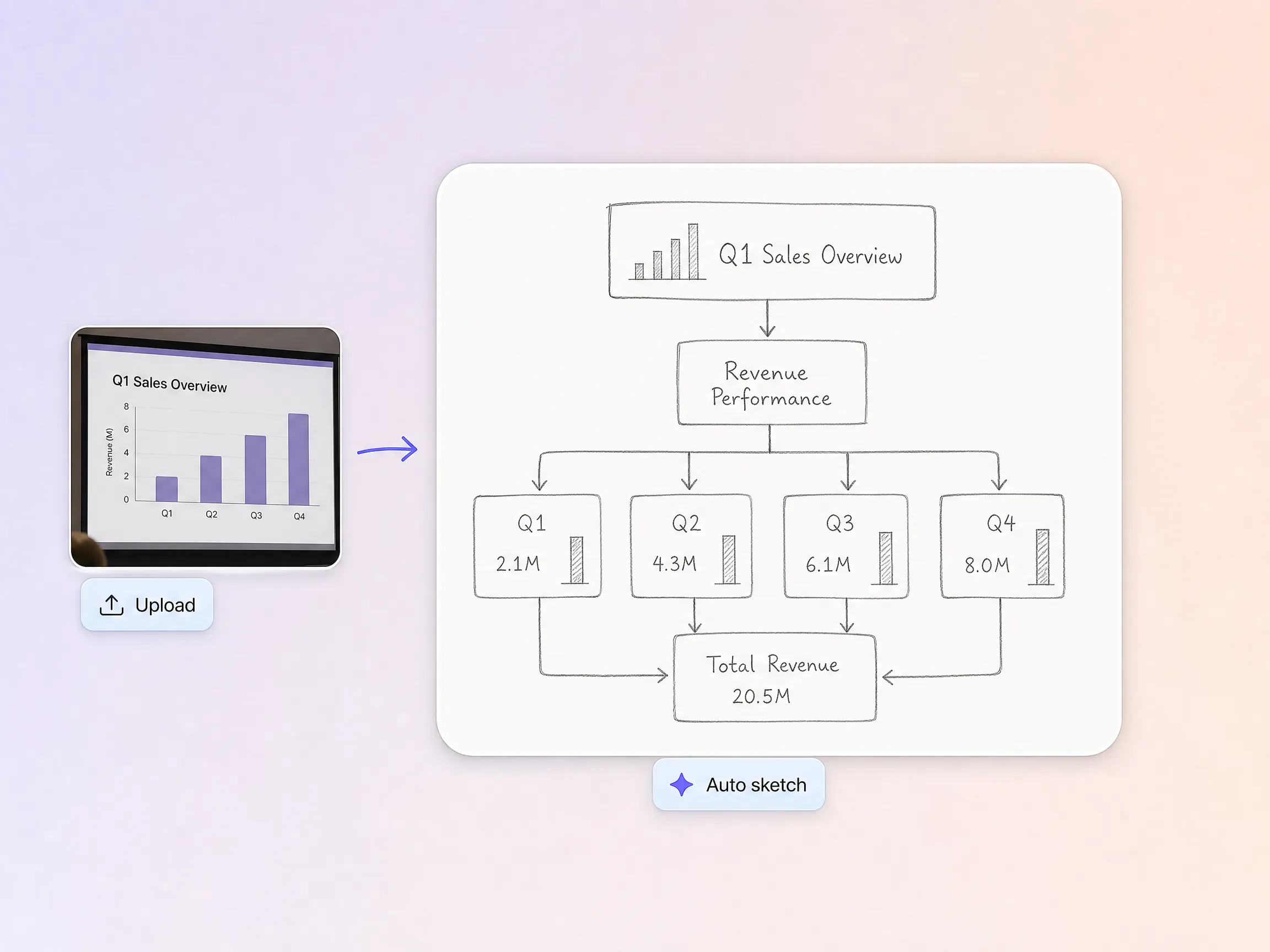
Upload your existing sketches, charts, or presentation slides. Pexo structures the content, adds whiteboard visuals, and builds a complete whiteboard explainer video for you, ready to share or drop into a video presentation.
Great for: Tutorials, product pitches, internal training, and educational content

I used to spend hours in a traditional whiteboard animation maker, meticulously scripting and animating. With Pexo, I just described our new product feature in plain language. It produced a complete, on brand explainer video without any back and forth.
SaaS · Product Explainer · Whiteboard Video
The multi scene continuity feature was a game changer for my lesson series. Each video felt visually connected, making the entire course cohesive. It saved me countless hours compared to manually building scenes in a template based tool.
Education · Course Series · Multi-Scene Continuity
Explaining a new internal process to our non technical team was always a challenge until I tried a whiteboard explainer video. Pexo fit straight into our existing workflow without needing any new software. It made onboarding so much smoother.
Internal Comms · Onboarding · Messaging AppStart from text, image, URL, script, or audio, and Pexo routes you to the right feature.
Describe your idea, get a stunning image
Visualize your audio and music
Turn written draft into a fully produced video
Generate music based on description
Generate AI images from text or image
Studio-Grade AI Lipsync Dubbing
A whiteboard animation is a video that explains an idea through hand-drawn sketches appearing on a white background while a narrator talks the viewer through each drawing. The format works because the moving pen holds attention and pairs every spoken point with a simple visual. Teams use whiteboard animation for tutorials, product pitches, onboarding, and course lessons where clarity matters more than spectacle.
No. Pexo's whiteboard animation generator handles the sketching, scene layout, narration, and pacing from a plain language description. Behind the scenes it generates every shot with Sora 2, Kling, and Veo, then picks the strongest take for each scene. The finished whiteboard video looks professionally drawn without you ever touching a pen, a template, or a timeline.
Widescreen, vertical, and square, 16:9, 9:16, and 1:1, at resolutions up to 4K and lengths from 5 to 120 seconds. Each whiteboard animation is generated natively for its platform rather than cropped after the fact. That covers a 15 second social teaser, a one minute product sketch, or a full two minute course introduction.
Pexo is one of the best AI tools for whiteboard animation because it turns one description into a finished video: it aggregates Sora 2, Kling, and Veo, picks the strongest take for every scene, keeps characters consistent from first frame to last, and exports up to 4K. You get an AI whiteboard animation with script, sketches, and voiceover included, no editing software required.
Whiteboard animation simulates a hand sketching line drawings on a white surface, while a 2D explainer video uses flat colored characters and motion design. Choose whiteboard when you want a teaching feel with step by step reveals, and 2D for brand-heavy storytelling. In Pexo the workflow is identical, and the same goes for a talking head video or motion graphics.
Use the formula subject + action + camera movement + setting + style. For example: a hand sketches a rocket launching from a laptop screen, slow zoom out, clean white background, black marker whiteboard style with one red accent. Pexo expands that single line into the full whiteboard animation, script to final cut, and you can refine any scene by chatting.
No templates, prompts, or editing experience required. Pexo acts as your production partner from concept to finished whiteboard video, from the first sketch to the final cut.
Create Bible videos from reviewed verses, lesson notes, book overviews, timelines, and character studies with clear scenes, narration, captions, and human review.
Create Islamic videos from reviewed sources and lesson notes, covering history, culture, ethics, and education with respectful visuals and narration.
Create Christian videos from reviewed Scripture, lesson notes, and historical sources with clear visuals, narration, captions, and human review.
Create a medical video from your script or images with Pexo. Generate scenes, narration and captions for patient education, medical explainers and staff training.
Make an onboarding video that walks new users to their first win. Pexo scripts, narrates and edits it with Seedance 2.5, Kling AI 3.0 and MiniMax H3.
Make a tutorial video that teaches any task step by step. Pexo scripts it, generates every step, and narrates it with Sora 2, Kling and Veo, up to 4K.
Make a how it works video that walks viewers through your product step by step. Pexo scripts, narrates, and captions it with Seedance 2.5 and Kling AI 3.0.
Turn any product into a finished demo in minutes with Pexo. The AI product demos generator scripts, voices, and animates every scene with Sora 2, Kling and Veo, up to 4K.