

 ChatGPT
 Perplexity
 Claude
 Gemini
 Grok
Grok

How to Make a Medical Device Training Video
UPDATED: 2026-08-10 By Lan He, Senior Video Producer at Pexo
Making a medical device training video takes six steps: define the audience and scope, work from the approved instructions for use, script for that audience, produce the footage, run regulatory review, then version against device revisions. Production takes about 30 minutes once content is approved.
Quick Version: How to Make a Medical Device Training Video
- Define the audience: clinician, biomed, or patient.
- Work from the approved instructions for use, not around them.
- Script for that one audience at their level.
- Produce footage showing the real device where handling matters.
- Run regulatory, quality, and clinical review before release.
- Tie the video version to the device revision.
How to Make a Medical Device Training Video Step by Step
Step 1: Define the audience and scope
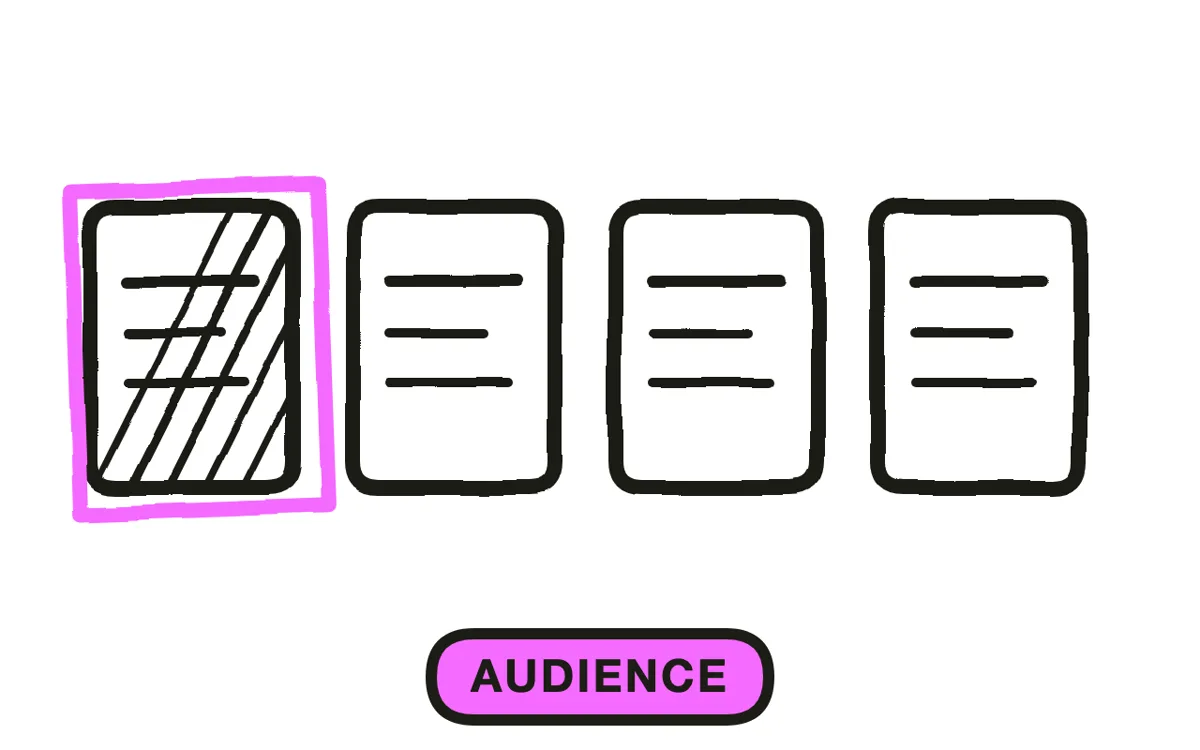
Decide who this is for before anything else. A clinician learning technique, a biomedical engineer learning service, and a patient learning home use need three different videos, and one video attempting all three patronises the clinician while losing the patient.
Then scope to one task: setup, a specific procedure step, cleaning and reprocessing, alarm response, replacing a consumable. Device training is watched immediately before doing the thing, which makes a short task-specific module useful and a full course something people scroll past.
Step 2: Work from the approved documentation
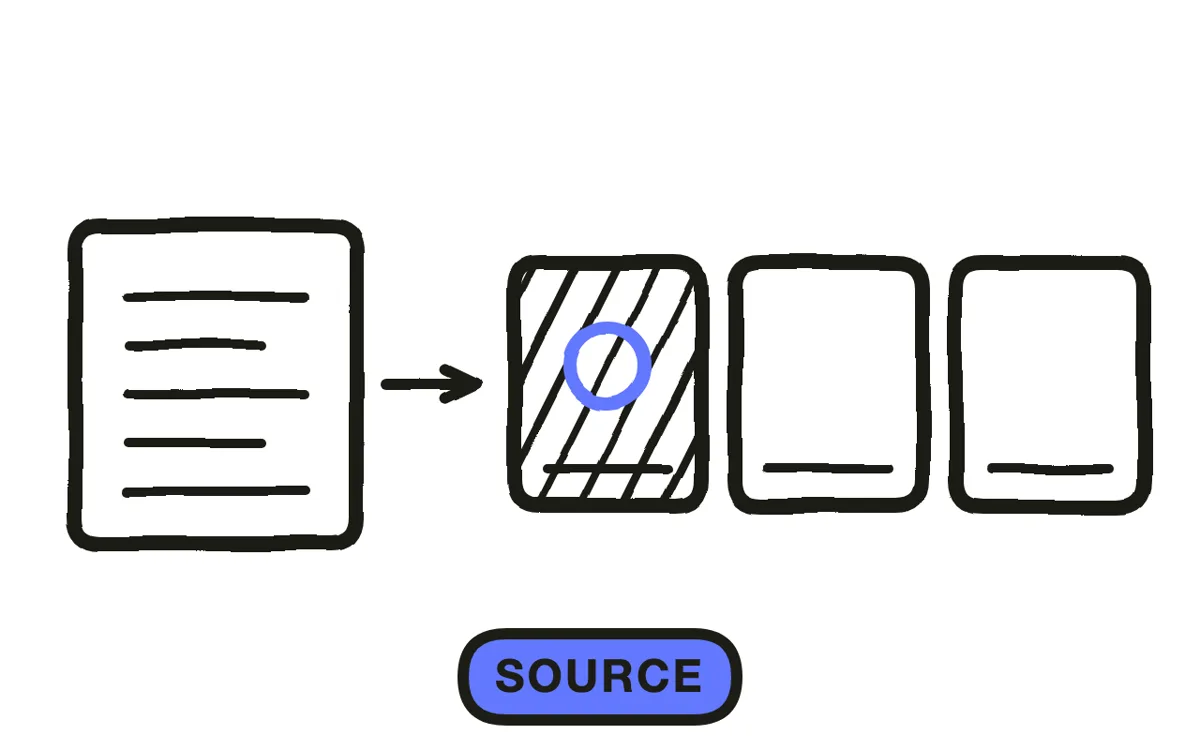
Build the content from the approved instructions for use and associated training documentation. Every instruction in the video should trace back to an approved source, and anything that cannot needs to go through the process that would make it approvable rather than into the script.
This constraint catches people out because sensible clinical additions feel harmless. Content that goes beyond the labelling creates exposure even when it is good practice, so the place to add it is the documentation, not the video made from it.
Step 3: Script for that audience
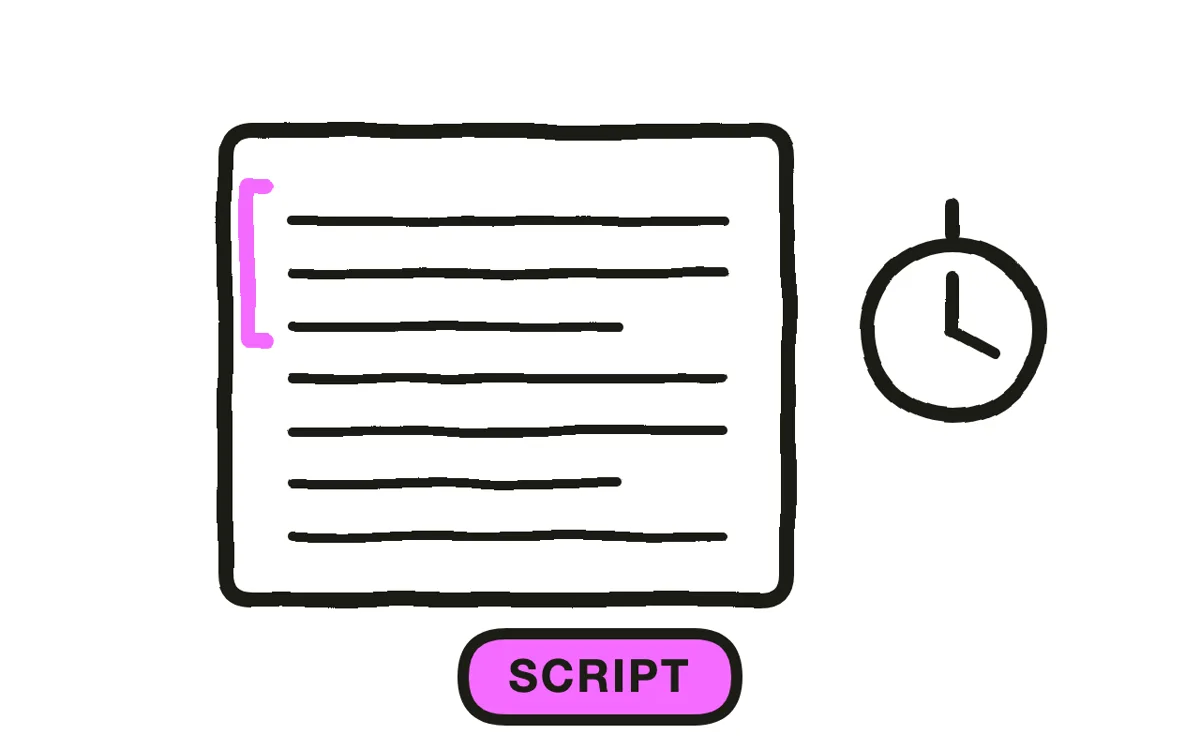
Write at the audience's level and no further. Clinician content can use clinical vocabulary without definition; patient content cannot, and the most common failure in patient-facing device training is a script written by someone who forgot which words are specialist.
Put every setting, threshold, and warning on screen as well as in narration. These are the details people rewatch to verify, and a spoken-only figure is one someone will eventually get wrong. Keep each module to three to six minutes.
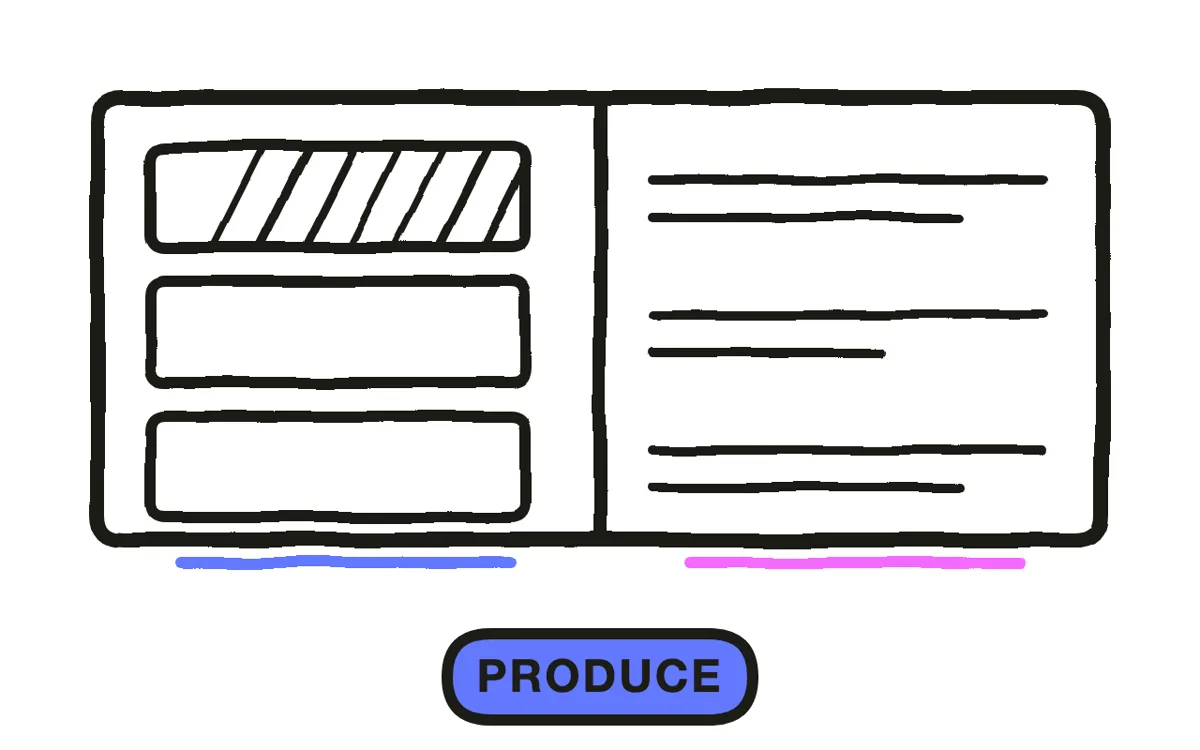
Step 4: Produce the footage
Show the real device wherever controls, connections, or handling are involved. The viewer has to recognise what they are holding, so a generic stand-in defeats the purpose entirely.
For everything around the device, filming in a clinical setting is slow and often impossible. Pexo's image-to-video workflow animates real device photography so the hardware stays genuinely yours, and text-to-video generates the surrounding scenes and presenters without a shoot.
Step 5: Run regulatory review
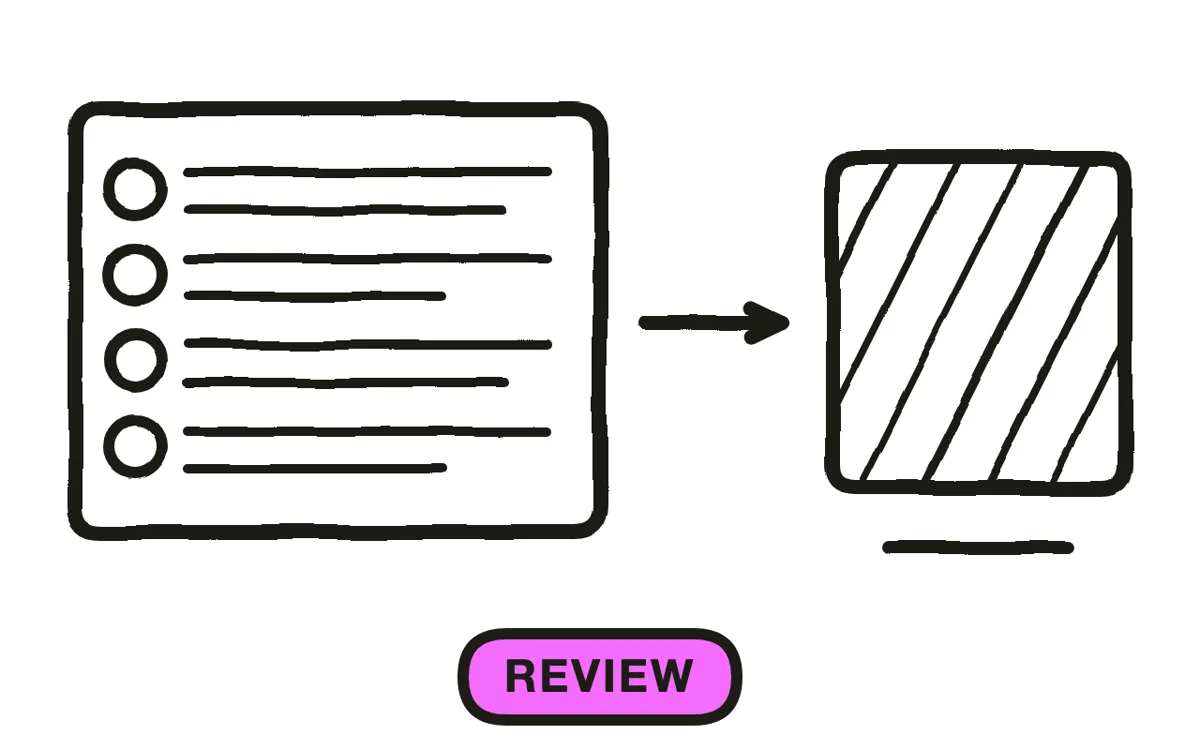
Route the finished piece through regulatory affairs and quality, plus clinical review for anything touching technique. Depending on jurisdiction and use, training material can be treated as labelling or promotional material, and that classification question belongs before production rather than after.
In most device companies this sits inside the controlled document process, meaning the video carries a document number and revision like any other controlled item. Plan for that, because retrofitting a video into a quality system is considerably more work than producing it inside one.
Step 6: Version against device revisions
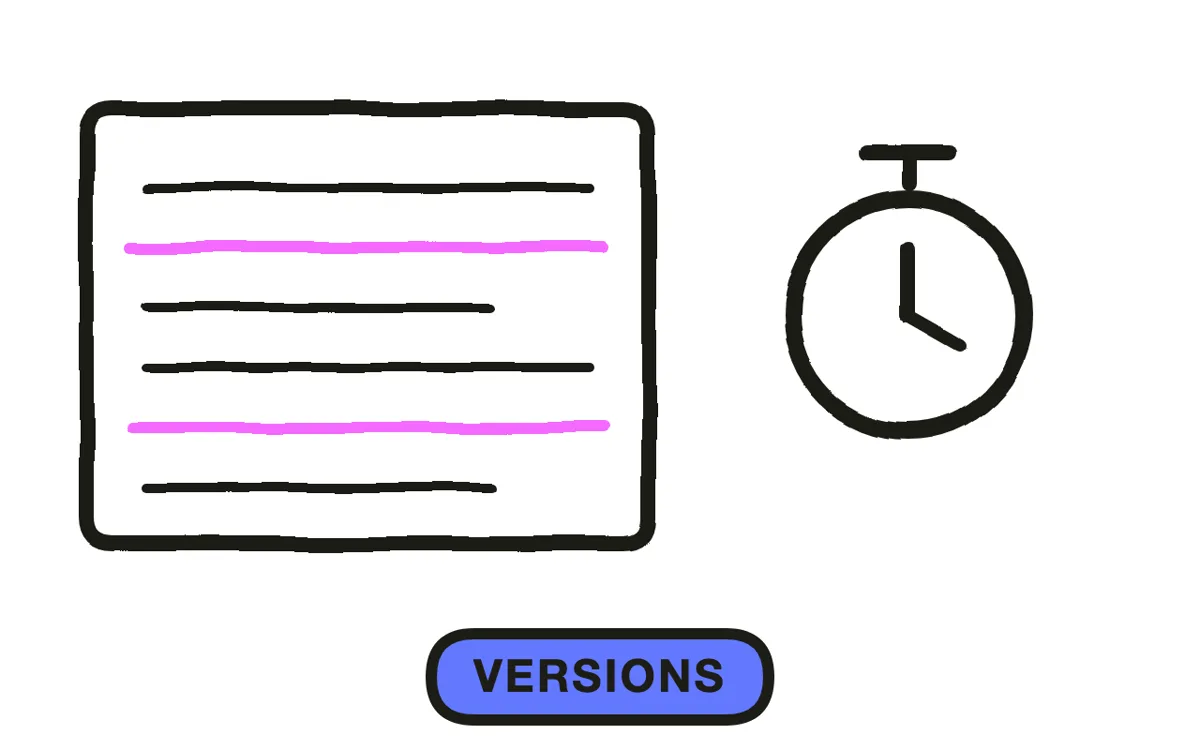
Tie each video version explicitly to the device revision it covers. When hardware or software changes, the affected modules should be flagged for review rather than quietly left in place, because training against a superseded revision is a safety issue rather than a documentation one.
Export 16:9 at 1080p with captions, plus versions in every language your users need. Pexo exports up to 4K and generates narration in multiple languages. Retain completion by named individual against a dated version, since these records are routinely examined in audits and investigations.
How to Make a Medical Device Training Video with Pexo
The six steps above work with any production method. Pexo handles step 4 in a single conversation, which removes the clinical-setting shoot while keeping real device footage at the centre.
Open the training video page, upload your device photography, and describe the piece: "A 5-minute training module on setting up the infusion pump before a procedure, real device close-ups from the uploaded images, clinical setting around it, settings on screen, precise unhurried narration for nursing staff." Pexo animates the device stills, generates the surrounding scenes, and exports.
Adjust any scene by describing the change in the chat, and Pexo regenerates that scene alone, which matters when a review comment lands on one instruction rather than the whole video.
For related formats, the healthcare explainer video page covers clinical explanation and tutorial video covers step-by-step walkthroughs.
This article describes production practice. It is not regulatory, clinical, or legal advice, and device training content must be reviewed by qualified regulatory and clinical staff under your quality system.
5 Mistakes That Create Regulatory Exposure
1. Adding sensible content not in the labelling. Good practice that is not approved is still content beyond the labelling.
2. One video for clinicians, biomeds, and patients. It patronises the first audience and loses the last.
3. A generic stand-in device. The viewer has to recognise what they are holding, which is the whole point.
4. Speaking settings without showing them. Thresholds and warnings get rewatched. Put every one on screen.
5. No link to device revision. Training against a superseded revision is a safety issue, not a paperwork one.
Related Tutorials
- How to make a medical explainer video for clinical explanation
- How to make a HIPAA training video for healthcare compliance
- How to make a patient education video for patient-facing content
- How to make a SOP video for documented procedures




