

 ChatGPT
 Perplexity
 Claude
 Gemini
 Grok
Grok


How to Make an SOP Video
UPDATED: 2026-08-06 By Lan He, Senior Video Producer at Pexo
Making an SOP video takes six steps: choose the procedure, script from the written SOP, film each step from the operator's angle, produce the footage, run subject-matter review, then version it. An SOP video takes about 25 minutes to produce once the procedure is approved.
Quick Version: How to Make an SOP Video
- Choose one procedure with a clear start and end.
- Script directly from the written SOP, keeping every exact value.
- Plan each step from the operator's own viewing angle.
- Produce the footage without shutting down a line.
- Run subject-matter review before anyone is trained on it.
- Version against the SOP document number and put it at the workstation.
How to Make an SOP Video Step by Step
Step 1: Choose one procedure
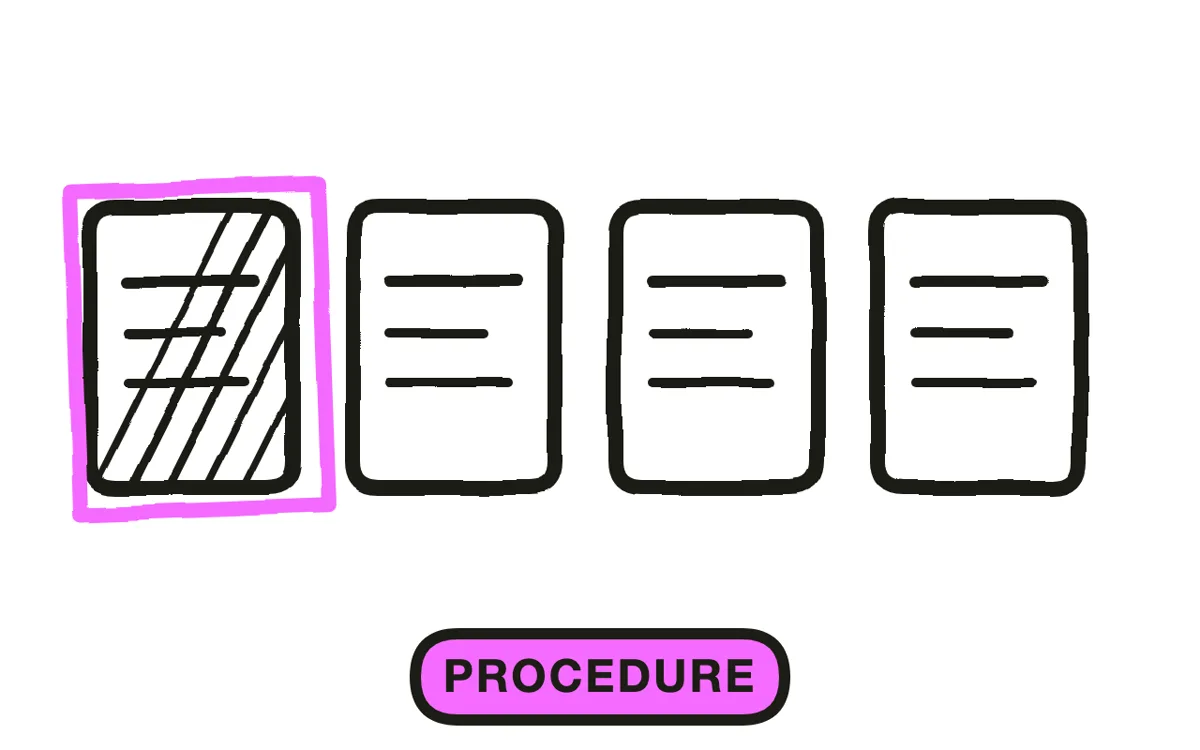
Pick a procedure with an unambiguous start and end: change a filter, calibrate an instrument, process a return, prepare a room. One procedure per video, two to five minutes.
If a procedure needs more than five minutes on video, it is usually several procedures written as one. Splitting it improves both the video and the underlying document, and it means a change to one part does not invalidate the whole thing.
Step 2: Script from the written SOP
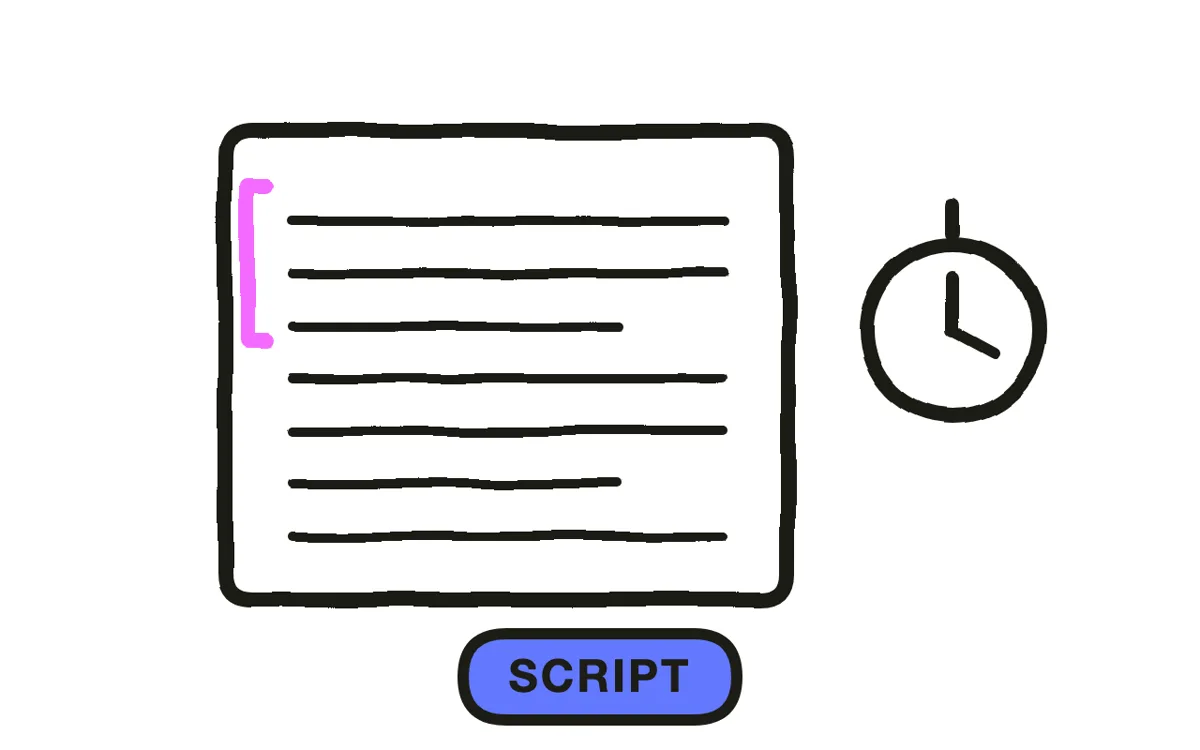
Work from the controlled document rather than from memory or from watching someone do it. Someone performing a procedure daily has almost always drifted from the written version in small ways, and filming the drift bakes it into training.
Keep every exact value in the script and put it on screen as well as in narration: torques, temperatures, quantities, dwell times. A number said once is a number someone gets wrong. Add why a step matters where the consequence is not obvious, because a step whose purpose is understood is a step that gets done under time pressure.
Step 3: Plan the operator's viewing angle
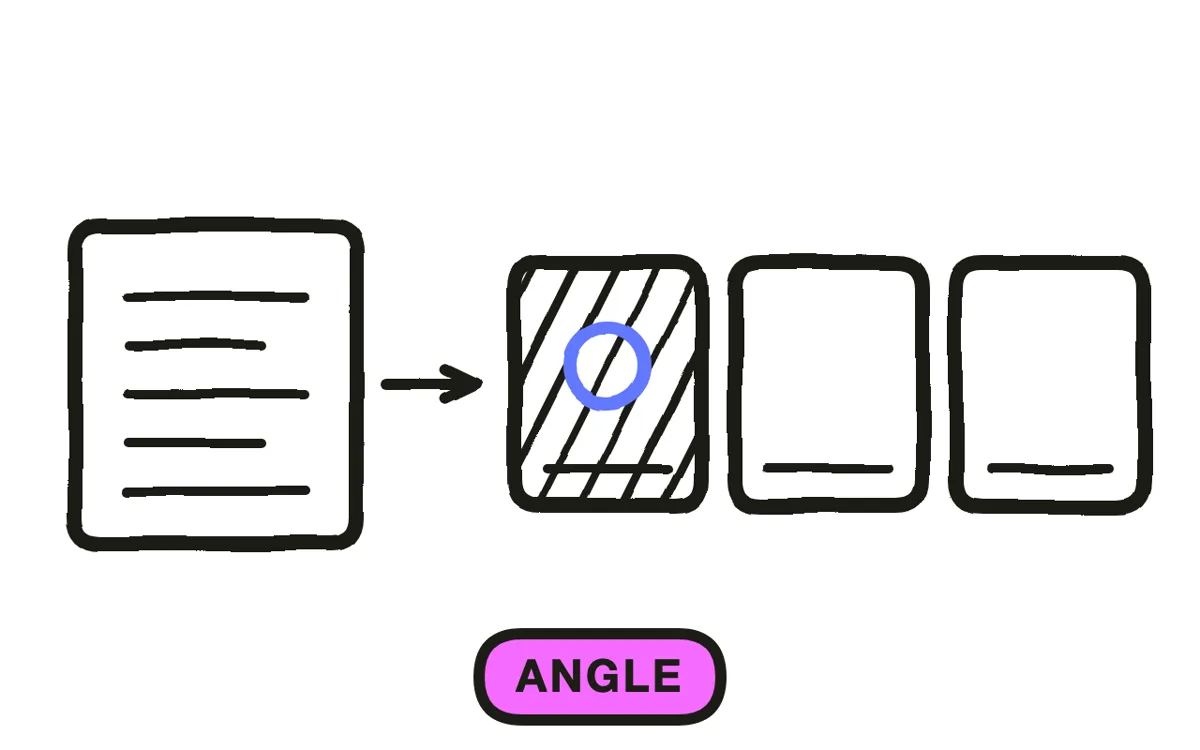
Shoot from where the operator's eyes will be: over the shoulder or first person. A procedure filmed from the front is mirrored for the person following it, and that mirroring is a reliable source of left-right errors in assembly, wiring, and clinical procedures.
Add a wide shot at the start so the viewer knows where they are, then stay close for the steps. Mark the checkpoints where an operator should stop and verify something before continuing, since those are the points where an error becomes expensive rather than recoverable.
Step 4: Produce the footage
Filming on a live line means a stoppage, scheduling, and a crew in a space that may need protective equipment. Most SOP video libraries stop at two or three videos for exactly this reason.
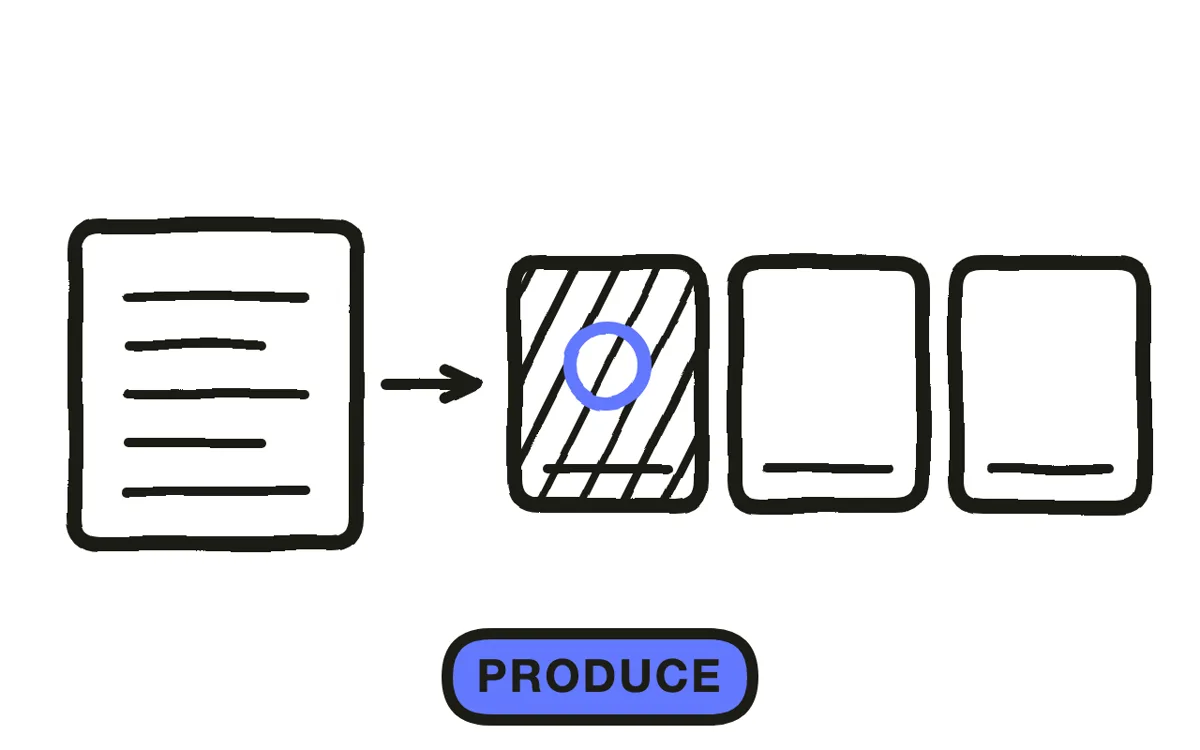
Pexo's text-to-video workflow generates the workstation and procedure scenes from a written description, with no line stoppage. It also lets you show the failure mode, which is usually unsafe to stage: what a cross-threaded fitting looks like, what happens when a step is skipped. Hyperframe keeps the same operator and workstation consistent across every procedure in the library.
Step 5: Run subject-matter review
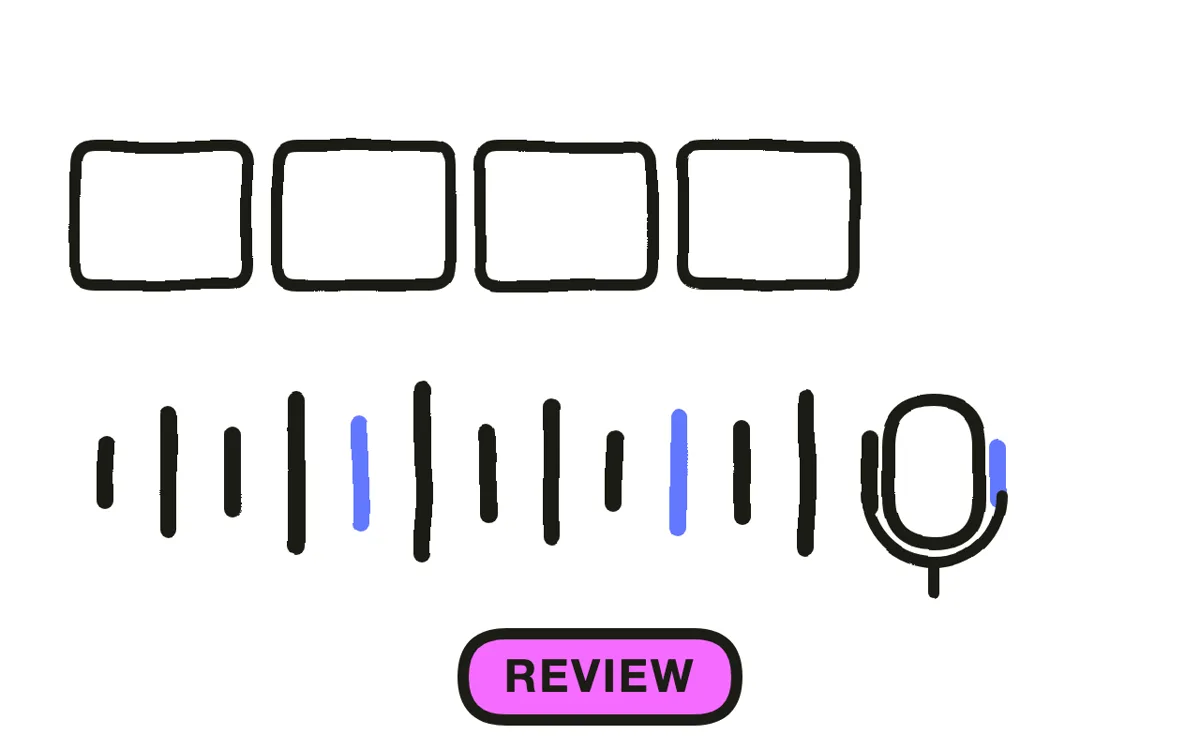
Have the process owner watch it against the written SOP before anyone is trained on it. A video showing a step performed slightly wrong is worse than no video, because it trains the error at scale and carries more authority than a document.
Ask the reviewer to check three things specifically: that every step in the document appears, that no step has been added from habit, and that every stated value matches. Pexo regenerates a single scene from a description, so a correction costs one segment rather than a reshoot.
Step 6: Version it and put it at the workstation
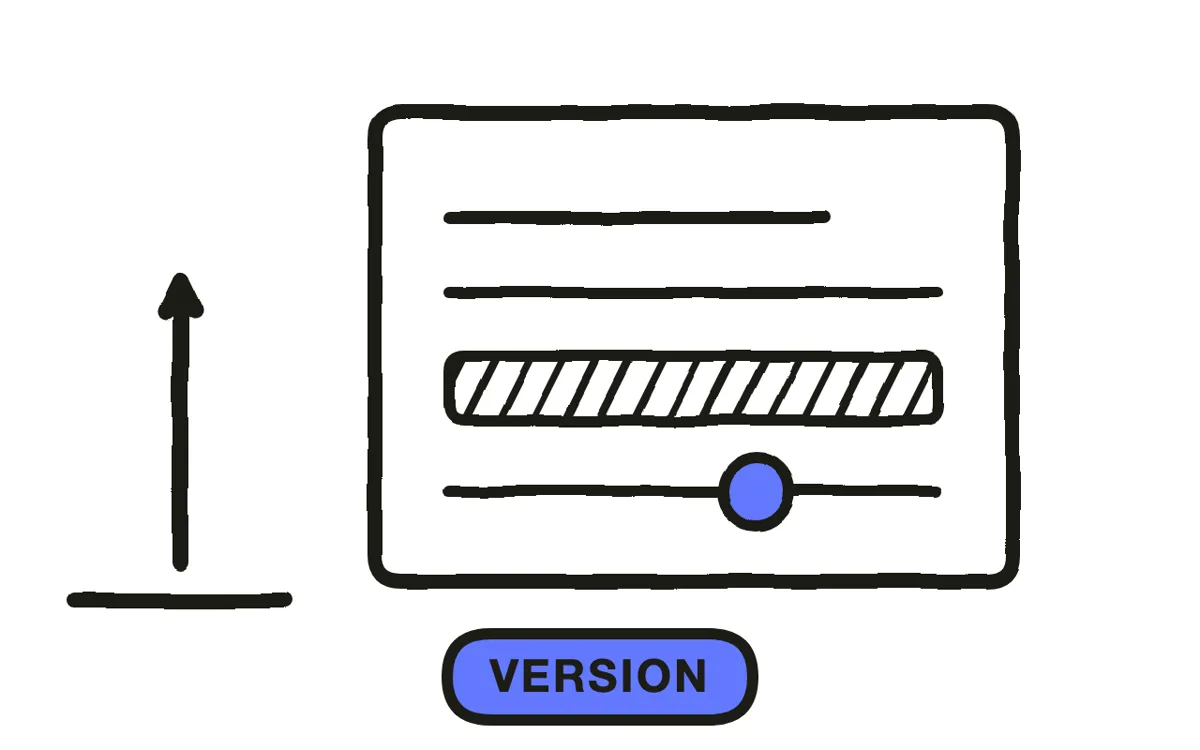
Label the video with the SOP document number and revision, and treat a procedure change as requiring an update to both. An SOP video that silently drifts out of sync with its document is a compliance problem rather than a training aid.
Export 16:9 at 1080p with captions. Pexo exports up to 4K. Put it in the LMS for training records and behind a QR code at the workstation for reference at the moment of use. The workstation code is what turns an SOP video from something watched once into something used.
How to Make an SOP Video with Pexo
The six steps above work with any production method. Pexo handles step 4 in a single conversation, which removes the line stoppage that caps most SOP libraries.
Open the training video page and describe the procedure: "A 4-minute SOP video for changing a filter cartridge on a beverage filling line, over-the-shoulder angle, on-screen torque values, showing the cross-threading failure mode, calm instructional narration." Pexo generates the scenes, records the narration, and exports.
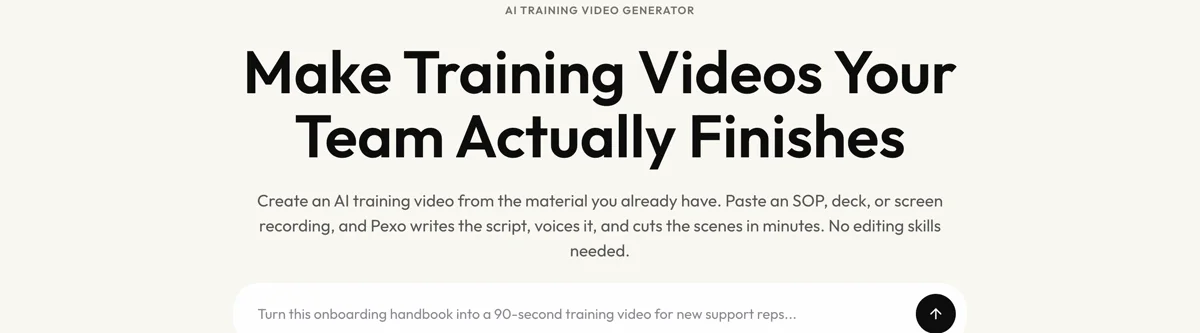
Adjust any step by describing the change in the chat, and Pexo regenerates that scene alone, which is what makes a procedure revision cheap.
For related formats, the tutorial video page covers software walkthroughs and educational video covers knowledge transfer.
5 Mistakes That Make an SOP Video Unusable
1. Filming from the front. The procedure is mirrored for whoever follows it. Shoot from the operator's own angle.
2. Scripting from what people actually do. Daily practice drifts from the document. Work from the controlled version or you film the drift.
3. Speaking exact values without showing them. A torque figure said once is a torque figure someone gets wrong. Put numbers on screen.
4. Skipping the process owner's review. A video of a slightly wrong step trains that error at scale, with more authority than a document.
5. No version link to the SOP document. A video that drifts out of sync with its procedure becomes a compliance problem.
Related Tutorials
- How to make an employee training video for the general workplace training format
- How to make an OSHA training video for safety-standard content
- How to make a tutorial video for software procedures
- How to make a training video for the broader training format




