

 ChatGPT
 Perplexity
 Claude
 Gemini
 Grok
Grok



How to Make a Medical Explainer Video
UPDATED: 2026-08-06 By Lan He, Senior Video Producer at Pexo
Making a medical explainer video takes six steps: fix the audience, script in the right register, design anatomy visuals, produce the animation, run clinical review, then clear the claims. A medical explainer video takes about 30 minutes to produce once the content is approved.
Quick Version: How to Make a Medical Explainer Video
- Fix one audience: clinicians, patients, or the general public.
- Script in that audience's register, at the right reading level.
- Design anatomy and mechanism visuals a camera cannot reach.
- Produce the animation without a clinical shoot.
- Run clinical review, and do not compress it.
- Clear claims and disclaimers with regulatory before release.
How to Make a Medical Explainer Video Step by Step
Step 1: Fix one audience
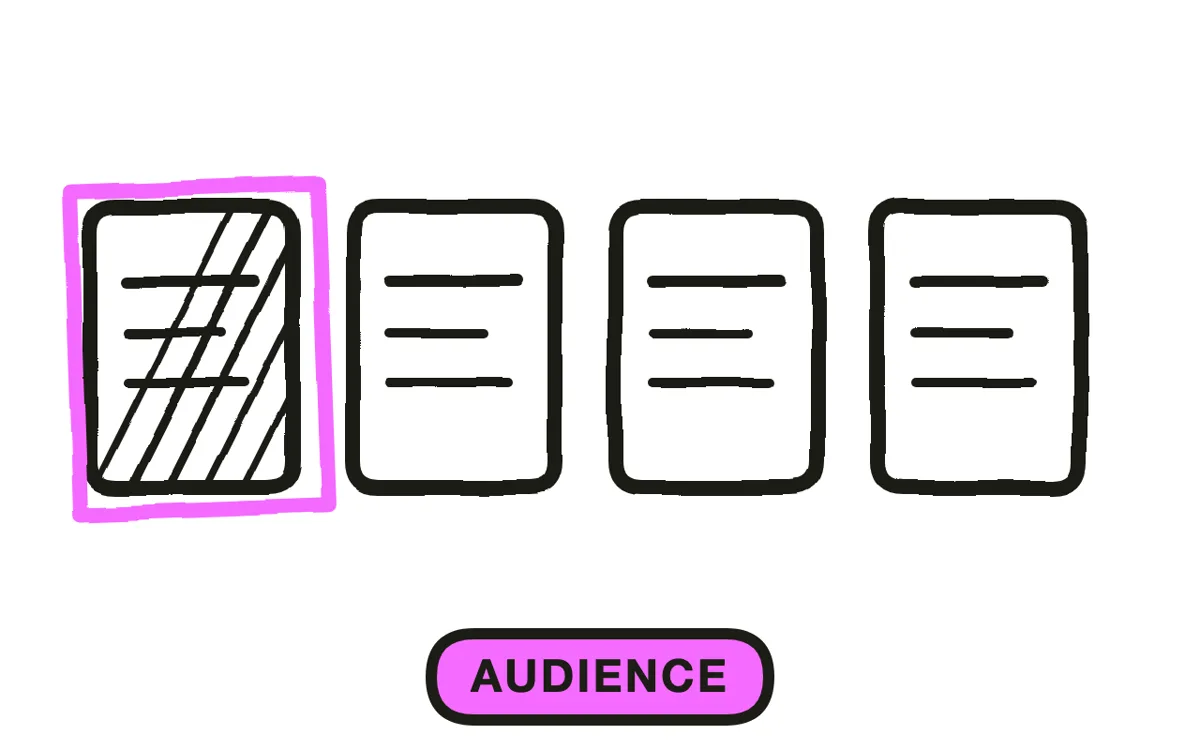
Choose between three: clinicians who need mechanism and evidence, patients who need to act on their own care, and a general public that needs to understand what something is. These are not points on a scale, they are different videos.
The compromise version is the standard failure. A video pitched between a clinician and a patient is too vague for the first and too technical for the second, and it usually ends up serving whoever commissioned it rather than whoever watches it. Name the audience in the brief and hold it.
Step 2: Script in the right register
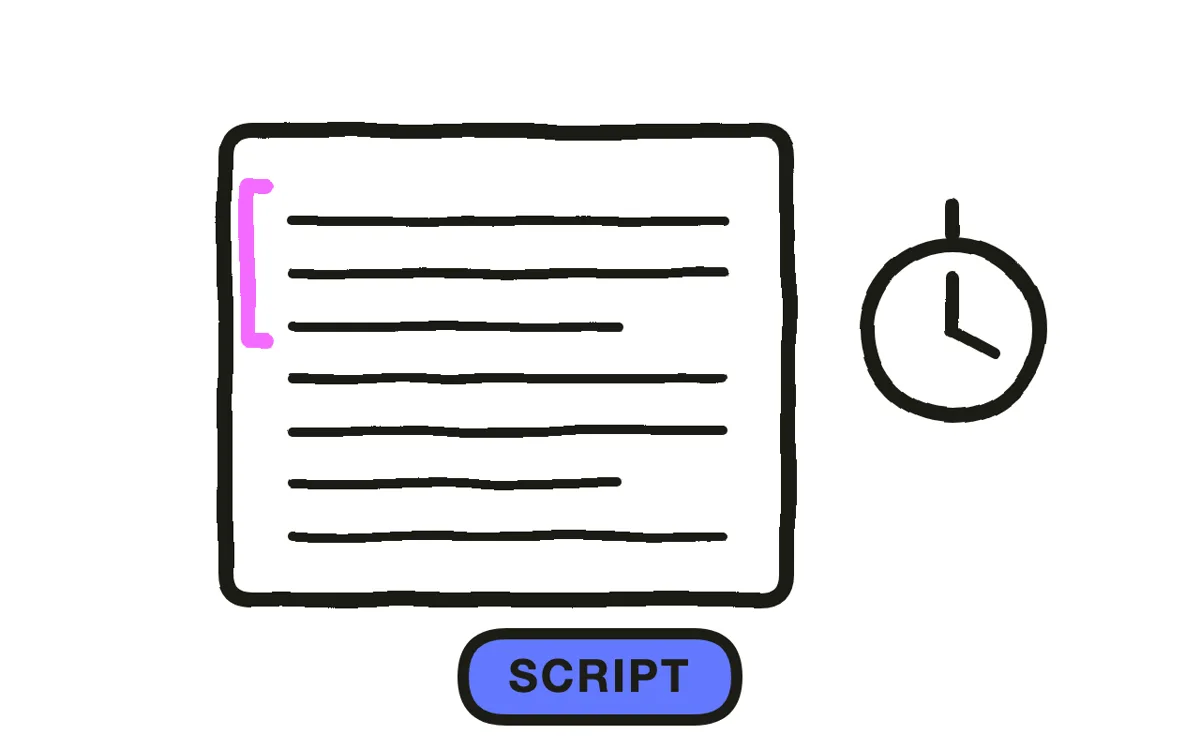
For patients and the public, write at a sixth to eighth grade reading level, using the everyday word first and the clinical term alongside it once: "high blood pressure, also called hypertension". Measure the draft rather than trusting it, since specialist vocabulary is invisible to the person using it.
For clinicians, use correct terminology throughout. Simplification reads as imprecision to a clinical audience and costs credibility in the same way hand-waving costs it with engineers. Write two to four minutes for patients and the public, up to six for clinicians.
Step 3: Design anatomy and mechanism visuals
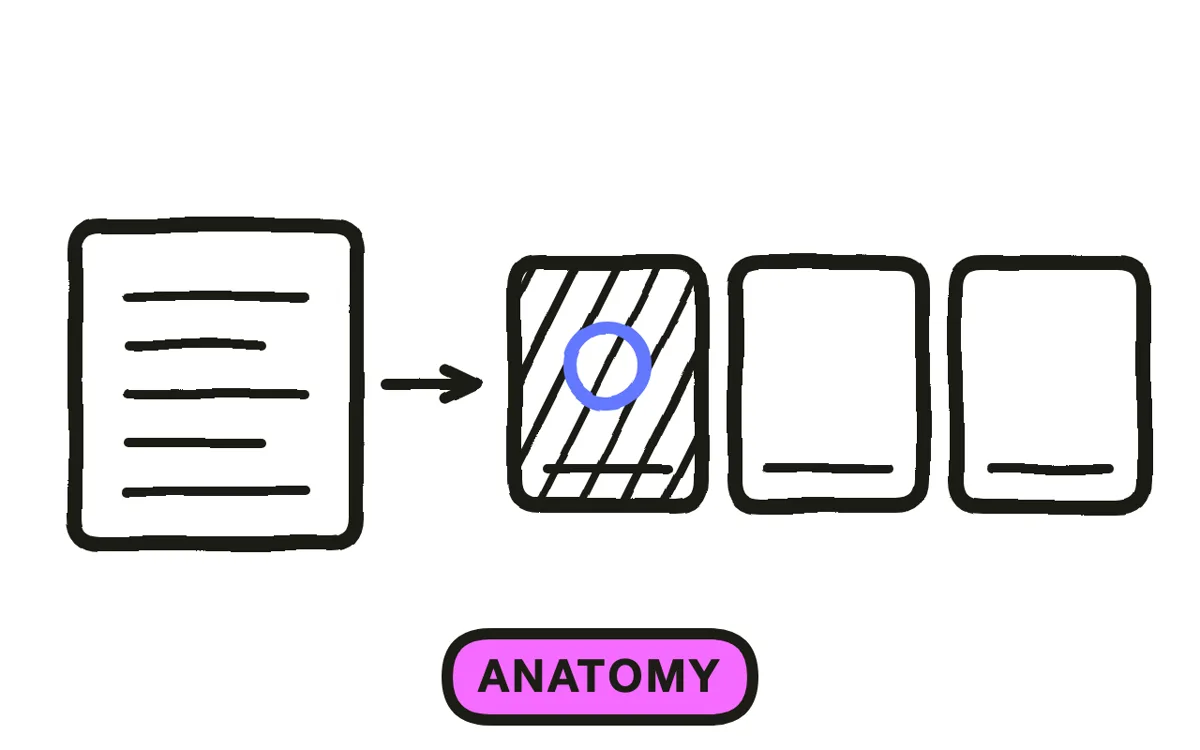
Show the biology, not a presenter describing it. Animation reaches inside the body, slows a process that happens in milliseconds, and exaggerates the scale of something microscopic, none of which a camera can do.
Build the visual up in stages rather than presenting a complete anatomical scene. A structure that assembles as the narration reaches each part is followable; the same scene shown whole makes the viewer hunt for what is being described. Mark where the process being explained actually goes wrong, since that is usually the point of the video.
Step 4: Produce the animation
Specialist medical animation is expensive and slow, which is why most healthcare organisations have a handful of videos and a long list of topics they never covered.
Pexo's text-to-video workflow generates anatomical and mechanism sequences from a written description, removing that cost. For a device, upload a product photograph and image-to-video conversion animates the real object rather than an approximation, which matters when a patient or clinician has to recognise it. Verify every anatomical detail in review: a plausible-looking wrong sequence is worse than no visual.
Step 5: Run clinical review
Have a qualified clinician check every claim, dosage, timeline, mechanism, and anatomical detail before release. Faster production shortens every step in this process except this one, and compressing it under deadline is the most common way a medical video becomes a problem.
Ask specifically about the visuals as well as the script. Anatomical animation can be confidently wrong in ways a script review does not catch, because the reviewer reads the words and assumes the picture matches. Pexo regenerates a single scene from a description, so a correction costs a sentence rather than a re-render.
Step 6: Clear claims and release
Where a regulated product appears, clear the claims with regulatory or medical affairs before release. Advertising rules differ by country and by whether the audience is a clinician or the public, and promotion of prescription medicines to the public is restricted in most jurisdictions.
Add the disclaimer your reviewer specifies rather than adapting one found elsewhere. Export 16:9 at 1080p with captions and translated versions for your population. Pexo exports up to 4K and generates narration in multiple languages.
How to Make a Medical Explainer Video with Pexo
The six steps above work with any production method. Pexo handles step 4 in a single conversation, which removes the specialist medical animation cost that caps most healthcare video libraries.
Open the healthcare explainer video page and describe the piece: "A 3-minute medical explainer on how atrial fibrillation disrupts blood flow, animated heart cross-section building in stages, plain language for a general audience, ending on when to seek assessment." Pexo generates the animation, records the narration, and exports.

Adjust any scene by describing the change in the chat, and Pexo regenerates that segment alone. The platform runs across Seedance 2.0, Kling AI, and more.
For related formats, the patient education video tutorial covers material aimed at a specific patient's own care, and training video covers clinical staff training.
This article describes production practice. It is not medical, legal, or regulatory advice. All clinical content must be reviewed by a qualified clinician, and claims about regulated products must be cleared by regulatory before release.
5 Mistakes That Get a Medical Video Pulled
1. Pitching between clinician and patient. Too vague for one, too technical for the other. Pick an audience and hold it.
2. Compressing clinical review to meet a deadline. Faster production shortens every step except this one.
3. Reviewing the script but not the visuals. Anatomical animation can be confidently wrong in ways a text review never catches.
4. Scripting claims before regulatory scope is known. Advertising rules differ by country and audience. Confirm first, script second.
5. Borrowing a disclaimer from another site. Wording is jurisdiction-specific. Have your reviewer specify it.
Related Tutorials
- How to make a patient education video for patient-facing care instructions
- How to make a HIPAA training video for healthcare staff compliance
- How to make an education explainer video for teaching concepts generally
- How to make a 3D explainer video for spatial and anatomical detail




