

 ChatGPT
 Perplexity
 Claude
 Gemini
 Grok
Grok


How to Make ASMR Videos
UPDATED: 2026-08-04 By Lan He, Senior Video Producer at Pexo
Making an ASMR video takes six steps: choose a trigger, set up a quiet space, record or generate the audio, capture the visuals, sync and clean the audio, then export for your platform. A first ASMR video takes about 45 minutes with recording equipment, or a few minutes with AI generation.
Quick Version: How to Make ASMR Videos
- Choose one trigger to build the video around: whispering, tapping, crinkling, or a roleplay scenario.
- Set up a quiet space with soft surfaces and no background hum.
- Record the audio with a microphone at -12dB to -6dB, or generate it from a description with AI.
- Capture the visuals with slow, deliberate movements and close-up framing.
- Sync the audio to the video frame by frame and apply light noise reduction only.
- Export in 16:9 for YouTube or 9:16 for TikTok and Reels.
How to Make ASMR Videos Step by Step
Step 1: Choose your ASMR trigger
Pick one trigger and build the entire video around it. The main categories are tapping and scratching (fingernails on wood, glass, or fabric), crinkling (paper, plastic, packaging), whispering and soft speaking, eating and mouth sounds, and roleplay scenarios like a haircut or skincare routine.
Beginners get better results from a single sustained trigger than from a compilation. A 10-minute tapping video gives the viewer time to settle into the sound. Ten different triggers in the same 10 minutes keeps resetting their attention, which is the opposite of what ASMR is for.
Step 2: Set up your filming space
Find the quietest room available and record when ambient noise is lowest, usually late at night or early morning. Turn off fans, air conditioning, and anything with a compressor. Close windows. A refrigerator hum that is inaudible to you will be plainly audible in an ASMR recording, because the microphone gain is turned up far higher than for normal speech.
Soft surfaces absorb reflections. Hang a blanket behind the recording position, or record in a room with carpet and curtains. Wear soft fabric that does not rustle. Position lighting to the side rather than overhead so texture reads on camera.
Step 3: Record or generate the audio
Record the audio with a condenser or binaural microphone positioned close to the sound source. Wear headphones and run a one-minute test first. Watch the level meter: peaks should sit between -12dB and -6dB. Anything crossing 0dB clips and produces harsh digital distortion that no amount of editing will fix.
The AI path skips the microphone entirely. Pexo's text-to-video workflow generates layered ASMR audio from a plain-language description, mixing the primary trigger with an ambient background bed. The result carries the spatial depth of a binaural recording without a dummy-head microphone or a treated room.
Step 4: Capture the visuals
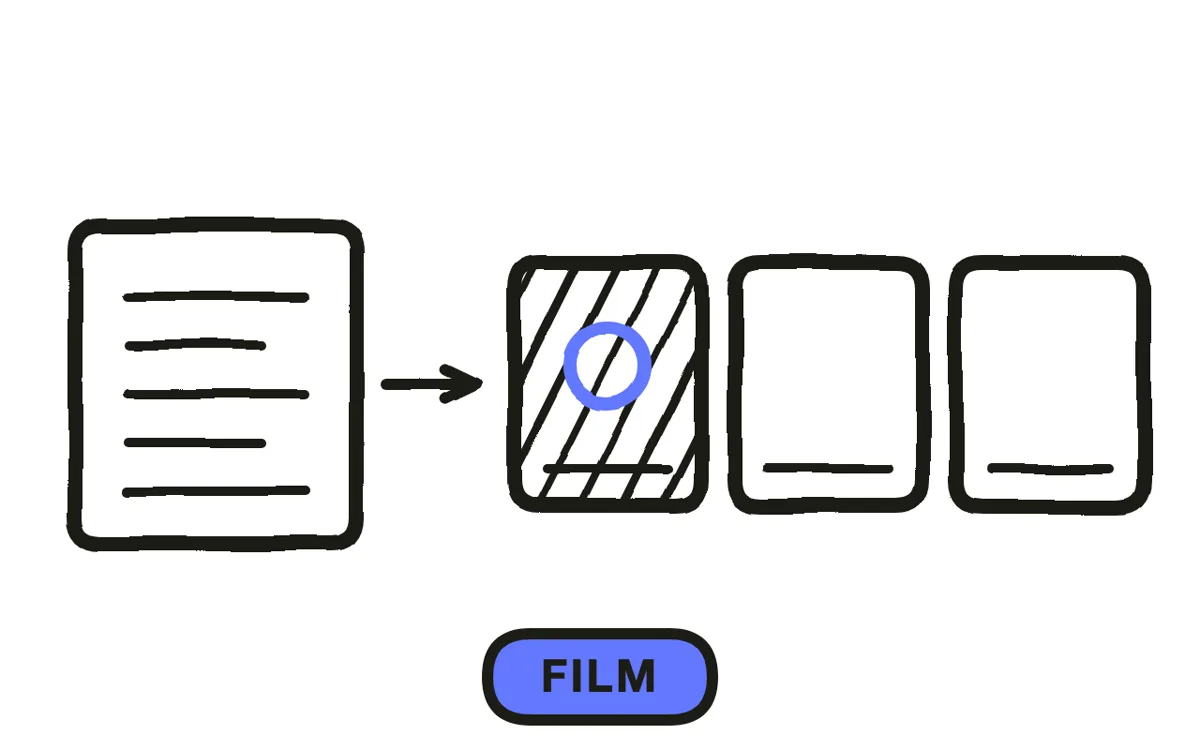
Film with slow, deliberate movements. Every hand motion should take roughly twice as long as it would naturally. Frame tight: close-ups of hands, objects, and textures read better than wide shots. Keep the camera locked on a tripod so the frame never drifts.
For AI-generated ASMR, describe the visual scene alongside the trigger and the platform produces matched footage with soft lighting and close-up framing. Pexo generates the visuals and the audio together so they arrive already synchronized, which removes the most fiddly part of ASMR post-production. For scene-driven ambient content, cinematic video generation handles camera movement and lighting mood.
Step 5: Sync and clean the audio
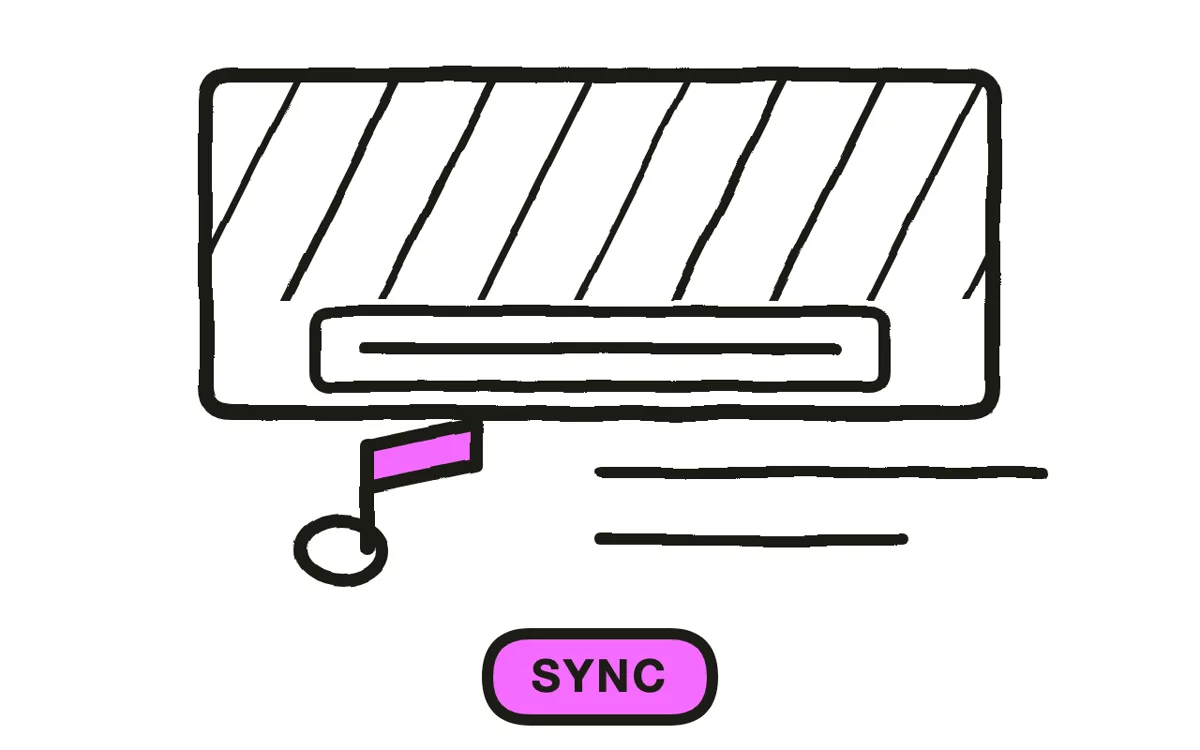
Align the audio to the video frame by frame at the first trigger. ASMR viewers notice a one-frame delay between a tap they see and a tap they hear, and a desync breaks the effect completely. Scrub to the first contact point, match it exactly, then check again at the end of the recording in case of drift.
Apply noise reduction sparingly. Three to five percent removes hum and hiss. Anything above eight percent strips out the subtle texture that triggers the response in the first place, leaving audio that is technically clean and functionally dead. Trim silence before the first trigger and after the last, and add short fades at both ends.
Step 6: Export for your platform
Export in 16:9 at 1080p for YouTube, where long-form ASMR performs best. Export in 9:16 at 1080x1920 for TikTok, Instagram Reels, and YouTube Shorts. Use the highest audio bitrate available, because ASMR lives entirely in the audio detail that compression removes first.
Pexo exports both ratios from a single project. Before publishing, listen to the exported file through headphones at low volume, which is how the audience will hear it. Anything that sounds fine on speakers and harsh on headphones needs another pass.

How to Make AI ASMR Videos with Pexo
The six steps above assume a microphone and a camera. ASMR video generation removes both.
Open the ASMR page and describe the video: "Close-up of hands slowly tapping a wooden jewelry box, warm lamp light, soft rain outside the window, 10 minutes." Pexo generates the trigger audio, layers an ambient bed underneath it, produces matched close-up visuals with soft lighting, and syncs the two automatically.
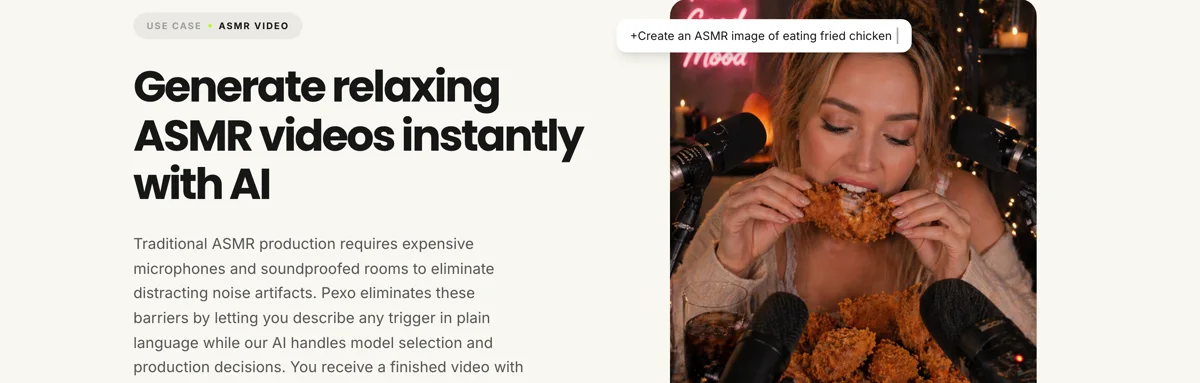
The platform handles triggers described in plain language: tapping, scratching, crinkling, page turning, rainfall, fireplace crackle, kitchen and eating sounds. For long-form sleep and focus content, a single prompt produces extended runtime without repeating the same loop.
Adjust anything by describing the change in the chat. "Make the tapping slower" or "add more rain in the background" revises that layer without regenerating the whole video. For product or object-focused ASMR, image-to-video conversion builds the scene around a photo you upload. Output is ready for YouTube, TikTok, and short video formats.
5 Common Mistakes That Break ASMR Videos
1. Over-processing the audio. Aggressive noise reduction removes the high-frequency texture that produces the tingling response. Keep reduction at three to five percent and never exceed eight. Clean audio that has been scrubbed of texture triggers nothing.
2. Moving too fast on camera. ASMR pacing is slower than feels natural while filming. Movements that look sluggish in the moment read as calm and deliberate on playback. Rushed motion reads as anxious and undoes the relaxation the video is meant to produce.
3. Adding music or transitions. Background music, whooshes, and jump cuts work against the entire format. ASMR asks the viewer to focus on a single sound. Anything competing for attention breaks that focus.
4. Recording with background noise. A refrigerator, an HVAC system, or traffic outside will be inaudible to you and clearly present in the recording, because ASMR gain settings are far higher than normal. Record in the quietest available window and check the raw file through headphones before filming a full take.
5. Recording too hot. Peaks above 0dB clip and produce a harsh crackle that cannot be repaired in editing. Set levels so peaks sit between -12dB and -6dB, leaving headroom for an unexpectedly loud tap.
Related Tutorials
- How to make YouTube Shorts for short-form ASMR formatting
- Best AI music generators for ambient beds and sleep soundscapes
- How to make a short video for vertical trigger clips




