
 --:--
Pexo›Video Templates›social media video
Social Media Video Templates
For a quick tip, try an opening that shows the result. For an announcement, look for a first frame that can carry the news, even when someone sees the post without its caption.
14 templates
--:-- --:--
 --:--
 --:--
 --:--
 --:--
 --:--
 --:--
 --:--
 --:--
 --:--
 --:--
 --:--
 --:--
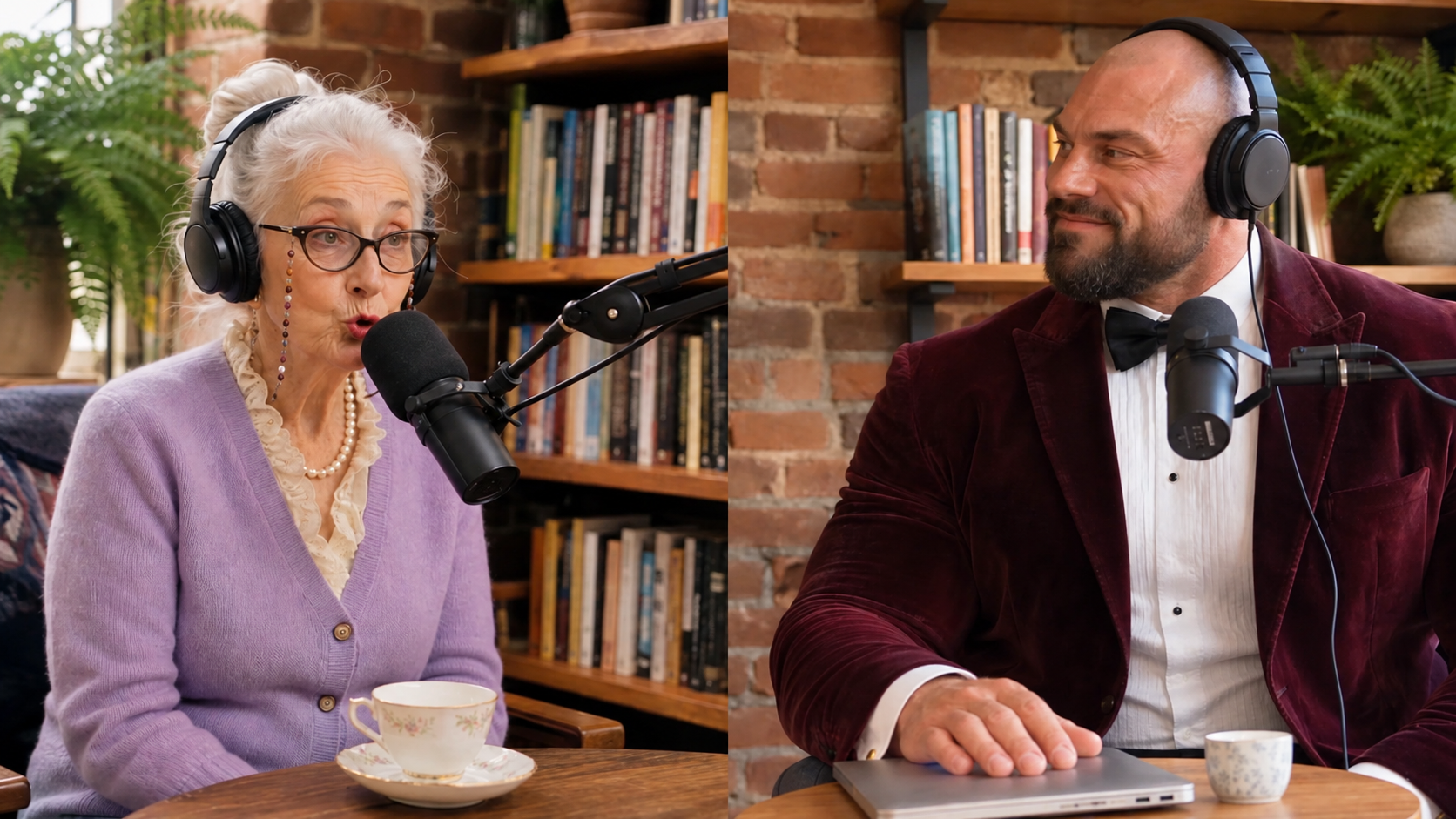
A café announcing Sunday hours needs space for a day and time. The same café sharing a latte tip may be better served by a close-up of the finished pour. When you preview a template, imagine those first two seconds with your own subject in place. For a post built around someone's voice, preview UGC Podcast with a line from the speaker in mind. For a recurring illustrated story, compare Watercolor Animation and Claymation. Think about whether a new viewer could recognize the subject from a single frame.
Look at the cover as well as the moving preview. If most people will discover the post in a profile grid, a headline that stays legible in the crop matters more than an elaborate entrance. These Instagram Reel examples are useful if you want to compare opening frames.
Questions?
We're here to make it clear. Check out our FAQs, and if you still have questions, Pexo is always ready to help.
Can I reuse one post across platforms?
Yes, if the subject and text survive each crop. Check the cover and the placement of interface controls in each destination before sharing.
What makes a good first frame for an announcement?
Show what changed. For a new class, a clear course title and start date communicate more than a long opening animation.
What if my announcement is mostly text?
Try the actual date, name and announcement in the space the preview gives the headline. If a viewer would have to pause on the first frame, choose a quieter layout or split the details across two scenes.