
 --:--
Pexo›Video Templates›explainer video
Explainer Video Templates
A screen-by-screen demo helps someone follow a task. A diagram helps them see a relationship. Start with what your viewer should be able to do or understand by the end.
14 templates
--:-- --:--
 --:--
 --:--
 --:--
 --:--
 --:--
 --:--
 --:--
 --:--
 --:--
 --:--
 --:--
 --:--
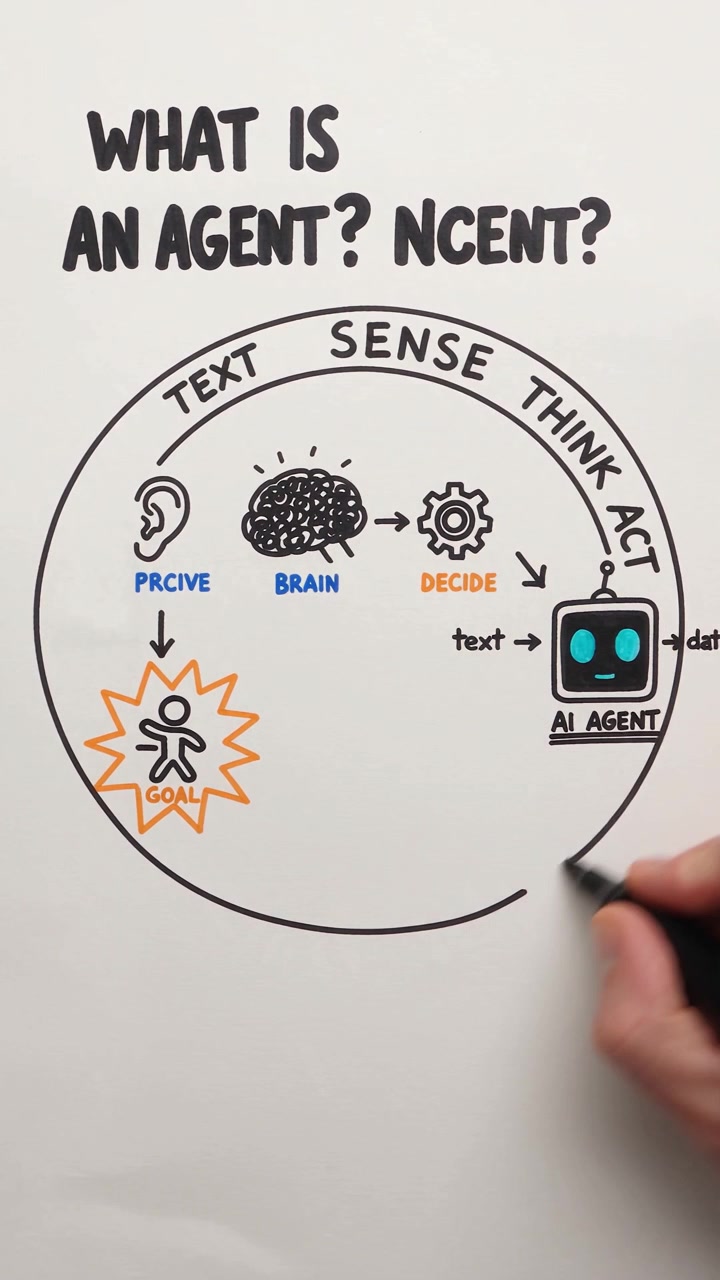
For a booking walkthrough, look for a sequence that can follow one appointment from the first available slot to the confirmation screen. For an explanation of how a waiting list works, a diagram showing who moves up when someone cancels may be easier to follow. Compare Whiteboard Explainer and Isometric Explainer with the same idea in mind. For a SaaS explainer video about appointment reminders, a single booking moving through three steps may be enough. A view of several connected systems helps when the audience needs to understand which system sends the reminder.
Bring one real example to the preview. If you need to show button labels, check whether they would be readable at the size of the screen in the frame. If your example depends on a relationship, these whiteboard animation examples show how a diagram can introduce one part at a time.

Questions?
We're here to make it clear. Check out our FAQs, and if you still have questions, Pexo is always ready to help.
How do I decide where the explanation ends?
Choose a result the viewer can recognize. For a booking walkthrough, a confirmed appointment is a clearer endpoint than a tour of every menu.
When should I use a diagram?
Use one when distance, order or a relationship matters more than appearance. Add labels as each part becomes relevant and keep them consistent.
How much detail should I include for a new user?
Show enough to complete the first useful task. Put exceptions and advanced settings in a follow-up if they interrupt the main example.