
 --:--
Pexo›Video Templates›text animation
Text Animation Templates
Pick a quick reveal for a short headline, a phrase at a time for a quote, or a steady hold for a number the audience needs to remember.
1 template
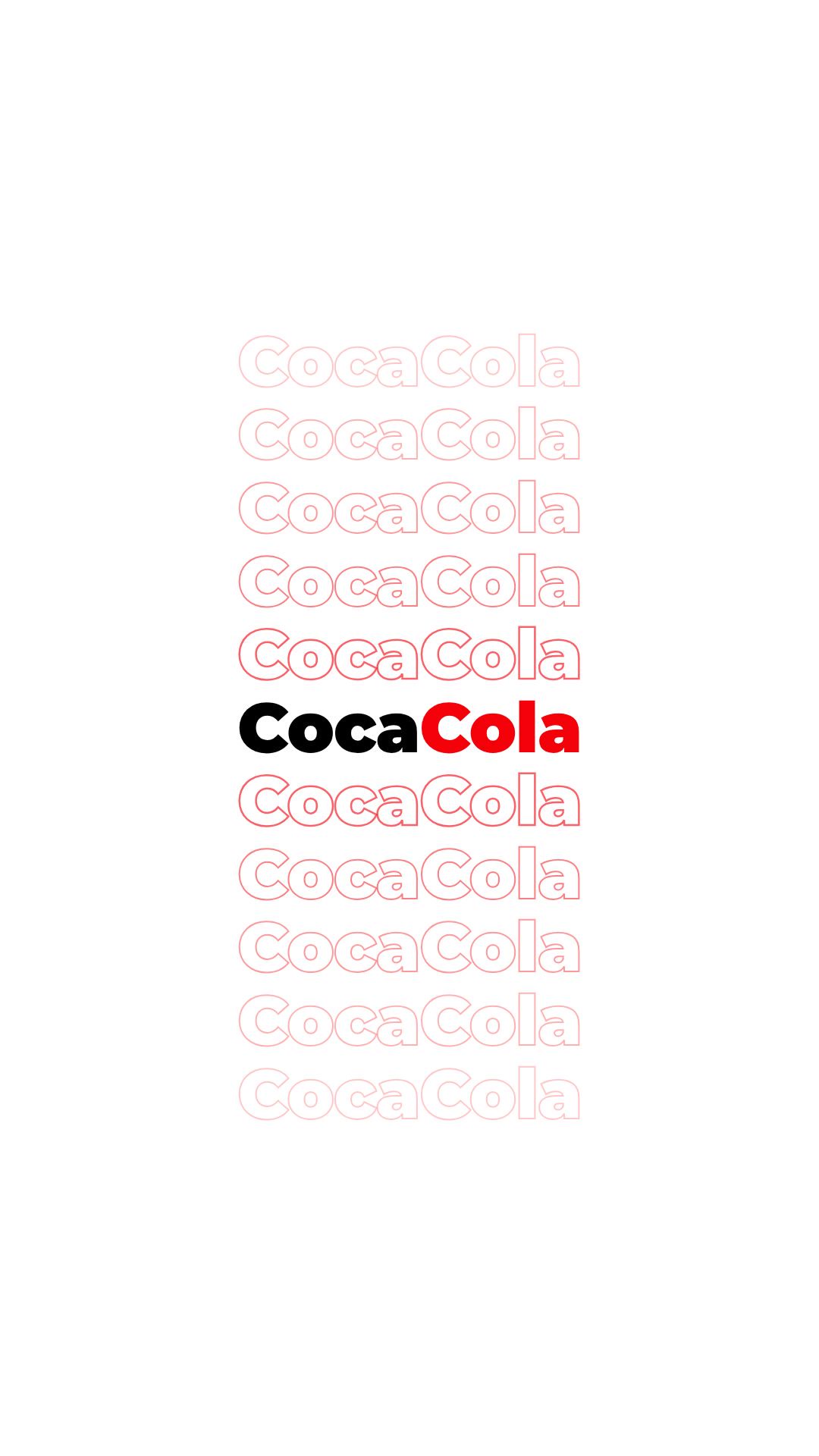
--:--Start with your longest real line. A one-word reveal can look great in a preview and still be a poor fit for a two-line product name: the first word may disappear before the second is readable. For a quote, look for a rhythm that keeps each complete thought on screen together. Watch the Kinetic Typography preview twice. On the first pass, notice which word catches your eye. On the second, read your own headline at the same pace, including the less familiar names. If you have to rush the most important word, shorten the line before choosing that rhythm.
For a number, watch what happens after the entrance. The figure and its unit should settle together long enough to register. To see the difference between emphasizing one word and animating a whole phrase, compare these kinetic typography videos.
Questions?
We're here to make it clear. Check out our FAQs, and if you still have questions, Pexo is always ready to help.
Should words appear individually or as a phrase?
Use individual words for a short rhythmic line. Reveal a whole phrase when readers need to see its parts together, especially for names and numbers with units.
What if my headline wraps?
Break at a natural phrase boundary and keep the emphasized words together. If the second line contains just one short word, rewrite the headline or change the break.
How can I check the reading speed?
Show the animation once to someone who has not seen the copy. Ask what it said. A missed word often needs a longer hold more than a larger entrance effect.