
 --:--
Pexo›Video Templates›youtube video
YouTube Video Templates
A tutorial opening should show the result viewers clicked for. A channel trailer needs to introduce the channel itself. For a series, look for a title treatment you can reuse across episodes.
3 templates
--:--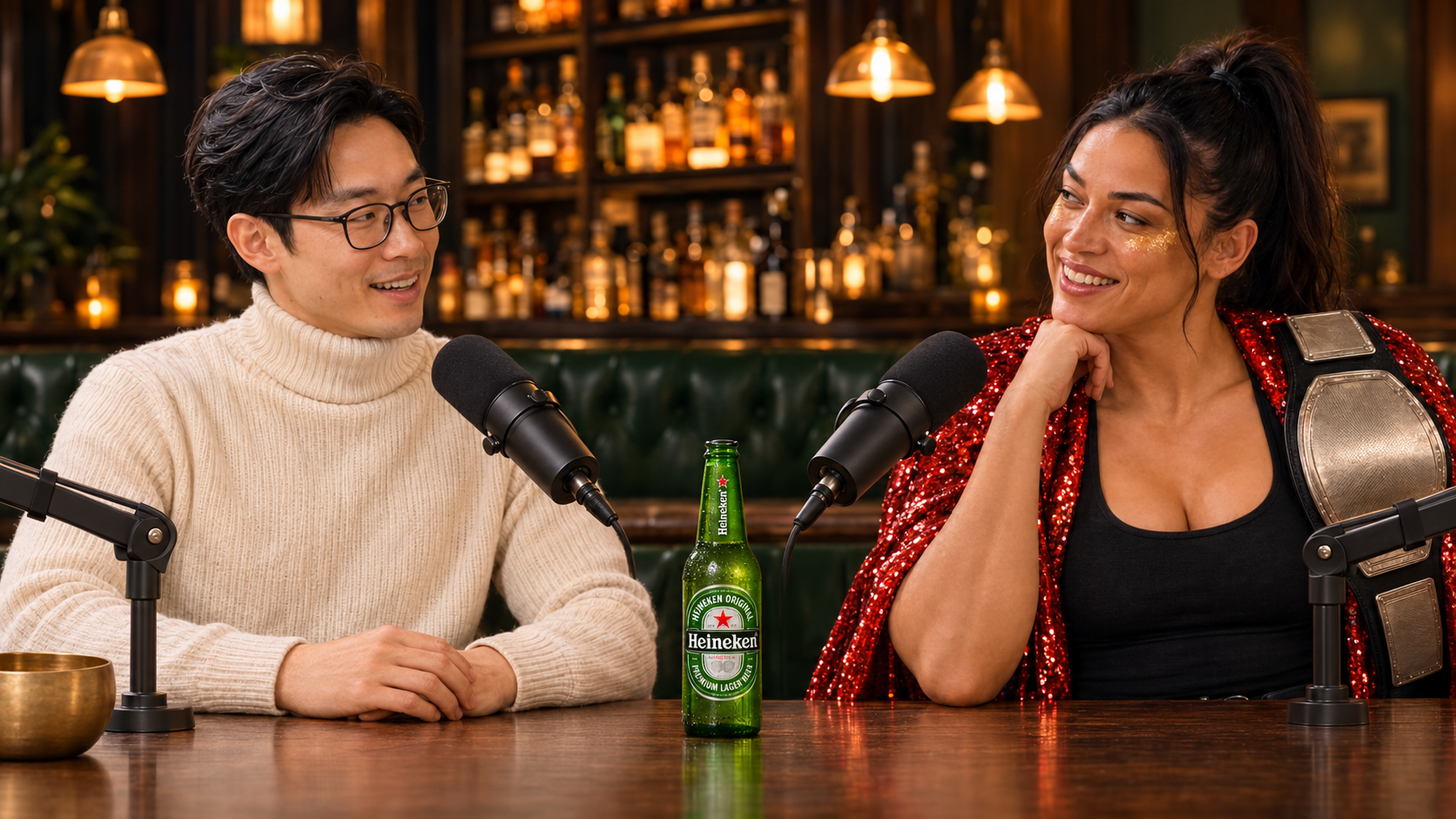 --:--
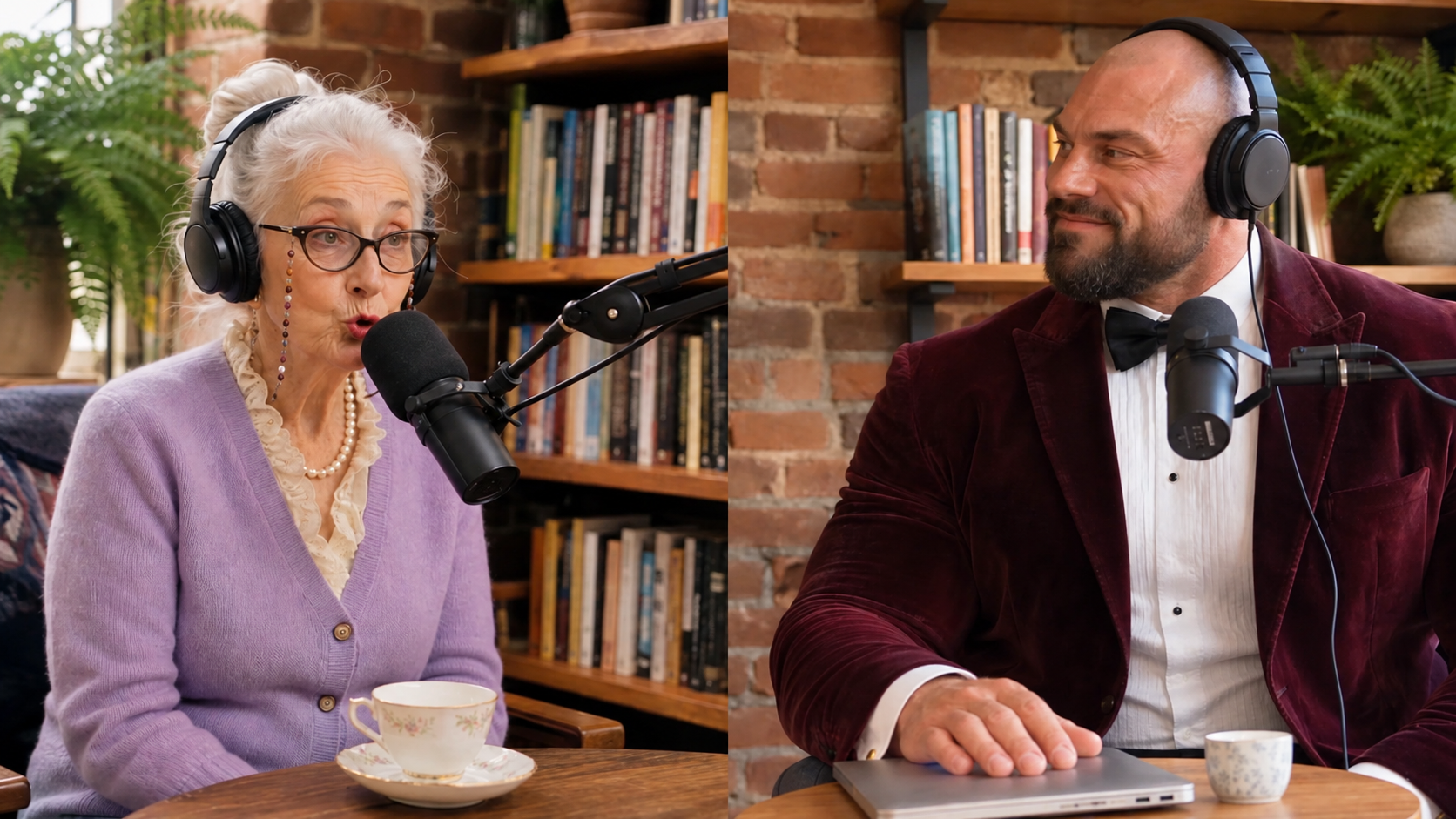 --:--
Imagine a returning subscriber seeing the opening for the tenth time. A short episode title over a fresh shot can give a series a familiar look without delaying the new material. A trailer for first-time visitors has more reason to spend time sampling several episodes. Start with the format of the episode. Kids Song Animation gives a children's music channel a visual reference to preview alongside a chorus. For an interview series, open UGC Podcast and listen to one real exchange from your recording while watching the preview to judge the pace.
Try the longest episode name and a representative frame together. Then look at the ending: if viewers should continue to another episode, leave a quiet area for the next-video element. These YouTube video examples let you compare how soon different openings reveal the topic.
Questions?
We're here to make it clear. Check out our FAQs, and if you still have questions, Pexo is always ready to help.
Should my logo appear before the topic?
If viewers clicked for an answer, show the question or result first. A brief identity cue can follow once they know they are in the right place.
Can I use the same opening for every episode?
Keep a recognizable visual pattern, then change the title and first example for each episode. That gives returning viewers both familiarity and a reason to stay.
What belongs behind an end screen?
Choose a calm image with space for the next-video element. Preview the end screen on YouTube so artwork and clickable elements stay clear of each other.