
 ChatGPT
 Perplexity
 Claude
 Gemini
 Grok



Adobe Express and Canva can both turn a product brief into editable graphics, short videos, and social variations. The practical difference appears when another person needs to continue the work. Which brand files are shared? Which template elements are protected? Can the next editor open the design in the same form, with the same fonts and stock permissions?
To keep the comparison practical, use Morrow Carry, a fictional travel-accessories brand launching a compression pouch. The team has a product photo, an SVG logo, two approved claims, a short demonstration clip, a color palette, and a headline that must remain editable. It needs three deliverables: a 16:9 website cut, a 1:1 feed version, and a 9:16 social version. The comparison follows this brief through each tool using its current public documentation, so the differences in asset setup, template reuse, team handoff, and export become easier to see.
Which Marketing Video Task Are We Comparing?
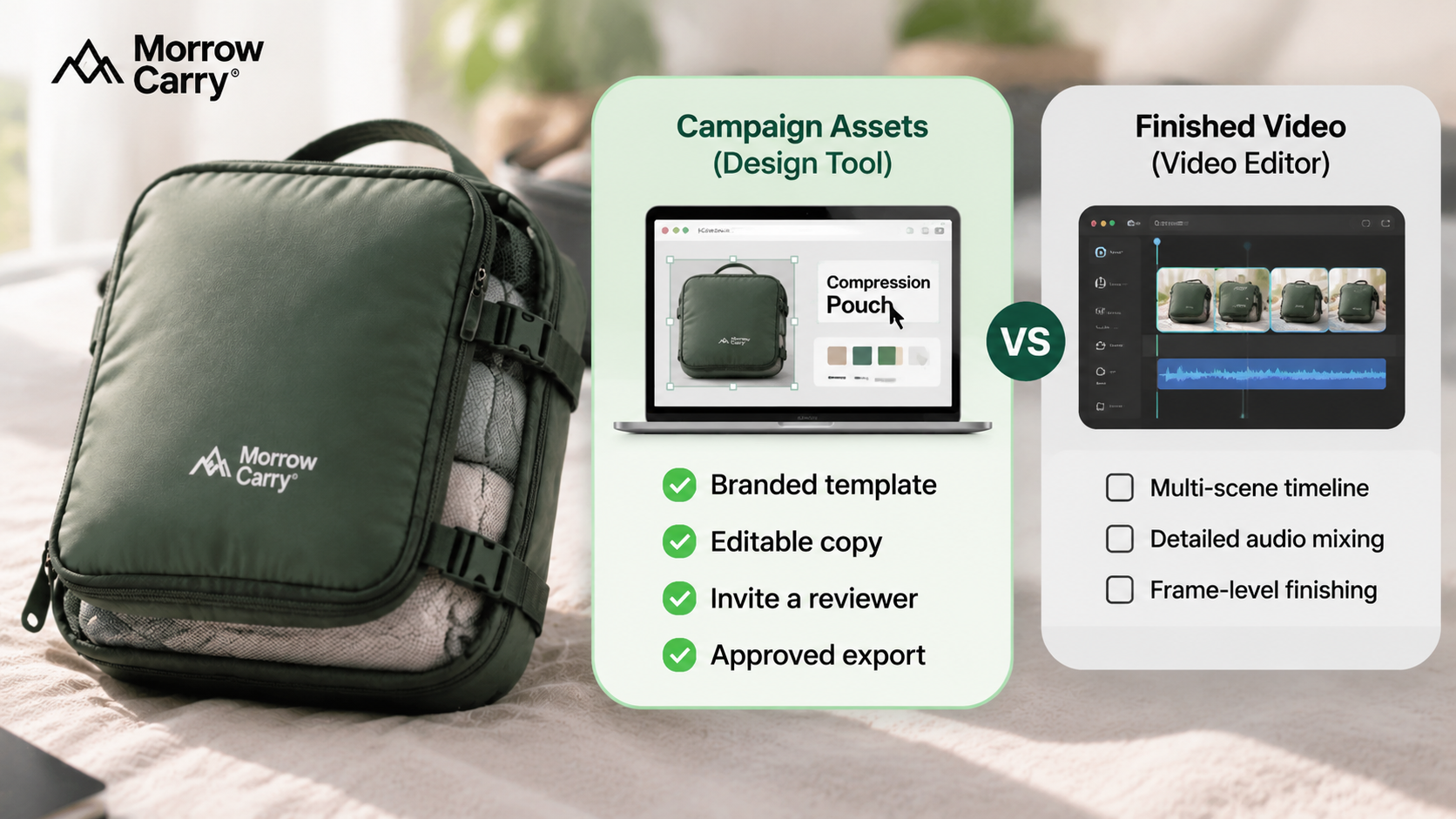
The task is to prepare reusable video assets for a small campaign, not to finish a cinematic product film inside either design platform. The team needs to place accurate product material into a branded template, change copy without breaking the layout, invite a reviewer, and hand an approved export to a video producer.
That distinction matters. A design tool can be excellent for the input package while still being the wrong place to manage a longer edit with multiple scenes, detailed audio mixing, and frame-level finishing. For Morrow Carry, the first question is whether the team needs editable campaign graphics or a finished video timeline.
Compare Starting Assets and Template Assembly
Product Images, Logos, Text, and Brand Rules
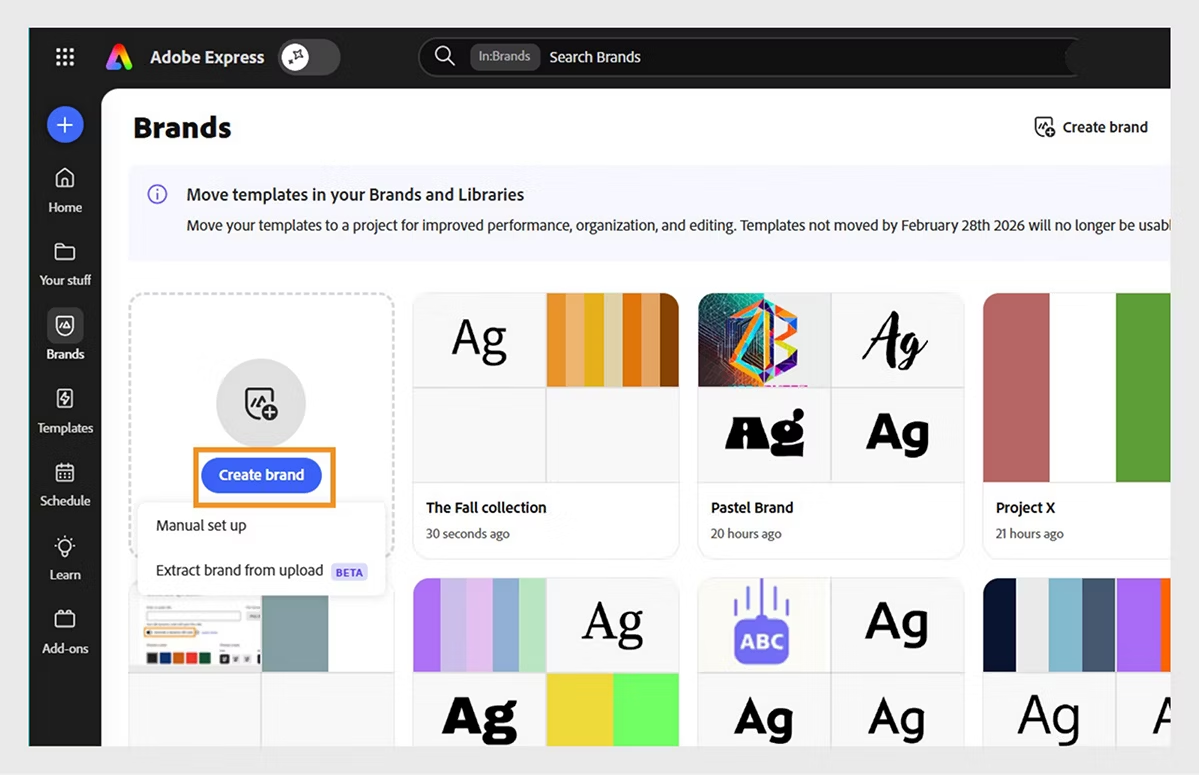
Adobe Express organizes logos, colors, fonts, graphics, and templates in Brands and Libraries. Adobe’s current documentation also describes team projects where collaborators can receive edit or comment access. A creative lead can place a product photo and locked brand elements into a template, then give a marketer room to change the headline or crop.
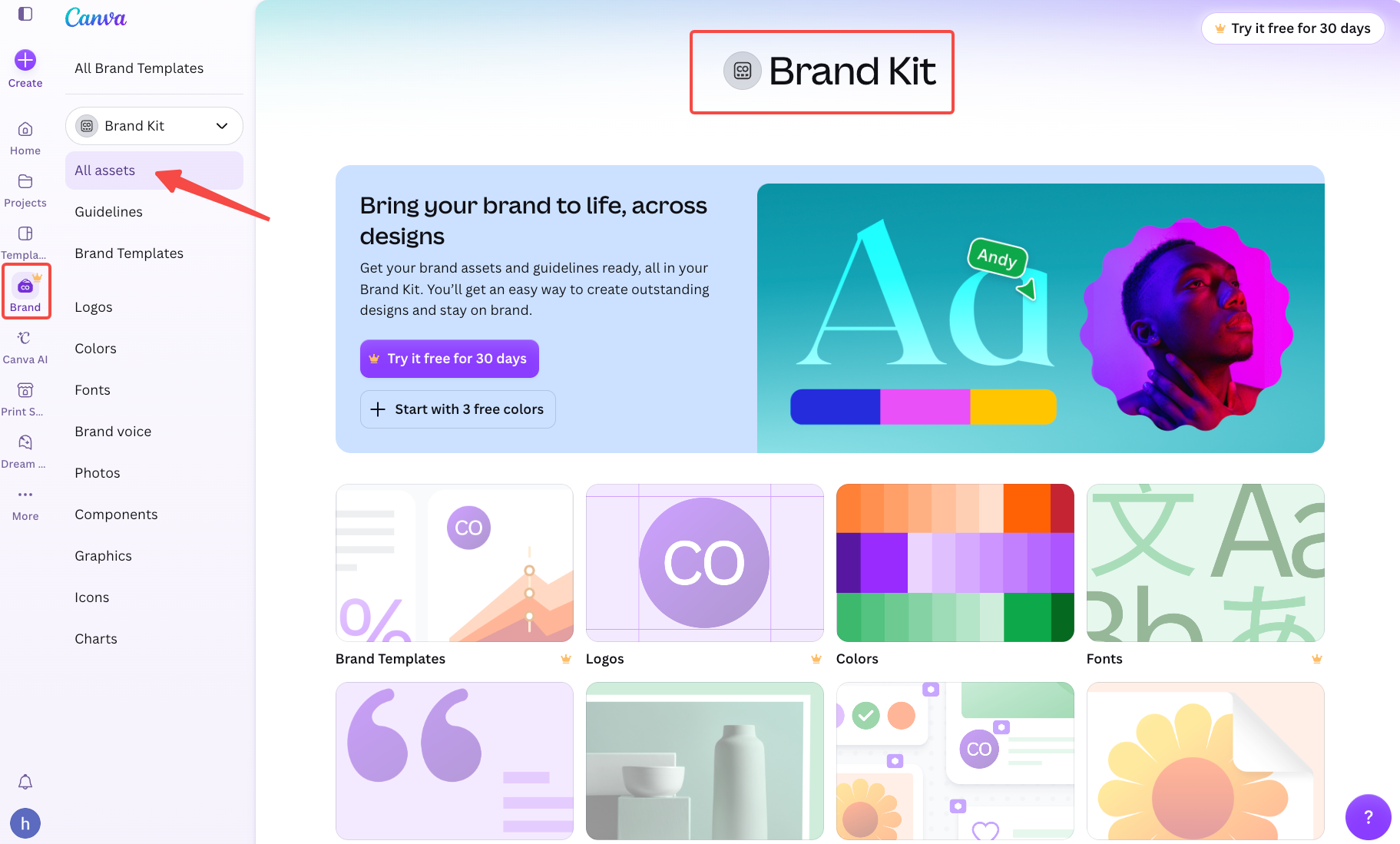
Canva uses Brand Kits for logos, colors, fonts, and brand templates. Its current help guidance says the people with the right permissions can organize assets into folders or Team Spaces where available; Canva is gradually rolling out this feature to a limited group of users. Brand Controls can restrict access to approved fonts and colors and require design approval before publishing. Separate team permissions can restrict media uploads, sharing, and publishing. That is useful when several people are adapting the same campaign without each person rebuilding the visual system.
For Morrow Carry, both tools can hold the basic input set. The difference is in the team’s existing environment. An Adobe-heavy team may already manage libraries, fonts, and review permissions through Adobe accounts. A Canva-first team may already have Brand Kits, folders, and templates that non-designers know how to duplicate.
Do not treat a product photo as a brand asset simply because it is stored in a kit. Mark which image is the current SKU reference, which claim is approved, and which logo file can be used outside the design tool. The next editor needs those distinctions when the packaging changes.
Compare Edits, Reuse, and Team Handoff
Adobe Express projects are shared workspaces. Adobe’s sharing guidance describes invitations with “Can edit” or “Can comment” access, plus a project link. That supports a handoff where one person adjusts a scene while another leaves feedback in the same project.
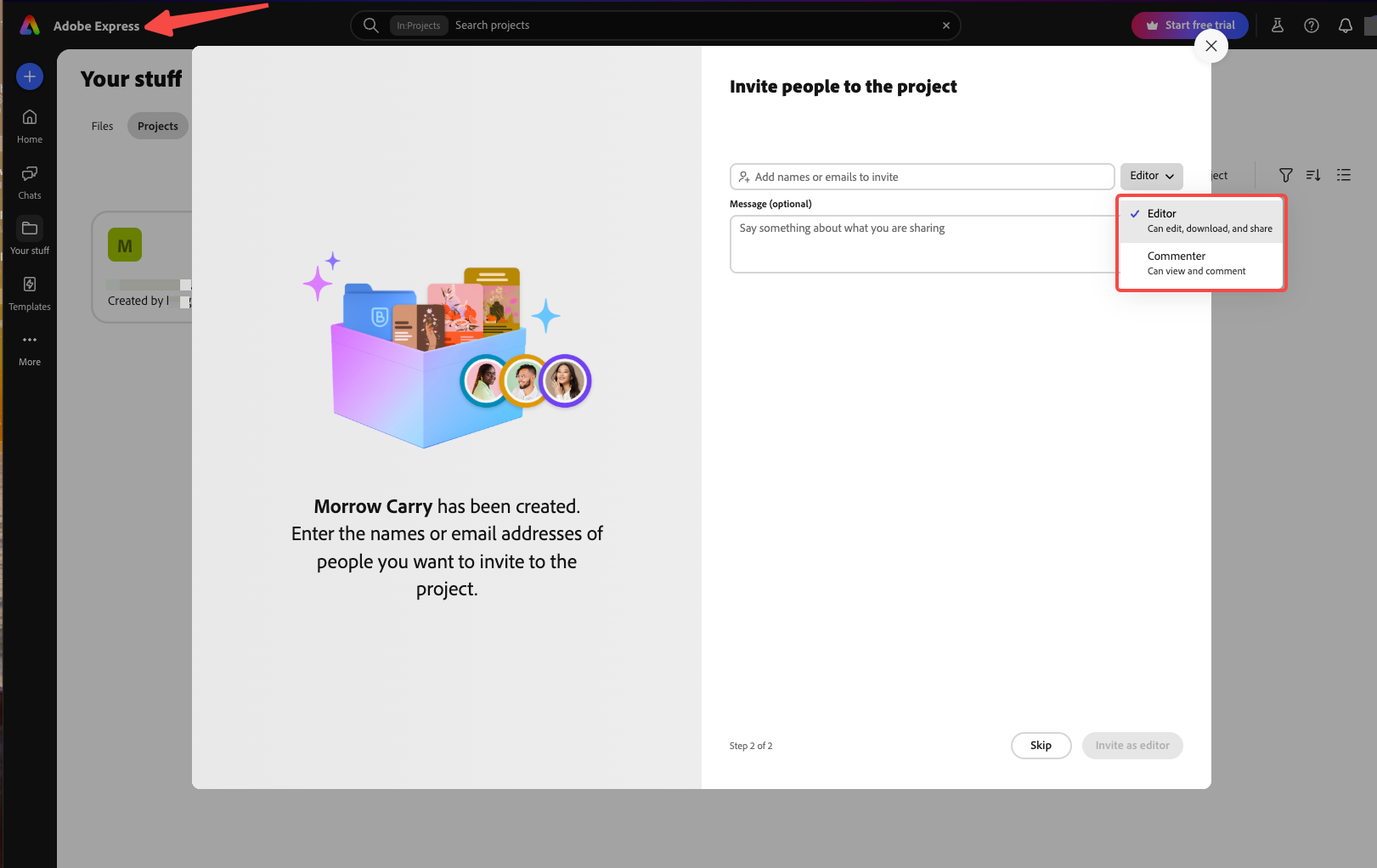
Canva also supports collaboration through shared designs, folders, Team Spaces, and Brand Kit permissions. The exact access level depends on the workspace and role. A reviewer may be able to comment without being the person who owns the brand assets or publishes the final version.
Neither route turns a brand template into a portable project file for the other platform. Neither platform offers a direct native-project handoff. Exported PDFs can be imported and partially edited in the other platform, but fonts, layouts, and other elements may require adjustment or rebuilding. If the client changes tools, plan the handoff around source assets, copy, timing notes, and exported references. Do not promise that every layer, animation, font, or stock link will survive the move.
For Morrow Carry, the clean handoff folder contains the product photo, logo SVG, approved claim sheet, font license or source, voiceover script, versioned preview, and a note stating which elements remain editable. A flattened MP4 is a delivery file. It is not a substitute for the source design. For the next handoff, Pexo’s product-page video guide shows how to keep source images, claims, and destination notes together.
Compare Video Export and Plan Boundaries
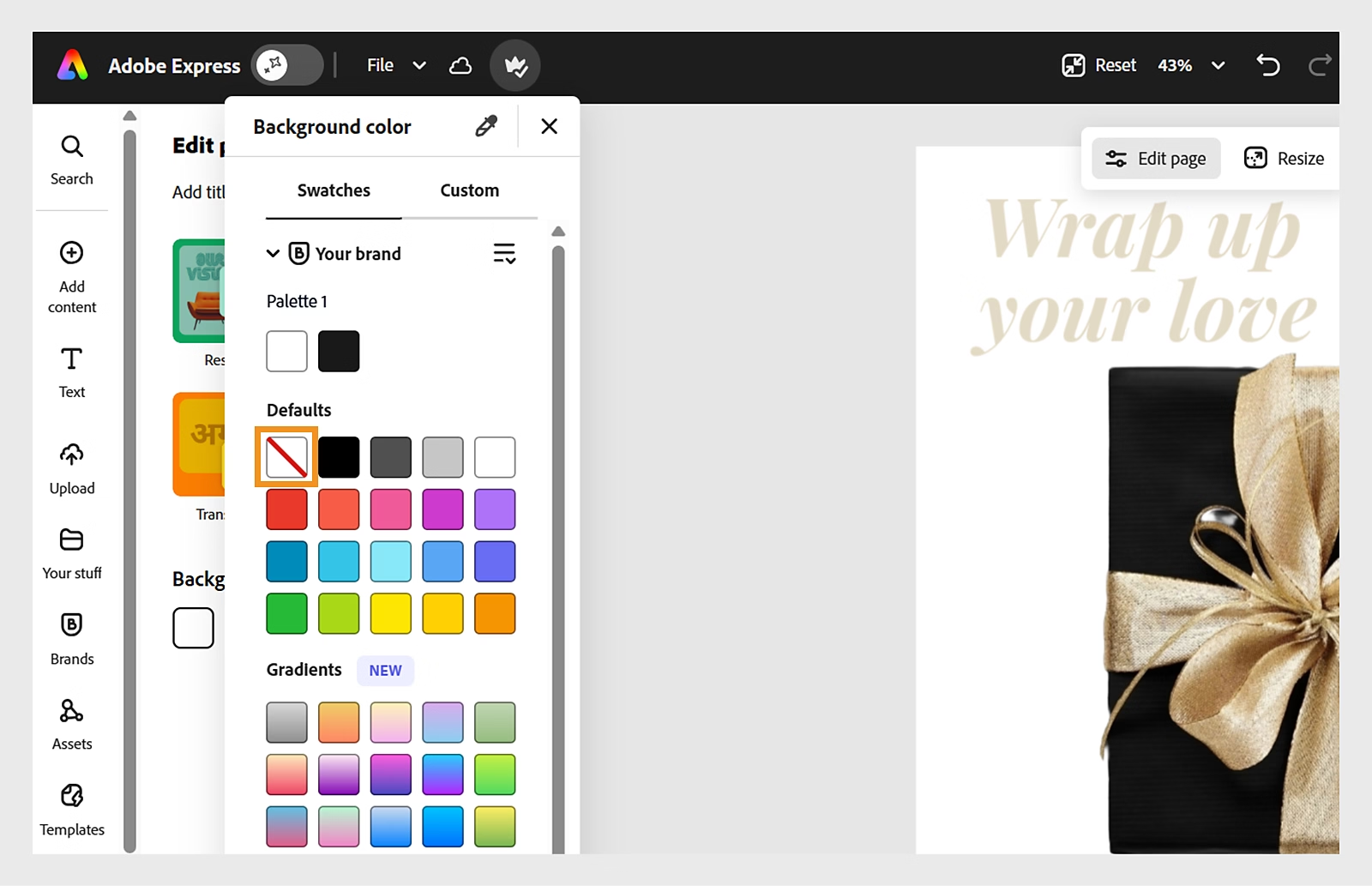
Adobe Express documents MP4 conversion and transparent PNG export. For a logo or cutout, the team can remove the background, set the canvas to no fill, and download a Transparent PNG. Adobe also warns that custom-font access and editing depend on the plan and permissions. A replacement font can change the look of the design.
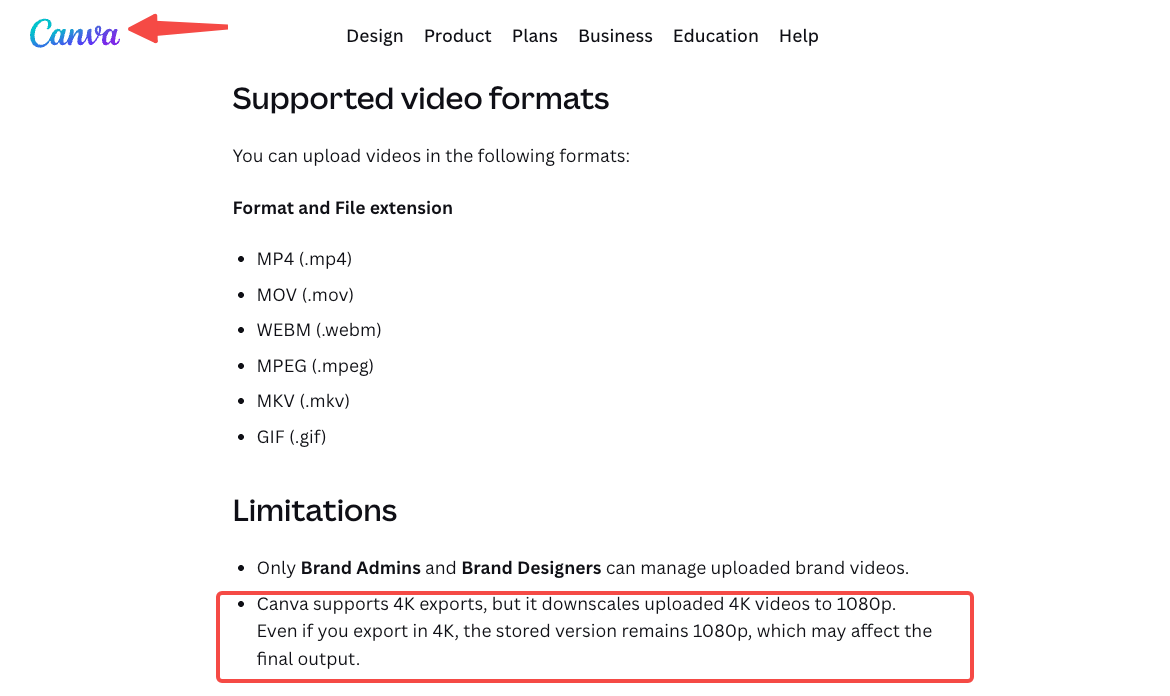
Canva supports video projects, Brand Kit videos (available on Canva Pro, Business, Enterprise, Education, and Nonprofits plans, but not Free), and common image exports. Its help guidance notes that stored Brand Kit video assets may remain at 1080p even when a design is exported in 4K. Canva also states that video uploads do not preserve a transparent background. If a video editor needs a transparent logo animation, export the logo as a separate transparent image or motion asset and test it in the destination editor.
Plan boundaries matter when a paid seat is removed. Access to a team design, Brand Kit, custom fonts, premium assets, and publishing controls may change with the workspace role and subscription. Before removing a seat, export approved deliverables, confirm the owner of the workspace, and record where the editable source lives. Neither vendor’s general feature page should be treated as a promise about your specific account’s retention or downgrade behavior.
Stock licensing also stays attached to the asset. Canva's license guidance distinguishes the design from third-party photos, video, fonts, and music inside it. Popular Music is governed by a separate license and is not permitted for commercial advertising. Stock Music and Free Music (Non-Commercial) follow their respective Content License Agreement conditions. Adobe Stock or third-party material has its own terms. A design that exports correctly may still need a separate paid-ad rights check for the product campaign.
A Same-Brief Decision Matrix for a Small Team
| Morrow Carry requirement | Adobe Express | Canva | What the team should record |
|---|---|---|---|
| Brand setup | Brands and Libraries for logos, fonts, colors, graphics, and templates | Brand Kits, folders, Team Spaces, and Brand Controls | Owner, editors, font files, approved logo versions |
| Template reuse | Shared project and brand-template route | Shared design and brand-template route | What can be edited, locked, or copied |
| Reviewer handoff | Can edit or Can comment project access | Workspace and design permissions vary by role | Reviewer identity and final approver |
| Multi-ratio campaign | Resize and export each required composition | Resize and export each required composition | 16:9, 1:1, 9:16, safe copy, and crop notes |
| Transparent logo handoff | Transparent PNG documented | Export a separate transparent image; video transparency needs checking | File type, alpha test, destination editor |
| Main risk | Font replacement or permission limits alter the design | Stored video resolution or stock-license limits affect handoff | Source folder, license record, and version number |
Adobe Express is a sensible starting point when the team already works in Adobe libraries and wants project-level collaboration around branded templates. Canva is a sensible starting point when the team already organizes campaigns in Brand Kits and expects many non-designers to duplicate and edit social assets. That is a fit decision, not a quality ranking.
When Does a Finished-Video Workflow Become Relevant?
A finished-video workflow becomes relevant when the brief includes several scenes, a directed story arc, voiceover timing, generated or captured product shots, and repeated preview revisions. At that point, the design tool can remain the place for brand graphics and source assets while a separate production route assembles the approved material.
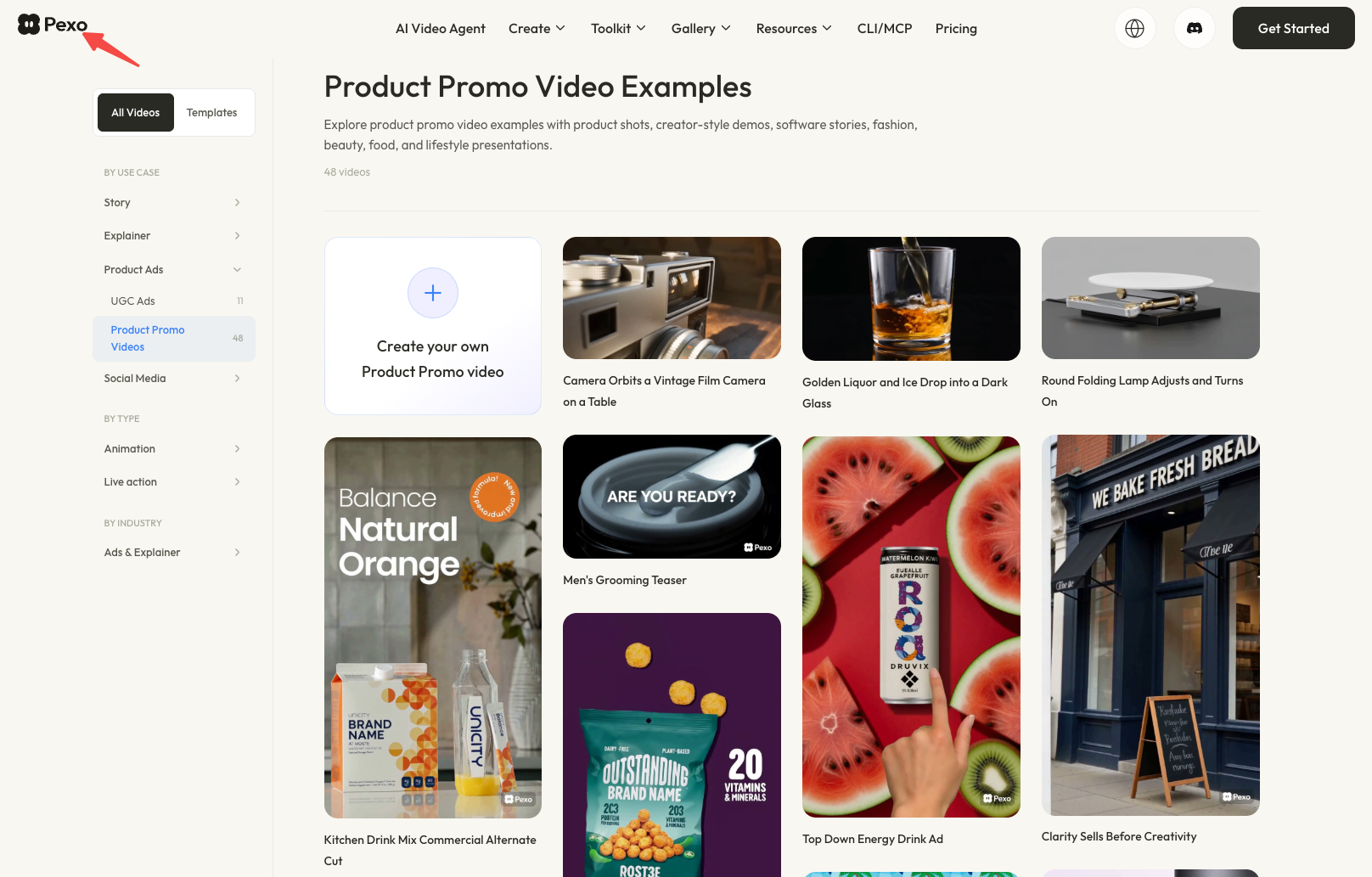
Pexo can be considered for that downstream step when the team has approved product images, claims, and direction. The Pexo create workspace is a production route, not a replacement for Adobe Express or Canva’s brand libraries. A Pexo product-ad workflow can start from an approved product photo when the brief has become a complete ad. The Pexo video gallery offers examples of finished formats. Keep the source design and usage permissions with the video brief.
Conclusion
Both tools can give a marketing team a strong starting package when the brief and brand assets are organized. Adobe Express fits teams already working with Adobe libraries and shared projects. Canva fits teams that rely on Brand Kits, shared designs, and frequent template reuse. The practical choice comes down to where the approved assets live, who needs to edit them, and what the next production step must receive. Before the campaign goes live, have the responsible reviewer confirm the usage terms for the stock, fonts, music, client materials, and final exports.