

 ChatGPT
 Perplexity
 Claude
 Gemini
 Grok
Grok
Descript built its reputation on one genuinely clever idea: edit your video the way you'd edit a Google Doc. Delete a sentence from the transcript, and the corresponding footage disappears. No timeline scrubbing, no razor tool.
That idea still holds up in 2026. What's changed is everything around it: the free plan shrank to 60 minutes a month, AI features run on metered credits, and the most common complaint in user reviews is the bill at the end of a busy month. So before you commit, it's worth understanding exactly what Descript is, what it costs, and which Descript alternatives might fit your workflow better.
What Is Descript?
Descript is a video and podcast editor built around transcription. Upload or record your footage, and Descript transcribes it into an editable script. From there, the transcript is the timeline: cut a paragraph, the video cuts; rearrange sentences, the footage rearranges. The name plays on "de-script": the script is the edit.
In practice, people use Descript for four jobs:
- Podcast editing: cut interviews by deleting text, remove every "um" with one click
- Talking-head video: tutorials, course content, and YouTube explainers
- Screen recordings: product demos and walkthroughs with narration
- Repurposing: turning long recordings into short clips for social
Around the core editor, Descript stacks AI tools: Studio Sound cleans up bad audio, Overdub clones your voice to fix flubbed lines, filler-word removal handles the "ums," and the Underlord assistant suggests edits and generates clips.
Descript Pricing: How Much Does It Cost in 2026?
Descript runs on a freemium model with metered usage. Here's the 2026 lineup:
| Plan | Monthly (annual billing) | What you get |
|---|---|---|
| Free | $0 | 60 media minutes/mo, watermarked exports, capped AI features |
| Hobbyist | $16/mo | 10 hrs transcription, watermark-free, limited AI credits |
| Creator | $24/mo | 30 hrs transcription, 4K export, more AI credits |
| Business | $50/mo | 60 hrs transcription, priority support, team features |
Three things the pricing page undersells:
- Is Descript free? Technically yes, practically no. The free tier's 60 minutes per month, watermarked exports, and locked AI tools make it a trial, not a working plan. There's no separate free trial; the free plan is the trial.
- AI credits are metered. Studio Sound, Overdub, and Underlord draw from a credit pool. Heavy use means top-ups beyond the subscription price.
- Bill shock is the #1 complaint. Review sites are full of teams describing jumps from $30 a month to several hundred once media minutes and credits ran over during a busy production cycle.
Is Descript Worth It? Pros and Cons
The honest answer: it depends entirely on whether your content is speech-driven.
Pros: Text-based editing is genuinely faster for talking content · One-click filler-word removal works well · Studio Sound rescues mediocre microphones · Screen recording, editing, and publishing in one app
Cons: Weak for visual-driven, music-synced edits · Metered credits make costs unpredictable · Transcription accuracy drops with noisy audio or heavy accents · Performance lags on long multi-track projects
If you produce podcasts or talking-head videos every week, Descript earns its subscription. If your content leans cinematic, stylized, or music-driven, or if you'd rather not edit at all, one of the alternatives below will fit better.
Quick Comparison: 8 Best Descript Alternatives at a Glance
Before the detailed reviews, here's the full picture.
| Tool | Best For | Starting Price |
|---|---|---|
| Pexo AI | Finished videos from a conversation, no editing | $30/mo (4,800 credits) |
| Riverside | Studio-quality remote recording | $19/mo |
| VEED | Animated subtitles and social repurposing | $12/mo |
| Podcastle | All-in-one podcast production | $14.99/mo |
| Adobe Premiere Pro | Professional editing with text-based cutting | $22.99/mo |
| Camtasia | Screen recording and course content | $179.88/yr |
| Opus Clip | Auto-clipping long videos into shorts | $15/mo |
| CapCut | Quick social edits with captions | Free ($19.99/mo Pro) |
The 8 Best Descript Alternatives in 2026
1. Pexo AI — Best for Skipping the Edit Entirely

Best for: creators who want the finished video, not a faster way to edit it.
| Metric | Score (out of 10) |
|---|---|
| Output Quality | 9.0 |
| Ease of Use | 9.5 |
| Editing Control | 8.0 |
| Speed | 9.0 |
| AI Capability | 9.5 |
| Value | 8.5 |
Descript's pitch is "editing, but faster." Pexo's pitch is "what if you didn't edit?" It's a conversational AI video agent: describe the video you want, drop in a script, a URL, an image, or an audio file, and the agent handles scripting, footage generation, captions, music, and export. Revisions happen in plain language: "tighten the intro, swap the music" instead of another editing pass.
The overlap with Descript is bigger than it looks. Audio-to-video turns a podcast episode into a finished video with visuals, and the same conversation produces the social cuts. Under the hood, Pexo routes to models like Kling, Seedance 2.0, and Veo 3, and finished videos run up to 2 minutes.
Pros: No editing skills or timeline involved · Podcast audio becomes finished video in one conversation · Multi-model generation variety · Built-in captions, music, and voiceover
Cons: Less frame-level control than a transcript editor · Credit-based pricing adds up at high volume · Web only
Pricing: $30/mo for 4,800 credits (Plus) · $60/mo (Elite) · $100/mo (Max). See all plans.
Best for: marketers and podcasters who want publish-ready video without owning the production process.
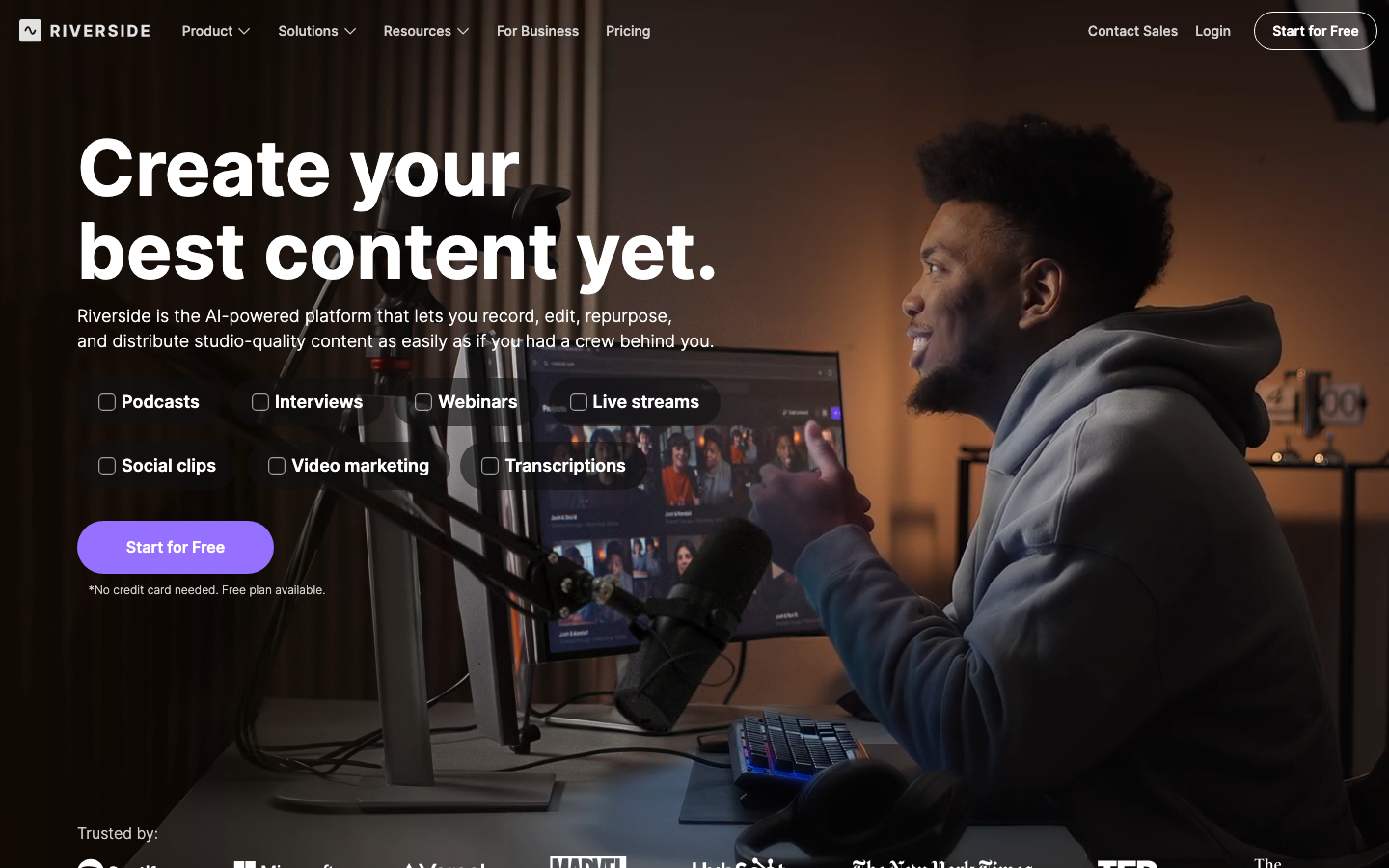
2. Riverside — Best for Recording Quality
Best for: podcasters and interviewers who record remotely every week.
| Metric | Score (out of 10) |
|---|---|
| Output Quality | 9.0 |
| Ease of Use | 8.5 |
| Editing Control | 7.5 |
| Speed | 8.0 |
| AI Capability | 8.0 |
| Value | 8.0 |
Riverside attacks the problem one step earlier than Descript: the recording itself. It captures up to 4K video and uncompressed WAV audio locally on each participant's device, so a guest's flaky Wi-Fi never ruins a take. The built-in editor added text-based editing in recent years, narrowing Descript's advantage, and Magic Clips auto-cuts highlights for social.
Pros: Local recording survives bad connections · Up to 4K video, uncompressed audio · Text-based editing included · Strong auto-clipping
Cons: Editor is lighter than Descript's for complex projects · Recording-first design is overkill for solo creators · Per-seat costs grow with co-hosts
Pricing: Free tier with watermark · $19/mo (Standard) · $29/mo (Pro).
Best for: interview shows and remote podcasts where source quality matters most.
3. VEED — Best for Social Repurposing
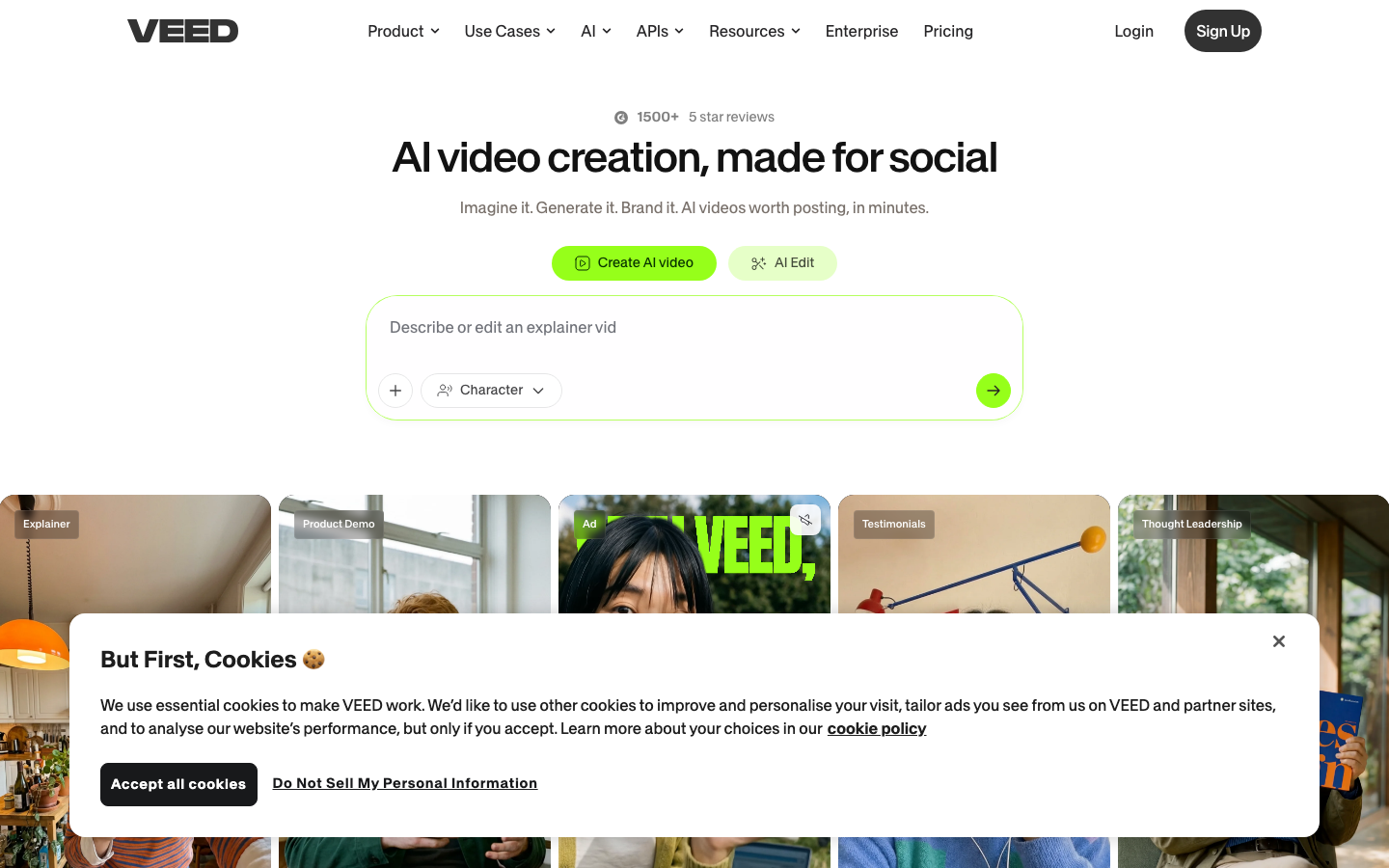
Best for: teams turning long recordings into subtitled social clips.
| Metric | Score (out of 10) |
|---|---|
| Output Quality | 7.5 |
| Ease of Use | 9.0 |
| Editing Control | 7.0 |
| Speed | 8.0 |
| AI Capability | 8.0 |
| Value | 7.5 |
VEED is a browser-based editor that beats Descript where Descript is weakest: presentation. Its animated subtitle styles are the eye-catching kind social feeds reward, auto-translated into 50+ languages with timing kept intact. The transcript sits alongside the timeline, and Magic Cut removes silences and filler words automatically.
Pros: Best-in-class animated subtitles · 50+ language auto-translation · Nothing to install, easy team collaboration · AI avatars and clean-audio tools
Cons: Transcript assists the timeline rather than replacing it · Watermark on free tier · Long 4K projects strain the browser
Pricing: $12/mo (Lite) · $24/mo (Pro), billed annually.
Best for: marketing teams shipping multilingual social clips on a schedule.
4. Podcastle — Best All-in-One Podcast Studio
Best for: podcasters who want recording, editing, and hosting in one place.
| Metric | Score (out of 10) |
|---|---|
| Output Quality | 8.0 |
| Ease of Use | 8.5 |
| Editing Control | 7.5 |
| Speed | 8.0 |
| AI Capability | 8.0 |
| Value | 8.5 |
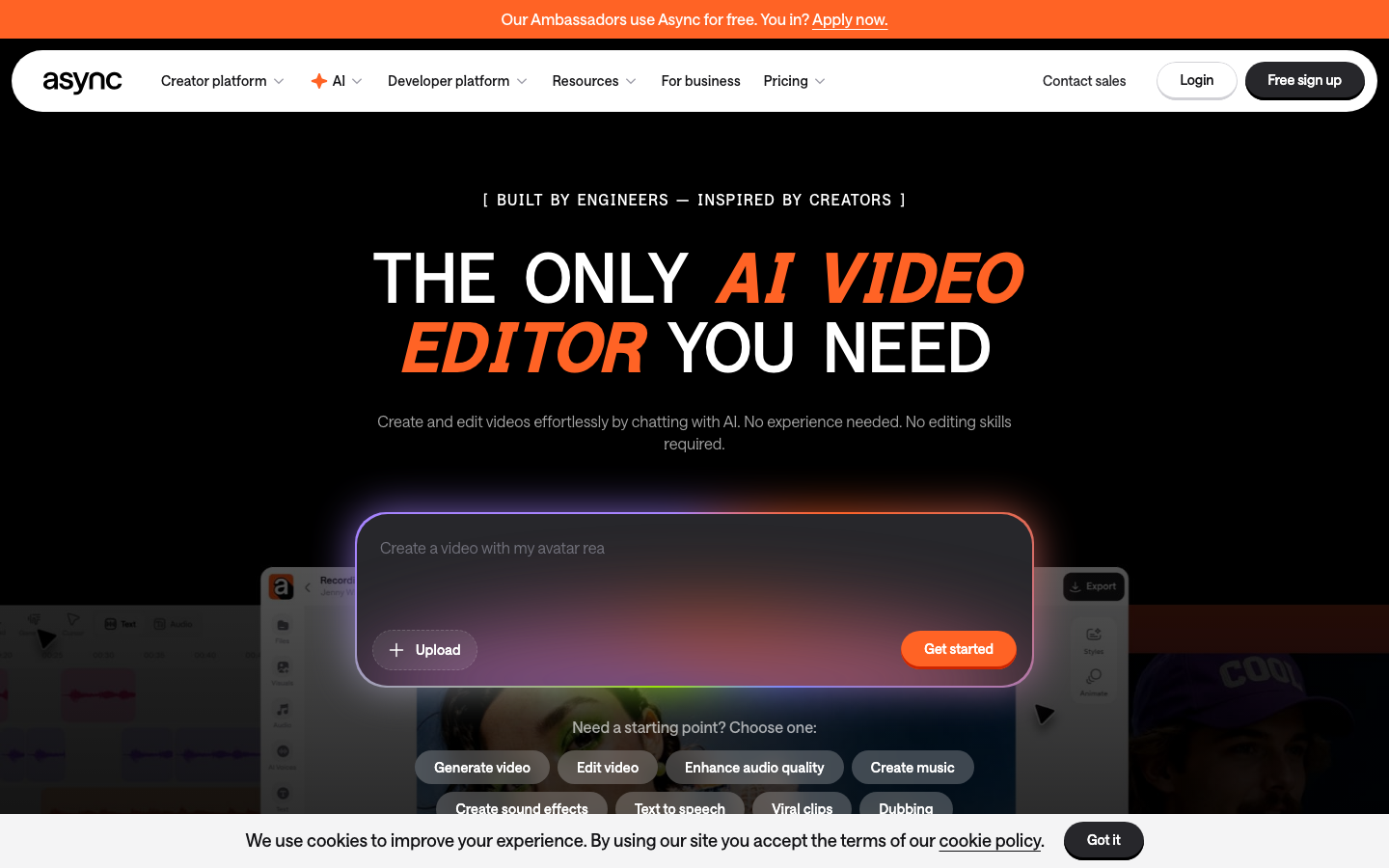
Podcastle bundles the whole podcast pipeline: remote recording, text-based editing, AI voice cloning, noise removal, and distribution. It's the closest one-to-one Descript replacement for audio-first creators, at a lower entry price, with hosting included so you don't need a separate provider.
Pros: Full pipeline from record to publish · Text-based editing like Descript's · Built-in hosting and distribution · Lower entry price
Cons: Video features trail the audio side · Smaller template and integration ecosystem · Voice cloning quality varies
Pricing: Free tier · $14.99/mo (Storyteller) · $29.99/mo (Pro).
Best for: audio-first podcasters consolidating their stack.
5. Adobe Premiere Pro — Best Professional Upgrade
Best for: editors who outgrew transcript editing and need full control.
| Metric | Score (out of 10) |
|---|---|
| Output Quality | 9.5 |
| Ease of Use | 6.0 |
| Editing Control | 10 |
| Speed | 7.0 |
| AI Capability | 8.0 |
| Value | 7.0 |
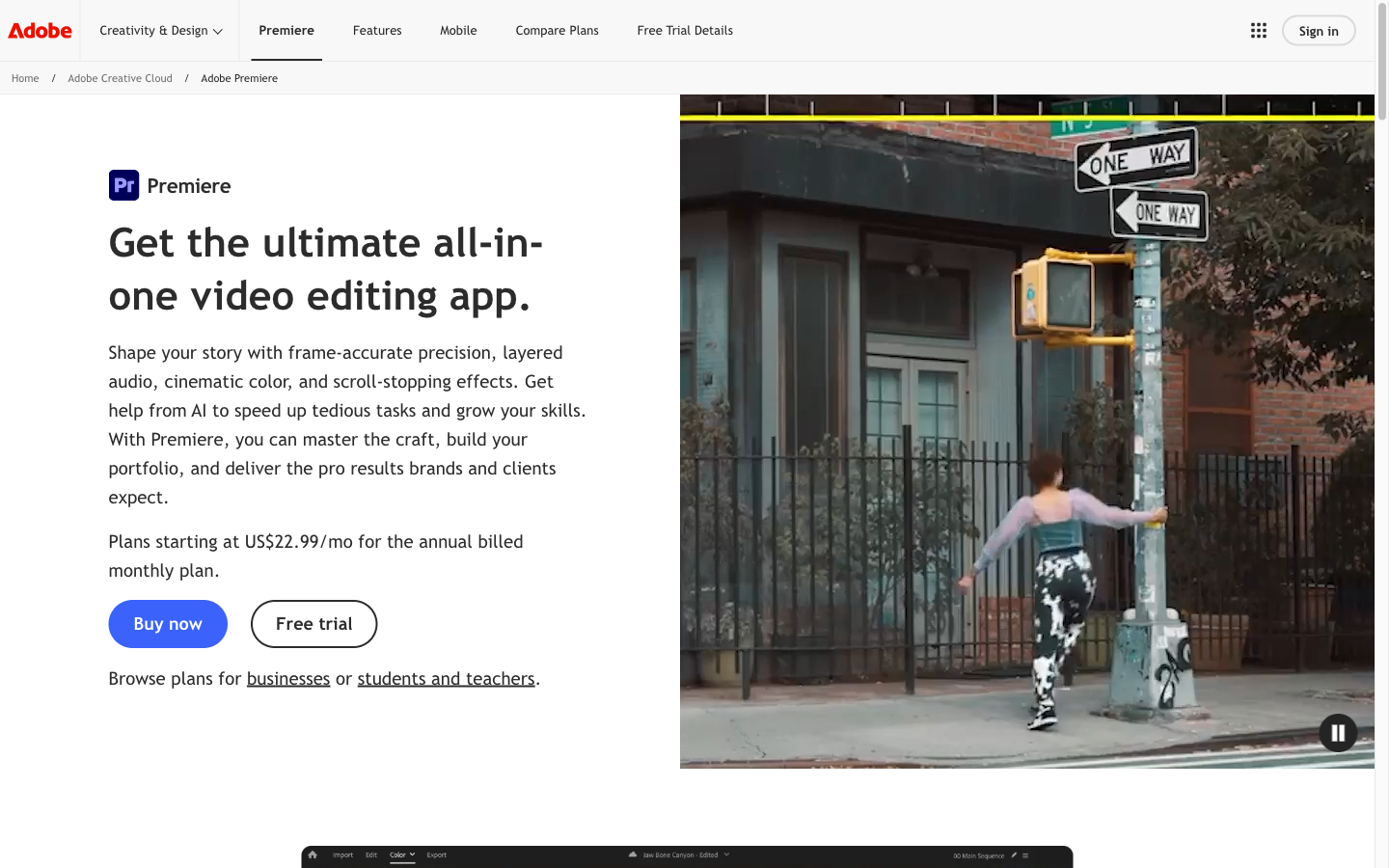
Premiere Pro absorbed Descript's signature feature: its text-based editing transcribes footage and lets you assemble a rough cut by selecting transcript passages. The difference is what surrounds it, a full professional suite with color grading, audio mixing, motion graphics, and every format a client could demand.
Pros: Text-based editing inside a pro suite · Industry-standard output quality · Massive plugin and template ecosystem · Integrates with After Effects and Audition
Cons: Steep learning curve · Subscription-only, no lifetime option · Heavy hardware demands
Pricing: $22.99/mo (annual plan).
Best for: professionals who need transcript-speed rough cuts and pro-grade finishing.
6. Camtasia — Best for Courses and Screen Content
Best for: educators and trainers recording screen-based lessons.
| Metric | Score (out of 10) |
|---|---|
| Output Quality | 8.0 |
| Ease of Use | 8.5 |
| Editing Control | 7.5 |
| Speed | 7.5 |
| AI Capability | 7.0 |
| Value | 7.5 |
Camtasia has owned the screen-recording niche for two decades. Recording, cursor effects, zoom-and-pan, quizzes, and captions live in one desktop app, and recent versions added AI text-based editing and auto captions. For structured course content, its interactive features do things Descript can't.
Pros: Best-in-class screen recording · Interactive quizzes and callouts for courses · One-time-feeling annual license · 20 years of stability
Cons: Dated interface · AI features arrived late and feel bolted on · Weak for social-format video
Pricing: $179.88/yr (Essentials) · $249/yr (Create).
Best for: course creators and internal trainers.
7. Opus Clip — Best for Auto-Clipping
Best for: creators mining long videos for shorts at volume.
| Metric | Score (out of 10) |
|---|---|
| Output Quality | 7.5 |
| Ease of Use | 9.0 |
| Editing Control | 6.0 |
| Speed | 9.0 |
| AI Capability | 8.5 |
| Value | 8.0 |
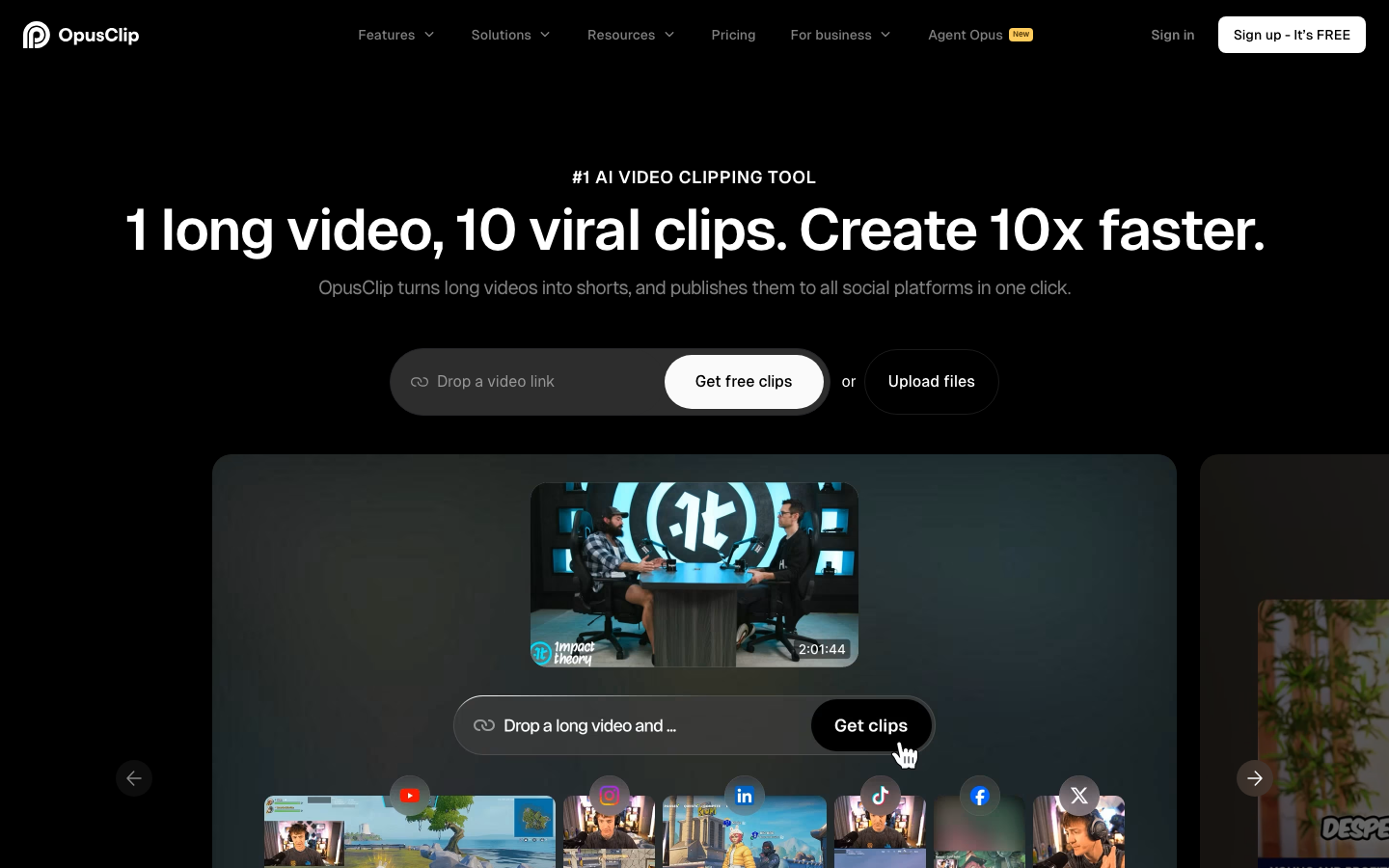
Opus Clip does one job: feed it a long video, and it returns ranked, captioned, vertically-reframed short clips with virality scores. It replaces the most tedious Descript workflow (manually hunting for clip-worthy moments) with a batch process that takes minutes.
Pros: Fully automatic highlight detection · Auto-reframing keeps speakers centered · Virality scoring prioritizes what to post · Fast batch processing
Cons: Not an editor; you can't restructure content · Scores favor a particular hook-heavy style · Needs decent source material to shine
Pricing: Free tier · $15/mo (Starter) · $29/mo (Pro).
Best for: YouTubers and podcasters feeding the shorts machine weekly.
8. CapCut — Best Budget Social Editor
Best for: solo creators editing vertical content on a phone.
| Metric | Score (out of 10) |
|---|---|
| Output Quality | 7.5 |
| Ease of Use | 9.0 |
| Editing Control | 7.0 |
| Speed | 8.5 |
| AI Capability | 7.5 |
| Value | 7.5 |
CapCut covers the casual end of Descript's audience: creators who need captions, cuts, and effects for social video without a production budget. Auto captions are accurate (now Pro-gated), templates are endless, and the mobile-first workflow gets a video from camera roll to TikTok in minutes.
Pros: Fast vertical-video workflow · Big template and effects library · Desktop and mobile versions · Low cost of entry
Cons: Auto captions and several AI tools moved behind the Pro paywall in 2026 · ByteDance content-license terms concern professional users · No transcript-based editing
Pricing: Free with limits · $19.99/mo (Pro).
Best for: casual social creators who edit by feel, not by transcript.
How to Choose the Right Descript Alternative
Want to stop editing altogether? Go with Pexo AI. Describe the video once, and the agent scripts, generates, and assembles it. Try a talking-head video and compare the hours saved. For a wider look at this category, our best AI video agents guide compares the leading options.
Want better editing, not less editing? Match the tool to your bottleneck: Riverside if recording quality is the weak link, VEED if social presentation is, Premiere Pro if you've outgrown transcript-only control.
Final Thoughts
Descript remains the best pure text-based editor, and for weekly podcast production it's still worth it, with eyes open about credit costs. But "best transcript editor" is a narrower crown than it was in 2023. Premiere absorbed the headline feature, Riverside fixed the recording end, VEED won the presentation layer, and agents like Pexo AI made the edit itself optional.
The right question isn't "which editor is best?" It's "how much of this work do I still want to do myself?"