ChatGPT
 Perplexity
 Claude
 Gemini
 Grok
Grok



For a product ad, “one video” is too loose a budget request. Specify the approved product, the scene the buyer needs to see, and the corrections you're willing to fund.
A useful Pika ChatGPT video cost estimate follows that deliverable through review. Record the first quote, reserve credits for specific changes, and count the attempts you reject alongside the version you keep.
Which Pika Actions Show a Credit Estimate?
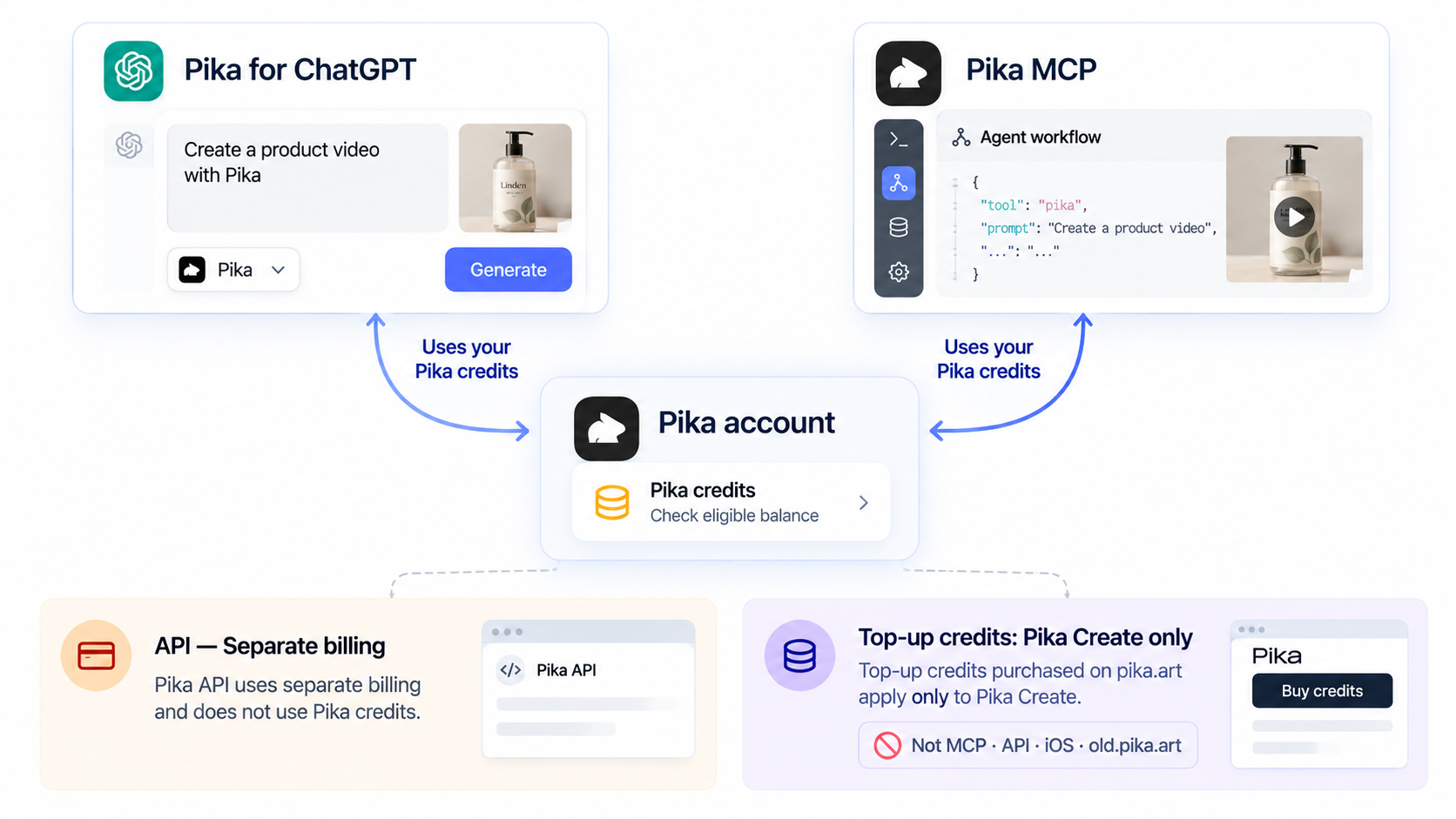
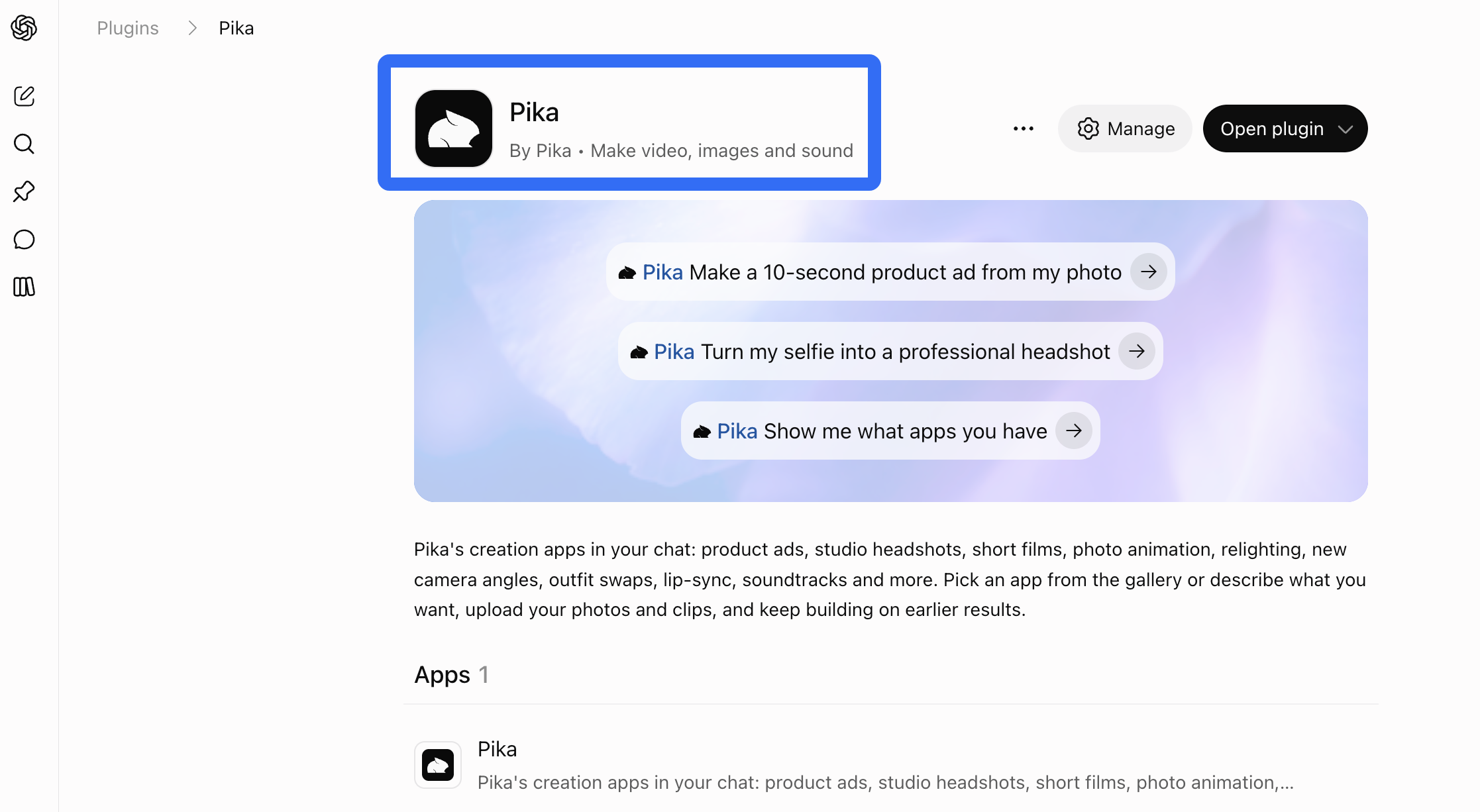
The plugin shows an estimated cost before generation by default. Installing it only authorizes access; installation doesn't start a generation. Generation uses Pika credits, subject to the account permissions and spending preferences described in the plugin's spending guidance.
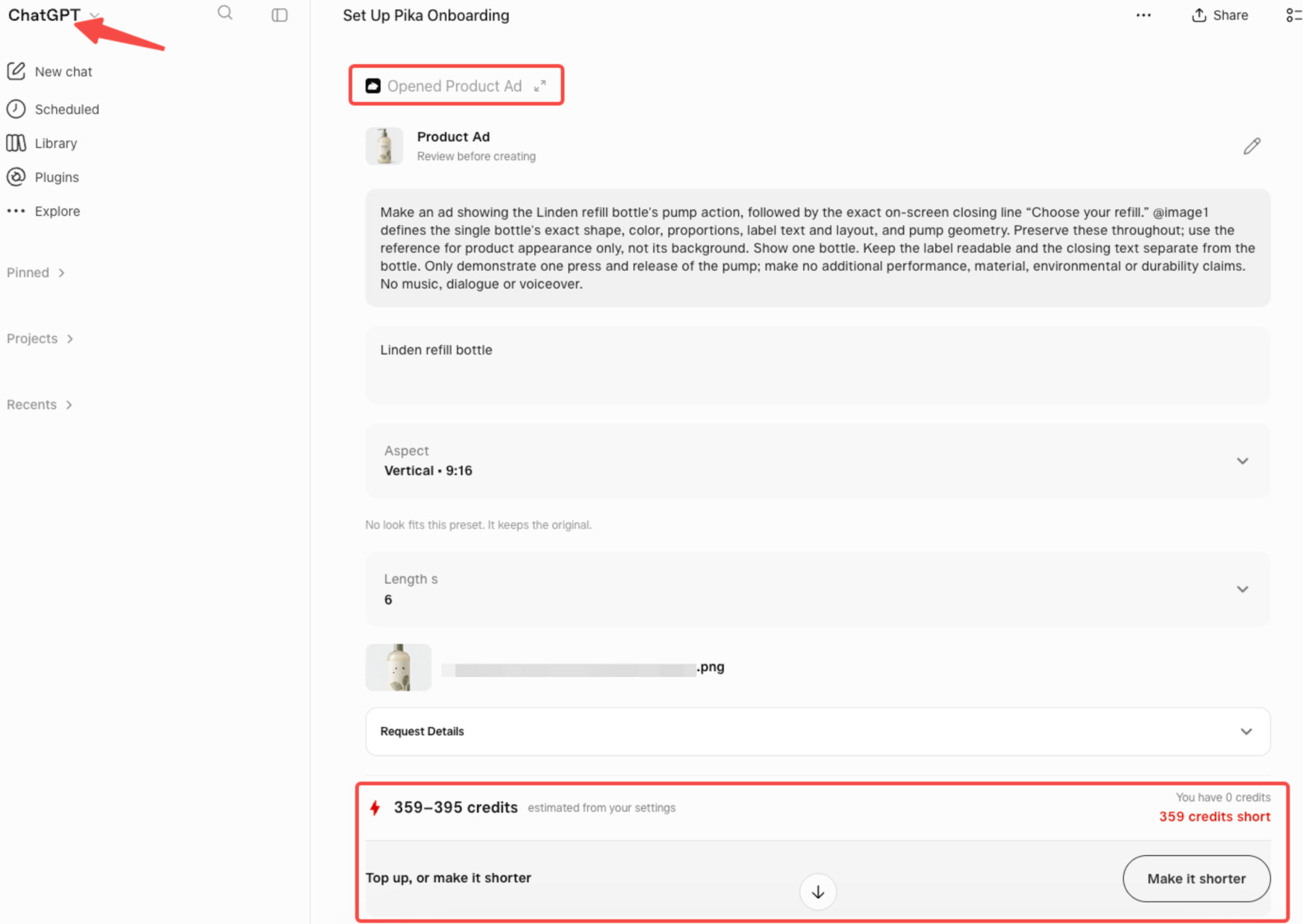
Check the estimate after selecting the app, model, and settings. A new duration or resolution can change the charge. For an edit, establish whether the request involves regeneration or another paid action. Don't assume every instruction costs the same, or that timeline adjustments are free.
If a charge isn't clear, leave it unapproved until you can confirm it. An unknown quote cannot support a reliable ceiling.
Build a Budget for One Product Video
Consider a fictional Linden refill bottle. The team has approved packshots and wants an ad showing the pump action, followed by “Choose your refill.” Approval requires the correct label, pump shape, and closing line.
Record the quoted generation cost
Save the displayed quote with the selected app, model, duration, resolution, and date. Note whether it covers one scene or the requested sequence. If the work requires several actions, collect their estimates separately.
Keep the subscription invoice beside this record. The monthly fee buys a package of access and allowances; it doesn't establish the dollar cost of this particular ad. Any internal cash allocation needs a stated method, especially when plan, purchased, and promotional credits are mixed.
Reserve an allowance for revision attempts
For Linden, reserve room for a product-detail correction and an ending change. Those are planning choices, not predicted failures or included revision rounds.
Working credit ceiling = quoted initial actions + approved revision allowance + any quoted finishing actions.
Give the allowance an owner and a stop point. Before each attempt, compare its current quote with the remaining allowance. If a revised ending requires rebuilding more of the video than expected, approve that wider scope before spending.
Record Actual Credits After Each Action
Copy this table into the campaign record. Fill the blanks from your account; the rows describe possible Linden actions, not completed generations.
| Step | Displayed quote | Actual credits charged | Redo reason | Finally adopted? |
|---|---|---|---|---|
| Initial ad generation | ___ | ___ | First version | Yes / Partly / No |
| Product-detail correction | ___ | ___ | Label or pump differs from packshot | Yes / Partly / No |
| Ending revision | ___ | ___ | Closing line needs replacement | Yes / Partly / No |
| Finishing action, if needed | ___ | ___ | Name the remaining requirement | Yes / Partly / No |
Each row needs the output or job reference. Record confirmed credit returns separately, then subtract them from charges to find net credits used. A pending support request hasn't restored the balance yet.
Rejected work still counts toward the total. If only Linden's final scene survives from an attempt, mark “Partly” and identify that scene. This makes the next campaign's budget more useful than a folder containing only the approved export.
When Should the Team Stop and Rebrief?
Stop when the next request cannot explain what should change, when the same product error persists, or when its quote exceeds the remaining allowance.
For Linden, another attractive bottle shot has little value if the pump remains wrong. Replace an ambiguous reference, simplify the movement, or reconsider whether that scene needs generation. Repeating “make it more accurate” gives the next attempt no clearer target.
A useful revision names the mismatch and its check: “Match the pump to the approved front packshot; compare its shape before accepting the next cut.” Also name what should stay. That instruction expresses the goal; it doesn't guarantee unaffected scenes remain identical.
Use the Budget Before the Next Generation
Write down the remaining problem, the next quote, and who can approve it. Continue when the proposed change is specific enough to review and fits the allowance.
If the production route itself needs reconsidering, Pexo, this guide's publisher, also has a Pika and Pexo workflow comparison. It follows the first cut, two specific revision requests, and the final handoff.