
AI Game Intro Video
Make a game intro video with Pexo. Use the first playable world to tell a clear story. Organize your material and review the finished video.
Make an AI claymation and puppet animation short. Make a short puppet story where the physical movement tells the viewer what changes. Review the result with your own source material.
Bring a character design, a couple of frame references, and a story with a clear first action and outcome. In Pexo’s claymation and puppet animation short maker, give the opening just enough space to identify an original tactile puppet and one small challenge, then make the visible puppet movement the center of the first cut. Use Image to Video with your brief, then review an original tactile puppet and one small challenge.
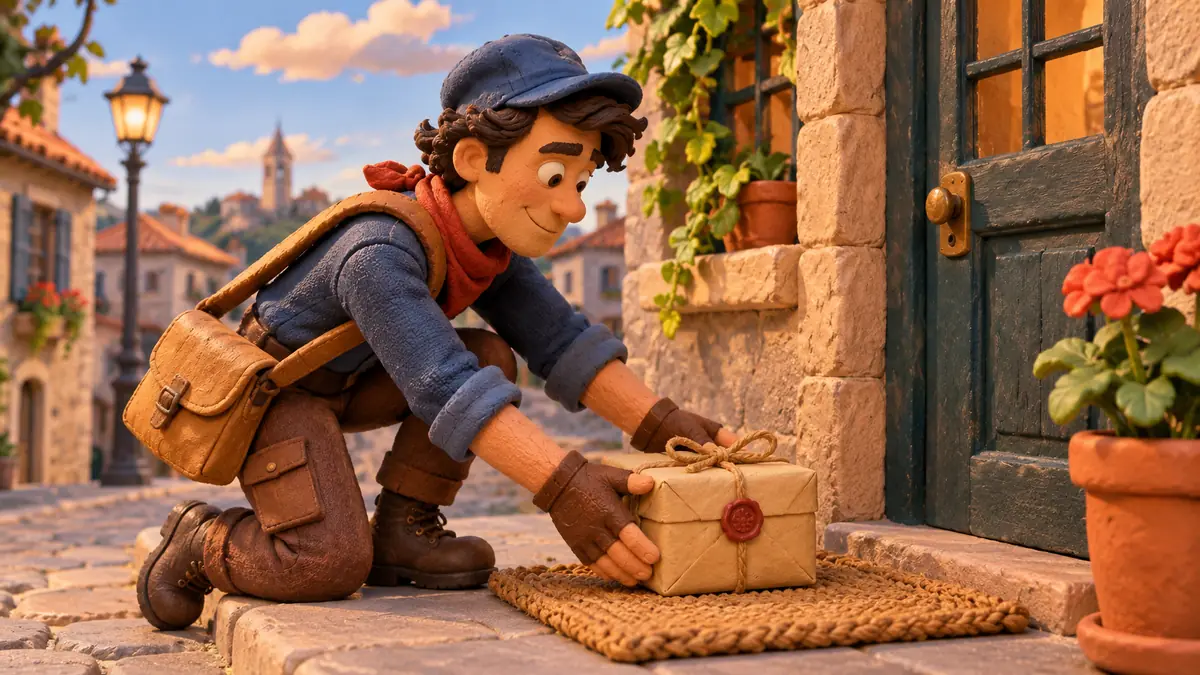
The result preview focuses on an original tactile puppet and one small challenge. Review each of the checks before shaping the complete cut.
What to review
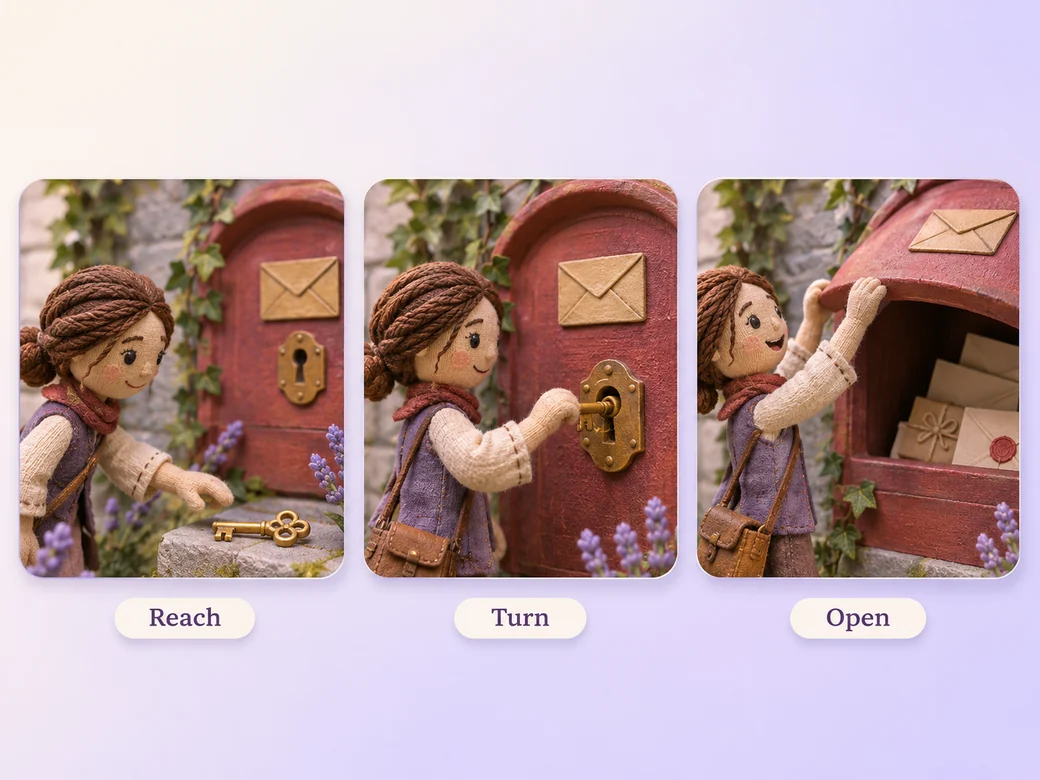
Introduce the character with a recognizable pose. Use one visible movement as the problem or decision begins. Keep seams and pressure marks believable, and let small pauses make the character feel like it has weight.
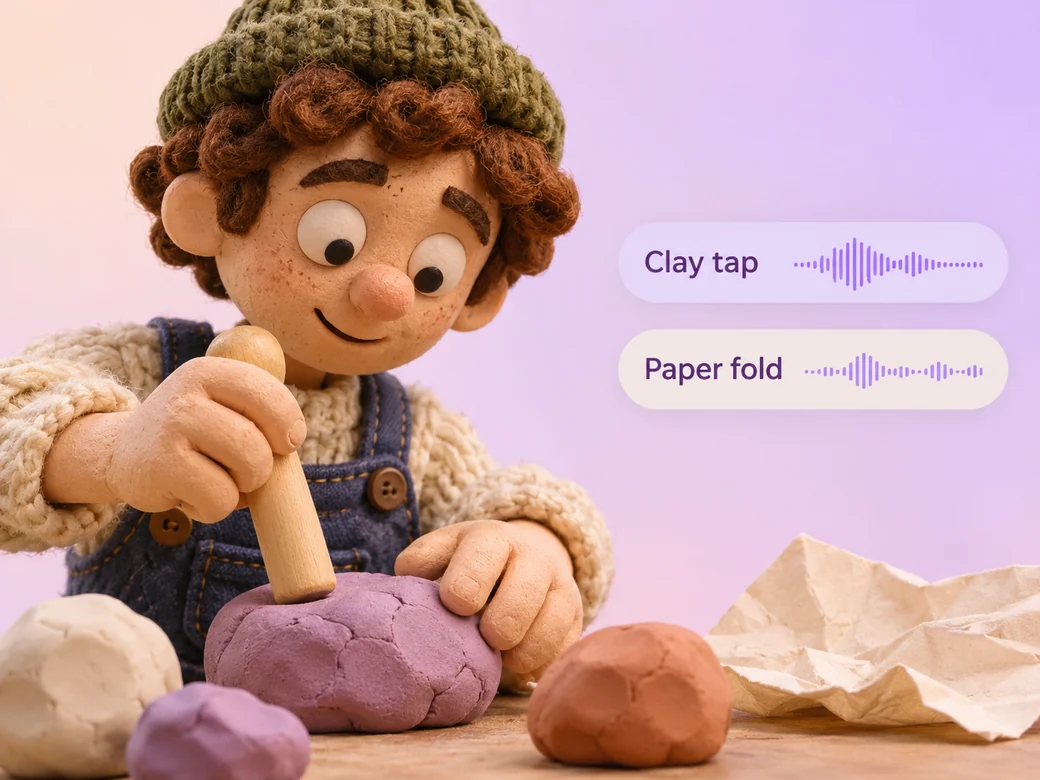
Try a soft wooden tap, fabric scuff, or paper fold at the moment the object moves. If the puppet speaks, keep the voice close and the sound underneath it. Preview how much movement can read without dialogue. Use Music Generation to try the treatment and listen against the actual pictures.
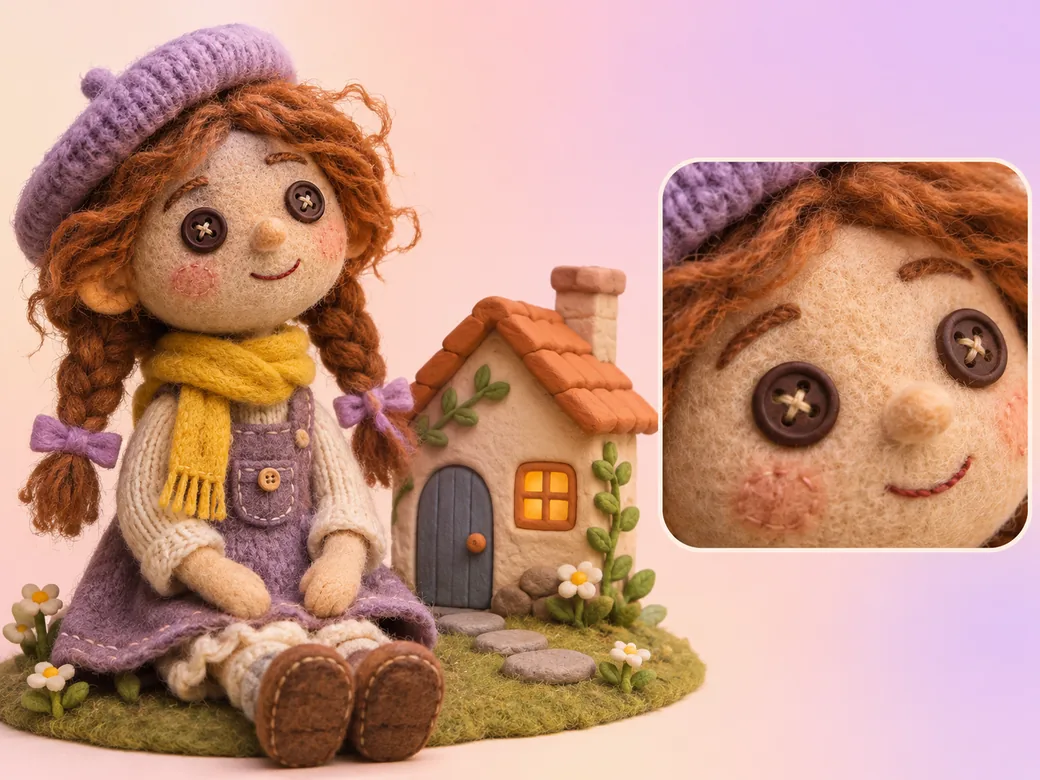
Check the puppet’s eyes, costume, and scale across shots. Keep reference views of the objects it touches, and hold the final pose long enough to see the result. Use an approved final illustration when an exact design detail matters.
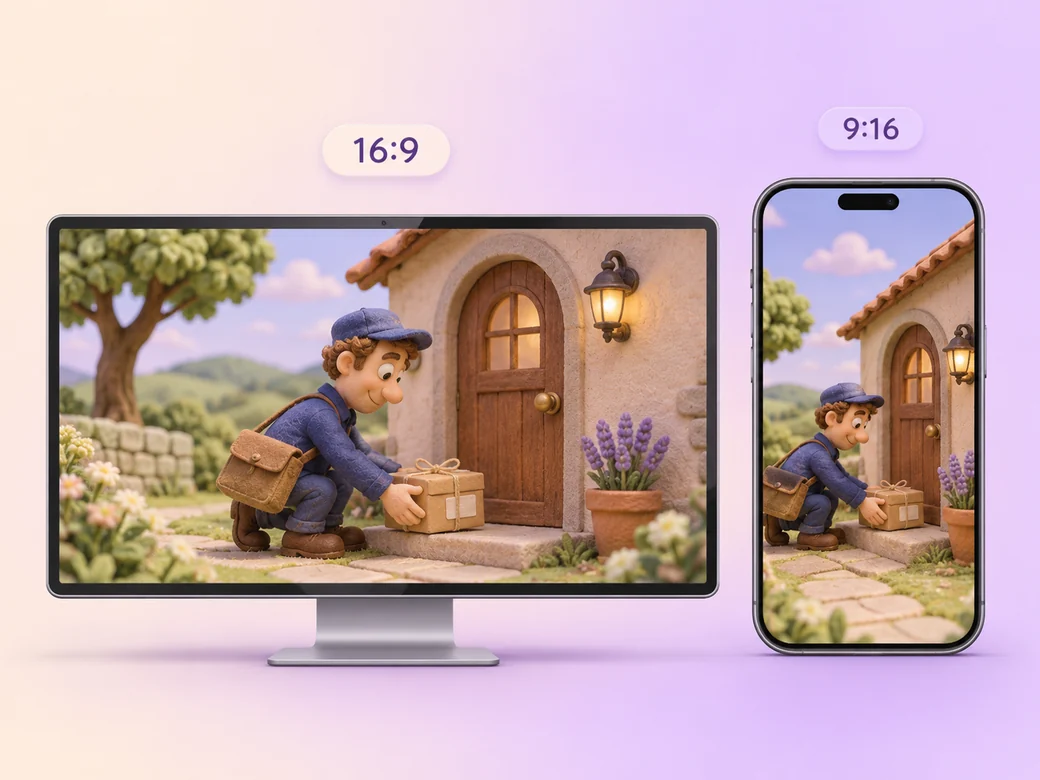
Keep a wide cut for an animation portfolio or a short story screening. For a 9:16 excerpt, retain an original tactile puppet and one small challenge and review how it fits on a phone. Check the start and the last frame at the intended size and give any text enough time to read.
“In Pexo, I check which materials the hand and face are meant to look like. The design should still feel consistent when the character turns.”

“I match one sound to one visible touch. A small accurate sound helps the movement feel physical.”

“I watch the final pose before I end the cut. The action needs a result I can see.”

A claymation and puppet animation short is a finished edit that helps you make a short puppet story where the physical movement tells the viewer what changes. It can be prepared for an animation portfolio or a short story screening, with enough context for the viewer to follow an original tactile puppet and one small challenge. Choose a few moments that improve the final result and give each one time to read before the next cut.
Bring a character design, a couple of frame references, and a story with a clear first action and outcome. Give each source a short name that describes where it belongs, and include any exact wording that should appear. Tell Pexo which part matters most and how you plan to show it. That gives you a clear first version to review.
Yes. Use clear images of the puppets you own or are allowed to use. Bring a repeatable view of the main character and close references for its hands or face when the gesture matters. Compare the generated motion with the real photos before deciding where to use it.
Pexo helps organize your material and revise the framing, pacing, and sound after you review the result. Use the source that documents your actual subject for an original tactile puppet and one small challenge. For a separate illustrative insert or visual opening, Kling AI 3.0 can animate an approved reference image.
A claymation and puppet animation short follows a crafted character through a small story. A broader stop motion animation can also animate objects, graphics, or abstract materials. Use this short when a puppet’s physical gesture and the way it moves objects are the main ways to tell viewers what happens.
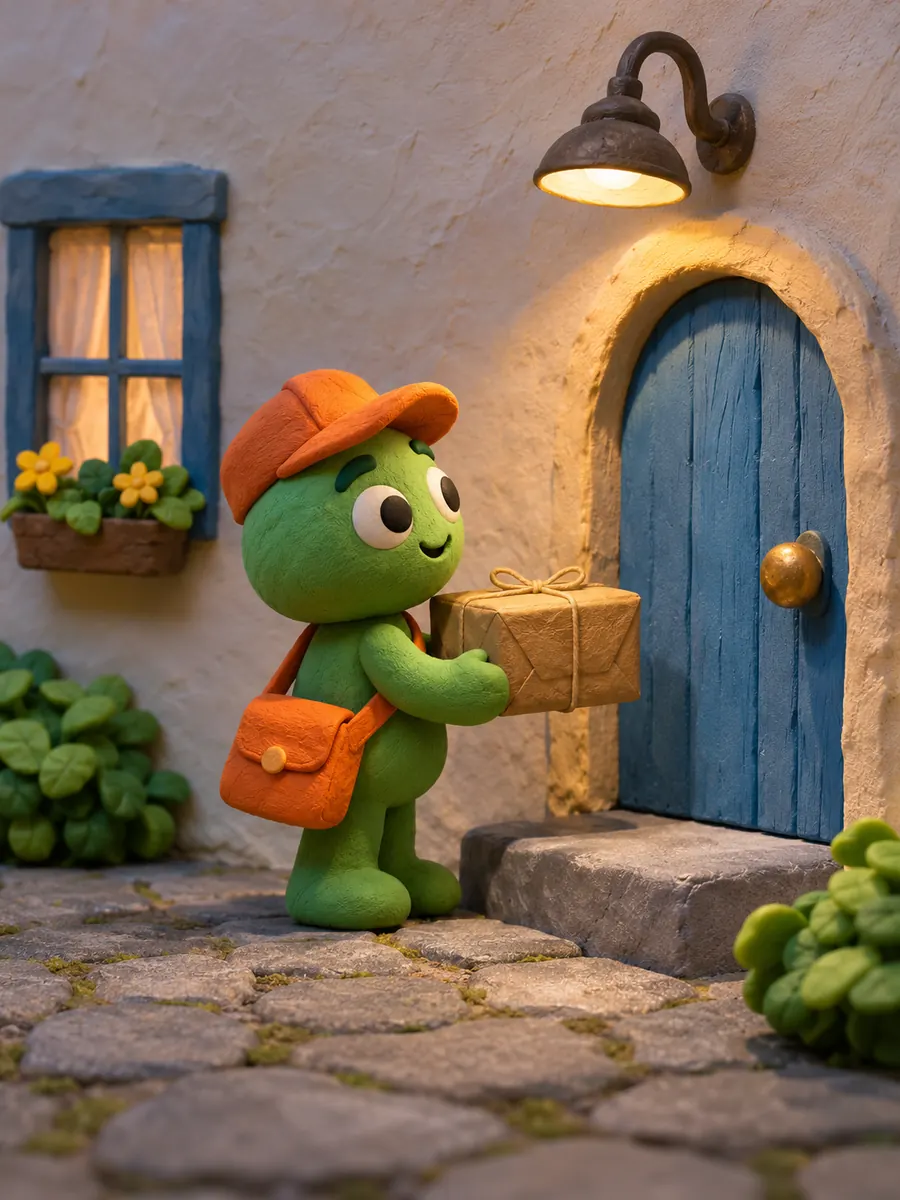
Use subject + action + camera movement + setting + style. Try ‘Use approved references for an original tactile puppet and one small challenge. Show the clay courier setting down the parcel. Start wide and move closer when the main action begins. Keep the original texture and colors in the scene. Hold the puppet’s last pose.’
Bring a character design, a couple of frame references, and a story with a clear first action and outcome. Start with an original tactile puppet and one small challenge and review the first cut at the intended size.
Make a game intro video with Pexo. Use the first playable world to tell a clear story. Organize your material and review the finished video.
Make an animated music video with Pexo. Use one visual motif that follows the music to tell a clear story. Organize your material and review the finished video.
Make a corporate mini-documentary with Pexo. Organize your own material and edit a focused review cut. Check the details before you share it.
Make an animated story video for kids with Pexo. Organize your own material and edit a focused review cut. Check the details before you share it.
Make an animated nursery rhyme video with Pexo. Organize your own material and edit a focused review cut. Check the details before you share it.
Make an opening title sequence with Pexo. Use the image that introduces your film to tell a clear story. Organize your material and review the finished video.
Make an educational animated video for kids with Pexo. Organize your own material and edit a focused review cut. Check the details before you share it.
Make an illustrated animated explainer video with Pexo. Use a paper-cut water cycle to tell a clear story. Organize your material and review the finished video.