

AI Livestream Highlight Video
Make a livestream highlight video with Pexo. Turn a broadcast moment into a standalone clip with a clear setup, the live reaction, and readable captions.
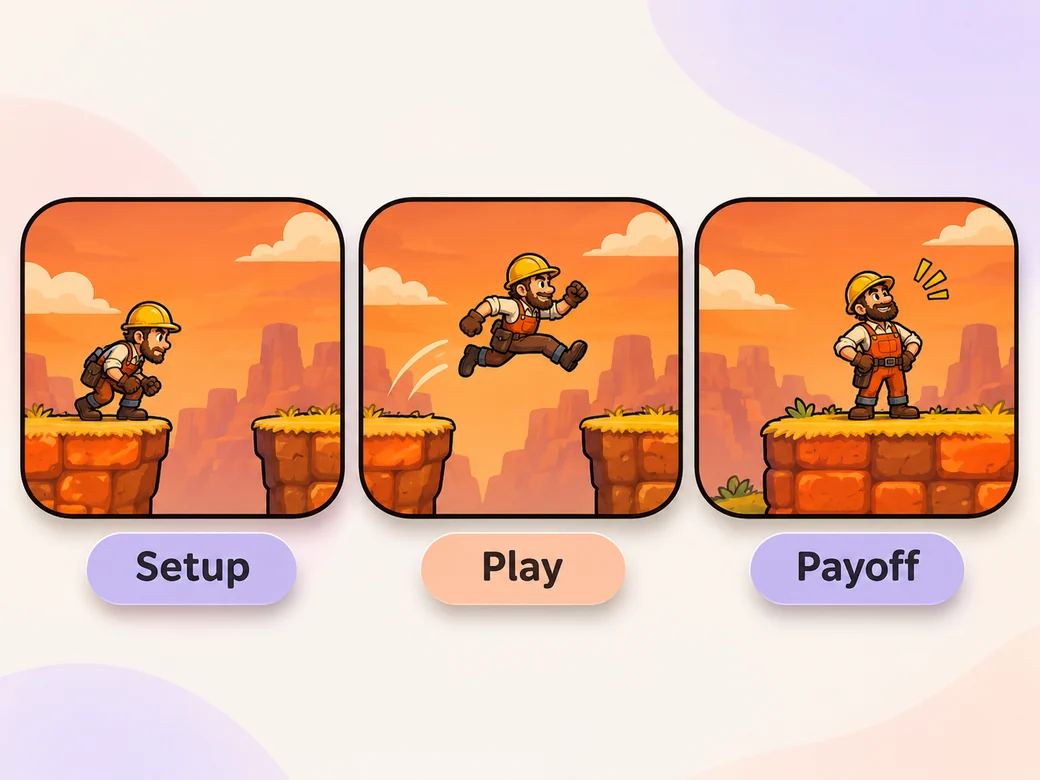
Make an AI gameplay highlight video. Use your gameplay recording to show one clean setup, the play that changes the outcome, and the payoff. Turn it into a standalone clip or a reel for your channel.
Bring a recorded match, run, or play session and mark where the result changes. In Pexo’s gameplay highlight video maker, build around the strongest play and include the moment leading into it. Use Merge Videos to review selected examples in the order you want to share them.

The racer is entering the final checkpoint. Let viewers see the approach before the finish.
What to review
Keep the approach to the jump, final turn, or challenge just long enough for a new viewer to know the goal. Leave in the landing, finish, or reaction. When the cut contains multiple plays, vary how they build rather than giving each one the same lead-in.
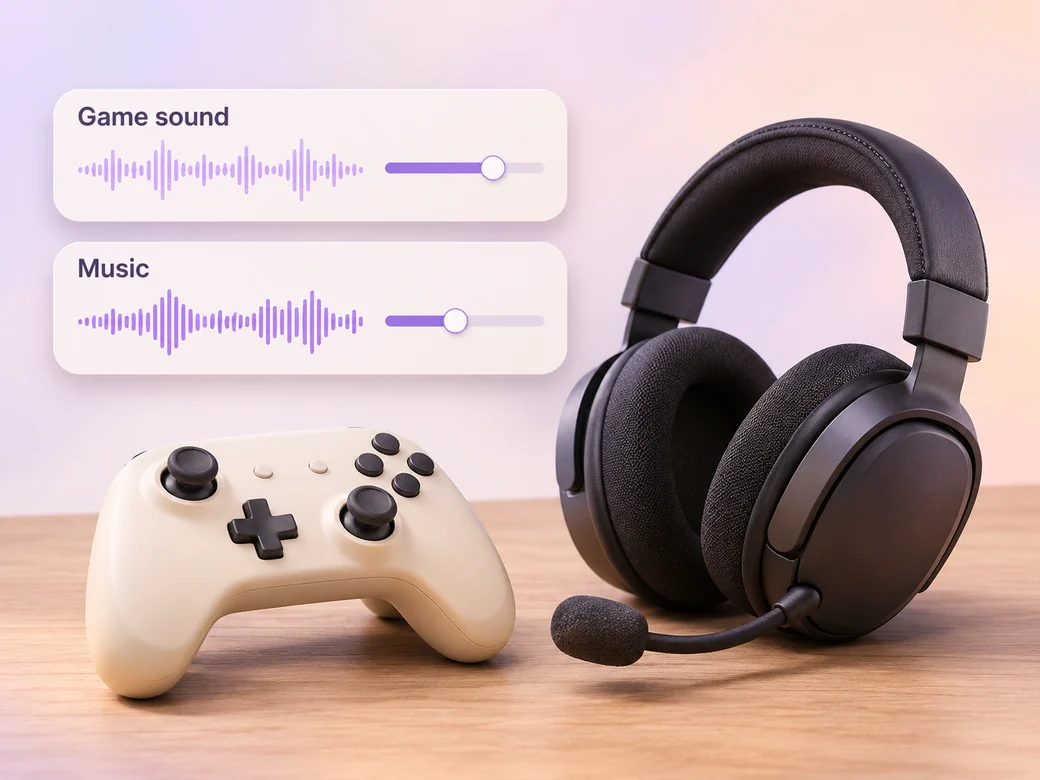
Start with the original game and mic tracks if you have them. Keep the sound that tells viewers what happened, such as a finish cue or your reaction. Type in the musical direction you want, then listen at ordinary volume to be sure the score leaves those cues audible.
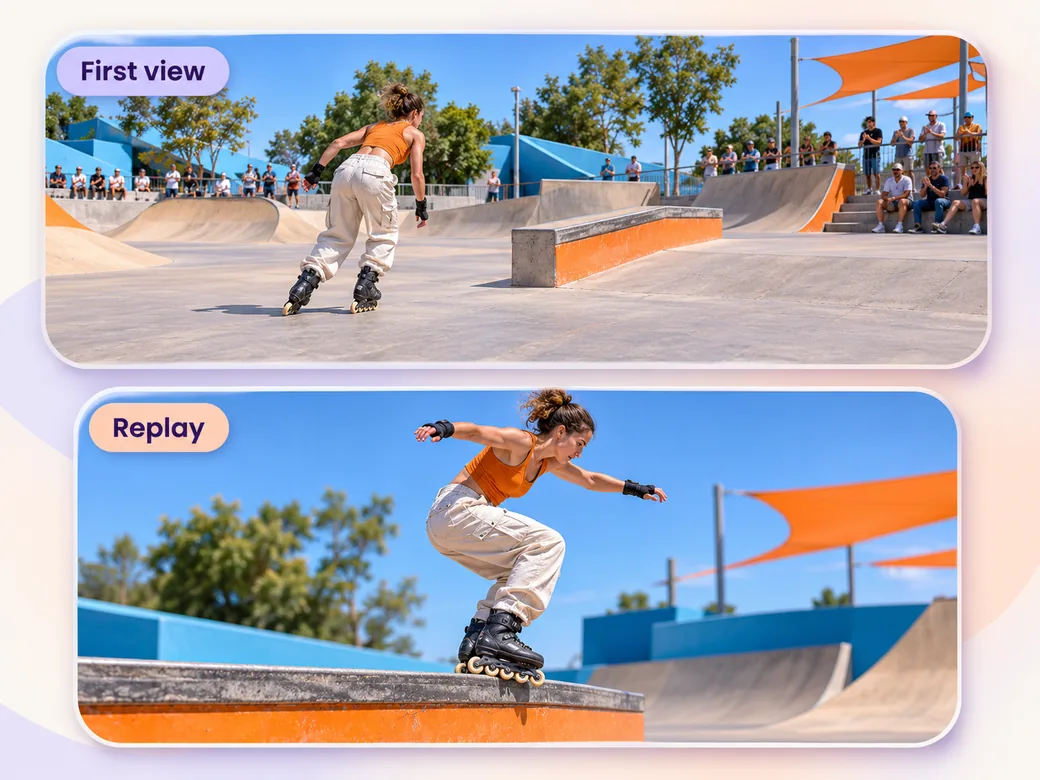
Play the key moment once at normal speed. Add a short replay if an angle or tighter crop clarifies the result. Give it a brief label or a distinct start so viewers know they are seeing the same play a second time.
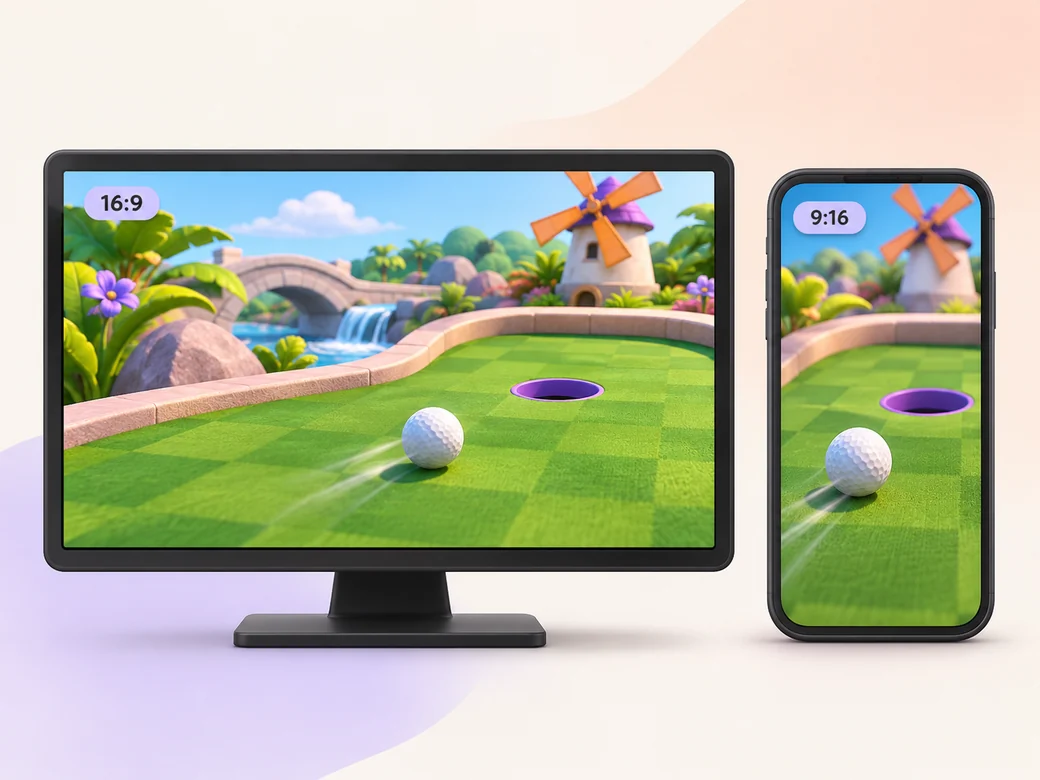
Keep the wide version when game information near the sides matters. For a portrait excerpt, choose the play that survives a tighter crop and check that the character and scoring cue stay visible. Let the ending finish before the clip loops or cuts off.
“I look for the moment that tells me what the player is trying to do. That makes the finish worth watching.”

“I keep the original moment right through the payoff. The game sound and mic reaction are what make this feel like a recorded play.”

“I watch the clip on a small screen. I need to see the player and the result in the same portrait crop.”

A gameplay highlight video uses one or more memorable moments from a recorded game. It gives viewers enough setup to understand a move and stays on the outcome long enough to see what changed. It can be a one-play clip, a match recap, or a series of highlights for a channel.
Start with footage you own or are permitted to share and include the lead-in and result for each selected play. Share rough time ranges or a list of plays, and say if you want to keep a commentary or game audio track. Give the first draft a target destination such as YouTube or a social clip.
Keep one short shot that establishes the goal and let the whole relevant action run before making a quick cut. Leave a little space after the result. A second angle or replay helps if it reveals the move more clearly. Rewatch at normal speed without pausing to see if the sequence still makes sense.
Pexo helps put recorded plays in order and revise the timing, framing, and audio by feedback. It can build a cut around your chosen clips and result. If you also want a separate animated opening based on original artwork, Kling AI 3.0 can help make an illustrative insert before the recorded gameplay starts.
A gameplay highlight shows a good play and its outcome from a recorded session. A game trailer introduces a game to potential players and can combine the world, mechanics, and a release message. Choose a highlight when the moment itself is the reason people should watch the clip.
Use subject + action + camera movement + setting + style. Try ‘Use the recorded rooftop race. Open on the lead rider turning toward the gap, follow the movement over the jump, and hold on the landing. Keep the original engine sound through the jump. Give the first frame room to show the goal, then prepare a separate portrait version.’
Bring your recorded session and point out the moment that deserves a clip.
Make a livestream highlight video with Pexo. Turn a broadcast moment into a standalone clip with a clear setup, the live reaction, and readable captions.
Make a sports and fitness highlight video with Pexo. Turn match or training footage into a sports reel that shows the effort, the result, and the live reaction.
Create a social media cover video with a readable first frame, brand colors, and a short intro. Make a pinned Reel or YouTube channel trailer with Pexo.
Make a recruitment video with team clips, workplace photos, and a clear job brief. Show candidates what the role involves and where to apply.
Make a Facebook video from one line of description with Pexo. The AI Facebook video generator writes the hook, burns in captions, and renders with Sora 2, Kling and Veo in minutes.
YouTube ad creation runs on Sora 2, Kling and Veo inside Pexo. Describe your product and get a hooked, voiced, captioned ad in 16:9, 9:16 and 1:1 in minutes.
Instagram video generator that turns a prompt or a photo into a captioned vertical Reel in minutes. Pexo runs Sora 2, Kling and Veo and exports 9:16 and 1:1.
A TikTok ad generator that turns one line of text or a product photo into a native 9:16 ad. Pexo writes the hook, uses Sora 2, Kling and Veo, and delivers in minutes.