
AI Livestream Highlight Video
Make a livestream highlight video with Pexo. Turn a broadcast moment into a standalone clip with a clear setup, the live reaction, and readable captions.
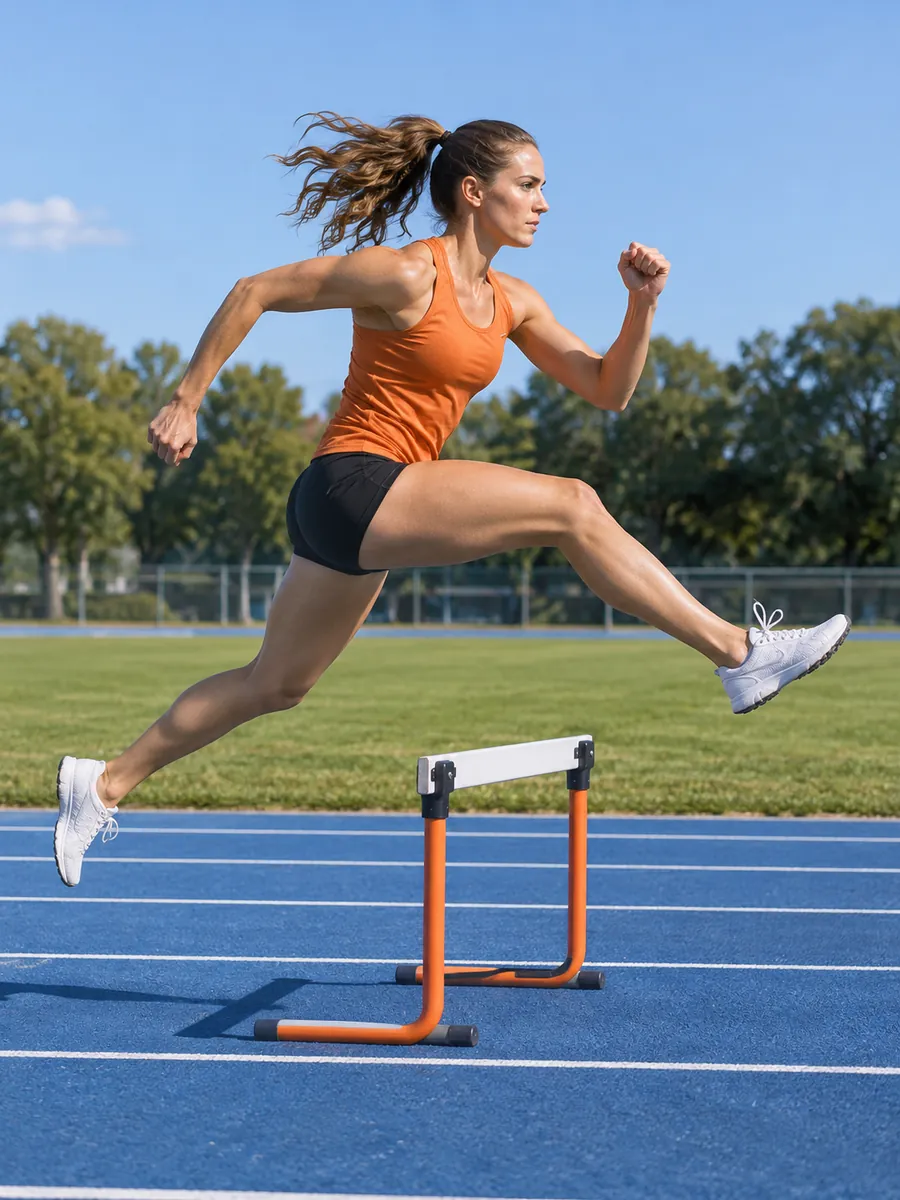
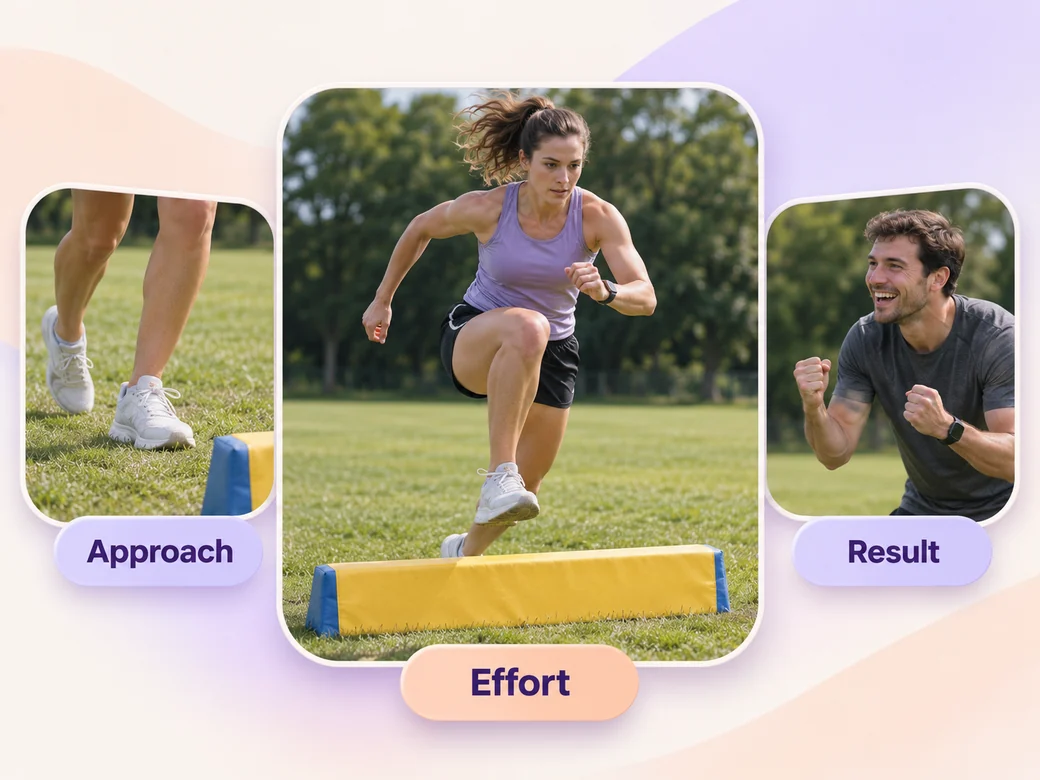
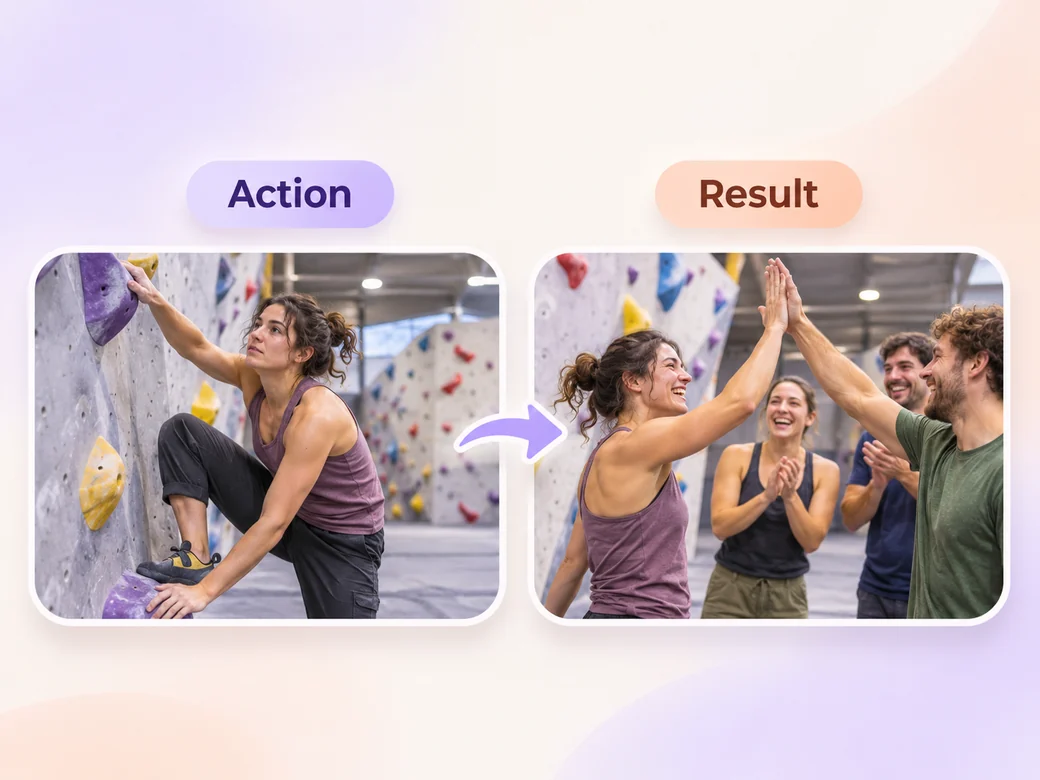
Make an AI sports and fitness highlight video. Bring match footage, training sessions, or a fitness event recording. Show a clear setup, capture the effort at its peak, and leave enough time to see the result.
Bring marked clips from the match, training session, or fitness event. In Pexo’s sports and fitness highlight video maker, choose the approach, effort, and outcome for each highlight. Use Merge Videos to line up the examples, then play them straight through to check the effort stays visible.
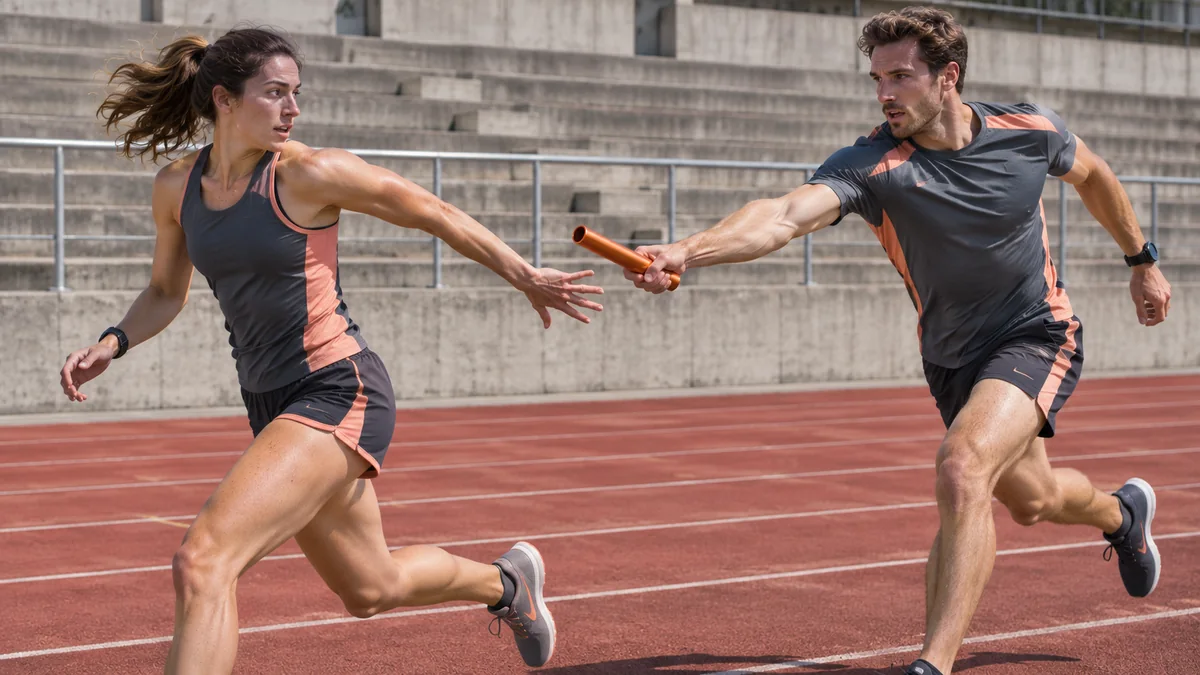
The relay clip shows two runners at the exchange. Keep the hands and lane readable through the handoff.
What to review
Use a wide shot to explain the lane, court, or training station before you watch the tight angle. Stay with the athlete during the most important movement. Hold as they land, finish the drill, or hand off to a teammate so the sequence has a clear result.
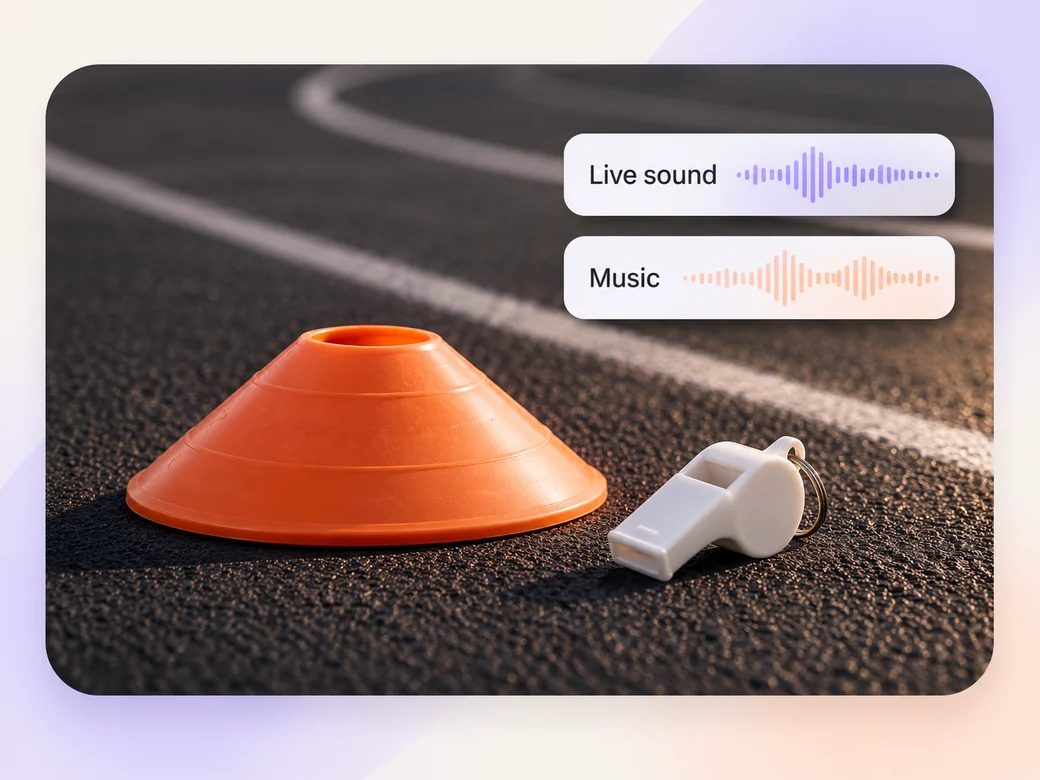
Keep the start signal, the landing, or the reaction when it tells viewers something about the sport. Try a low instrumental score underneath to connect clips from different sources. Listen with the recorded audio so key sounds stay distinct.
Play a rally, drill, or short routine once at normal speed. Cut closer if it helps identify the athlete or the movement. Use Add Text to Video for a short name or approved result and check that the text sits away from the action.
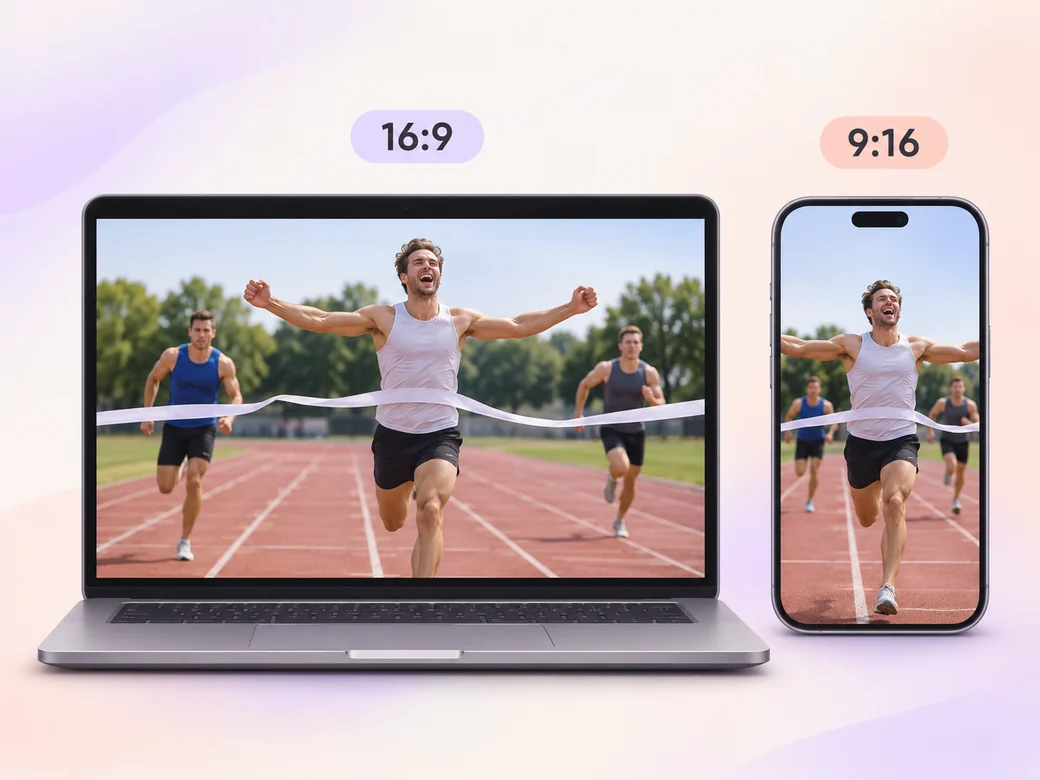
Use 16:9 when viewers need to see multiple athletes or a whole lane. For 9:16, choose a play with a clear subject and keep it centered throughout. Watch the portrait cut on a phone to check that the finish and any title remain visible.
“In Pexo, I want to see where the athlete starts and where they land. The result needs to stay visible just past the peak move.”

“A short setup lets me understand which drill I am watching. The edit should show the effort and the outcome in a way teammates can follow.”

“I keep the recorded reaction when it fits the moment. A music cue should leave room for the sounds from the event.”

A sports and fitness highlight video is a short edit of recorded athletic moments from matches, events, or training. It usually shows the setup, the effort or play, and the result. The reel can be useful for a club, athlete, or channel that wants to show how the movement happened.
Choose clear footage you have permission to share and include enough before and after each play to establish what happened. Tag a clip with the athlete, match, or drill if those details are approved. If you have a second angle, bring it when it explains the action more clearly.
Use a short replay when viewers need a second look at a particular part of the action. Let them watch the effort at normal speed first. Avoid slowing down several moments in a row, and make sure any label or reframe leaves the relevant athlete and the outcome visible.
Pexo can arrange your recorded shots, add approved titles, and revise the pacing of the highlight after a review. Use the original footage to document the effort or result. If you need a separate opening graphic based on your own artwork, Kling AI 3.0 can animate a reference for that illustrative intro.
A sports highlight shows a particular athletic moment and its outcome. A tutorial video teaches a skill, exercise, or method step by step. Use the highlight to share the best moments from training or a match, and use a tutorial when viewers need reasons or instructions for each step.
Use subject + action + camera movement + setting + style. Try ‘Use our recorded relay practice. Start with the wide view of the lane, follow the lead runner into the handoff, and hold through the receiver’s first steps. Keep ordinary outdoor light, retain the original start and finish sound, and crop a short version around the two runners.’
Select an effort that deserves a closer look. Prepare a cut people can follow at normal speed.
Make a livestream highlight video with Pexo. Turn a broadcast moment into a standalone clip with a clear setup, the live reaction, and readable captions.
Make a gameplay highlight video with Pexo. Turn recorded plays and reactions into a clear, paced reel or a short social clip your viewers can follow.
Create a social media cover video with a readable first frame, brand colors, and a short intro. Make a pinned Reel or YouTube channel trailer with Pexo.
Make a recruitment video with team clips, workplace photos, and a clear job brief. Show candidates what the role involves and where to apply.
Make a Facebook video from one line of description with Pexo. The AI Facebook video generator writes the hook, burns in captions, and renders with Sora 2, Kling and Veo in minutes.
YouTube ad creation runs on Sora 2, Kling and Veo inside Pexo. Describe your product and get a hooked, voiced, captioned ad in 16:9, 9:16 and 1:1 in minutes.
Instagram video generator that turns a prompt or a photo into a captioned vertical Reel in minutes. Pexo runs Sora 2, Kling and Veo and exports 9:16 and 1:1.
A TikTok ad generator that turns one line of text or a product photo into a native 9:16 ad. Pexo writes the hook, uses Sora 2, Kling and Veo, and delivers in minutes.