
Wedding Video
Make a wedding video from ceremony clips, photos, and recorded messages. Use Pexo to tell the story of the day and keep the voices that matter.
Create an AI meditation video around one quiet scene. Choose a steady view, a single gentle movement, and soft ambience or silence. Ask Pexo to refine the pace for the moment you have in mind.
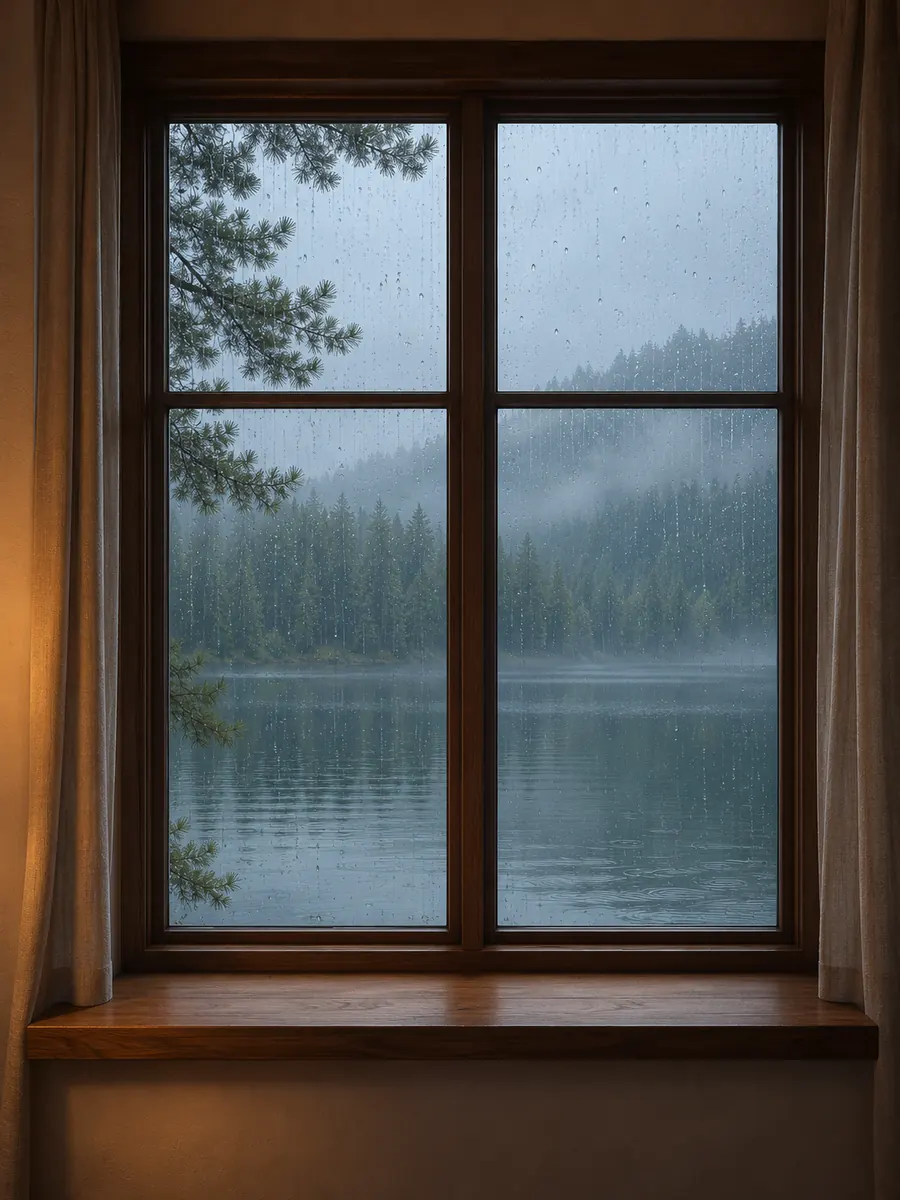
Describe the view you want to spend time with in Pexo’s meditation video maker. Try rain beyond a window, a still lake, or a reading corner at dusk. Tell Pexo where the camera sits and how the light falls, then preview the framing in chat.
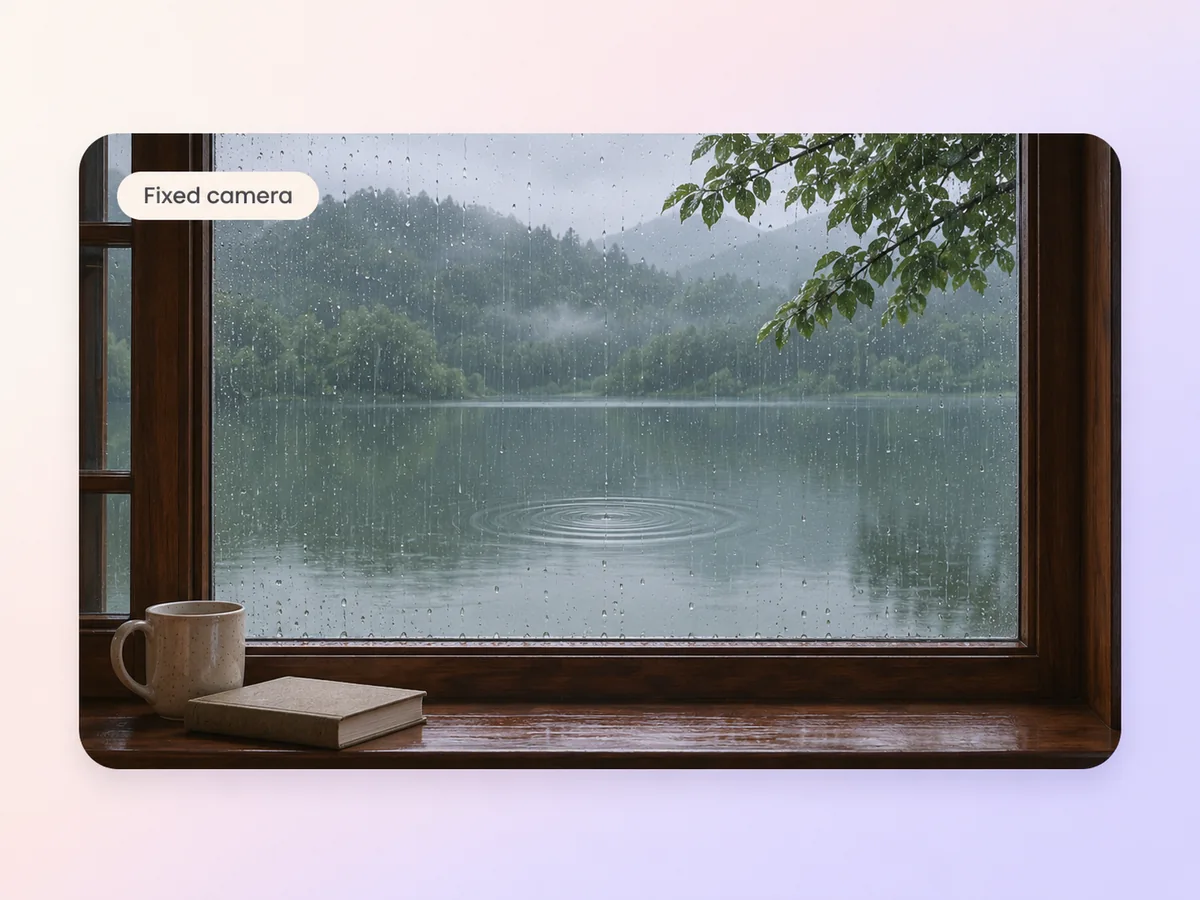
Pick one movement to carry the scene, such as a ripple crossing the water or rain sliding down glass. Upload a still or ask Pexo to generate one, then use image to video to add that movement. Ask for a fixed camera so the rest of the view stays quiet.
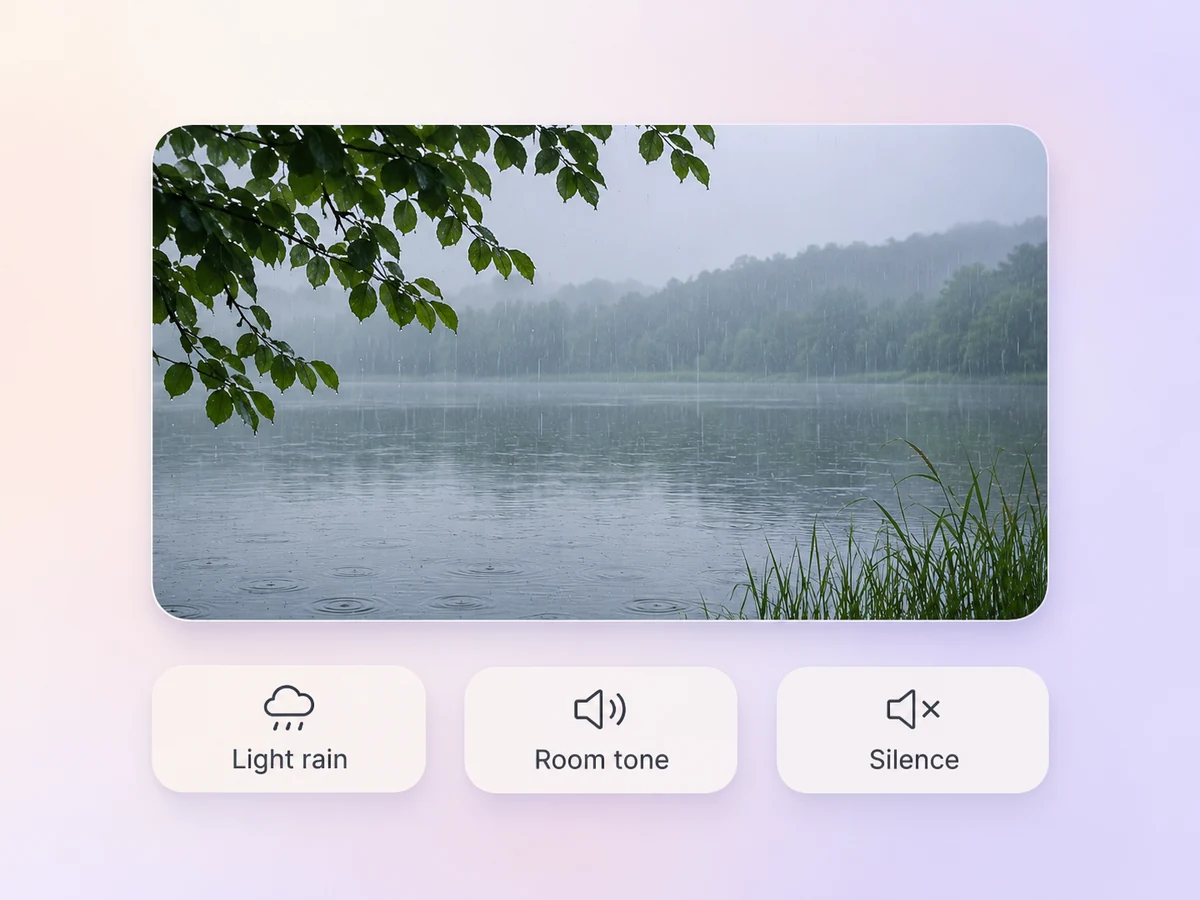
Tell Pexo what belongs in the scene. Light rain, distant waves, or quiet room tone can give it a sense of place. Ask for silence if you plan to watch in a shared space. Play the opening and ending to catch any abrupt change in volume.
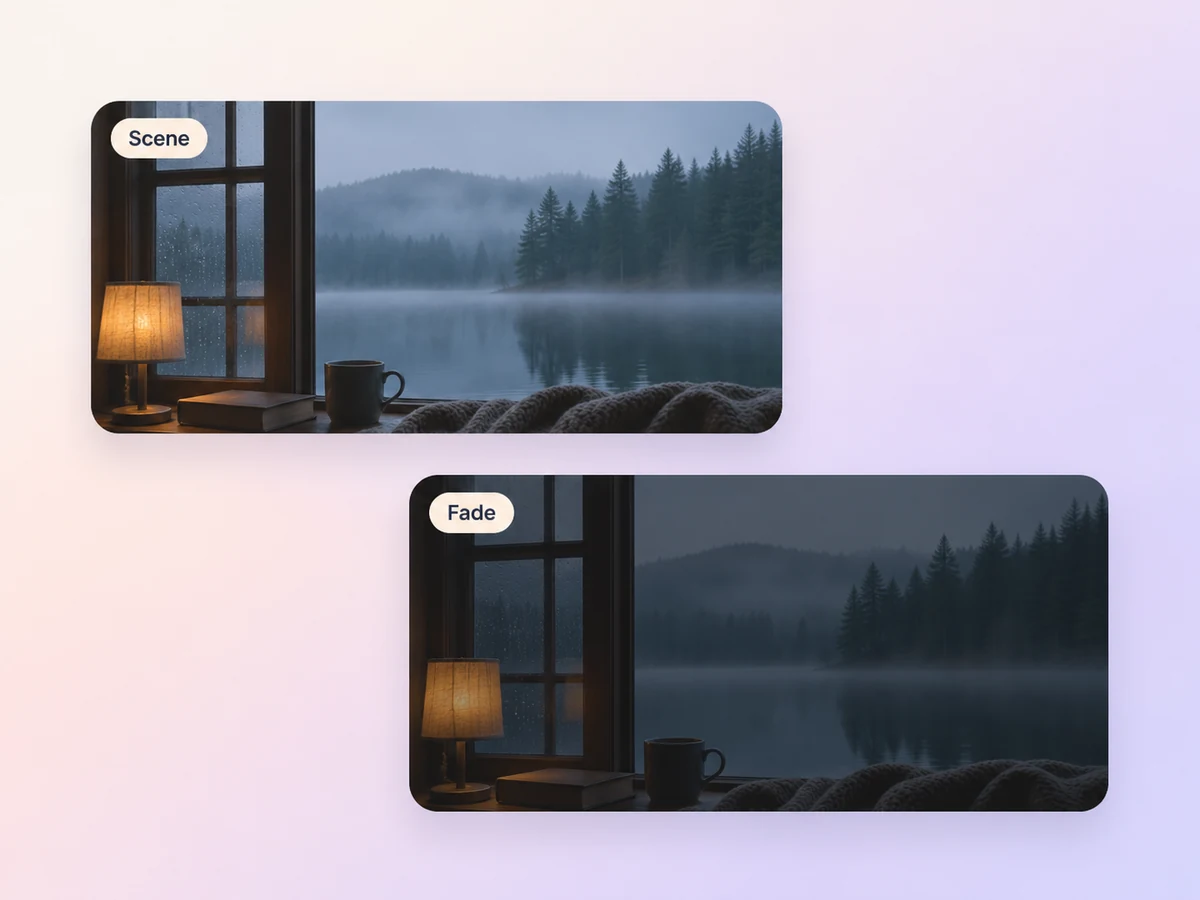
Give the scene a final moment to rest. Ask for a slow fade or let the last view hold before it ends. If the clip will repeat, play the last few seconds into the opening and check the picture and sound at the join.
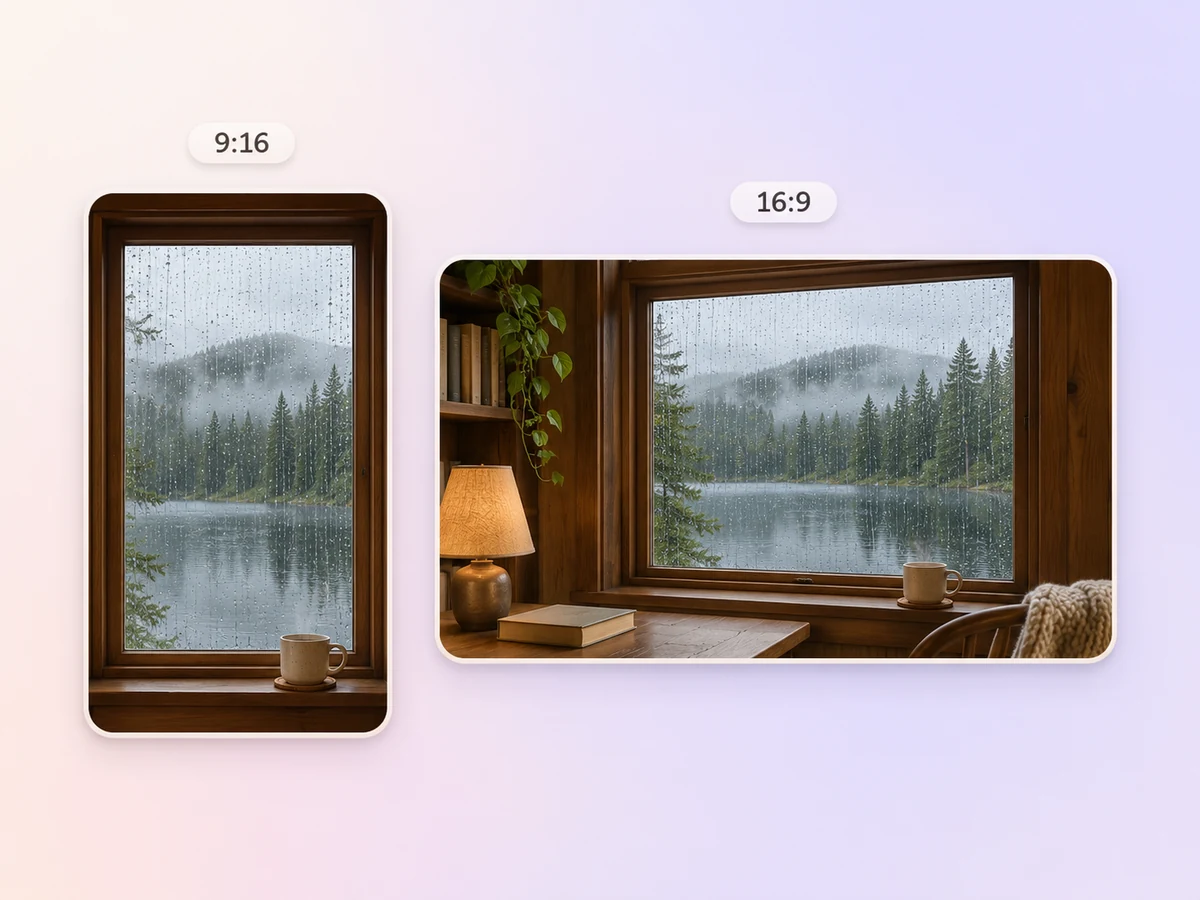
Ask for 16:9 if the scene will play on a monitor or TV. For a phone, request a 9:16 version with the point of focus near the center. Preview the crop before export so the window, horizon, or candle has enough room.
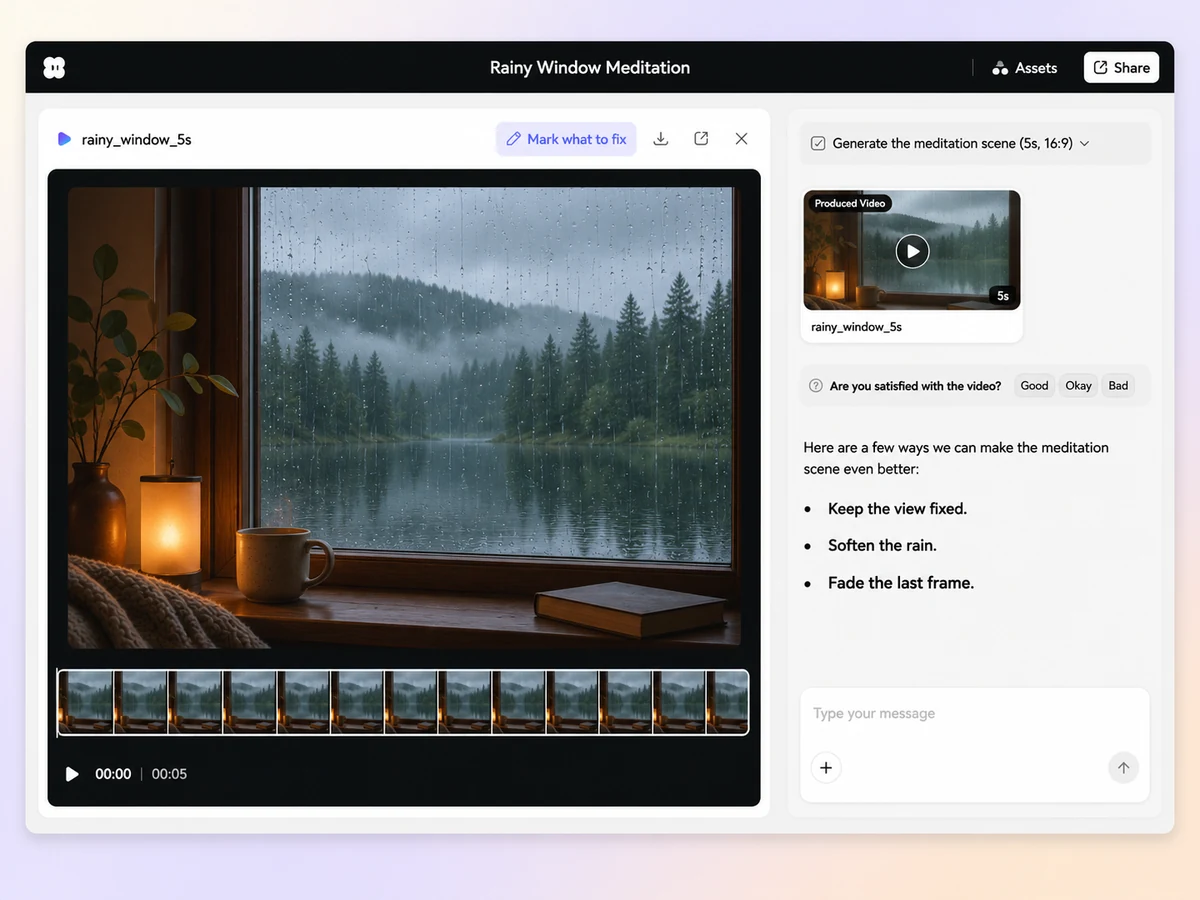
Use a dim window scene with light rain and a steady camera. Give the video a gentle fade at the end. Keep the sound level even throughout.

Set a still view over a lake with one slow change in the reflection. Choose a silent cut for a shared space. Keep the view simple from the first frame.

Start with a short title, then let a candle or a fixed horizon hold the frame. Ask for a quiet transition from the title to the scene. Leave the viewer room to set their own pace.

A meditation video offers a steady visual focus for a meditation session or a quiet break. It often uses a fixed camera, subtle movement, and gentle ambience or silence. A common example is a window scene with rain on the glass and a slow fade at the end.
Yes. Ask for silence or name one ambient sound, such as light rain. If viewers need a cue to begin, put a short line on screen at the start. Play the opening and ending to check for unexpected sound or a jump in volume.
Choose a dim, steady view and let one detail move slowly. Try rain on a dark window or the surface of a lake at dusk. Ask for a soft fade and preview the first and last few seconds at the brightness and volume you plan to use. For a narrated evening routine, a bedtime story video can use the same soft lighting and gentle pace.
Pexo lets you plan the view, movement, and sound in one conversation. It can use a model such as Seedance 2.5 to generate a scene from a brief or reference. Ask for a 16:9 fixed shot and review the motion and ambience before you export.
A meditation video gives the viewer a steady point of focus, such as a horizon or candle, and can play silently. An ASMR video often builds the experience around close-up sounds and textures, such as paper folding or soft taps. Choose the format that suits how viewers will watch.
Start with subject + action + camera movement + setting + style. Add the sound and ending you want. Try “Light rain runs down a window at dusk. Hold a fixed wide view from inside a quiet room. Use soft blue light and faint rain sound, then fade slowly.”
Describe a quiet place, the one detail you want to move, and what viewers should hear. Preview the scene at your own pace.
Make a wedding video from ceremony clips, photos, and recorded messages. Use Pexo to tell the story of the day and keep the voices that matter.
Make an affirmation video with your own words, an optional voiceover, and time to pause. Review the pacing and readability with Pexo.
Make a graduation video from school photos, ceremony clips, and personal messages. Use Pexo to tell the story from the first day to the final walk.
Make an animated starting soon screen with Pexo. Add your channel colors, logo, and message, then preview a short video to loop before you go live.
Create duanju with Pexo. Turn ideas into short drama scenes, develop memorable characters, and add expressive voiceovers and twists that keep viewers watching.
Turn any dish into a recipe video with Pexo. The AI recipe video generator writes the steps, generates the shots, and adds captions with Sora 2, Kling and Veo, up to 4K.
Turn photos into a video slideshow in minutes with Pexo. The AI video slideshow generator arranges your slides, adds music and captions, and renders every scene with Sora 2, Kling and Veo, up to 4K.
Turn any song into a beat synced music video with Pexo. The AI music video generator times every scene to your track and renders with Sora 2, Kling and Veo in minutes.