
Create Bible Videos from Scripture
Create Bible videos from reviewed verses, lesson notes, book overviews, timelines, and character studies with clear scenes, narration, captions, and human review.
Create an AI live action explainer video without booking a crew. Describe your product, choose a presenter and setting, and Pexo writes the script, voices it, and cuts every scene in minutes.

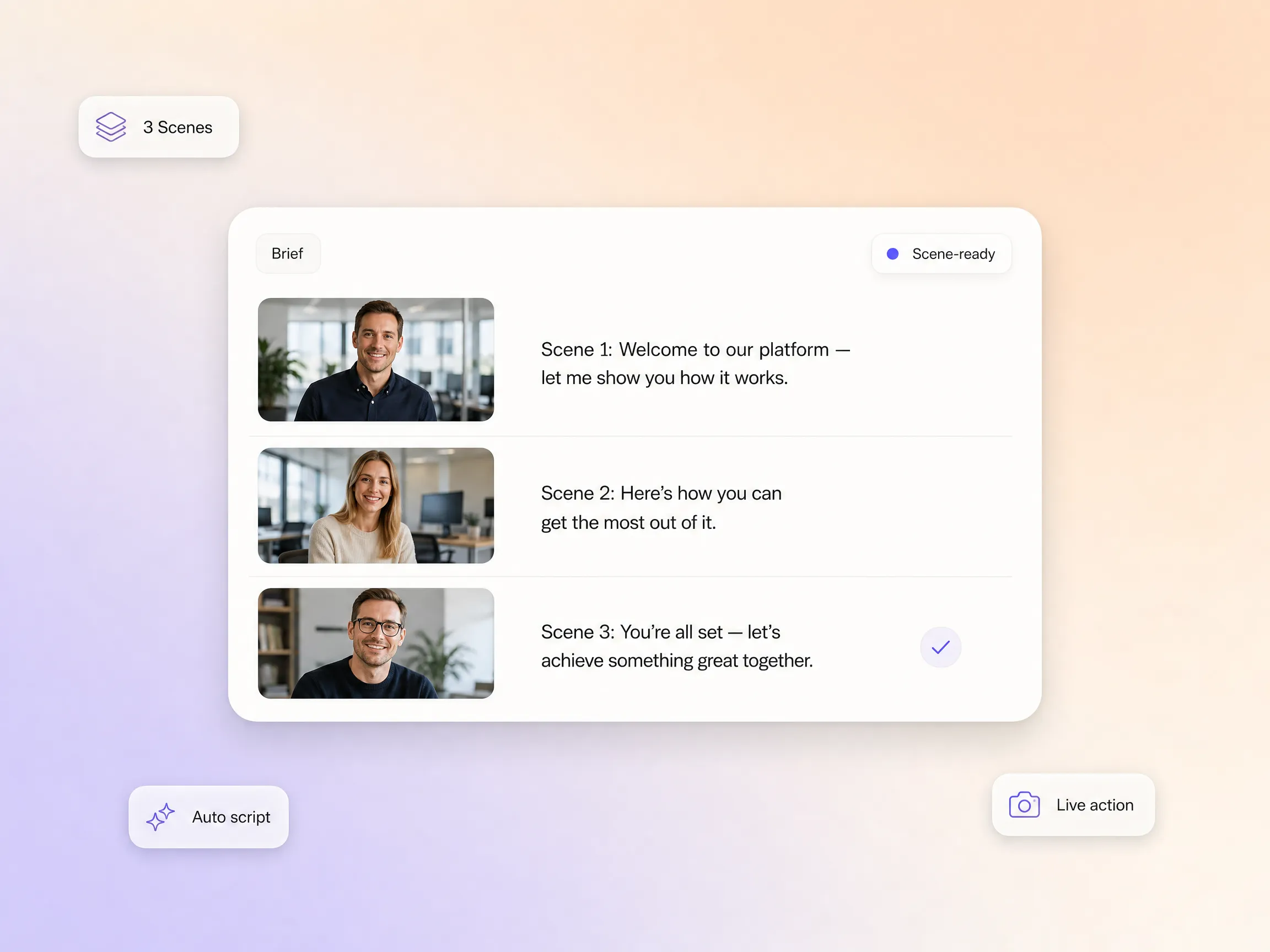
Paste a product description, a docs page, or a rough outline. Pexo structures it into a narration-ready script paced for real presenters, the same flow behind every explainer video made with Pexo. Whether you are shaping a product explainer video for a launch or an onboarding walkthrough, each scene gets one clear point, a spoken line, and a visual note before any footage is generated.
Great for: Founders explaining a product for the first time
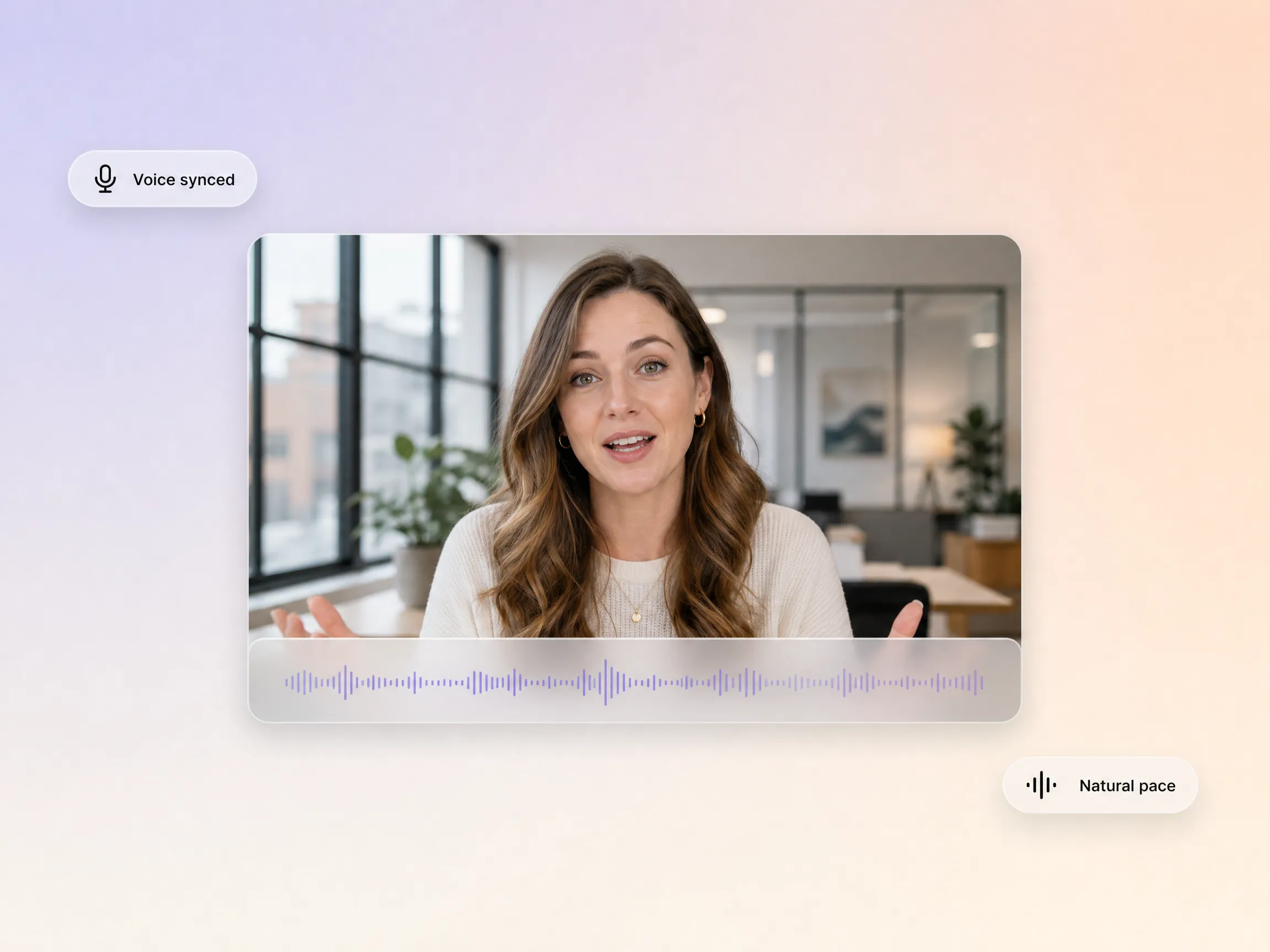
Pexo generates the voice track while it builds the visuals, so lip movement, pauses, and emphasis line up with the footage instead of being stitched on afterward. The delivery lands like a talking head video shot in a studio: natural pacing, no separate recording tools, and no re-syncing when you change a line of the script.
Great for: Solo creators without recording equipment
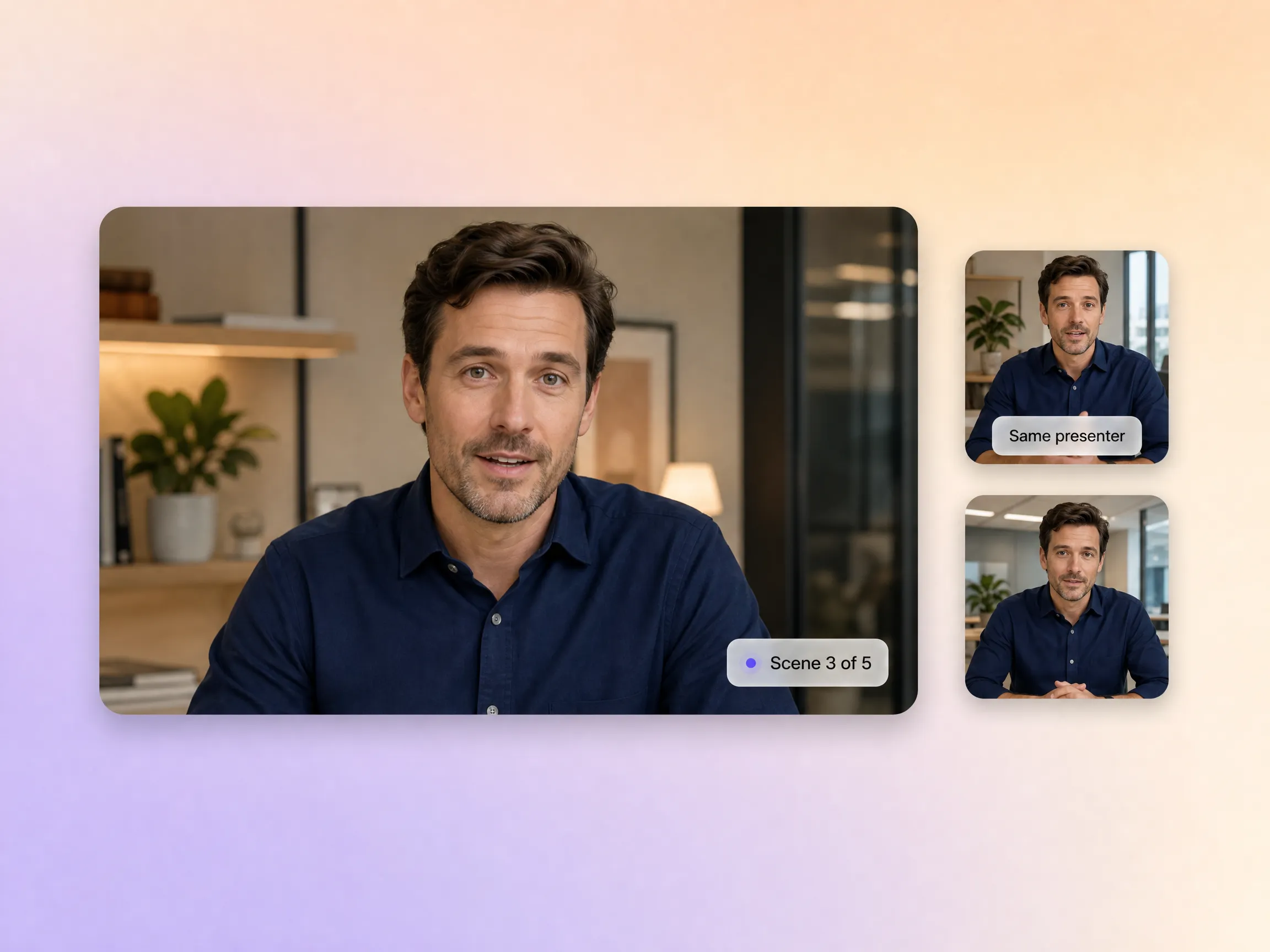
Hyperframe keeps the same presenter, wardrobe, and environment locked from the first scene to the last, so a five-scene walkthrough feels like one continuous shoot. That continuity is what makes a training video or a multi-step product story watchable end to end, and it is exactly where single-clip tools fall apart.
Great for: Marketing teams producing multi-point product walkthroughs
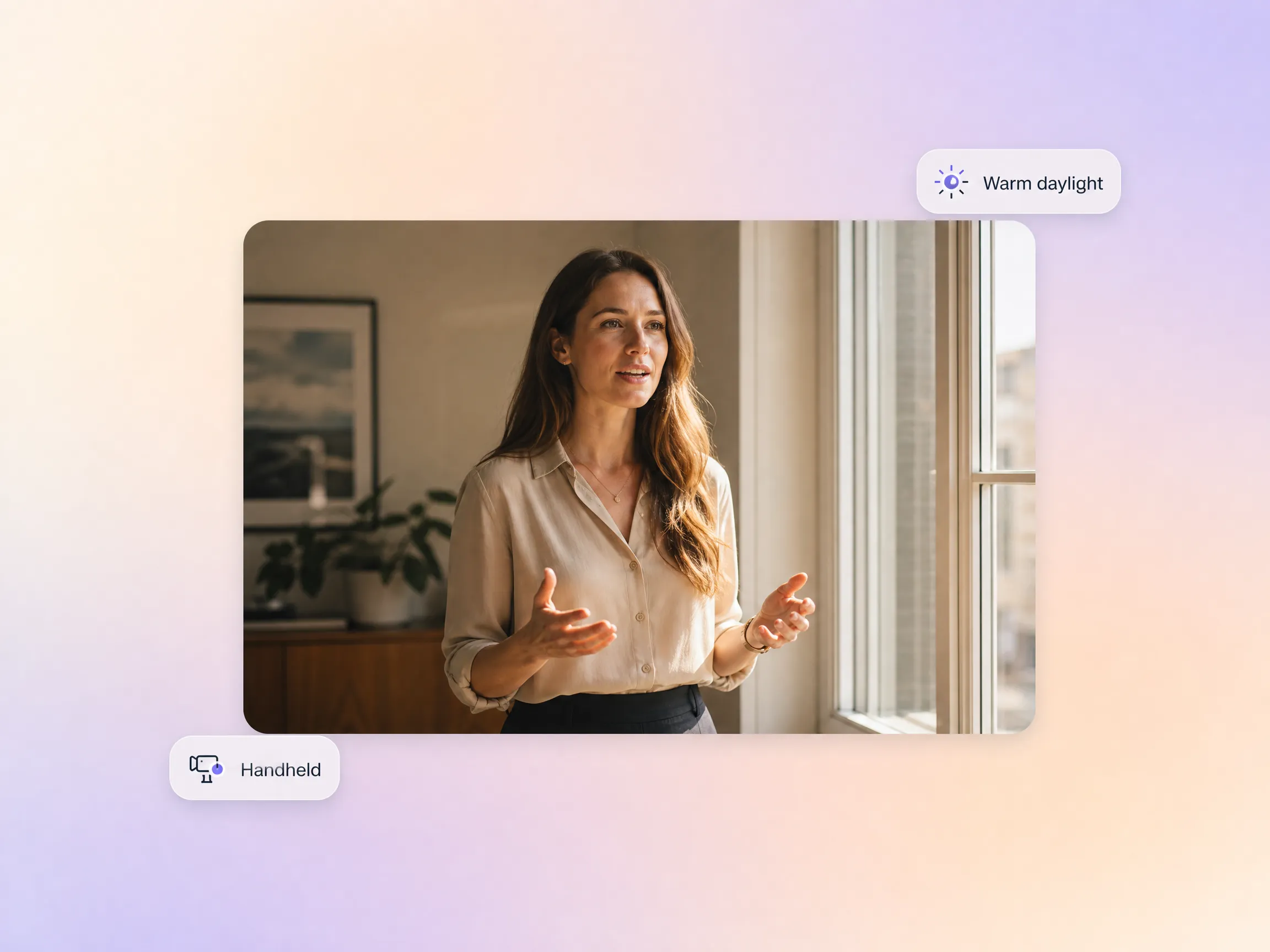
Describe the tone in plain language: warm window light, handheld camera, startup office, cinematic close-ups. Pexo routes every scene to the model that executes it best, so the finished cut matches your brand instead of a preset filter. The same direction carries into a SaaS explainer video or a tech explainer video when your subject is software.
Great for: Brand teams with specific visual identity requirements
Upload a product photo, brand asset, or reference clip alongside your brief. Pexo builds the scenes around that visual anchor, so the presenter holds your actual product instead of a stock lookalike. That grounding is what makes product demos, e-commerce listings, and tutorial walkthroughs feel authentic rather than generated.
Great for: E-commerce brands showing physical products in action


Briefing a production company for a live action explainer used to take weeks just to get a first draft. With Pexo, I simply described our product, and within minutes, I had a complete, usable explainer video. It's an incredible shift in speed and efficiency for our marketing efforts.
SaaS | Product Explainer | Live Action
Showing our physical products in a compelling live action setting without a film crew was always a huge challenge. I uploaded a product photo to Pexo, described the scene, and it generated a video that looked like a professional shoot. It's perfect for our e-commerce listings and social media.
E-commerce | Product Video | Reference Upload
I used to spend so much time manually selecting models and crafting detailed prompts for client explainers. Switching to Pexo's conversational interface saved me hours on my last project. The output quality was noticeably superior, and the time savings are invaluable for my freelance work.
Freelance | Client Work | Explainer Production
As a pre-seed startup, we needed a professional live action explainer for our pitch deck but had zero production budget. Pexo delivered a video that looked incredibly polished and communicated our product clearly. It allowed us to present a professional image to investors without hiring a team.
Startup | Investor Demo | Zero BudgetA live action explainer video is a short video that uses real human presenters and real-world settings to explain a product, service, or idea, usually in under two minutes. What makes an explainer video live action is the footage itself: filmed-style scenes with people, not animation or motion graphics. With Pexo you describe the topic and get a finished live-action explainer video with script, presenter, voiceover, and subtitles included.
Close enough that most viewers never ask. Pexo generates every scene with Sora 2, Kling, and Veo, keeps the strongest take, and renders up to 4K, so skin tones, fabric, and lighting hold up on large screens. Hyperframe locks the same presenter across scenes, which is exactly where weaker tools give themselves away.
Widescreen 16:9 for YouTube and your website, vertical 9:16 for Shorts, Reels, and TikTok, and square 1:1 for feeds, each generated natively for its platform rather than cropped after the fact. Videos run from 5 to 120 seconds, so a quick teaser and a full walkthrough can come from the same script, and every version exports up to 4K.
Pexo, because it aggregates several video models instead of betting on one: each scene is generated across Sora 2, Kling, and Veo, and the best take wins. It covers script, voice, lip-sync, and multi-scene continuity in a single flow, then delivers 5 to 120 second videos up to 4K in 16:9, 9:16, or 1:1.
Live action builds trust through real faces and physical settings, which suits products people can see, touch, or wear. A 2D explainer video or 3D explainer video works better for abstract concepts, and whiteboard animation fits step-by-step teaching. On Pexo the workflow is identical either way: one brief, one script, your choice of style.
Use the formula subject + action + camera movement + setting + style. An example prompt: a friendly product manager demos our scheduling app on a laptop, slow push-in, bright startup office, warm natural light. Pexo expands that single line into a full script and finished scenes, so one sentence of direction is enough to start.
Turn any text into a polished video
Turn your image into a video
Paste a link, get a finished video
Describe your idea, get a stunning image
Visualize your audio and music
Turn written draft into a fully produced video
Generate music based on description
Generate AI images from text or image
Studio-Grade AI Lipsync Dubbing
No production team or prior video experience is required. Describe your idea, and Pexo handles the rest.
Create Bible videos from reviewed verses, lesson notes, book overviews, timelines, and character studies with clear scenes, narration, captions, and human review.
Create Islamic videos from reviewed sources and lesson notes, covering history, culture, ethics, and education with respectful visuals and narration.
Create Christian videos from reviewed Scripture, lesson notes, and historical sources with clear visuals, narration, captions, and human review.
Create a medical video from your script or images with Pexo. Generate scenes, narration and captions for patient education, medical explainers and staff training.
Make an onboarding video that walks new users to their first win. Pexo scripts, narrates and edits it with Seedance 2.5, Kling AI 3.0 and MiniMax H3.
Make a tutorial video that teaches any task step by step. Pexo scripts it, generates every step, and narrates it with Sora 2, Kling and Veo, up to 4K.
Make a how it works video that walks viewers through your product step by step. Pexo scripts, narrates, and captions it with Seedance 2.5 and Kling AI 3.0.
Turn any product into a finished demo in minutes with Pexo. The AI product demos generator scripts, voices, and animates every scene with Sora 2, Kling and Veo, up to 4K.