
Make App Promo Videos with Seedance 2.5, Kling AI 3.0 and MiniMax H3 in Minutes
Make an app promo video that shows real screens and drives installs. Pexo scripts and cuts it with Seedance 2.5, Kling AI 3.0 and MiniMax H3 in minutes.
An AI sales video starts with one description or a product URL. Pexo writes the script, records the voiceover, and cuts every scene, so your sales video is ready to send in minutes.
Product demos, outreach clips, testimonial recaps, and ad cuts. Describe what you are selling and Pexo builds the sales video around it.

Turn customer quotes and results into short clips you can attach to any outreach email.
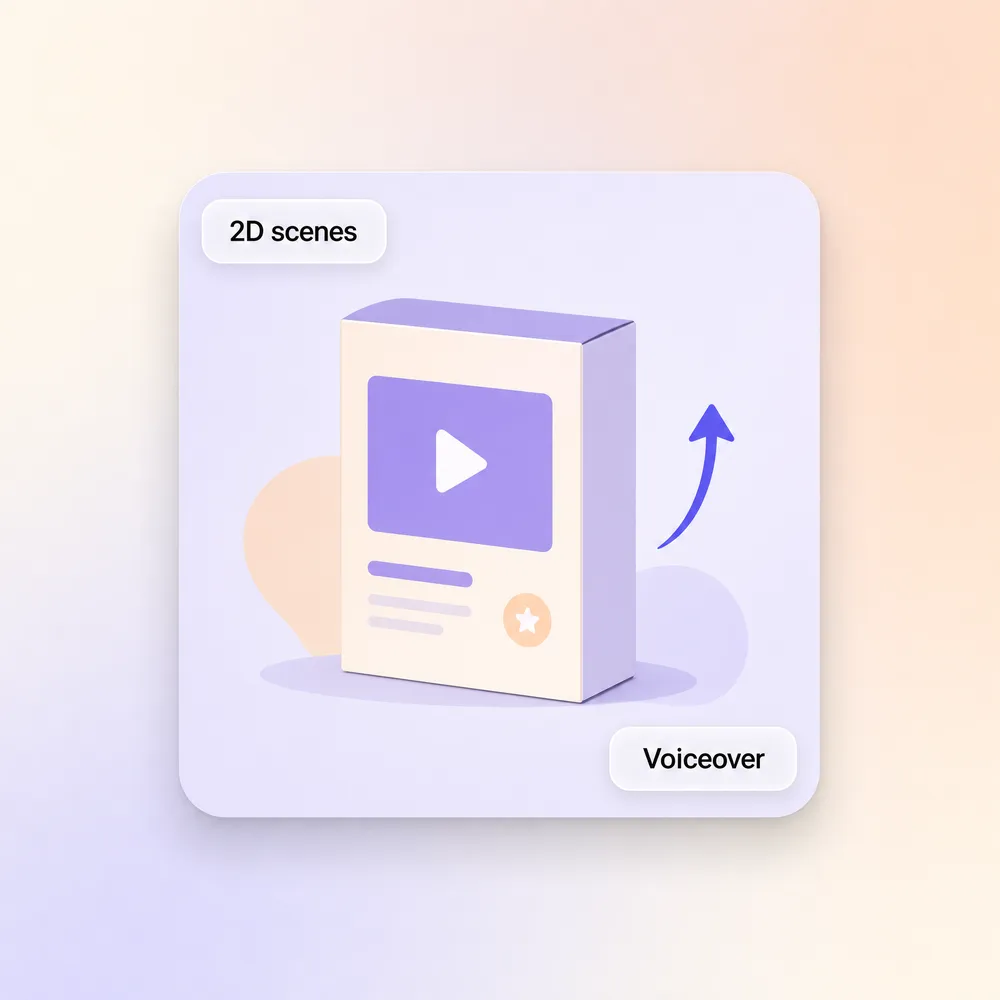
Explain the offer with animated scenes when there is no product footage to shoot.
Hiring a videographer, a scriptwriter, and an editor used to be the only route. Now it starts with one sentence.
Describe the product and the buyer. Pexo writes the sales script, splits it into scenes, and renders each one with Sora 2, Kling and Veo.
Choose from dozens of natural voices across languages and tones. Pexo syncs the voiceover to every scene transition so the pacing lands.
Put an AI avatar on camera to deliver the pitch. Every prospect gets a face without you booking a studio or recording a take.
Drop in a product page URL. Pexo pulls the copy, images, and pricing and builds the sales video from it.
Upload a photo and Pexo matches lip movement to the voiceover, the same engine behind our talking head video workflow.
Landscape for email, square for LinkedIn, vertical for Instagram. Export 16:9, 9:16, or 1:1 up to 4K, 5 to 120 seconds.
Four steps from a sales pitch to a finished sales video. No editing timeline involved.
Tell Pexo what you are selling and who the buyer is. A few sentences about the product and the audience is enough to start.
Pexo builds a scene by scene draft with visuals, voiceover text, and timing. You see the whole sales video before it renders.
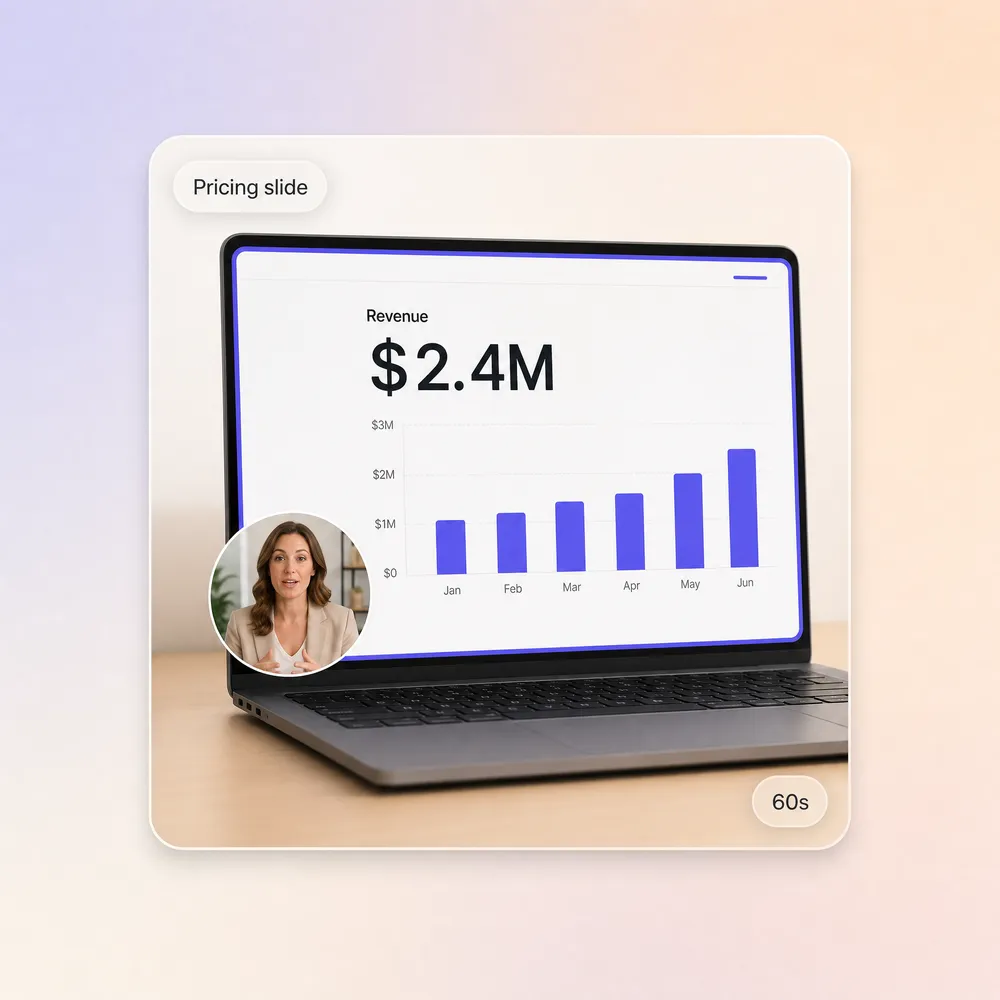
"Make the hook stronger." "Add a pricing slide." Type the note and Pexo re-renders only that part. The same loop drives product demos and animated mockups.
Drop it into an email, a LinkedIn message, or a CRM sequence. Voiceover and captions are already baked into the file.
Different teams pitch different buyers. Pexo adapts the sales video to your industry.
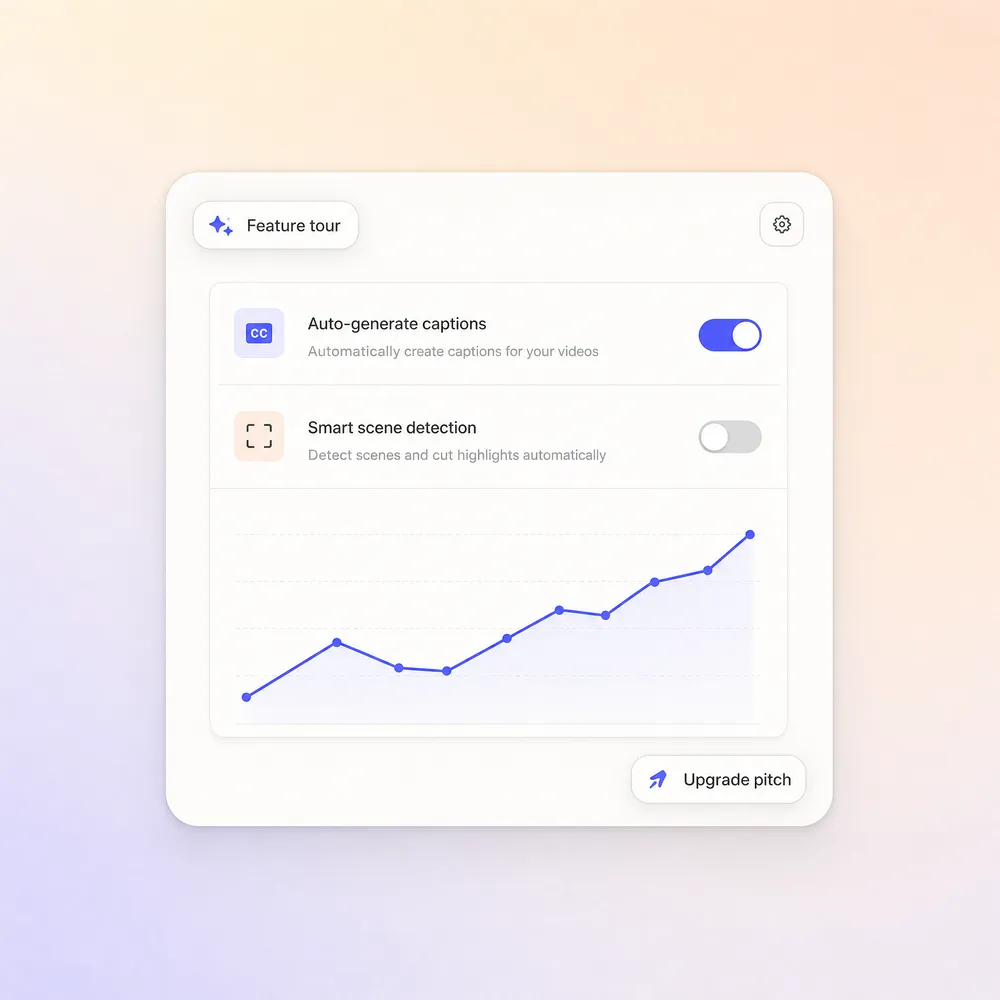
Feature walkthroughs, onboarding teasers, and upgrade pitches. Go deeper with a SaaS explainer video or a product explainer video.
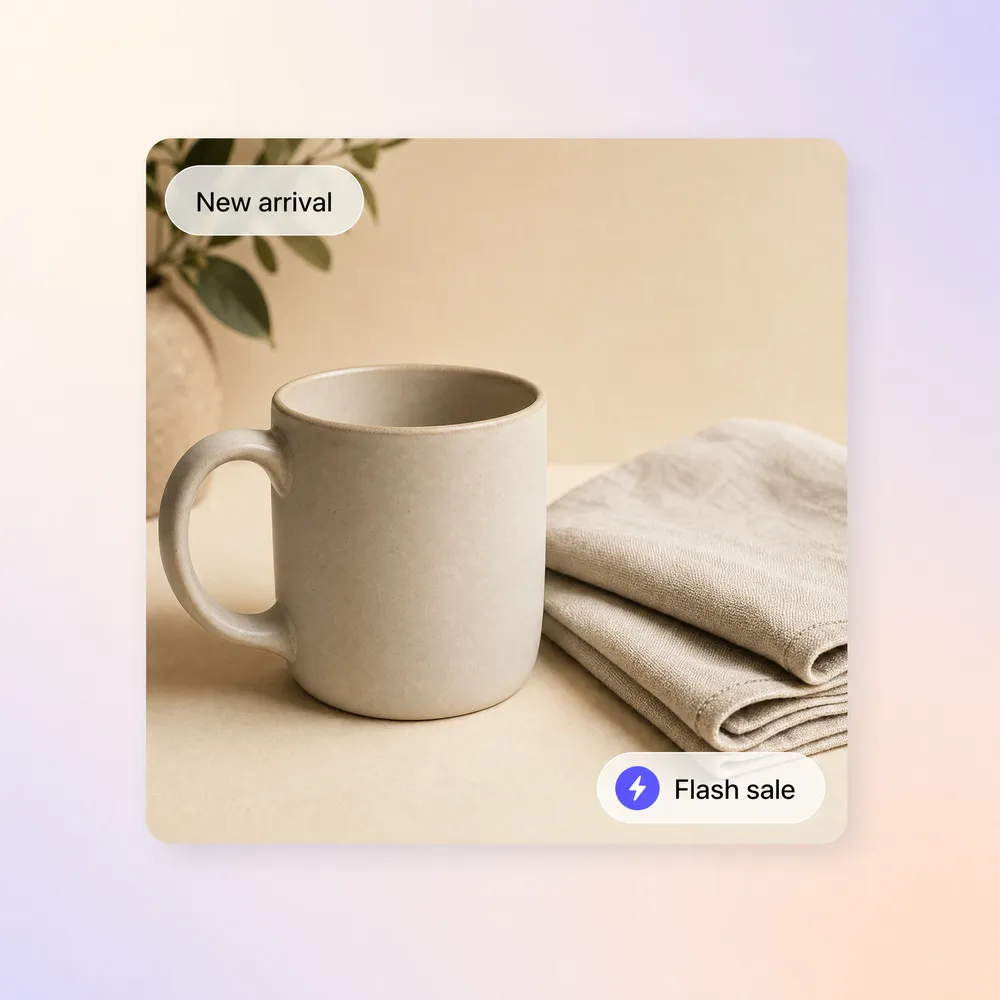
Product showcases, flash sale promos, and new arrival clips. Short cuts that move inventory and pull traffic back to your store.
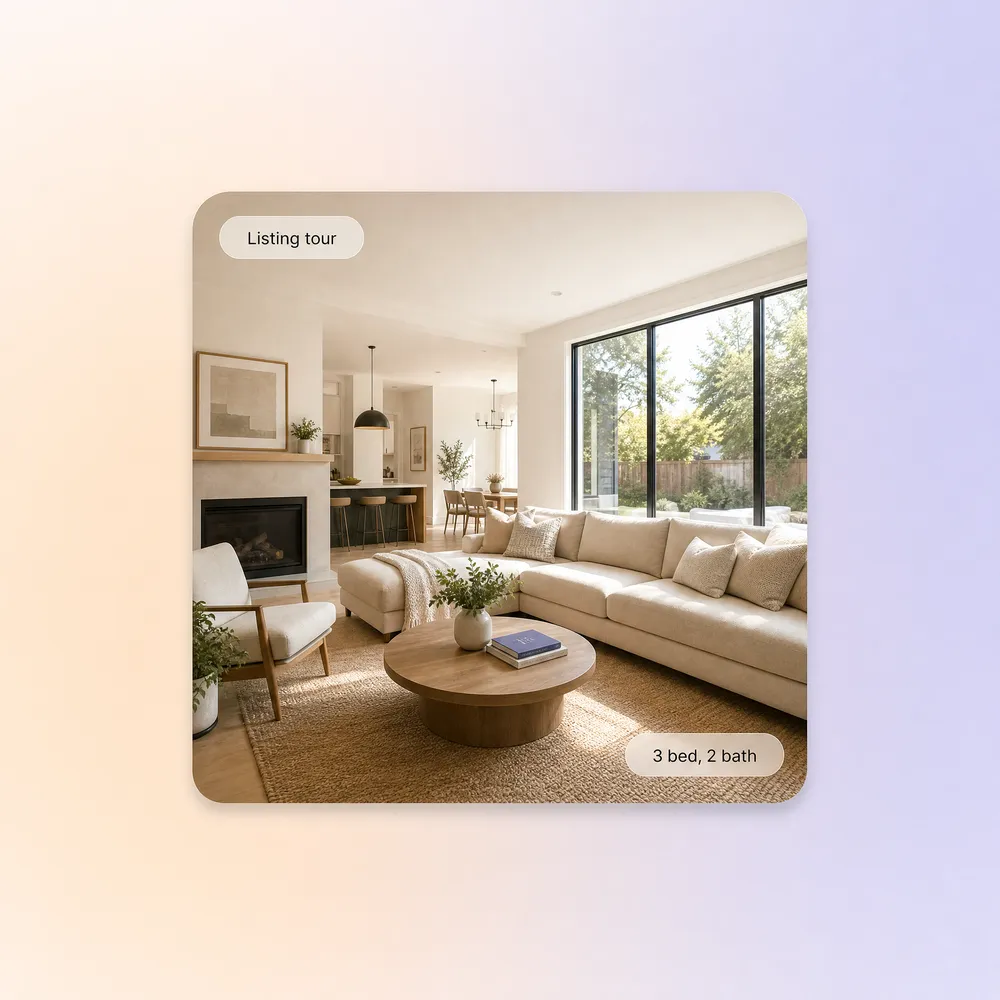
Listing walkthroughs and neighborhood highlight reels agents can send to a buyer the same day they tour it.
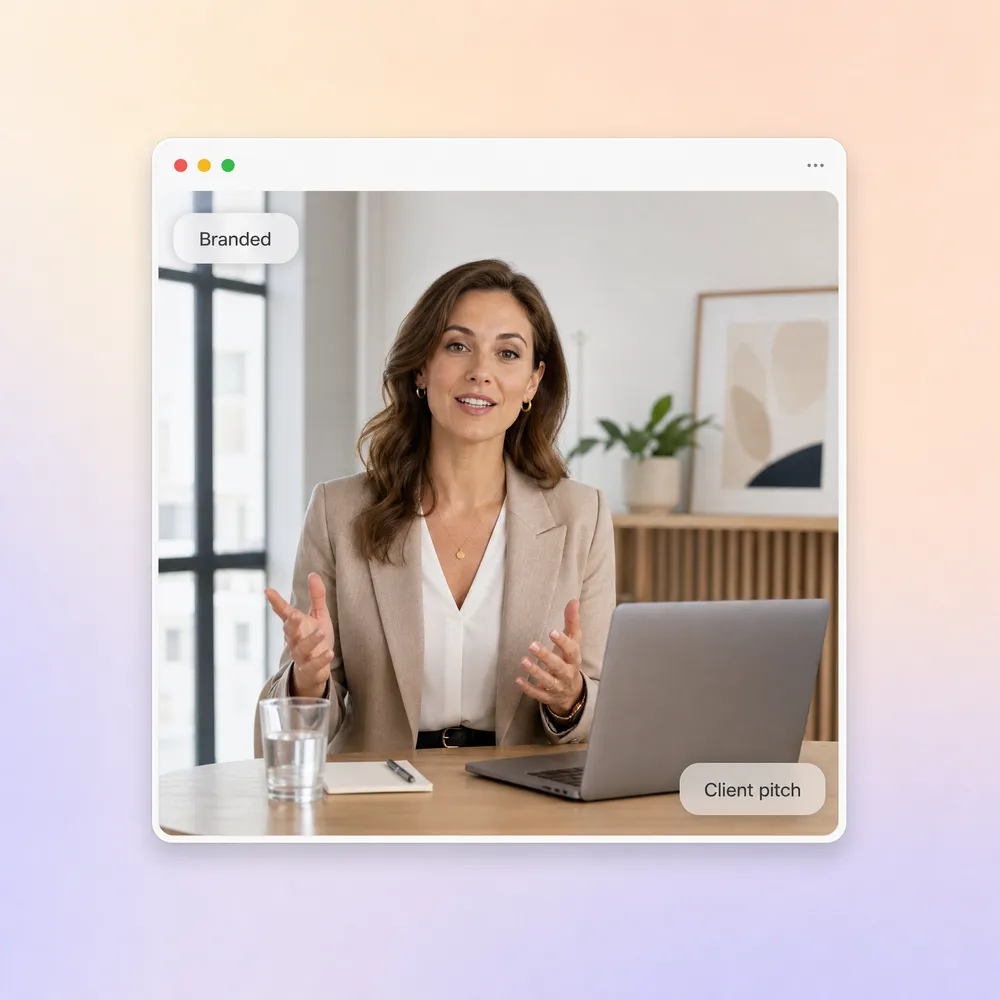
Pitch new clients with branded video proposals, or build a sales training video for their reps. A salesman training video runs off the same brief.
Reps and managers who stopped waiting on a production timeline.
"I used to burn half a day recording one product walkthrough for one prospect. Now I type a prompt and the sales video is polished in ten minutes. My reply rate doubled."

"Our SDR team sends 200 personalized videos a week now. Before Pexo we were lucky to hit 20, and the AI sales video script nails the messaging almost every time."

"We needed ad cuts for a flash sale with no budget for a videographer. The sales video generator gave us four variations in an hour, and two beat our agency ads."

A sales video is a short video built to move one buyer a step closer to a decision, from a cold outreach clip to a walkthrough sent after a call. It does the job of the paragraph nobody reads. With Pexo’s sales video maker you describe the product, the buyer, and the offer, and get script, visuals, voiceover, and captions back as one finished file.
Widescreen, vertical, and square, 16:9, 9:16, and 1:1, up to 4K and 5 to 120 seconds. That range covers a 15 second LinkedIn teaser, a 60 second pitch for an email sequence, and a two minute walkthrough attached to a proposal. Every sales video is generated natively for its destination rather than cropped after the fact.
Yes. Pexo renders every scene with current models such as Sora 2, Kling and Veo, then layers narration, captions, and music on top, so an AI sales video holds up next to agency work. Reps use it for demos, follow-ups, and quarterly offers, and the buyer sees a finished clip rather than a template with a logo dropped in.
Pexo is one of the best AI tools for sales videos because it behaves like a colleague rather than a template library: it picks the strongest take across Sora 2, Kling and Veo for every scene, keeps your product context between revisions, and returns a finished sales video up to 4K. The same sales video generator handles demos, outreach clips, and ad cuts.
A sales video is any clip that supports a deal, from a 15 second follow-up to a demo recap. A video sales letter is one long-form script written to sell on a landing page. If the product itself is the story, start from the product video page, and for a feature deep dive use the product explainer video page.
Use a simple formula: subject + action + camera movement + setting + style. For example: a founder holds the product up to camera, slow push-in on the label, in a bright studio, warm and confident. Pexo’s sales video maker expands that one line into script, scenes, and voiceover, the fastest way to create sales videos with AI.
Make an app promo video that shows real screens and drives installs. Pexo scripts and cuts it with Seedance 2.5, Kling AI 3.0 and MiniMax H3 in minutes.
Make an ecommerce video for every SKU from the photos on your listings. Pexo picks between Seedance 2.5, Kling AI 3.0 and MiniMax H3, up to 4K in minutes.
Turn Shopify listing photos into a product video with Seedance 2.5, Kling AI 3.0 and MiniMax H3. Export 16:9, 9:16 and 1:1 up to 4K in minutes.
Make a google ad video for YouTube skippable, bumper and in-feed slots with Seedance 2.5, Kling AI 3.0 and MiniMax H3. Spec-ready cuts in minutes.
Make a video sales letter that closes. The AI video sales letter generator writes the arc, narrates it, and renders with Happy Horse, Kling and MiniMax H3.
Make an app ad that turns scrolls into installs. Pexo's app ad generator writes the hook and renders with Kling, MiniMax H3 and Seedance 2.5 in 4K.
Commercial video generator that turns a product photo into a broadcast-ready spot with Sora 2, Kling and Veo, cut to 15, 30 and 60 seconds in minutes.
Make an advertisement video for every placement. Pexo's AI advertisement video generator scripts and cuts the ad with Happy Horse, Seedance 2.5 and Kling.