
AI Animated Livestream Transition Reel
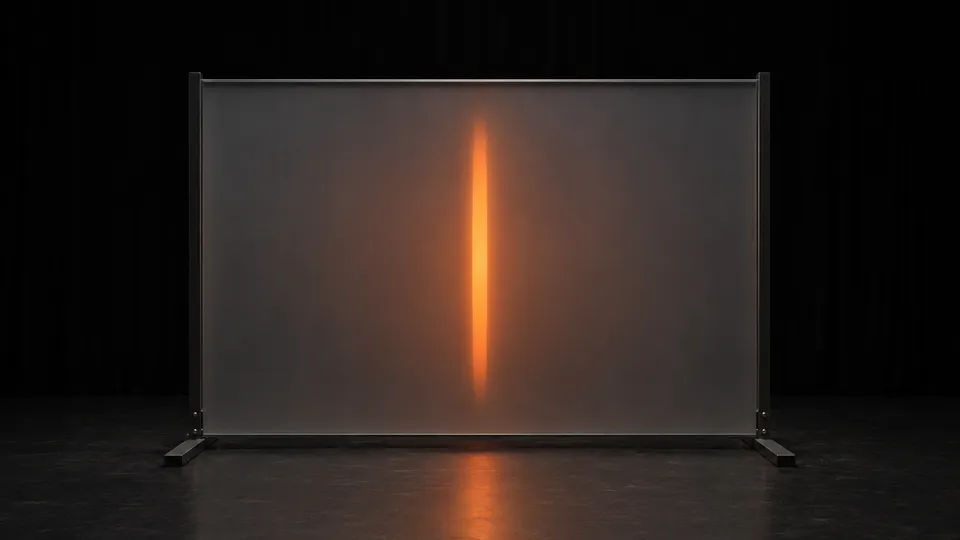
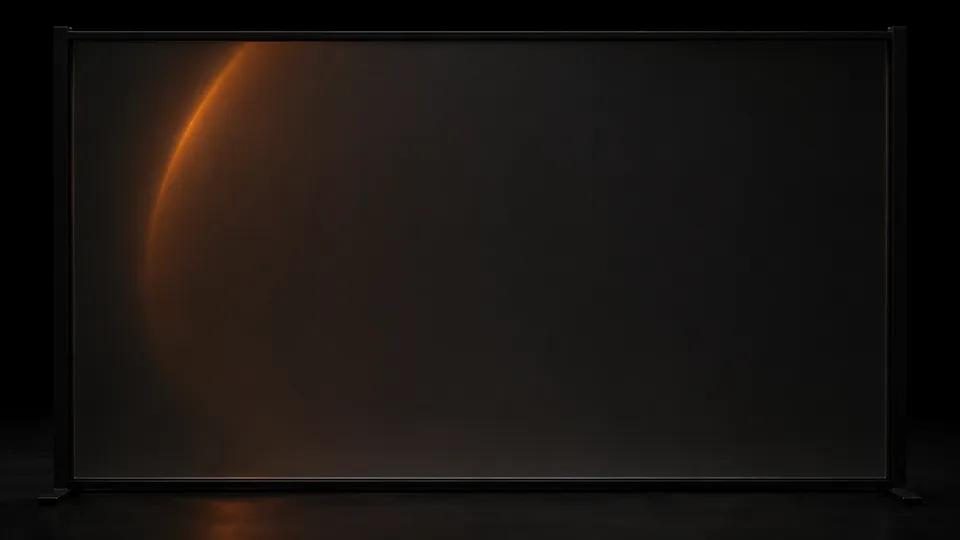
Make an animated livestream transition reel with Pexo. Show each scene before and after the cut, time the sound, and share one finished demo.
Create an AI video art short film from a single image, texture, or idea. In Pexo, shape how it moves from shot to shot, then give the finished piece a rhythm and soundtrack of its own.
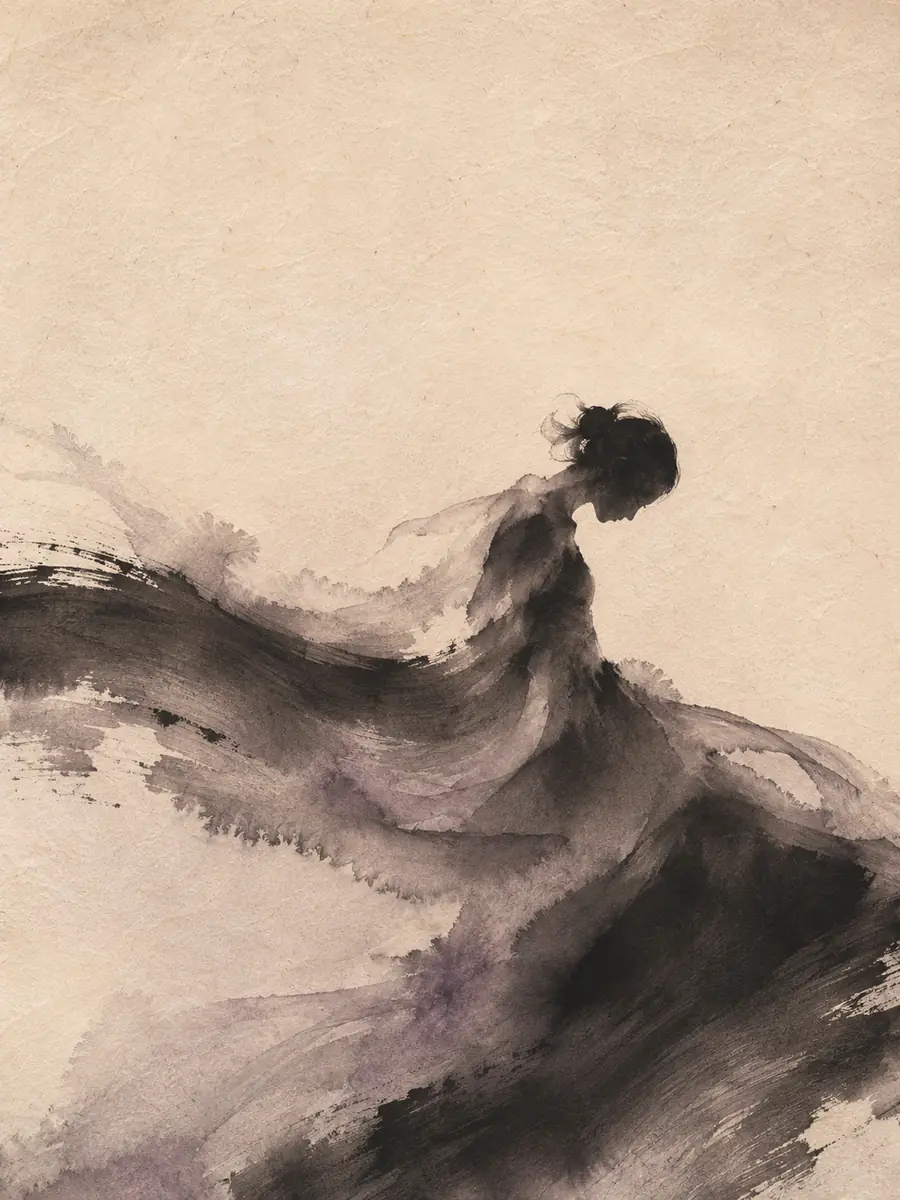
In Pexo’s video art short film maker, start with what the audience should notice. Give the motif an opening state, one change, and an ending. An ink study might open on blank paper, gather into a silhouette, then fade. Review the sequence with Pexo and ask for a longer hold on the moment that matters.
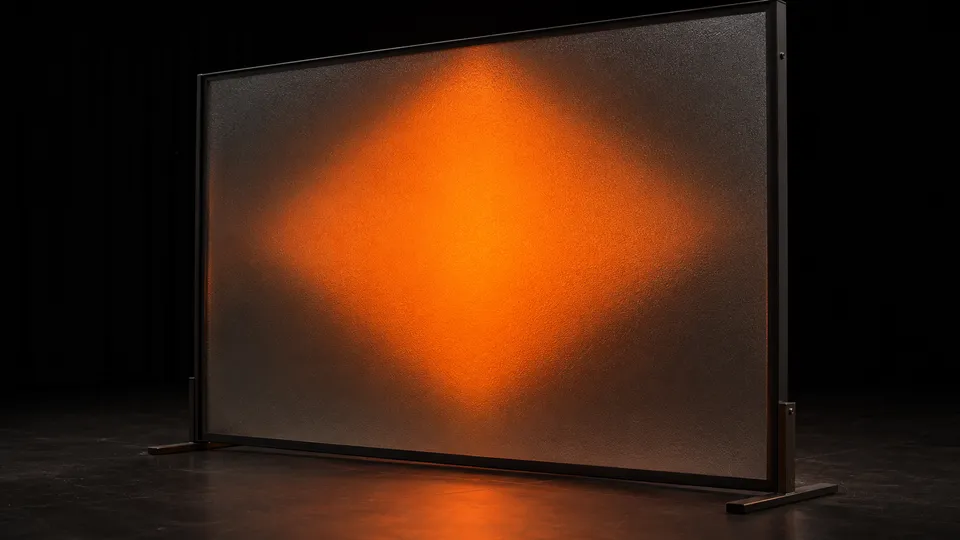
Give Pexo one visual idea, the source artwork or a brief, and the change you want viewers to notice. Review the first sequence before extending it.
What to review
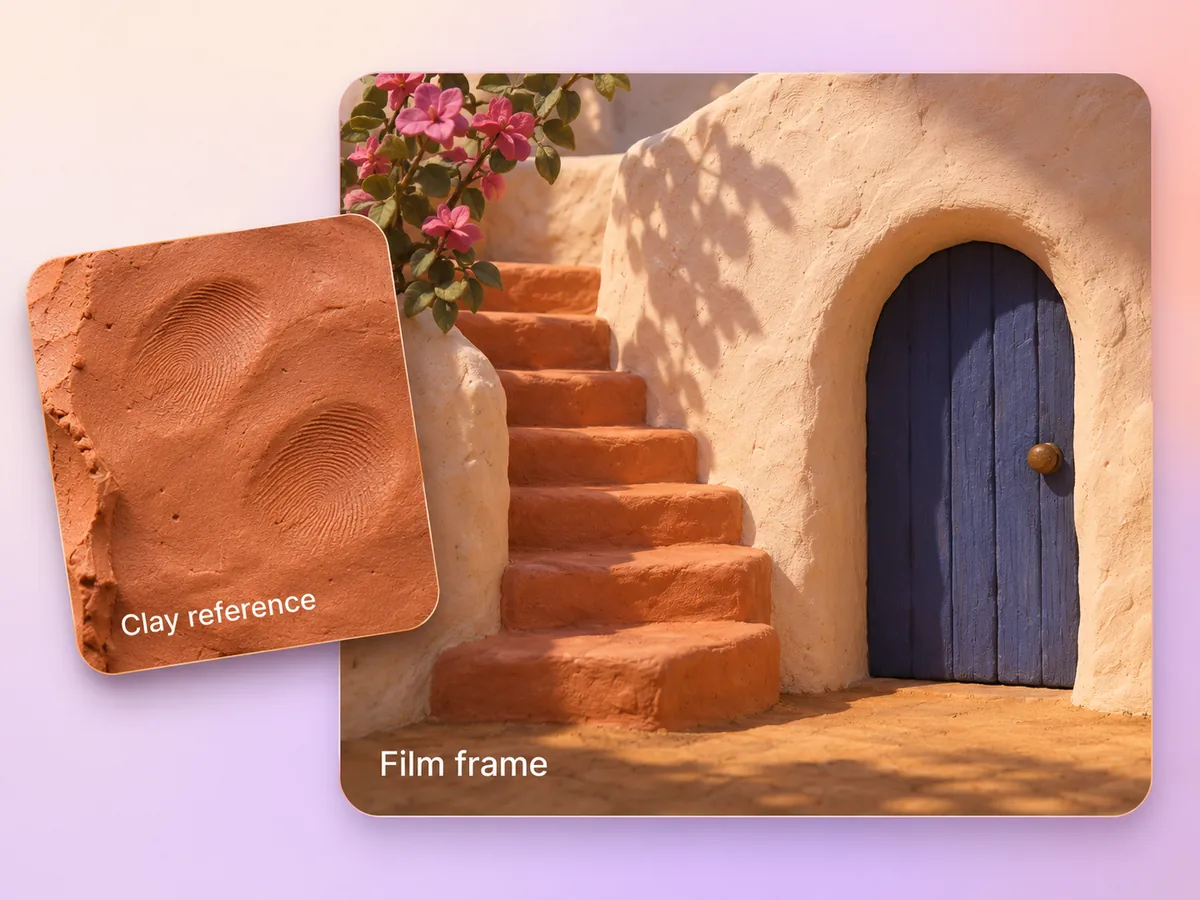
Bring in artwork, a photograph, or a frame of your own. With image to video, describe one movement and the traits to carry across shots. For a clay miniature, describe its finger marks, uneven edges, and matte finish. Check those details in both wide shots and close-ups.
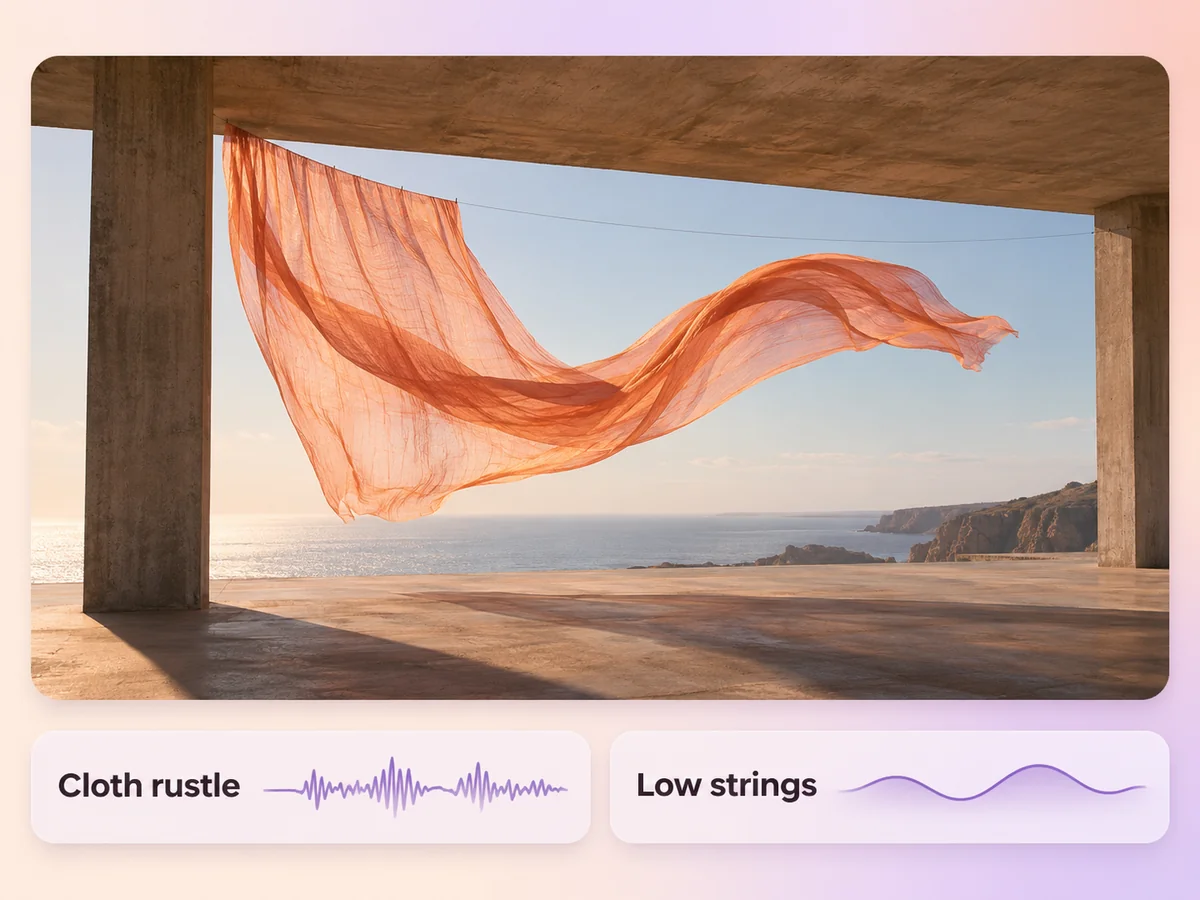
Decide what needs to be heard at each change in the image. A soft cloth rustle can mark the moment fabric lifts in the wind. Use music generation to try low strings under the shot, then let them fade as the cloth settles. Audition the cue against the full piece so the quiet moments have room.
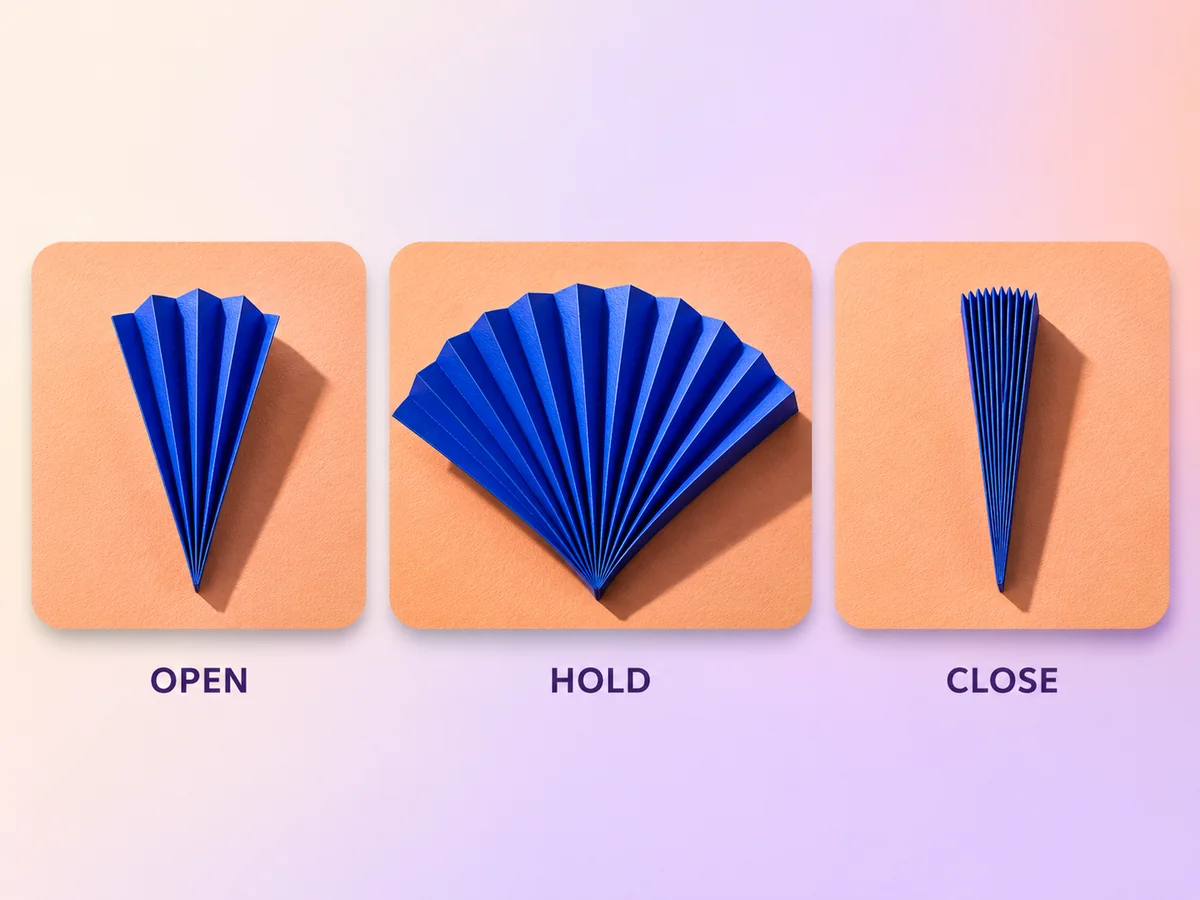
Describe how the shape enters, how long it holds, and what changes before the cut. Ask Pexo to let one form settle before the next takes over. If you want to loop the piece, plan an ending that returns to the opening composition. Watch that join a few times to check the cut and sound.
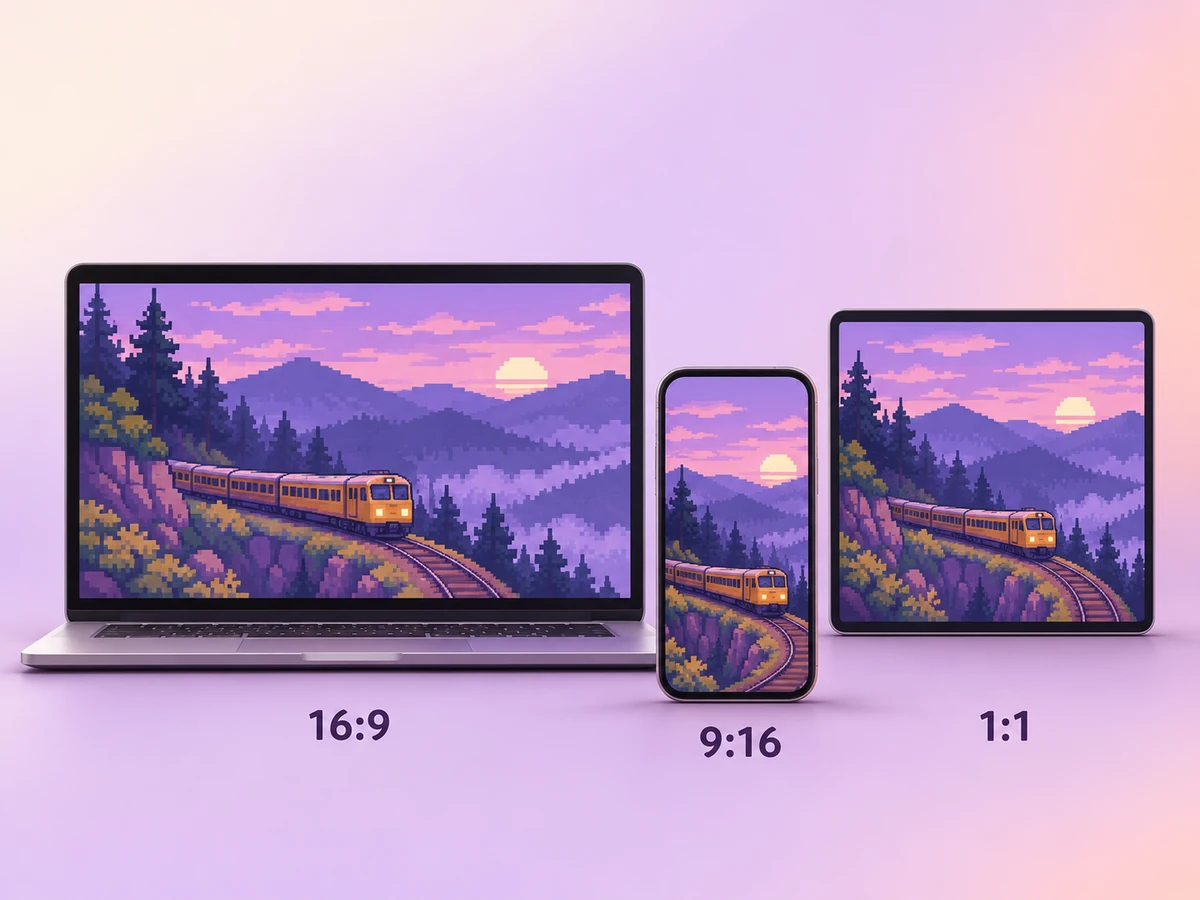
Use 16:9 for a screening or portfolio player, 9:16 for a vertical excerpt, or 1:1 for a square feed. Reframe each version around the movement, leaving room for the subject and its path through the frame. For an exhibition screen, confirm the venue’s aspect ratio before you set the final framing.
“I want the paper to show through the wash in every shot. That rough edge is part of the piece, especially when the figure starts to move.”

“I watch for the pause after the silhouette forms. Giving it a beat before the strings come in changes how I see the whole dissolve.”

“I play the end into the beginning a few times before fitting the piece into a loop. A clean join lets someone walk in at any point and stay with the work.”

A video art short film is a short moving-image work that explores an idea through composition, movement, pacing, and sound. It can follow a visual motif, such as an ink mark that changes form in each shot. You can make one for a portfolio, online screening, or gallery presentation.
Yes. Start with one to three images or original artworks that show the look you want. Tell Pexo what should stay recognizable and what should move. Generate each movement as a shot, then review the cuts and the soundtrack together. A single image can support several shots if each view adds something.
Make the complete piece for the screen it will play on. A 16:9 version works for many standard video players, while a 9:16 excerpt gives you room for a vertical frame. Reposition the main form for each version and check that the soundtrack still resolves at the final cut.
Pexo helps you develop a visual motif into shots and refine their movement, pacing, and sound in one project. For example, use Kling AI 3.0 to animate an existing still, review it beside the next shot, and try a different hold length before you commit to the full sequence.
A video art short film can develop a color, texture, or image through repetition and change. A narrative short film usually builds around characters and events. Decide what carries the audience through your piece. It could be a character’s choice, the movement of a repeated form, or a combination of the two.
Use subject + action + camera movement + setting + style. Try ‘A pool of black ink takes the shape of a dancer on white cotton paper. Begin in a static wide shot, ease closer as the outline settles, then let it dissolve. Use a monochrome wash and keep the paper grain visible.’
Start with a sketch, a texture, or a frame you can’t stop looking at. Turn it into a short film with movement, pacing, and sound you can refine in Pexo.
Make an animated livestream transition reel with Pexo. Show each scene before and after the cut, time the sound, and share one finished demo.
Make a family travel video with Pexo. Put trip photos and phone clips in order, keep the sounds you remember, and share a short recap with your family.
Make a call-to-action outro video with Pexo. Turn your final shot into a branded closing clip that asks viewers to watch next, subscribe, or learn more.
Make a game intro video with Pexo. Use the first playable world to tell a clear story. Organize your material and review the finished video.
Make a claymation and puppet animation short with Pexo. Organize your own material and edit a focused review cut. Check the details before you share it.
Make an animated music video with Pexo. Use one visual motif that follows the music to tell a clear story. Organize your material and review the finished video.
Make a corporate mini-documentary with Pexo. Organize your own material and edit a focused review cut. Check the details before you share it.
Make an animated story video for kids with Pexo. Organize your own material and edit a focused review cut. Check the details before you share it.