

 ChatGPT
 Perplexity
 Claude
 Gemini
 Grok
Grok

How to Localize Training Videos
UPDATED: 2026-08-10 By Lan He, Senior Video Producer at Pexo
Localizing training videos takes six steps: decide what actually needs it, prepare the source, translate for the workplace rather than the words, produce the audio, replace on-screen text, then version across languages. Localising a video takes about 25 minutes when generated.
Quick Version: How to Localize Training Videos
- Triage: localise safety and legal content first.
- Prepare the source so localisation is cheap.
- Translate for the workplace, not word for word.
- Dub the narration rather than subtitling demonstrations.
- Replace on-screen text, units, and jurisdiction-specific content.
- Version every language against the source.
How to Localize Training Videos Step by Step
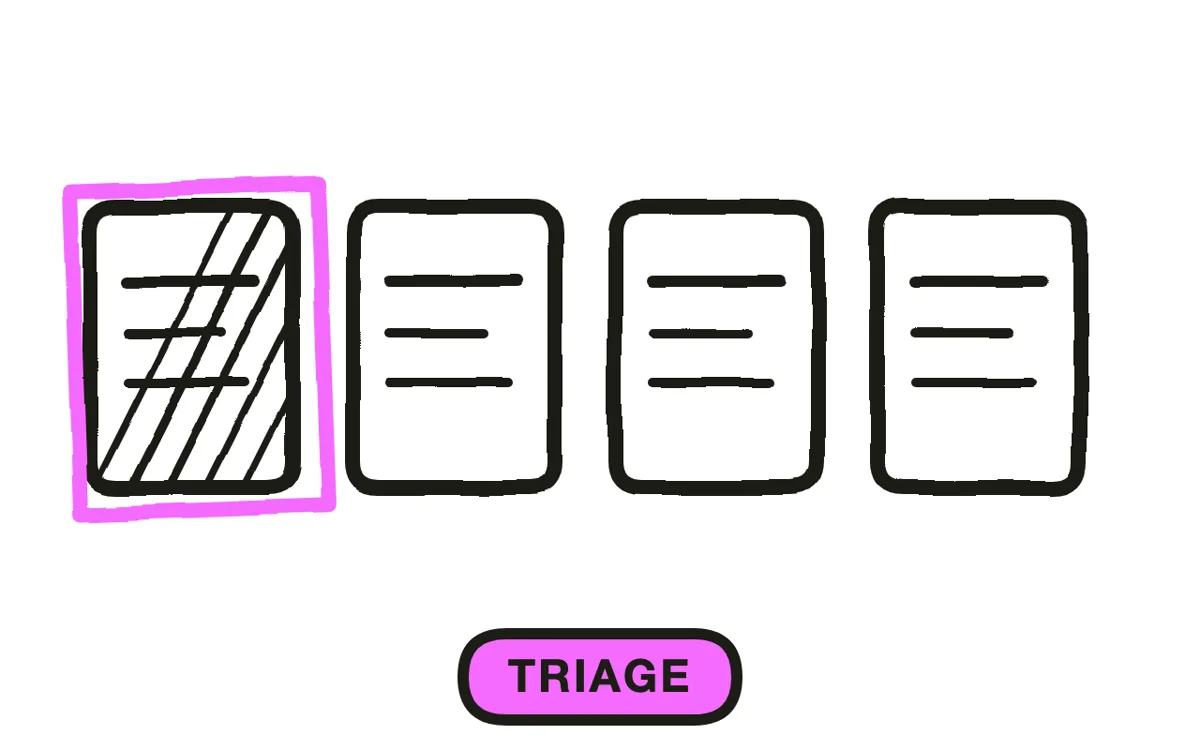
Step 1: Decide what needs localising
Not everything does. Start with content where misunderstanding causes harm: safety, equipment operation, anything with legal consequence. Then take content a largely non-native-speaking group depends on daily.
Content people can reasonably ask a colleague about can wait. This triage is what stops a library ballooning into a set nobody can keep current, and an unmaintained ten-language library is worse than a maintained two-language one.
Step 2: Prepare the source
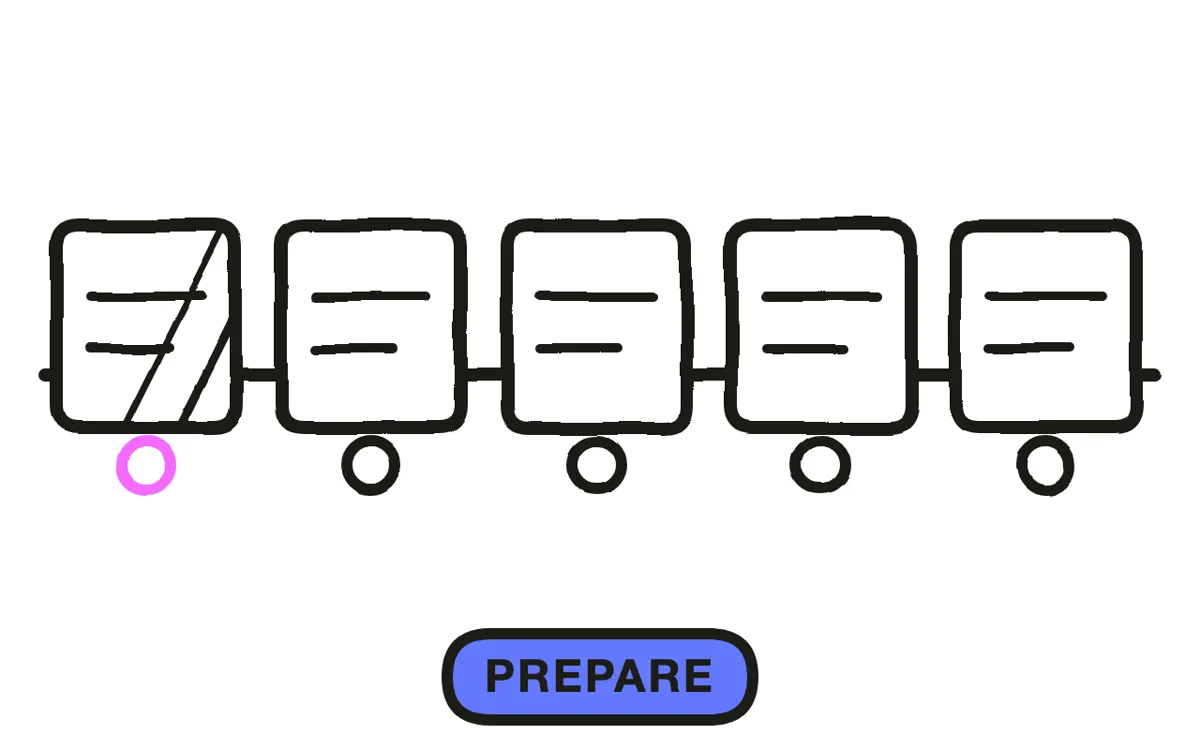
Localisation cost is mostly decided during the original production. Keep on-screen text minimal and in its own layer, avoid narration that depends on wordplay, leave pauses that a longer language can expand into, and avoid burning text into footage.
The pause point matters more than it sounds: many languages run 20 to 30 percent longer than English, so a tightly cut source either forces rushed delivery or a re-edit per language. Building a little air into the original is the cheapest localisation decision available.
Step 3: Translate for the workplace
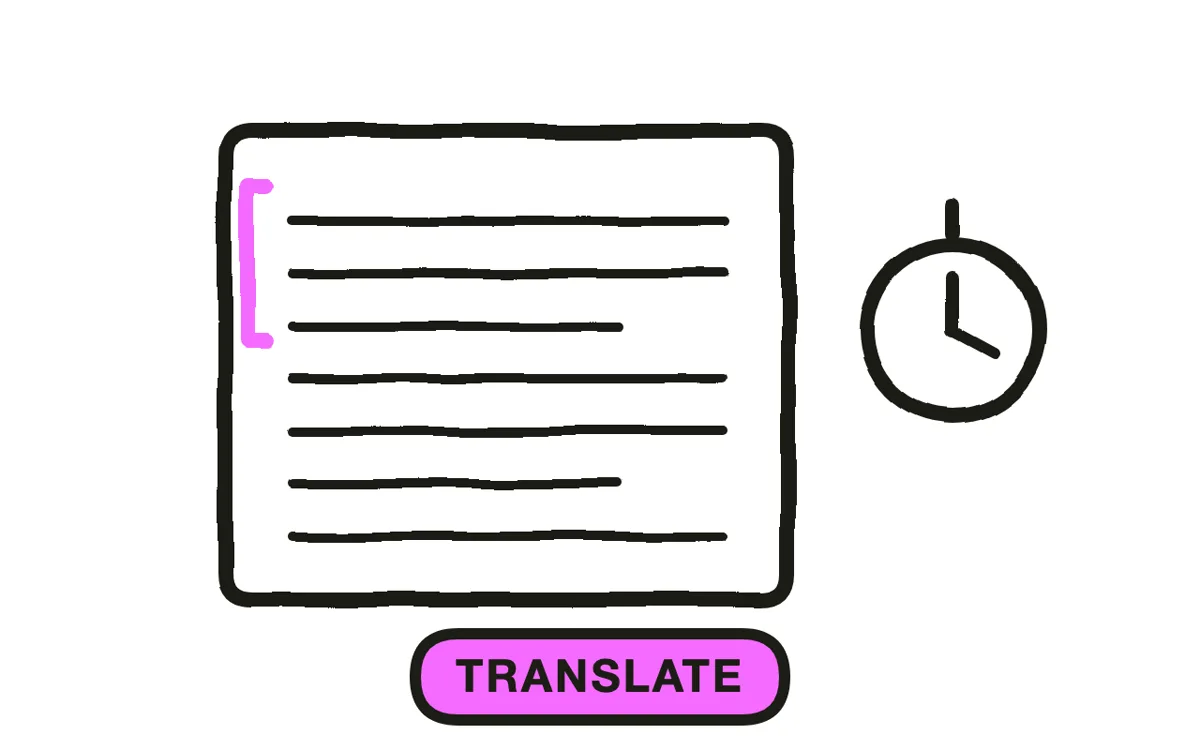
Translate what the workplace says, not what the script says. Every site has its own names for equipment, roles, and steps, and a technically correct translation using unfamiliar terms produces training that people follow with effort rather than automatically.
Have a native-speaking employee who does the job review it, not only a translator. Translators catch language errors; the person doing the work catches the vocabulary mismatch, which is the error that actually costs comprehension on the floor.
Step 4: Produce the audio
Dub the narration for anything with a demonstration. Subtitles take the viewer's attention off exactly what they are supposed to be watching, which defeats the purpose of a video that exists to show a task being done.
Traditional recording runs a few hundred dollars per language per finished minute plus re-edit, which is what keeps most libraries at two or three languages. Pexo generates narration in multiple languages from the same project, removing the per-language recording cost that made a ten-language library impractical.
Step 5: Replace on-screen content
Swap every on-screen label, caption, and threshold. A localised narration over English labels tells the viewer the effort stopped halfway, and where the label is a safety threshold it defeats the point of localising in the first place.
Change what is not language: units, currency, date formats, names in examples. Then check what changes by jurisdiction rather than by language, since safety limits and employment rules differ by territory. That is a content change requiring the same review as the original, not a translation task.
Step 6: Version across languages
Version the source and propagate changes explicitly. The standard failure is updating the English version and leaving nine languages on the previous one, which is worse than not localising because the library still looks maintained.
Track which language version corresponds to which source version, and flag every language when the source changes. Pexo's script-to-video workflow regenerates a single scene from a description, so a source change propagates in an afternoon rather than triggering ten separate re-records.
How to Localize Training Videos with Pexo
The six steps above work with any production method. Pexo handles steps 4 through 6 in a single conversation, which is what turns a ten-language library from a budget line into a routine step.
Open the training video page and describe the piece: "A 4-minute equipment training module in English, Spanish, Polish and Vietnamese, same visuals across all four, on-screen thresholds in each language, plain-spoken narration, natural pacing with room for longer languages." Pexo generates every language version from one project and exports them together.
Adjust any scene by describing the change in the chat, and Pexo regenerates it across every language version rather than one at a time.
For related formats, the educational video page covers knowledge transfer and onboarding video covers new-hire content.
5 Mistakes That Make Localised Training Worse Than None
1. Localising everything. An unmaintained ten-language library is worse than a maintained two-language one. Triage first.
2. Translating the audio only. Narration in one language over labels in another tells the viewer the effort stopped halfway.
3. Cutting the source tight. Many languages run 20 to 30 percent longer, so no pauses means a re-edit per language.
4. Translator-only review. Translators catch language errors. The person doing the job catches the wrong terminology.
5. Updating the source only. Nine languages left on the previous version still look maintained, which is the dangerous part.
Related Tutorials
- How to make an employee training video for the source content
- How to make a compliance training video for jurisdiction-sensitive training
- How to make an eLearning video for structured course content
- How to make a training video for the broader format




