

 ChatGPT
 Perplexity
 Claude
 Gemini
 Grok
Grok


How to Make an Employee Training Video
UPDATED: 2026-08-06 By Lan He, Senior Video Producer at Pexo
Making an employee training video takes six steps: write one measurable objective, script for retention, build workplace scenarios, produce the footage, add an assessment, then deliver to the LMS. An employee training video takes about 30 minutes to produce once the content is approved.
Quick Version: How to Make an Employee Training Video
- Write one measurable objective the employee can act on.
- Script in modules of three to seven minutes, not one long file.
- Build realistic workplace scenarios instead of reciting policy.
- Produce the footage without booking a location or filming staff.
- Add an assessment that checks judgment, not recall.
- Deliver to the LMS with captions and completion tracking.
How to Make an Employee Training Video Step by Step
Step 1: Write one measurable objective
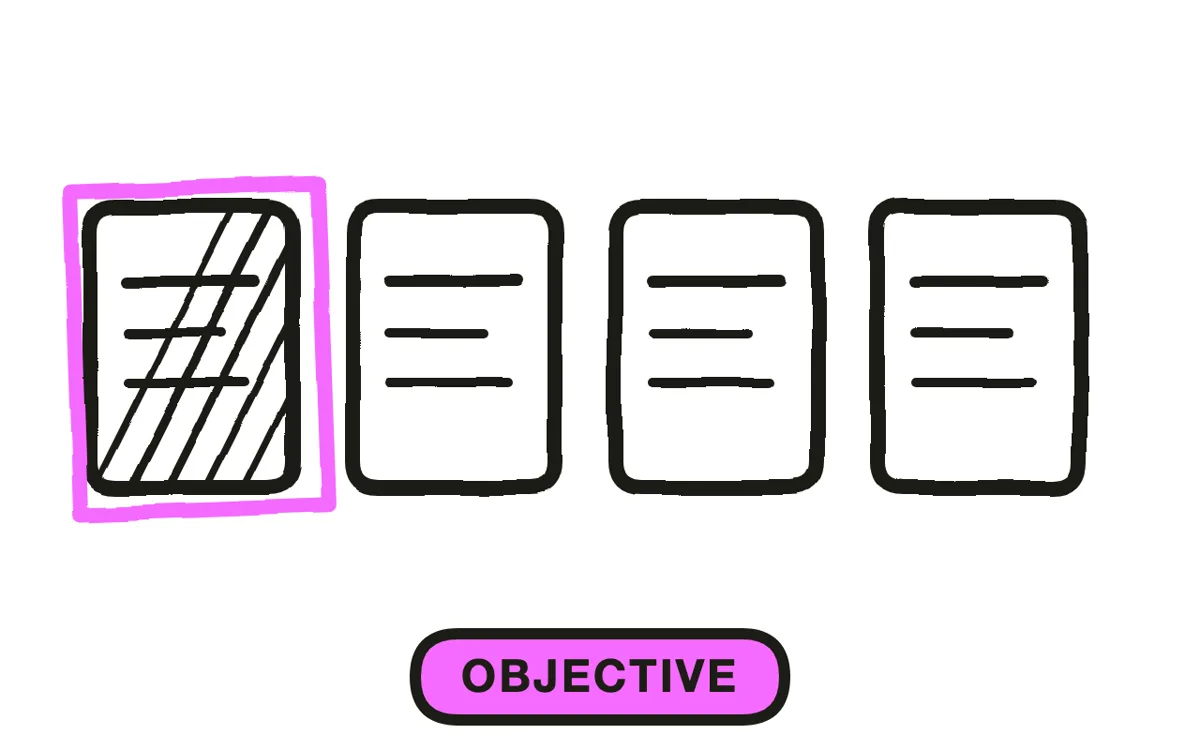
State what the employee should be able to do afterward, in a sentence you could test: "escalate a customer refund above 200 dollars correctly" or "lock out a machine before servicing it". Not "understand our refund policy", which nobody can verify.
One objective per module. A video covering the policy, the system, and the exceptions together leaves the employee holding none of them, and it cannot be reused for the people who only need one part. Separate modules also let a manager assign exactly the relevant one.
Step 2: Script for retention, not coverage
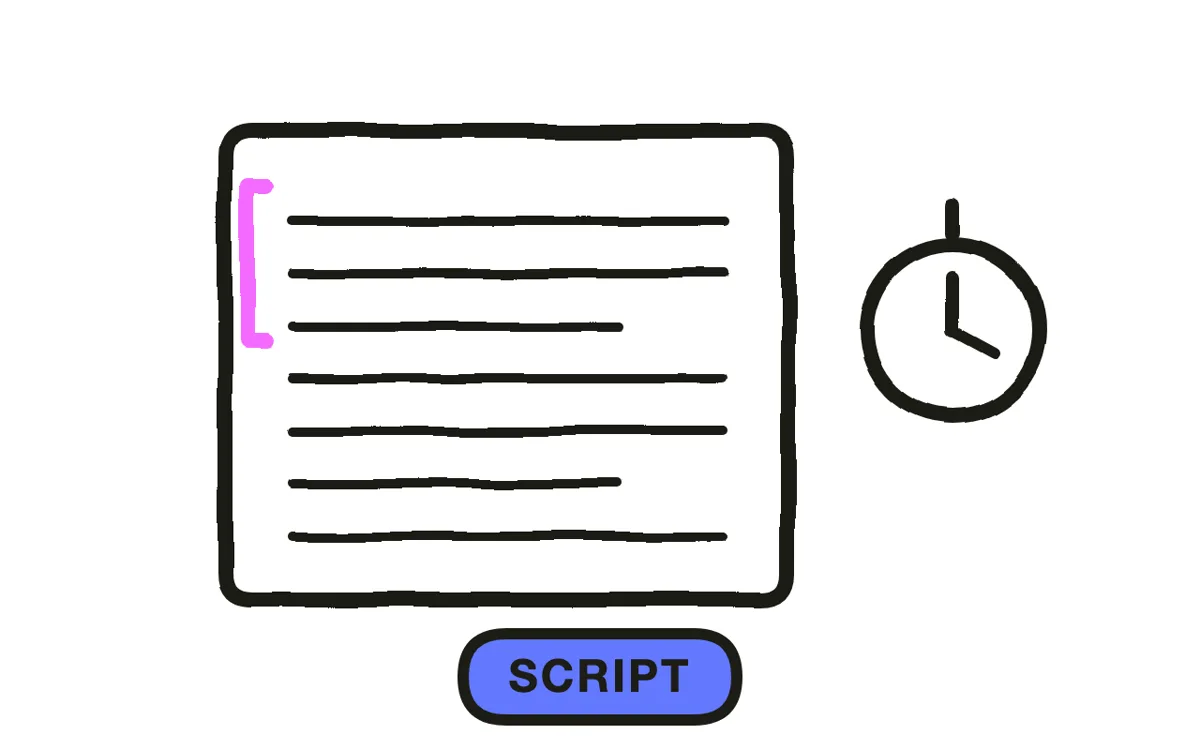
Write three to seven minutes per module, roughly 450 to 1,000 words at normal narration pace. Open with why this matters to the person watching, not with the agenda. "This is the step that most often gets missed, and here is what happens when it does" holds attention that a table of contents does not.
Build the course modular from the start. This is the decision that determines whether the course stays current: updating one three-minute module is a task someone will actually do, while re-recording a 30-minute file is a project that gets postponed until the content is wrong.
Step 3: Build workplace scenarios
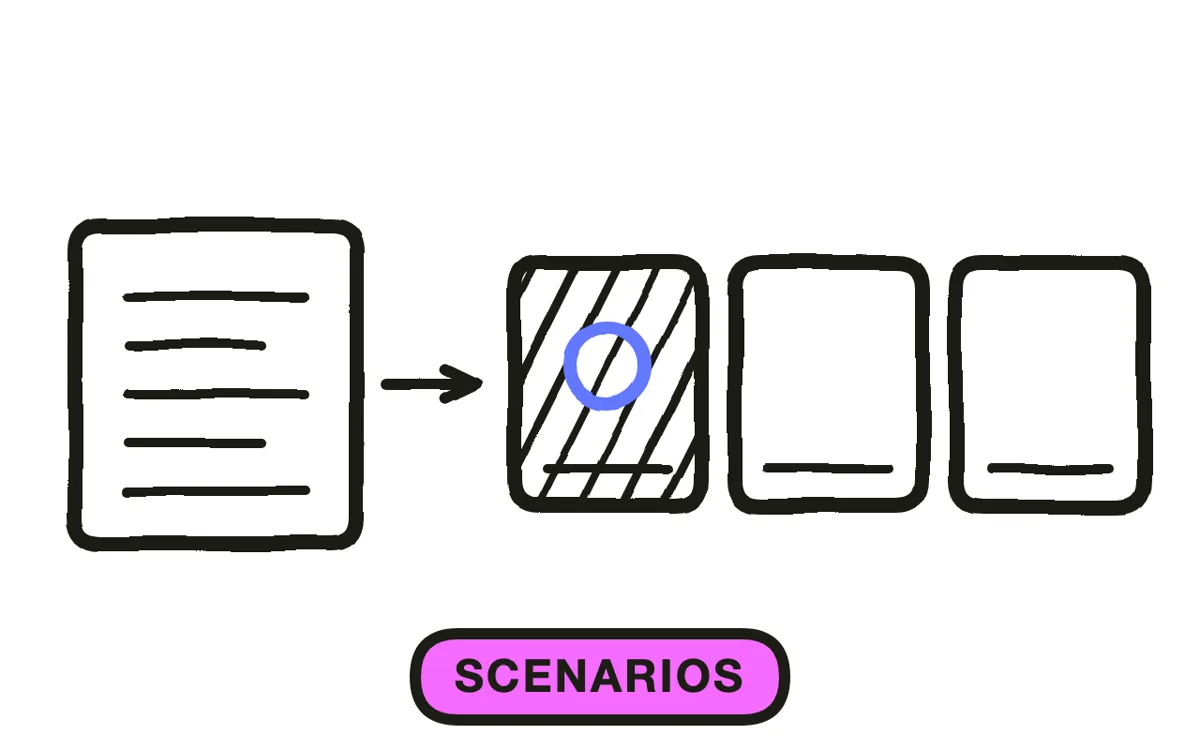
Write two or three scenarios per module showing the decision being made in a real setting: the customer at the counter, the machine mid-service, the email that looks legitimate. Scenarios are what people recall months later; policy recitation is what they click through.
Show the wrong way as well as the right way. A scenario where someone makes the common mistake, and the consequence follows, teaches more than a demonstration of correct procedure alone, because the mistake is the thing the training exists to prevent.
Step 4: Produce the footage
Filming in the actual workplace needs a location, scheduling around real work, consent from everyone on camera, and a reshoot whenever a featured employee leaves. This is why most internal training libraries stop growing after the first few videos.
Pexo's text-to-video workflow generates workplace scenes from written descriptions, so a warehouse aisle or a service desk exists without a shoot. Hyperframe keeps the same staff characters across every module, which makes a course feel like one programme rather than assorted clips.
Step 5: Add an assessment
Put questions after each module rather than one test at the end. A question asked while the scenario is fresh both improves retention and produces a cleaner record of which topic a given person struggled with.
Write questions on judgment rather than recall. "The customer asks for an exception you are not authorised to approve. What do you do?" is more useful and more defensible than asking someone to name a policy number. Pexo generates the narration and produces module segments in a matching style so an assessment break does not look bolted on.

Step 6: Deliver to the LMS
Export 16:9 at 1080p with captions, either burned in or supplied as a sidecar file. Check whether your LMS needs SCORM or xAPI packaging: a plain MP4 records a play, while a packaged module records a completion, and that distinction is what an audit asks for.
Pexo exports up to 4K and generates narration in multiple languages, which makes a localised version a regeneration rather than a re-record. Track completion, assessment scores, and, where you can, the behaviour the training was meant to change. Completion alone tells you people pressed play.
How to Make an Employee Training Video with Pexo
The six steps above work with any production method. Pexo handles step 4 in a single conversation, which removes the location and the shoot that cap most internal training libraries.
Open the training video page and describe each module: "A 5-minute module on de-escalating an angry customer at a retail counter, three scenarios showing what works and what does not, calm instructional narration, ending on when to involve a manager." Pexo generates the scenes with consistent characters, records the narration, and exports.
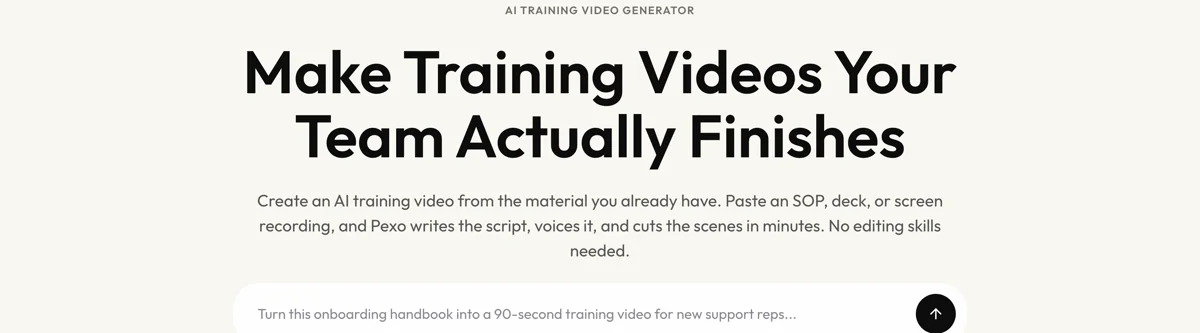
Adjust any scenario by describing the change in the chat, and Pexo regenerates that scene alone. The platform runs across Seedance 2.0, Kling AI, and more.
For related formats, the onboarding video page covers new-hire content and educational video suits knowledge-transfer material.
5 Mistakes That Make Training Videos Get Skipped
1. One long file instead of modules. A 30-minute video loses viewers partway and never gets updated, because updating it means re-recording all of it.
2. Opening with the agenda. Start with why this matters to the person watching. A table of contents is the fastest way to lose them.
3. Reciting policy instead of showing decisions. People remember scenarios. Nobody recalls a policy number eighteen months later.
4. Skipping the wrong way. The mistake is what the training exists to prevent, so showing it teaches more than a clean demonstration.
5. Tracking plays instead of completions. A play count is not a record. Package for SCORM or xAPI if your LMS needs it.
Related Tutorials
- How to make a HIPAA training video for healthcare compliance content
- How to make a training video for the general training format
- How to make an employee onboarding video for new-hire content
- How to make a tutorial video for software and process walkthroughs




