

 ChatGPT
 Perplexity
 Claude
 Gemini
 Grok
Grok



How to Make a Business Launch Video
UPDATED: 2026-08-16 By Lan He, Senior Video Producer at Pexo
Making a business launch video takes five steps: define which opening you are announcing, nail the operating details, script for a local audience, produce it before the fit-out finishes, then place it where nearby people look. A business launch video takes about 20 minutes to produce.
Quick Version: How to Make a Business Launch Video
- Define the opening: location, branch, service line, or new market.
- Nail the three details: where, when, what you can get.
- Script for proximity, not positioning.
- Produce it before the premises are finished, honestly.
- Place it locally with a tight radius.
How to Make a Business Launch Video Step by Step
Step 1: Define which opening this is
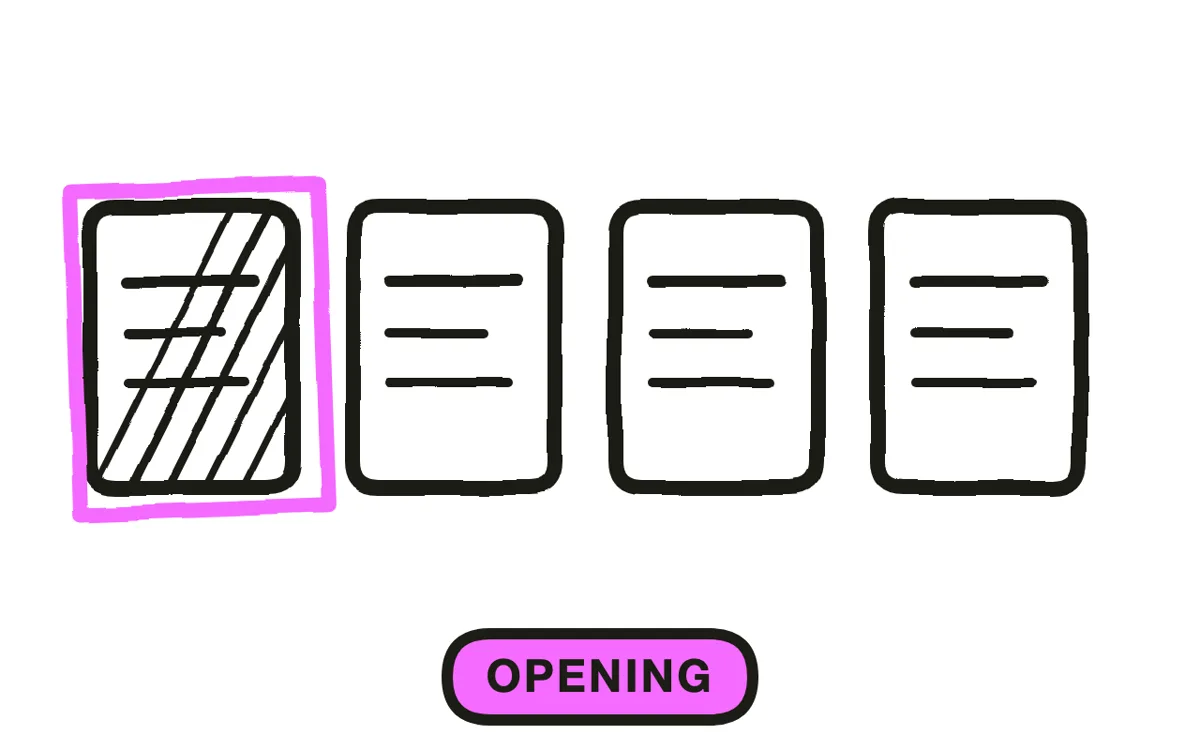
Four different things get called a business launch, and they need different videos. A first location introduces both the business and the place. A second branch speaks to people who may already know you but not that you are now nearby. A new service line speaks to existing customers about something added. Entry into a new market introduces an established name to people who have never heard it.
Naming which one you are doing settles the hardest question: how much has to be explained. A second branch that re-explains the whole business wastes its seconds on people who already knew, while a new-market launch that assumes recognition talks past everyone.
Step 2: Nail the operating details
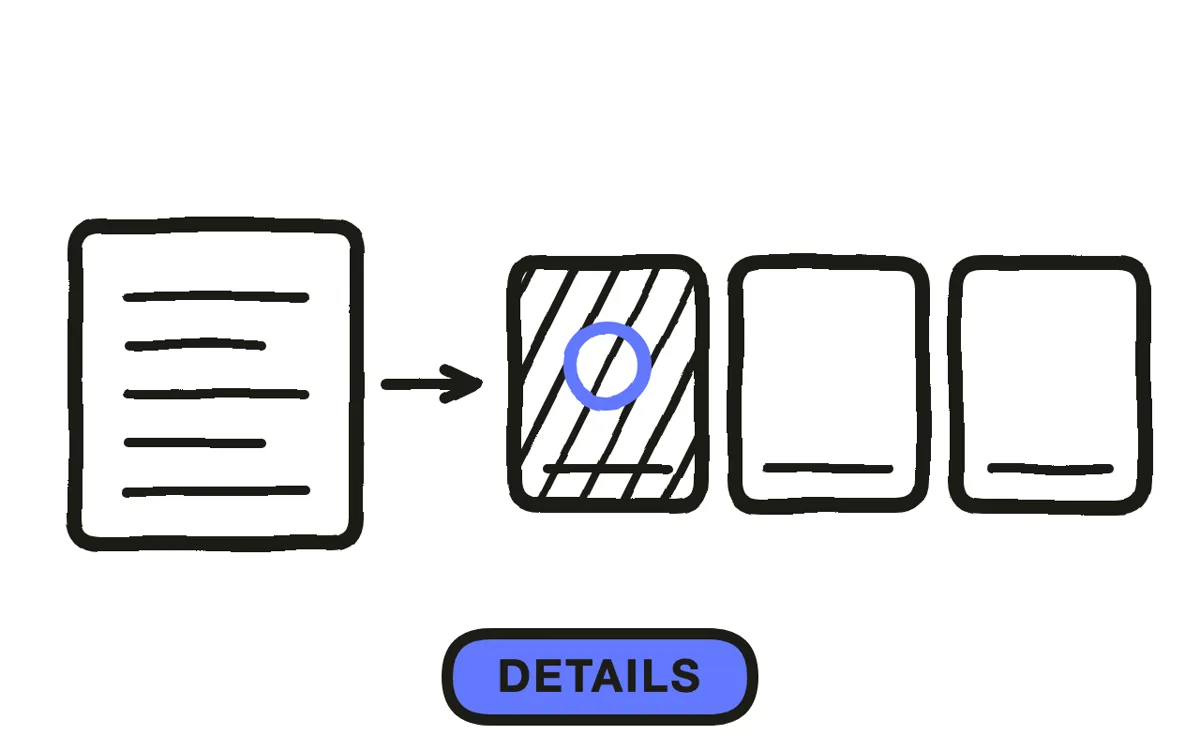
Where it is, when it opens, what you can get there. A local viewer is asking those three questions and nothing else, and a video that answers none of them is decoration however well it is shot.
Put them on screen rather than only in the caption, since the video gets reshared without its caption. Add whatever removes the last obstacle for your category: parking, whether you take walk-ins, opening hours on the first weekend. This is the part that separates a business launch from a brand film, and it is the part most often left out because it feels unglamorous.
Step 3: Script for proximity
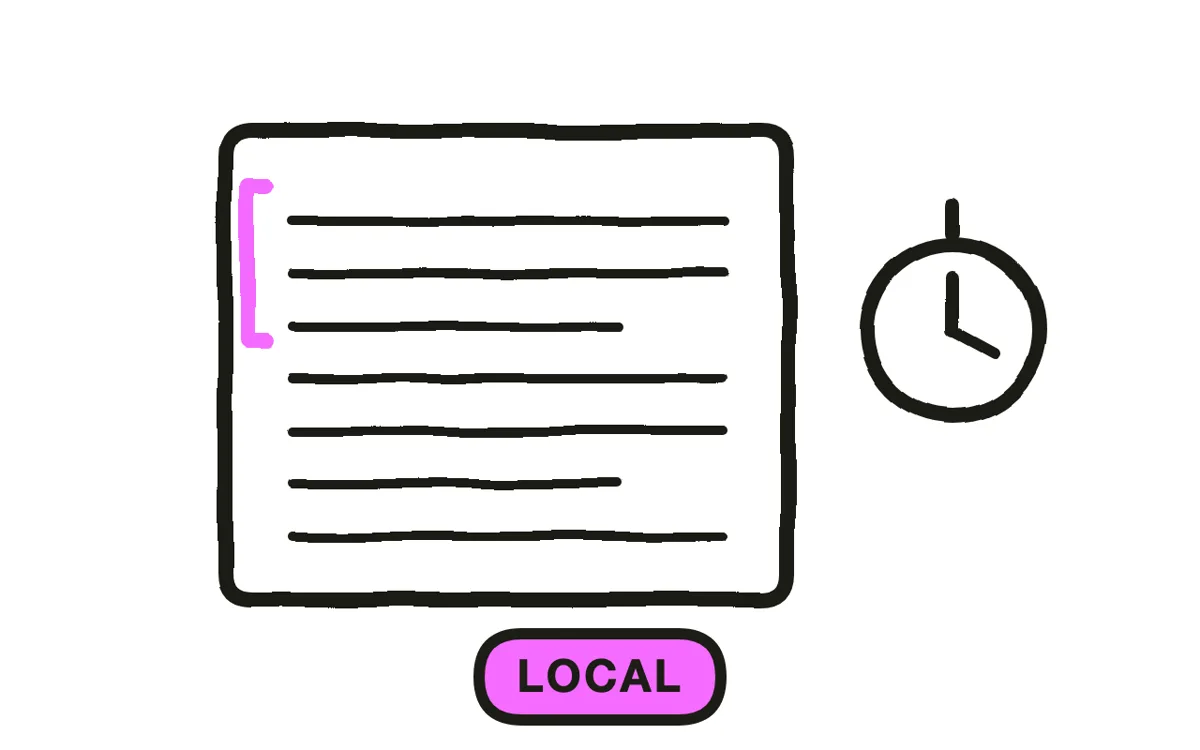
Local audiences respond to recognition, not positioning. Name the neighbourhood, the street, the landmark across the road. "Opening on Mill Street, next to the old post office" does more work than any adjective about quality, because it lets someone place you before they have decided anything.
Keep it to twenty to forty seconds and put a person in it if you can. For a local business the owner or the team on screen is the closest thing to a reason to choose you over the same category elsewhere.
Step 4: Produce it before the fit-out finishes
Most business launch video is needed before the premises look finished, which is why so much of it is a logo over stock footage of a generic shopfront.
Show what is ready and be honest about the rest: a fit-out in progress with an opening date reads as anticipation, while a polished interior that does not match the real place on opening day reads as a bait and switch. Pexo's image-to-video workflow animates a real photo of the exterior or the sign, so the building people will actually walk past is the one on screen, and text-to-video fills in the surrounding scenes.

Step 5: Place it locally
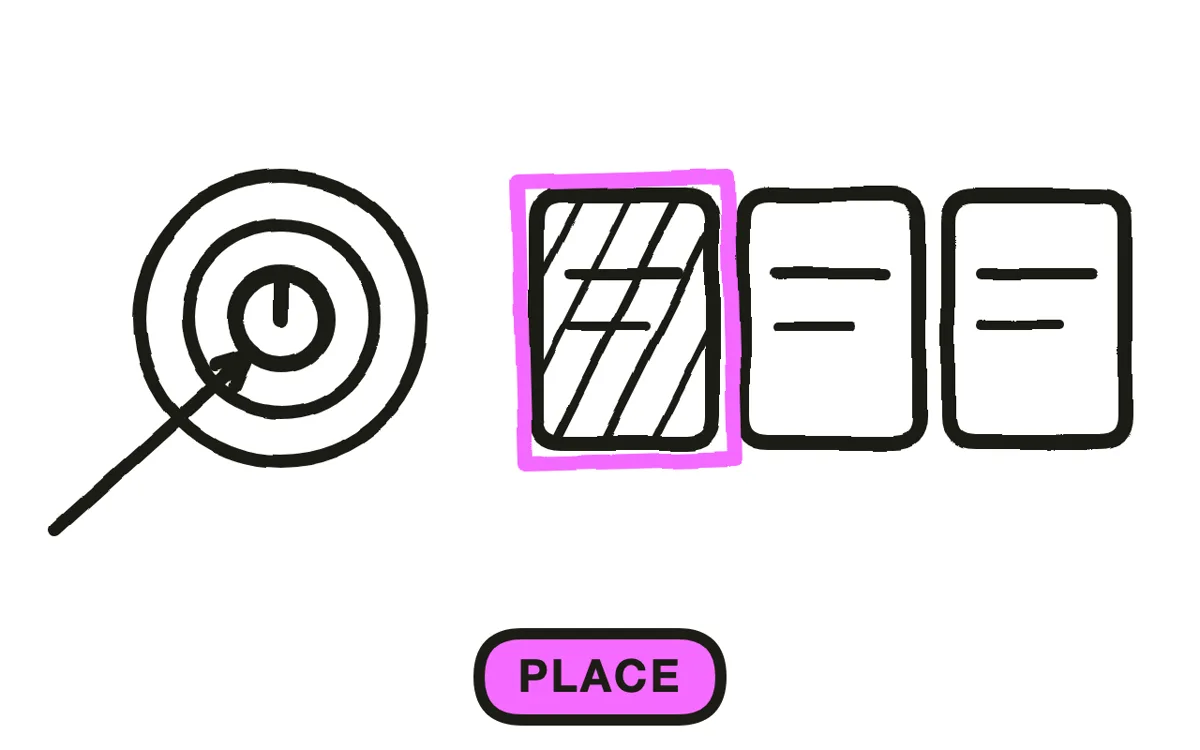
Run it on paid social with a tight radius, put it on the business profile in maps listings, and post it wherever your local community gathers online. National reach is wasted spend for a business serving one area, and a broad campaign will happily spend your budget on people who cannot visit.
Time it to run in the week before opening and through opening weekend, not only on the day. Export 9:16 for Reels, TikTok and Stories, 1:1 for feeds, and a 16:9 version for the maps listing and site header. Pexo exports every ratio from one project.
How to Make a Business Launch Video with Pexo
The five steps above work with any tool. Pexo handles step 4 in a single conversation, which is the step that stalls when the premises are still a building site.
Open the business launch video page, upload a photo of the exterior or the sign, and describe the piece: "A 30-second vertical business launch for a bakery opening on Mill Street, the uploaded shopfront in morning light, warm and unhurried, address and opening date on screen from second three, owner unlocking the door, ending on open Saturday from 7am." Pexo animates the real frontage, generates the surrounding scenes, and exports each ratio.

Ask for a second version with different opening details in the same conversation and Pexo regenerates only what changed, which is useful when several locations open in sequence.
For related formats, the brand launch video page covers introducing the brand itself and startup launch video covers a founding story.
5 Mistakes That Make a Business Launch Video Fail Locally
1. No address, date or offering. Those are the only three questions a local viewer is asking.
2. Details only in the caption. The video gets reshared without it. Put them on screen.
3. Positioning language instead of place names. A street and a landmark beat any adjective about quality.
4. A polished interior that is not yours. It reads as a bait and switch the moment someone walks in.
5. National targeting. Broad reach spends the budget on people who cannot visit.
Related Tutorials
- How to make a startup launch video for a founding story
- How to make a brand launch video for introducing the brand
- How to make an event launch video for an opening event
- How to make a franchise training video for multi-location operations




