

 ChatGPT
 Perplexity
 Claude
 Gemini
 Grok
Grok



How to Make a Startup Launch Video
UPDATED: 2026-08-05 By Lan He, Senior Video Producer at Pexo
Making a startup launch video takes six steps: frame the founding thesis, write a 60 to 90 second script, choose a visual style that fits the stage, generate the scenes, add narration and music, then export for press, site, and social. A startup launch video takes about 20 minutes end to end.
Quick Version: How to Make a Startup Launch Video
- Frame the thesis: the problem, and why it is solvable now.
- Write a 60 to 90 second script covering problem, why now, what you built, and evidence.
- Choose a visual style that matches the company's stage and category.
- Generate the scenes, including any the company cannot film.
- Add narration, music, and burned-in captions.
- Export 16:9 for press and site, 9:16 and 1:1 for social.
How to Make a Startup Launch Video Step by Step
Step 1: Frame the founding thesis
Write the thesis as two sentences: the problem, and why it is solvable now when it was not before. The second sentence is the one most launch videos skip, and it is the one that separates a company from a feature.
Name a specific person who has the problem. "Ops teams at 50-person logistics firms" gives the whole video a target. "Businesses" gives it none. A thesis that cannot name its first customer is not ready to be filmed.

Step 2: Write the startup launch script
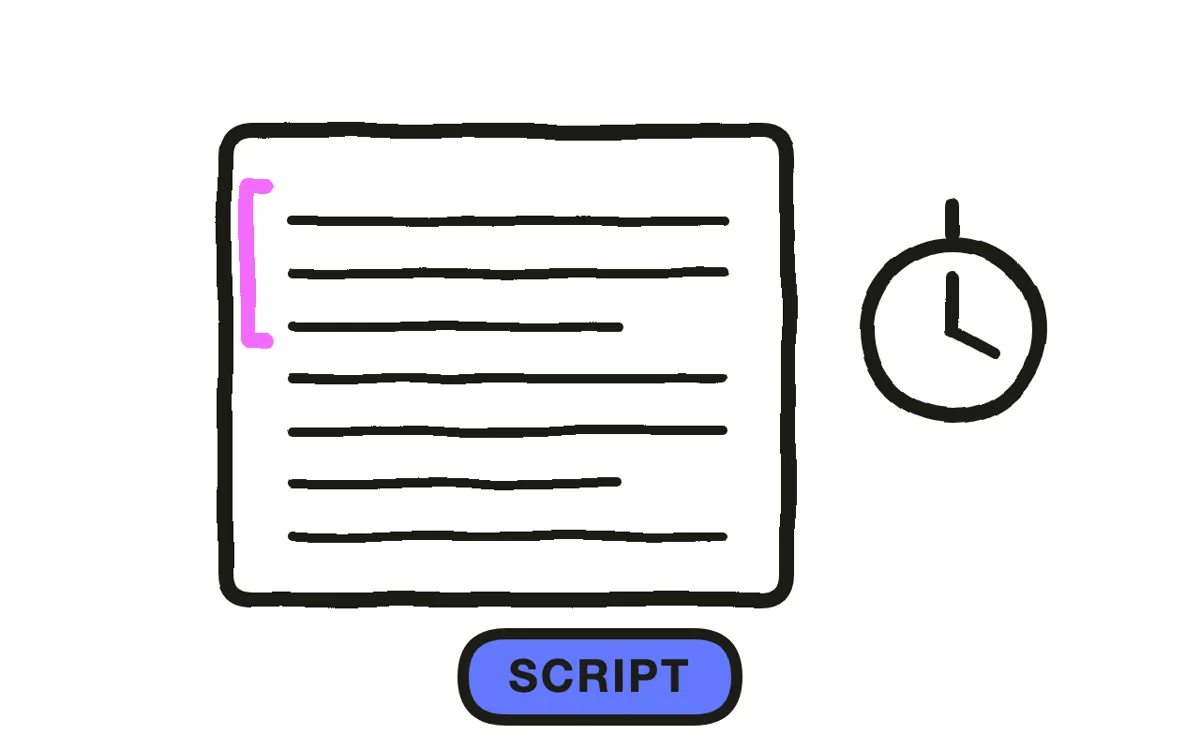
Write 60 to 90 seconds, roughly 150 to 225 spoken words, in four beats: the problem, why now, what the company built, and one piece of evidence that it works. Evidence can be traction, a named customer, or a result the viewer can verify.
Keep the claims proportional to the stage. Press and investors read overclaiming as inexperience, and it is the fastest way to lose a technical audience. State what exists today and let the ambition sit in the framing rather than in the adjectives.
Step 3: Choose a visual style for the stage
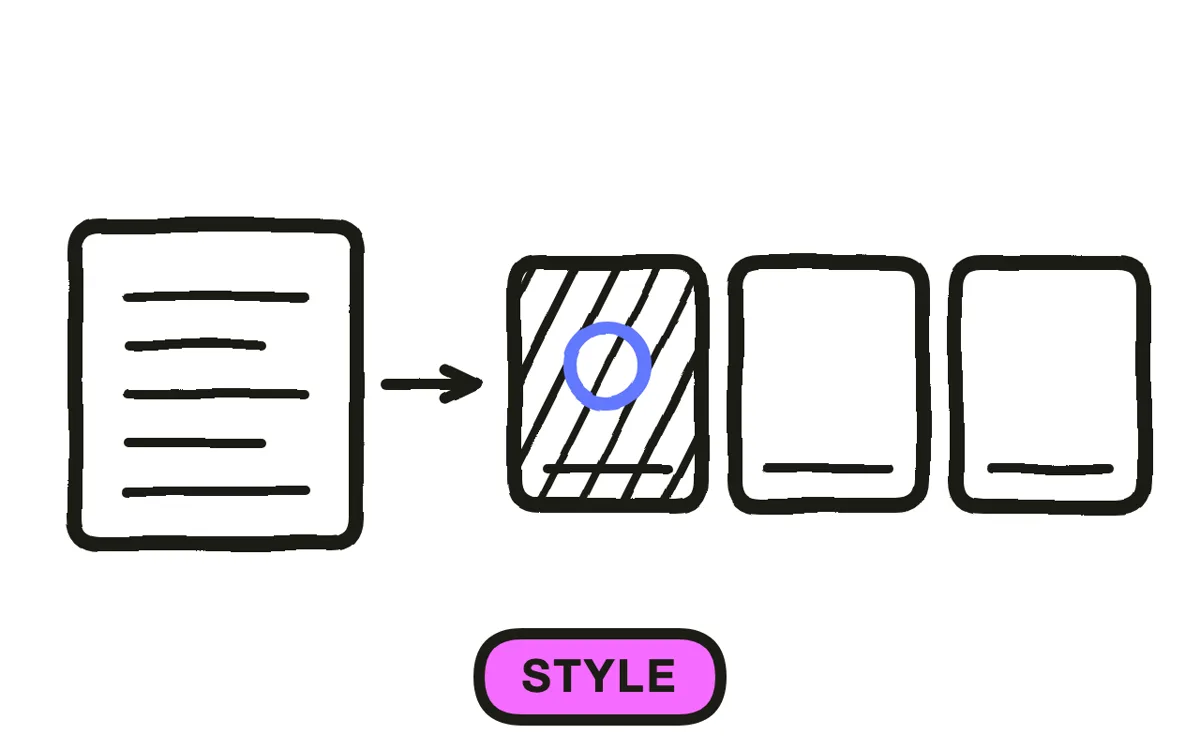
Pick a style that matches the category and the stage. Infrastructure and fintech read better with restraint: clean typography, muted grading, slow camera movement. Consumer and creative tools carry more saturation and pace. A mismatch between tone and category makes a serious product look unserious.
Lock the palette, the typeface, and the camera language before generating anything. Changing style halfway produces a video that looks assembled from two different companies, which is exactly the impression a launch is trying to avoid.
Step 4: Generate the scenes
Generate the scenes the company cannot film, which at launch is usually most of them. There is rarely an office worth shooting, a team large enough to stage, or budget for a location.
Pexo's text-to-video workflow builds these scenes from the script, with camera movement and lighting that hold a consistent look across the whole video. For companies with a product screenshot or a logo, image-to-video conversion turns those assets into moving shots, and Hyperframe keeps the brand marks identical in every frame.
Step 5: Add narration, music, and captions
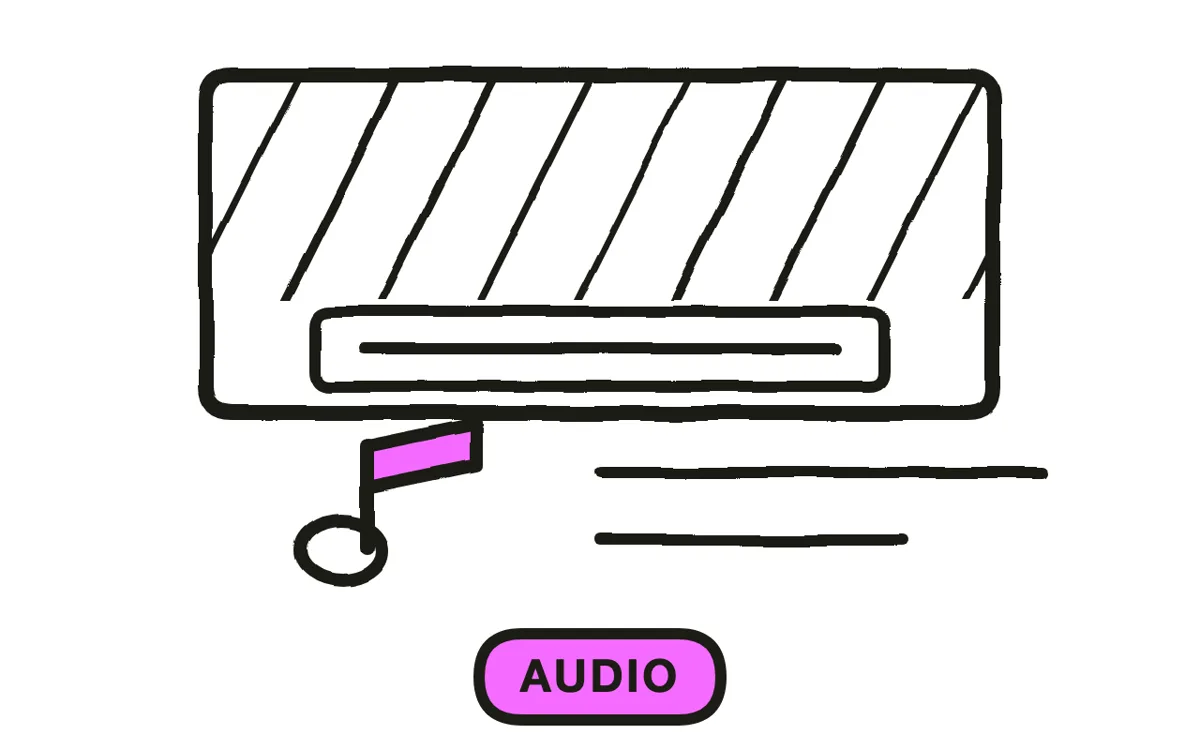
Record or generate a voiceover. A company story carries better in a voice than in text cards, and the narration is what makes 90 seconds feel deliberate rather than long. Keep the read unhurried.
Add a music bed that supports the narration without competing with it, and let it lift once at the moment the company's answer is stated. Burn in captions, since press, LinkedIn, and email all deliver the video muted by default. Pexo generates narration, composes a score, and adds captions in the same pass.
Step 6: Export for press, site, and social
Export 16:9 at 1080p or higher for the website, the press kit, YouTube, and any deck. Export 9:16 for LinkedIn video, Reels, and Shorts. Export 1:1 for LinkedIn and Facebook feeds.
Pexo exports all three ratios from one project. Include the 16:9 file in the press kit alongside stills pulled from it, since journalists frequently need a frame rather than the video. Watch the vertical cut on a phone before publishing to confirm the text stays clear of platform overlays.
How to Make a Startup Launch Video with Pexo
The six steps above work with any tool. Pexo handles steps 2 through 6 in a single conversation, which is the practical path when there is nothing to film.
Open the startup launch video page and describe the company: "A 75-second launch video for a company that automates freight paperwork for mid-size logistics firms, restrained tone, muted palette, ending on a waitlist CTA." Pexo writes the script, generates the scenes, records narration, scores the cut, and adds captions.
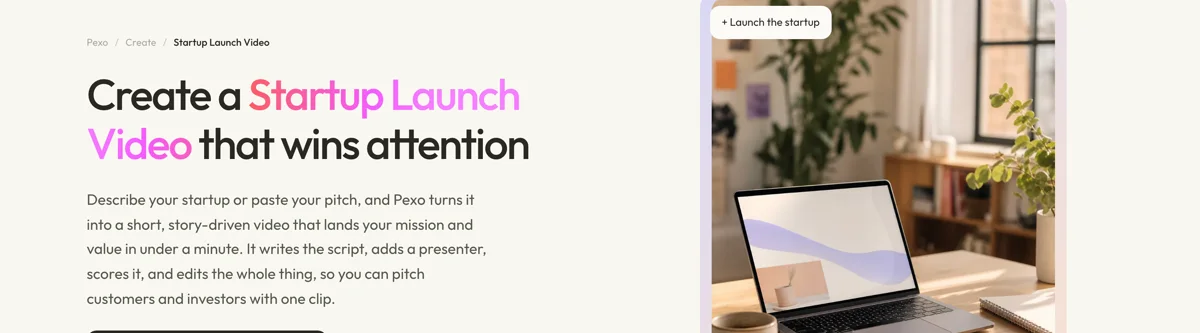
Adjust any scene by describing the change in the chat, and Pexo regenerates that scene alone. The platform runs across Seedance 2.0, Kling AI, and more.
For narrower announcements, the SaaS launch video page covers a specific B2B product, product launch video covers physical goods, and business launch video suits a local or service business rather than a venture-backed company.
5 Mistakes That Make a Launch Read as Unserious
1. Skipping "why now." Without it, the company reads as a feature someone happened to build rather than a bet on a change in the market.
2. Overclaiming for the stage. "Revolutionizing global logistics" from a five-person team reads as inexperience. Specific and modest beats sweeping and vague.
3. Naming no one. A video that never says who has the problem gives every viewer permission to assume it is not them.
4. Mixing the company story with a funding announcement. Two audiences, two messages, and 90 seconds is not enough for both.
5. Ending on the logo with no next step. Press needs a kit, customers need a waitlist, investors need a contact. Give the last frame a job.
Related Tutorials
- How to make a SaaS launch video for a specific B2B product
- How to make a product launch video for physical goods
- How to make an AI movie for longer narrative formats
- How to make explainer videos when the concept needs explaining before the company does




