

 ChatGPT
 Perplexity
 Claude
 Gemini
 Grok
Grok

How to Make a Facebook Ad Video
UPDATED: 2026-08-12 By Lan He, Senior Video Producer at Pexo
Making a Facebook ad video takes seven steps: pick the objective, pick the placement, win the first three seconds, script for muted play, produce the footage, caption it, then get it through review. A Facebook ad video takes about 25 minutes to produce.
Quick Version: How to Make a Facebook Ad Video
- Pick one campaign objective and let it set the ask.
- Pick the placement, because feed, Reels and Stories are three videos.
- Win the first three seconds against an auto-playing feed.
- Script for muted playback, which is the default state.
- Produce the footage to match how native content in that placement looks.
- Burn in captions and respect the interface safe zones.
- Check it against ad review before spending on it.
How to Make a Facebook Ad Video Step by Step
Step 1: Pick the objective
Choose the campaign objective first, because it changes what the video is allowed to ask for. An awareness ad can end on an idea; a conversion ad has to end on a specific action the landing page delivers. Producing the video before this decision is how you end up with a beautiful piece that asks for nothing.
Write the ask as a sentence before writing anything else: "book a call", "start a trial", "shop the sale". If you cannot write it in five words, the objective is not settled and the video will inherit that vagueness.
Step 2: Pick the placement
Feed, Reels and Stories are three different videos, not three crops of one. Feed tolerates a produced look and 4:5 framing. Reels rewards video that looks like the organic content around it. Stories is full-screen, fast, and has interface elements sitting over the top and bottom of your frame.
Producing one 16:9 master and letting Meta crop it into everything is the most common avoidable mistake in this format. The crop lands wherever the algorithm decides, and the result is subjects cut in half and text off-screen.
Step 3: Win the first three seconds
The ad auto-plays, muted, to someone mid-scroll who did not ask for it. That is the whole problem, and three seconds is roughly what you get to solve it.
Open on motion and on the problem. A static frame loses to a moving one before either communicates anything, and a brand logo spends the moment on the one thing nobody was looking for. Show the frustrating state, the surprising result, or the person mid-reaction, and save the explanation for second four onward.
Step 4: Script for muted playback
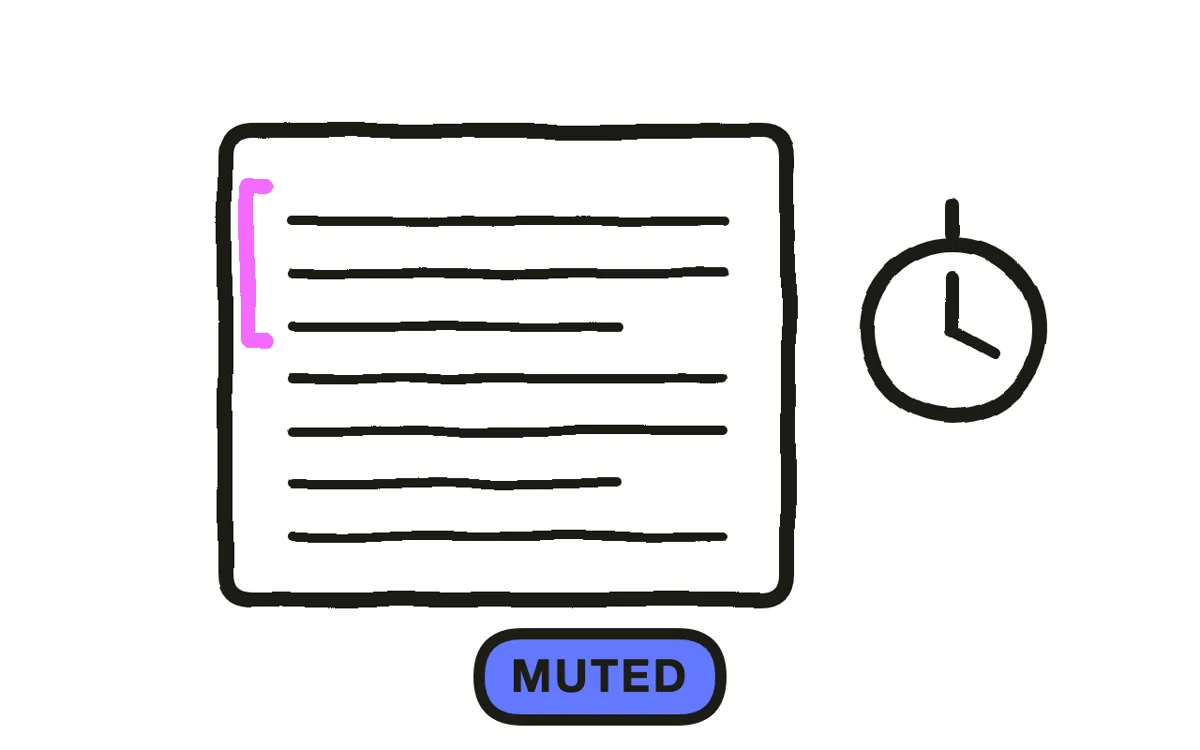
Write so the ad works with the sound off, then add audio for the minority who have it on. Every claim, number and instruction has to exist on screen; anything that lives only in narration is content most of your paid audience never receives.
Keep it to fifteen seconds for feed and Stories, up to thirty for Reels. Watch time falls steeply past fifteen seconds and you are paying for the impression whether or not anyone is still there.
Step 5: Produce to match the placement
For Reels and Stories, aim for something that looks like the content around it. Native-looking video generally outperforms polished commercial work in those placements, because it does not announce itself as an interruption before the viewer has heard the offer.
Pexo's text-to-video workflow generates scenes from a description, and image-to-video animates a real product photo where the ad needs the actual thing on screen. Generate each placement to its own framing rather than cropping one master.
Step 6: Caption and respect safe zones
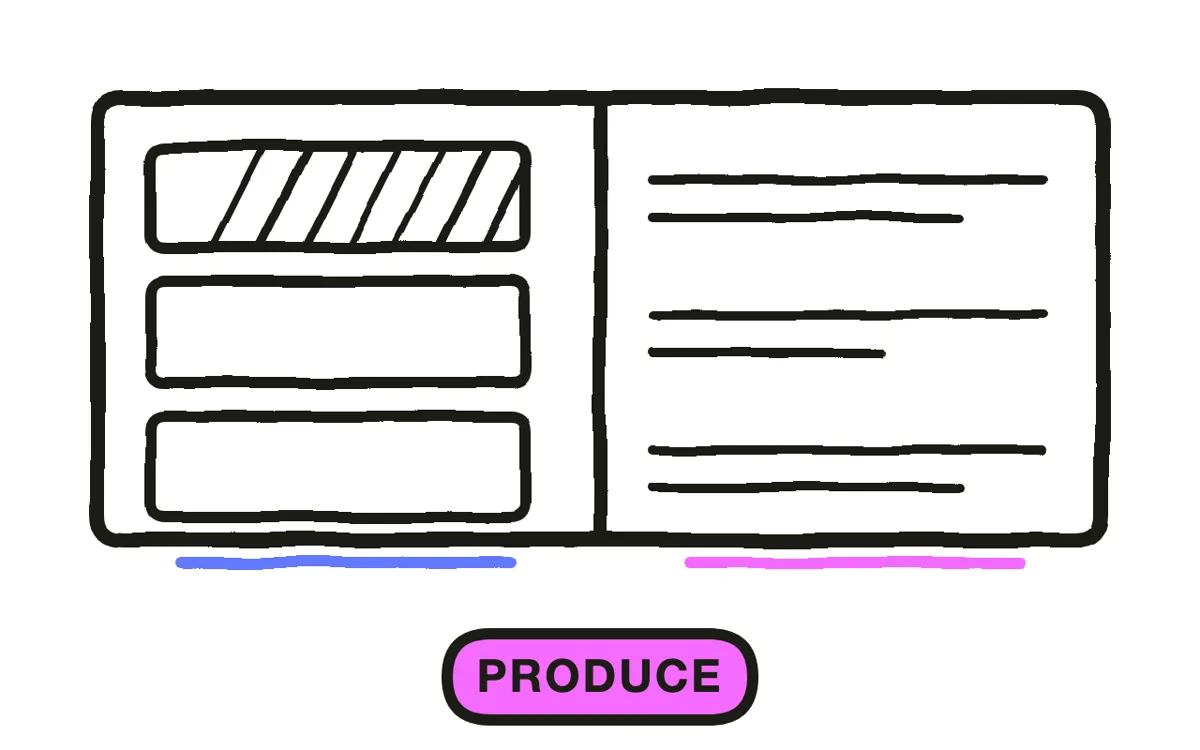
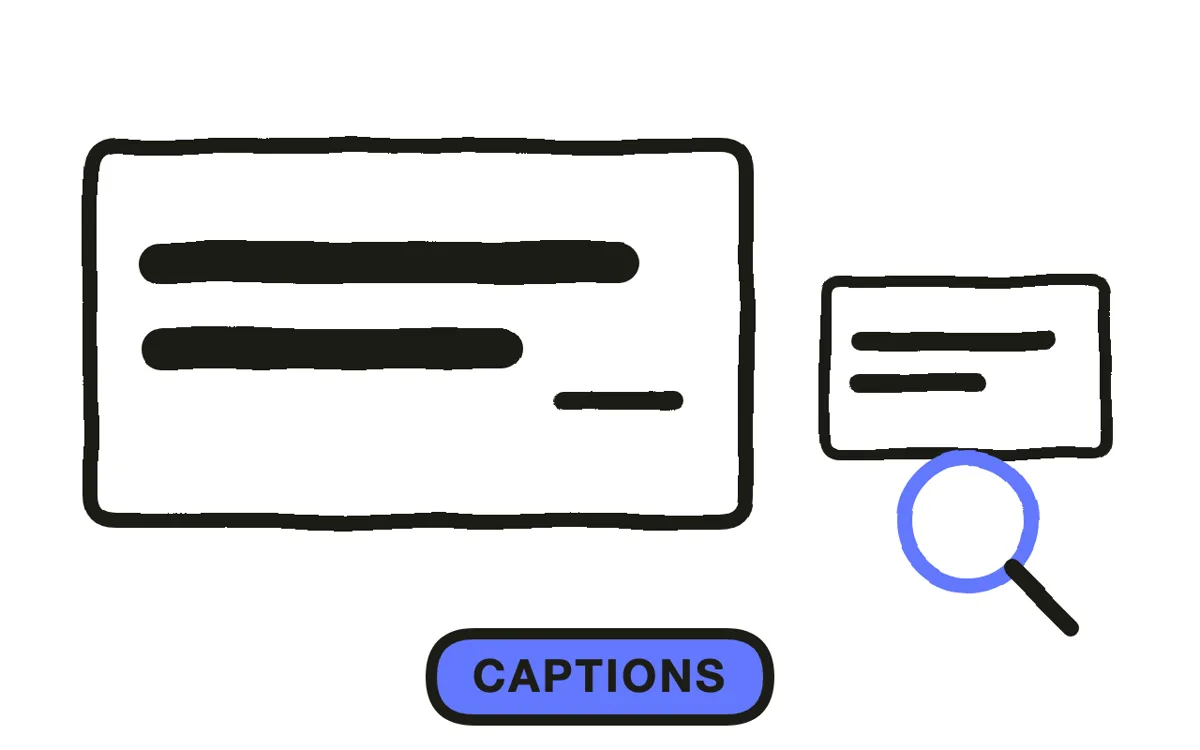
Burn captions in rather than relying on auto-generated ones, which you cannot control and which sometimes do not appear at all. Keep on-screen text to what a viewer can read in a second: heavy text overlay is no longer a hard policy limit but still tends to cost you in delivery.
Keep anything important out of the top and bottom of the frame for Stories and Reels, where the interface sits over your video. Profile name, caption and call-to-action buttons all occupy space that looks empty in your editing timeline and is not empty on a phone.
Step 7: Clear ad review before spending
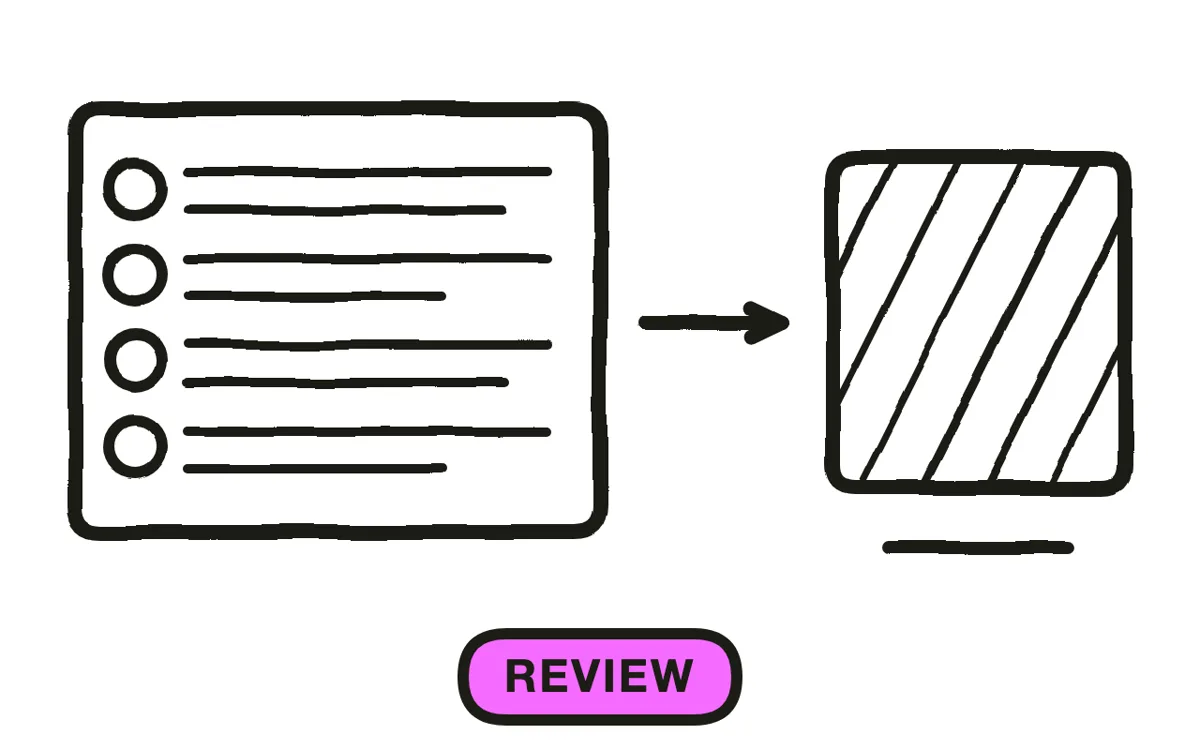
Check the cut against Meta's current advertising standards before it goes live. The categories that reject video most often are before-and-after body imagery, personal-attribute claims that imply you know something about the viewer, unsubstantiated health or income claims, and fake interface elements like painted-on play buttons.
Export 9:16 for Reels and Stories, 4:5 for feed, 1:1 as a fallback, plus three to five variants differing in the first three seconds. Pexo exports every ratio from one project. If an ad is rejected, fix the specific element named and resubmit rather than sending the same cut back hoping for a different reviewer.
How to Make a Facebook Ad Video with Pexo
The seven steps above work with any tool. Pexo handles steps 5 and 6 in a single conversation, and generating each placement separately is what removes the crop problem entirely.
Open the Facebook ad video page and describe the ad: "A 15-second vertical Reels ad opening on someone giving up on a tangle of cables, cutting to the product solving it in one move, handheld and unpolished, captions burned in, ending on shop now." Pexo generates the scenes, burns the captions, and exports each placement to its own framing.
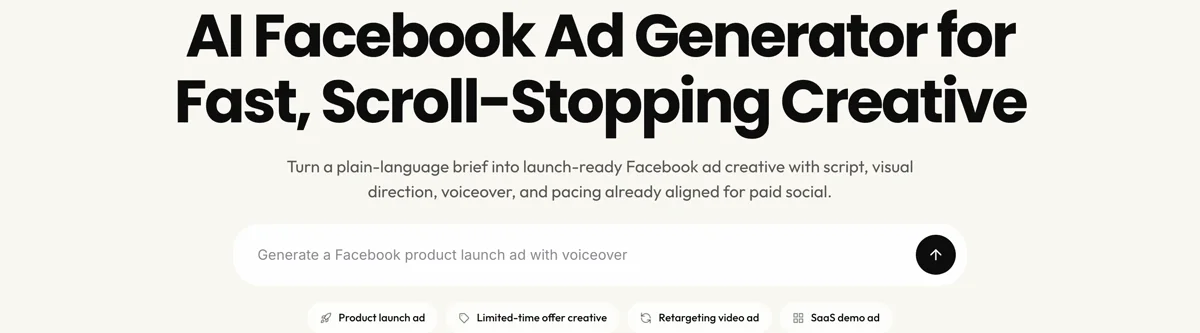
Ask for a different opening in the chat and Pexo regenerates that scene alone, which makes three to five hook variants a five-minute job rather than a reshoot. The platform runs across Seedance 2.0, Kling AI, and more.
For related formats, the Facebook video page covers organic posts and instagram reel covers the sibling placement.
This article describes production practice. Advertising policies and placement specs change, so verify current Meta guidelines before spending.
5 Mistakes That Get a Facebook Ad Rejected or Ignored
1. One master, cropped everywhere. The crop lands where the algorithm decides, and subjects get cut in half.
2. A static opening frame. A still loses to motion in an auto-playing feed before either says anything.
3. Claims that live only in narration. Most of this inventory plays muted, so those claims are never received.
4. Text in the interface safe zone. Space that looks empty in your timeline is covered by buttons on a phone.
5. Resubmitting an unchanged rejection. Fix the named element. Repeated rejections affect account standing.
Related Tutorials
- How to make a Facebook video for organic posts
- How to make a TikTok ad for the platform with the closest conventions
- How to make a YouTube ad for skippable and bumper formats
- How to make a UGC video for the native look that performs in Reels




