

 ChatGPT
 Perplexity
 Claude
 Gemini
 Grok
Grok


How to Make a YouTube Ad
UPDATED: 2026-08-04 By Lan He, Senior Video Producer at Pexo
Making a YouTube ad takes six steps: pick your ad format and campaign goal, write a hook for the first five seconds, script the body and closing call to action, produce the video, add narration and captions, then upload and launch in Google Ads. A single ad takes about 25 minutes to produce.
Quick Version: How to Make a YouTube Ad
- Pick the ad format that matches your goal: skippable in-stream, bumper, non-skippable, or in-feed.
- Write a hook that delivers the payoff inside the first five seconds.
- Script the body around one benefit and end on one clear action.
- Film the ad, or generate it from a product photo or written description.
- Add narration, burned-in captions, and a closing end frame with the call to action.
- Upload to Google Ads, set targeting, and launch five to ten variations.
How to Make a YouTube Ad Step by Step
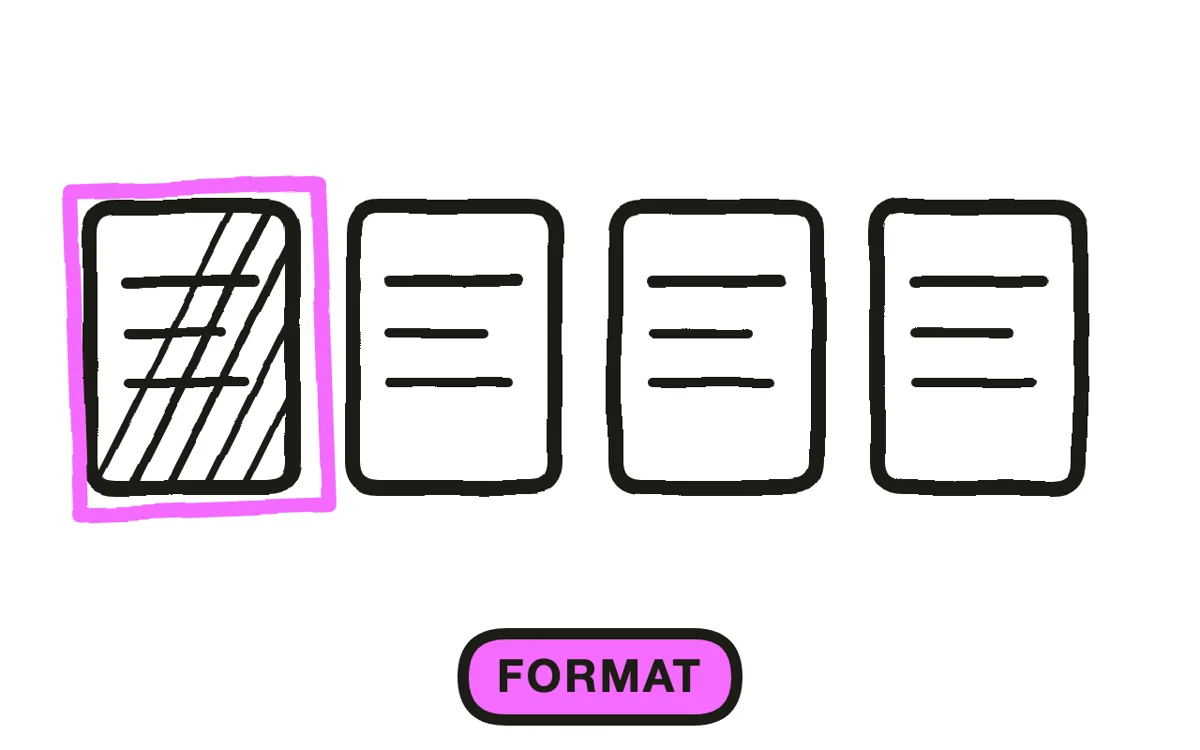
Step 1: Pick your ad format and campaign goal
Choose the format before writing anything, because each one imposes a different length and a different job. Skippable in-stream ads can be skipped after five seconds and suit direct response. Non-skippable in-stream ads run 15 to 30 seconds and suit a message that must land whole. Bumper ads are six seconds and suit reach and recall. In-feed video ads appear in search and the watch feed and suit intent-driven discovery.
Then name the one thing the ad should cause: a click, a signup, a purchase, or brand recall. A format built for reach cannot carry a complex offer, and a 60-second direct-response ad cannot buy cheap reach. Matching the two is the decision the rest of the ad follows from.
Step 2: Write a hook for the first five seconds
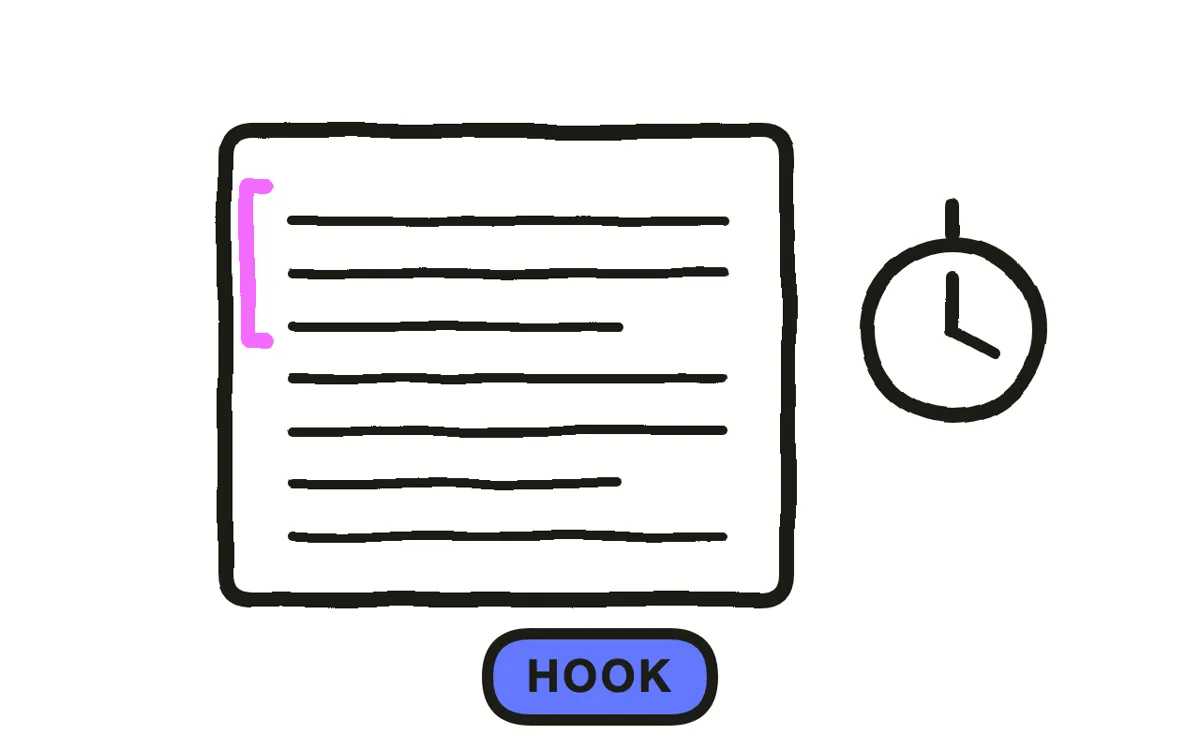
Put the payoff in the first five seconds, not the setup. Skippable in-stream viewers can leave the moment the skip button activates, so anything held back for second ten is seen only by people who already decided to stay. Open with the benefit stated plainly, a surprising claim, or a visual that raises a question the ad then answers.
Cut the logo animation, the slow establishing shot, and the "have you ever wondered" opener. Each spends the only five seconds guaranteed to be watched. Write five different openings, because this is the single highest-leverage variable to test later.
Step 3: Script the body and the closing call to action
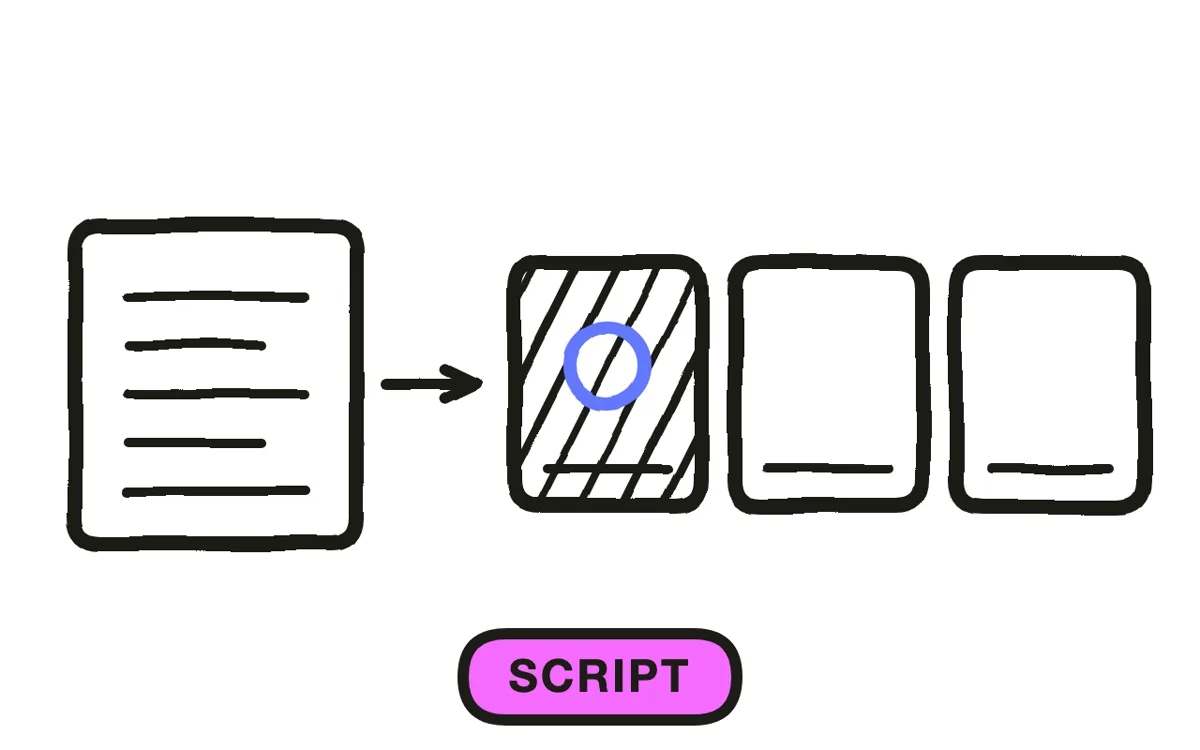
Write the middle around one benefit and close on one instruction. A 30-second ad has room for the hook, one demonstration or proof point, and a call to action. A second benefit dilutes both and lengthens the ad past where viewers stay.
End with a specific action tied to the opening payoff: if the hook promised a faster morning routine, the end frame says "Get 20 percent off the travel mug" rather than "Learn more about our brand." For AI production this script is the generation input, so script-to-video workflows take it as written.
Step 4: Produce the ad video
Shoot in 16:9 at 1080p or higher for in-stream placements. Keep the framing clear at small sizes, because a large share of YouTube viewing happens on a phone where fine detail disappears. Avoid text smaller than roughly one twentieth of the frame height.
The AI path removes the shoot. Upload a product photo and image-to-video conversion builds the scene around it with camera movement and lighting. For ads built entirely from a written description, text-to-video generation produces every shot and stitches them into one edited video. Pexo can also place a presenter on screen when the ad needs a person delivering the message.
Step 5: Add narration, captions, and the end frame
Add narration that carries the argument and captions that carry it again for muted viewers. YouTube autoplays silently in feeds, so an ad depending entirely on voiceover communicates nothing to a substantial share of its impressions. Burn the captions in rather than relying on YouTube's auto-captions, which viewers can turn off.
Build a closing end frame that holds for two to three seconds: the offer, the action, and the brand mark. Pexo generates natural AI narration, can dub it into other languages for international campaigns, burns in captions automatically, and produces a closing frame scripted to match the opening payoff rather than a generic sign-off.
Step 6: Upload and launch the campaign
Upload the finished video to YouTube as unlisted, then create a video campaign in Google Ads and point it at that URL. Set the campaign objective to match the goal chosen in step one, define the audience, and set a daily budget you are willing to spend for at least a week of learning.
Launch five to ten variations rather than one, each changing a single element. Run them for a week, pause anything below the campaign average, and shift budget to the winners. Pexo exports the same creative in 16:9, 9:16, and 1:1 natively, so a single project covers in-stream, Shorts, and feed placements without cropping.
How to Make an AI YouTube Ad with Pexo
The six steps above assume a camera and an editor. The YouTube ad page removes both.
Describe the ad or upload a product photo: "A 30-second skippable in-stream ad for an insulated travel mug, hook about coffee going cold on the commute, ends with 20 percent off." Pexo writes the script with the payoff front-loaded into the first five seconds, generates every shot, adds natural AI narration, scores it, burns in captions, and closes on a CTA frame matched to the opening.
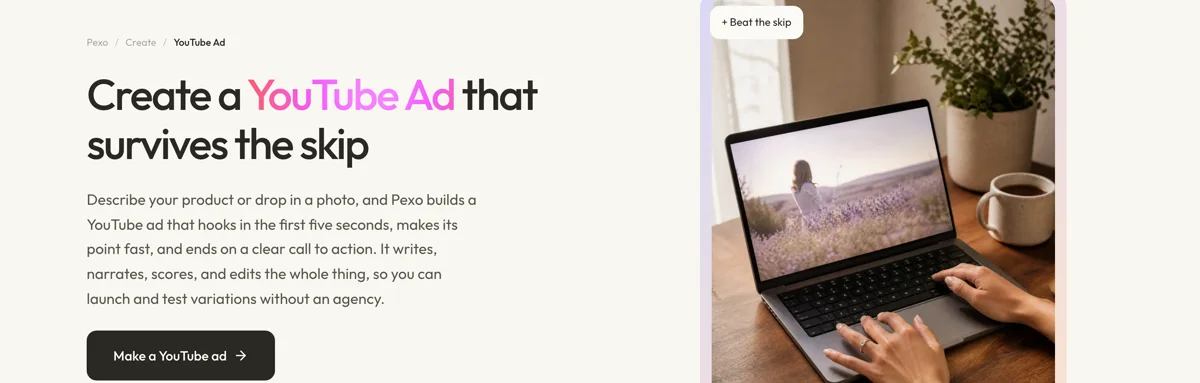
Ads run from 5 to 120 seconds, which covers bumper through long-form in-stream. Request a dozen variations from one project, each changing the hook, the narration, or the end frame, while the product and branding stay identical. Ten hooks in a week rather than one a month is what makes creative testing produce a usable answer.
The narration can be dubbed into other languages for international campaigns without regenerating the visuals. For other paid channels the video ad and product ad pages run the same pipeline. For organic channel content rather than paid placements, use the YouTube video page. Small businesses running a broader campaign may also want the AI promo video guide.
5 Common Mistakes That Waste YouTube Ad Spend
1. Saving the payoff for after the skip button. An ad that spends its first five seconds on a logo and an establishing shot has spent the only five seconds it was guaranteed. Lead with the benefit and let the branding land at the end.
2. Reusing a TV commercial unchanged. Television ads are built for a captive audience with no skip button and a fixed 30-second slot. Moved to YouTube unedited, they open slow and lose viewers before the message arrives.
3. Ending without a single clear action. An ad that closes on a brand statement gives the viewer nothing to do. Name one action, put it in the narration and on the end frame, and stop there.
4. Ignoring the mute case. YouTube autoplays silently in feeds and a large share of mobile viewing happens without sound. An ad carried entirely by voiceover is a blank screen to those impressions. Burn in captions.
5. Launching one creative and calling it a campaign. A single ad produces a result with no explanation attached. Five variations changing one element each turn spend into information you can act on next week.
Related Tutorials
- How to make explainer videos for longer-form product education
- How to make an explainer video for concept-driven ad creative
- How to make a video ad for other paid channels




