

 ChatGPT
 Perplexity
 Claude
 Gemini
 Grok
Grok



How to Make a UGC Video
UPDATED: 2026-08-05 By Lan He, Senior Video Producer at Pexo
Making a UGC video takes six steps: read the brief, write a hook that survives two seconds, frame it to look unproduced, film or generate the footage, cut it tight, then deliver with disclosure. A UGC video takes about 20 minutes end to end.
Quick Version: How to Make a UGC Video
- Read the brief for the product claim, the audience, and the usage rights.
- Write a hook that stops a scroll within two seconds.
- Frame handheld in a real environment with natural light.
- Film yourself using the product, or generate a UGC-style spot.
- Cut tight with no intro and no polish.
- Deliver in 9:16 with the disclosure the brief and the law require.
How to Make a UGC Video Step by Step
Step 1: Read the brief properly
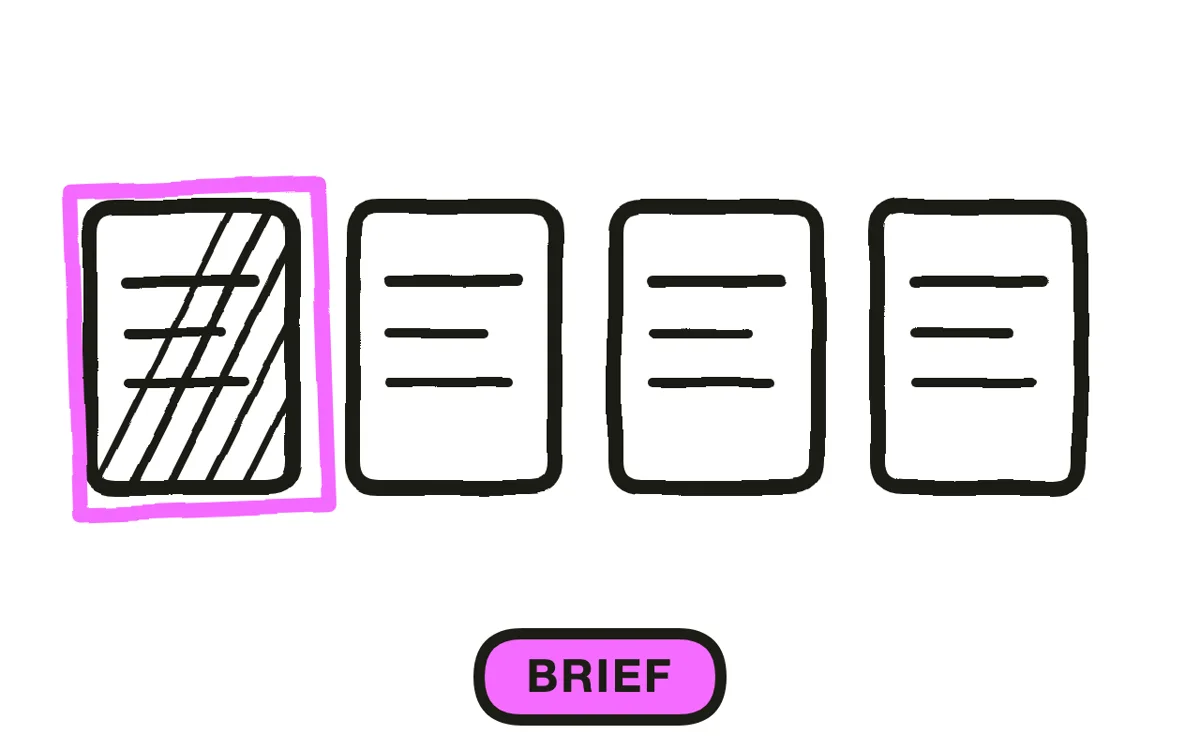
Extract four things from the brief: the single claim the brand wants made, the audience, the required call to action, and the usage rights. Usage rights matter most commercially, because a video licensed for paid ads across six months is worth several times one licensed for a single organic post.
Note what the brand cannot say. Regulated categories (supplements, finance, skincare) carry claims restrictions that apply to the creator's words as much as the brand's. A video that makes an unapproved claim gets rejected regardless of how well it performs.
Step 2: Write the hook
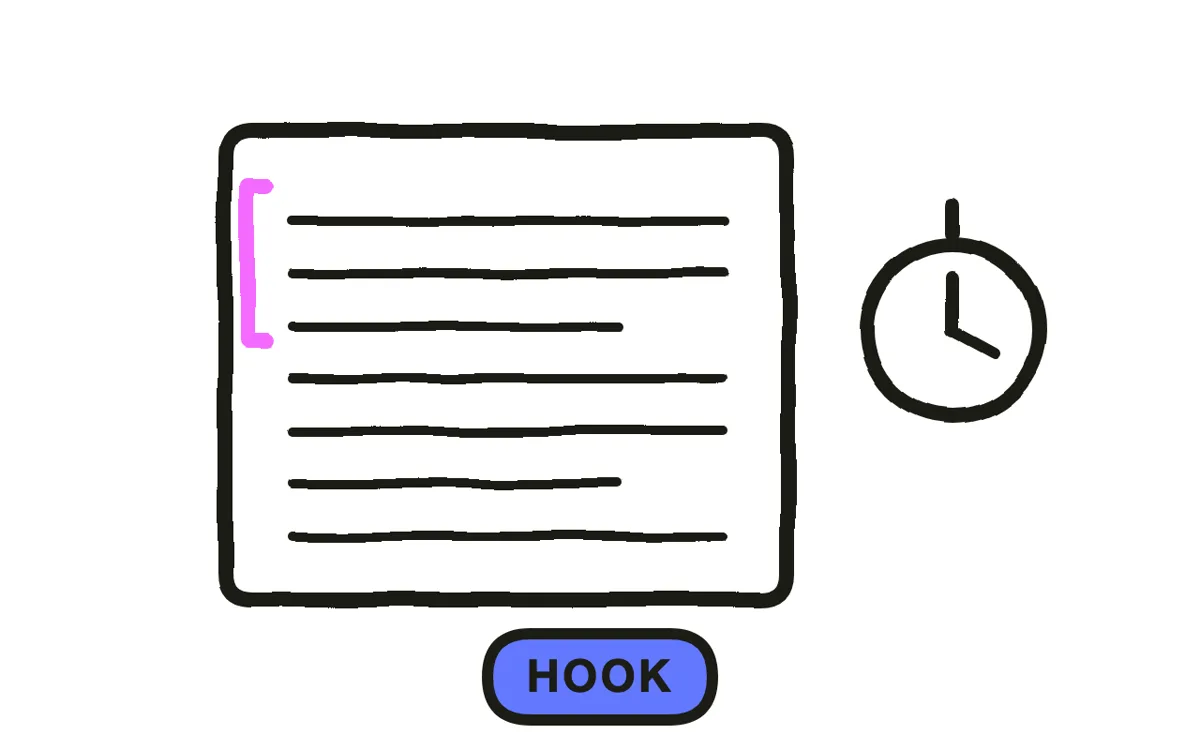
Write the first line to stop a scroll within two seconds. The strongest UGC hooks state a problem the viewer recognizes ("my hair kept breaking at the same spot"), pose a question, or open mid-reaction. They never open with a greeting.
Write three different hooks for the same product. Brands test UGC in variants, and a set of three 20-second videos with different openings is more useful to a media buyer than one polished 60-second piece. This is also why UGC briefs often specify a quantity rather than a length.
Step 3: Frame it to look unproduced
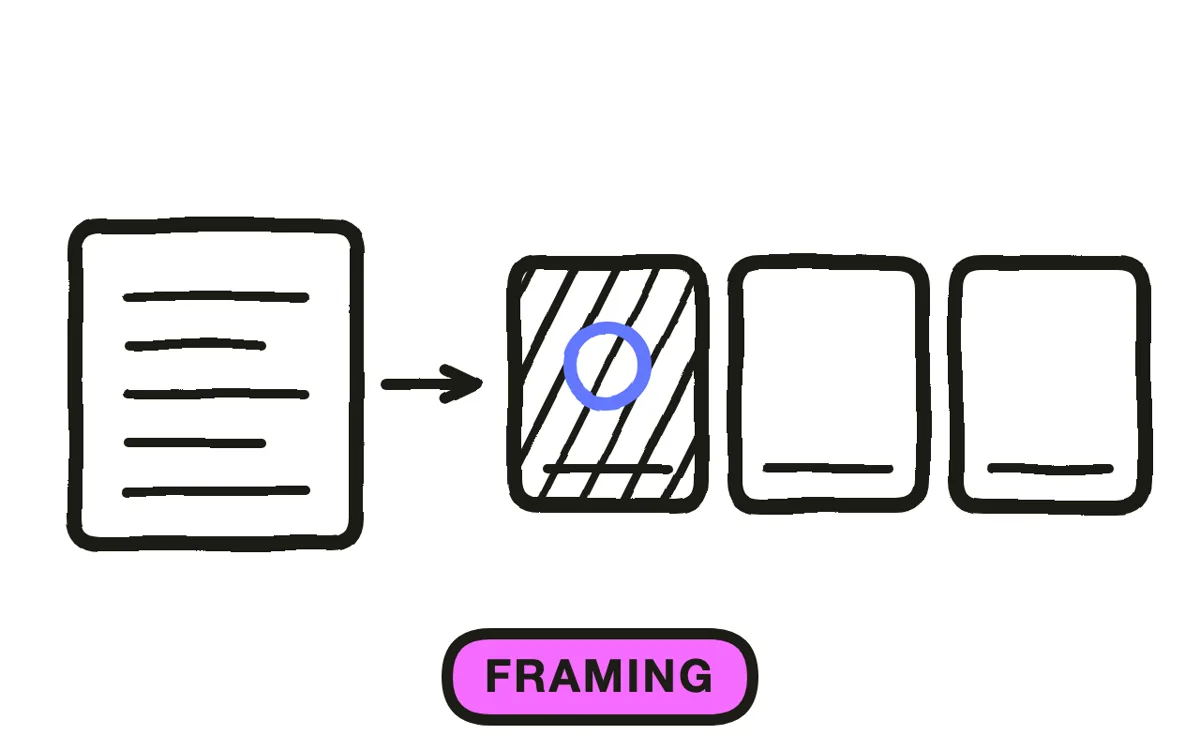
Shoot handheld in a real room with natural light. The imperfections are the format: a slightly off-center frame, a lived-in background, and a delivery with a stumble in it read as genuine in a way a tripod and a ring light do not.
Resist polish at every stage. Colour grading, studio lighting, and clean audio move the video toward looking like an advertisement, which removes the exact quality the brand is paying for. Frame vertically from the start, keeping your face and the product in the middle third.
Step 4: Film or generate the footage
Two paths work. The traditional path films the creator using the product on a phone, which is the format's original method and still the most credible. The generation path produces a UGC-style spot for brands testing many variants or working without a creator roster.
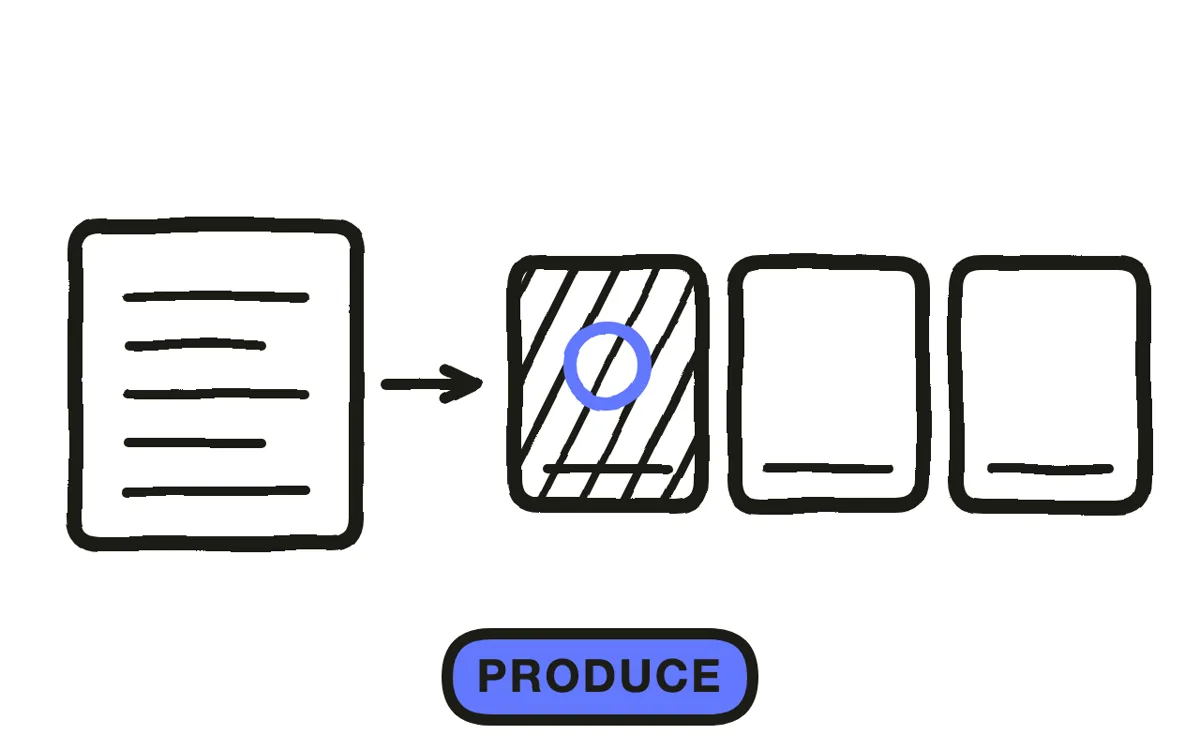
Pexo's image-to-video workflow builds a scene around a real product photo, which keeps the product accurate while generating the environment. Text-to-video generates a full UGC-style spot from a description. Disclose generated presenters: a synthetic person presented as a real customer is the misuse that draws regulatory attention.
Step 5: Cut it tight
Cut every frame before the hook lands. UGC has no room for an intro, a logo, or a settling-in moment. The first frame should already be the first line.
Keep the total at 15 to 30 seconds for paid placements. Add captions, since UGC is watched muted more often than not, and use the platform's native caption styling rather than a designed lower third. Anything that looks designed pushes the video toward reading as an ad.
Step 6: Deliver with disclosure
Export 9:16 at 1080x1920, plus 1:1 if the brief covers feed placements. Pexo exports both from one project. Deliver raw files without watermarks, and include the variants separately rather than as one edit.
Add the disclosure the law requires. In the United States the FTC requires a clear and conspicuous disclosure of a material connection to the brand, on screen rather than buried in a caption. The FTC endorsement guides set out what qualifies. Rules differ by country, so check where the ad will run.

How to Make a UGC Video with Pexo
The six steps above work with any production method. Pexo handles steps 4 through 6 in a single conversation, which suits brands that need many variants tested quickly.
Open the UGC video page, upload the product photo, and describe the spot: "A 20-second UGC-style video of someone trying a travel coffee press in a hotel room, handheld, morning light, opening on the problem of bad hotel coffee." Pexo generates the scene around the real product, writes the hook, and adds captions.
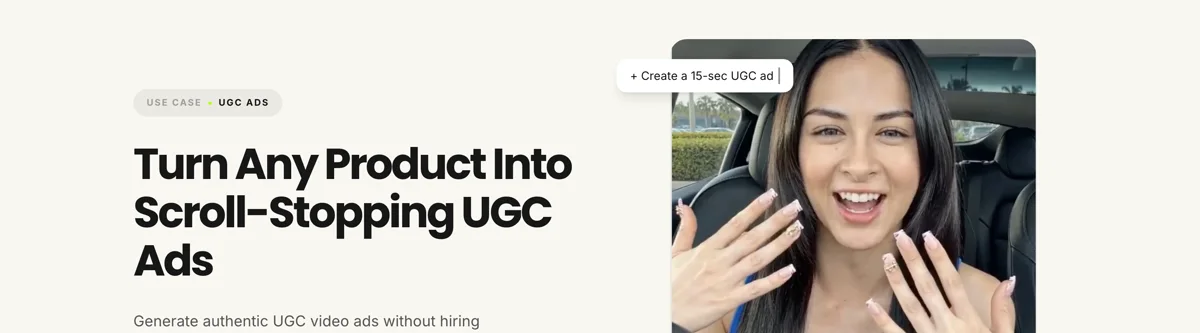
Adjust any element by describing the change in the chat, and Pexo regenerates that scene alone. The platform runs across Seedance 2.0, Kling AI, and more.
For adjacent formats, the unboxing video page covers the reveal format specifically, and product ad suits polished advertising where the UGC look is not the goal.
5 Mistakes That Make UGC Read as an Ad
1. Opening with a greeting. "Hey guys, so today I wanted to talk about" spends the two seconds that decide everything. Start on the hook.
2. Shooting on a tripod with studio lighting. The polish is what the brand is paying to avoid. Handheld and natural light.
3. Using designed captions. A styled lower third signals production. Use the platform's native caption look.
4. Delivering one long video. Media buyers test variants. Three 20-second cuts with different hooks beat one 60-second piece.
5. Hiding the disclosure. A material connection buried at the end of a caption does not meet the standard, and it puts both creator and brand at risk.
Related Tutorials
- How to make an unboxing video for the reveal format
- How to make a TikTok ad for paid placement on TikTok
- How to make a Facebook video for Meta placements
- How to make a short video for vertical format fundamentals




