

 ChatGPT
 Perplexity
 Claude
 Gemini
 Grok
Grok

How to Make a Google Ad Video
UPDATED: 2026-08-12 By Lan He, Senior Video Producer at Pexo
Making a Google ad video takes six steps: pick the format, win the five seconds before the skip button, script to a hard length, produce the footage, place the call to action, then export. A Google ad video takes about 25 minutes to produce.
Quick Version: How to Make a Google Ad Video
- Pick the format: skippable, six-second bumper, or in-feed.
- Put brand and promise inside the first five seconds.
- Script to a hard duration, since bumpers cannot run over.
- Produce the footage to the format's pace.
- Say the call to action out loud and show it.
- Export 16:9 primary, plus 9:16 for Shorts.
How to Make a Google Ad Video Step by Step
Step 1: Pick the format
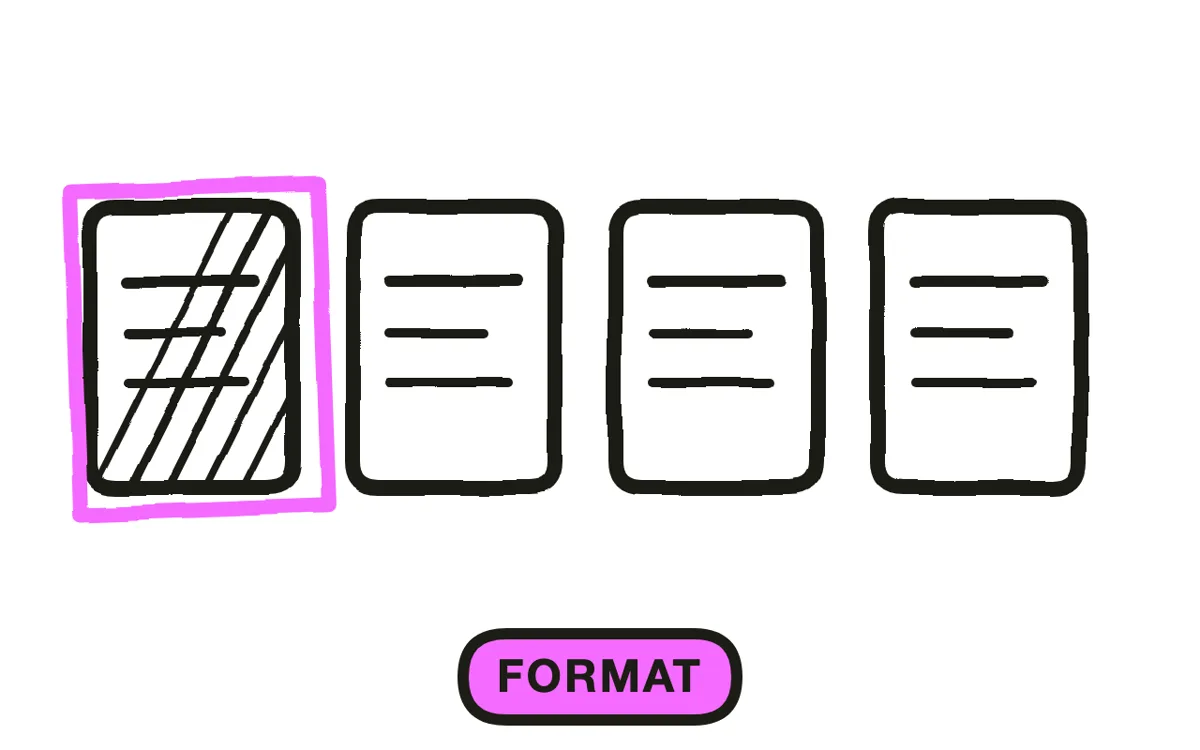
Three formats cover most of what runs. Skippable in-stream is the workhorse for direct response, and you are charged when someone watches on or interacts rather than for every impression. Six-second bumpers are non-skippable and built for reach and reminder. In-feed ads appear beside search results and suggested videos, reaching someone already in a browsing mindset.
Decide before writing, because each one is a different edit. A bumper is not a shortened skippable ad, and a skippable ad is not a bumper with more room. Treating them as the same asset at different lengths is the fastest way to produce three mediocre ads.
Step 2: Win the first five seconds
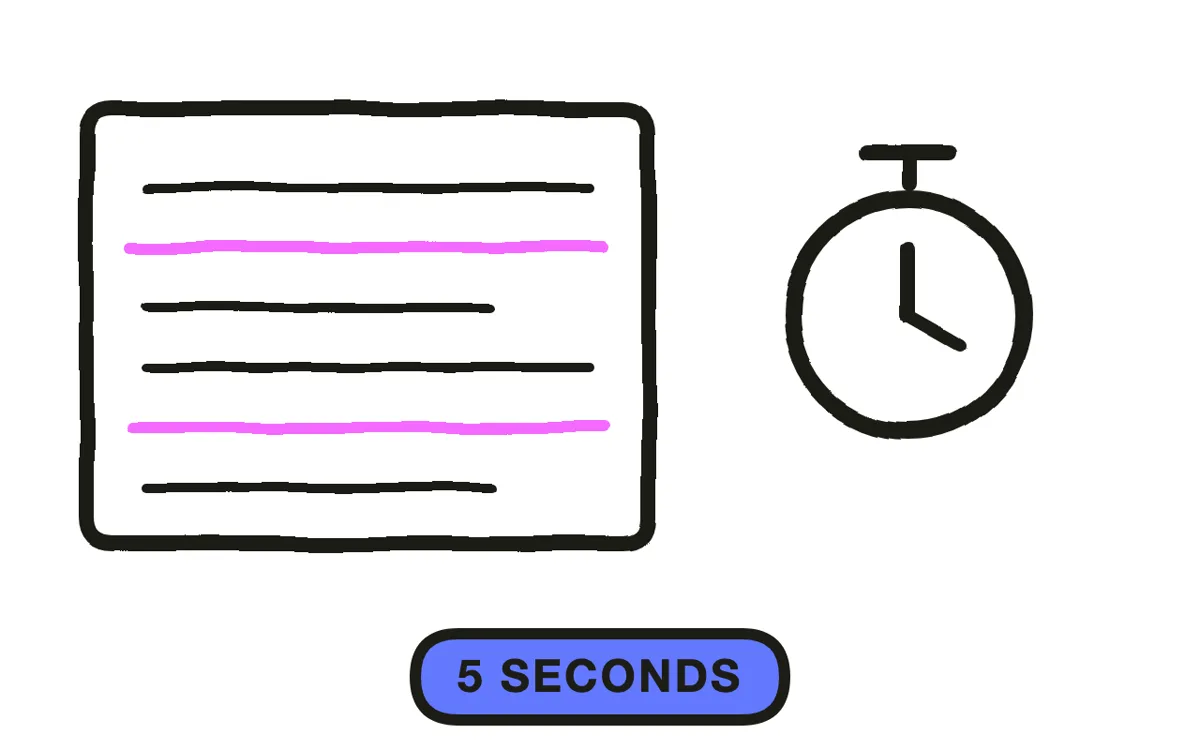
The skip button appears at five seconds. Everything essential belongs before it: the brand, the promise, and enough intrigue that staying feels like a choice rather than an accident.
Design the ad as a five-second piece with an optional continuation. That framing solves the most common problem in the format, which is a slow build toward a payoff that almost nobody reaches. Put the brand in early rather than saving it for the end, because the viewers who skip at six seconds have already given you the only impression you will get from them.
Step 3: Script to a hard length
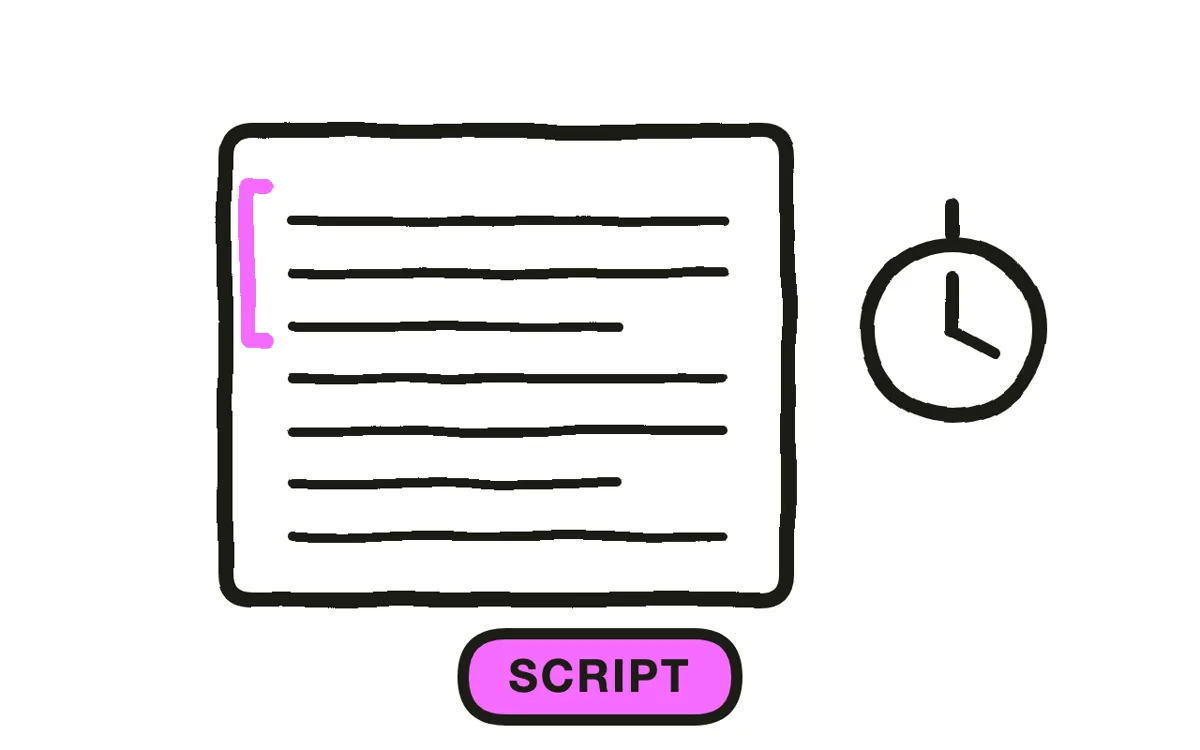
Write to the exact duration the format allows. Bumpers are a hard six seconds, which in practice means one idea, one image and one line, with no room to build. Count the words before producing anything: six seconds is roughly fifteen spoken words, and a script that runs seven seconds is not slightly long, it is unusable.
Skippable ads have more room but the same discipline applies to the opening. Write the first five seconds as its own complete unit, then write the rest for the self-selected group who stayed.
Step 4: Produce to the format's pace
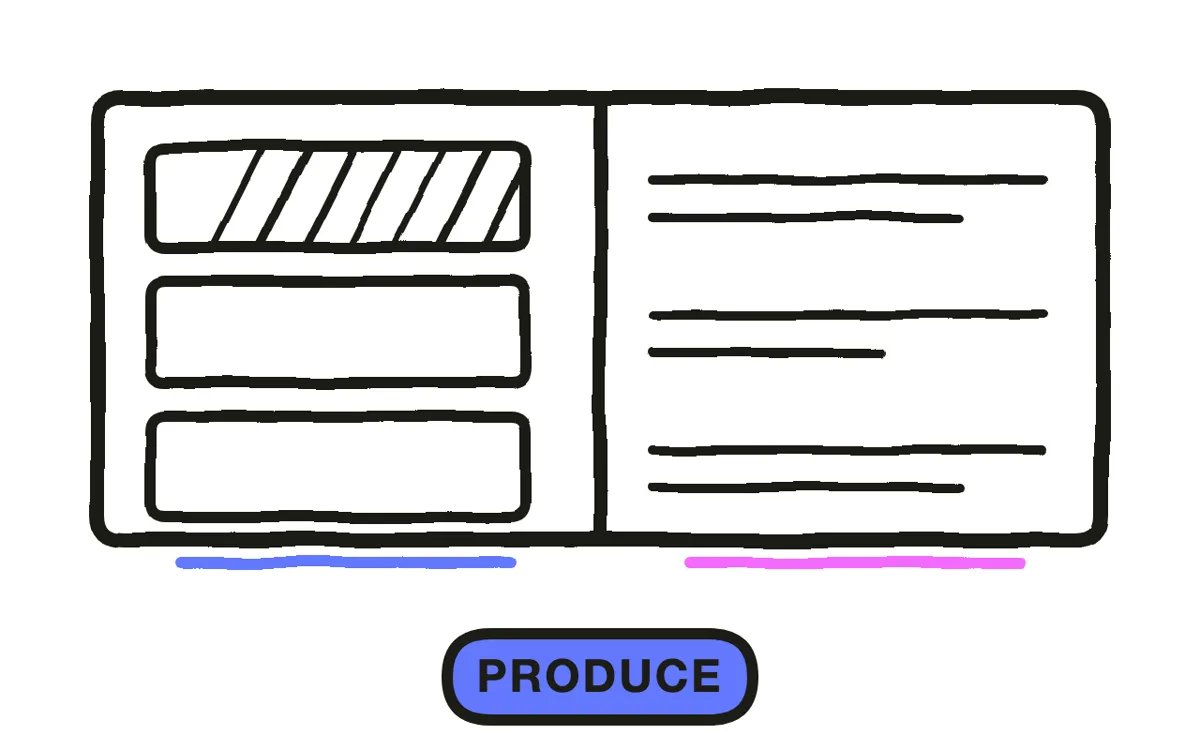
A bumper needs a single held image with one change; cutting three times in six seconds reads as noise. A skippable ad can breathe after the opening but has to move sharply before it.
Pexo's text-to-video workflow generates the scenes from a description, and image-to-video animates a real product photo where the ad needs the actual thing on screen rather than an impression of it. Generate each format separately rather than trimming one master down.
Step 5: Place the call to action
Say the action out loud and show it on screen at the same time. The clickable overlay Google adds is easy to miss, so an ad that relies on it alone converts worse than one that states the action plainly.
Expect most of the effect to arrive later as branded search rather than as a direct click, especially on bumpers where clicking mid-video is unnatural. That is not a failure of the ad, and measuring a bumper on click-through will make you cancel something that was working. Let targeting set how much setup the ad needs: an in-market audience already understands the category and can be taken straight to the offer.
Step 6: Export
Export 16:9 at 1080p or higher as the primary, since YouTube's main inventory is landscape. Add 9:16 for Shorts placements and 1:1 where feed contexts apply. Google will serve a single ratio widely, but purpose-built vertical performs better where it runs. Pexo exports all three from one project.
Add captions. A significant share of YouTube viewing happens muted, and the format gives you too few seconds to waste any on a promise the viewer cannot hear.
How to Make a Google Ad Video with Pexo
The six steps above work with any tool. Pexo handles steps 4 and 6 in a single conversation, which matters most when you need a bumper and a skippable version of the same idea rather than one trimmed into the other.
Open the Google ad video page and describe the ad: "A 6-second bumper: one held shot of a desk going from chaos to clear, brand mark visible from the first frame, one line of text at second four, single percussive sound." Pexo generates it to the exact duration and exports every ratio.
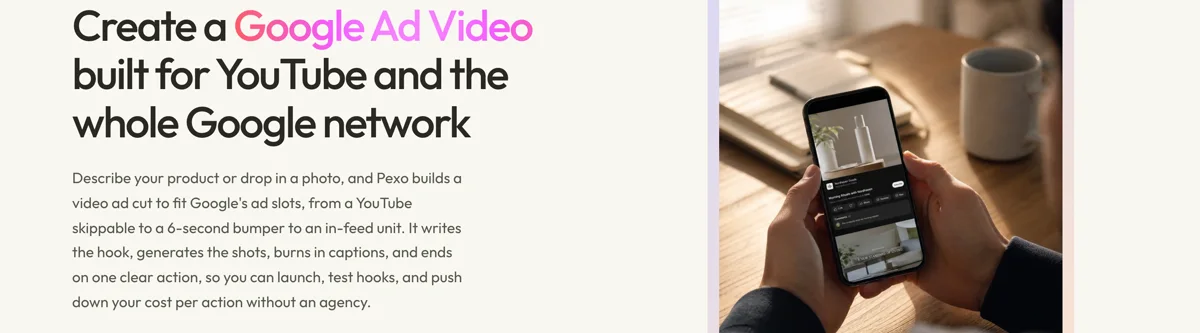
Ask for the 20-second skippable version in the same conversation and Pexo builds it as its own edit rather than padding the bumper. The platform runs across Seedance 2.0, Kling AI, and more.
For related formats, the YouTube ad page covers the placement directly and youtube shorts covers vertical inventory.
This article describes production practice. Ad formats and specs change, so verify current Google Ads guidelines before spending.
5 Mistakes That Waste YouTube Ad Spend
1. Saving the brand for the end. Viewers who skip at six seconds already gave you your only impression. Use it.
2. Trimming a skippable ad into a bumper. Six seconds is a different format, not a shorter one.
3. Building to a payoff after five seconds. Almost nobody reaches it, and you designed the ad for them.
4. Relying on the click overlay. It is easy to miss. Say the action and show it.
5. Measuring a bumper on click-through. Its effect arrives as branded search later, and optimising for clicks kills it.
Related Tutorials
- How to make a YouTube ad for the placement in depth
- How to make a Facebook ad video for Meta placements
- How to make a brand ad for reach-led work
- How to make a YouTube intro video for organic channel assets




