

 ChatGPT
 Perplexity
 Claude
 Gemini
 Grok
Grok



How to Make a Coming Soon Video
UPDATED: 2026-08-16 By Lan He, Senior Video Producer at Pexo
Making a coming soon video takes four steps: decide what to withhold, pick the one thing to ask for, produce it without the finished product, then run it across the pre-launch window. A coming soon video takes about 15 minutes to produce.
Quick Version: How to Make a Coming Soon Video
- Decide what to withhold, which is most of it.
- Pick one ask: email, reminder, follow, or waitlist.
- Produce it without the finished product existing.
- Run it across the pre-launch window and hold the date honestly.
How to Make a Coming Soon Video Step by Step
Step 1: Decide what to withhold
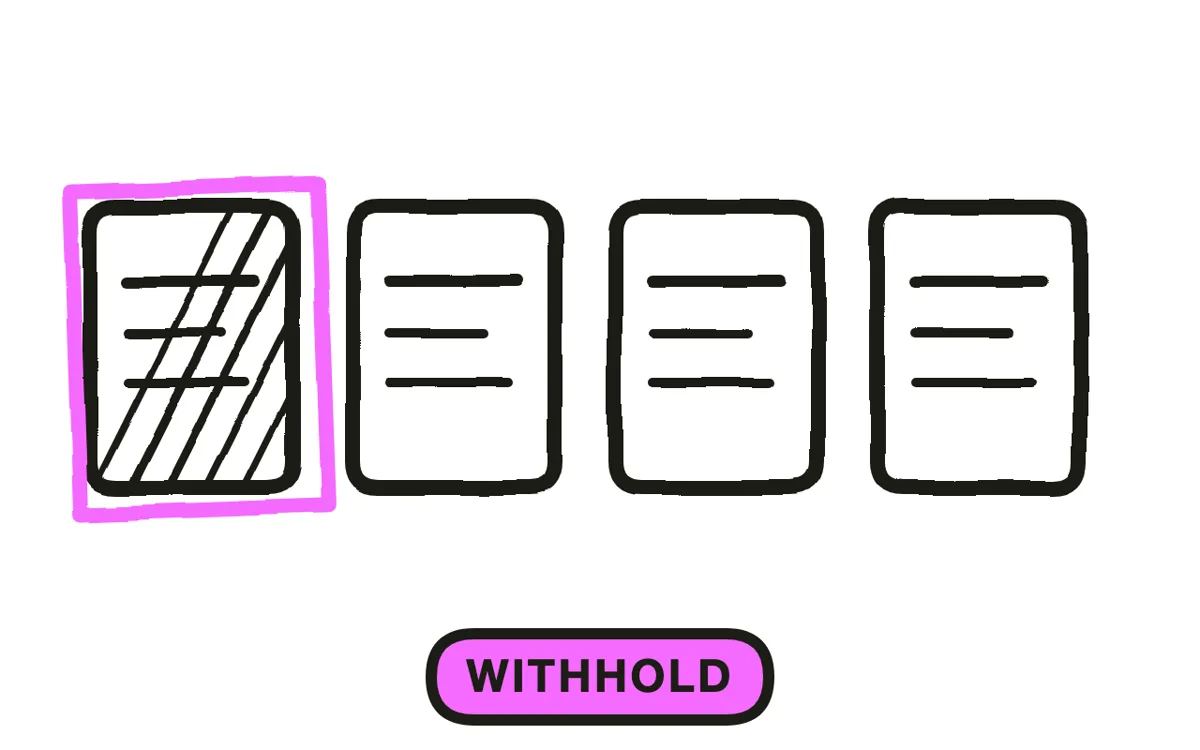
Withholding is the entire format. A coming soon video that explains the product has become a launch video shown too early, and it spends the surprise you were saving for the day it actually matters.
Show enough to signal the category and nothing that answers the interesting question: a silhouette, a texture, one UI element, a reaction shot of someone using it off camera. The moment the viewer knows exactly what it is, the reason to come back disappears, and so does the reason to give you an email.
Step 2: Pick one ask
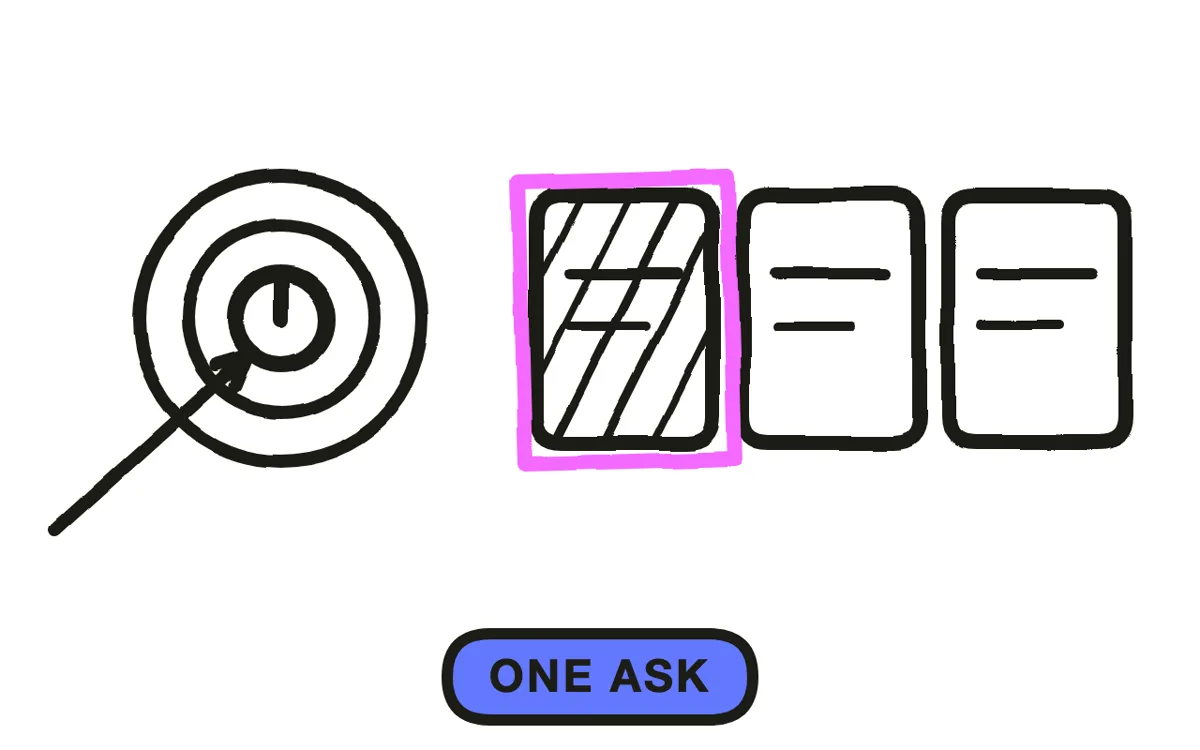
This video exists to collect intent, not to sell. Choose one action: an email, a reminder set, a follow, or a waitlist spot. Two asks split the response, and ten to twenty seconds is nowhere near enough to explain a choice between them.
Decide the date question here too. A specific date creates urgency and a reason to return; a month or a season is the honest option when the date is not settled. A missed public date costs more trust than a vague window ever would, so pick the one you can keep.
Step 3: Produce it without the product
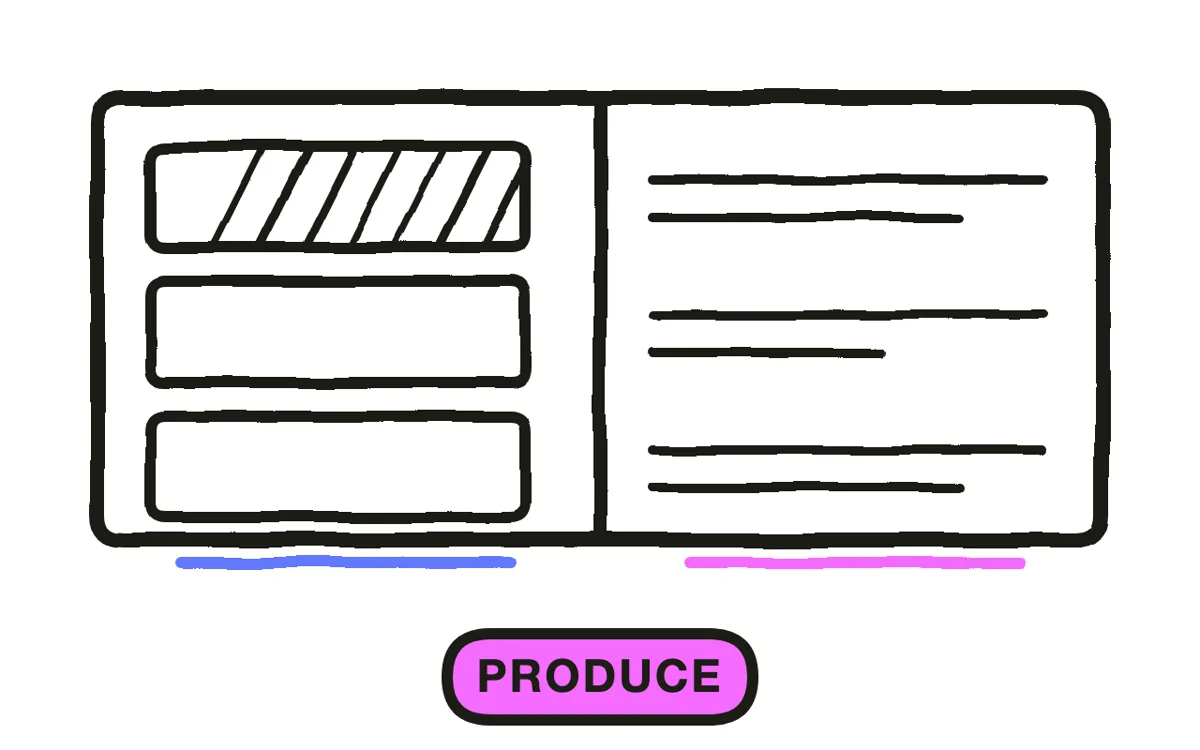
The awkward part of this format is that the thing does not exist yet, or exists in a state you do not want photographed. That is why so many coming soon videos are just a logo on a gradient with a date under it.
Pexo's text-to-video workflow generates the atmosphere from a description, so you can build anticipation from mood, environment and reaction rather than from footage you do not have. Where a single real asset exists, such as a packaging shot or one screen, image-to-video animates it into a partial reveal. Keep it to ten to twenty seconds: length is what turns this format into an explanation.
Step 4: Run it across the pre-launch window
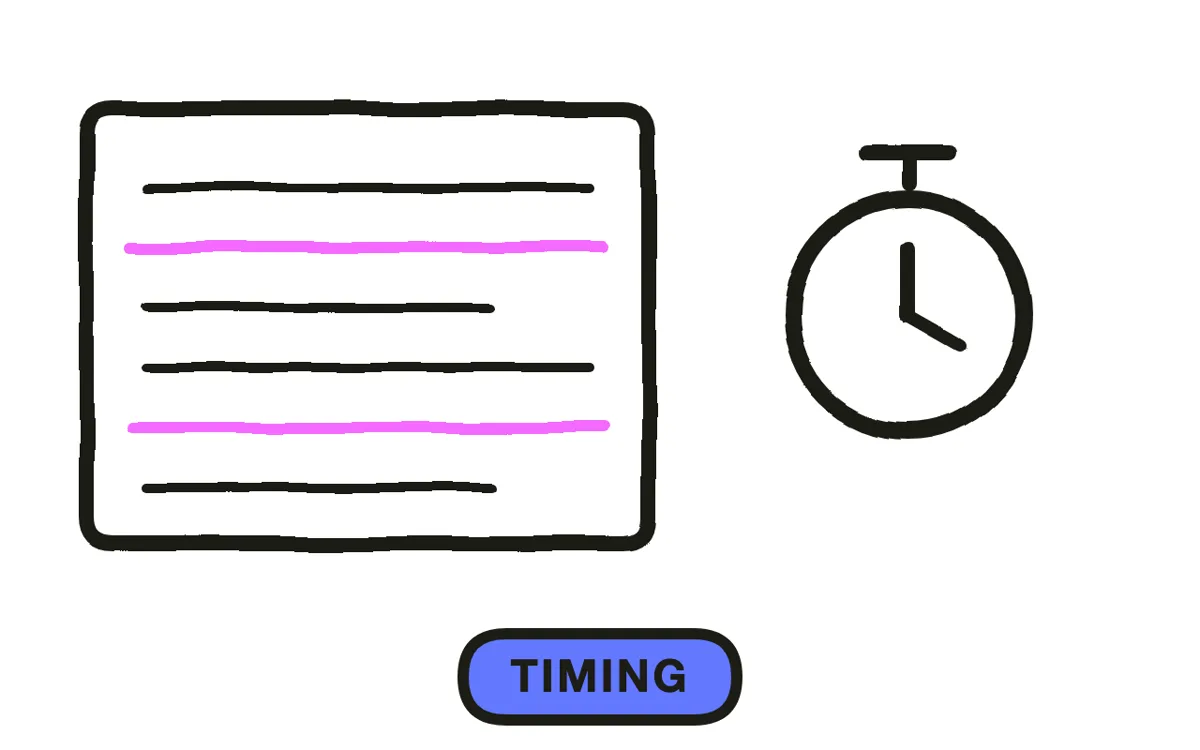
Post it two to four weeks out, then again as the date approaches, rather than once. A single post reaches whoever happened to be scrolling that hour, and the audience you are trying to assemble is built by repetition.
Export 9:16 for Reels, TikTok and Shorts, plus 1:1 for feeds and 16:9 if it runs in email or on a site. Pexo exports every ratio from one project. If the date slips, say so before it passes: an audience told about a delay stays subscribed, while one that watches a date go by in silence assumes the project died.
How to Make a Coming Soon Video with Pexo
The four steps above work with any tool. Pexo handles step 3 in a single conversation, which is the step that stalls when the product is not photographable yet.
Open the coming soon video page and describe the piece: "A 15-second vertical coming soon video, one object under a cloth in low warm light, a hand reaching toward it and stopping, no reveal, date card at 12 seconds, single low pulse of sound, ending on join the waitlist." Pexo generates the scenes, holds the mood, and exports each ratio.
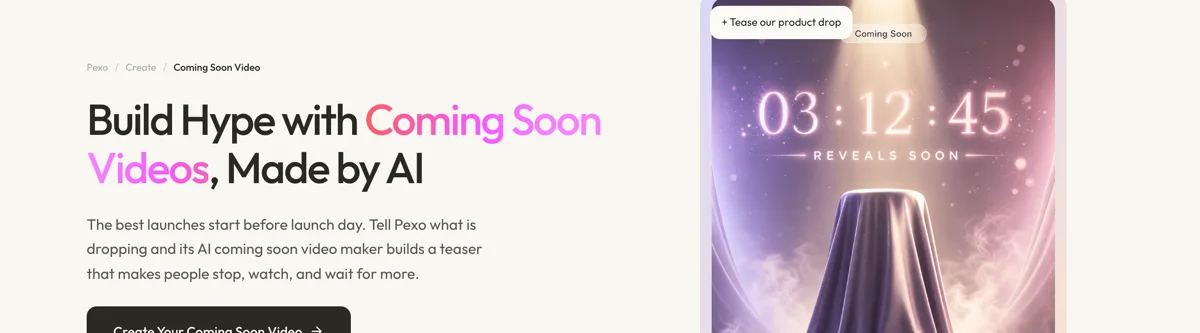
Ask for a second version with a different amount withheld and Pexo regenerates it, which is how you test whether you are showing too much before the launch depends on it.
For related formats, the teaser video page covers the broader mood piece and sneak peek video covers showing one real detail.
5 Mistakes That Make a Coming Soon Video Pointless
1. Explaining the product. That is a launch video shown early, and it spends the surprise on a day nobody can act.
2. Two asks. Email and follow split the response, and fifteen seconds cannot explain a choice.
3. Running it once. The audience is built by repetition. One post reaches whoever was scrolling that hour.
4. A date you cannot keep. A missed public date costs more trust than a vague window would have.
5. Letting the date pass in silence. An audience told about a delay waits. One left guessing assumes it died.
Related Tutorials
- How to make a sneak peek video for showing one real detail
- How to make a teaser trailer for the withholding structure at length
- How to make a product launch video for launch day itself
- How to make a brand launch video for introducing a brand rather than a product




