

 ChatGPT
 Perplexity
 Claude
 Gemini
 Grok
Grok



How to Make a Movie Trailer
UPDATED: 2026-08-04 By Lan He, Senior Video Producer at Pexo
Making a movie trailer takes six steps: map the three-act structure, write the script and voiceover, select or generate the shots, choose music and time the cuts, add titles and the logo reveal, then export for distribution. A 90-second trailer takes about 25 minutes with AI generation.
Quick Version: How to Make a Movie Trailer
- Map the three acts: cold open, rising build, hard cut to the title card.
- Write the trailer script with short voiceover lines and the shot list under each beat.
- Select the shots from existing footage, or generate them from the script.
- Pick the music first, then cut every transition to a beat.
- Add the title card, the logo reveal, and any text cards between acts.
- Export in 16:9 for YouTube and 9:16 for social cut-downs.
How to Make a Movie Trailer Step by Step
Step 1: Map the three-act trailer structure
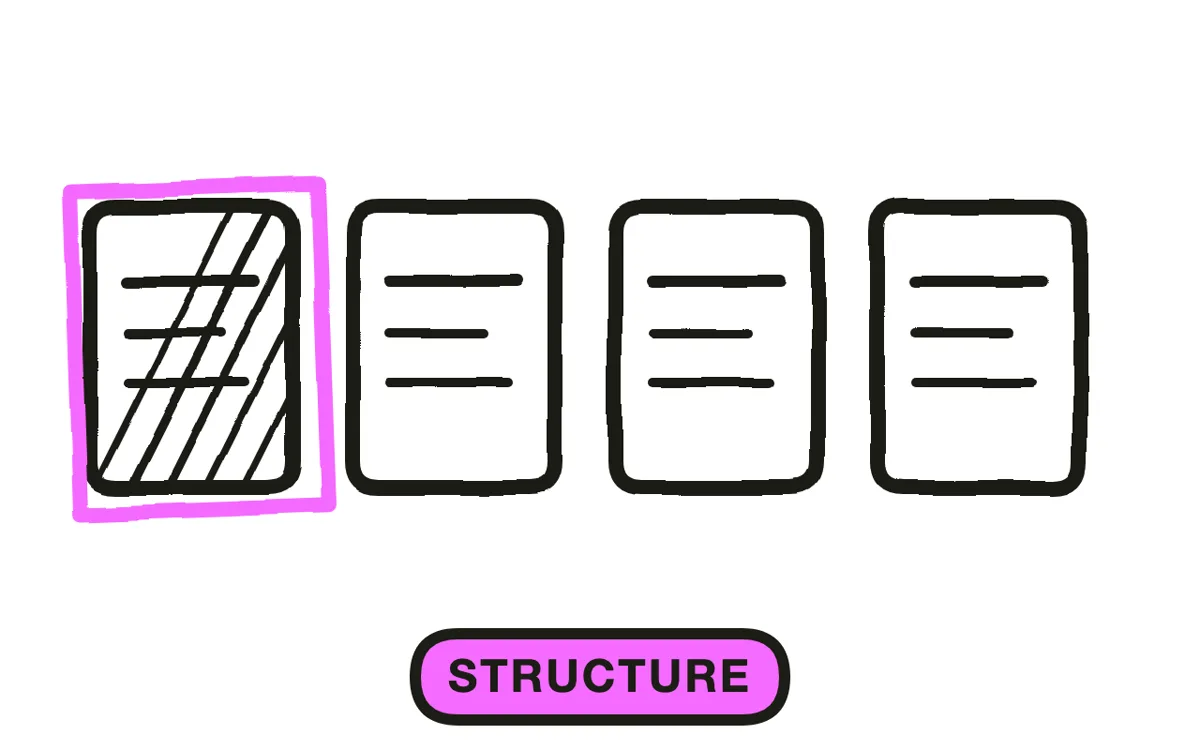
Lay out the trailer in three acts before choosing a single shot. Act one is the cold open: establish the world and the main character in wide, slow shots, roughly the first 30 percent of the runtime. Act two raises the stakes with faster cuts as the conflict becomes clear. Act three is the hard cut to the title card, usually preceded by a beat of silence.
Write each act as a one-line intention. "Act one: a quiet town, a woman who does not belong." "Act two: the thing in the woods is getting closer." "Act three: title, then one last scare." A trailer without this map becomes a montage, which holds no one's attention past 20 seconds.
Step 2: Write the trailer script and voiceover
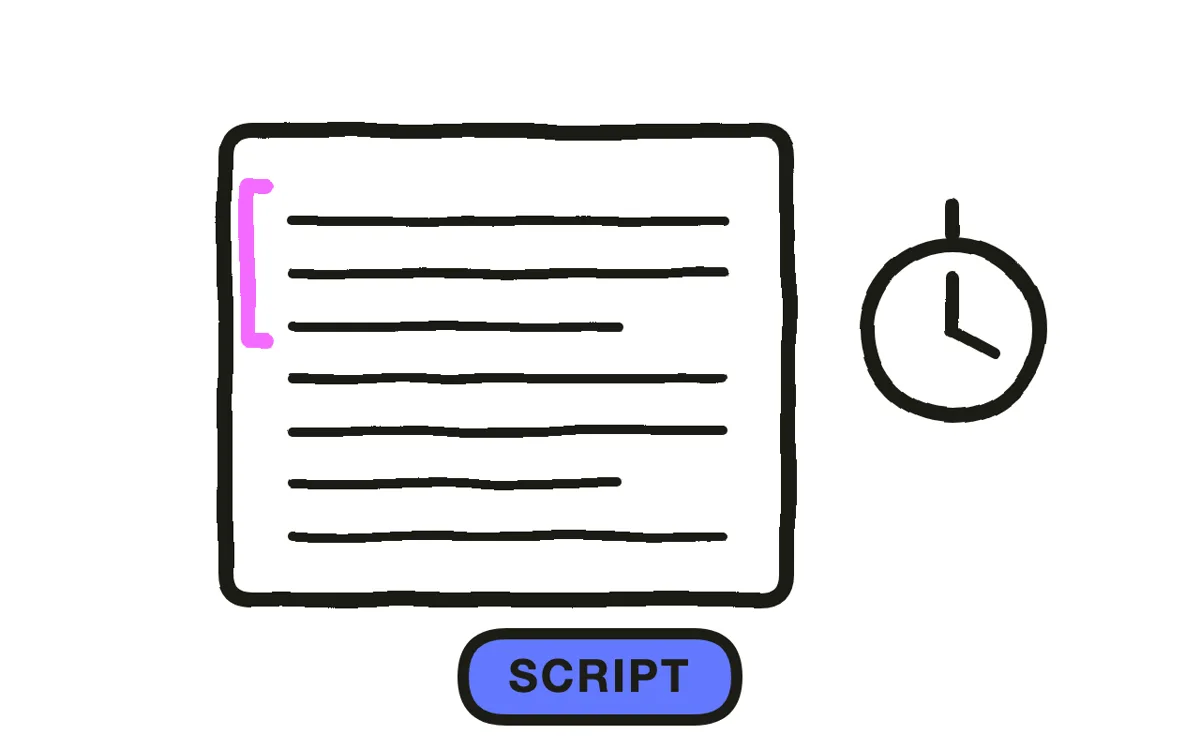
Write the voiceover lines and the shot list together. Trailer voiceover is punctuation, not narration: three to six short declarative lines across the entire trailer, each landing between shots rather than over them. "She thought the town was empty." Pause. Shot. "She was wrong."
Under each voiceover line, list the shots that carry it. This becomes the generation input for an AI workflow and the edit decision list for a manual one. Pexo's script-to-video workflow takes the written trailer script directly and produces the matching shots, so the script and the shot list stay one document.
Step 3: Select or generate your shots
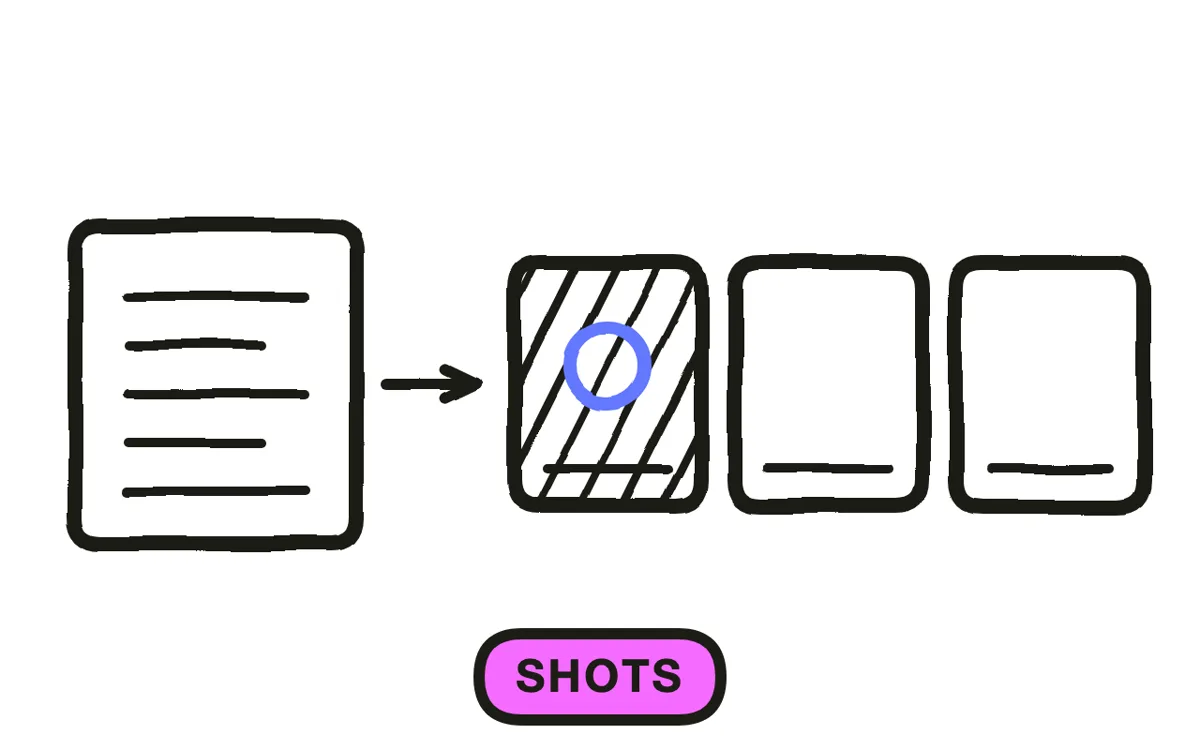
Choose shots that establish without explaining. A trailer needs the premise, the main character, the conflict, and the tone, and nothing beyond that. Cut anything that resolves a plot point. The most common failure is including the shot that answers the question the trailer just raised.
For films with existing footage, pull the widest establishing shots for act one and the most kinetic ones for act two. For films without footage, text-to-video generation produces each shot from its description, and character and location consistency stays locked across cuts so the trailer reads as one film rather than unrelated clips. Upload a key still and image-to-video conversion builds motion around it.
Step 4: Choose music and time the cuts
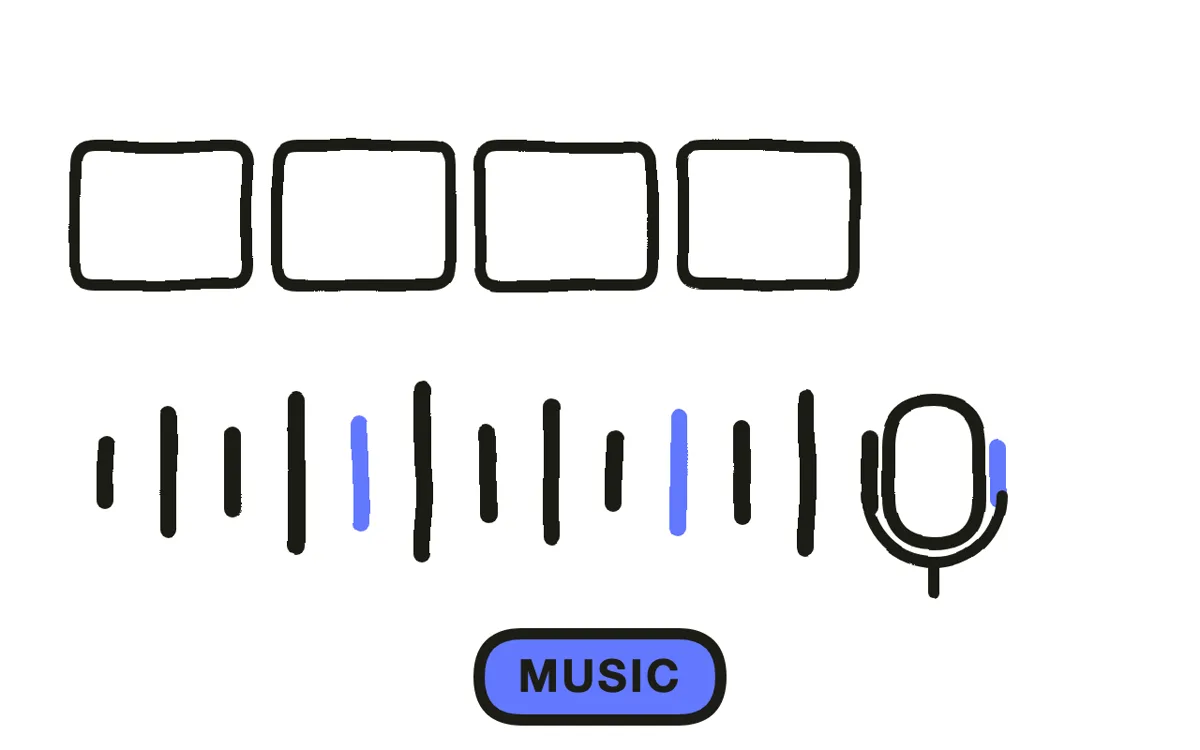
Pick the music before cutting a single shot. Trailer editing is beat-driven: every transition lands on a musical hit, and the cut rhythm accelerates as the track builds. Editors who cut first and score later end up with shots that fight the music, which no amount of trimming fixes.
Find the track's structure first: where it drops, where it builds, where it stops. Place the act-two transition at the first build and the title card at the biggest hit. Pexo composes an original score tuned to the trailer's pacing rather than fitting the trailer to a stock track, which removes both the licensing question and the problem of using a library cue that a thousand other trailers already used. Royalty-free AI music generators are the alternative for a manual edit.
Step 5: Add titles, text cards, and the logo reveal
Place the title card at the loudest moment in the track, after a deliberate beat of silence. Silence before a title is the oldest trick in trailer editing and it still works, because the ear notices absence faster than volume. Follow the title with a release date, a festival laurel, or one final punchline shot.
Text cards between acts ("From the director of...", "This summer...") carry information the voiceover would slow down to deliver. Keep them to three or four words, hold them for under one second, and match the typeface to the film's tone. A horror trailer and a comedy trailer use the same structure and completely different type.
Step 6: Export for your distribution channel
Export 16:9 at 1080p or 4K for YouTube, festival submissions, and embedded players. Export 9:16 at 1080x1920 for a social cut-down, which should be a re-cut rather than a crop: the vertical version needs its own 15 to 30 second structure, not the same edit with the sides removed.
Pexo generates each aspect ratio natively rather than cropping, so the framing holds in every format. Watch the finished trailer on a phone at low volume and on a large screen at full volume before publishing. A trailer that only works in one of those two conditions is not finished.
How to Make an AI Movie Trailer with Pexo
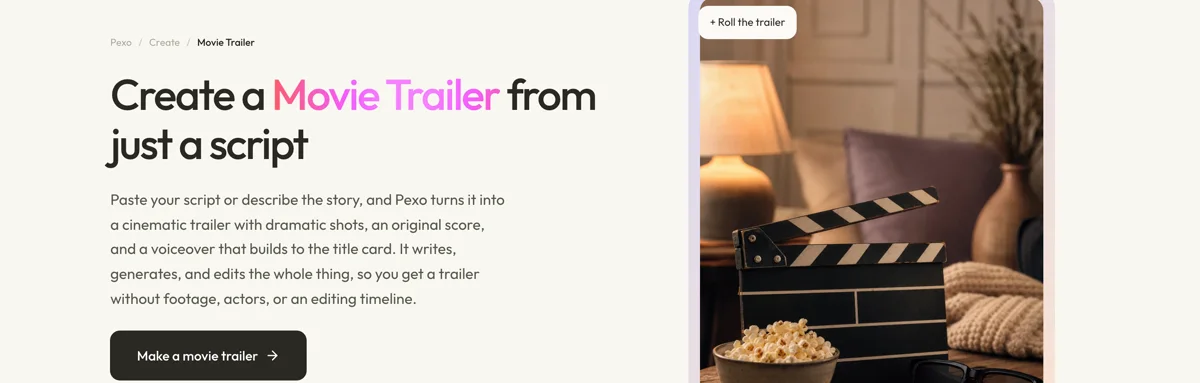
The six steps above assume you have footage. The movie trailer page removes that requirement entirely.
Describe the film: "A psychological thriller about a marine biologist who finds something impossible under the Arctic ice. Cold, blue, tense. 90 seconds." Pexo writes the trailer script, generates every shot with locked character and location consistency, applies a film-style color grade that holds across cuts, composes a score tuned to the pacing, adds a dramatic AI voiceover, and builds to a title card.
Trailers run from 5 to 120 seconds. Adjust any shot by describing the change in the chat: "Make the reveal shot slower" or "add a wide establishing shot before the title." Pexo regenerates that section without touching the rest.
For a shorter first-look cut, the teaser trailer page produces 30-second versions built for curiosity rather than plot. For the full film the trailer promotes, the AI movie page runs the same pipeline at feature scale. For scene-level work with heavy camera movement, cinematic video generation handles individual shots. Authors promoting a book follow a related but distinct structure covered in how to make a book trailer.
5 Common Mistakes That Flatten a Movie Trailer
1. Giving away the ending. A trailer that answers its own question has nothing left to sell. Cut every shot that resolves a plot point, including the one that feels like the best shot in the film. Especially that one.
2. Cutting without a music structure. Editing shots first and adding music afterward produces transitions that land between beats. The result feels subtly wrong even to viewers who cannot say why. Pick the track first and cut to it.
3. Making it too long. Attention drops sharply past 2 minutes, and social platforms cut off earlier still. A 90-second trailer that holds attention beats a 150-second trailer that loses it at second 70.
4. Inconsistent characters or locations across shots. When the lead looks like a different person in act two, the trailer reads as a collection of clips rather than one film. Lock character identity before generating or selecting shots.
5. A weak or missing title card. The title card is what the viewer is supposed to remember. Placing it quietly in the middle, or leaving it off entirely, wastes the entire build. Put it at the loudest moment, after silence.
Related Tutorials
- How to make a book trailer for authors promoting a novel
- How to make a short video for vertical trailer cut-downs
- Text-to-video AI tutorial for a deep dive into shot generation




