

 ChatGPT
 Perplexity
 Claude
 Gemini
 Grok
Grok



How to Make a Teaser Trailer
UPDATED: 2026-08-05 By Lan He, Senior Video Producer at Pexo
Making a teaser trailer takes six steps: decide what to withhold, structure 15 to 60 seconds around one question, design the sound, generate the footage, cut to a title card, then export for social and a title page. A teaser trailer takes about 20 minutes end to end.
Quick Version: How to Make a Teaser Trailer
- Decide what to withhold, which matters more than what to show.
- Structure 15 to 60 seconds around a single unanswered question.
- Design the sound first, because sound carries a teaser more than images.
- Generate the atmosphere footage and the one striking image.
- Cut to a title card and hold it long enough to read twice.
- Export 16:9 for YouTube and title pages, 9:16 and 1:1 for social.
How to Make a Teaser Trailer Step by Step
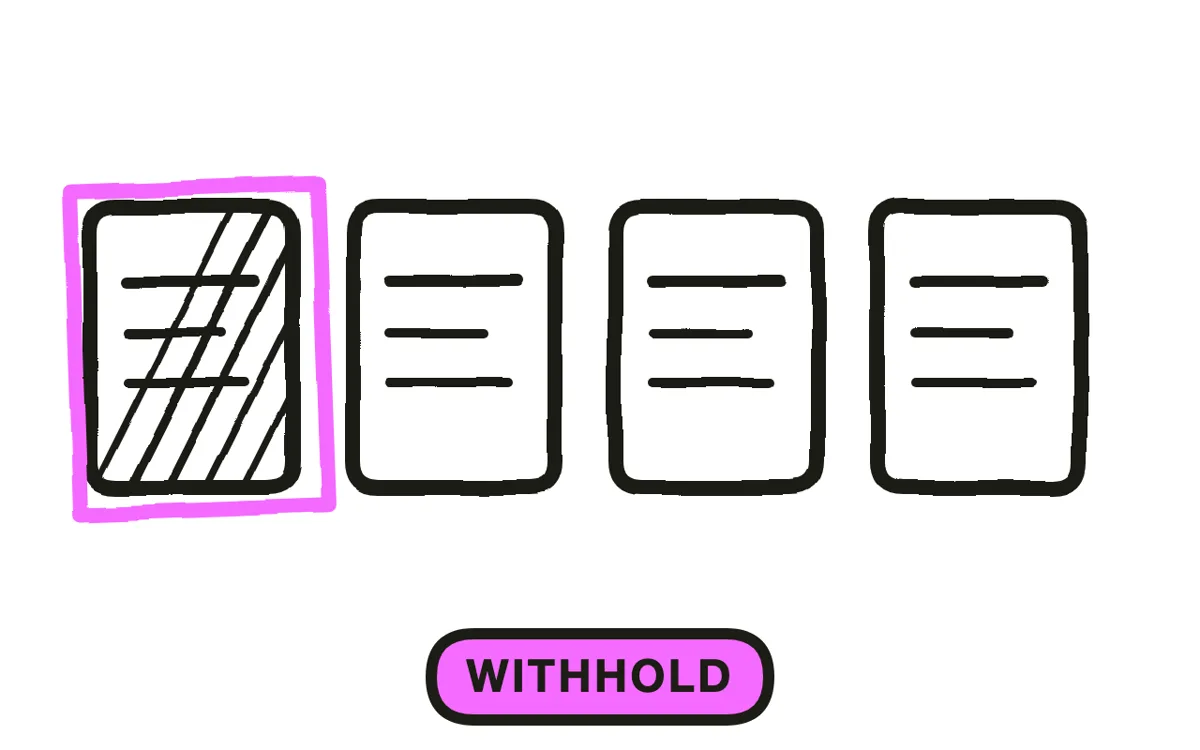
Step 1: Decide what to withhold
Choose what the teaser will not show. This decision defines the format: a teaser is an exercise in restraint, and everything that makes it work follows from what stays off screen. Withhold the plot, the resolution, and usually the protagonist's face.
Keep one thing to give away. A single striking image, a silhouette, a location, or a sound. The viewer needs something concrete to attach the curiosity to, or the teaser becomes an abstract mood piece that leaves no impression.
Step 2: Structure around one question
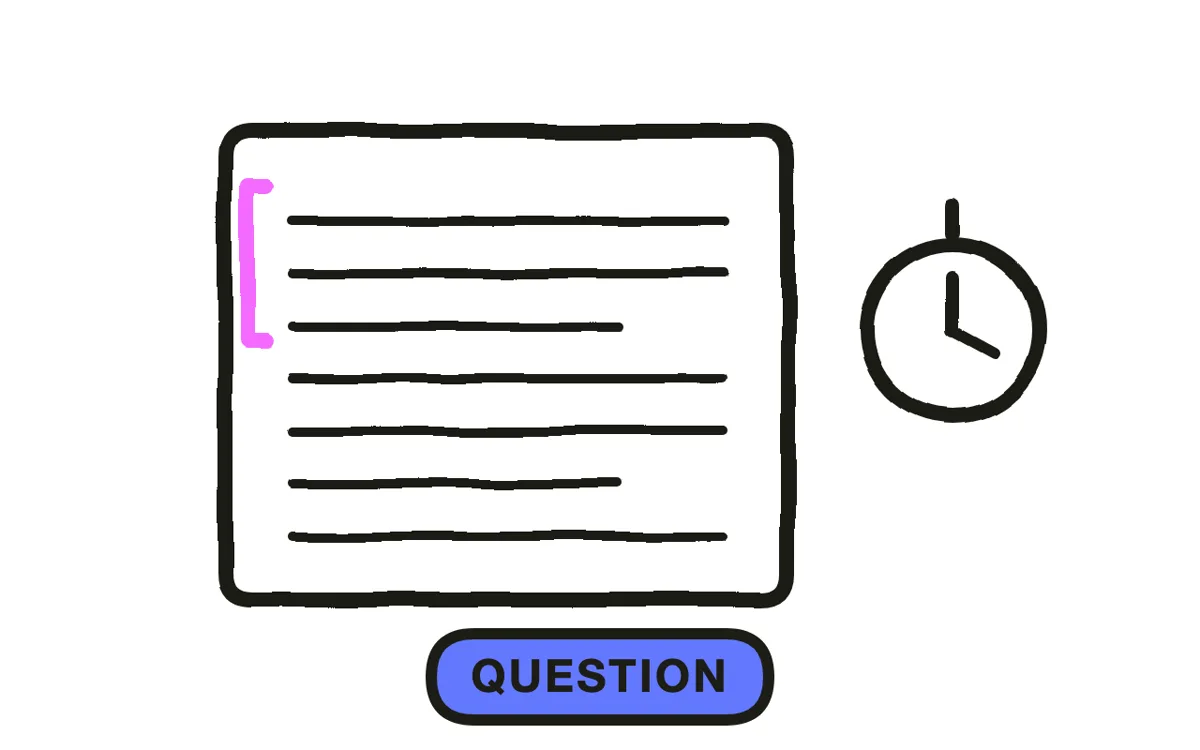
Build the whole teaser around a single unanswered question. "What is in the box" or "why is the city empty" gives the sequence a shape. A teaser without a question is a montage, and montages do not create anticipation.
Structure it in three beats: establish a world in two or three shots, introduce the question, then cut to the title. Fifteen to sixty seconds total. If a viewer could summarize the story afterward, the teaser has given away too much and should be cut back.
Step 3: Design the sound
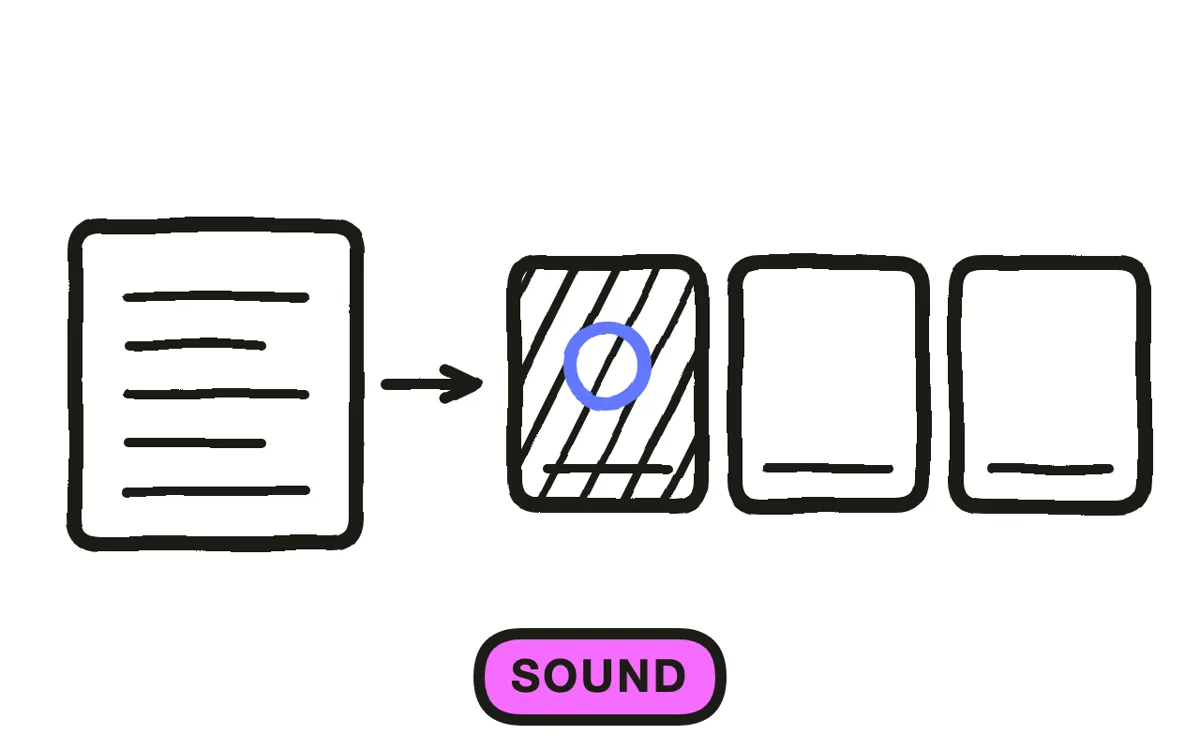
Plan the sound before the images, because a teaser is carried by audio more than by anything on screen. The standard structure is a slow rising tone, a break into silence, then a single percussive hit on the title card.
Use silence deliberately. A two-second gap before the title lands harder than any music cue, and it is the technique most often missing from teasers that feel flat. Keep dialogue to one line or none at all; a teaser that explains itself in dialogue has stopped withholding.
Step 4: Generate the footage
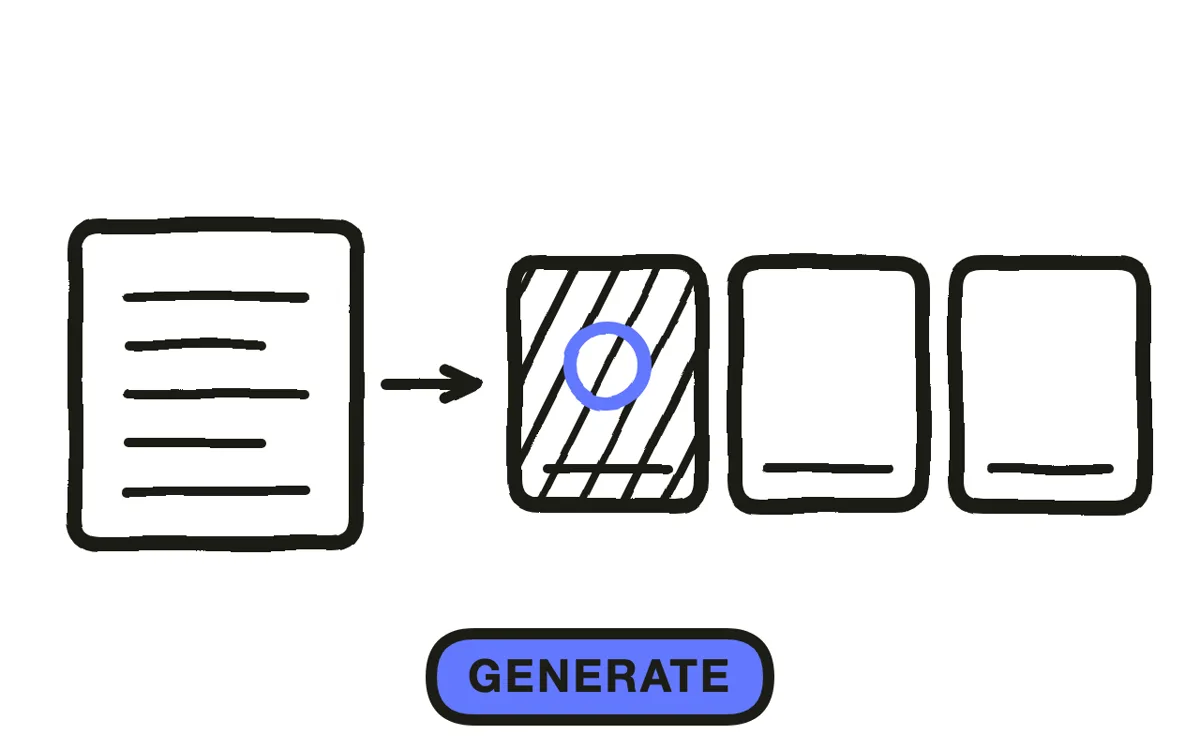
Generate the atmosphere shots the teaser needs. Teasers have always been produced before the project was finished, historically with footage shot specifically for them, which is why they so often contain images that never appear in the final film.
Pexo's text-to-video workflow builds these shots from a description, matching a consistent grade and camera language across the sequence. For a product teaser, upload the product photo and image-to-video conversion turns it into a partially revealed silhouette rather than a plain product shot.
Step 5: Cut to the title card
Place the title as the final frame and hold it long enough to read twice, which is usually three to four seconds. The title card is the payload; everything preceding it is setup for that moment.
Add the release date or availability underneath in smaller type. Resist adding a cast list, a studio block, or review quotes: a teaser crowded with credits reads as a trailer that ran out of footage. Keep the frame to the title and one line.
Step 6: Export for social and title pages
Export 16:9 at 1080p or higher for YouTube, a title page, or cinema-style presentation. Export 9:16 for Reels, TikTok, and Shorts, reframing each shot rather than cropping the center out of a widescreen composition. Export 1:1 for feed posts.
Pexo exports all three ratios from one project. Check the vertical cut with sound off: a teaser that depends entirely on audio design loses its structure when muted, so the title card and the one striking image have to carry it alone.
How to Make a Teaser Trailer with Pexo
The six steps above work with any tool. Pexo handles steps 2 and 4 through 6 in a single conversation, which suits a format that has to exist before the project does.
Open the teaser trailer page and describe the piece: "A 30-second teaser for a science fiction film set in an abandoned coastal city, cold grade, rising tone breaking to silence, ending on a title card and a spring release date." Pexo generates the atmosphere shots, composes the sound design, and places the title card.
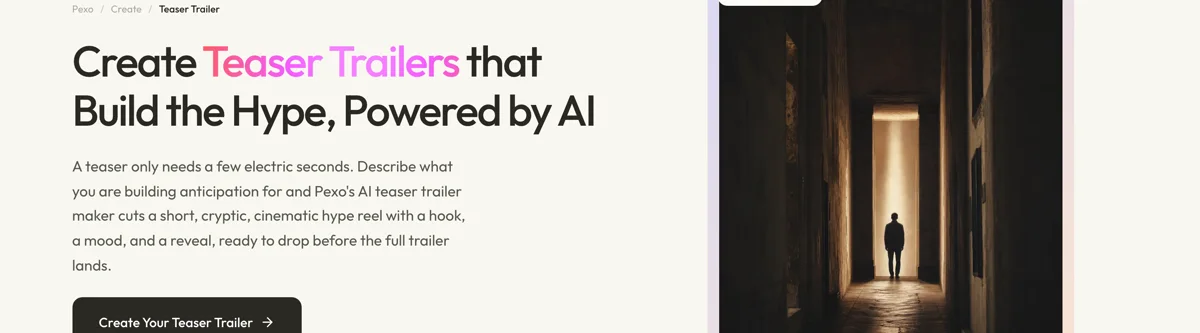
Adjust any shot by describing the change in the chat, and Pexo regenerates that scene alone. The platform runs across Seedance 2.0, Kling AI, and more.
For related formats, the movie trailer page produces the longer cut that follows a teaser, and countdown video covers the reminder posts between the teaser and release.
5 Mistakes That Give Away Too Much
1. Explaining the premise. A teaser that sets up the story has become a short trailer. Raise a question and stop.
2. Using dialogue to carry information. One line at most. A teaser that talks is a teaser that has stopped withholding.
3. Skipping the silence. The gap before the title card is what makes the hit land. Filling it with music removes the structure.
4. Crowding the title card. Cast lists, studio blocks, and quotes belong on a full trailer. The teaser's last frame holds the title and one line.
5. Cropping widescreen into vertical. A center crop of a composed wide shot destroys the framing that made the shot striking. Reframe each shot instead.
Related Tutorials
- How to make a movie trailer for the full-length cut
- How to make a countdown video for the posts between teaser and release
- How to make a product launch video for the reveal a product teaser leads into
- How to make a short film for the project a teaser might be promoting




