

 ChatGPT
 Perplexity
 Claude
 Gemini
 Grok
Grok



How to Make an Education Explainer Video
UPDATED: 2026-08-06 By Lan He, Senior Video Producer at Pexo
Making an education explainer video takes six steps: identify the misconception, script against it, design visuals that make the concept concrete, produce the footage, build in checks for understanding, then deliver to the classroom or LMS. An education explainer video takes about 25 minutes to produce.
Quick Version: How to Make an Education Explainer Video
- Identify the misconception students actually hold.
- Script against that misconception, not down the syllabus.
- Design visuals that make the abstract concrete.
- Produce the footage without a studio.
- Build in pause points and checks for understanding.
- Deliver 16:9 with captions for classroom, LMS, or flipped use.
How to Make an Education Explainer Video Step by Step
Step 1: Identify the misconception
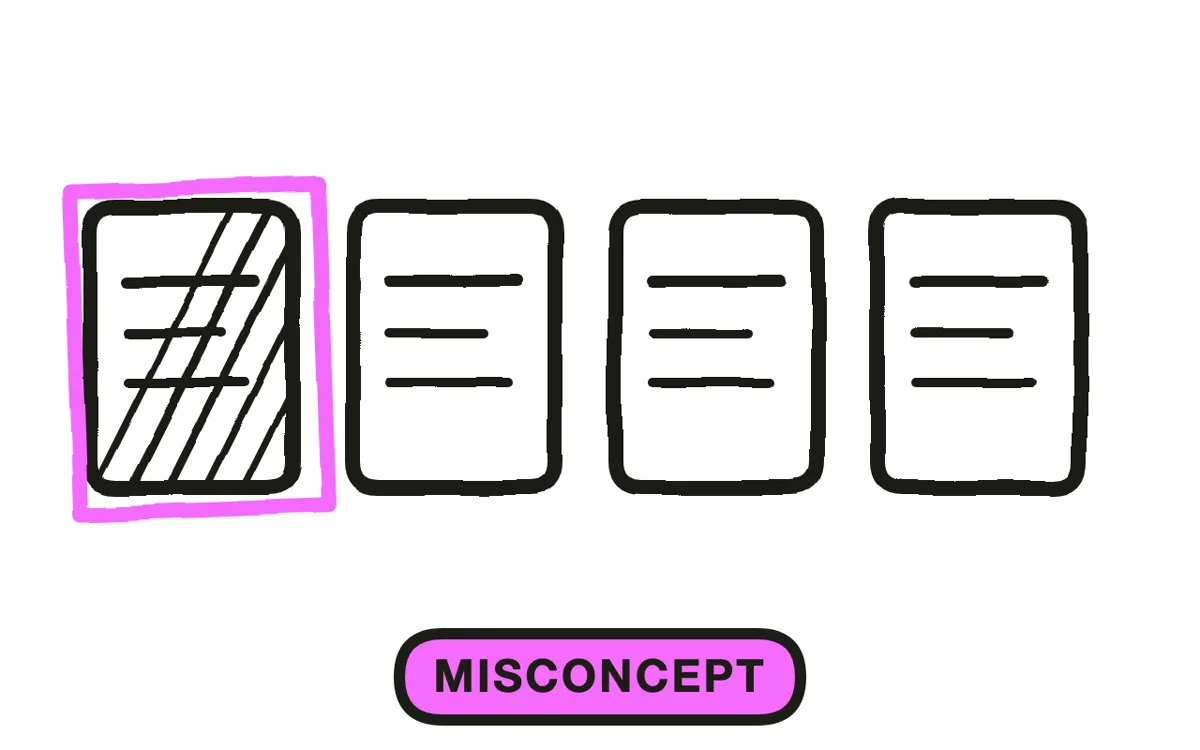
Find what students get wrong, not what the topic contains. Most difficult concepts are difficult because learners arrive with a plausible wrong model: that heavier objects fall faster, that a fraction is two separate numbers, that correlation implies cause.
Ask teachers what students say when they answer incorrectly. That answer is the design brief. A video that anticipates the wrong model and dismantles it does far more than one that explains the right model from scratch, because the wrong model does not disappear just because a correct one is presented next to it.
Step 2: Script against the misconception
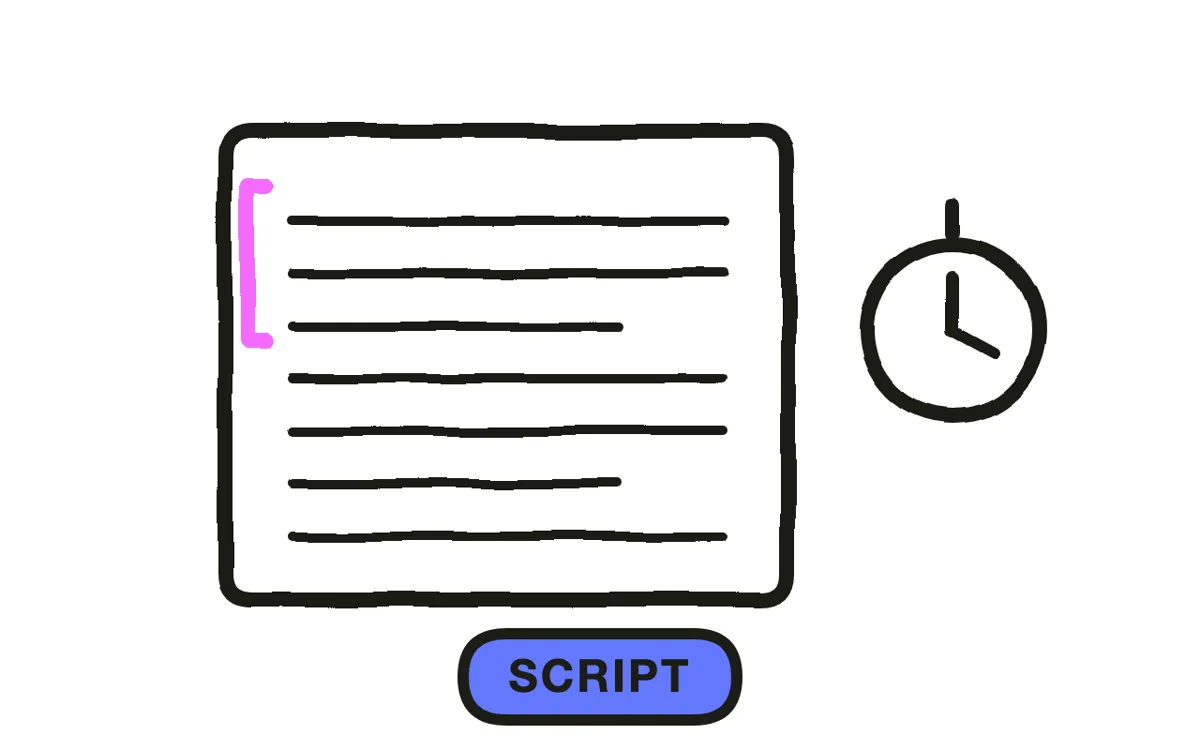
Open by stating the wrong model in the learner's own terms, then show where it breaks. "It seems obvious that a heavier ball falls faster. Here is what happens when we drop both." This sequence works because it engages the belief the learner is holding rather than talking past it.
Write three to six minutes, roughly 400 to 800 words at teaching pace. Use the learner's vocabulary first and introduce the formal term once the idea is in place, rather than the other way round. A term introduced before the concept it names is a label attached to nothing.
Step 3: Design visuals that make it concrete
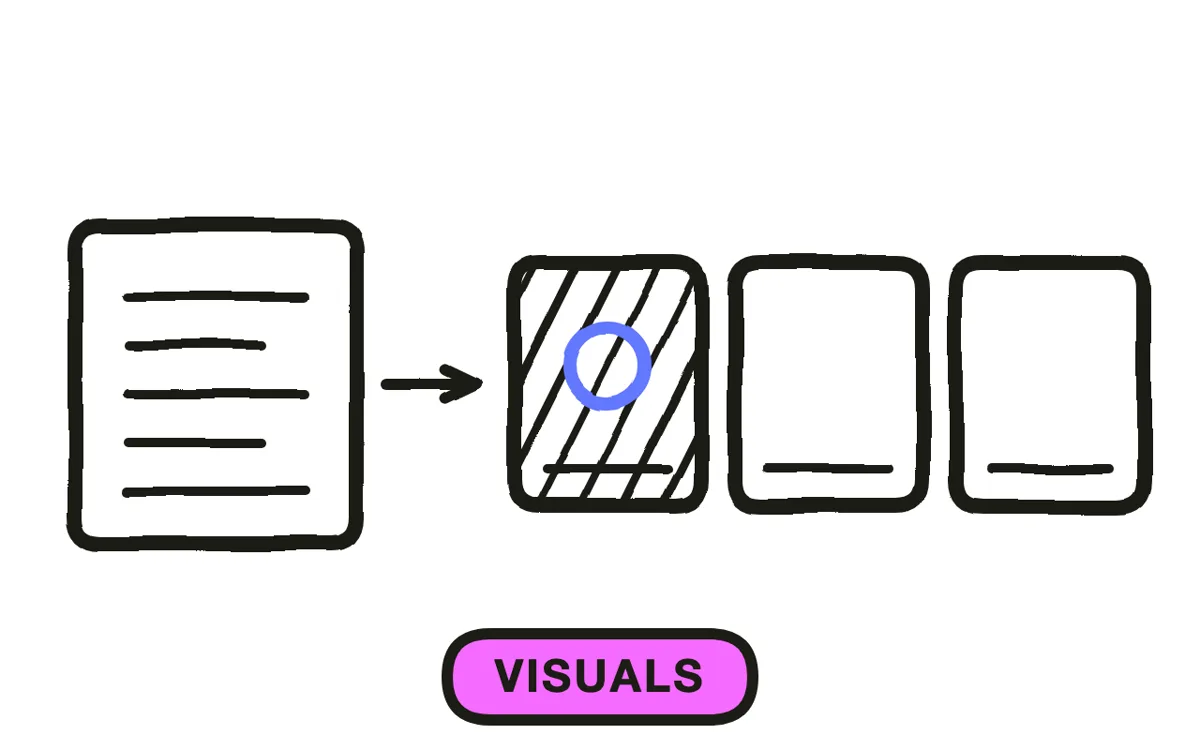
Show the concept itself, not a person describing it. For abstract or spatial subjects, animation reaches what a camera cannot: forces on a body, a molecule rotating, a function transforming, a historical trade route over time.
Build the visual up rather than presenting it complete. A diagram that assembles piece by piece as the narration reaches each part is followable; the same diagram shown whole while the voice works through it forces the learner to search for what is being described. This one choice separates most effective educational video from most ineffective.
Step 4: Produce the footage
The obstacle in education is rarely the idea and usually the production: no studio, no budget, and a teacher who does not want to be on camera. This is why so much educational video is a narrated slide deck.
Pexo's text-to-video workflow generates the animated sequences from a written description, so a concept can be shown rather than described. Hyperframe keeps one visual style across a whole unit, which is what makes a series of videos read as one course to a student working through it.
Step 5: Build in checks for understanding
Put a question on screen before revealing the answer, and hold it long enough for the learner to actually attempt it. Passive viewing produces recognition, which feels like understanding and is not, and this is the single most common failure of educational video.
Pair the video with a task that cannot be completed by watching alone: a problem to solve, a prediction to make, a case to apply it to. In flipped-classroom designs the gain comes from class time freed for exactly this, not from the video itself. Pexo generates narration with natural voices and holds pauses where the script marks them.
Step 6: Deliver to classroom, LMS, or flipped use
Export 16:9 at 1080p with captions, for classroom projection, an LMS, or YouTube. Captions serve accessibility obligations and measurably help second-language learners, who are a large share of most cohorts.
Pexo exports up to 4K and generates narration in multiple languages. Have subject accuracy reviewed by a qualified teacher before release: a confidently delivered wrong explanation teaches the error, and video carries more authority than a textbook page for most students.
How to Make an Education Explainer Video with Pexo
The six steps above work with any tool. Pexo handles step 4 in a single conversation, which removes the studio and the camera-comfortable teacher from the requirements.
Open the educational video page and describe the piece: "A 5-minute education explainer on why objects of different mass fall at the same rate, opening on the common wrong assumption, animated demonstration with and without air resistance, clear patient narration, a pause point before the answer." Pexo generates the animation, records the narration, and exports.
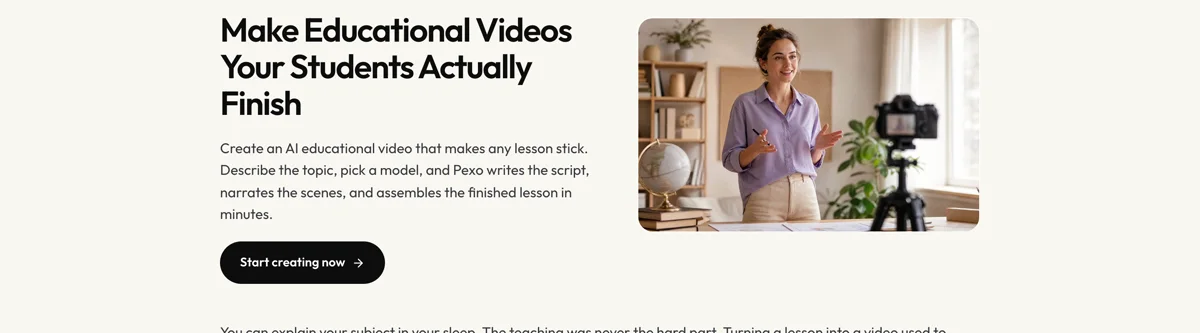
Adjust any scene by describing the change in the chat, and Pexo regenerates that segment alone. The platform runs across Seedance 2.0, Kling AI, and more.
For related formats, the whiteboard animation page suits hand-drawn explanation and infographic animation suits data-led topics.
5 Mistakes That Make Educational Video Ineffective
1. Teaching down the syllabus instead of at the misconception. The wrong model does not disappear because a correct one is shown beside it.
2. Showing a diagram complete. A visual that assembles as the narration reaches each part is followable. One shown whole makes the learner search.
3. Naming the formal term first. A label introduced before the concept it names is attached to nothing.
4. Assuming watching equals understanding. Passive viewing produces recognition. Build in a question the learner has to attempt.
5. Skipping subject review. A confident wrong explanation on video teaches the error with more authority than a textbook.
Related Tutorials
- How to make an eLearning video for structured LMS courses
- How to make a microlearning video for short revision content
- How to make an infographic explainer video for data-led topics
- How to make a 2D explainer video for the general animated explainer format