

 ChatGPT
 Perplexity
 Claude
 Gemini
 Grok
Grok

How to Make an HR Explainer Video
UPDATED: 2026-08-10 By Lan He, Senior Video Producer at Pexo
Making an HR explainer video takes six steps: choose one policy, script it in plain language, set a tone that is both warm and precise, produce the footage, run legal review, then distribute around the relevant window. An HR explainer video takes about 25 minutes to produce once the content is approved.
Quick Version: How to Make an HR Explainer Video
- Choose one policy or benefit, not a bundle.
- Script it in the words employees use, not the plan document's.
- Set a tone that is warm and unambiguous at the same time.
- Produce the footage without filming staff who may leave.
- Run legal and works-council review before release.
- Distribute ahead of the window, with a reminder partway through.
How to Make an HR Explainer Video Step by Step
Step 1: Choose one policy
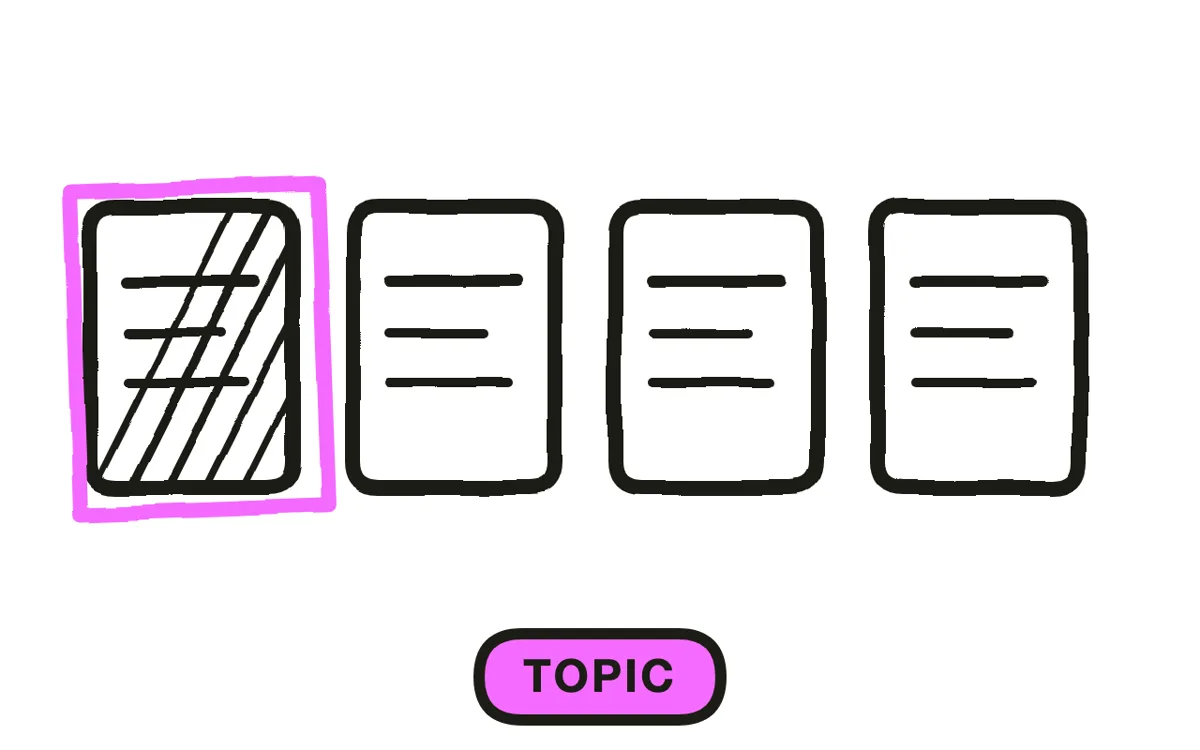
Pick one topic an employee would search for: how parental leave accrues, what the new expense limit covers, how the review cycle works, what to do during enrolment. One topic per video.
Bundling is the standard HR mistake. A single video covering leave, expenses, and reviews cannot be sent as the answer to any specific question, so it goes out once at launch and never gets referenced again. Separate videos become a library managers actually link to.
Step 2: Script in the employee's words
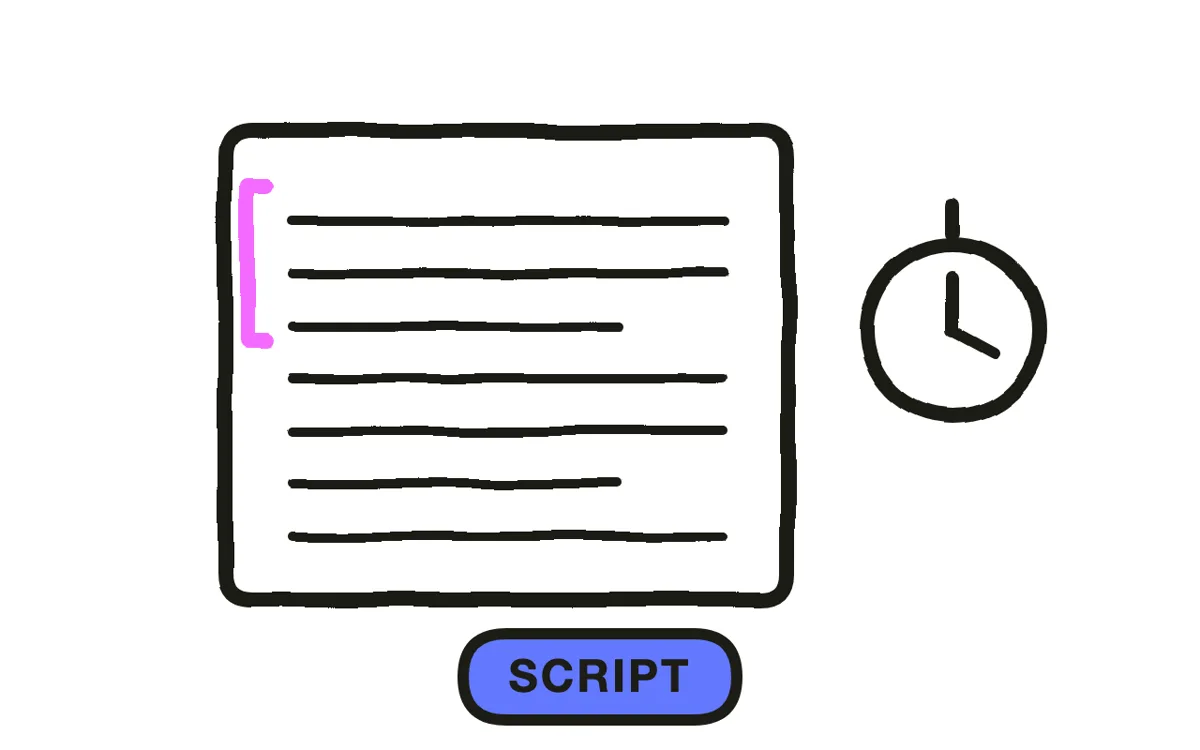
Write from the question the employee is actually asking. The plan document says "coverage commences on the first of the month following the qualifying event"; the employee is asking "when does this start if my baby arrives on the 20th". Answer that, then give the formal wording.
Put every date, deadline, and threshold on screen as well as in narration. These are the details people rewatch a video to check, and someone who mishears a deadline that was only spoken has a fair complaint. Keep it to 90 seconds to three minutes.
Step 3: Set the tone
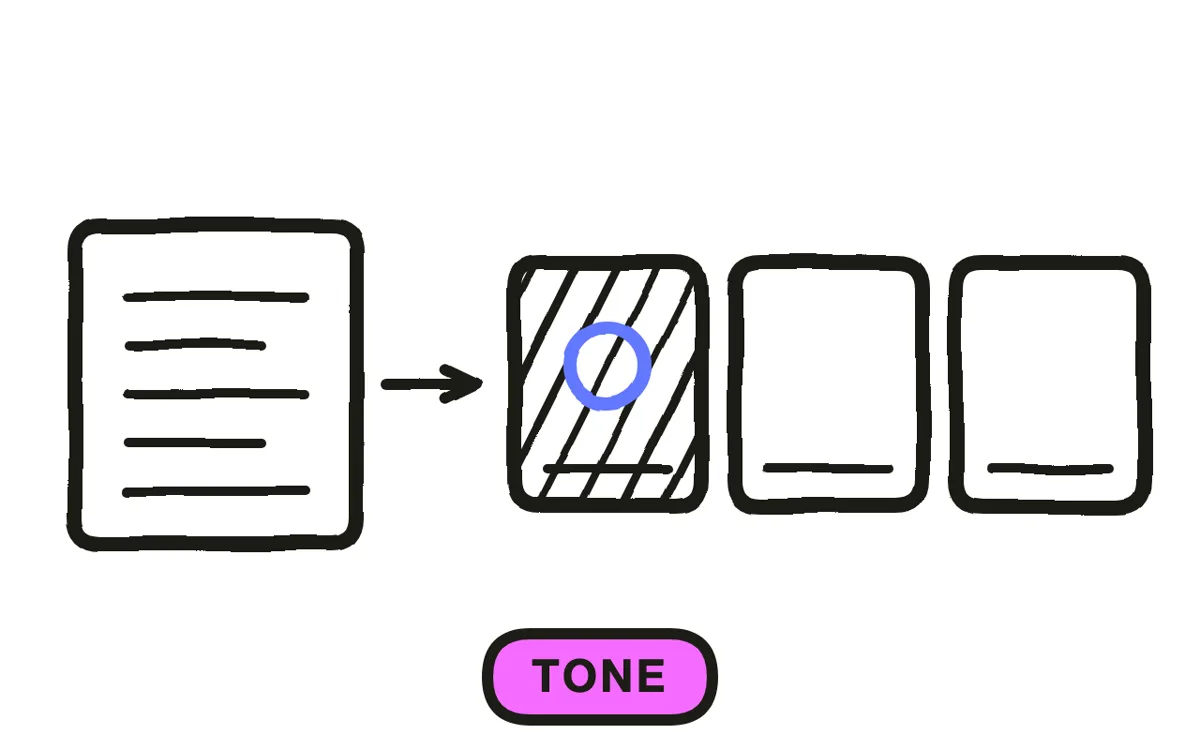
HR video has a tone problem no other format has: it has to be warm enough that people watch and precise enough that people can rely on it. Corporate stiffness gets skipped; over-friendly framing around entitlements reads as spin and costs trust in everything else.
The resolution is plain warmth about the process and total precision about the numbers. Explain why the policy exists in ordinary language, then state the thresholds without softening them. Avoid enthusiasm about anything that reduces an entitlement, which employees detect immediately.
Step 4: Produce the footage
Filming staff for policy content creates a problem specific to HR: policy videos get reused for years, and the person on screen eventually leaves. A video fronted by someone who left last quarter quietly signals that the content is out of date, whether or not it is.
Pexo's text-to-video workflow generates presenters and workplace scenes from a description, which removes both the shoot and the turnover problem. Hyperframe keeps the same presenter across every policy video, so an HR library reads as one voice rather than assorted clips.
Step 5: Run legal and representative review
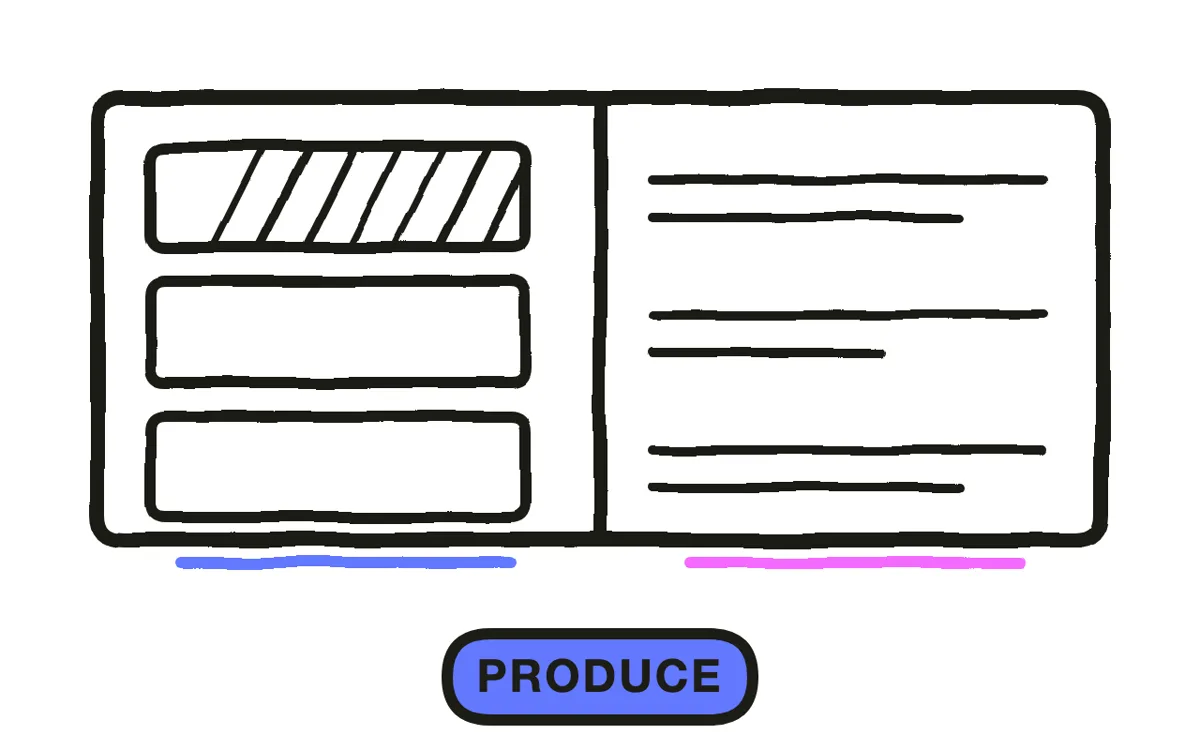
Have employment counsel review anything touching entitlements, deadlines, or obligations. A benefits video that misstates a date is not a communications error, it is a document employees will point to in a dispute.
Check whether your jurisdiction requires consultation with works councils or employee representatives before communicating a policy change. That step is easy to miss when the video feels like internal comms rather than a formal change. Pexo regenerates a single scene from a description, so a correction costs a sentence.
Step 6: Distribute around the window
Send ahead of the window the video relates to, then again partway through. For enrolment, a week before opening plus a reminder three days before the deadline outperforms a single send at launch, because the first send arrives before anyone has a reason to act.
Export 16:9 at 1080p with captions for the intranet and email, plus translated versions where your workforce needs them. Pexo exports up to 4K and generates narration in multiple languages. Measure the downstream action rather than views: enrolment completion, correctly filed forms, fewer repeat questions to the HR inbox.
How to Make an HR Explainer Video with Pexo
The six steps above work with any production method. Pexo handles step 4 in a single conversation, which solves the turnover problem that makes filmed HR content age badly.
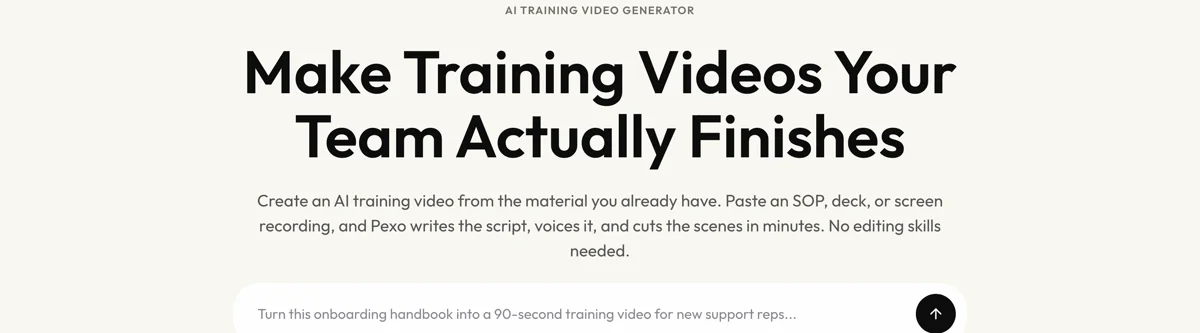
Open the training video page and describe the piece: "A 2-minute HR explainer on how parental leave accrues and when coverage starts, warm plain-spoken narration, key dates on screen, generated presenter in a neutral office, ending on where to ask questions." Pexo generates the scenes, records the narration, and exports.
Adjust any scene by describing the change in the chat, and Pexo regenerates that scene alone. The platform runs across Seedance 2.0, Kling AI, and more.
For related formats, the onboarding video page covers new-hire content and training video covers skills training.
This article describes production practice. It is not legal or employment advice, and policy content should be reviewed by qualified counsel.
5 Mistakes That Make HR Video Get Ignored
1. Bundling several policies. A video answering three questions cannot be sent as the answer to any of them.
2. Quoting the plan document. Employees ask "when does this start for me". Answer that first, then give the formal wording.
3. Speaking deadlines without showing them. People rewatch HR video to check dates. Put every one on screen.
4. Enthusiasm about a reduced entitlement. Employees detect spin instantly, and it costs trust in everything else the video says.
5. Fronting policy video with a named employee. These get reused for years. When that person leaves, the content reads as stale.
Related Tutorials
- How to make an employee training video for workplace skills training
- How to make a compliance training video for mandatory policy training
- How to make an onboarding training video for new-hire content
- How to make an employee onboarding video for the broader onboarding format




