

 ChatGPT
 Perplexity
 Claude
 Gemini
 Grok
Grok

How to Make an Onboarding Training Video
UPDATED: 2026-08-10 By Lan He, Senior Video Producer at Pexo
Making an onboarding training video takes six steps: name the first-week outcome, sequence modules against the real week, script for someone without the vocabulary, produce the footage, drip the delivery, then keep it current. An onboarding training video takes about 30 minutes to produce once the content is approved.
Quick Version: How to Make an Onboarding Training Video
- Name what the new hire must be able to do by the end of week one.
- Sequence modules against the actual week, not the org chart.
- Script for someone who does not yet know the vocabulary.
- Produce the footage without filming staff who will move on.
- Drip delivery across the first two to four weeks.
- Give every module an owner so it stays current.
How to Make an Onboarding Training Video Step by Step
Step 1: Name the first-week outcome
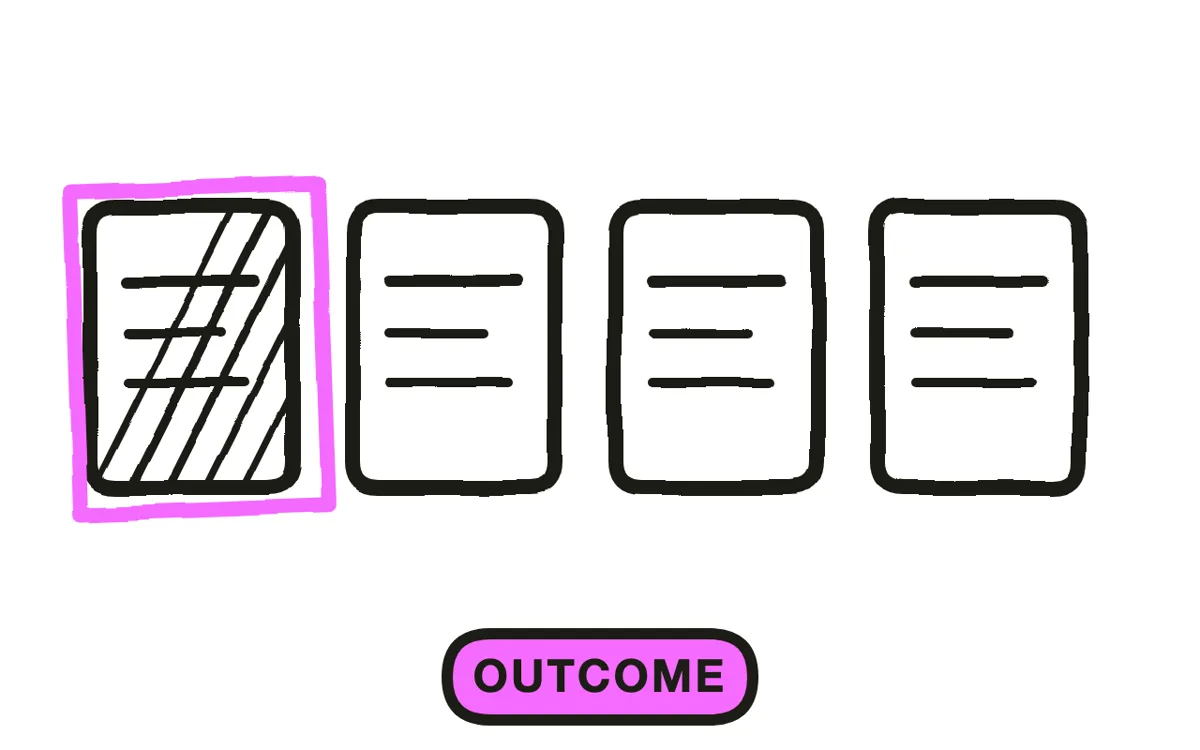
Write what the person should be able to do by Friday: raise their first ticket, run the standard report, handle a customer email unsupervised. Concrete, observable, and small.
Then work backward to the modules that outcome requires. This is what stops an onboarding library filling with content the company wants to say rather than content the new hire needs: history, values, and the full org chart all fail this test on day one, whatever their long-term merit.
Step 2: Sequence against the real week
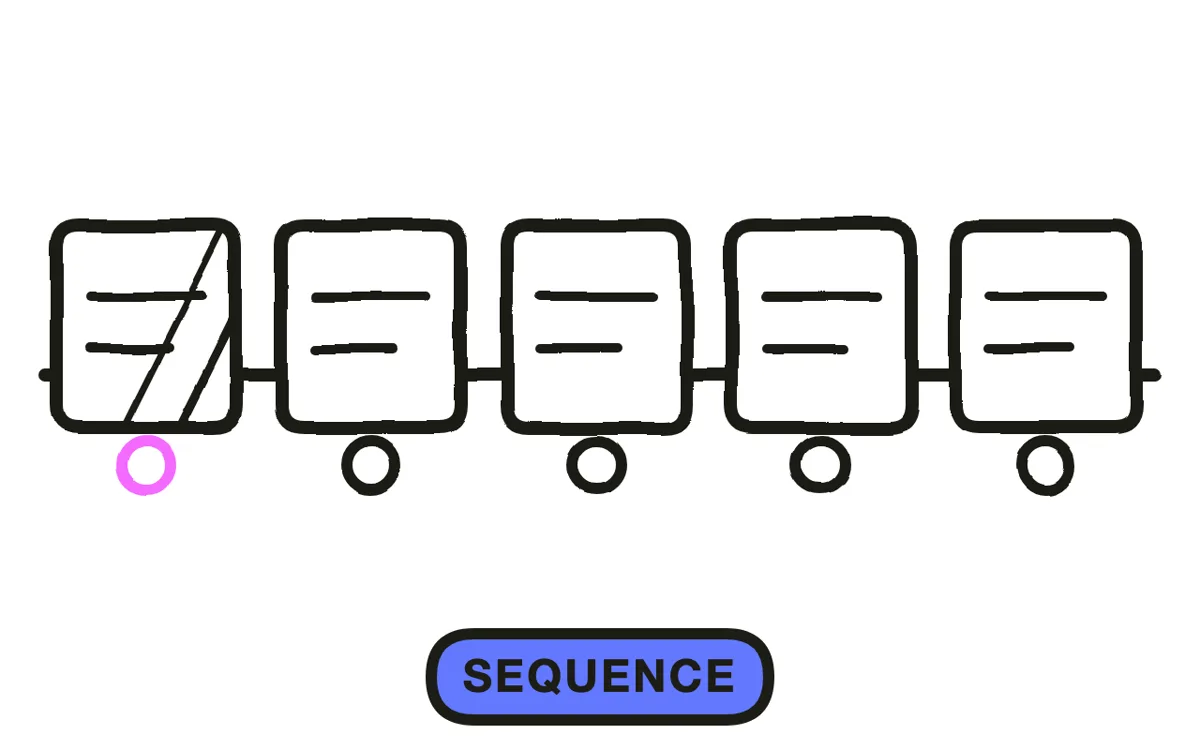
Order modules by when a person actually needs them, not by organisational logic. Access and tools come before process, process comes before policy, and anything that cannot be applied this week comes later.
Separate orientation from role training. Orientation is common to everyone; role training diverges. Keeping them as two libraries means a new engineer and a new salesperson share the first half and each get a relevant second half, which is far cheaper than maintaining a full course per role.
Step 3: Script without assumed vocabulary
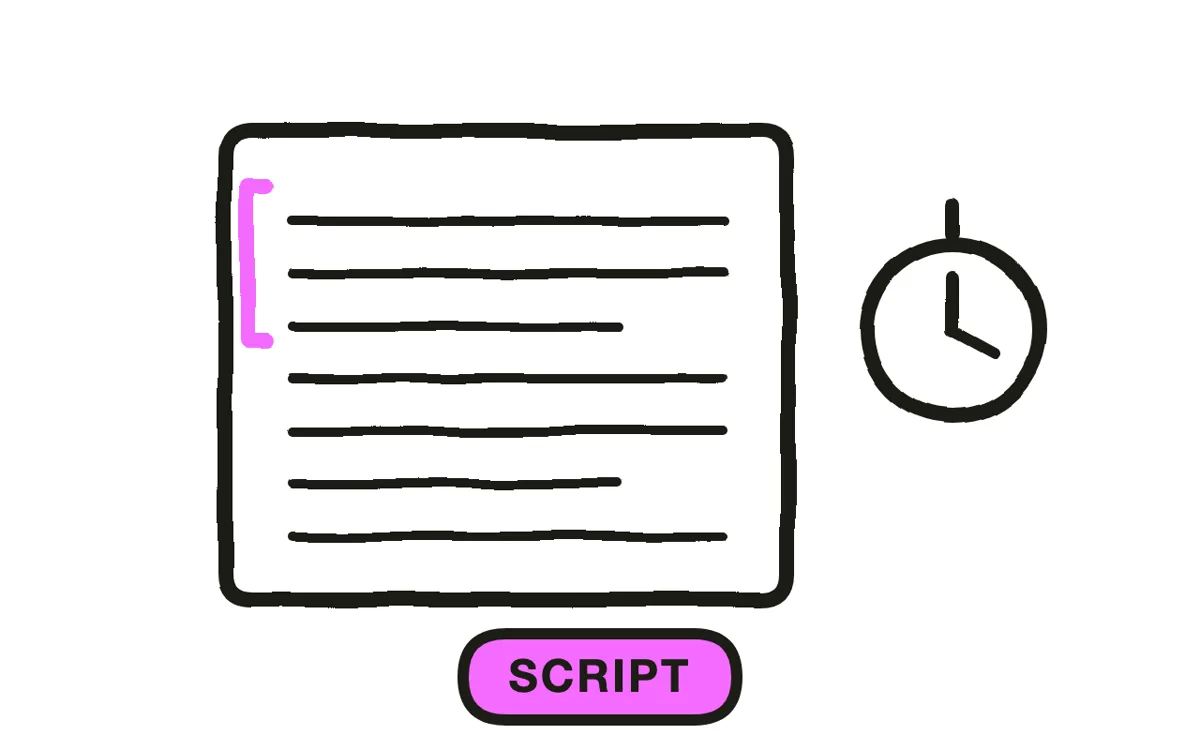
Write for someone who does not know your internal names for things. Every company runs on shorthand that is invisible to the people using it, and a new hire hearing three unfamiliar acronyms in a sentence stops following and starts translating.
Introduce each term the first time it appears, in plain words, then use it. Keep modules to three to six minutes: new hires are absorbing a lot at once, and a 45-minute induction film on day one is retained about as well as a 45-minute lecture.
Step 4: Produce the footage
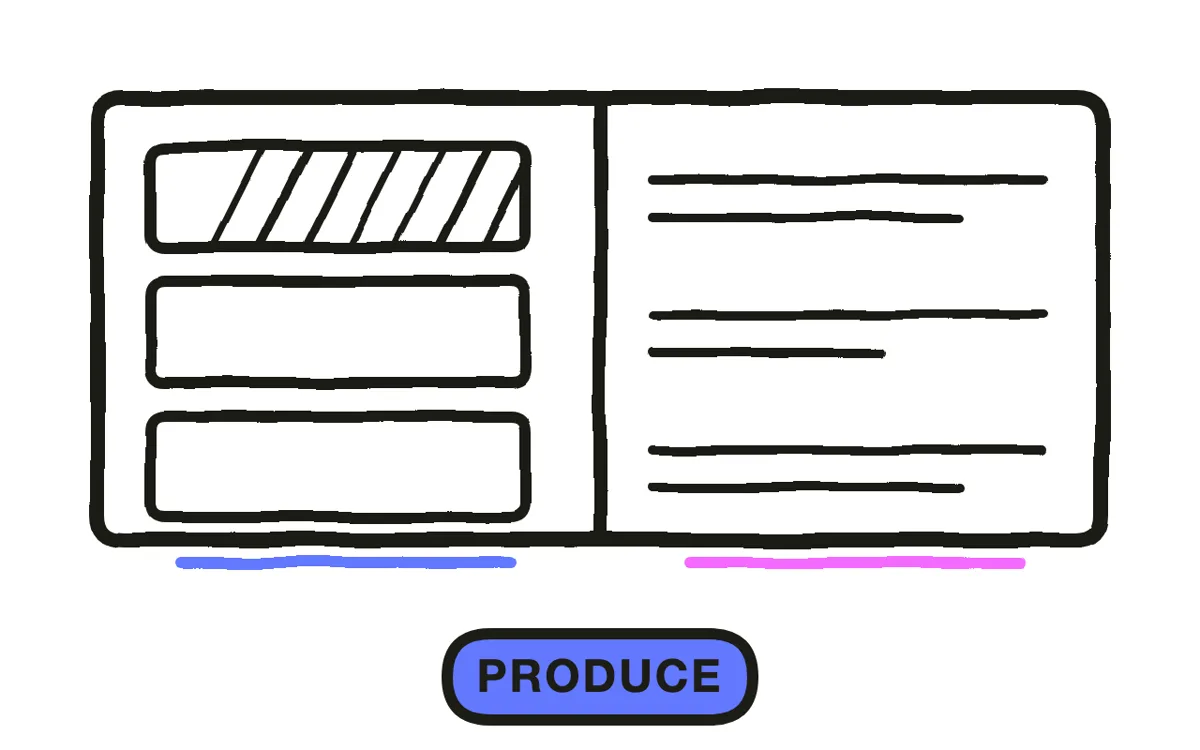
Onboarding video has a specific ageing problem: it gets reused for years, and the people in it move on. A welcome from someone who left, or a tour of an office the company has since given up, both signal that nothing here has been checked recently.
Pexo's text-to-video workflow generates presenters and workplace scenes from a description, which removes both the shoot and the turnover problem. Hyperframe keeps one presenter across the whole library, so a new hire working through fifteen modules meets a consistent guide rather than fifteen different ones.
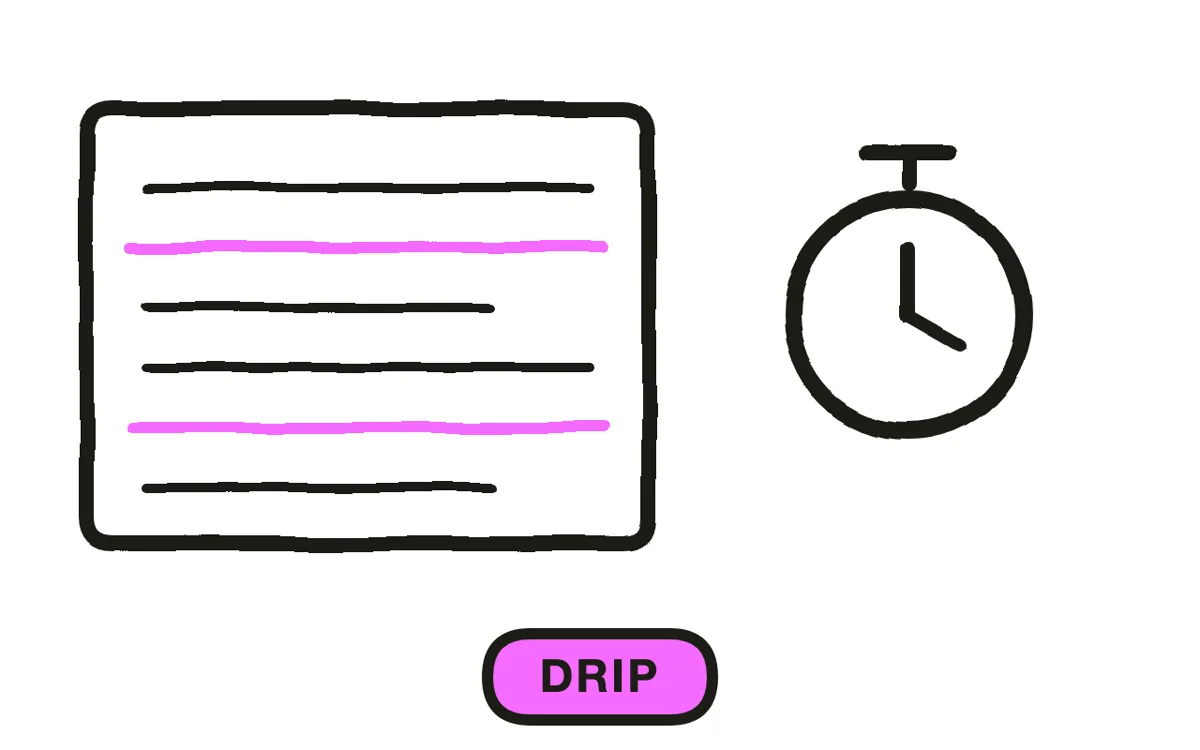
Step 5: Drip the delivery
Send modules across the first two to four weeks rather than assigning everything on day one. A module arriving the morning someone needs it gets watched and retained; the same module in a day-one block gets clicked through alongside twenty others.
This matters most for remote starters, who cannot pick things up by overhearing the room. Everything an office absorbs informally has to be made explicit somewhere for them, and a dripped library is a reasonable place for it. Pexo generates narration in multiple languages for distributed teams.
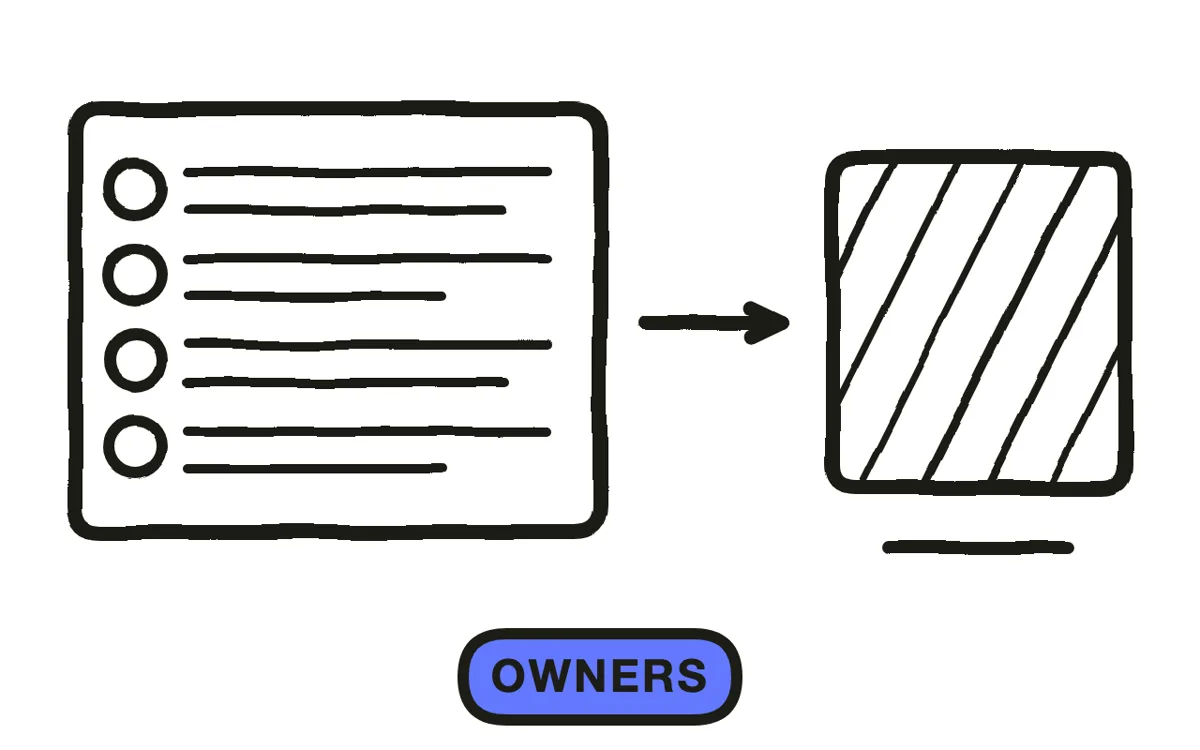
Step 6: Give every module an owner
Assign a named owner per module, whoever owns the underlying tool or process. This is what keeps a library current: a monolithic induction video goes stale as a whole and gets replaced by nobody, while a three-minute module with an owner gets updated when the thing it covers changes.
Export 16:9 at 1080p with captions for the LMS or intranet. Pexo exports up to 4K. Measure time to first meaningful contribution, repeat questions to managers, and 90-day retention, since completion rates during a first week tell you nothing except that the person was clicking through everything.
How to Make an Onboarding Training Video with Pexo
The six steps above work with any production method. Pexo handles step 4 in a single conversation, which matters most for a library that gets reused across years of staff turnover.
Open the onboarding video page and describe each module: "A 4-minute onboarding module on raising and routing a support ticket, generated presenter in a neutral office, screen walkthrough of the ticket form, warm plain-spoken narration, ending on who to ask if it gets stuck." Pexo generates the scenes with a consistent presenter, records the narration, and exports.
Adjust any module by describing the change in the chat, and Pexo regenerates that scene alone, which is what makes updating one module cheap enough to actually happen.
For related formats, the training video page covers ongoing skills training and educational video covers knowledge transfer generally.
5 Mistakes That Waste a New Hire's First Week
1. Company history on day one. It displaces the practical content someone needs to function, and it is retained worse then than later.
2. One long induction film. A 45-minute video is retained about as well as a 45-minute lecture, and it goes stale as a single unit.
3. Assumed vocabulary. Internal shorthand is invisible to the people using it. Three unfamiliar acronyms and the new hire stops following.
4. Assigning everything on day one. A module arriving when it is needed gets watched. The same module in a day-one block gets clicked through.
5. No owner per module. Content without a name attached goes stale, and nobody replaces a video they do not own.
Related Tutorials
- How to make an employee training video for ongoing skills training
- How to make an HR explainer video for policy and benefits content
- How to make a microlearning video for short reference modules
- How to make an employee onboarding video for the broader onboarding format




