
Pexo›AI Video Gallery›Kinetic Typography
Kinetic Typography Video Examples
Explore kinetic typography video examples with animated text, bold type layouts, rhythmic transitions, and brand messages for fresh motion design ideas.
71 videos
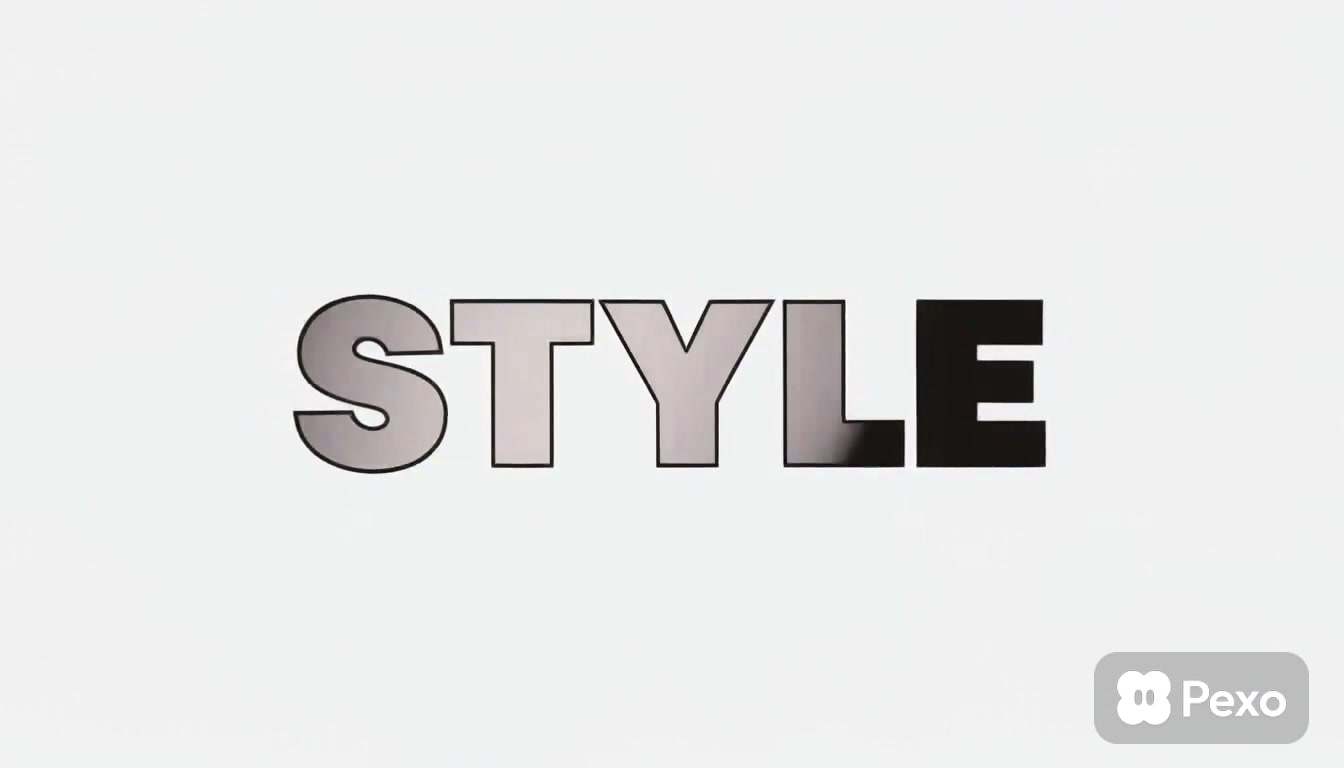
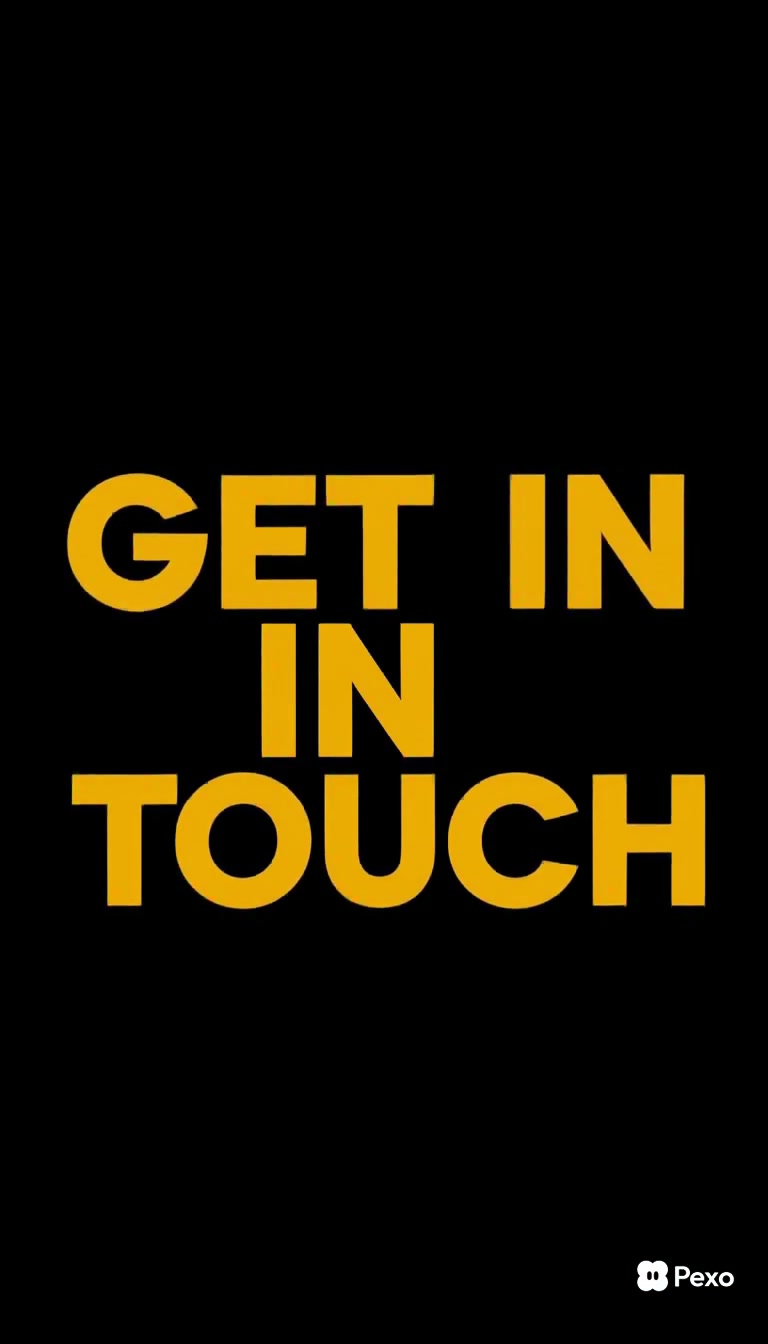
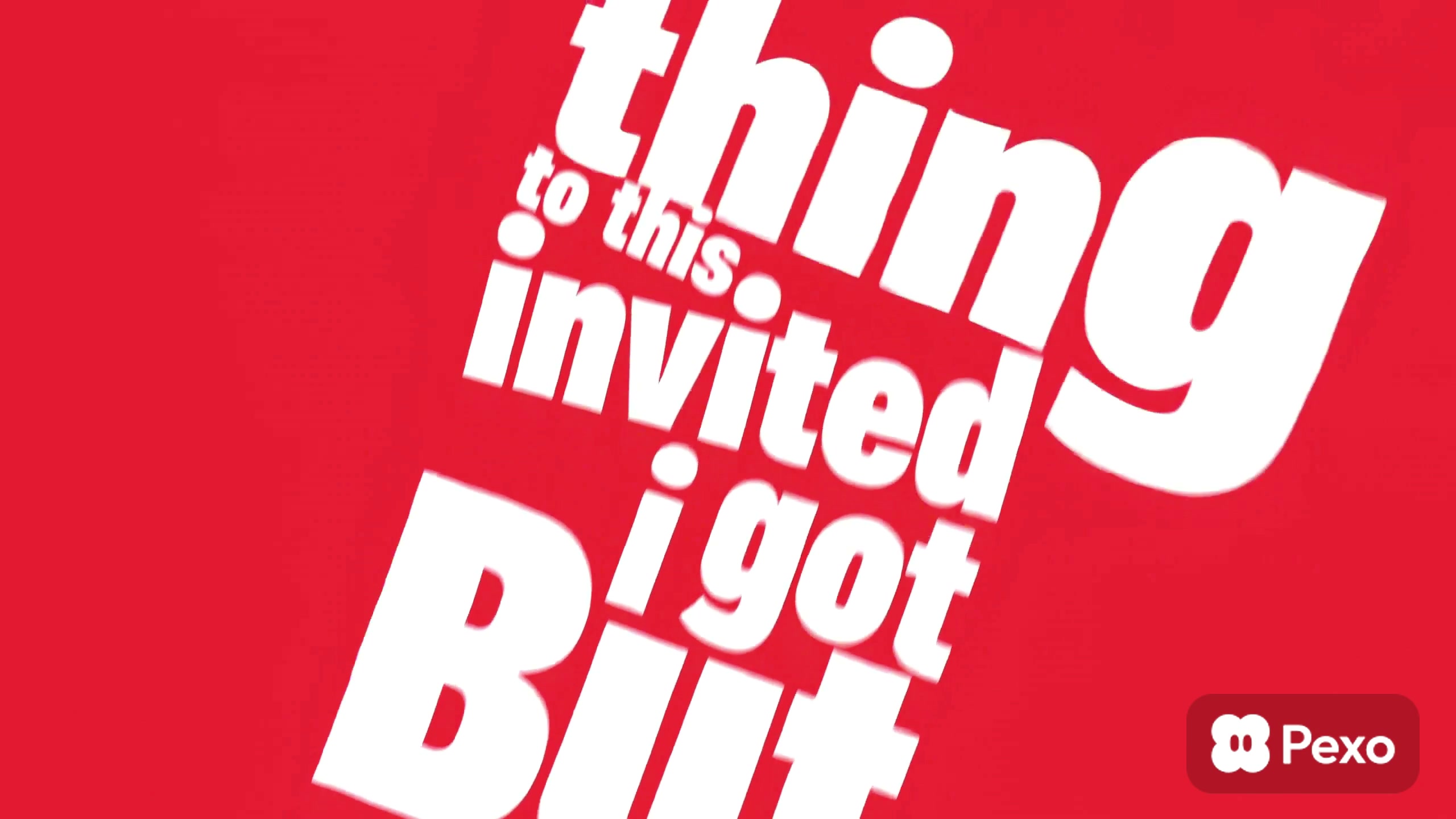
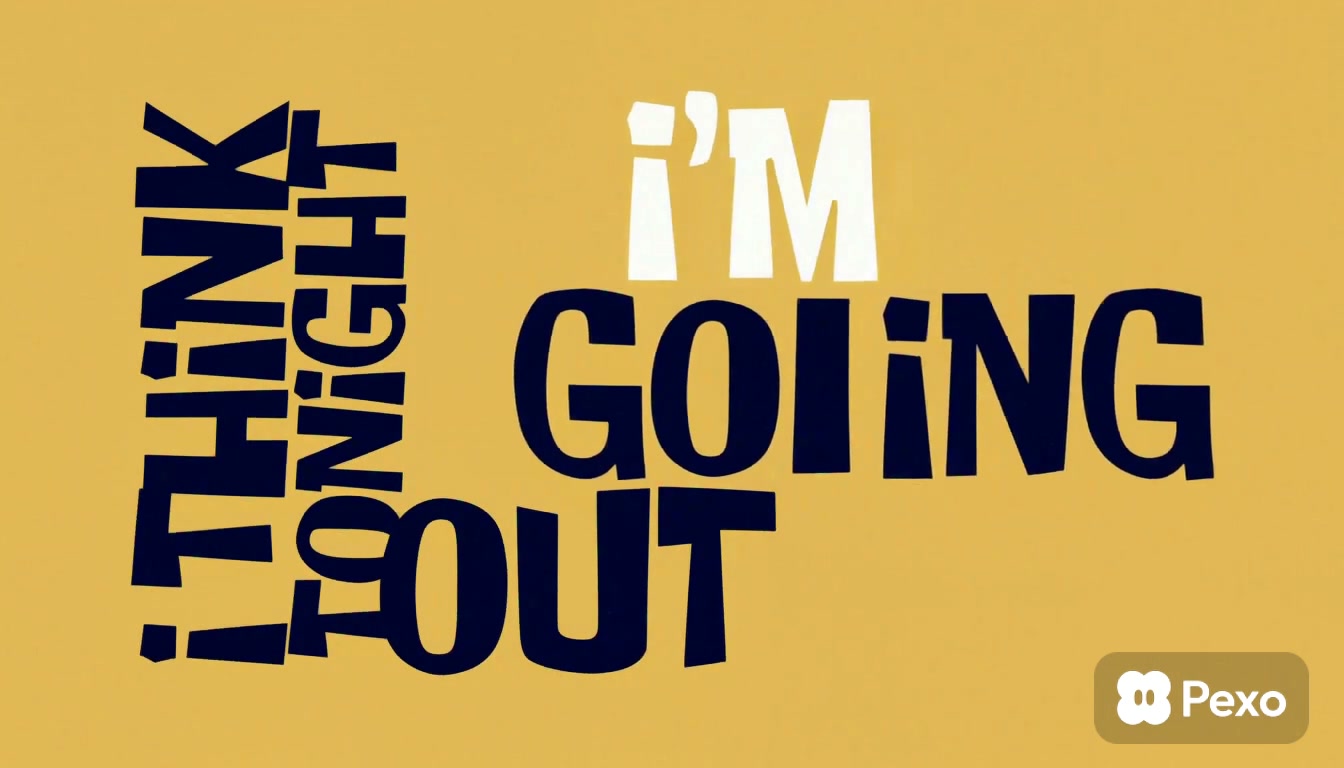
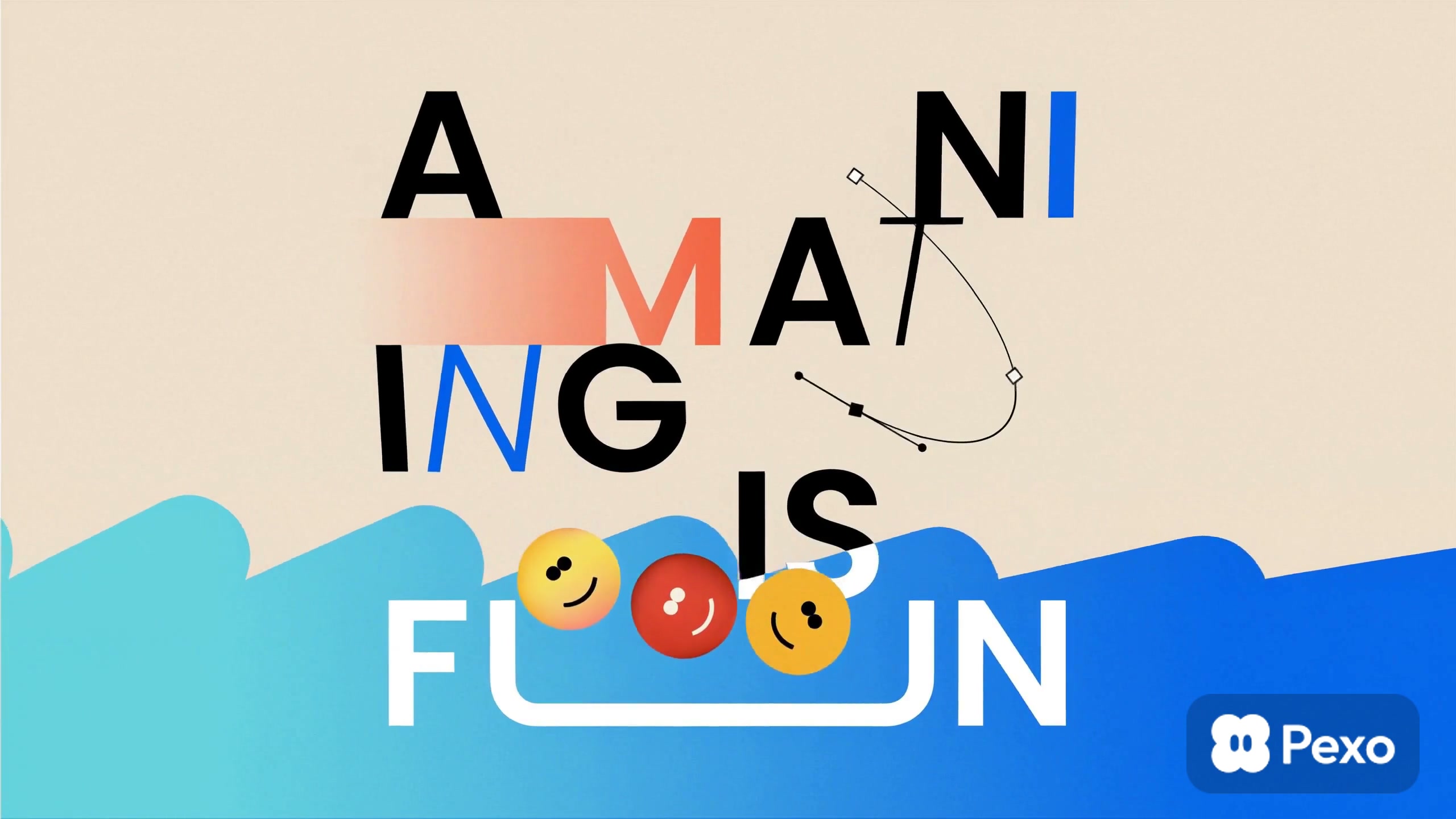
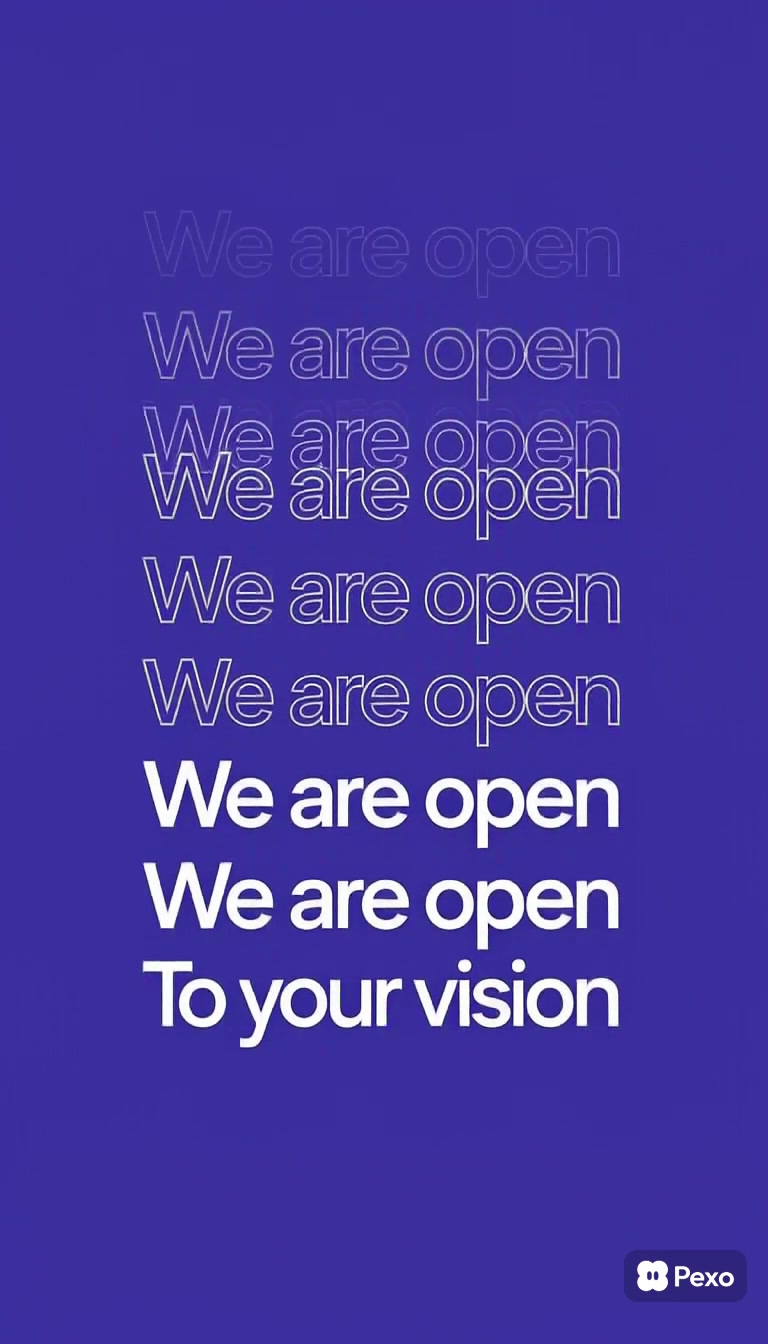
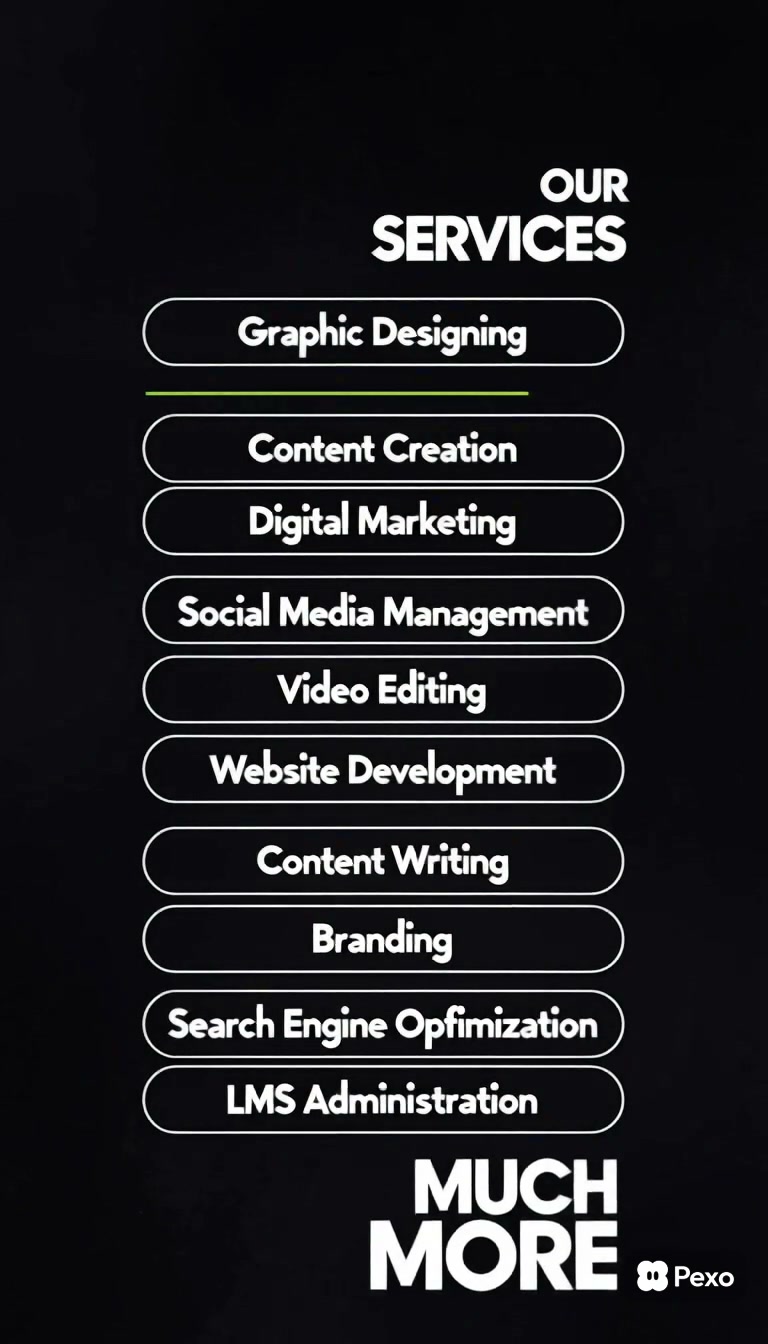
Explore the gallery
Kinetic Typography Gives Every Word a Visual Beat
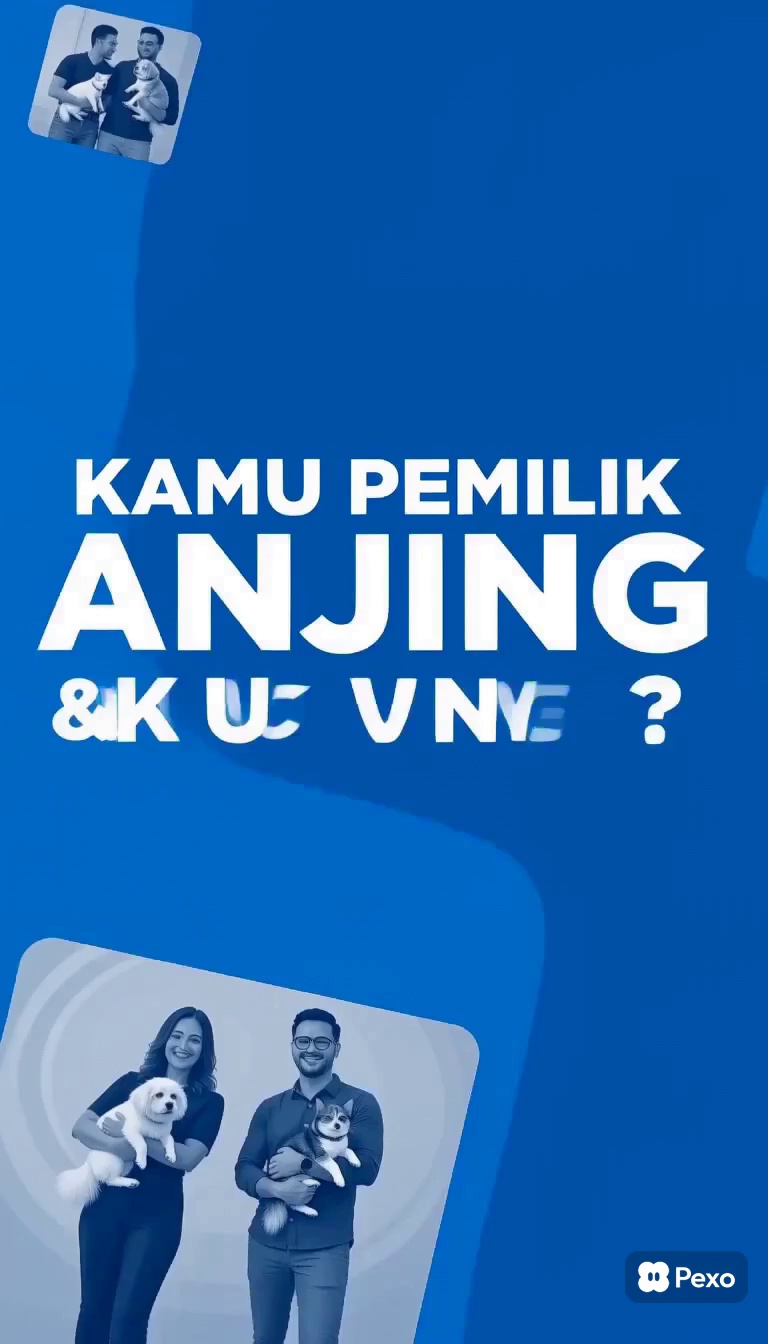
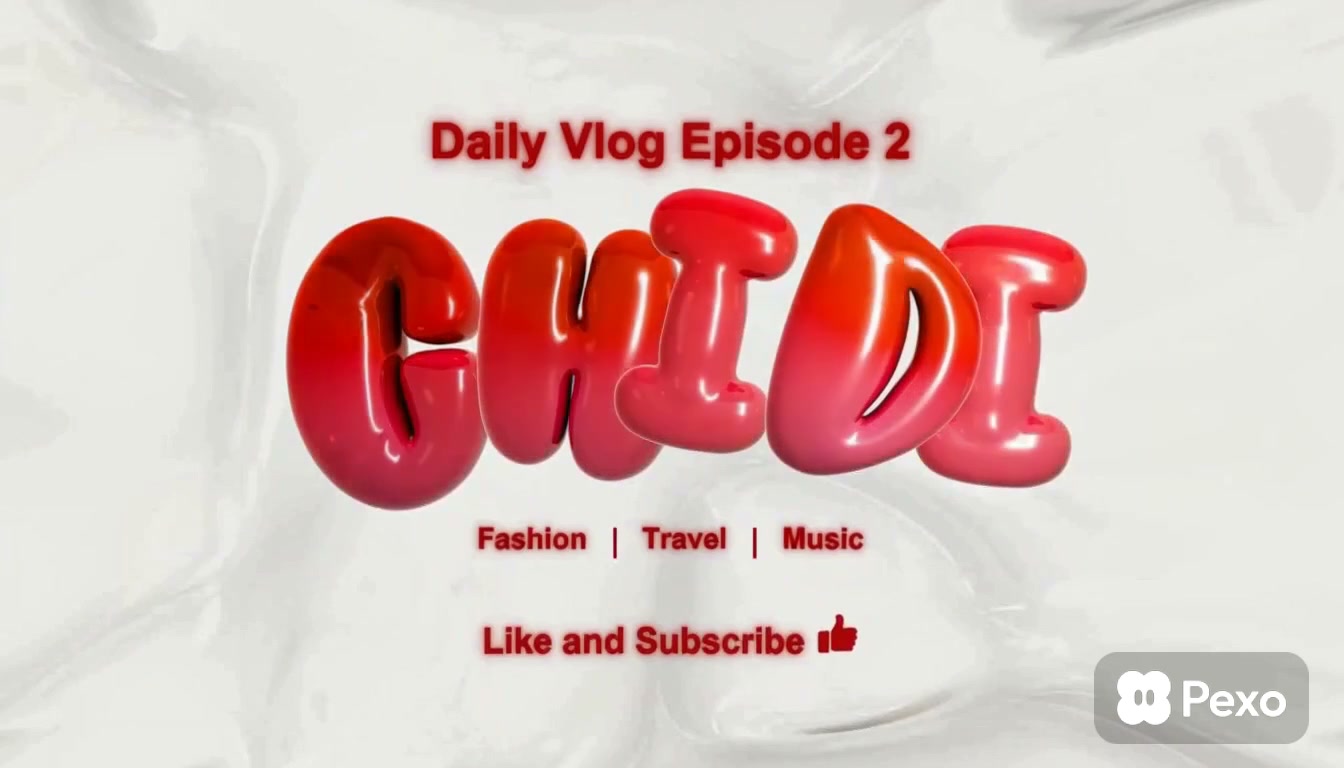
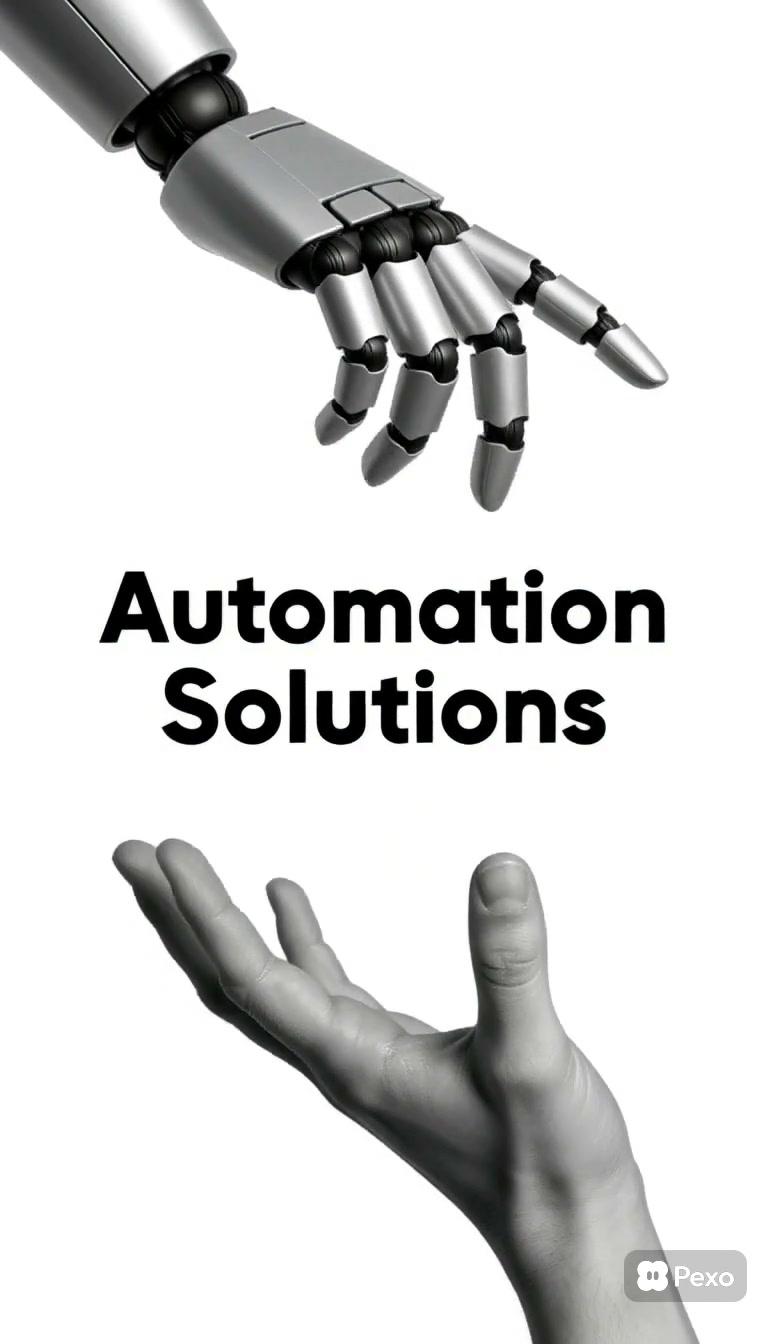
Kinetic typography is animated text that uses movement, scale, spacing, color, and timing to give written or spoken words added emphasis. Instead of treating captions as a layer placed over the video, the words become part of the visual performance and can carry the message even when there is little or no character footage.
Kinetic typography examples help you compare how type can feel energetic, direct, polished, playful, or dramatic. This page shows how different layouts guide reading order, how motion can support a spoken phrase or music cue, and how a repeated type system can turn separate statements into one recognizable sequence.
Looking for Kinetic Typography That Matches Your Message?
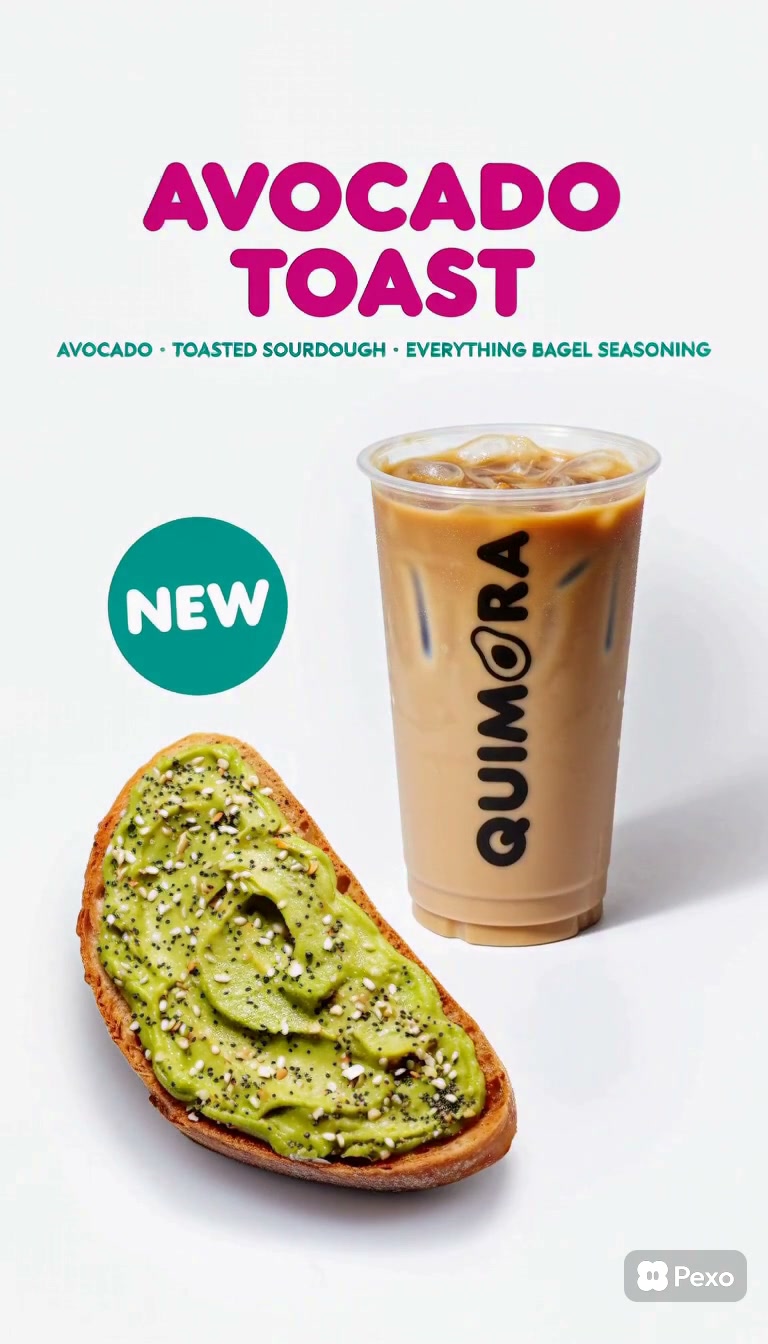
The current collection includes agency reels, software and service rundowns, webinar promotions, brand statements, product launches, social stories, event promos, and short announcement videos. Many examples use vertical or near-vertical layouts, while others use landscape compositions for broader brand and explainer sequences. Bold type, fast cuts, graphic shapes, and strong color contrast appear throughout the collection.
A short promotional message can use large words and quick transitions to build momentum. A longer explanation needs steadier pacing, fewer type styles, and enough screen time for each phrase to be read. Match important changes to the voice, beat, or sentence structure, but leave occasional still moments so the audience can absorb the message rather than chase it.
Questions?
We're here to make it clear. Check out our FAQs, and if you still have questions, Pexo is always ready to help.
When should the wording be finalized for a kinetic typography video?
Lock the main script before detailed animation begins because line length, emphasis, and sentence rhythm shape the layout. Small edits are still possible, but changing key phrases late can affect timing across several scenes. Test the copy aloud and on screen before building complex transitions.
Can kinetic typography work without sound?
Yes, if the visual sequence provides its own reading rhythm and the message remains complete on screen. Use clear grouping, intentional pauses, and visible changes in emphasis. If a version includes narration or music, test a muted export too so the text still communicates in silent-feed viewing.
How can one kinetic typography system support a campaign series?
Define repeatable rules for type families, scale, color, transitions, safe areas, and closing frames. Then vary the words, pace, and selected motion while keeping those rules stable. A reusable system makes separate videos feel related without forcing every episode to use the same exact animation.
How should brand names and logos appear in a type-led video?
Give the brand a clear, controlled role rather than repeating the logo in every scene. Match approved type, color, and spacing rules, then reserve the full logo lockup for an opening or closing moment when possible. Check minimum size and clear-space requirements in each final format.