
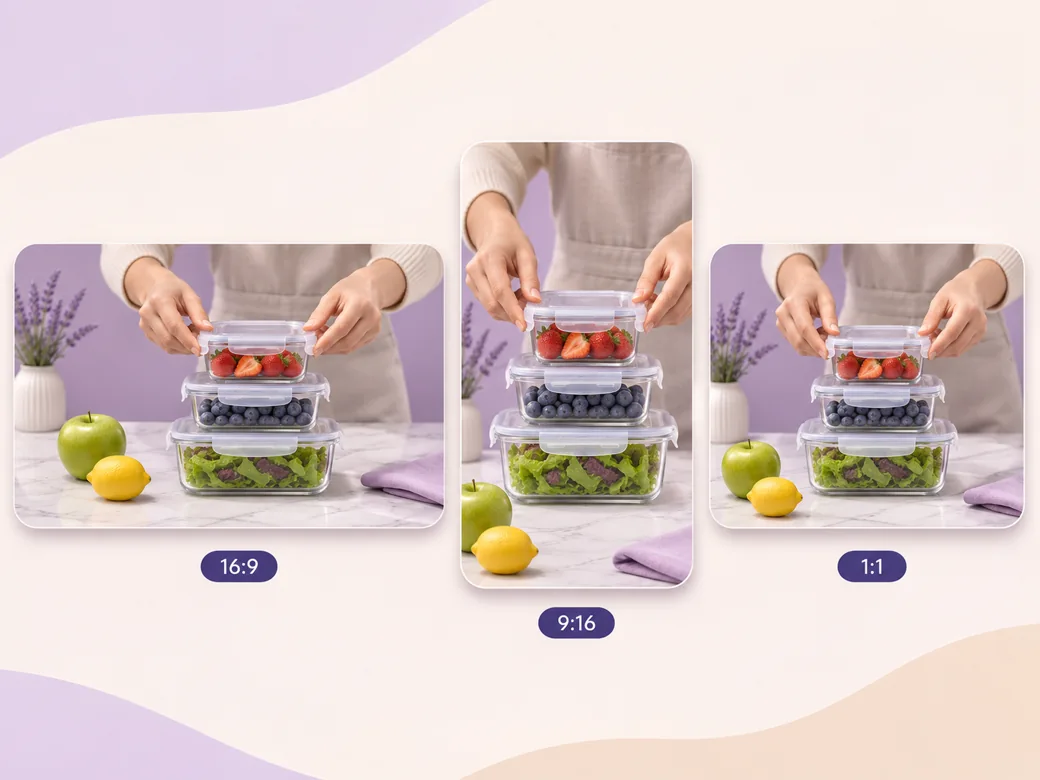
Pinterest Video
Make a Pinterest video in Pexo that opens on the result and shows readable steps for a video Pin.
Make an AI Amazon product video in Pexo from accurate product photos, a demonstration and approved copy. Show shoppers the item’s scale, how it works and the details they need.
Collect clear photos of the item, packaging and the way it works. Give the Amazon product video maker the exact version and the information the listing already supports. For a storage container, show the lid and shape from the angles buyers use to judge fit. Check the first cut against the references.
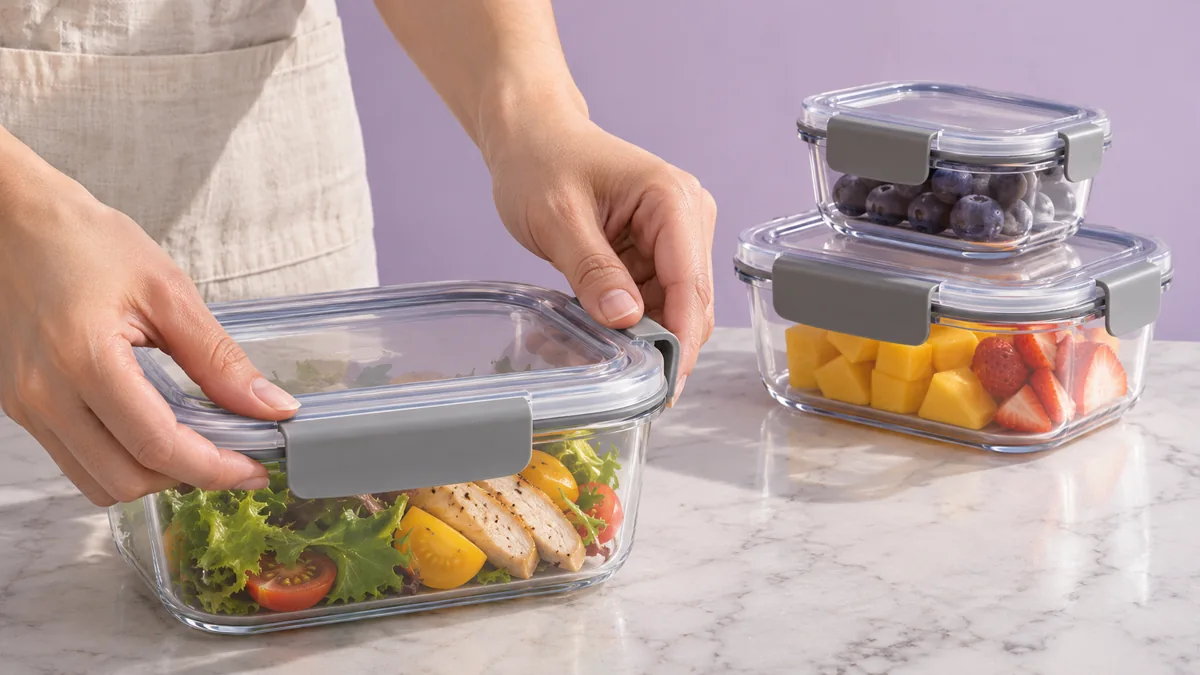
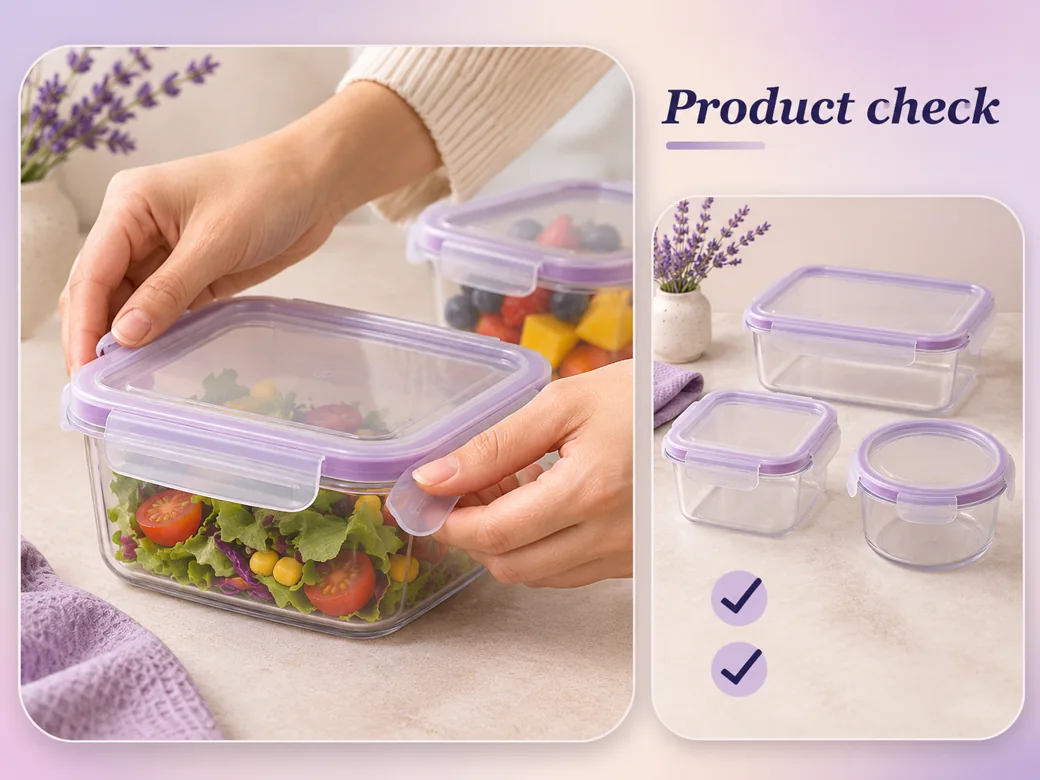
This illustrated preview shows how the brief can be reviewed in Pexo.
What to review
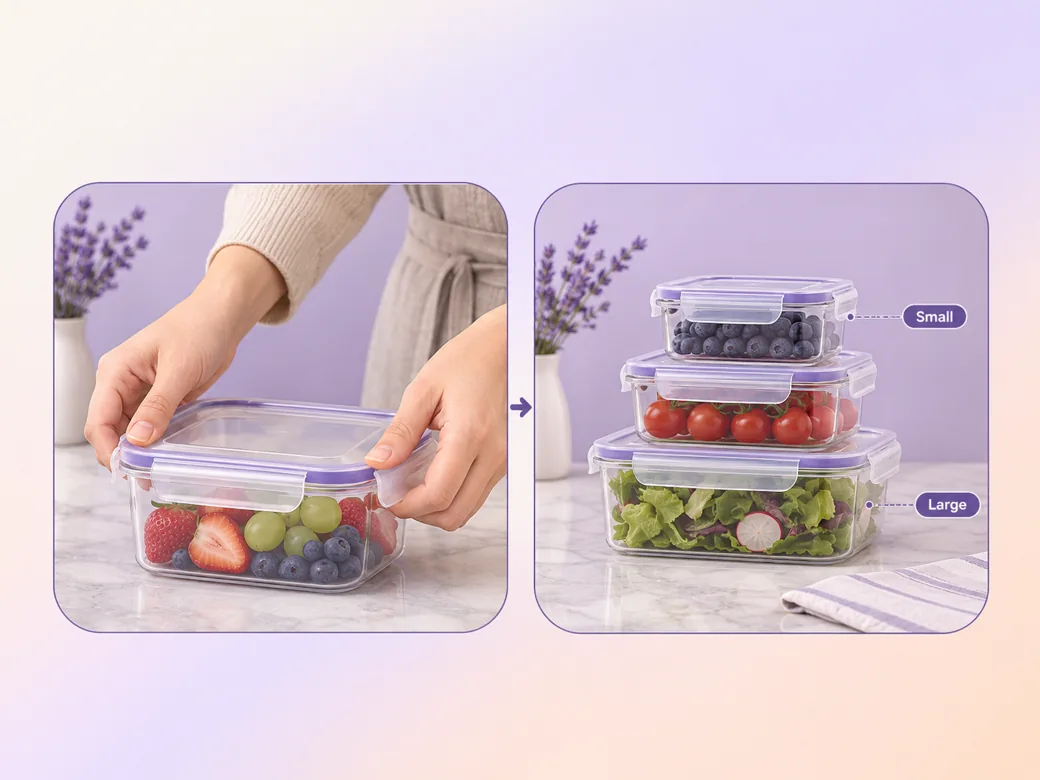
Use one real action, such as closing the lid or fitting two containers into a drawer. Include a useful size reference when scale matters. Tell Pexo which details carry the answer and make the comparison visible long enough for someone to use it when choosing the item. Use the image to video workflow when your source is a still image.
Use short text for the key feature or size only when you have verified wording. Put it near the relevant detail so it is clear which version the copy describes. Ask the Amazon product video generator to leave room around the product and review the cut muted before approval. See the Pexo Motion examples for short on-screen cues.
Compare the final preview with the listing images, product dimensions and approved claims. Remove visual differences that could be mistaken for another variant. Preview the crop at a small size and check the current video requirements in the account and placement where you plan to upload.
Ask for a version framed for the listing placement and verify any additional versions separately. Keep the entire item in the wide cut. In a square or portrait cut, give one action its own frame so the product remains visible.
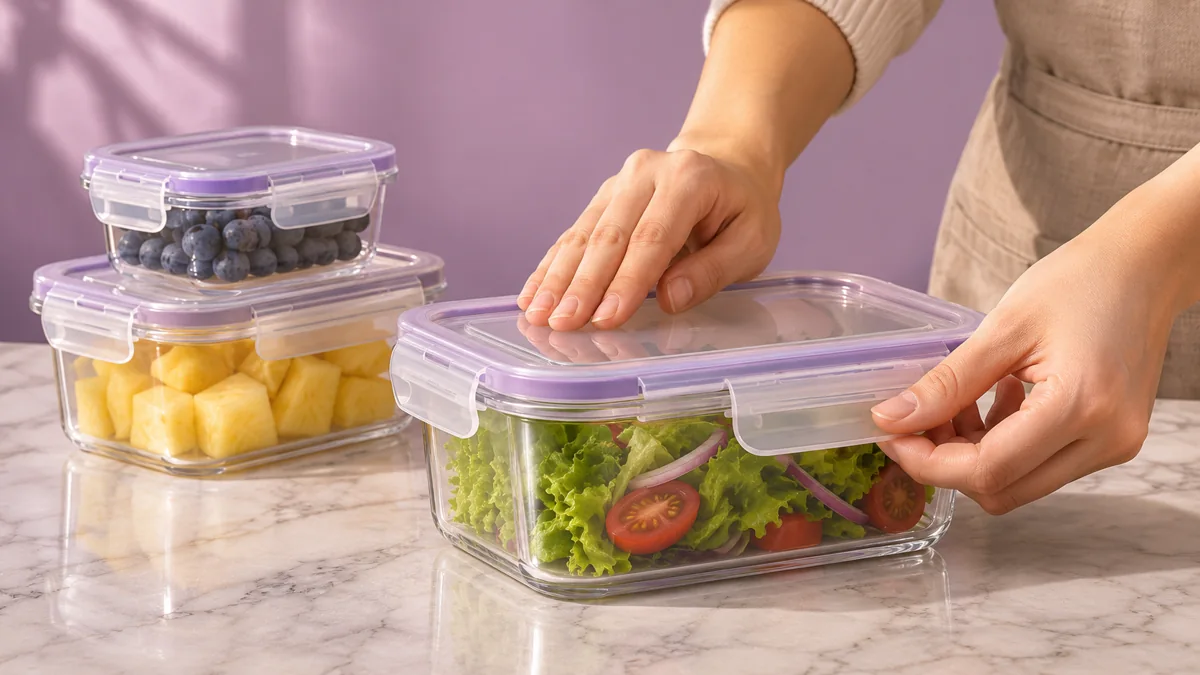
The lid is visible at the point where it closes, so the viewer can see how the product works. Keep the size reference in frame.
Pexo can arrange the product references and usage description in one sequence. The packaging and product version need to match the listing. Check the actual item beside the cut.
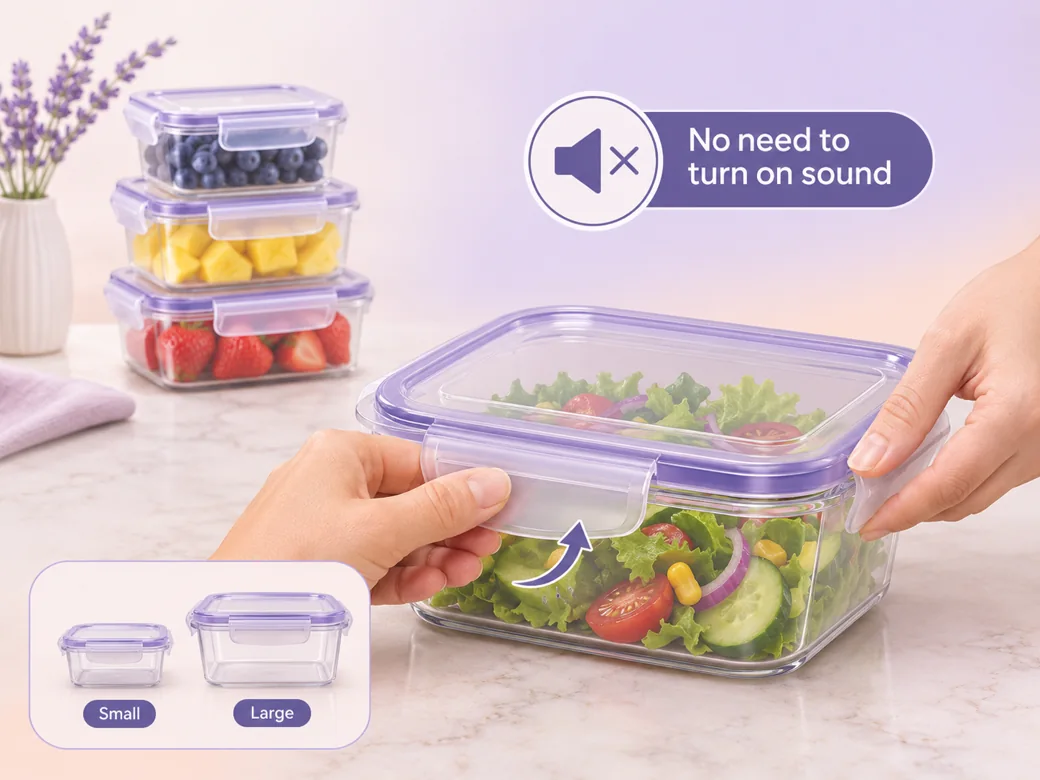
The demonstration reads with the sound off. The caption is short enough to keep attention on the action. Use the approved wording for each claim.
An Amazon product video is a clip used to help shoppers understand an item associated with a product listing. It can show the exact version in use, explain a visible detail or demonstrate size. The content should support a shopper’s decision with accurate footage, product information and examples that match the item.
Yes. Provide recent photos of the exact product and a short demonstration when the action needs to be seen. Give Pexo the order of the details and your permitted wording. Compare the finished clip with the listing before upload, particularly the variant, packaging, measurements and visible use.
Prepare and review the video in Pexo, then upload the approved file through the applicable Amazon workflow. Check the requirements for that account and placement first. Product association, publishing permissions and review take place on Amazon. Keep a copy of the final video and its supporting product references for your records.
Pexo is an Amazon product video maker for assembling product references, usage shots and captions into a listing video you can review. Seedance 2.5 can generate an illustrative scene if useful, while photos and footage of the real product supply the details buyers need about the item they are ordering.
An Amazon product video is intended for shoppers on the listing and should match its item and current requirements. A product demo video can appear across a website, a meeting or support materials and may explain more steps. Keep a listing cut focused on a few accurate, visible points. See product demo video for that format.
Use subject + action + camera movement + setting + style. Try this brief. Show hands fastening and stacking an unbranded transparent food container on a bright kitchen counter. Push in on the lid closing, then hold on the product beside a verified size reference. Use natural light, clean framing and short approved captions. Review the result against the assets and instructions you supplied.
Start with the exact item and one demonstration shoppers can understand.
Make a Pinterest video in Pexo that opens on the result and shows readable steps for a video Pin.
Create a LinkedIn video in Pexo from one practical idea, supporting footage and captions that read in the feed.
Create a product review video in Pexo with real testing footage, clear conditions and honest observations.
Create a spokesperson video with Pexo from an approved script, presenter direction and supporting product shots.
Make a case study video in Pexo that pairs an approved customer story with real footage and measurable results.
Animate your exact words in a kinetic typography video. Use Pexo to plan text movement, timing and a readable final frame.
Use Pexo to make a process video that sequences work stages, shows the key materials and marks the checks that matter.
Make a screencast video in Pexo with your screen recording, a short voiceover and readable callouts for each step.