
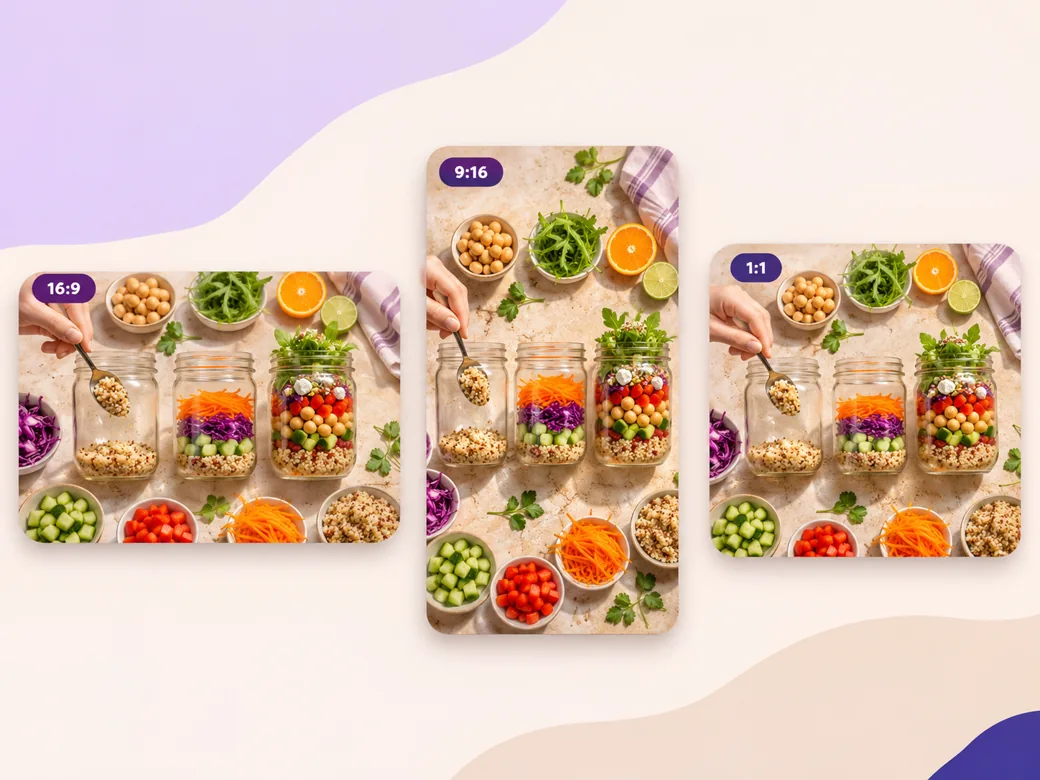
LinkedIn Video
Create a LinkedIn video in Pexo from one practical idea, supporting footage and captions that read in the feed.
Make an AI Pinterest video in Pexo from product photos, clips or a step list. Open on the result, explain the useful steps and prepare a cover that fits the Pin.
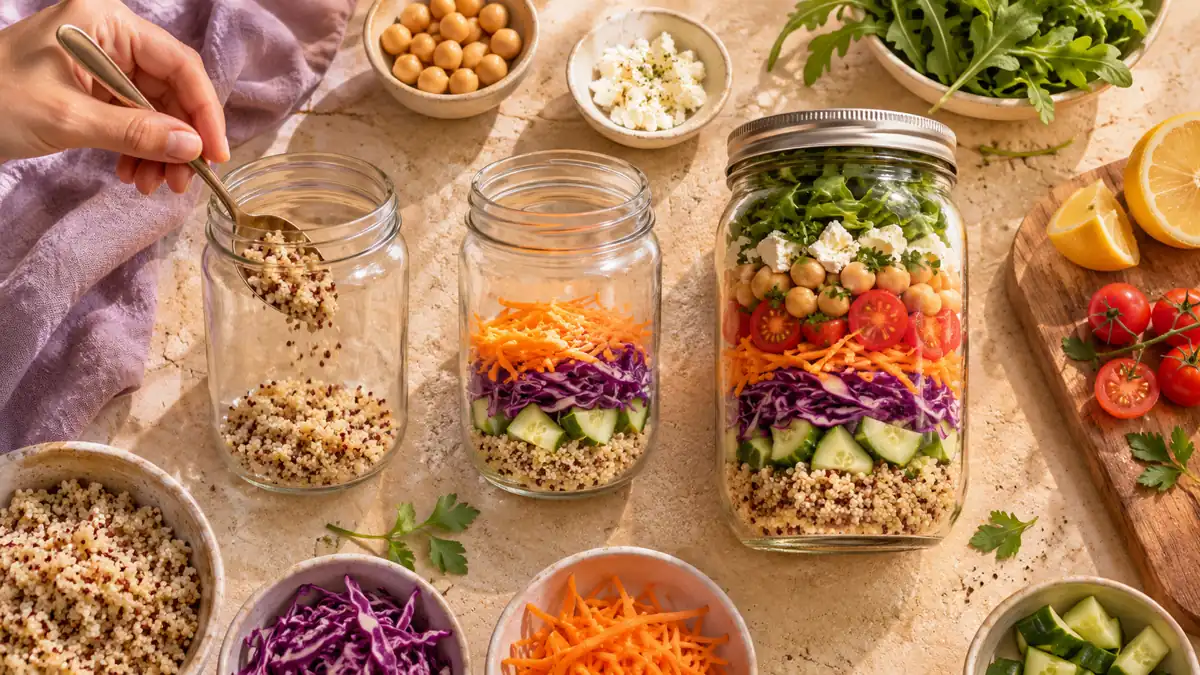
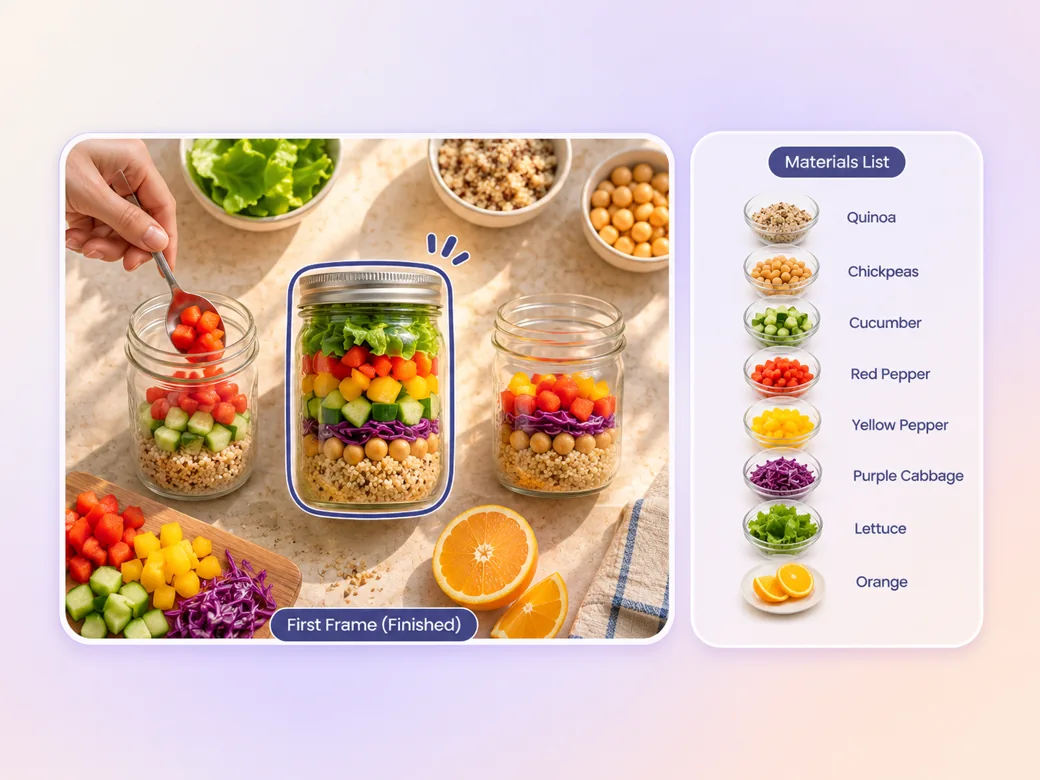
Give the Pinterest video maker your idea, photos of the finished project and the steps that produce it. Start on the ready-to-use result so a viewer can decide whether the Pin is useful. For a lunch preparation video, put the finished jar in the first scene and group the ingredients clearly.
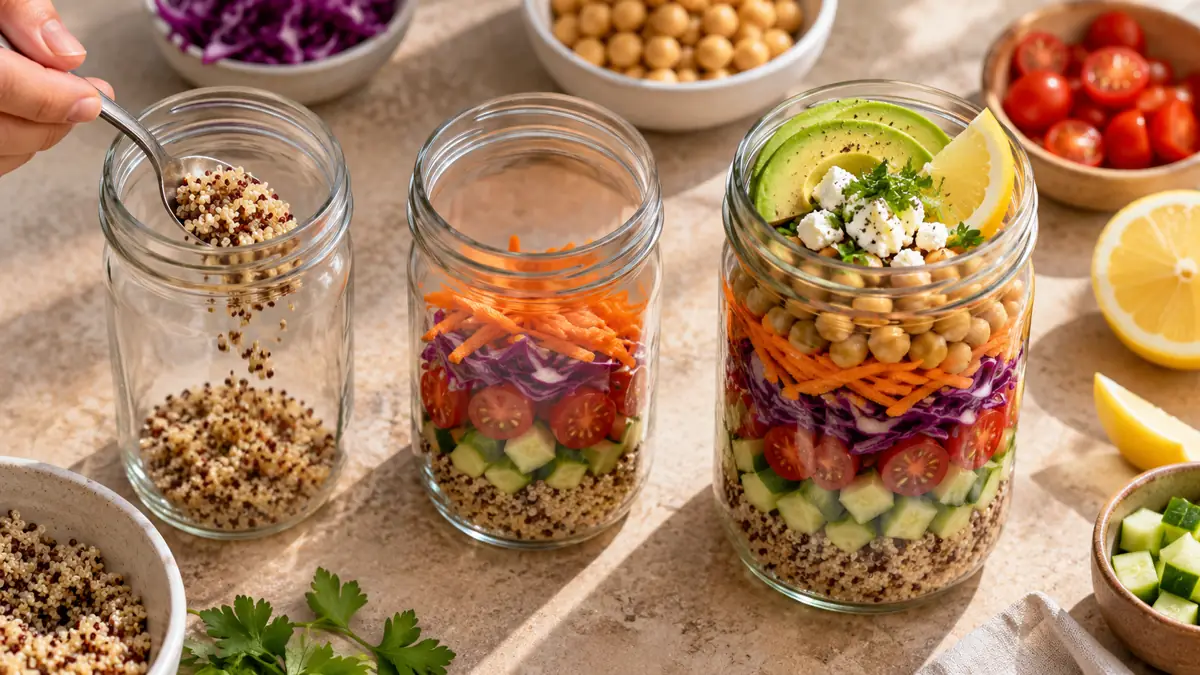
This illustrated preview shows how the brief can be reviewed in Pexo.
What to review
Use an overhead or side view that keeps hands and materials inside the crop. Ask Pexo to order the actions so one scene follows the result of the previous one. In a short format, use one label per action and keep a view of the completed project for the ending. Use the image to video workflow when your source is a still image.
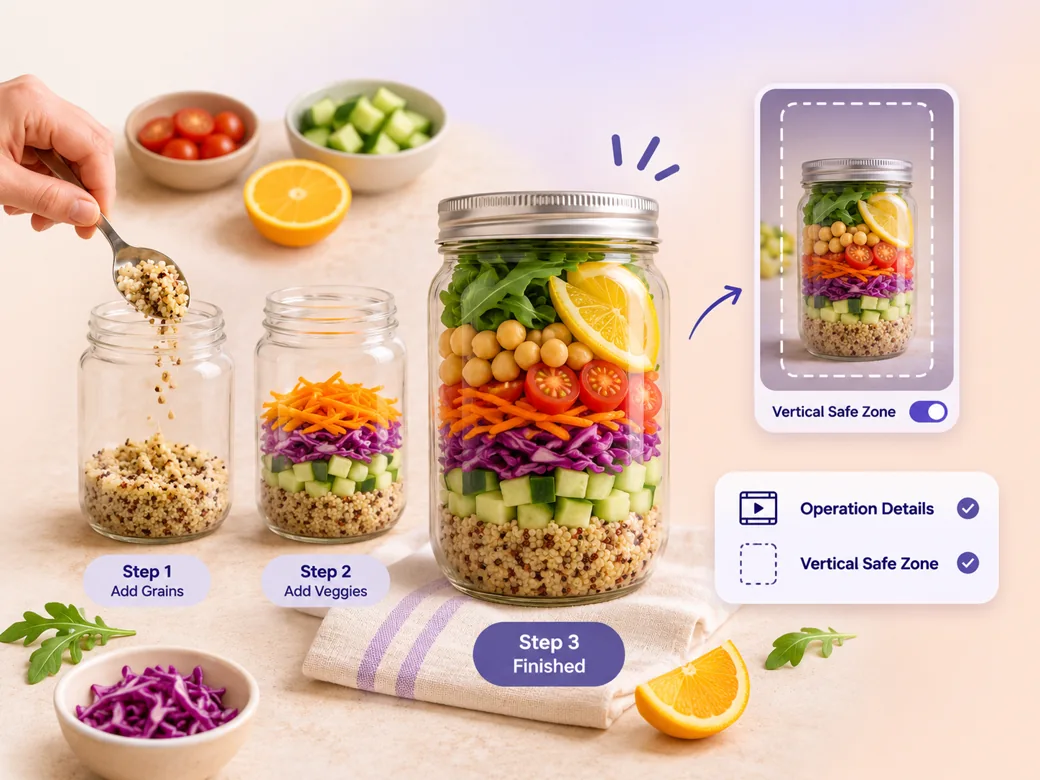
Put the action near the center and keep important text close to what it describes. Review the Pinterest video generator cut at phone width and pause on any ingredient label or action card. If an element feels cramped, give that step a dedicated shot and use fewer words. See the Pexo Motion examples for short on-screen cues.
Choose a readable cover that previews the finished idea. Prepare the title, board and destination so a viewer can find the same project after tapping through. Check the preview in Pinterest and use the current upload controls for any disclosure or format requirements that apply.
Give each action its own room in a portrait cut. Put the result in the center if you need a square variation. Verify the current upload options for the intended Pin and preview both the playback and the cover before using the finished video.
The viewer sees the finished jar first. That makes the next few steps easier to place. Open on the result people want to make.
Pexo can create a narrow preview that keeps the hands and the jar in the frame. The ingredients are easy to spot from the feed. Check each action in the vertical cut.
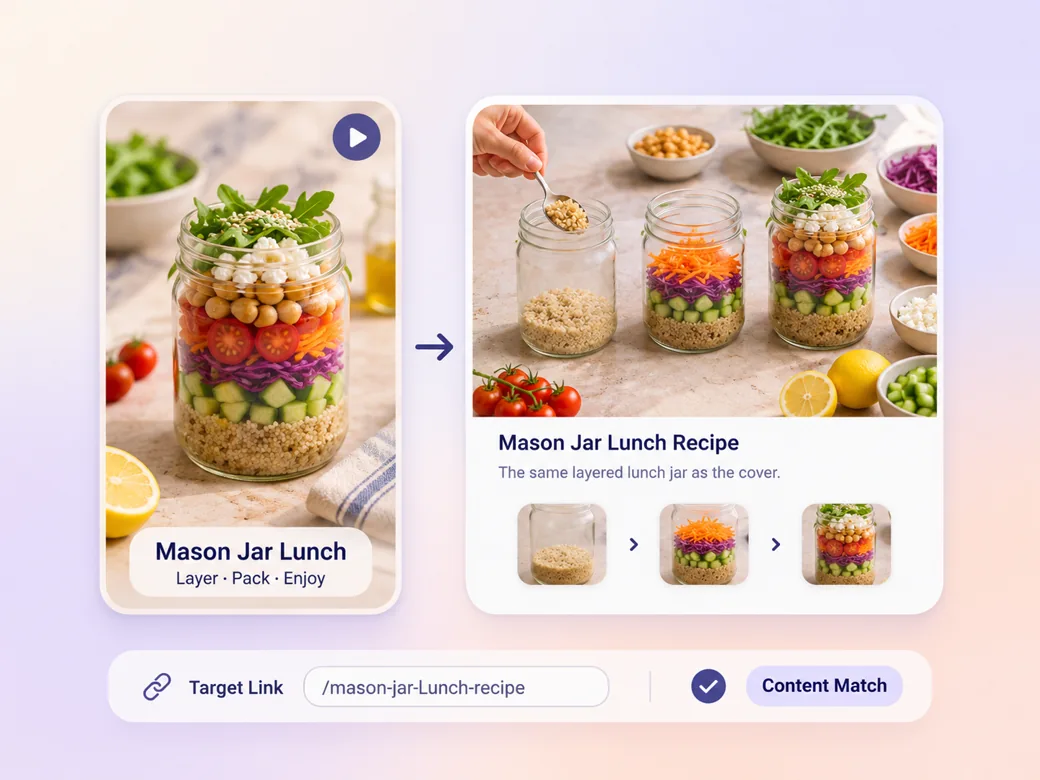
The cover promises the finished project, and the destination can carry its full details. Keep the title, cover and link consistent.
A Pinterest video is a moving Pin that shows an idea, demonstration or result viewers may want to save or explore. A video Pin can use a cover and a supporting title, and it can link to a related destination. The visual should make the idea easy to recognize from the feed.
Yes. Supply your finished-project photo, photos for the main stages and the order in which they belong. Ask Pexo to plan motion and a short caption for each change. Use a final still that matches the destination, and verify how the cover and preview look in the Pinterest upload flow.
Choose a frame that shows the result with an uncluttered shape and clear subject. Use the Pinterest cover controls for the intended Pin. Check the preview at small size alongside the actual title and destination. The cover should set an expectation the video and linked page can deliver.
Pexo is a Pinterest video maker for converting a set of project photos or clips into a short sequence with motion and concise labels. Seedance 2.5 can animate appropriate illustrative subjects. Use verified references for the steps, then review the cover and destination in the Pinterest publishing workflow.
A Pinterest video Pin usually needs a useful cover and a saveable idea or demonstration. An Instagram Reel can serve a broader entertainment or social-feed goal. Choose a project-led opening for your Pin, then let the board, title and destination give viewers a coherent place to find more. See Instagram Reel for that format.
Use subject + action + camera movement + setting + style. Try this brief. Show the finished lunch jar from above, then follow hands adding three ingredients on a cream worktop. Use a stable overhead camera, daylight, a pause on the completed jar and simple labels that stay readable on a phone. Review the result against the assets and instructions you supplied.
Start with the finished idea and show the actions that make it possible.
Create a LinkedIn video in Pexo from one practical idea, supporting footage and captions that read in the feed.
Create a product review video in Pexo with real testing footage, clear conditions and honest observations.
Make an Amazon product video with Pexo from your product photos and demo footage. Show the item, its scale and how it works.
Create a spokesperson video with Pexo from an approved script, presenter direction and supporting product shots.
Make a case study video in Pexo that pairs an approved customer story with real footage and measurable results.
Animate your exact words in a kinetic typography video. Use Pexo to plan text movement, timing and a readable final frame.
Use Pexo to make a process video that sequences work stages, shows the key materials and marks the checks that matter.
Make a screencast video in Pexo with your screen recording, a short voiceover and readable callouts for each step.