

Pinterest Video
Make a Pinterest video in Pexo that opens on the result and shows readable steps for a video Pin.
Make an AI kinetic typography video in Pexo with exact copy and a read or music cue. Give each phrase a clear entrance, a readable hold and room to land.
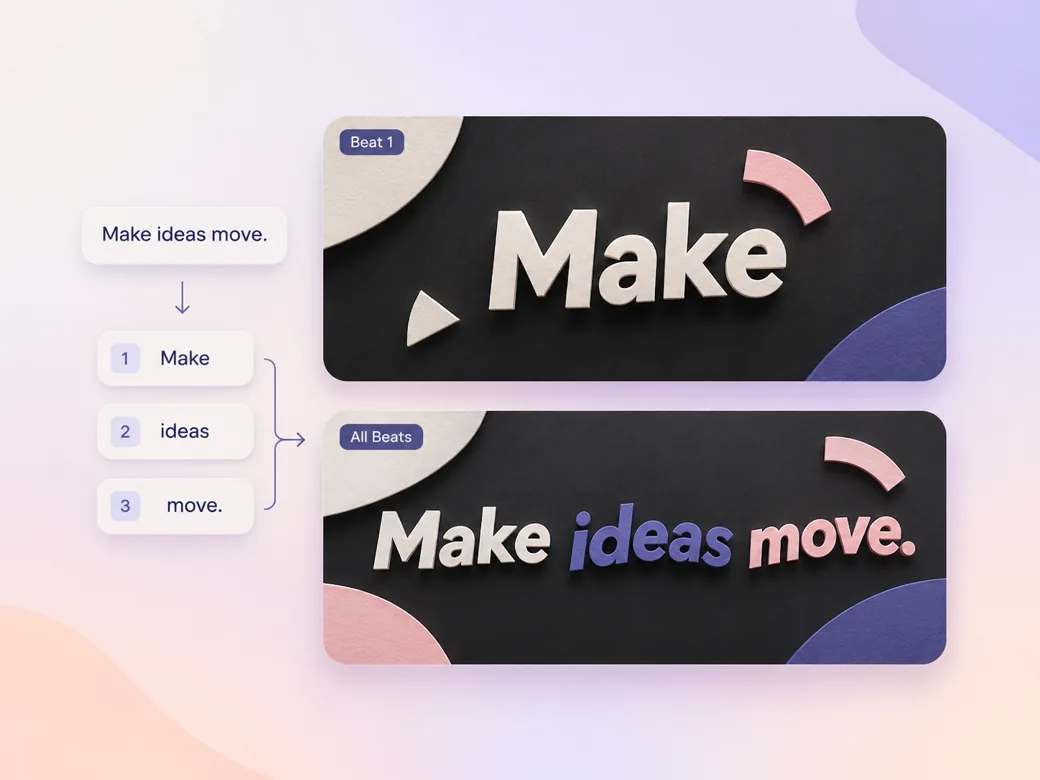
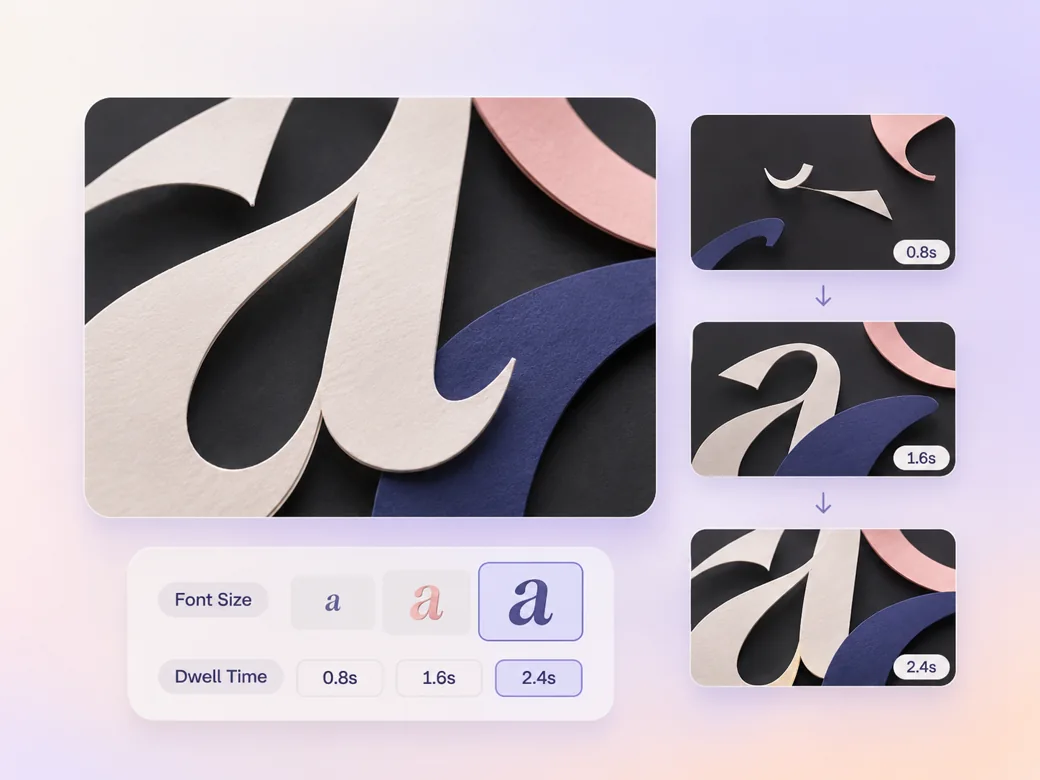
Paste the final line with approved spelling and capitalization. Split it into short phrases that make sense when seen alone. In the kinetic typography video maker, identify the phrase that needs the longest hold and the words that can enter together. Check how quickly a first-time reader can follow the whole line.
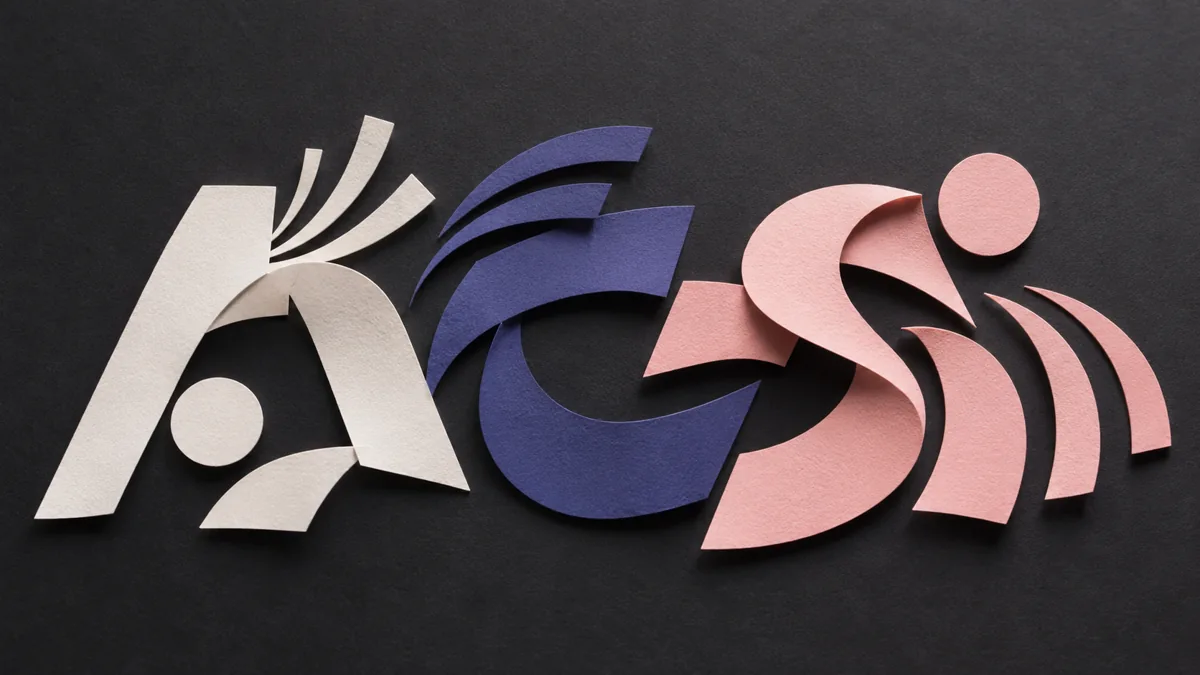
This illustrated preview shows how the brief can be reviewed in Pexo.
What to review
Choose a single movement for the key phrase, such as a vertical reveal or a compact scale change. Ask Pexo for a quieter entrance for supporting words. Review the kerning and line breaks once motion stops, then shorten the copy if it becomes cramped at phone width. See the Pexo Motion examples for short on-screen cues.
Share the pronunciation and accents if the words follow a voice track. For a music-led piece, mark a beat for each major phrase and keep the final line on screen after the hit. Ask the kinetic typography video generator to slow a phrase if the read and movement compete. Bring a finished voice track into the audio to video workflow.
Keep the action, date or link in the frame long enough for the viewer to act. View the result muted and check the read from the opening to the CTA. Use a clear contrast between the words and the background, especially when the text crosses moving footage.
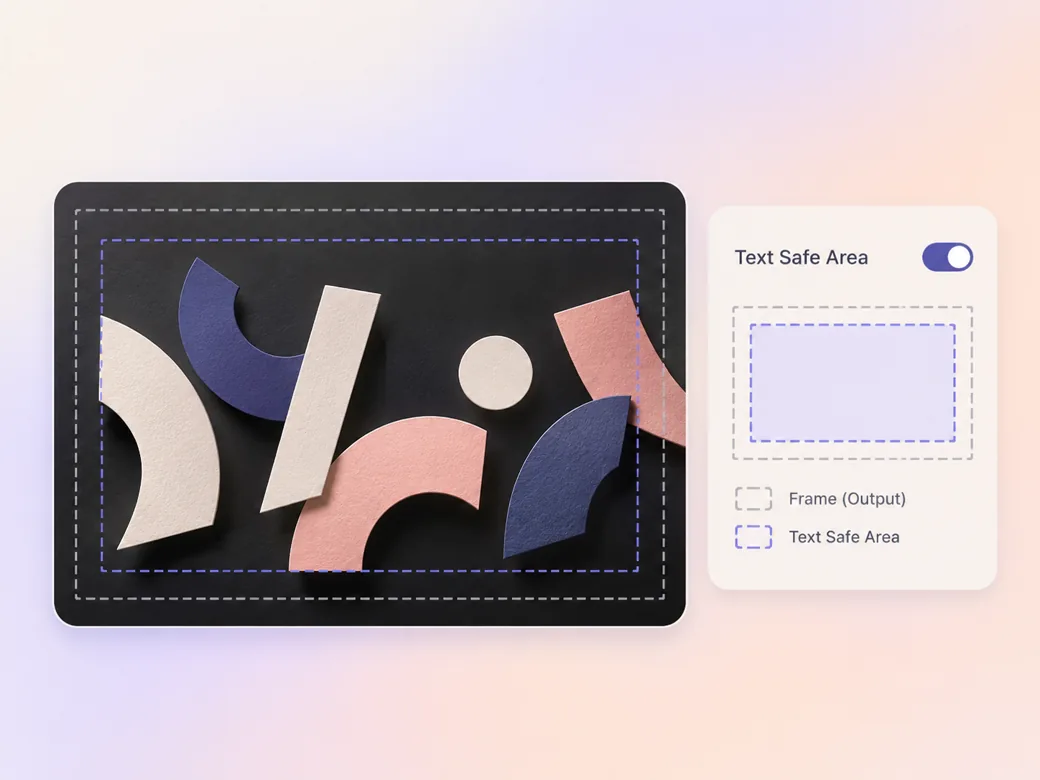
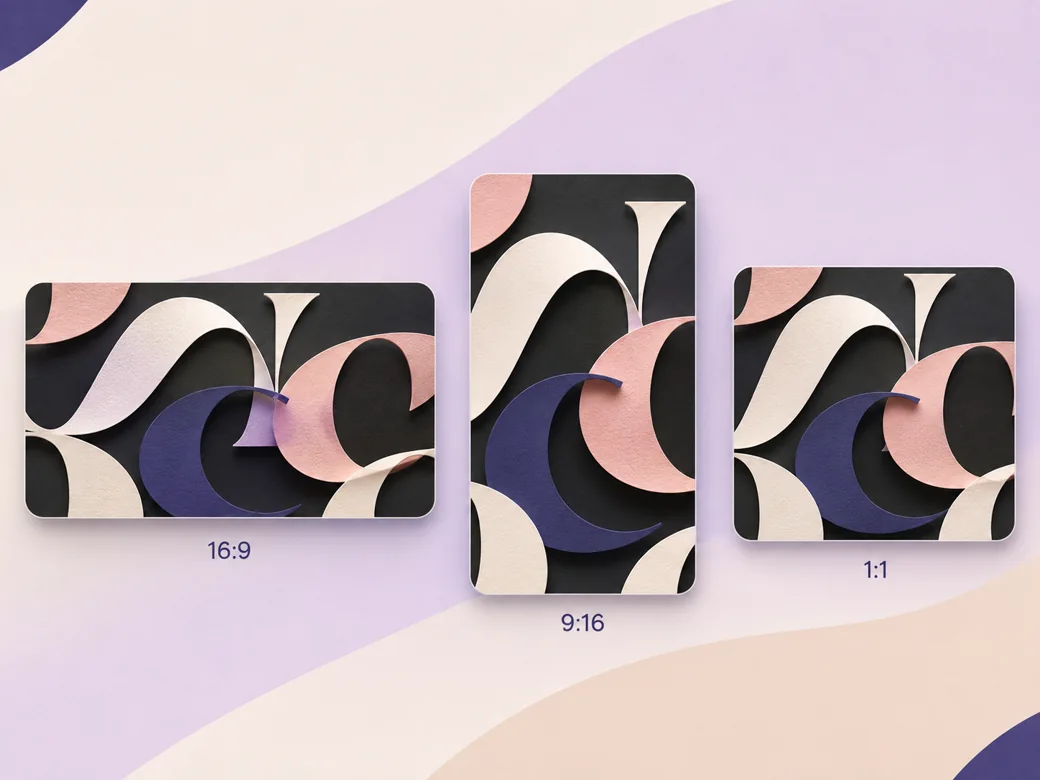
Keep a centered type block for the 16:9 cut and break long lines differently in 9:16 and 1:1. Put the main phrase in the area that stays clear of feed controls. Play each version at its real viewing size and read the whole line.
The important word settles before the next phrase enters. The motion establishes a read order. Keep that ending hold in the short cut.
Pexo can preview the line with the music. Check punctuation and spelling on the rendered frame, where it is easiest to catch substitutions. Review the exact text after export.
The story still reads when the video is muted. The last frame gives people enough time to finish the line. Test the type at phone width.
A kinetic typography video uses timed movement of text to communicate the message. Words can enter, scale, move or settle to a read or music cue. The format works for announcements, short messages and title treatments when the word order, legibility and pace are central to the story.
Yes. Give Pexo the approved line with capitalization and punctuation, identify deliberate breaks, and request a text treatment that keeps each phrase together. Review the rendered letters frame by frame at the points where people read them. Brand teams can supply a visual reference for approved colors and type treatment.
Yes. The text sequence can carry the message on its own. Use the audio as an optional cue, then watch the cut muted and read the final frame. Leave enough time for each phrase, especially if you make a portrait or square version with less horizontal space.
Pexo is a kinetic typography video maker for arranging exact copy, timing cues and a final hold in one brief. Pexo Motion can add timed on-screen titles, and MiniMax H3 can supply an atmospheric backdrop when the concept calls for it. Check the final type treatment at its real playback size.
A kinetic typography video carries the message through moving words. Motion graphics can also organize numbers, icons, charts and diagrams. Choose kinetic type when the order of a short written line is the main event. Choose a broader graphics treatment when viewers need to see relationships or quantities. See motion graphics video for that format.
Use subject + action + camera movement + setting + style. Try this brief. Animate the words 'Plan', 'Build' and 'Ship' on a graphite studio stage. Let each phrase slide into a centered frame, settle before the next enters, and hold the last word. Use matte paper texture and indigo highlights. Review the result against the assets and instructions you supplied.
Bring the final words and a timing cue, then direct how the phrases appear.
Make a Pinterest video in Pexo that opens on the result and shows readable steps for a video Pin.
Create a LinkedIn video in Pexo from one practical idea, supporting footage and captions that read in the feed.
Create a product review video in Pexo with real testing footage, clear conditions and honest observations.
Make an Amazon product video with Pexo from your product photos and demo footage. Show the item, its scale and how it works.
Create a spokesperson video with Pexo from an approved script, presenter direction and supporting product shots.
Make a case study video in Pexo that pairs an approved customer story with real footage and measurable results.
Use Pexo to make a process video that sequences work stages, shows the key materials and marks the checks that matter.
Make a screencast video in Pexo with your screen recording, a short voiceover and readable callouts for each step.