


Pinterest Video
Make a Pinterest video in Pexo that opens on the result and shows readable steps for a video Pin.
Make an AI process video with Pexo from footage, photos or a verified step list. Follow each stage in order and give viewers a clear look at the finished result.
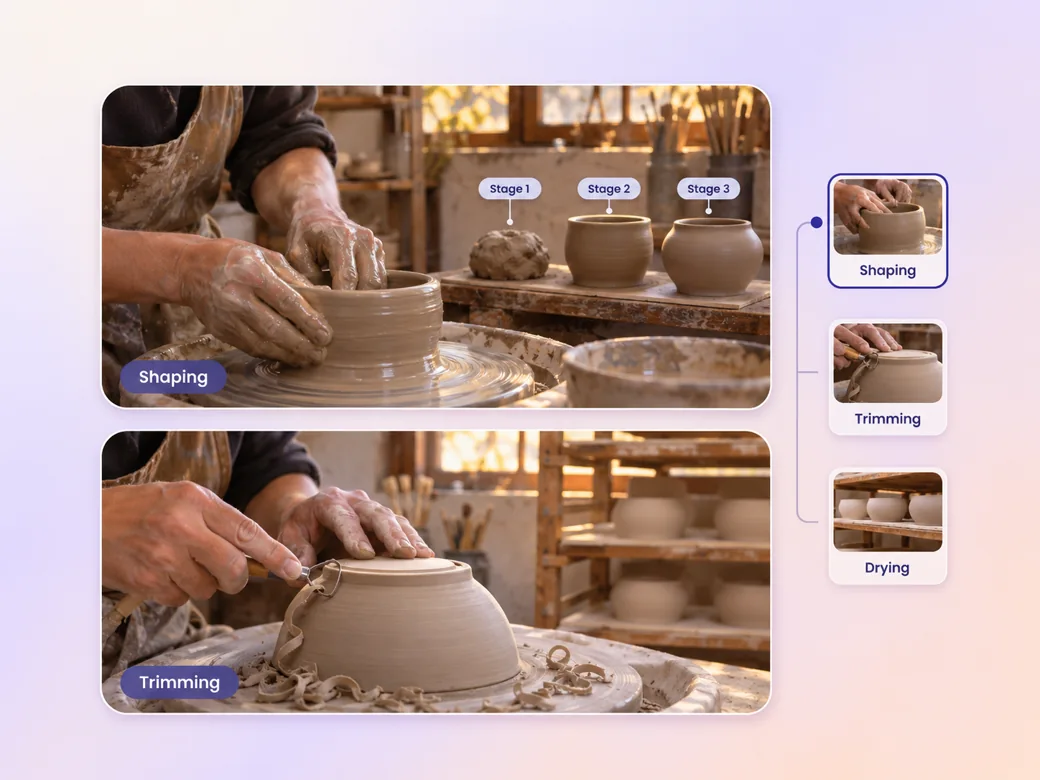
Use the process video maker to organize your source material around the actual stages. For a pottery video, share the clay preparation, shaping, drying and finished piece. Describe the result that ends each stage. Review the preview to make sure the next shot starts where the last job leaves off.
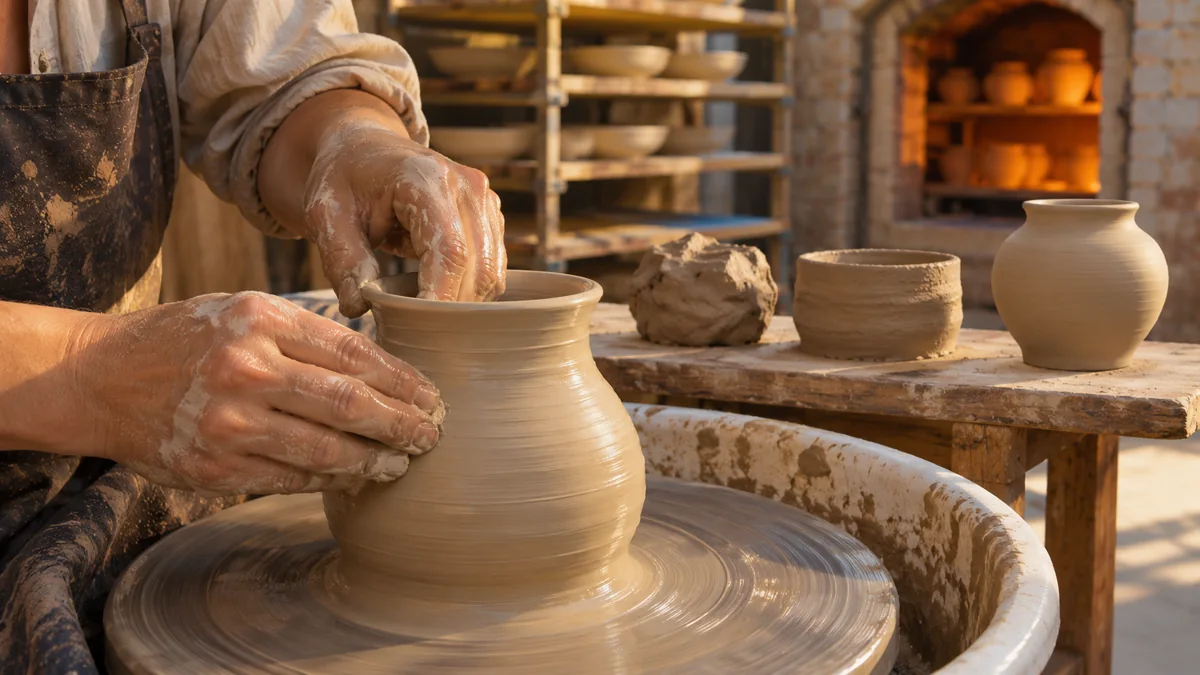
This illustrated preview shows how the brief can be reviewed in Pexo.
What to review
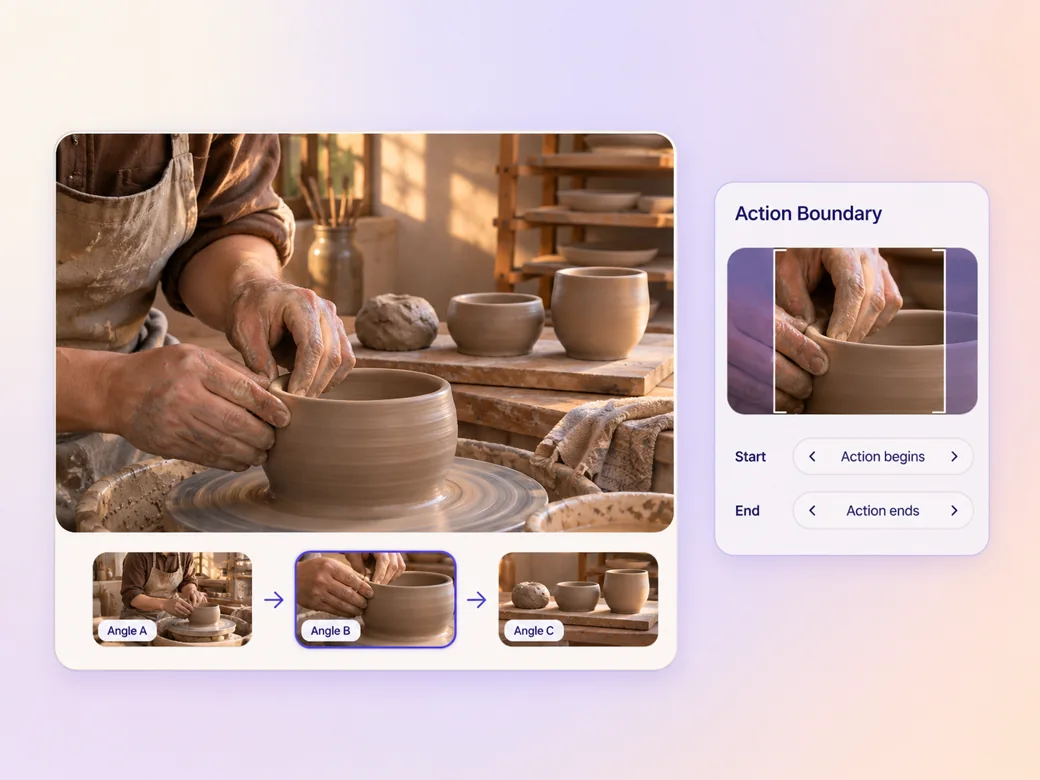
Use a wider view to show where the work happens, then add a close-up of the hand, material or machine part that changes. Keep conditions from the original footage with the shot. If the work pauses for drying or inspection, make that gap clear with a short stage label. Use the image to video workflow when your source is a still image.
Provide names for tools and materials before asking Pexo to prepare a voice track. Read the step names aloud and spot terms that could sound alike. Ask for narration to pause during an important movement so a viewer can see how the work changes between stages. Use the script to video workflow to map an approved read to the shots.
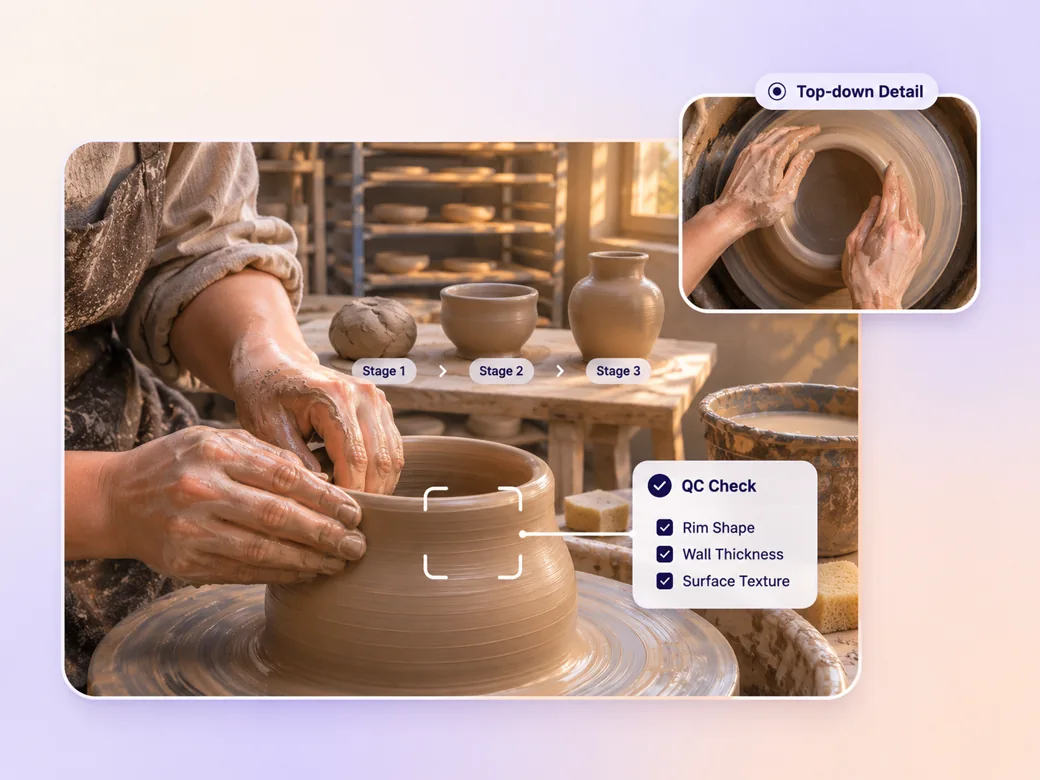
Name a specific check that separates one stage from the next. Show what a finished rim or surface actually looks like using a verified reference. Then compare the process video generator output with the source sequence and ask the person who performs the work to review the stage order.
A wide version can show the station and work area. In a portrait cut, move in on the hand, tool and material at each step. Use a square version if the stage labels and the result need to sit side by side on a feed.
The move from shaping to drying is marked, so a learner can see where the handwork ends. Use the workshop’s real stage names.
Pexo can pair the close-up with a short explanation. I would lower the narration during the detail shot so attention stays on the action. Leave room to watch the hands.
The finished sample is compared with a real piece, so viewers have a concrete image of the result. Show the same material from start to finish.
A process video shows how work moves through a sequence of stages, from the starting material or request to an identifiable result. It can document production, explain a service handoff or teach a repeatable routine. Each stage needs an action viewers can see and a reason it belongs in the sequence.
Yes. Provide a labeled photo for each stage and explain what changes between photos. Ask Pexo to plan the sequence, captions and narration. If an intervening action needs an illustration, give it a clear illustrative treatment and have a person familiar with the process check its accuracy.
Show the beginning and the visible result of the stage, then tell viewers how long it takes using information your team can verify. You can use a brief transition to compress the wait. In an instructional version, keep the full timing visible when it changes what the viewer should do.
Pexo is a useful process video generator when you have real shots or a stage list and want to build a sequence with labels and narration. Seedance 2.5 can generate an illustrative cutaway when its content is clear. Use your footage and a knowledgeable reviewer to confirm the actual process.
A process video follows the work in order so viewers can see what happens at each stage. A how-it-works video explains the mechanism or idea behind a product or service and can skip incidental steps. Choose a stage sequence for training and a mechanism-led explanation for a quick overview. See how-it-works video for that format.
Use subject + action + camera movement + setting + style. Try this brief. Follow a potter shaping a cup at a working wheel, move from the hands to a shelf of drying cups, and finish on the fired cup. Use a gentle camera move, warm workshop light and short stage labels. Review the result against the assets and instructions you supplied.
Gather photos or clips of the actual stages and ask Pexo to shape them into a sequence.
Make a Pinterest video in Pexo that opens on the result and shows readable steps for a video Pin.
Create a LinkedIn video in Pexo from one practical idea, supporting footage and captions that read in the feed.
Create a product review video in Pexo with real testing footage, clear conditions and honest observations.
Make an Amazon product video with Pexo from your product photos and demo footage. Show the item, its scale and how it works.
Create a spokesperson video with Pexo from an approved script, presenter direction and supporting product shots.
Make a case study video in Pexo that pairs an approved customer story with real footage and measurable results.
Animate your exact words in a kinetic typography video. Use Pexo to plan text movement, timing and a readable final frame.
Make a screencast video in Pexo with your screen recording, a short voiceover and readable callouts for each step.