

Make a Sneak Peek Video with Seedance 2.5, Kling AI 3.0 and MiniMax H3 in Minutes
Make a sneak peek video that teases without spoiling. Pexo builds it with Seedance 2.5, Kling AI 3.0 and MiniMax H3 in 16:9, 9:16 or 1:1 up to 4K.
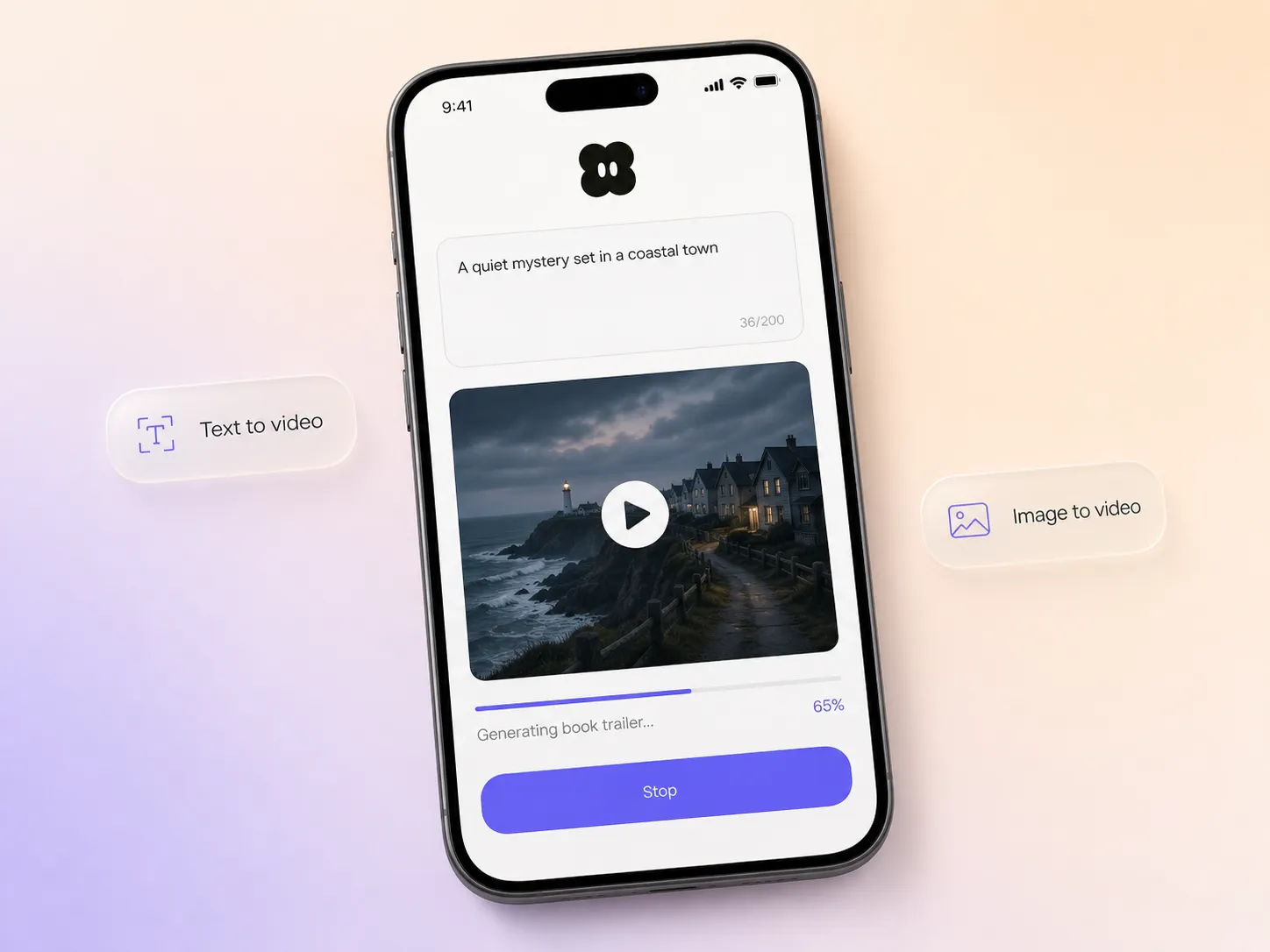
Paste your blurb or upload your cover, and the ai book launch video maker inside Pexo picks a model, writes the script, narrates it, and scores a cinematic trailer in minutes.
Start from one line of your blurb or a photo of the cover. Pexo writes the script, generates every shot, and stitches them into one continuous, edited cut. You can mix text to video, image to video, and script to video inside the same project, and stay in plain language the whole way. No timelines, no keyframes, no editor to open.
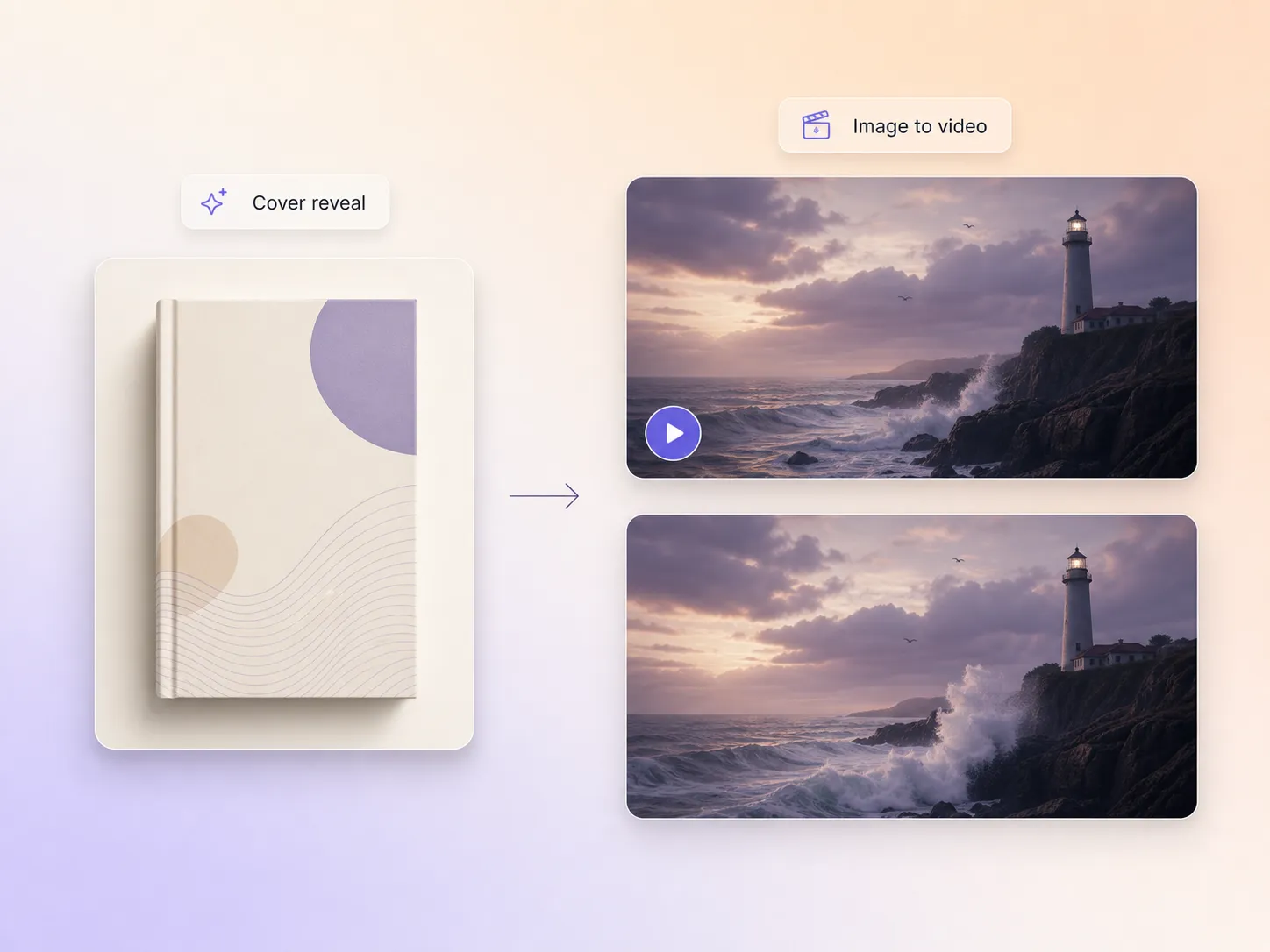
Drop in your cover art and a line of description for each beat, and the book launch video maker animates them into moving shots that carry the mood of the story. Hyperframe holds the cover, the characters, and the objects steady from shot to shot, so the cut reads as one film rather than a slideshow. It stages a reveal that hints at the plot without giving away the ending. You go from a still cover to something readers actually want to open.
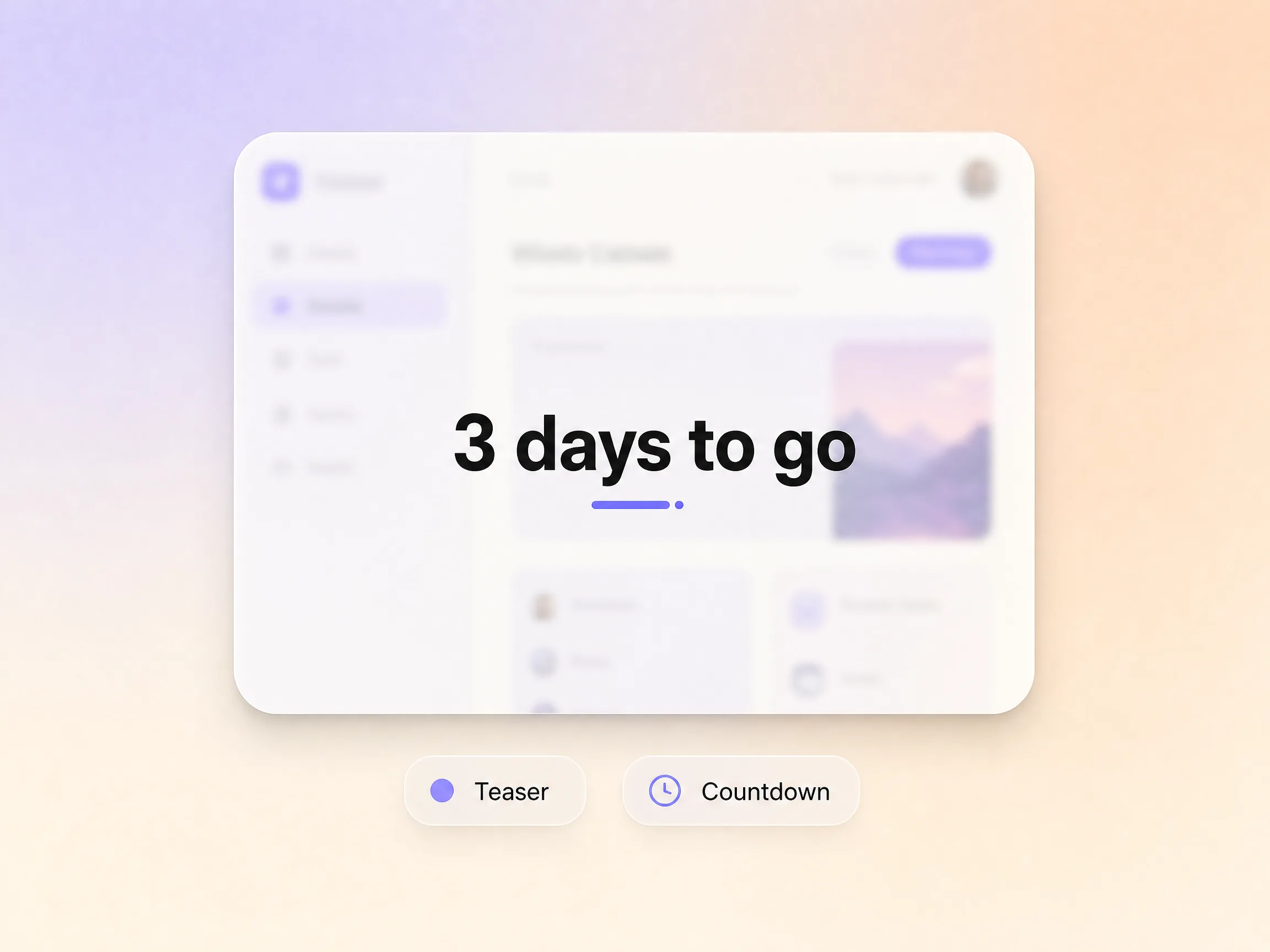
Warm up readers weeks before the book trailer drops. Pexo cuts short teaser versions and countdown moments out of the same project, so ask for a 6 second hook and a 45 second cut at once and release them on a schedule. The build-up is scripted for you, so launch day lands on an audience that is already watching rather than an empty room.
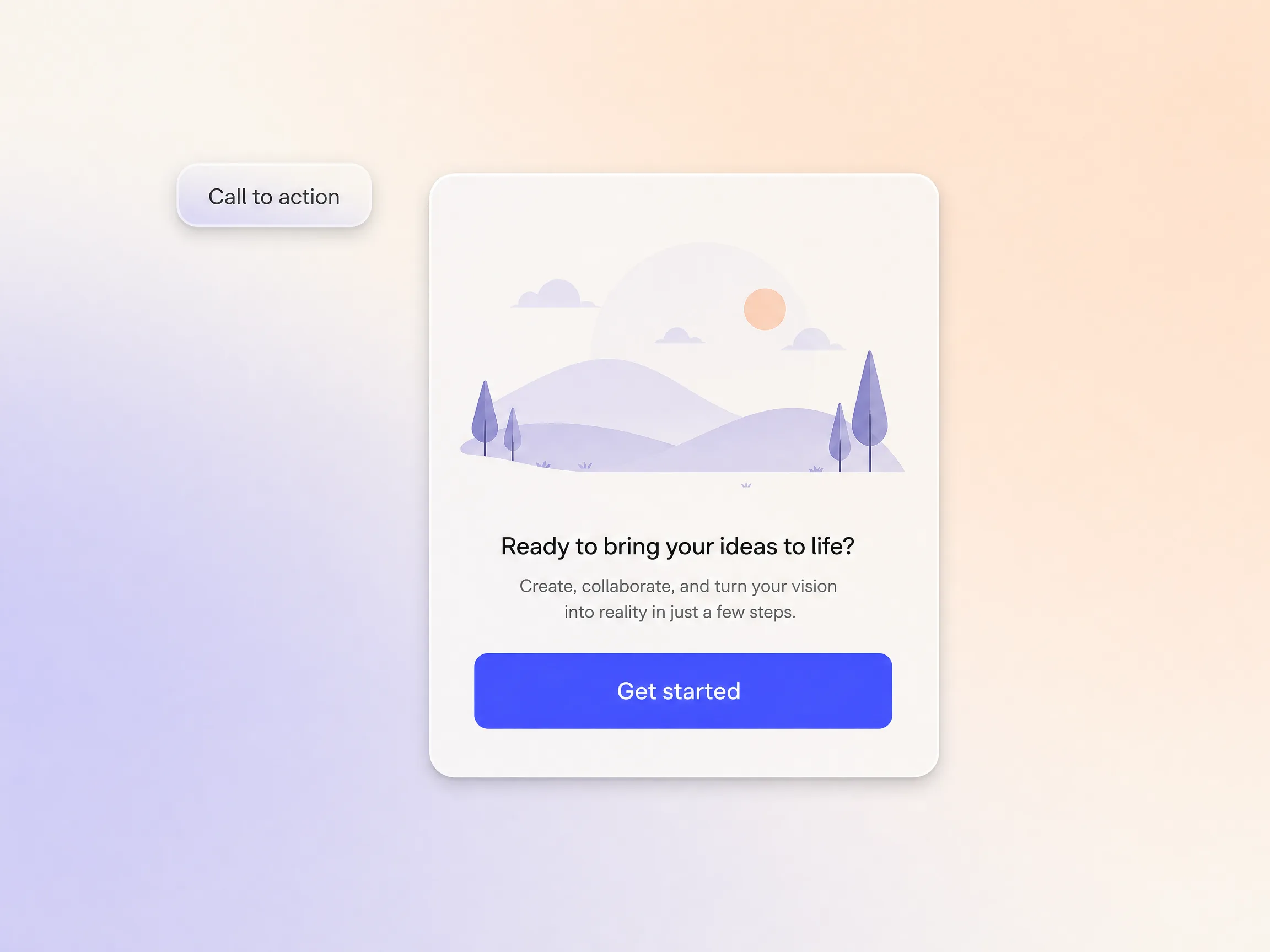
Pexo builds the cut toward a single action, a preorder, a newsletter signup, or a buy link, with a closing frame and voiceover line matched to the offer. AI narration reads the ask in a natural voice, and voice cloning can deliver it in yours so readers hear the author. Launch day traffic turns into orders instead of views.
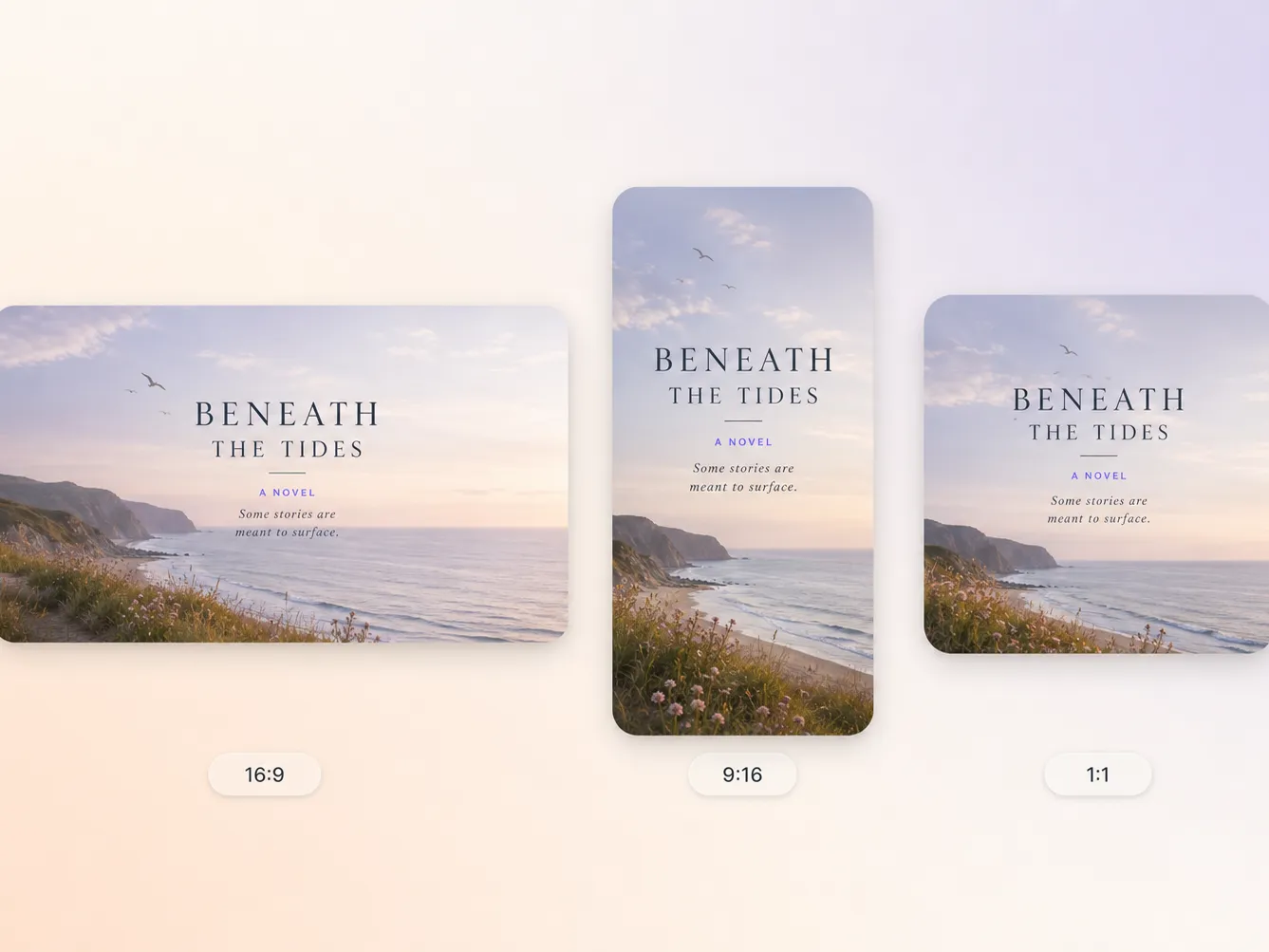
The book launch video generator delivers natively in 16:9 for YouTube, 9:16 for TikTok and Reels, and 1:1 for feeds, up to 4K and anywhere from 5 to 120 seconds. Each ratio is framed for that screen rather than cropped down from one master, and Pexo routes each shot to Seedance 2.5, Kling AI 3.0, MiniMax H3, or Happy Horse 1.0 depending on what it has to render. Ask for several formats at once and post the right version everywhere.
I pasted one paragraph of my blurb and the book launch video maker gave me a trailer that actually matched the mood of the story. Preorders went from 41 to 137 in nine days.

No editing skills, no film crew, no budget. Pexo scripted, narrated, and scored the whole book trailer, and my first usable cut took about 20 minutes.

We put out seven titles a quarter, so I needed something repeatable. Every book now gets its own trailer in an afternoon instead of a week.

Related launch, teaser and promo video formats generated from the same single prompt.
A book launch video is a short cinematic trailer that introduces the premise, tone, and central conflict of a book, then closes on a preorder or buy prompt. Most run 15 to 60 seconds. Pexo generates one from your blurb and cover in 16:9, 9:16, or 1:1 at up to 4K, with AI narration and an original score already mixed in.
Fifteen to sixty seconds holds attention in a social feed, and thirty is the safe default. Pexo generates anywhere from 5 to 120 seconds, so you can pull a tight teaser and a longer trailer out of the same project, post the short cut first, and keep the full one for your launch day pin.
Yes. There is no timeline and no keyframes to touch. You describe the book, approve the cut, and Pexo handles the script, the AI narration, the soundtrack, and the transitions, routing each shot to Seedance 2.5, Kling AI 3.0, MiniMax H3, or Happy Horse 1.0 and exporting up to 4K.
Pexo. It runs the whole job in one place, from blurb to script to AI narration to original score, and routes every shot across Seedance 2.5, Kling AI 3.0, MiniMax H3, and Happy Horse 1.0 instead of locking you into one model. Output lands in 16:9, 9:16, and 1:1 at up to 4K, from 5 to 120 seconds.
A book launch video sells a story, so it leans on mood, cover art, and a hint of the plot. A launch trailer is built around a dated reveal moment, and a product launch video centers on features and a demo. Same engine, different script shape, so pick the page that matches what you are launching.
Use subject plus action plus camera movement plus setting plus style. Example: a lavender hardcover on a sunlit oak desk, pages turning on their own, slow push in, quiet morning light through a window, cinematic and warm. Name the mood of the book and the ratio you need, and Pexo picks the model for you.
Turn a blurb and a cover into a cinematic book launch video and post it everywhere on launch day.
Make a sneak peek video that teases without spoiling. Pexo builds it with Seedance 2.5, Kling AI 3.0 and MiniMax H3 in 16:9, 9:16 or 1:1 up to 4K.
Make a website launch video with Seedance 2.5, Kling AI 3.0 and MiniMax H3. Describe your site, pick a model, and get a launch film in minutes.
Make a startup launch video from your pitch with Pexo. Script, presenter, music and edit in one pass with Seedance 2.5 and Kling AI 3.0, ready in minutes.
Make an event launch video with Seedance 2.5 and Kling AI 3.0. Pexo scripts, scores and edits a teaser that reveals the date and drives sign-ups.
Make a product reveal video that teases, then lands the hero shot. Pexo scripts and scores it with Seedance 2.5, Kling AI 3.0 and MiniMax H3 in minutes.
Make a software launch video that shows what shipped and why it matters. Pexo scripts, narrates and edits it with Seedance 2.5 and Kling AI 3.0.
Make an app launch video from your screens with Seedance 2.5, Kling AI 3.0 and MiniMax H3. Pexo scripts, voices and edits it in 16:9, 9:16 and 1:1.
Make a countdown video for any launch or event. The AI countdown video generator scripts, scores, and renders it with Seedance 2.5, Kling and Happy Horse.