

 ChatGPT
 Perplexity
 Claude
 Gemini
 Grok
Grok

How to Make a Diagram Explainer Video
UPDATED: 2026-08-10 By Lan He, Senior Video Producer at Pexo
Making a diagram explainer takes six steps: choose the diagram, simplify it hard, decide the build order, time each element to narration, label for a phone, then export. A diagram explainer takes about 20 minutes when generated.
Quick Version: How to Make a Diagram Explainer Video
- Confirm the subject has structure worth seeing.
- Strip the diagram to seven to nine elements.
- Decide the build order the explanation needs.
- Time each element to land with the narration.
- Label short, large, and with the element rather than before it.
- Export 16:9, rebuilding vertically for social.
How to Make a Diagram Explainer Video Step by Step
Step 1: Choose the diagram
A diagram earns its place when the subject has structure: a flow with branches, a hierarchy, a system whose parts connect, a sequence where order matters. The viewer gains something from seeing the shape that they would not get from hearing it described.
It adds nothing to a story or an argument. Explanations that are essentially narrative get a diagram bolted on because diagrams feel rigorous, and the result is boxes with words in them illustrating sentences that were already clear.
Step 2: Strip it down
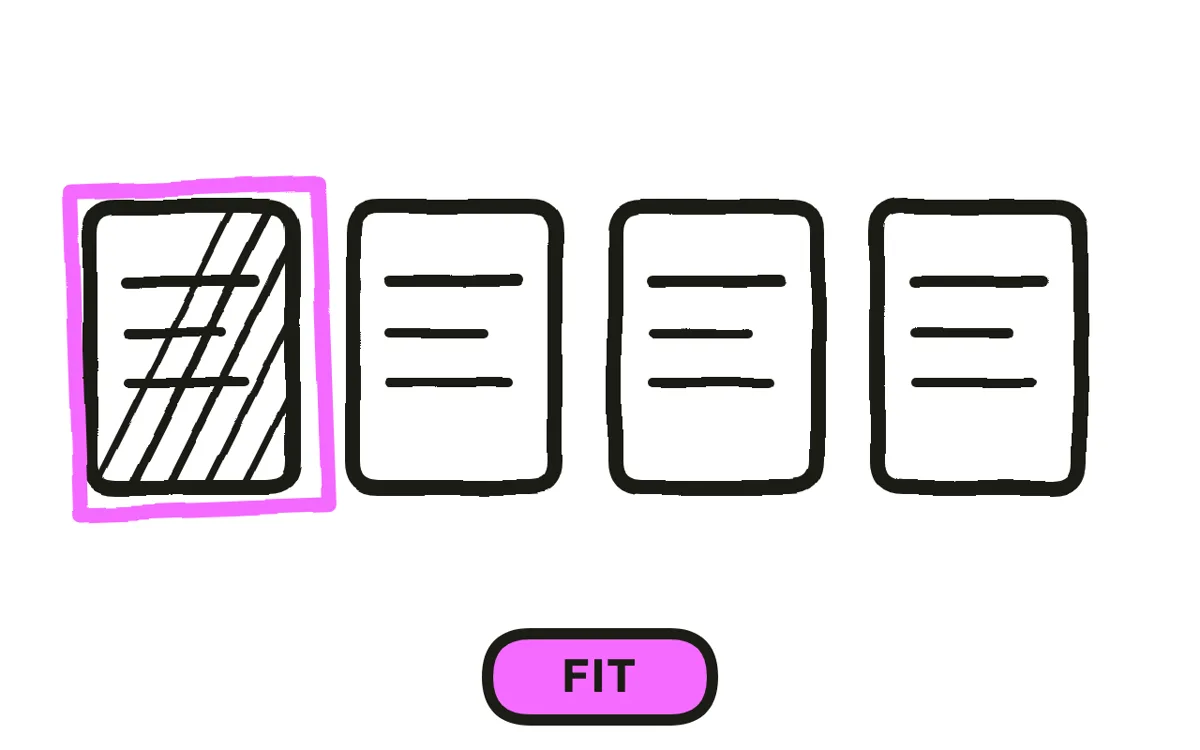
A working diagram carries everything a reader might need. A video diagram carries only what a viewer can hold at speed, which is roughly seven to nine elements. That usually means deleting most of a diagram someone already made.
Where the full structure genuinely matters, split it into stages that clear between them: build the first section, clear it, build the second. A 20-node graph shown at once is not a difficult diagram, it is an unread one, and no amount of narration fixes that.
Step 3: Decide the build order
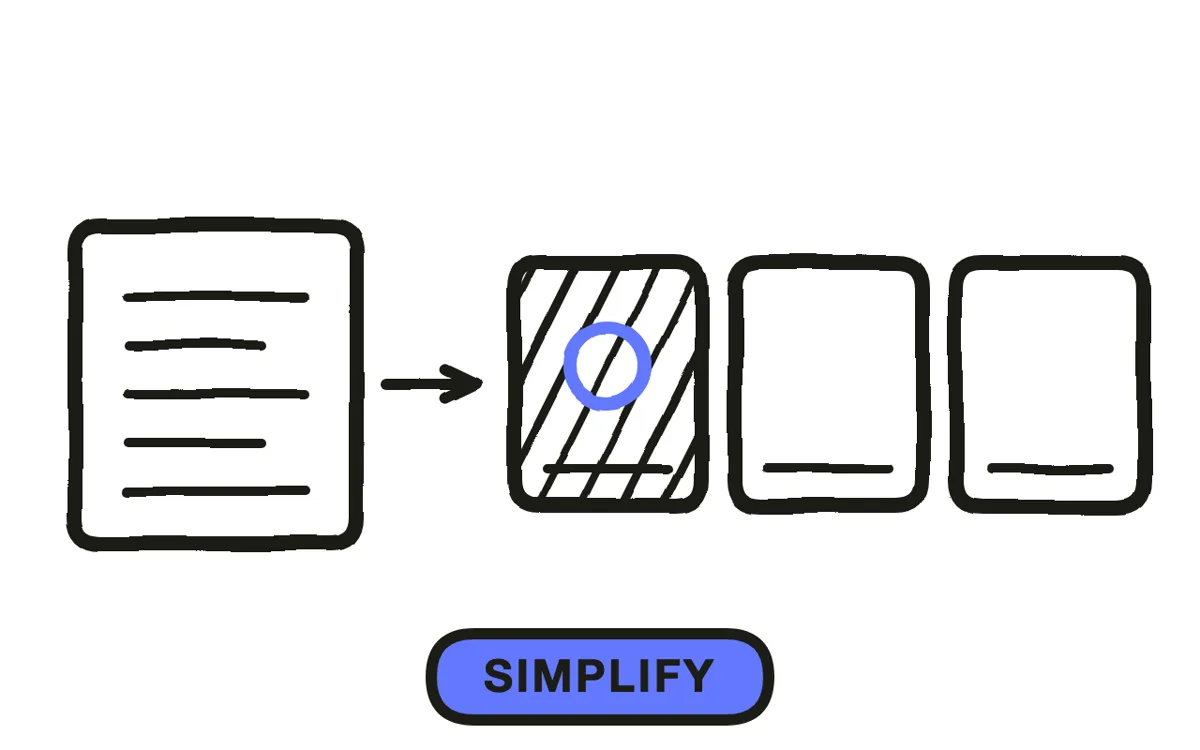
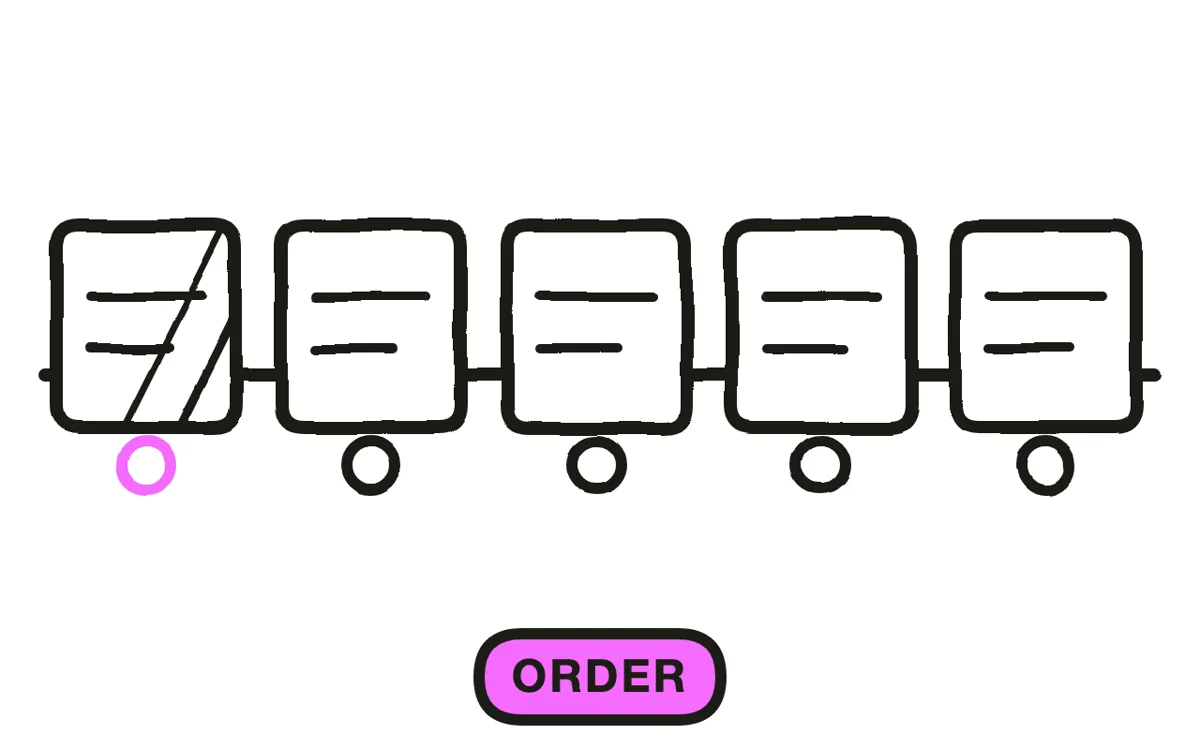
Build in the order the explanation needs, which is frequently not the order the system works in. Start from whatever the viewer already understands, usually the part they interact with, and add outward from there.
This is the decision the format lives on. A diagram built in technical order asks the viewer to hold unexplained pieces in mind until it resolves, and most of them stop before it does. Built from the familiar outward, each new element attaches to something already understood.
Step 4: Time elements to narration
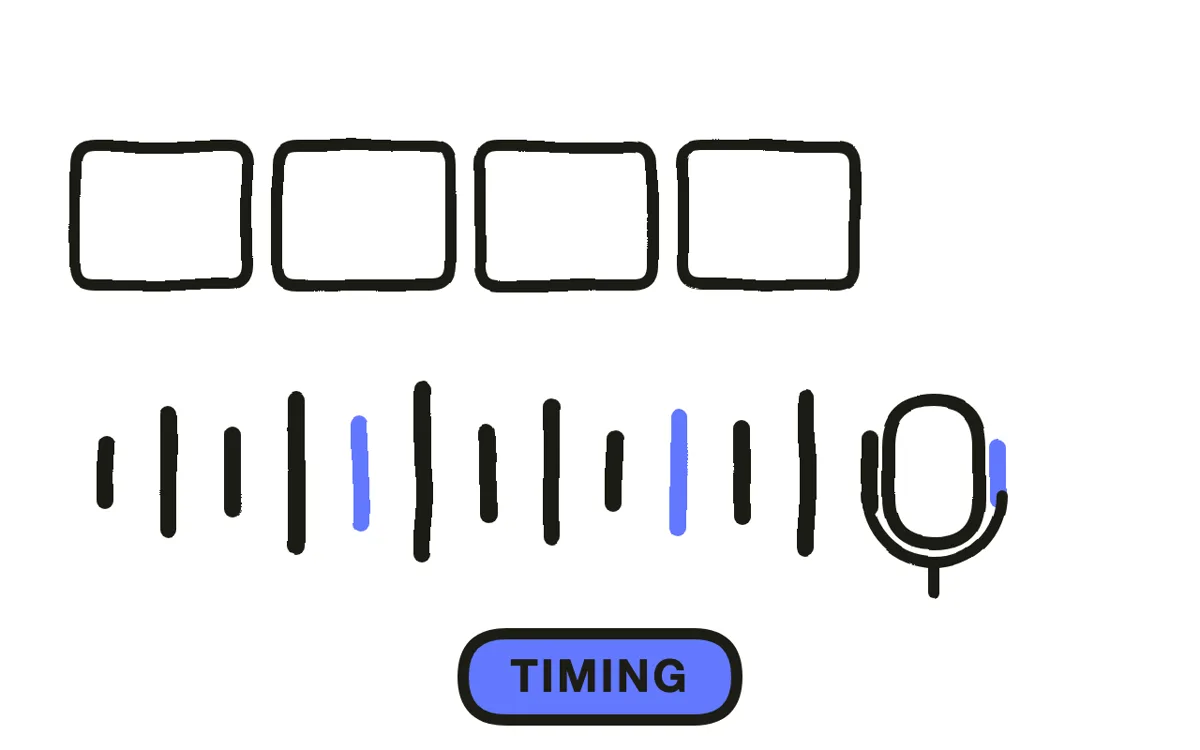
Record the narration first, then place each element to appear as it is mentioned. A viewer given a complete diagram reads it in their own order while the narration goes somewhere else entirely, and building it is what keeps attention and explanation in the same place.
Hold each element after it lands rather than moving straight on. The pause is where the viewer connects the shape to the sentence, and diagram videos that feel rushed almost always have correct timing with no rests in it.
Step 5: Label for a phone
Keep labels to one or two words, set large, and bring each one in with its element rather than ahead of it. A label arriving before its shape leaves the viewer reading a word attached to nothing, which is the most common timing error in this format.
Set the smallest label against a phone screen, not a desktop preview. Pexo's text-to-video workflow generates the diagram and its build sequence from a description, which removes the per-element keyframing that makes this style slow by hand.

Step 6: Export
Export 16:9 at 1080p for a website, documentation, and presentations. Diagrams need horizontal room and this is their home ratio.
For 9:16, rebuild the diagram vertically rather than shrinking the wide version. A shrunk diagram is an unreadable one, and vertical layouts often suit a build sequence better anyway since the structure can grow downward as the narration goes. Pexo exports each ratio from one project.

How to Make a Diagram Explainer Video with Pexo
The six steps above work with any tool. Pexo handles steps 4 through 6 in a single conversation, which removes the element-by-element keyframing that makes build sequences slow.
Open the how it works video page and describe the piece: "A 75-second diagram explainer showing how a support request routes through triage to a team, eight elements, building outward from the customer, one label per element, calm narration with pauses after each step." Pexo builds the diagram in order, times it to the narration, and exports.

Adjust any element by describing the change in the chat, and Pexo regenerates that part alone.
For related formats, the infographic animation page covers data-led explanation and explainer video covers the general format.
5 Mistakes That Make a Diagram Video Unreadable
1. Reusing a working diagram. It carries everything a reader might need, which is far more than a viewer can hold.
2. Showing it complete. The viewer reads it in their own order while the narration goes elsewhere.
3. Building in technical order. It asks people to hold unexplained pieces in mind, and most stop before it resolves.
4. Labels before shapes. A word attached to nothing is the most common timing error in this format.
5. Shrinking the wide version for vertical. A shrunk diagram is an unread diagram. Rebuild it instead.
Related Tutorials
- How to make an infographic explainer video for data-led explanation
- How to make an isometric explainer video for systems shown in one scene
- How to make a tech explainer video for technical subjects
- How to make a motion graphics explainer video for the broader animated style




